
- 対象年齢4+
- カテゴリ写真/ビデオ
- 開発元Overlay Expert Inc
- 言語英語
- サイズ80.1 MB
App Storeの公式ページにリンクしています
Download.orgはOverlay Expertのファイルを一切ホストしていません。ボタンを押すと、Overlay Expert Incが公開しているApp Storeのアプリページが開きます。ページの最終確認:2026/11/21。
スクリーンショット



概要
開発元はこのテキストをお使いの言語で提供していません。
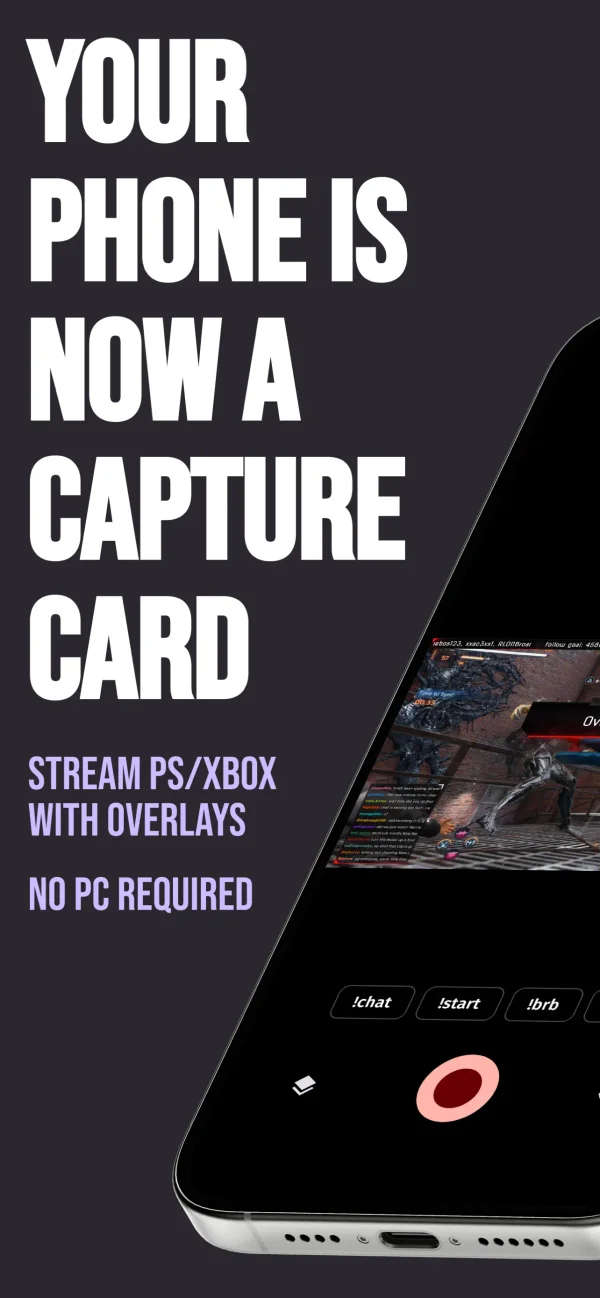
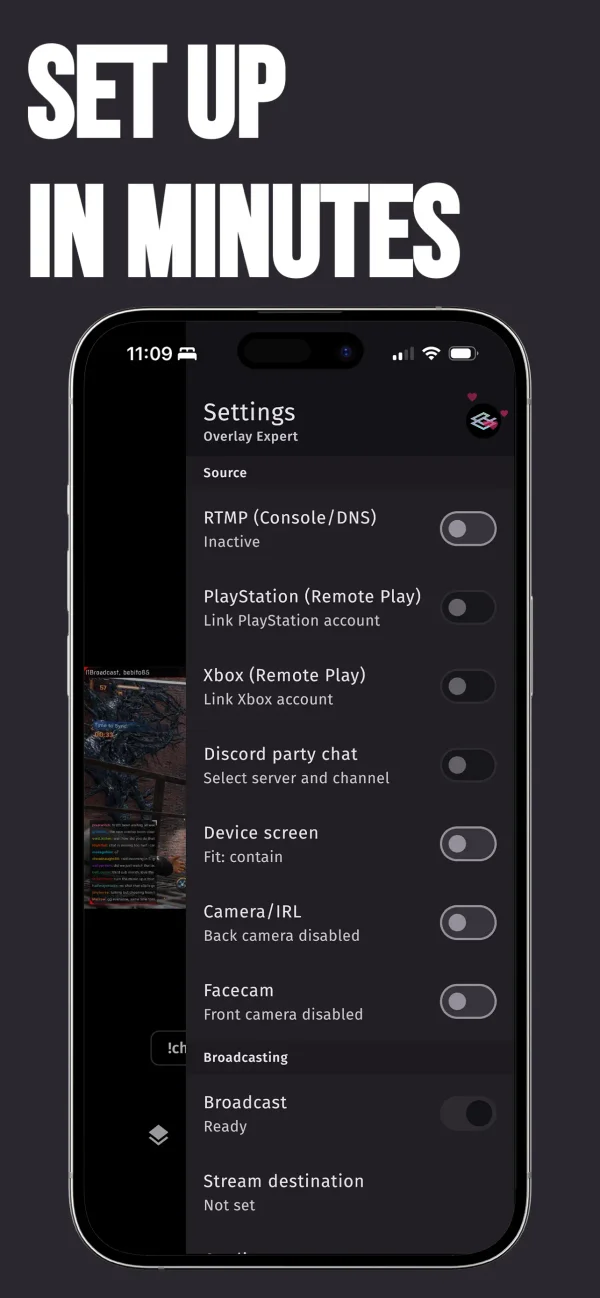
Turn your iPhone into a capture card and make your console streams look professional with Overlay Expert, the easiest way to add polished overlays and on-screen branding to your PlayStation or Xbox stream. It's not just for consoles: go live IRL with the same overlays and alerts, straight from your iPhone.
KEY BENEFITS
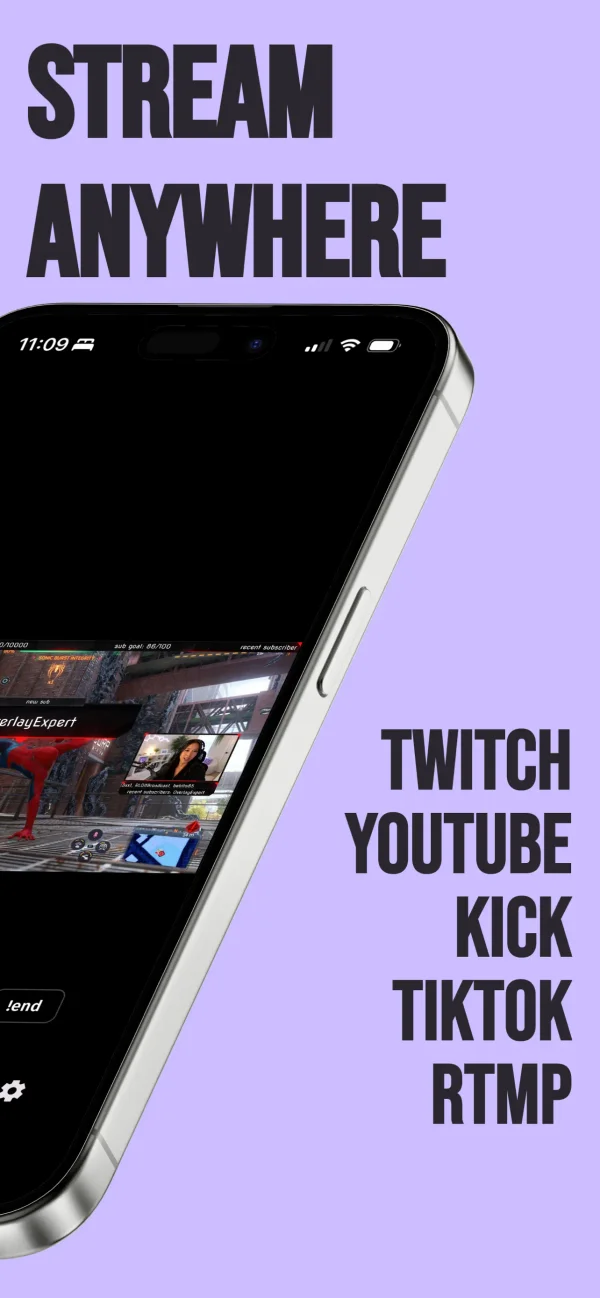
• Free to stream. Broadcast your console through the app to Twitch, YouTube, TikTok or Kick in 1080p at 60 FPS. No capture card needed.
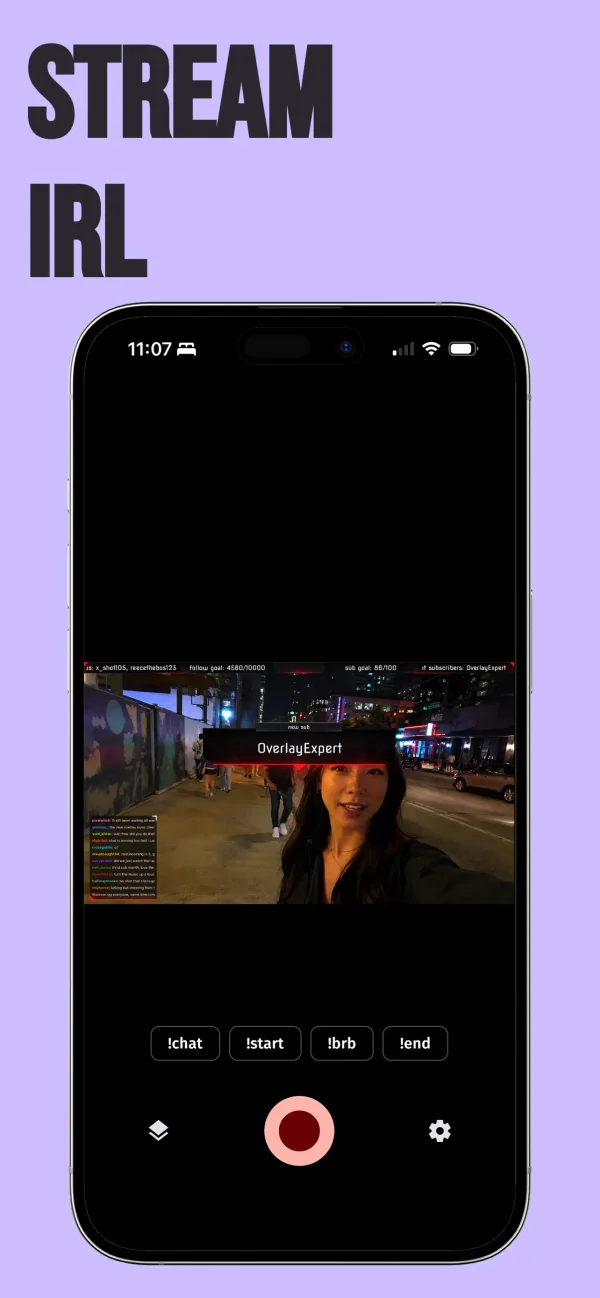
• Stream more than your console. Go live IRL from your iPhone camera, with the same overlays and alerts.
• Talk with your party on stream. Join your Discord voice channel from the app and mix party chat straight into your broadcast.
• Boost engagement. Overlays and animated alerts draw attention and keep viewers interacting.
• Strengthen your brand. Consistent on-screen logos and graphics make your channel memorable.
• Save setup time. Get a pro look in seconds, no design skills required.
HOW IT WORKS
1. For console streams, connect your console and iPhone to the same Wi-Fi network. For PlayStation, use PlayStation Remote Play or our dedicated DNS server. For Xbox, use Remote Play.
2. Open Overlay Expert, choose your overlay, and go live. For console, your game stream appears on your iPhone; for IRL, use the front or back camera.
3. Broadcast to Twitch, YouTube, TikTok or Kick with your overlay live on stream.
FEATURES
• PlayStation Remote Play and DNS connection options, so you can pick whatever works best for your setup.
• Xbox Remote Play support.
• IRL streaming from your iPhone camera, with overlays and alerts.
• Discord party voice chat. Link your Discord account, join a voice channel, and hear and talk with your party while you stream, with party audio mixed into your broadcast.
• Stream in 1080p at 60 FPS to Twitch, YouTube, TikTok and Kick.
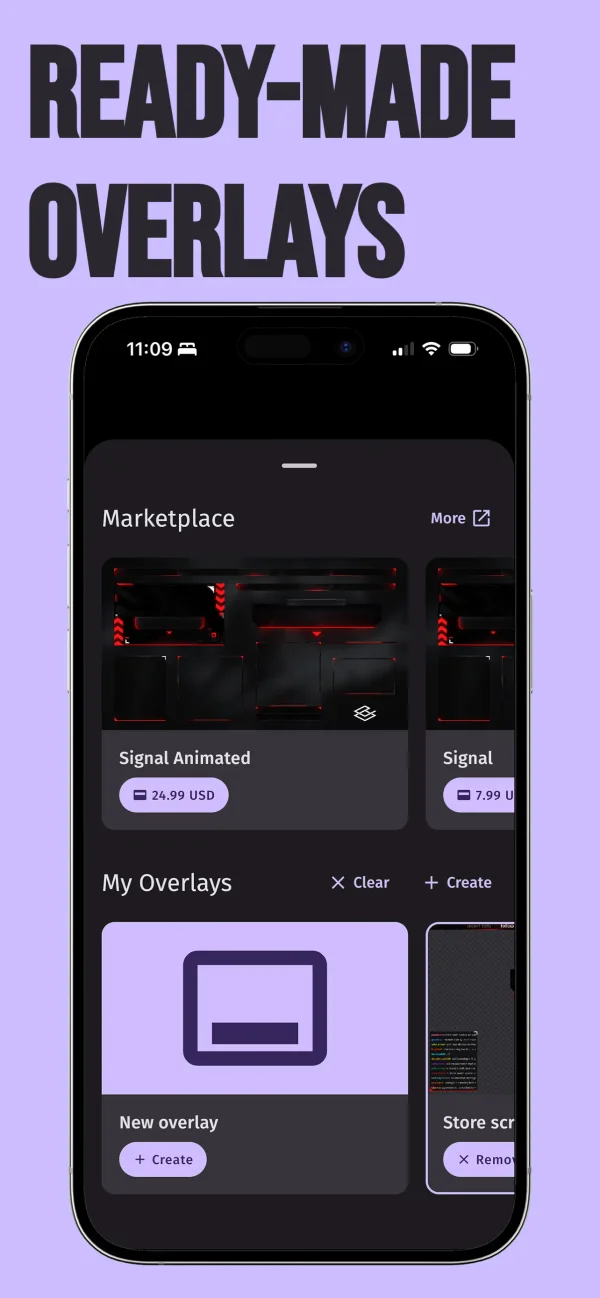
• Customizable overlays, logos and on-screen graphics.
• Animated alerts to drive viewer interaction.
• Fast, no-PC setup so you can go live straight from your iPhone.
FREE AND SUBSCRIPTION OPTIONS
Overlay Expert is free to download and stream, with an on-stream watermark. Optional monthly or yearly subscriptions unlock more:
• Remove the on-stream watermark.
• Add custom browser sources to bring overlays from tools like Streamlabs and StreamElements onto your console stream, no PC needed.
Subscriptions renew automatically at the end of each month or year, depending on the plan, unless cancelled in your App Store account settings. Terms of use: https://overlay.expert/terms-of-use. Privacy policy: https://overlay.expert/privacy-policy.
WHO IT'S FOR
Overlay Expert is built for console gamers on PlayStation and Xbox who want a professional on-screen presence without a capture card, a PC, or hours of setup, plus IRL streamers who want the same polished look from their iPhone.
新機能
バージョン 0.24.3 · 2026/11/18
- Chat and alerts from an account you just connected now show in the overlay without refreshing it.
アプリのプライバシー
このアプリのデータの取り扱いについて、Overlay Expert IncがApp Storeで申告している内容です。
-
ユーザーに関連付けられたデータ
収集され、ユーザーの識別情報に関連付けられる場合があります。
- 購入
- 連絡先情報
- ユーザーコンテンツ
- ID
- 使用状況データ
- 診断
-
ユーザーに関連付けられないデータ
収集される場合がありますが、ユーザーの識別情報には関連付けられません。
- 位置情報
プライバシーの取り扱いは、ご利用の機能やお客様の年齢などに応じて異なる場合があります。
情報
- 販売元
- Overlay Expert Inc
- カテゴリ
- 写真/ビデオ
- バージョン
- 0.24.3
- 更新日
- 2026/11/18
- リリース
- 2026/9/24
- サイズ
- 80.1 MB
- 必要条件
- iOS 26.0以降
- 対象年齢
- 4+
- 価格
- 無料
- アプリ内課金
- あり
- 言語
- 英語
- 著作権
- © 2026 Overlay Expert Inc. All rights reserved.
こちらもおすすめ
-
 StreamNow: Live Stream Studio写真/ビデオ
-
 CastreamGo Live Everywhere in Seconds
-
 StreamVeil Live + 録画PC & Mobile games 1080p 60 fps
-
 Lurk for Twitch写真/ビデオ
-
 Streamster写真/ビデオ
-
 StreamLadder: AI Clip Editor写真/ビデオ
-
 Eklipse.ggインスタントハイライト
-
 Larix Broadcaster: Live Streamライブ配信:SRT・NDI・RTMP対応
-
 PNG Tuber写真/ビデオ
-
 Stream Tracker for Twitch Live写真/ビデオ