
PaintMee 2
True art invites your mind
Diseñada para iPhone, iPad, iPod touch
6,99 € · Compras en la aplicación
- Clasificación por edad4+
- CategoríaFoto y vídeo
- DesarrolladorStudio Mee
- IdiomasInglés
- Tamaño51,3 MB
Enlaza a la página oficial de App Store
Download.org no aloja ningún archivo de PaintMee 2. El botón abre la página de la aplicación en App Store, donde la publica Studio Mee. Ficha comprobada por última vez el 8/11/2026.
Capturas de pantalla

Acerca de
El desarrollador no ha proporcionado este texto en tu idioma.
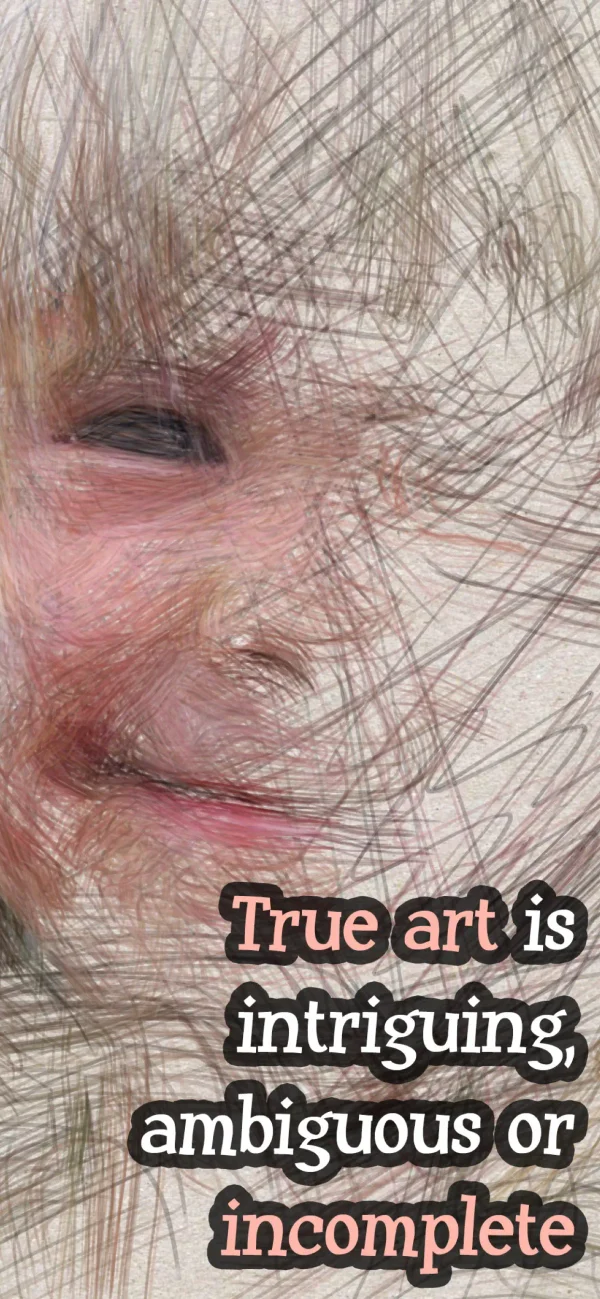
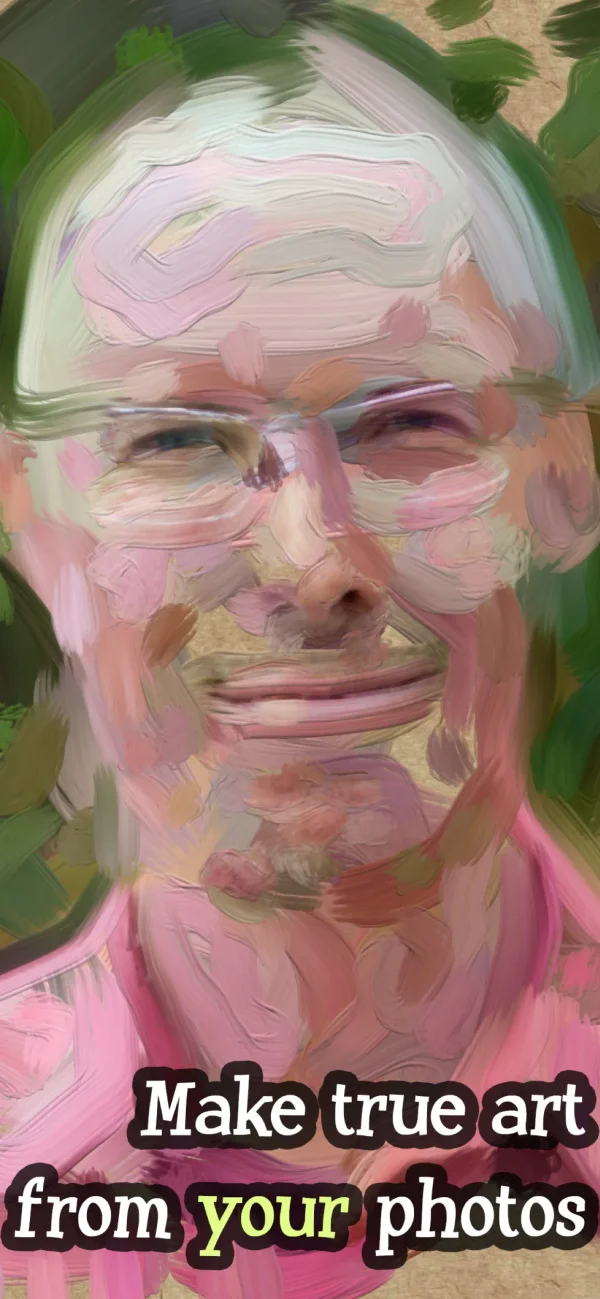
True Art happens when your mind is invited into a piece. When there is something intriguing, provoking, ambiguous or incomplete. Now YOU can make true art in an instant – and have fun while doing it.
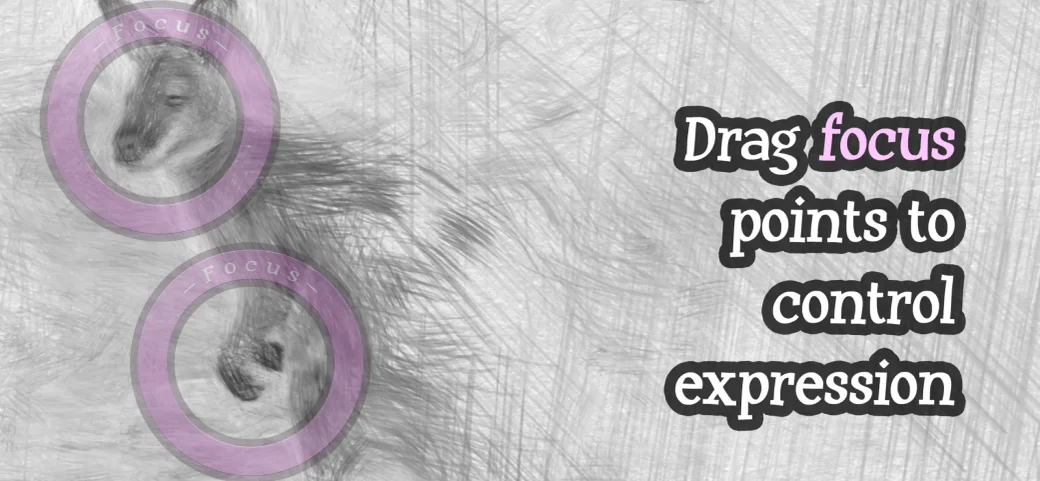
Your tools are STYLE and FOCUS. For a photo, choose a style and set a focus point. Moving the focus point dramatically alters the resulting painting. Use this very powerful tool to make the painting truly yours.
Features
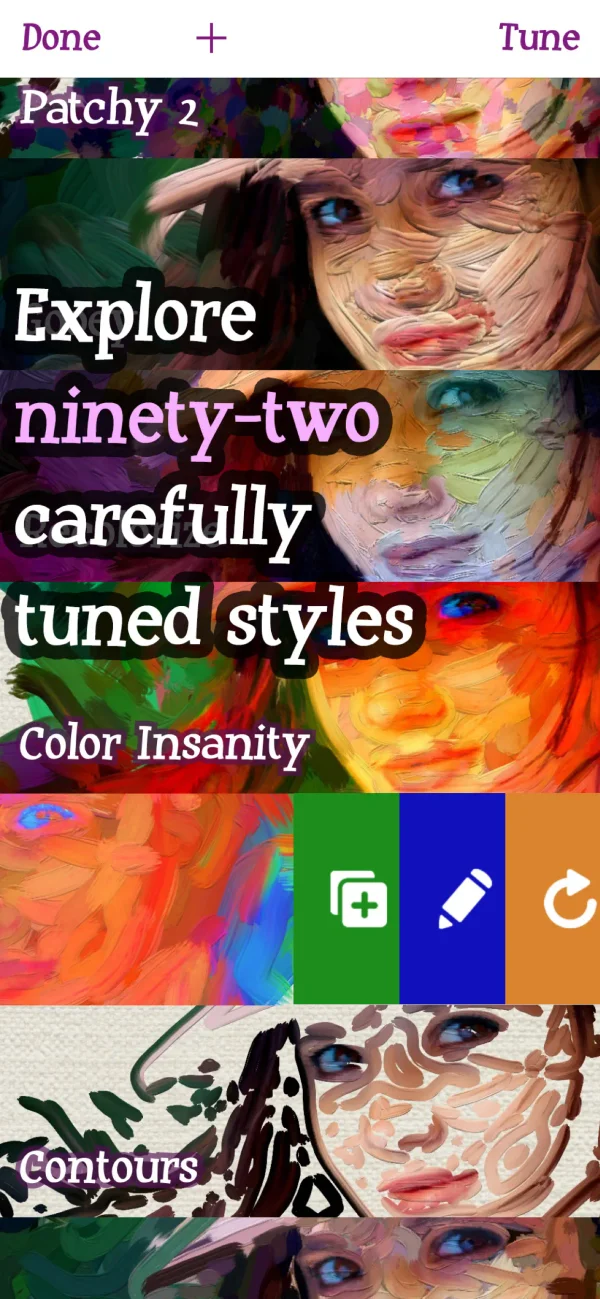
• 92 carefully tuned example styles.
• Styles range from oil paintings through sketches, ink splatter and wood carvings to downright craziness.
• Use a powerful focus point system to control expression.
• Place up to 5 focus points.
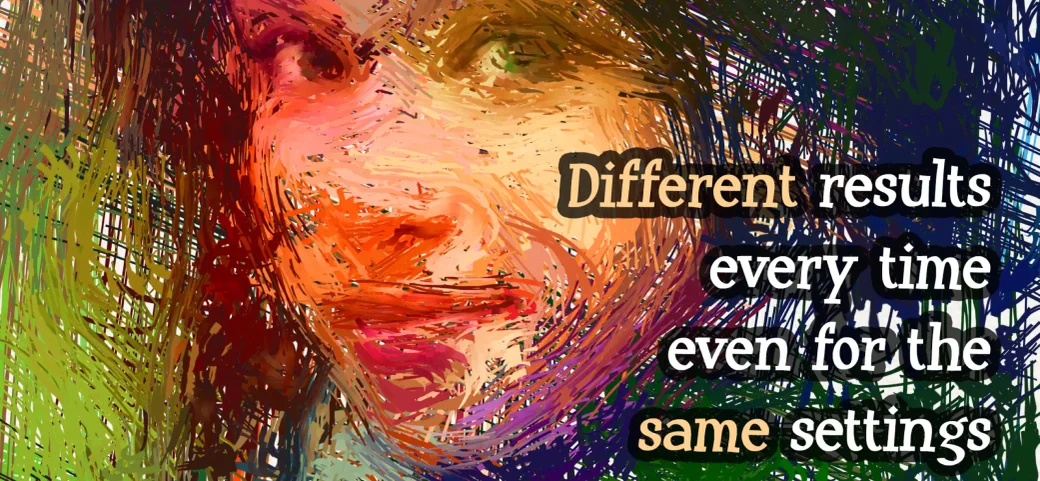
• Different results every time, even for the same style.
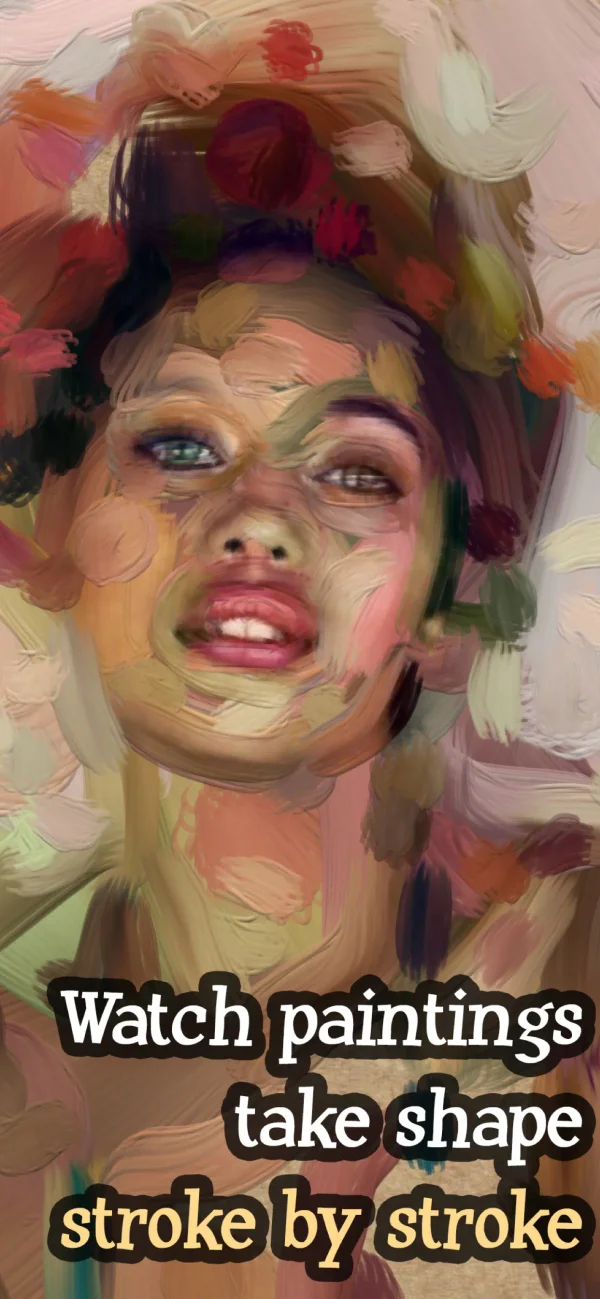
• Watch the painting take shape stroke by stroke.
• Advanced users: fine tune styles to get that perfect look.
• Advanced users: create your own styles and add them to the list.
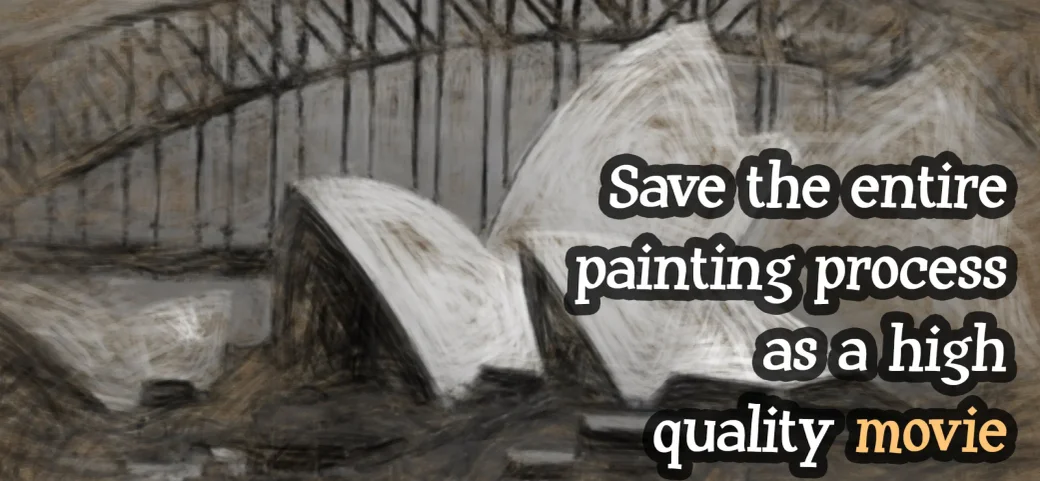
• Save the entire painting process as a movie.
• Render and save painting in 4K resolution.
Novedades
Versión 2.3 · 15/10/2026
- PaintMee 2 is now on Apple TV too: paint your photos on the big screen.
- See how each style paints your photo before you choose: the styles are now a grid of previews of your own photo.
- The Tune screen previews your tuning as you go, and says what each setting does.
- Pinch to zoom in on a finished painting and see every stroke.
- Eyes and mouths are painted in detail again, also after restarting the app.
- Open and save from a small bar by the toolbar.
- Works in resizable windows on iPad.
- Choose photos without giving PaintMee access to your whole library.
- Bug fixes and improvements.
Privacidad de la aplicación
Lo que Studio Mee declara en App Store sobre cómo esta aplicación gestiona los datos.
-
No se recopilan datos
El desarrollador no recopila ningún dato de esta aplicación.
Las prácticas de privacidad pueden variar, por ejemplo, según las funciones que uses o tu edad.
Información
- Vendedor
- Studio Mee
- Categoría
- Foto y vídeo
- Versión
- 2.3
- Actualizado
- 15/10/2026
- Publicado
- 24/7/2018
- Tamaño
- 51,3 MB
- Requiere
- iOS 15.0 o posterior
- Clasificación por edad
- 4+
- Precio
- 6,99 €
- Compras en la aplicación
- Sí
- Idiomas
- Inglés
- Copyright
- © 2026 Studio Mee
Quizá también te guste
-
 Oil Paint - Photo to Art MakerWatercolor Brushstroke Filter
-
 InkworkConvierte tus fotos en arte
-
 Paintation: Editor de Arte AIFiltros de Pintura y Dibujo
-
 PaintSnap: Photo to PaintingFoto y vídeo
-
 Silhouette - Image Maker AppFoto y vídeo
-
 ImaengineFoto y vídeo
-
 BrushstrokeConvierte fotos en pinturas
-
 Waterlogue: Photo to PaintingFoto y vídeo
-
 Fotos en Pinturas: OilbrushConvierte imágenes en arte
-
 Sketch Me!Foto y vídeo