
PaintMee 2
True art invites your mind
Conçue pour iPhone, iPad, iPod touch
6,99 € · Achats intégrés
- Classification d’âge4+
- CatégoriePhoto et vidéo
- DéveloppeurStudio Mee
- LanguesAnglais
- Taille51,3 Mo
Renvoie vers la page App Store officielle
Download.org n’héberge aucun fichier de PaintMee 2. Le bouton ouvre la page de l’application sur App Store, où Studio Mee la publie. Fiche vérifiée pour la dernière fois le 08/11/2026.
Captures d’écran

À propos
Le développeur n’a pas fourni ce texte dans votre langue.
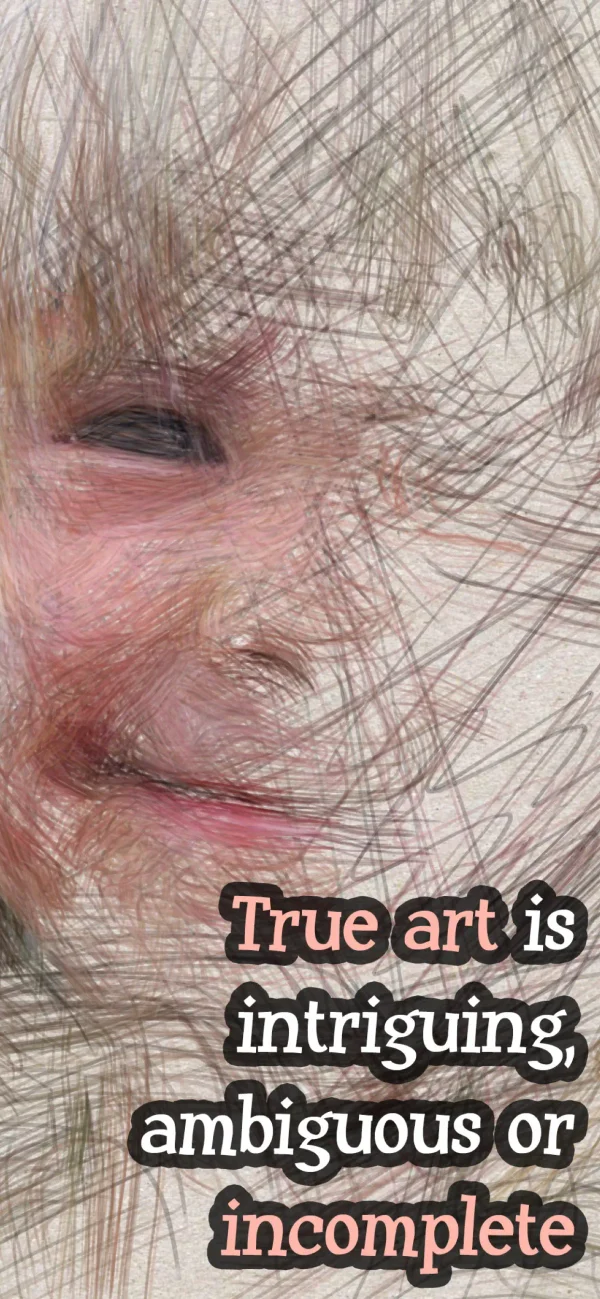
True Art happens when your mind is invited into a piece. When there is something intriguing, provoking, ambiguous or incomplete. Now YOU can make true art in an instant – and have fun while doing it.
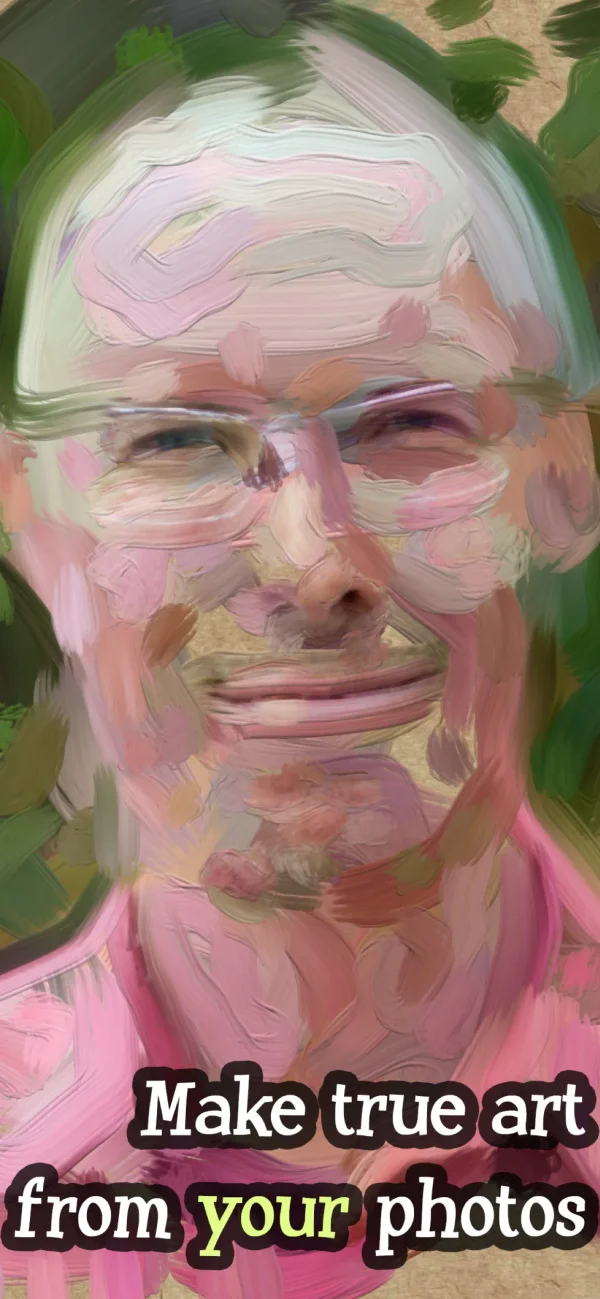
Your tools are STYLE and FOCUS. For a photo, choose a style and set a focus point. Moving the focus point dramatically alters the resulting painting. Use this very powerful tool to make the painting truly yours.
Features
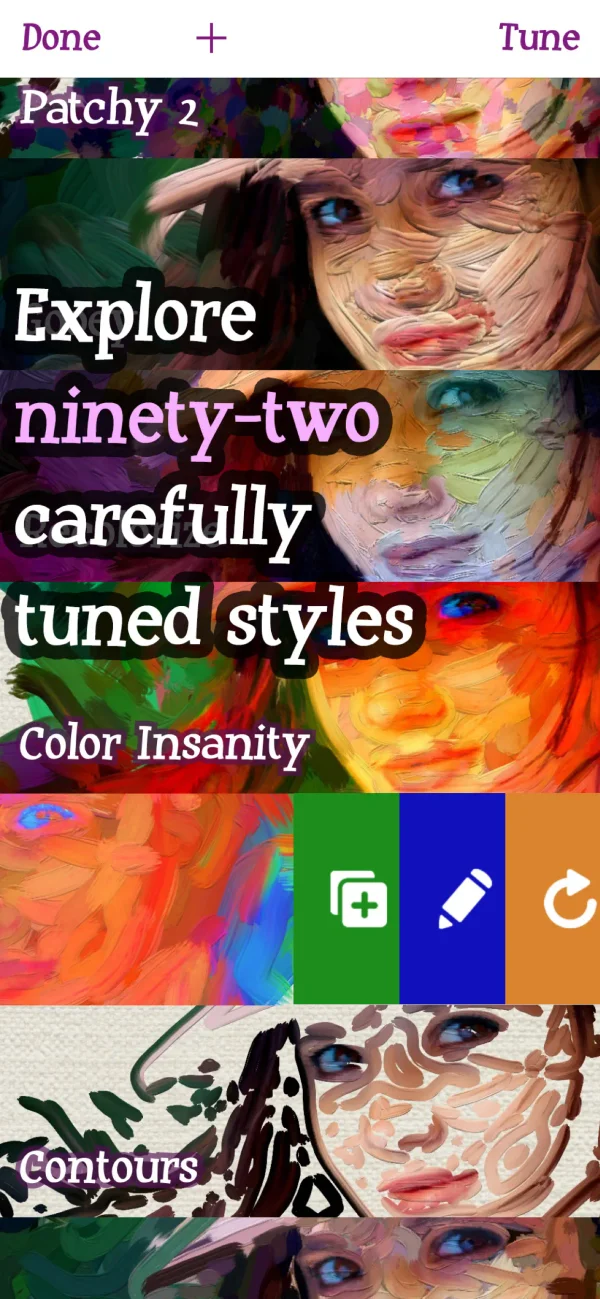
• 92 carefully tuned example styles.
• Styles range from oil paintings through sketches, ink splatter and wood carvings to downright craziness.
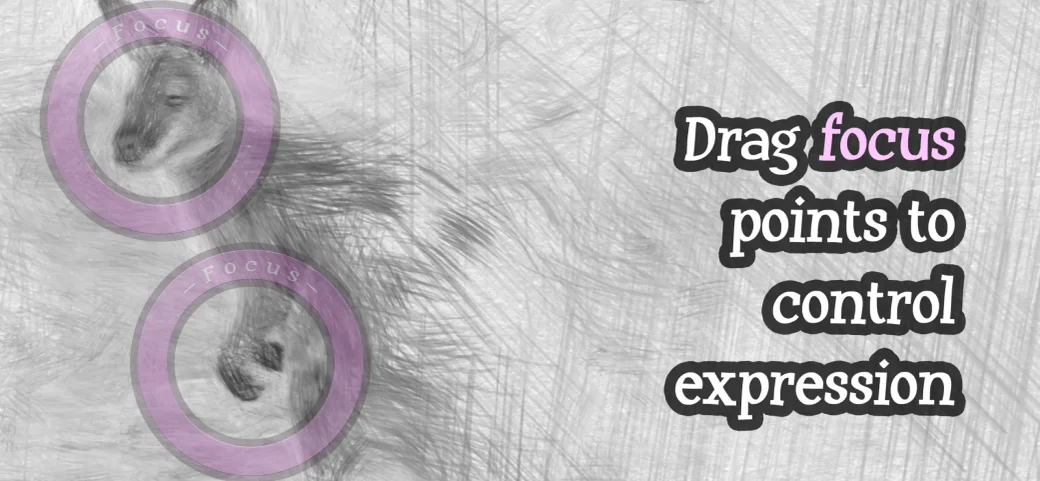
• Use a powerful focus point system to control expression.
• Place up to 5 focus points.
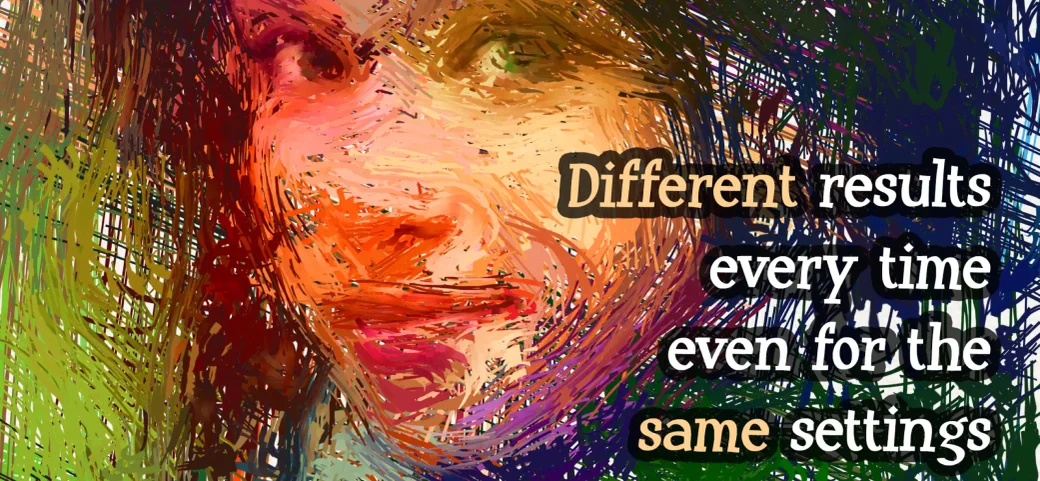
• Different results every time, even for the same style.
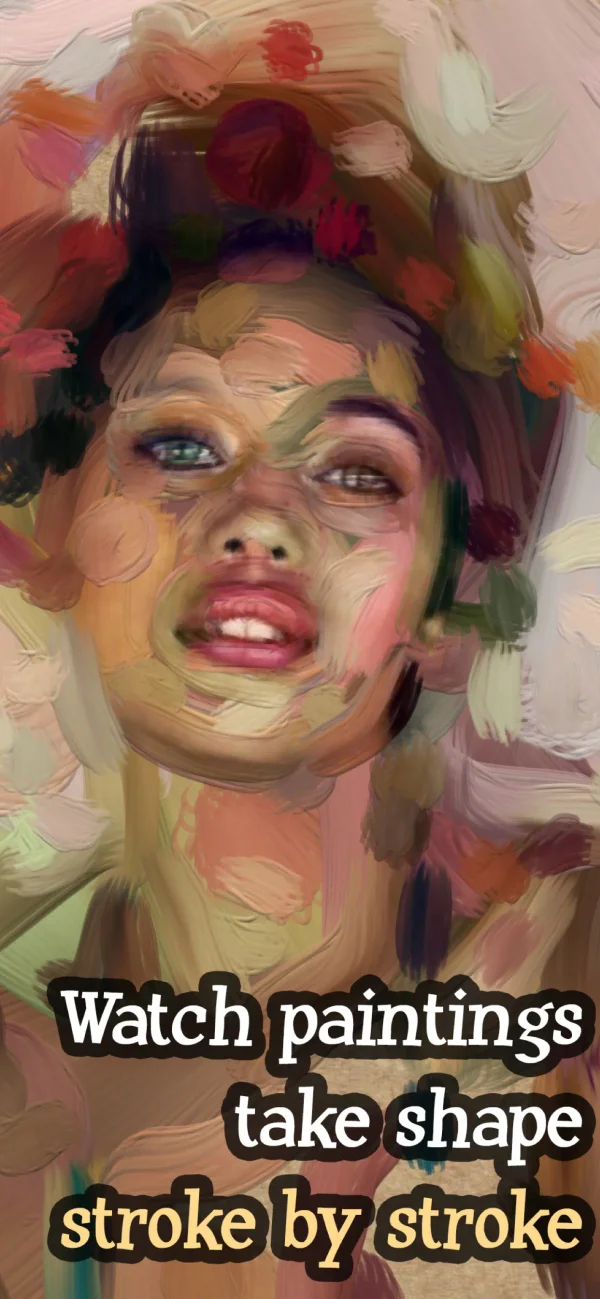
• Watch the painting take shape stroke by stroke.
• Advanced users: fine tune styles to get that perfect look.
• Advanced users: create your own styles and add them to the list.
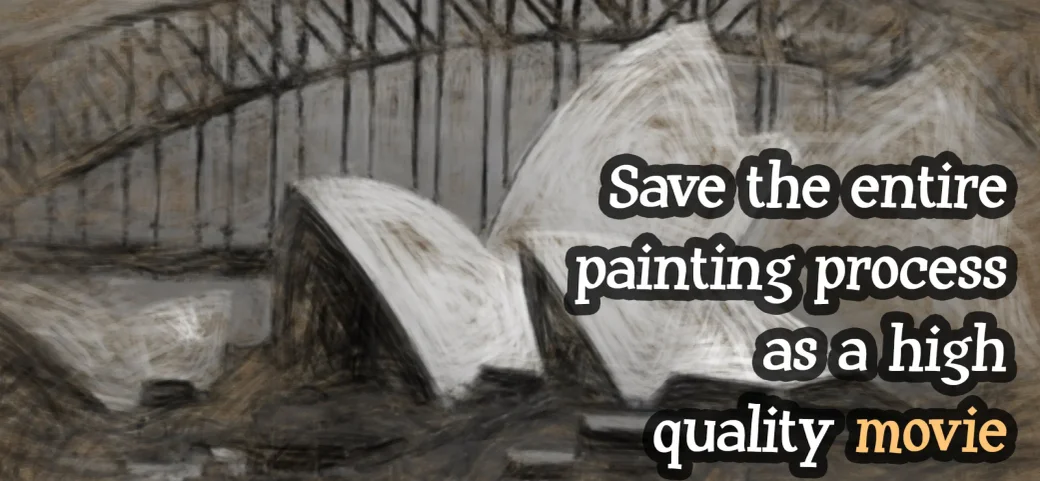
• Save the entire painting process as a movie.
• Render and save painting in 4K resolution.
Nouveautés
Version 2.3 · 15/10/2026
- PaintMee 2 is now on Apple TV too: paint your photos on the big screen.
- See how each style paints your photo before you choose: the styles are now a grid of previews of your own photo.
- The Tune screen previews your tuning as you go, and says what each setting does.
- Pinch to zoom in on a finished painting and see every stroke.
- Eyes and mouths are painted in detail again, also after restarting the app.
- Open and save from a small bar by the toolbar.
- Works in resizable windows on iPad.
- Choose photos without giving PaintMee access to your whole library.
- Bug fixes and improvements.
Confidentialité de l’application
Ce que Studio Mee déclare sur l’App Store au sujet du traitement des données par cette application.
-
Données non collectées
Le développeur ne collecte aucune donnée à partir de cette application.
Les pratiques en matière de confidentialité peuvent varier, notamment en fonction des fonctionnalités que vous utilisez ou de votre âge.
Informations
- Vendeur
- Studio Mee
- Catégorie
- Photo et vidéo
- Version
- 2.3
- Mis à jour
- 15/10/2026
- Publié
- 24/07/2018
- Taille
- 51,3 Mo
- Nécessite
- iOS 15.0 ou version ultérieure
- Classification d’âge
- 4+
- Prix
- 6,99 €
- Achats intégrés
- Oui
- Langues
- Anglais
- Copyright
- © 2026 Studio Mee
Vous aimerez peut-être aussi
-
 Oil Paint - Photo to Art MakerPhoto et vidéo
-
 InkworkTransformez des photos en art
-
 Paintation: Art et PeintureEffet Photo et Dessin Fusain
-
 PaintSnap: Photo to PaintingPhoto et vidéo
-
 Silhouette - Image Maker AppPhoto et vidéo
-
 ImaenginePhoto et vidéo
-
 BrushstrokeVos photos en tableaux
-
 Waterlogue: Photo to PaintingPhoto et vidéo
-
 Photo en Peinture : OilbrushTransformez vos images en art
-
 Sketch Me!Photo et vidéo