
PanicVault - Password Manager
KeePass Sync & AutoFill
Diseñada para iPhone, iPad, Mac
5,99 €
- Clasificación por edad4+
- CategoríaProductividad
- DesarrolladorPierre Stanislas
- IdiomasInglés
- Tamaño37,4 MB
Enlaza a la página oficial de App Store
Download.org no aloja ningún archivo de PanicVault - Password Manager. El botón abre la página de la aplicación en App Store, donde la publica Pierre Stanislas. Ficha comprobada por última vez el 18/11/2026.
Capturas de pantalla


Acerca de
El desarrollador no ha proporcionado este texto en tu idioma.
PanicVault is a secure, offline-first password manager that reads and writes the open KeePass (.kdbx) format. Store your vault on your device, on iCloud Drive, or on Google Drive -- you choose. Your data stays in a standard, portable file that works with KeePass, KeePassXC, Strongbox, and every other compatible app.
WHY PANICVAULT?
PanicVault gives you real ownership of your credentials. There is no proprietary cloud, no account to create, and no subscription fee. Your vault is a single encrypted file you can back up, move, or open in any KeePass-compatible app on any platform.
KEY FEATURES:
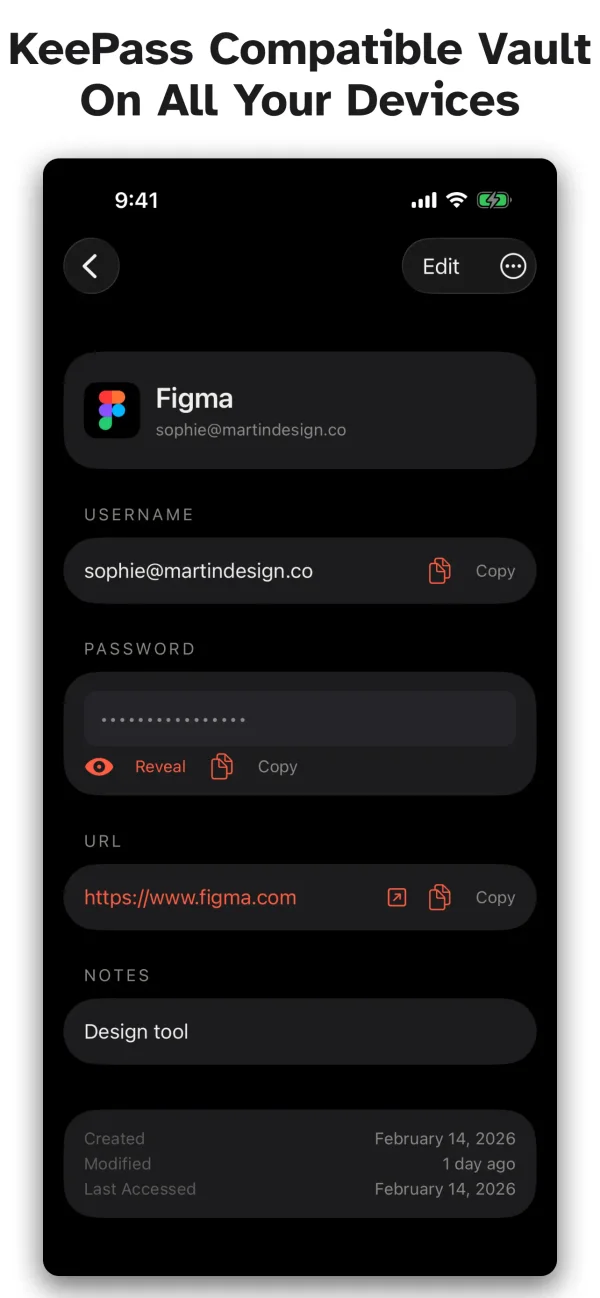
- KeePass (.kdbx 4) Compatibility
Open and save vaults created by KeePass, KeePassXC, KeePassDX, Strongbox, and more. Entry history, custom fields, attachments, group hierarchy, custom icons, and recycle bin are fully supported.
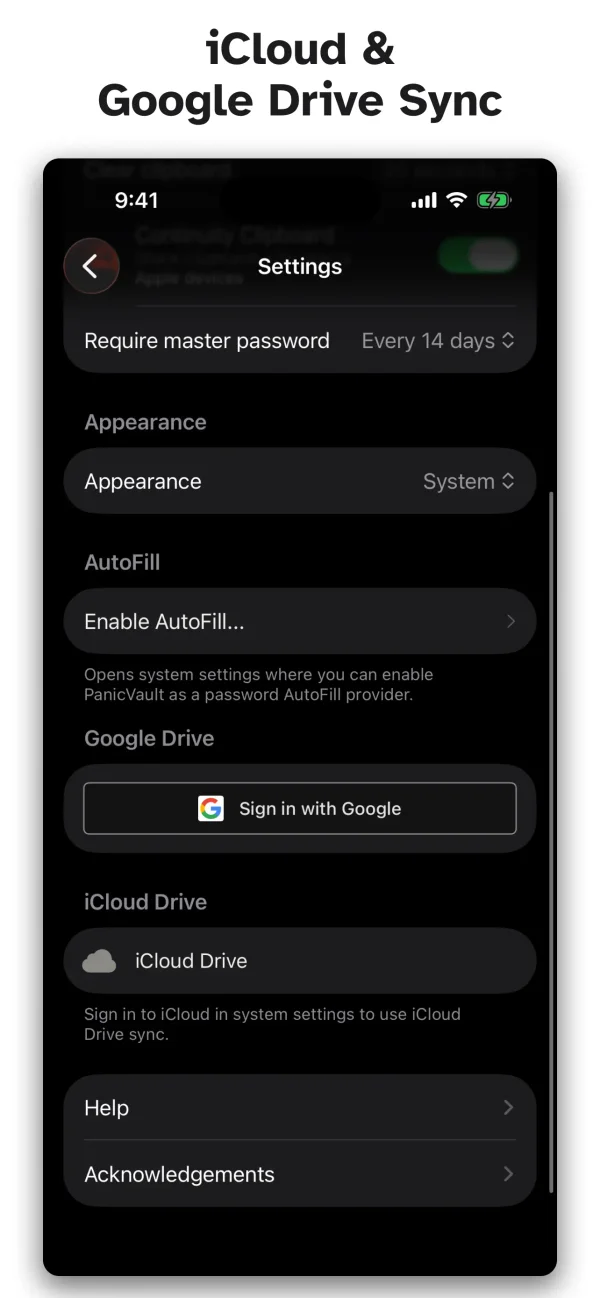
- iCloud Drive & Google Drive Sync
Sync your vault across iPhone, iPad, and Mac through iCloud Drive or Google Drive. Smart entry-level merging preserves changes from every device. Conflicts are shown side by side so you pick the version you want. Sign in to multiple Google accounts and sync different vaults with different accounts.
- Passkeys (WebAuthn)
Store and manage passkeys alongside your passwords. Compatible with the KeePassXC passkey format for full cross-platform interoperability.
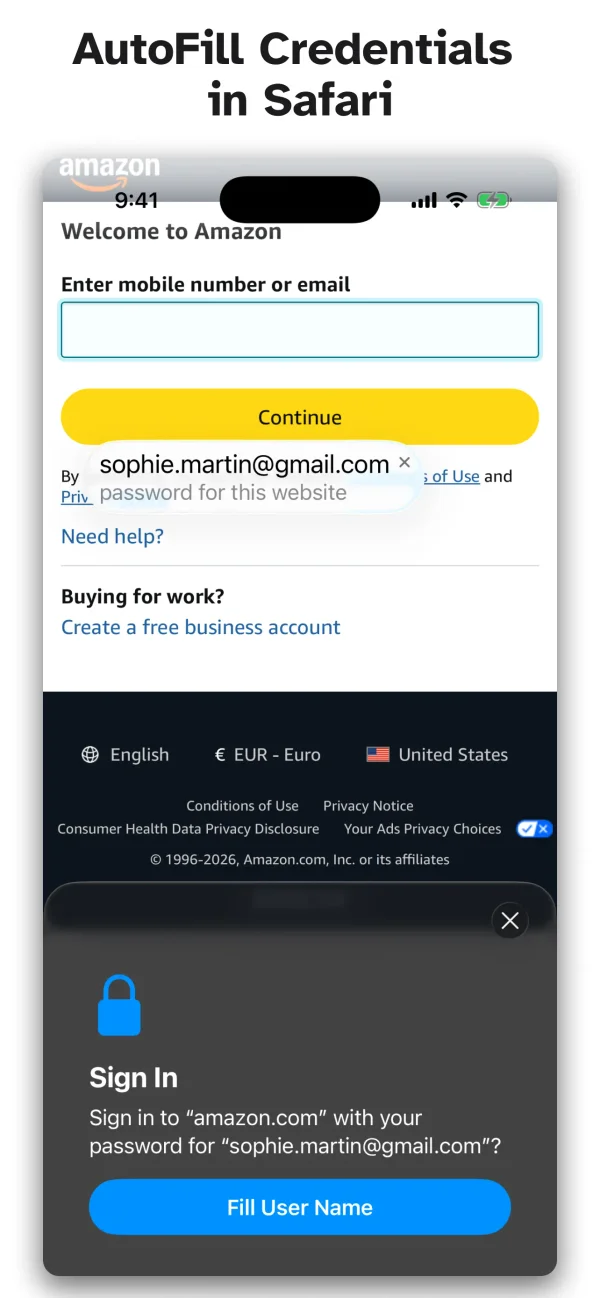
- AutoFill Integration
Fill usernames and passwords in Safari and apps with the system AutoFill credential provider. Override URLs let you match entries to sites with different login domains.
- Built-in Authenticator (TOTP)
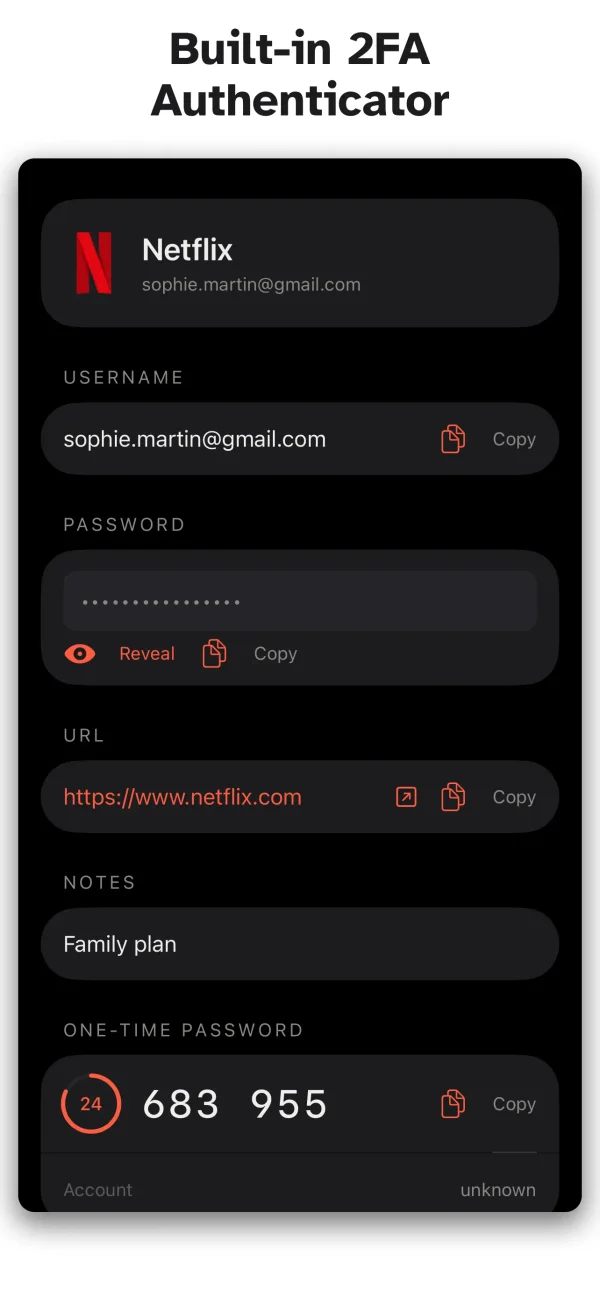
Generate two-factor authentication codes right alongside your passwords. Scan a QR code or enter the secret manually. Compatible with all standard TOTP formats.
- Password & Passphrase Generator
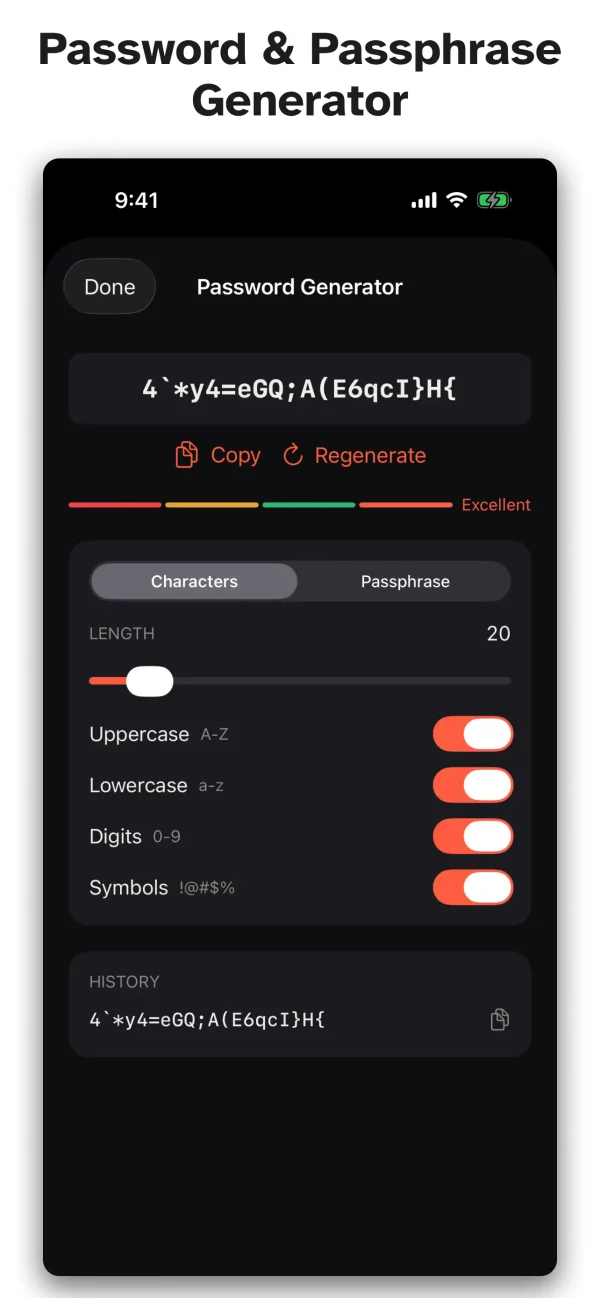
Create strong random passwords or memorable passphrases from the EFF wordlist. A live strength meter shows you exactly how secure each password is.
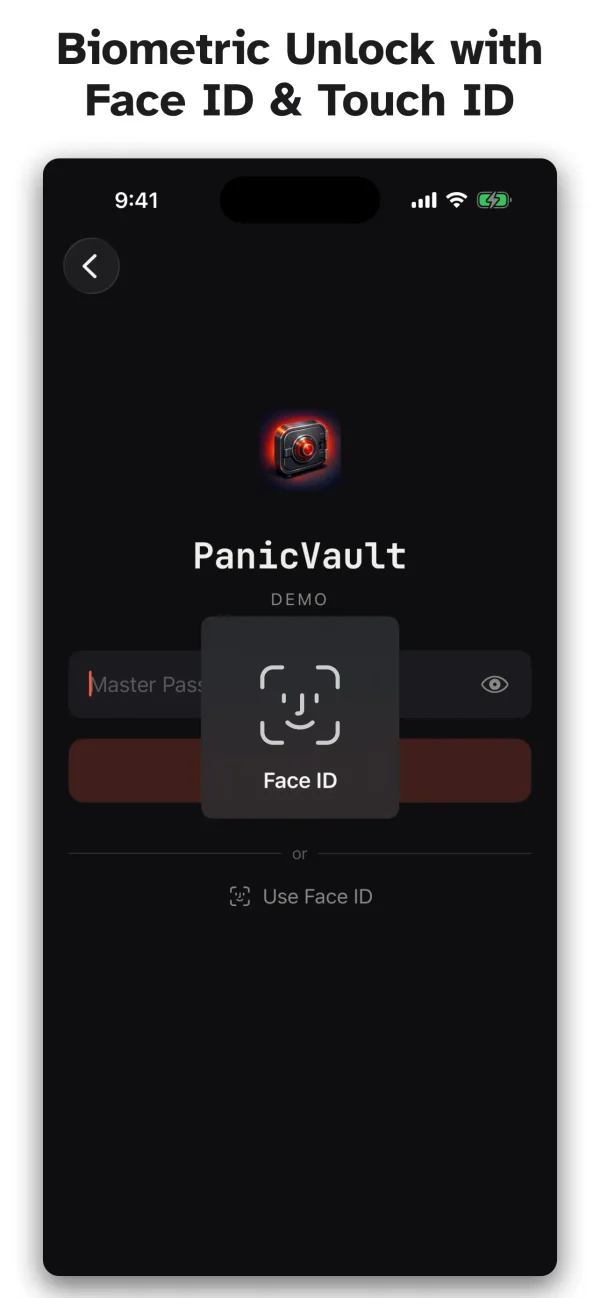
- Biometric Unlock
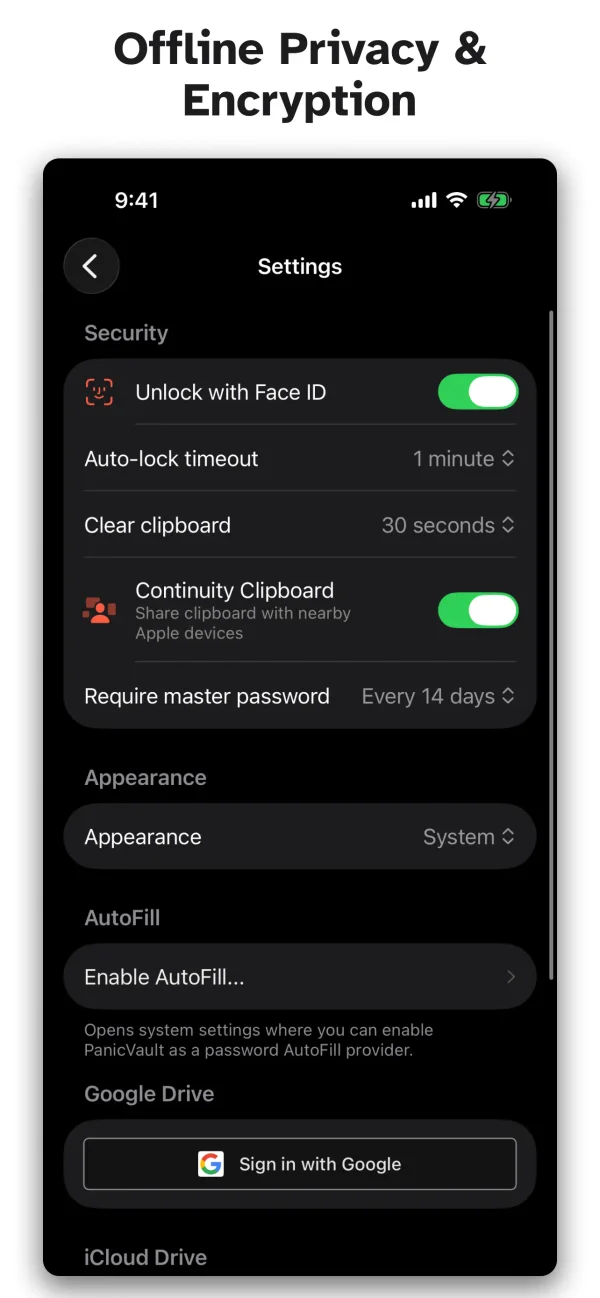
Unlock with Face ID or Touch ID. Your master password is stored in the Secure Enclave keychain -- never transmitted anywhere.
- Yubikey unlock
You can protect a vault with a physical YubiKey: YubiKey challenge-response over NFC on iPhone, and over USB on Mac.
- Offline First
Every feature works without an internet connection. Cloud sync is optional and happens only when you choose to enable it.
- Bulk Operations & Drag and Drop
Select multiple entries at once to move or delete them in bulk. On Mac, drag entries between groups and drag groups to reorganize your hierarchy.
- Organize with Groups and Tags
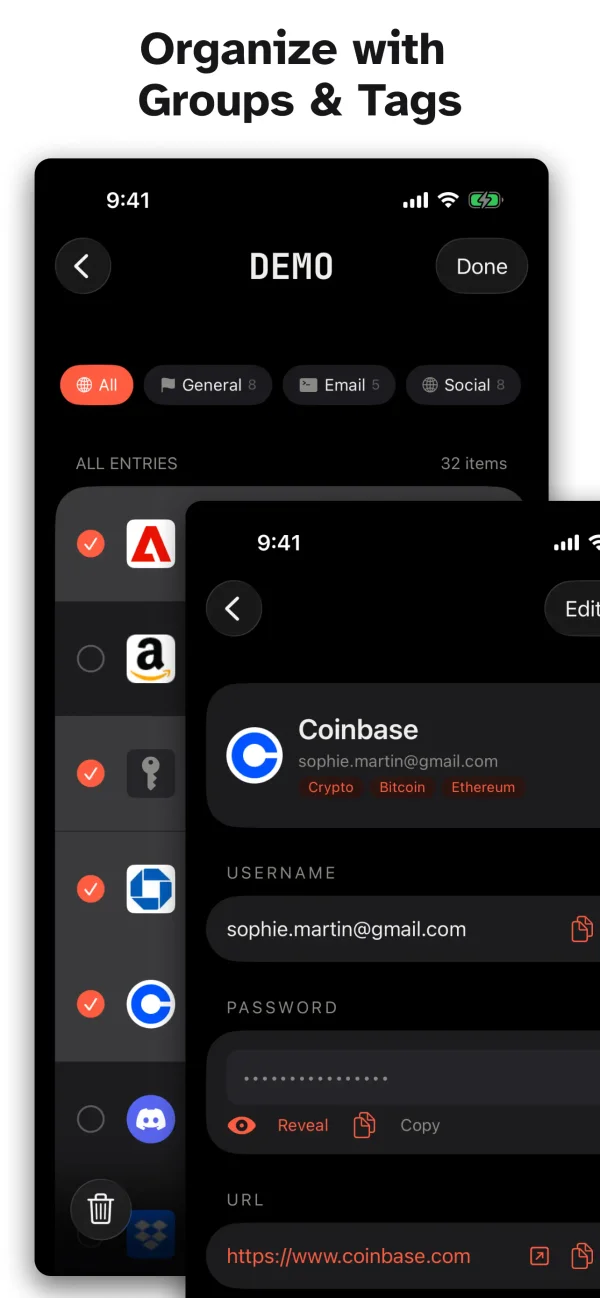
Create nested folders to sort your entries. Reorder and customize groups with notes and custom icons. Add tags for cross-cutting categories. Search across titles, usernames, URLs, and notes instantly.
- Favicon Auto-Fetch
Tap a button to automatically download a website's icon and set it as the entry's custom icon -- the quickest way to make entries recognizable at a glance.
- Default Vault & Keyboard Shortcuts
Set a default vault that opens automatically on launch. On Mac, use full keyboard shortcuts for search, new entries, password generation, locking, and more.
- Entry History & Attachments
Every password change is saved automatically. Attach files like recovery codes, certificates, or documents to any entry.
- Custom Colors and Icons
Personalize entries with text color, background color, and 69 built-in KeePass icons or your own custom images.
SECURITY:
PanicVault uses AES-256 or ChaCha20 encryption with Argon2d/Argon2id key derivation. Clipboard auto-clear, configurable lock timeout, and periodic master password re-entry keep your data safe even if your device is left unattended.
PLATFORM:
Available on iPhone, iPad, and Mac with a single universal purchase. No subscription, no account, no tracking.
Novedades
Versión 1.1.7 · 14/11/2026
Improved tags management.
Privacidad de la aplicación
Lo que Pierre Stanislas declara en App Store sobre cómo esta aplicación gestiona los datos.
-
No se recopilan datos
El desarrollador no recopila ningún dato de esta aplicación.
Las prácticas de privacidad pueden variar, por ejemplo, según las funciones que uses o tu edad.
Información
- Vendedor
- Pierre Stanislas
- Categoría
- Productividad
- Versión
- 1.1.7
- Actualizado
- 14/11/2026
- Publicado
- 19/2/2026
- Tamaño
- 37,4 MB
- Requiere
- iOS 17.6 o posterior
- Clasificación por edad
- 4+
- Precio
- 5,99 €
- Idiomas
- Inglés
- Copyright
- © Pierre Stanislas
Quizá también te guste
-
 Kept: Private Link LibraryProductividad
-
 BredboxProductividad
-
 Xany VNCProductividad
-
 Password Manager App・Productividad
-
 Device ID ScannerProductividad
-
 LocalOne VideoVaultProductividad
-
 Gestor de Contraseñas: 2PasswBóveda Offline y Autocompletar
-
 Guarded Key - Password ManagerProductividad
-
 TanaProductividad
-
 addTaskManager: ADD To Do ListProductividad