- 対象年齢4+
- カテゴリ仕事効率化
- 開発元Pierre Stanislas
- 言語英語
- サイズ37.4 MB
App Storeの公式ページにリンクしています
Download.orgはPanicVault - Password Managerのファイルを一切ホストしていません。ボタンを押すと、Pierre Stanislasが公開しているApp Storeのアプリページが開きます。ページの最終確認:2026/11/18。
スクリーンショット


概要
開発元はこのテキストをお使いの言語で提供していません。
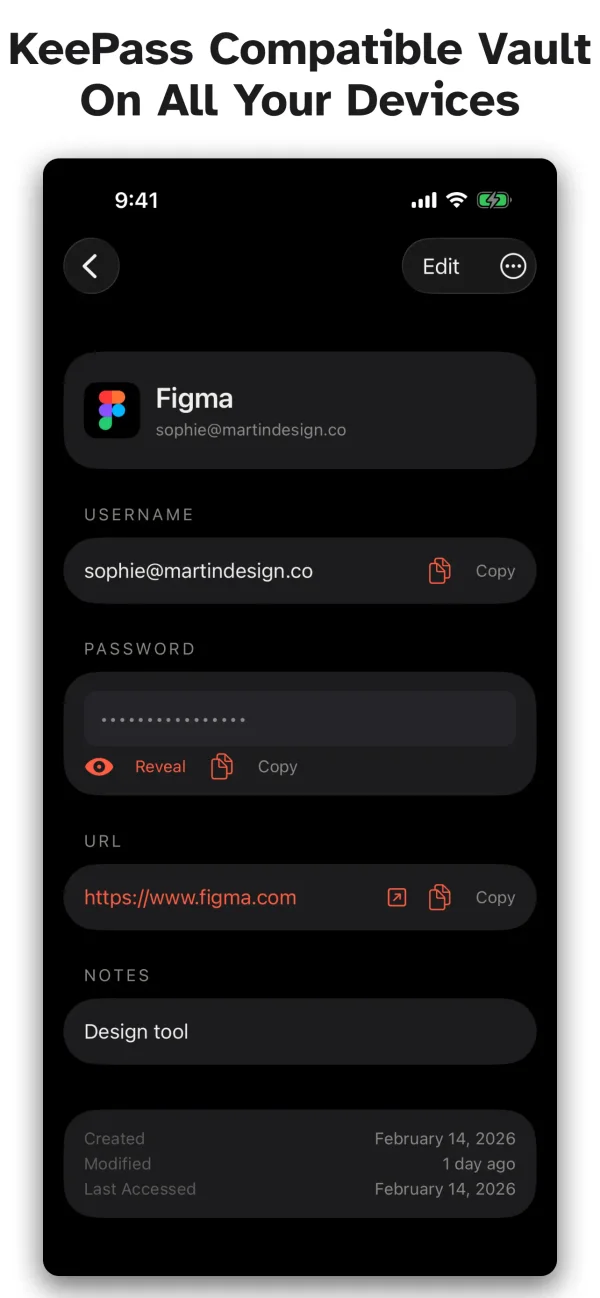
PanicVault is a secure, offline-first password manager that reads and writes the open KeePass (.kdbx) format. Store your vault on your device, on iCloud Drive, or on Google Drive -- you choose. Your data stays in a standard, portable file that works with KeePass, KeePassXC, Strongbox, and every other compatible app.
WHY PANICVAULT?
PanicVault gives you real ownership of your credentials. There is no proprietary cloud, no account to create, and no subscription fee. Your vault is a single encrypted file you can back up, move, or open in any KeePass-compatible app on any platform.
KEY FEATURES:
- KeePass (.kdbx 4) Compatibility
Open and save vaults created by KeePass, KeePassXC, KeePassDX, Strongbox, and more. Entry history, custom fields, attachments, group hierarchy, custom icons, and recycle bin are fully supported.
- iCloud Drive & Google Drive Sync
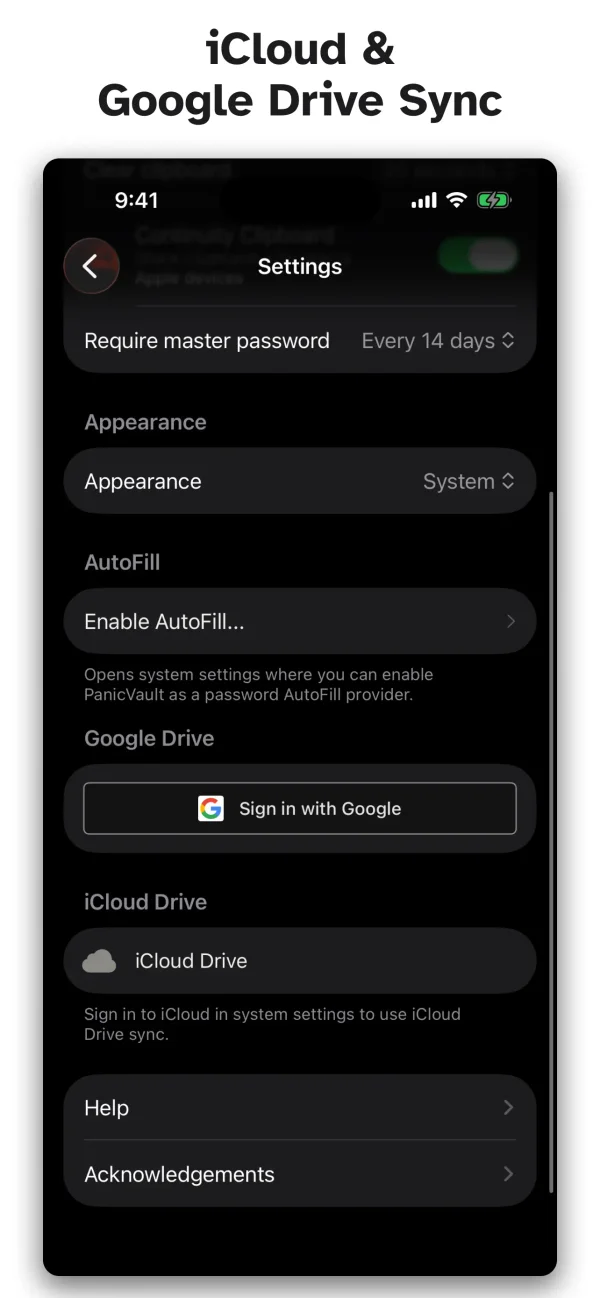
Sync your vault across iPhone, iPad, and Mac through iCloud Drive or Google Drive. Smart entry-level merging preserves changes from every device. Conflicts are shown side by side so you pick the version you want. Sign in to multiple Google accounts and sync different vaults with different accounts.
- Passkeys (WebAuthn)
Store and manage passkeys alongside your passwords. Compatible with the KeePassXC passkey format for full cross-platform interoperability.
- AutoFill Integration
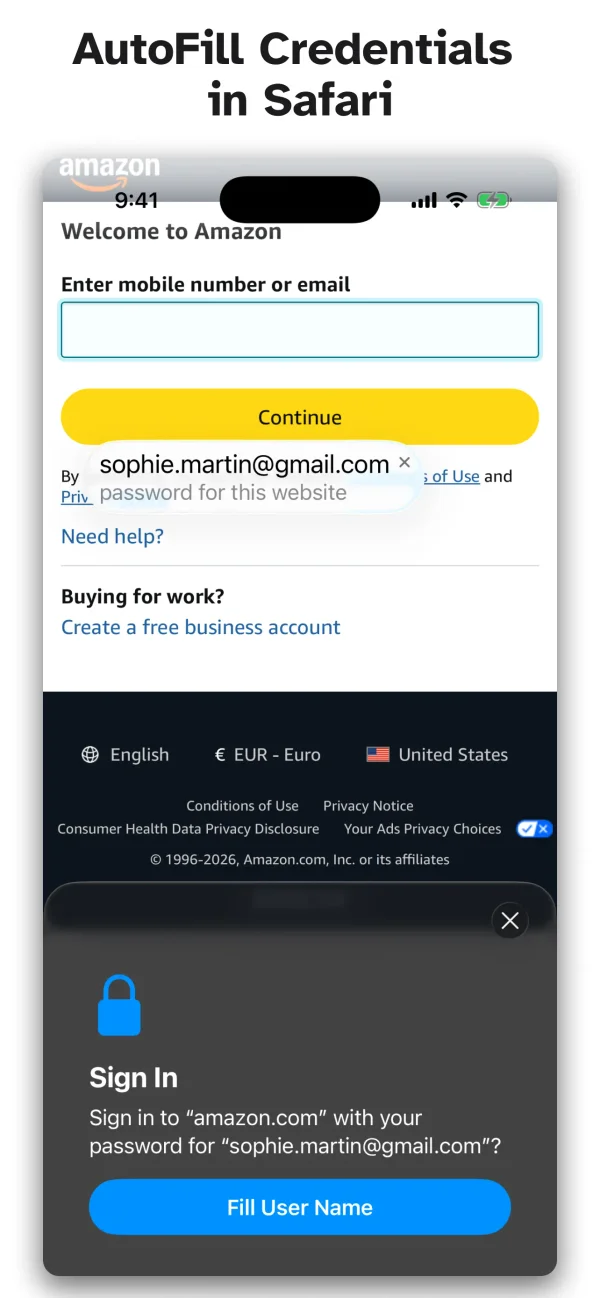
Fill usernames and passwords in Safari and apps with the system AutoFill credential provider. Override URLs let you match entries to sites with different login domains.
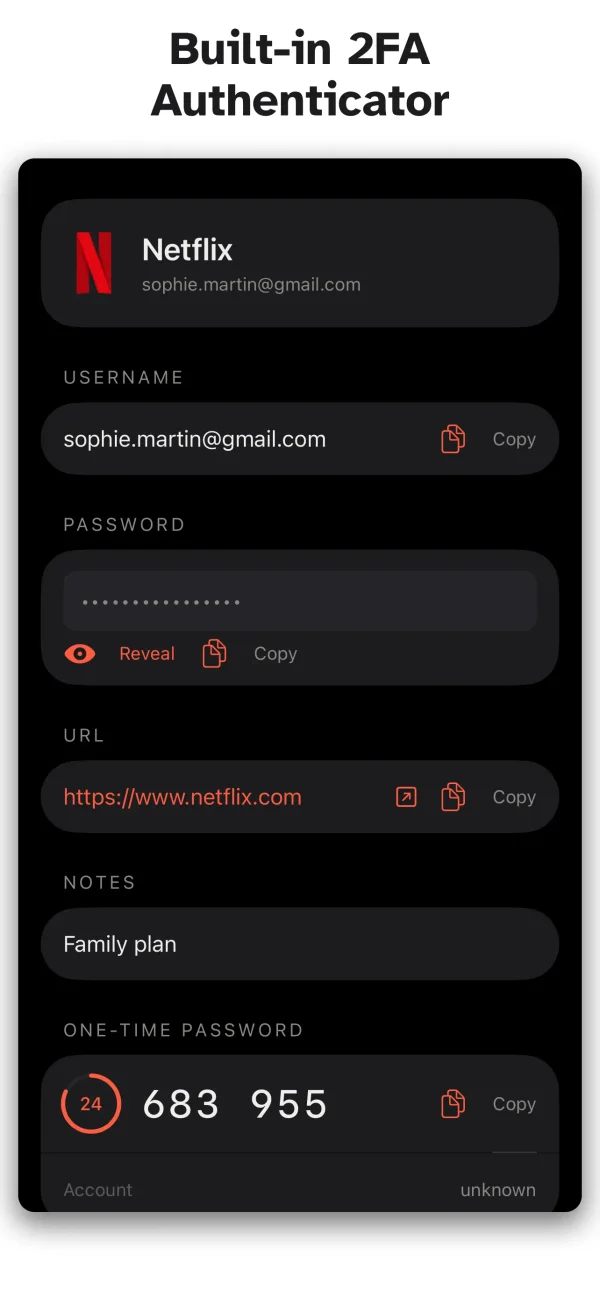
- Built-in Authenticator (TOTP)
Generate two-factor authentication codes right alongside your passwords. Scan a QR code or enter the secret manually. Compatible with all standard TOTP formats.
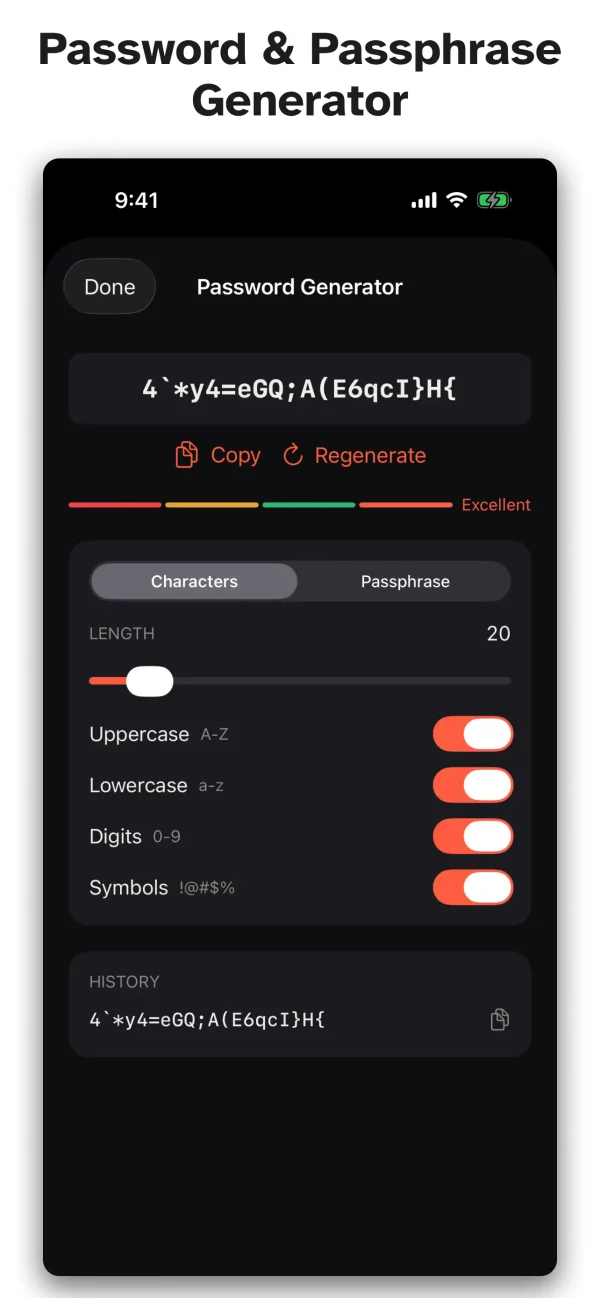
- Password & Passphrase Generator
Create strong random passwords or memorable passphrases from the EFF wordlist. A live strength meter shows you exactly how secure each password is.
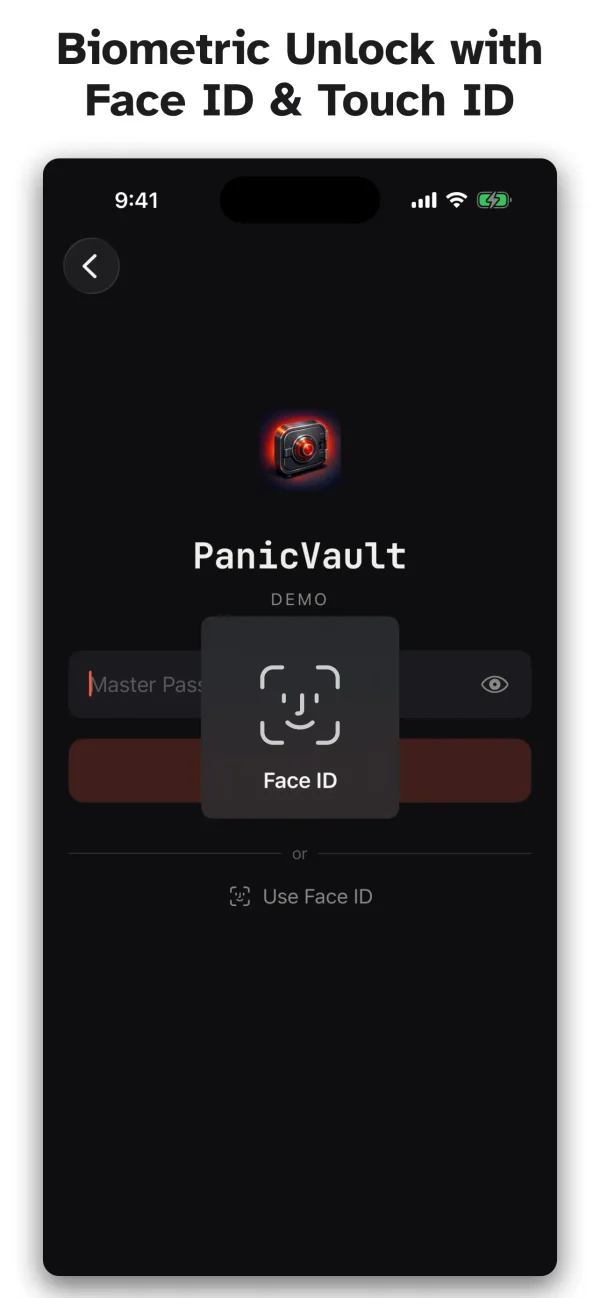
- Biometric Unlock
Unlock with Face ID or Touch ID. Your master password is stored in the Secure Enclave keychain -- never transmitted anywhere.
- Yubikey unlock
You can protect a vault with a physical YubiKey: YubiKey challenge-response over NFC on iPhone, and over USB on Mac.
- Offline First
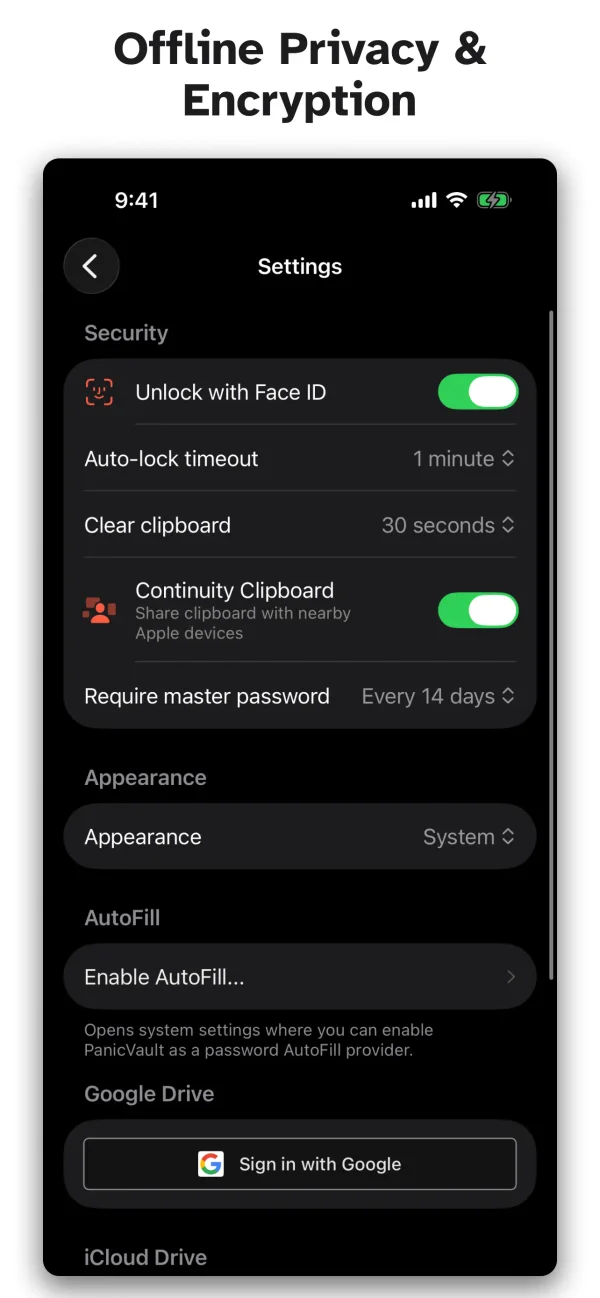
Every feature works without an internet connection. Cloud sync is optional and happens only when you choose to enable it.
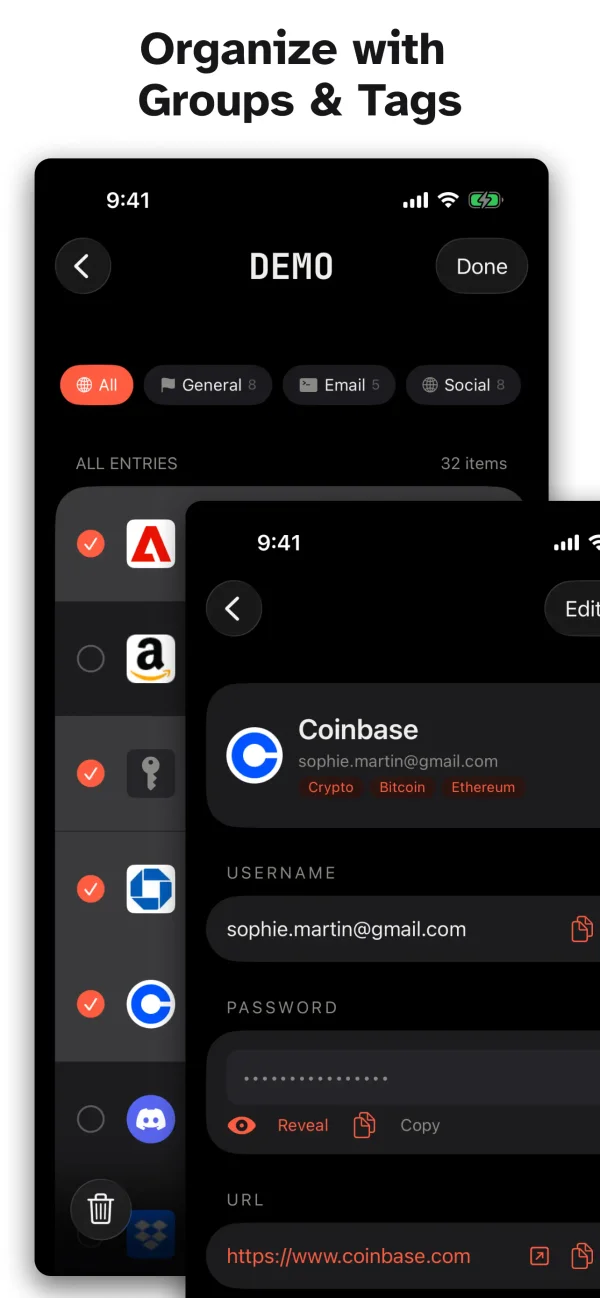
- Bulk Operations & Drag and Drop
Select multiple entries at once to move or delete them in bulk. On Mac, drag entries between groups and drag groups to reorganize your hierarchy.
- Organize with Groups and Tags
Create nested folders to sort your entries. Reorder and customize groups with notes and custom icons. Add tags for cross-cutting categories. Search across titles, usernames, URLs, and notes instantly.
- Favicon Auto-Fetch
Tap a button to automatically download a website's icon and set it as the entry's custom icon -- the quickest way to make entries recognizable at a glance.
- Default Vault & Keyboard Shortcuts
Set a default vault that opens automatically on launch. On Mac, use full keyboard shortcuts for search, new entries, password generation, locking, and more.
- Entry History & Attachments
Every password change is saved automatically. Attach files like recovery codes, certificates, or documents to any entry.
- Custom Colors and Icons
Personalize entries with text color, background color, and 69 built-in KeePass icons or your own custom images.
SECURITY:
PanicVault uses AES-256 or ChaCha20 encryption with Argon2d/Argon2id key derivation. Clipboard auto-clear, configurable lock timeout, and periodic master password re-entry keep your data safe even if your device is left unattended.
PLATFORM:
Available on iPhone, iPad, and Mac with a single universal purchase. No subscription, no account, no tracking.
新機能
バージョン 1.1.7 · 2026/11/14
Improved tags management.
アプリのプライバシー
このアプリのデータの取り扱いについて、Pierre StanislasがApp Storeで申告している内容です。
-
データの収集なし
開発元はこのアプリからデータを収集しません。
プライバシーの取り扱いは、ご利用の機能やお客様の年齢などに応じて異なる場合があります。
情報
- 販売元
- Pierre Stanislas
- カテゴリ
- 仕事効率化
- バージョン
- 1.1.7
- 更新日
- 2026/11/14
- リリース
- 2026/2/19
- サイズ
- 37.4 MB
- 必要条件
- iOS 17.6以降
- 対象年齢
- 4+
- 価格
- ¥800
- 言語
- 英語
- 著作権
- © Pierre Stanislas