- Clasificación por edad4+
- CategoríaProductividad
- DesarrolladorMichael Ohene-Adjei
- IdiomasInglés
- Tamaño4,0 MB
Es posible que Paper Saver no esté disponible en App Store en este momento
No se pudo acceder a la ficha de la tienda en nuestra última comprobación. El enlace sigue llevando a la página oficial de App Store.
Capturas de pantalla

Acerca de
El desarrollador no ha proporcionado este texto en tu idioma.
Stumble on a paper you want to read? Save it in one tap and get back to it later.
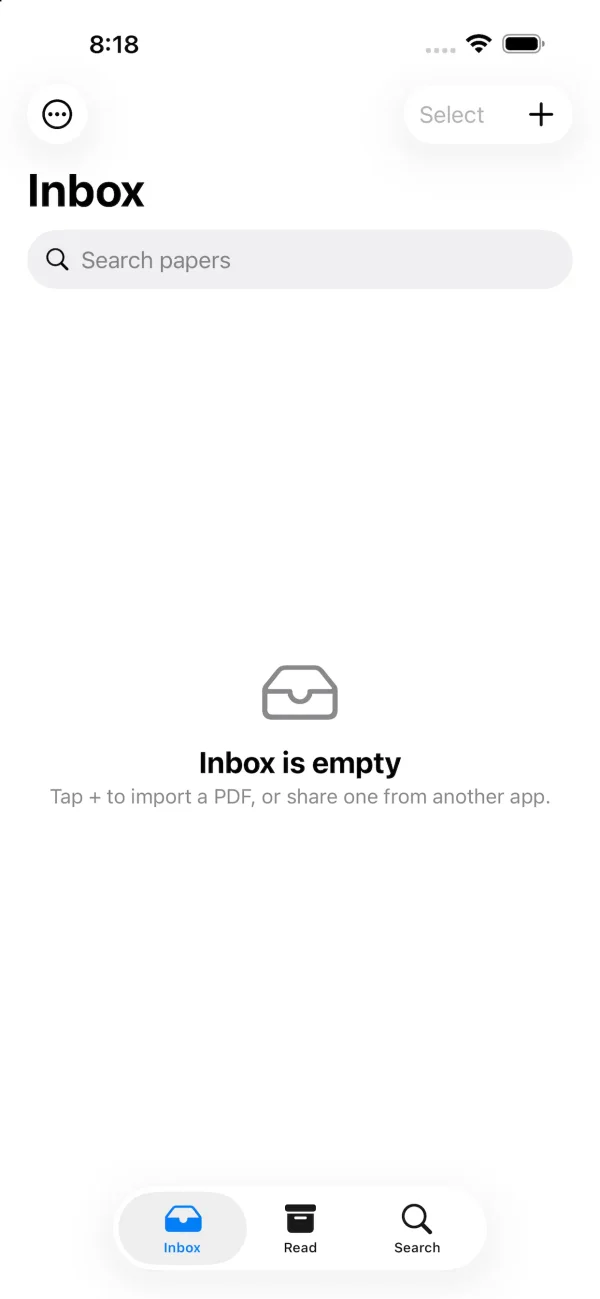
Paper Saver is a read-later app built for research PDFs. Share a paper from Safari, Mail, Files, or any app, and it lands in your Inbox — already titled, ready to read. When you're done, archive it to your Read shelf, where it stays searchable.
SAVE FROM ANYWHERE
Use the share sheet from any app to send a PDF straight to your Inbox. Links and files both work.
TITLES THAT FILL THEMSELVES IN
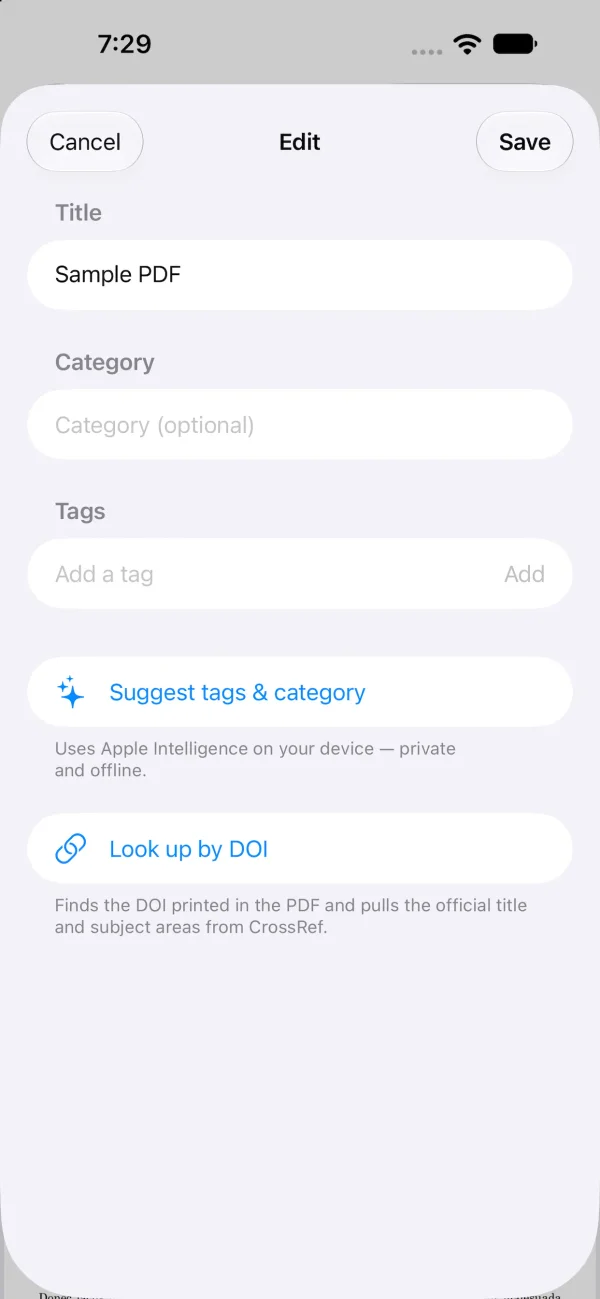
Most saved PDFs have useless filenames. PaperOrganizer reads the DOI printed in the paper and pulls the real title, journal, authors, and year from CrossRef — automatically, in the background.
READ AND PICK UP WHERE YOU LEFT OFF
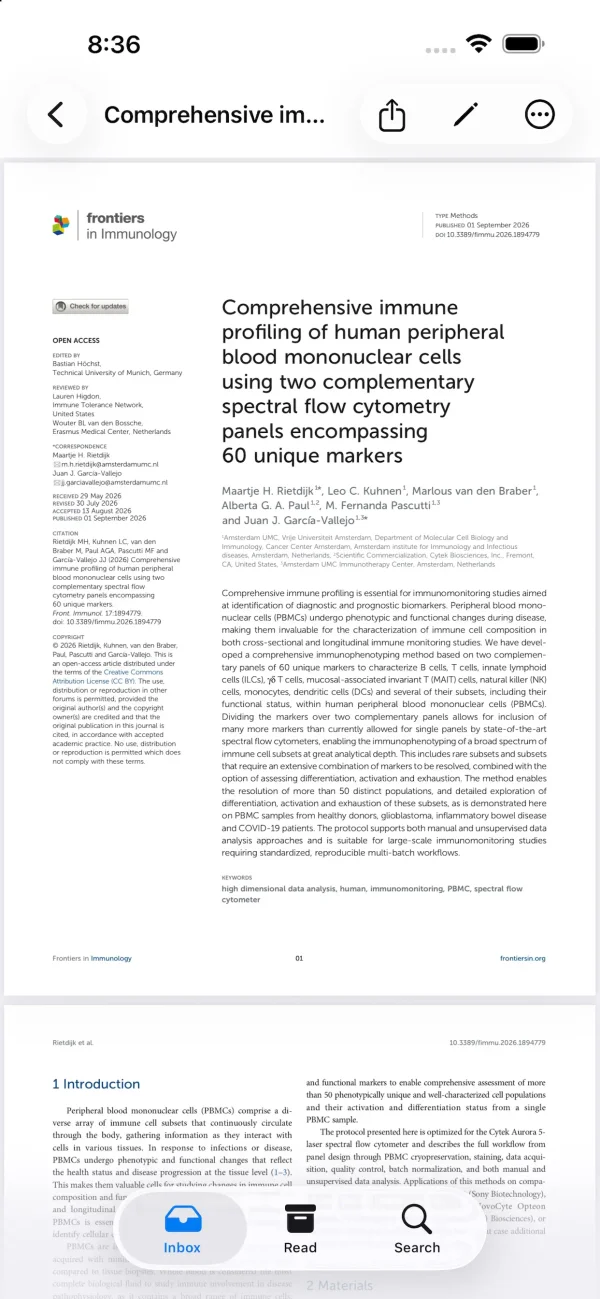
A clean built-in reader remembers your page in every paper, so you can put one down mid-read and come back days later.
FIND PAPERS WITHOUT LEAVING THE APP
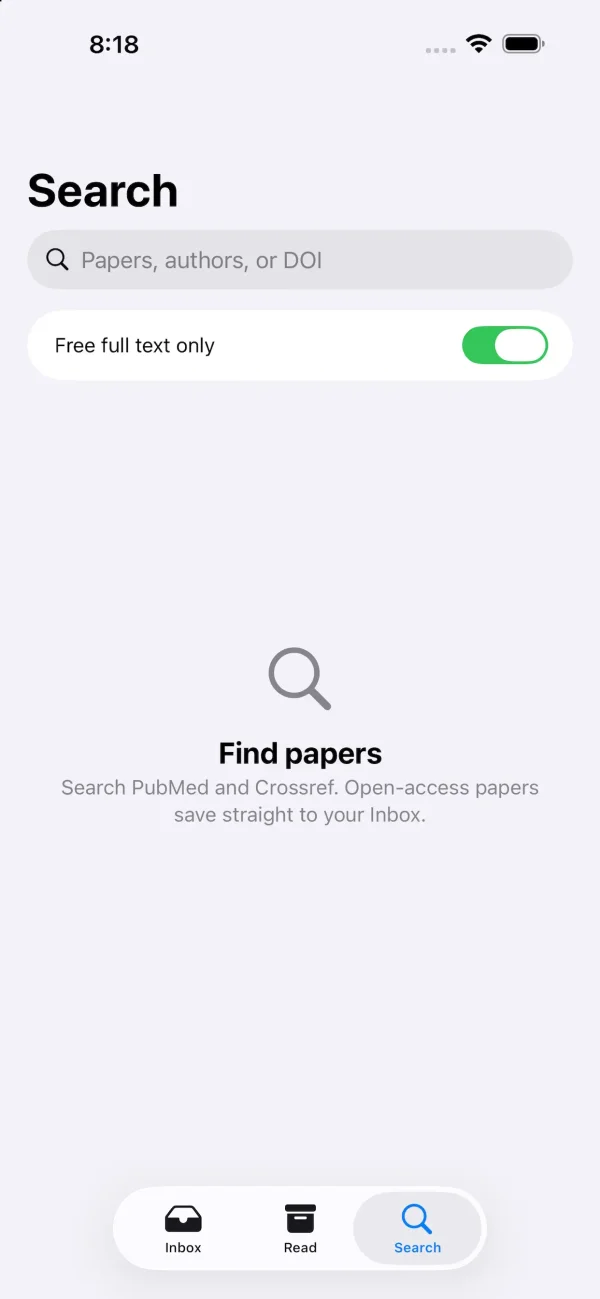
Search PubMed and Crossref by keyword, author, or DOI. Open-access papers save
straight to your Inbox with their details already filled in. Everything else
opens at the publisher, where your own access applies.
ORGANIZE WITHOUT THE BUSYWORK
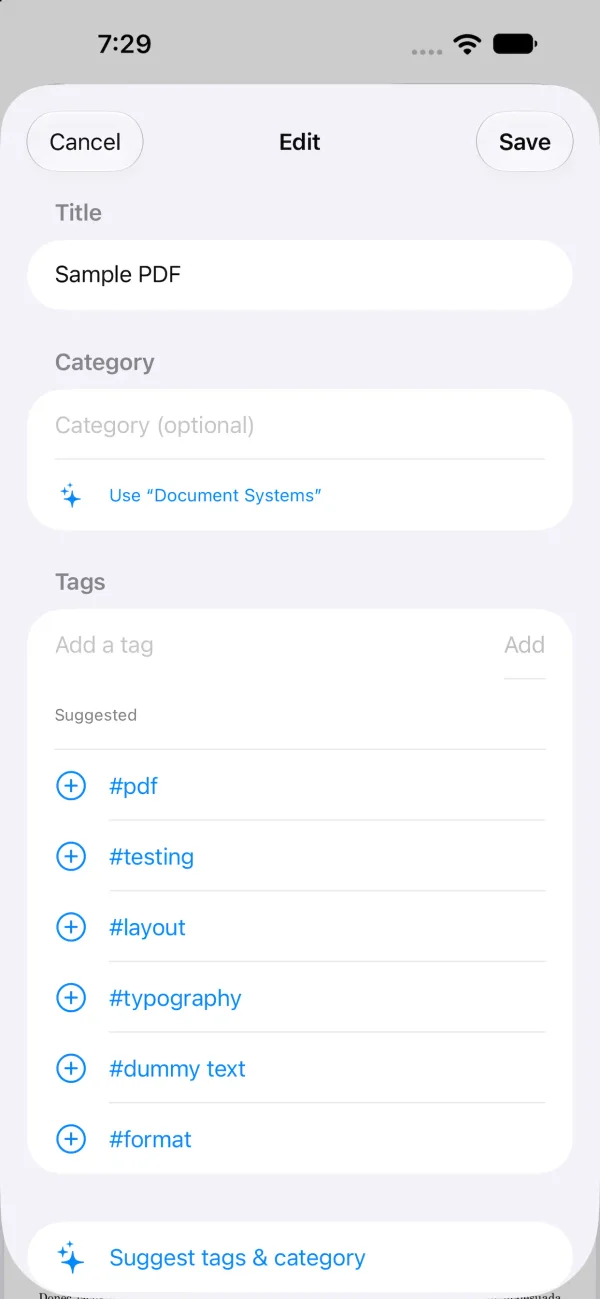
Tag papers, file them into categories, and your Inbox groups itself into sections automatically. Reuse categories you've already created with a tap.
ON-DEVICE AI SUGGESTIONS
Let your iPhone suggest tags and a category by reading the paper. It runs entirely on your device with Apple Intelligence — nothing is uploaded, and it works offline. Available on Apple Intelligence-capable devices; a simpler keyword suggestion is used otherwise.
SEARCH INSIDE YOUR PAPERS
Search matches titles, tags, categories, and the text inside the PDFs themselves.
CITATIONS IN ONE TAP
Copy a BibTeX or RIS citation for any identified paper, ready to paste into your reference manager or manuscript.
MANAGE IN BULK
Select multiple papers to share or delete them at once.
YOUR LIBRARY, ON YOUR DEVICES
Papers sync privately through your own iCloud account.
PRIVATE BY DESIGN
Your papers stay on your device and in your personal iCloud. There are no accounts, no tracking, and no ads. The only thing ever sent to the internet is a DOI, used to look up publication details.
Built by a resident who kept losing papers in a pile of browser tabs.
Novedades
Versión 1.1 · 16/9/2026
Search for papers without leaving the app.
- Search PubMed and Crossref by keyword, author, or DOI
- Open-access papers save straight to your Inbox, with title, journal, authors and year already filled in
- Everything else opens at the publisher, where your own institutional access applies
- Copy a BibTeX or RIS citation for any identified paper
- Search now looks inside your PDFs, not just titles and tags
- Select several papers at once to share or delete them
- Your Inbox now groups papers into sections by category
Privacidad de la aplicación
Lo que Michael Ohene-Adjei declara en App Store sobre cómo esta aplicación gestiona los datos.
-
No se recopilan datos
El desarrollador no recopila ningún dato de esta aplicación.
Las prácticas de privacidad pueden variar, por ejemplo, según las funciones que uses o tu edad.
Información
- Vendedor
- Michael Ohene-Adjei
- Categoría
- Productividad
- Versión
- 1.1
- Actualizado
- 16/9/2026
- Publicado
- 16/9/2026
- Tamaño
- 4,0 MB
- Requiere
- iOS 17.0 o posterior
- Clasificación por edad
- 4+
- Idiomas
- Inglés
- Copyright
- © 2026 Michael Ohene-Adjei
Quizá también te guste
-
 Claire CompanionProductividad
-
 Glimpsed: Screenshot SearchProductividad
-
 Ordo: Brain DumpProductividad
-
 Quad To-Do: Tareas EisenhowerPrioridades en 4 cuadrantes
-
 copycopy: Copiar y PegarGestor de Portapapeles Privado
-
 Private Writer Markdown EditorProductividad
-
 Titanova: Objetivos y hábitosLista de tareas y temporizador
-
 SnipMark: Captura y marcaAnota, comprime, renombra
-
 Horizon: Calendario esencialResumen, metas y cuenta atrás
-
 SparkPDF: Escáner y FirmaRellena, une y divide PDF