Paper Saver
Search & save research papers
Được thiết kế cho iPhone, iPad, Mac
Miễn phí
- Độ tuổi4+
- Danh mụcHiệu Suất
- Nhà phát triểnMichael Ohene-Adjei
- Ngôn ngữTiếng Anh
- Kích thước4,0 MB
Liên kết đến trang App Store chính thức
Download.org không lưu trữ tệp nào của Paper Saver. Nút này mở trang ứng dụng trên App Store, nơi Michael Ohene-Adjei phát hành ứng dụng. Trang được kiểm tra lần cuối: 22/11/2026.
Ảnh chụp màn hình

Giới thiệu
Nhà phát triển chưa cung cấp nội dung này bằng ngôn ngữ của bạn.
Stumble on a paper you want to read? Save it in one tap and get back to it later.
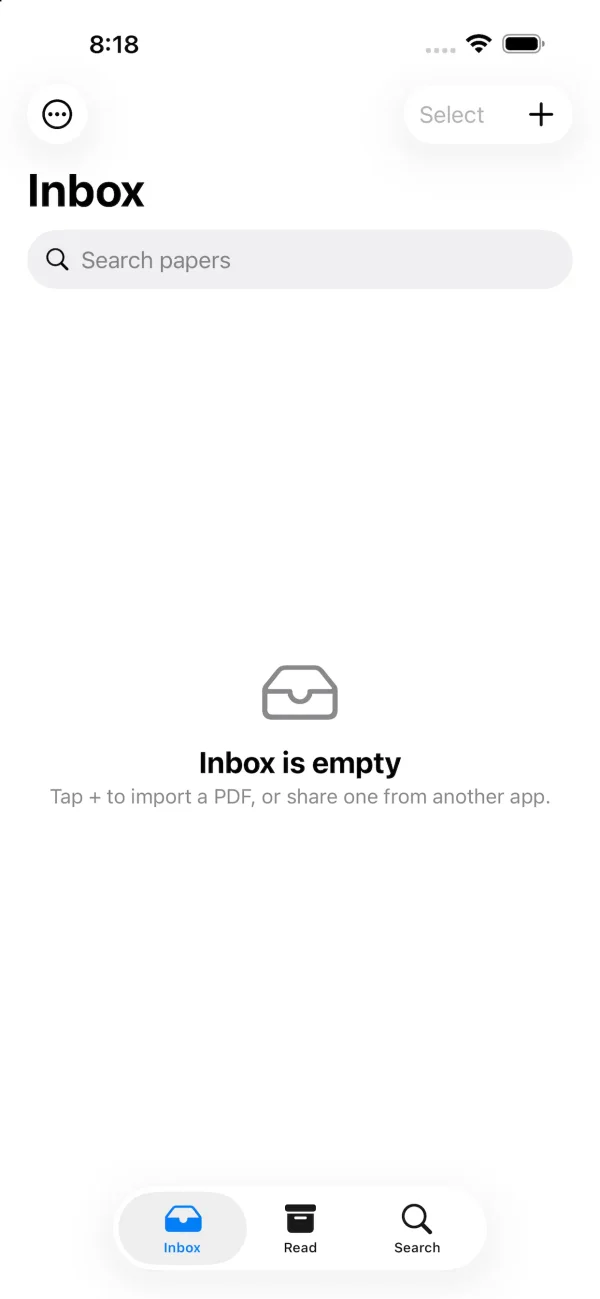
Paper Saver is a read-later app built for research PDFs. Share a paper from Safari, Mail, Files, or any app, and it lands in your Inbox — already titled, ready to read. When you're done, archive it to your Read shelf, where it stays searchable.
SAVE FROM ANYWHERE
Use the share sheet from any app to send a PDF straight to your Inbox. Links and files both work.
TITLES THAT FILL THEMSELVES IN
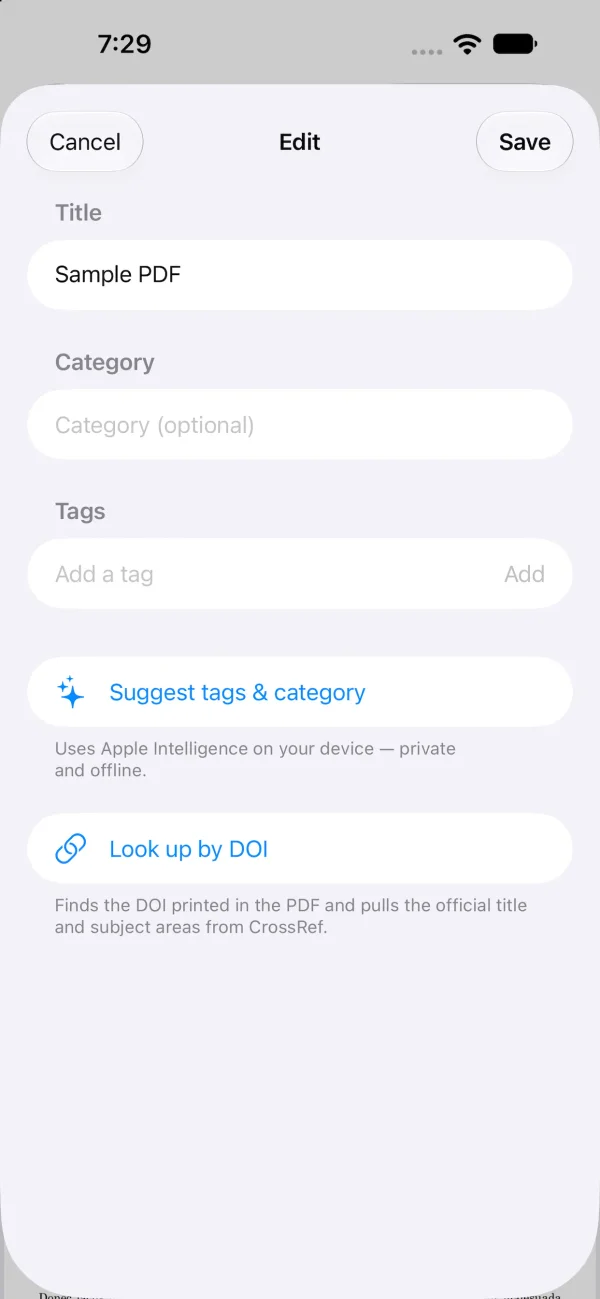
Most saved PDFs have useless filenames. PaperOrganizer reads the DOI printed in the paper and pulls the real title, journal, authors, and year from CrossRef — automatically, in the background.
READ AND PICK UP WHERE YOU LEFT OFF
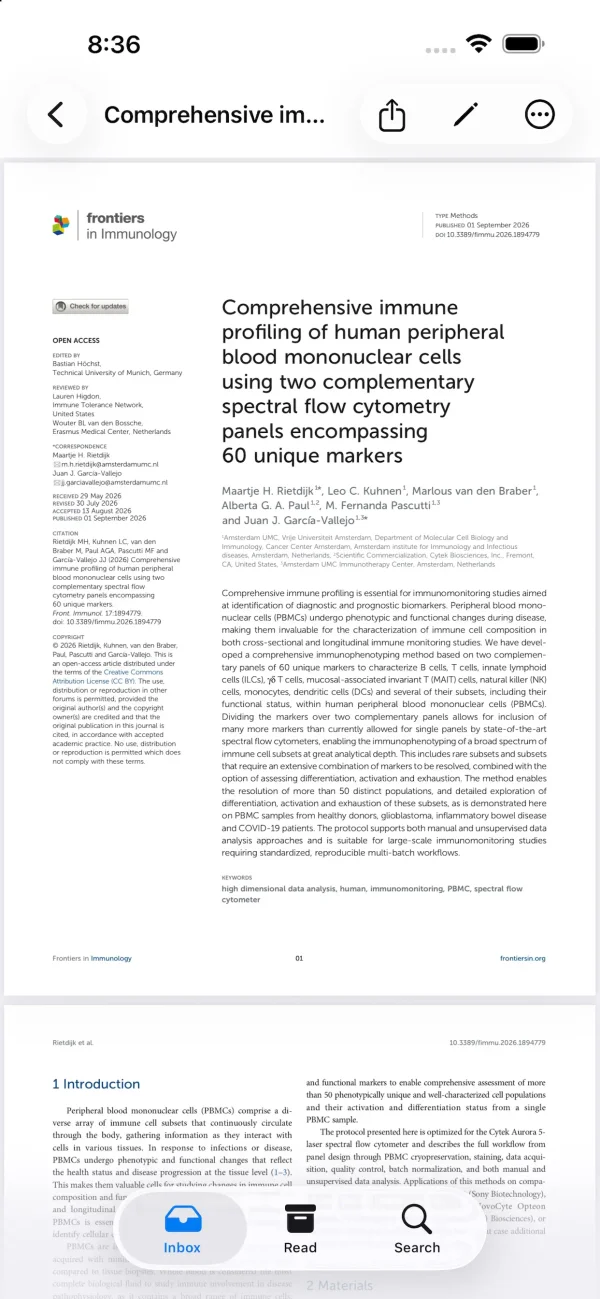
A clean built-in reader remembers your page in every paper, so you can put one down mid-read and come back days later.
FIND PAPERS WITHOUT LEAVING THE APP
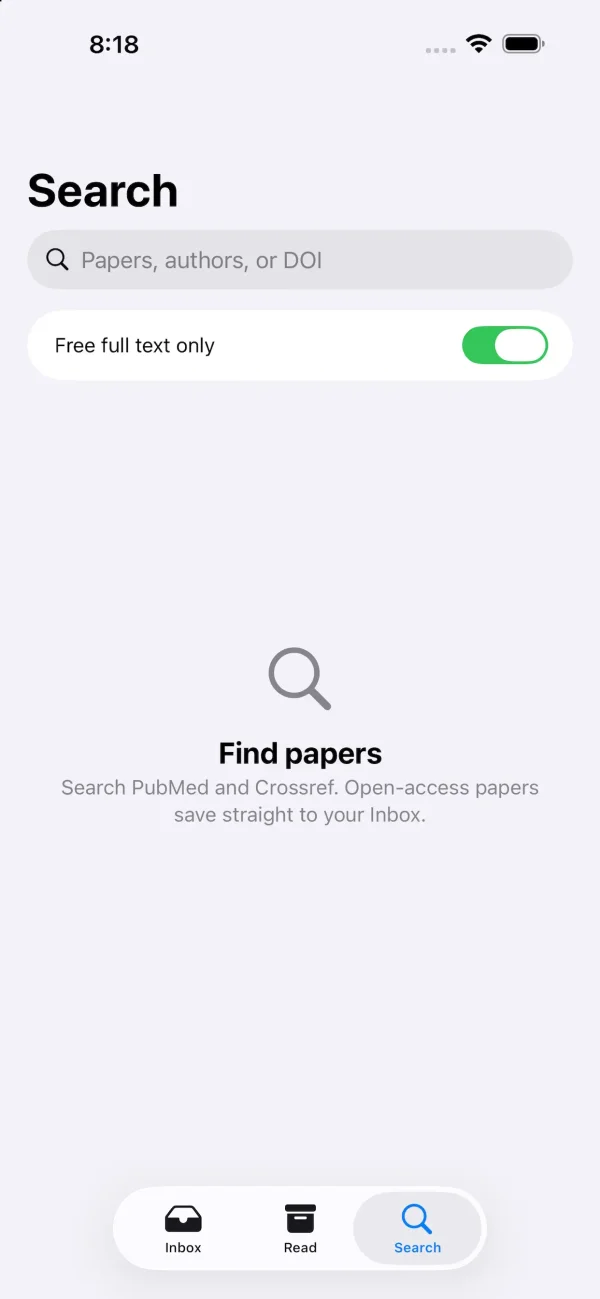
Search PubMed and Crossref by keyword, author, or DOI. Open-access papers save
straight to your Inbox with their details already filled in. Everything else
opens at the publisher, where your own access applies.
ORGANIZE WITHOUT THE BUSYWORK
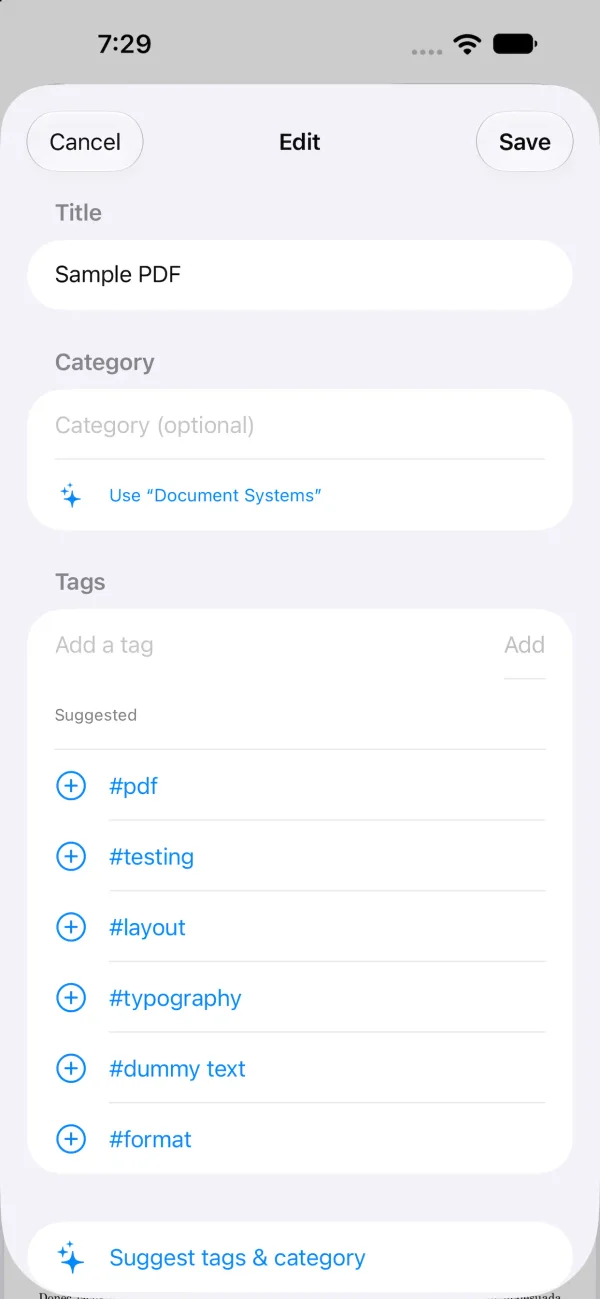
Tag papers, file them into categories, and your Inbox groups itself into sections automatically. Reuse categories you've already created with a tap.
ON-DEVICE AI SUGGESTIONS
Let your iPhone suggest tags and a category by reading the paper. It runs entirely on your device with Apple Intelligence — nothing is uploaded, and it works offline. Available on Apple Intelligence-capable devices; a simpler keyword suggestion is used otherwise.
SEARCH INSIDE YOUR PAPERS
Search matches titles, tags, categories, and the text inside the PDFs themselves.
CITATIONS IN ONE TAP
Copy a BibTeX or RIS citation for any identified paper, ready to paste into your reference manager or manuscript.
MANAGE IN BULK
Select multiple papers to share or delete them at once.
YOUR LIBRARY, ON YOUR DEVICES
Papers sync privately through your own iCloud account.
PRIVATE BY DESIGN
Your papers stay on your device and in your personal iCloud. There are no accounts, no tracking, and no ads. The only thing ever sent to the internet is a DOI, used to look up publication details.
Built by a resident who kept losing papers in a pile of browser tabs.
Có gì mới
Phiên bản 1.1 · 16/09/2026
Search for papers without leaving the app.
- Search PubMed and Crossref by keyword, author, or DOI
- Open-access papers save straight to your Inbox, with title, journal, authors and year already filled in
- Everything else opens at the publisher, where your own institutional access applies
- Copy a BibTeX or RIS citation for any identified paper
- Search now looks inside your PDFs, not just titles and tags
- Select several papers at once to share or delete them
- Your Inbox now groups papers into sections by category
Quyền riêng tư của ứng dụng
Những gì Michael Ohene-Adjei khai báo trên App Store về cách ứng dụng này xử lý dữ liệu.
-
Dữ liệu không được thu thập
Nhà phát triển không thu thập bất kỳ dữ liệu nào từ ứng dụng này.
Phương thức đảm bảo quyền riêng tư có thể khác nhau, chẳng hạn như tuỳ theo các tính năng bạn sử dụng hoặc độ tuổi của bạn.
Thông tin
- Người bán
- Michael Ohene-Adjei
- Danh mục
- Hiệu Suất
- Phiên bản
- 1.1
- Cập nhật
- 16/09/2026
- Phát hành
- 16/09/2026
- Kích thước
- 4,0 MB
- Yêu cầu
- iOS 17.0 trở lên
- Độ tuổi
- 4+
- Giá
- Miễn phí
- Ngôn ngữ
- Tiếng Anh
- Bản quyền
- © 2026 Michael Ohene-Adjei
Có thể bạn cũng thích
-
 Claire CompanionHiệu Suất
-
 Glimpsed: Ảnh Chụp Màn HìnhTìm & sao chép chữ trong ảnh
-
 Ordo: Brain DumpHiệu Suất
-
 Quad To-Do: Eisenhower MatrixHiệu Suất
-
 copycopy: Copy & Paste HistoryHiệu Suất
-
 Private Writer Markdown EditorHiệu Suất
-
 Titanova: Life PlannerHiệu Suất
-
 SnipMark: Chụp & Đánh dấuChú thích, nén, đổi tên
-
 Horizon: Calendar HighlightsHiệu Suất
-
 SparkPDF: Quét, Ký & ĐiềnQuét tài liệu, ký & điền PDF