pCAM Pro - Camera Tools
DoF, FoV, Preview
Diseñada para iPhone, iPad
39,99 € · Compras en la aplicación
- Clasificación por edad4+
- CategoríaFoto y vídeo
- DesarrolladorDavid Eubank
- IdiomasInglés
- Tamaño42,0 MB
Enlaza a la página oficial de App Store
Download.org no aloja ningún archivo de pCAM Pro - Camera Tools. El botón abre la página de la aplicación en App Store, donde la publica David Eubank. Ficha comprobada por última vez el 12/11/2026.
Capturas de pantalla
Acerca de
El desarrollador no ha proporcionado este texto en tu idioma.
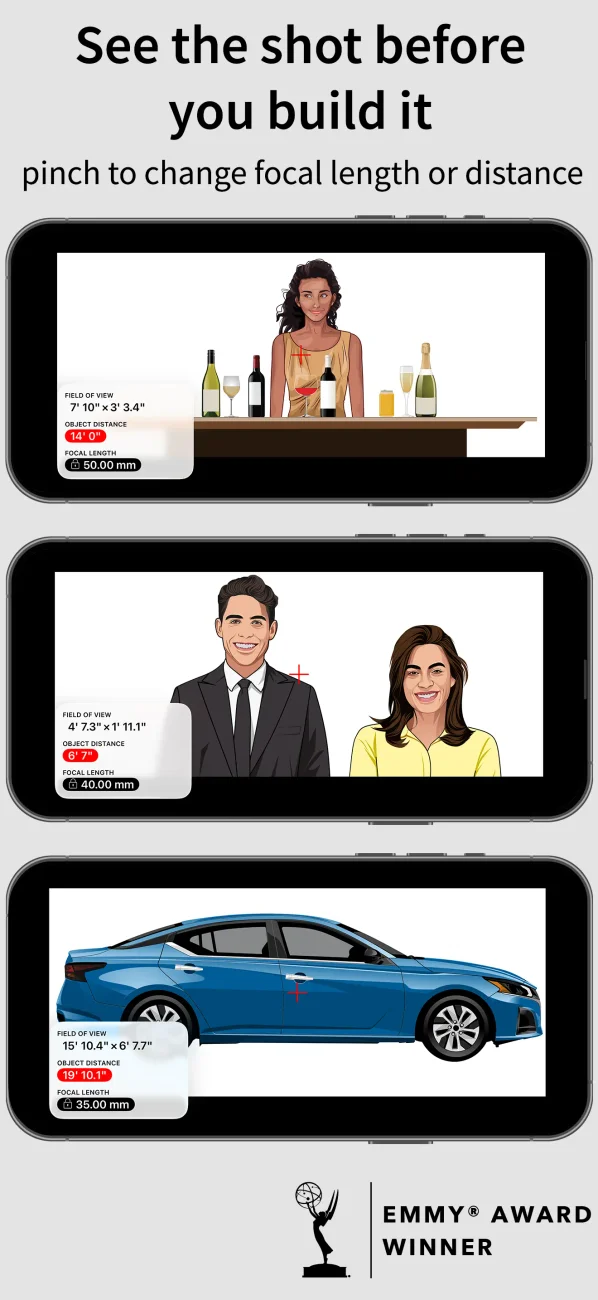
Plan shots, choose lenses, calculate exposure, and pre-visualize the frame in seconds.
27 pro tools. Every result illustrated. 2,000+ camera formats plus unlimited user-defined formats.
I've deliberately kept pCAM Pro a one-time purchase, with none of the subscriptions that have crept into so many apps.
• Universal app for iPhone, iPad, Apple Silicon Mac, and Apple Vision Pro
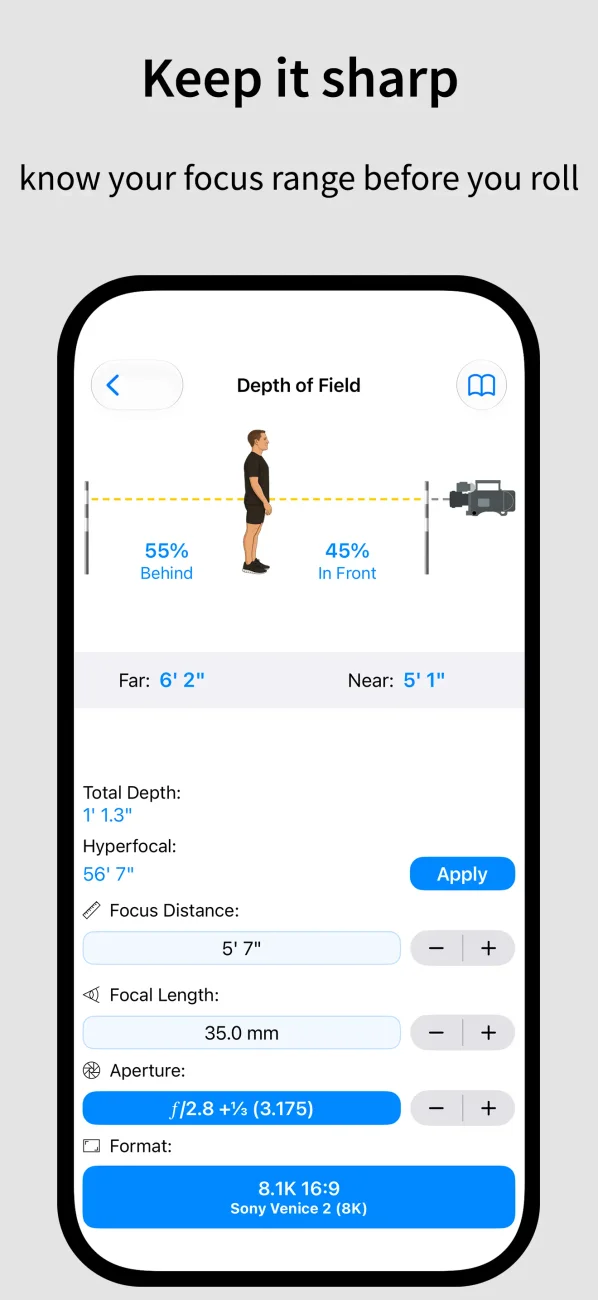
• Depth of Field (hyperfocal, total depth, near and far, image circle)
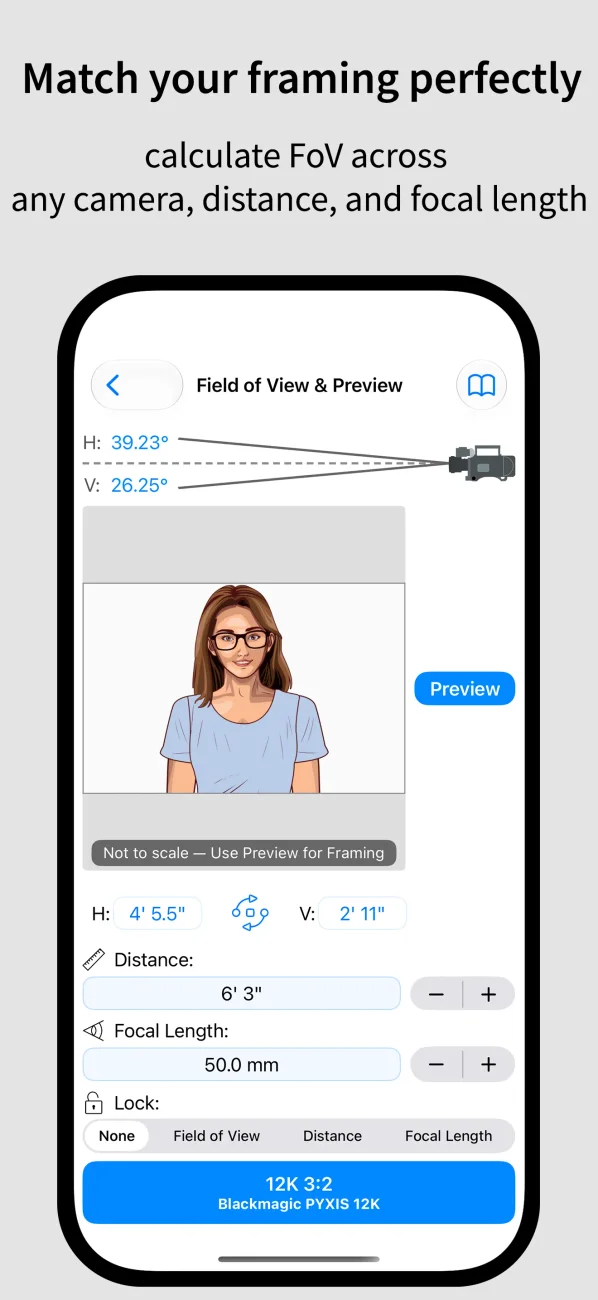
• Field of View (and angle of view)
• Field of View Preview in both Portrait & Landscape camera positions (8 images to pre-visualize & size shots by distance & focal length)
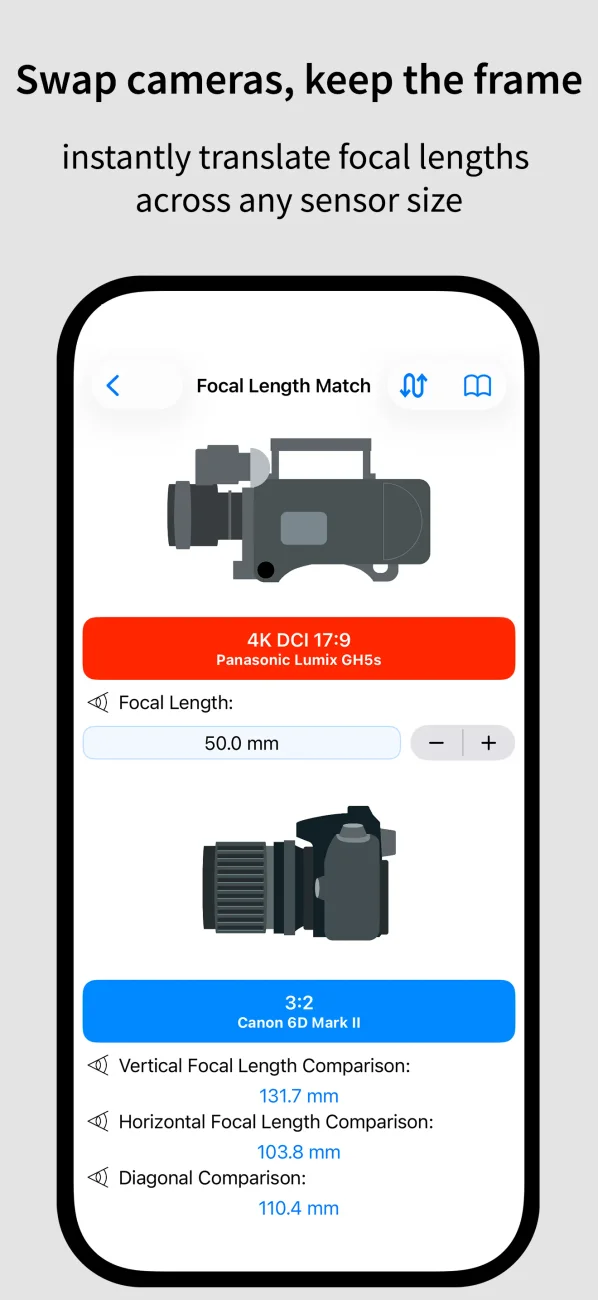
• Focal Length (lens) Matching — match to horizontal, vertical, or diagonal dimensions
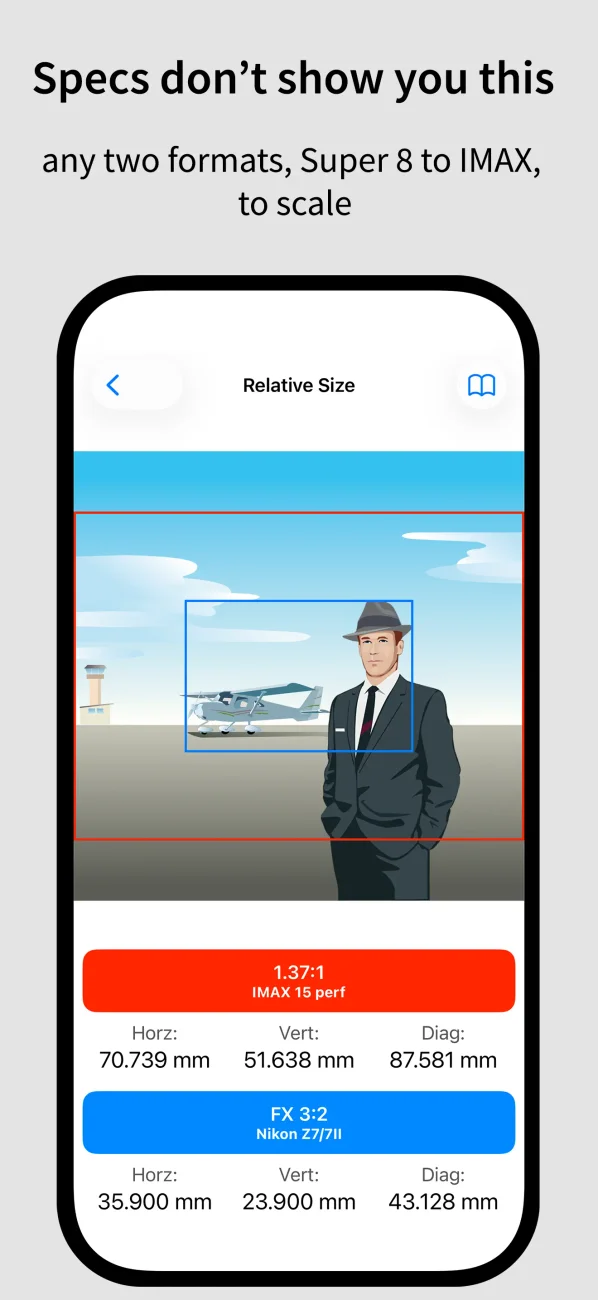
• Relative Size (compares sensors)
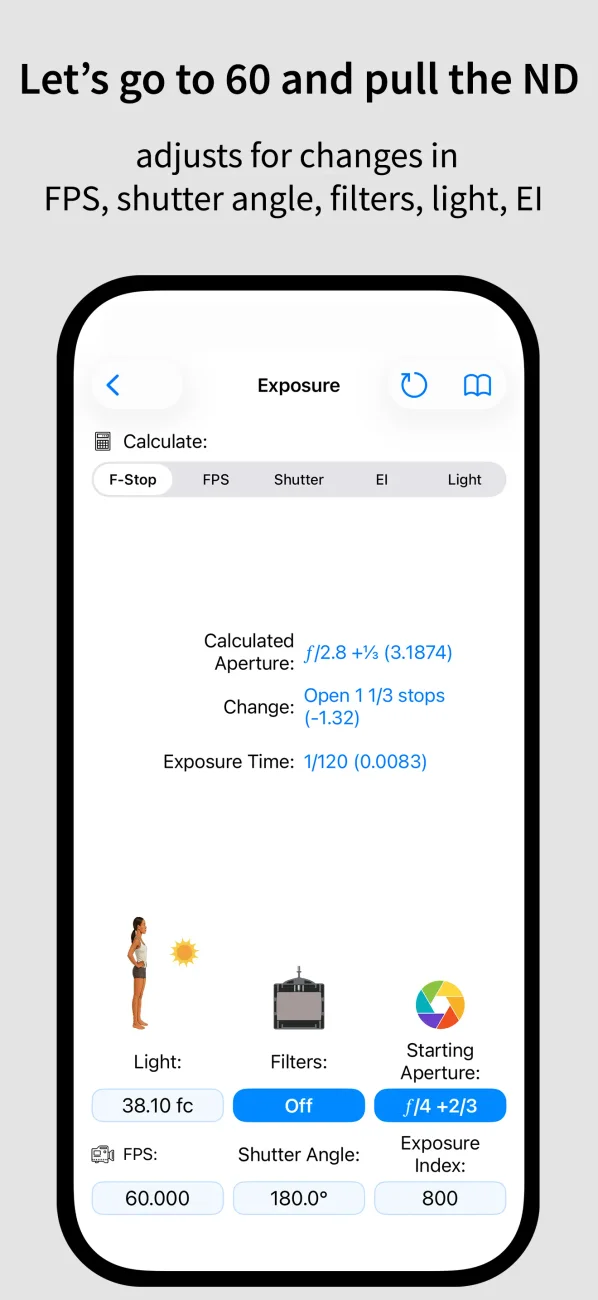
• Exposure calculations
• HMI Flicker-free (safe shutters & safe camera speeds)
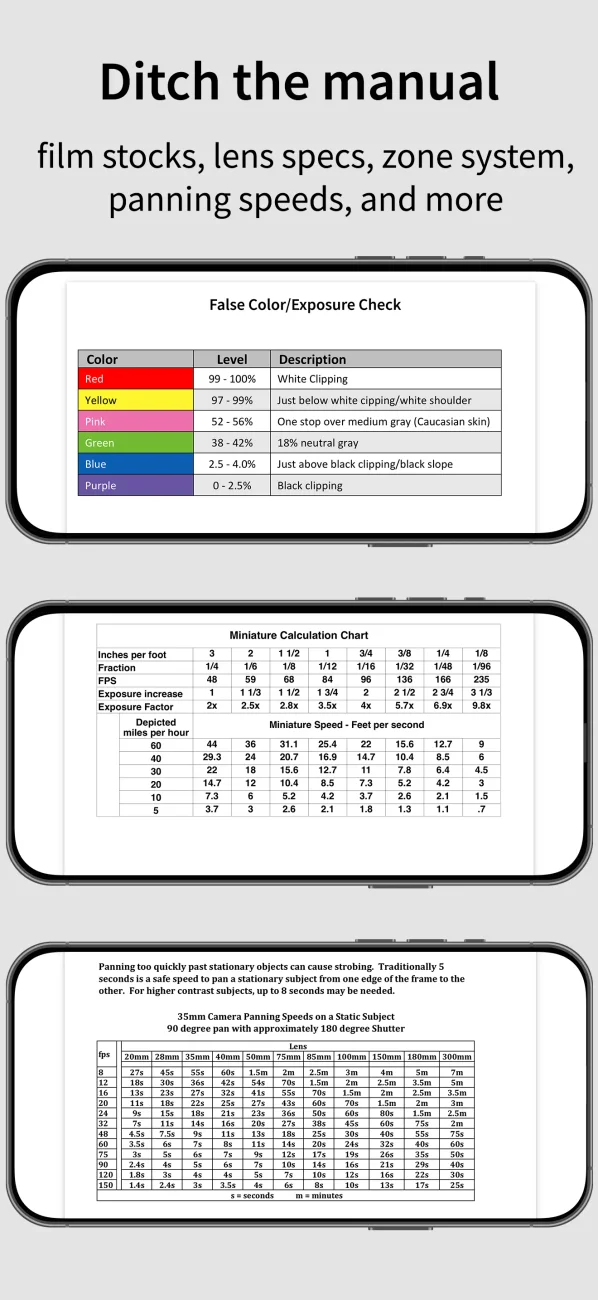
• Reference (technical charts, lists & tables. Cine film stocks with film can labels, cine lens specs, false color/exposure change, diopter distance table, miniature shooting, safe panning speeds, zone system)
• Insert Slate (4 font colors plus white or black backgrounds)
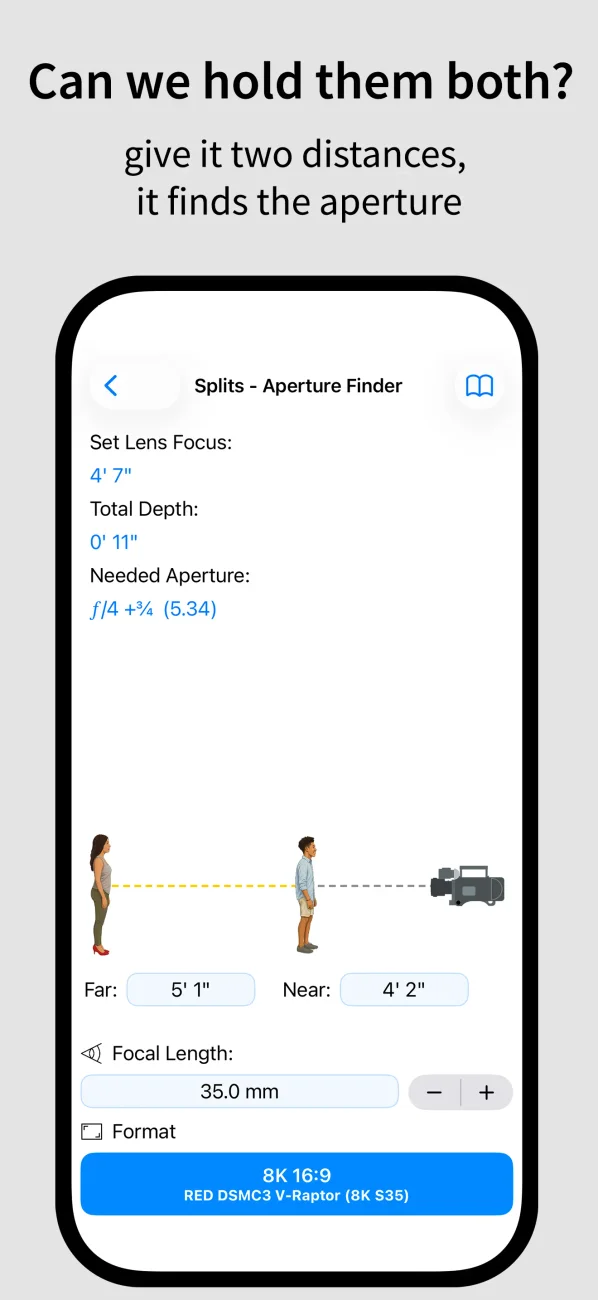
• Splits — Aperture Finder calculation
• Speed Booster® Adapter — calculate reduced Focal Length & Boosted Aperture with various adapters. Also create camera format profiles with attached adapters for use in other tools
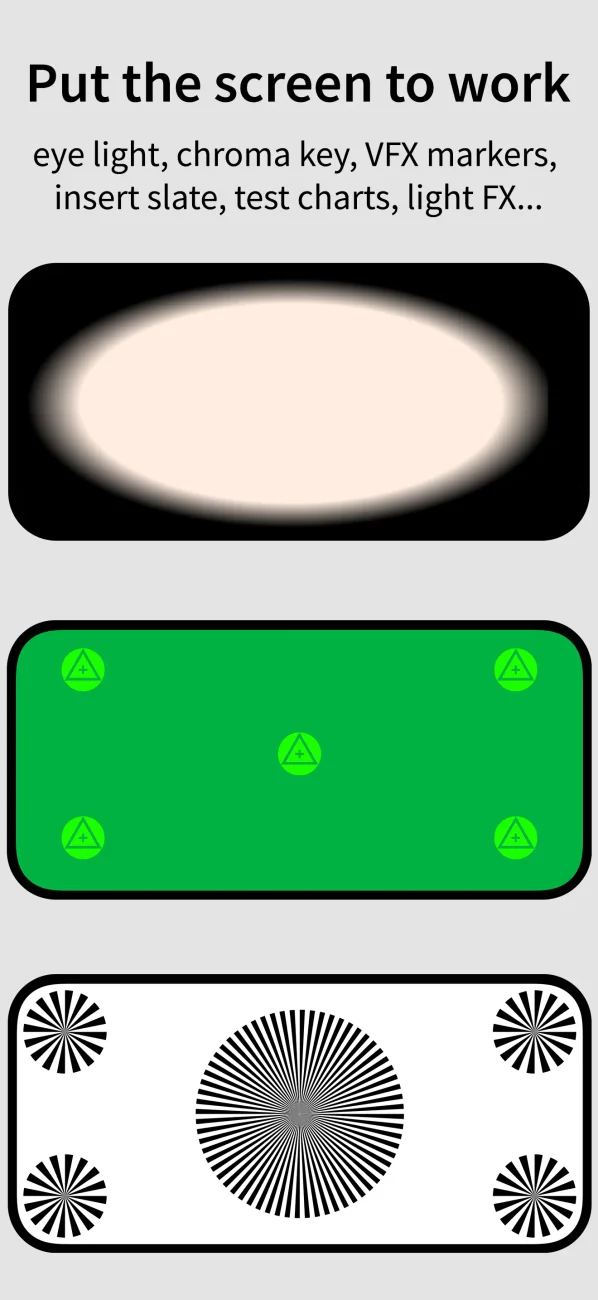
• Eye Light (soft-edged light shapes — Full Screen, Oval, Ring, and Strip)
• Chroma Key & VFX Tracking (green and blue screen and VFX tracking markers)
• Light Effects for handheld light or via Apple AirPlay to HDTV. Includes templates for: fire, television, siren, neon, strobe, flashbulb, lightning. Create unlimited custom animations
• Mired Shift — Gel Selector
• Conversion calculator
• 4 Test Charts (incl. Siemens Star)
• Triangulate calculation (calculate distances, image circle, etc.)
• Film Running Time to Length
• Shooting to Screen Time
• Color Correction (chooses color correction filters)
• Time Lapse (shooting interval, event duration, screen time)
• Scene Illumination (beam intensity)
• Light Coverage (width/distance)
• Underwater Distance
• Diopter (lens focus, diopter power)
• Macro (object distance, magnification, corrected stop, DoF, object size, image size, fill percentage)
• Built-in user guides on each screen
• Calculates instantly & automatically as each entry is entered
• 2,000+ camera formats plus unlimited customizable, user-defined camera formats, CoC & filters
• Designed by a working camera technician who understands that calculations must be done simply and on-the-run
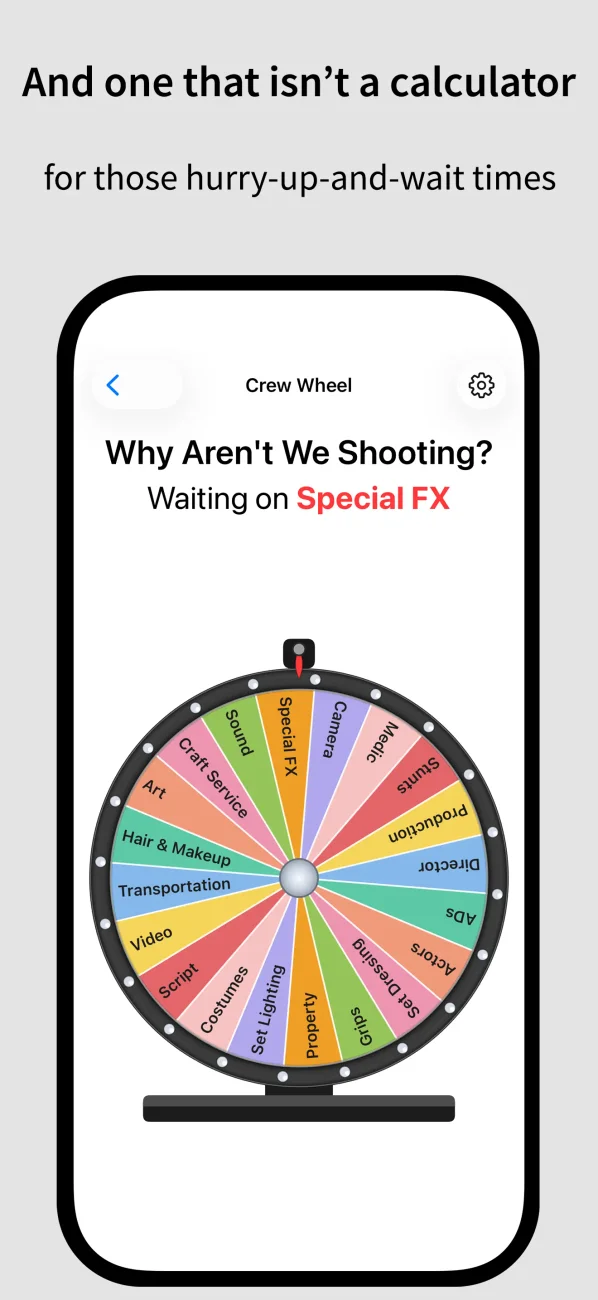
AND ONE THING THAT ISN'T A CALCULATOR
Crew Wheel — spin to settle who's buying the coffee. Not a tool, just a small gift for the standing-around time. Every long day needs one.
TRUSTED WORLDWIDE BY
DPs, Photographers, Camera Assistants, Camera Operators, Production Designers, VFX, Videographers, Gaffers, plus Film, Television, and Digital Media students.
INDUSTRY RECOGNITION
• Membership in the Academy of Motion Picture Arts and Sciences (Production and Technology Branch).
• 75th Primetime Emmy Awards — Emmy® for "Outstanding Achievement in Engineering, Science & Technology" from the Academy of Television Arts & Sciences.
• 62nd Primetime Emmy Awards — Engineering Plaque for "Outstanding Achievement in Engineering Development" from the Academy of Television Arts & Sciences.
• Technical Achievement Award from Society of Camera Operators — "For outstanding contributions to cinematography through the design and development of the pCAM Film+Digital Calculator."
Novedades
Versión 2.4.8 · 24/10/2026
IMPROVEMENTS
• iPhone Duo: Insert Slate fills the closed screen; VFX tracking markers sit in the true corners.
• Minor updates and performance refinements.
FROM THE DEVELOPER
• Tip Jar in Settings—optional, unlocks nothing, and the only thing I'll ever ask. I've deliberately kept pCAM Pro a one-time purchase, with none of the subscriptions that have crept into so many apps. If it's earned a place in your kit, a tip genuinely helps keep a one-person project going.
• Prefer to help for free? A quick rating or review ('Review App' in Settings) boosts visibility so more crews can find it.
• Questions or issues: 'Contact Support' in Settings (opens in your default mail app), or tool guides via the book icon (top left).
Privacidad de la aplicación
Lo que David Eubank declara en App Store sobre cómo esta aplicación gestiona los datos.
-
No se recopilan datos
El desarrollador no recopila ningún dato de esta aplicación.
Las prácticas de privacidad pueden variar, por ejemplo, según las funciones que uses o tu edad.
Información
- Vendedor
- David Eubank
- Categoría
- Foto y vídeo
- Versión
- 2.4.8
- Actualizado
- 24/10/2026
- Publicado
- 20/12/2018
- Tamaño
- 42,0 MB
- Requiere
- iOS 17.0 o posterior
- Clasificación por edad
- 4+
- Precio
- 39,99 €
- Compras en la aplicación
- Sí
- Idiomas
- Inglés
- Copyright
- © 2009-2026 - David Eubank | All Rights Reserved
Quizá también te guste
-
 ARRI ECSFoto y vídeo
-
 MovieSlate® 8Claqueta, Registro, Informes
-
 ZoeLogReportes cámara cine & TV
-
 LensKit: Lens ToolsFoto y vídeo
-
 Freefly EmberFoto y vídeo
-
 CameraKit: Camera ToolsFoto y vídeo
-
 f8 Lens ToolkitCalculadora de PDC
-
 Teradek ServFoto y vídeo
-
 Tech Scout CameraFoto y vídeo
-
 Teradek RangerFoto y vídeo