- 対象年齢4+
- カテゴリ写真/ビデオ
- 開発元David Eubank
- 言語英語
- サイズ42.0 MB
App Storeの公式ページにリンクしています
Download.orgはpCAM Pro - Camera Toolsのファイルを一切ホストしていません。ボタンを押すと、David Eubankが公開しているApp Storeのアプリページが開きます。ページの最終確認:2026/11/12。
スクリーンショット
概要
開発元はこのテキストをお使いの言語で提供していません。
Plan shots, choose lenses, calculate exposure, and pre-visualize the frame in seconds.
27 pro tools. Every result illustrated. 2,000+ camera formats plus unlimited user-defined formats.
I've deliberately kept pCAM Pro a one-time purchase, with none of the subscriptions that have crept into so many apps.
• Universal app for iPhone, iPad, Apple Silicon Mac, and Apple Vision Pro
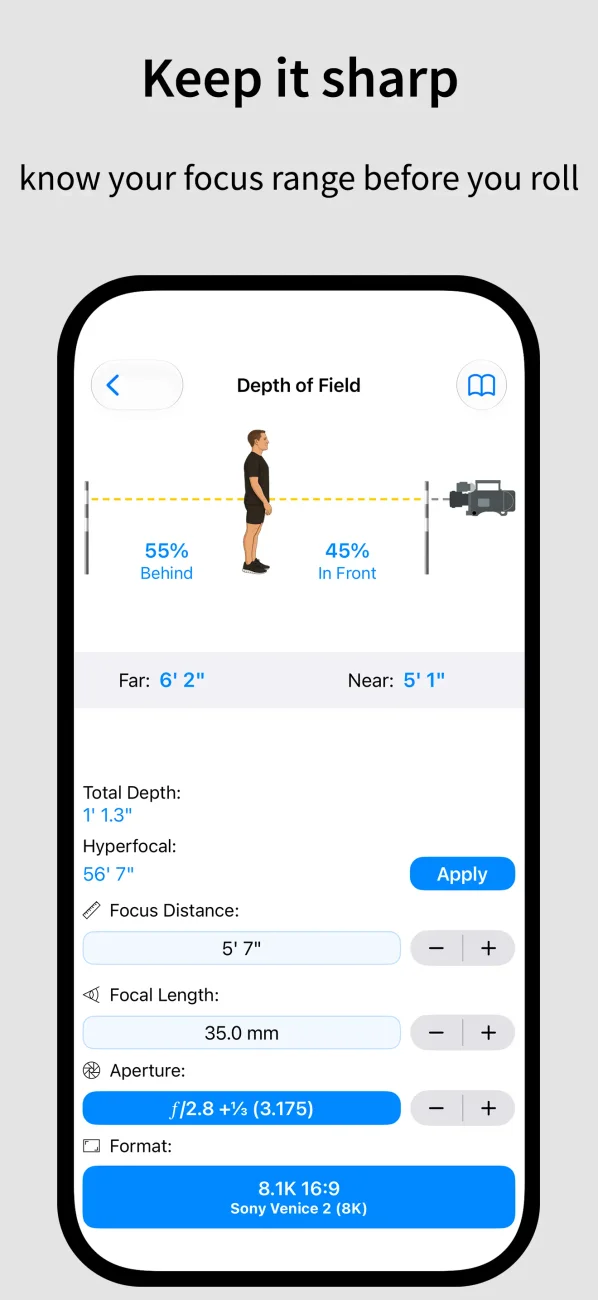
• Depth of Field (hyperfocal, total depth, near and far, image circle)
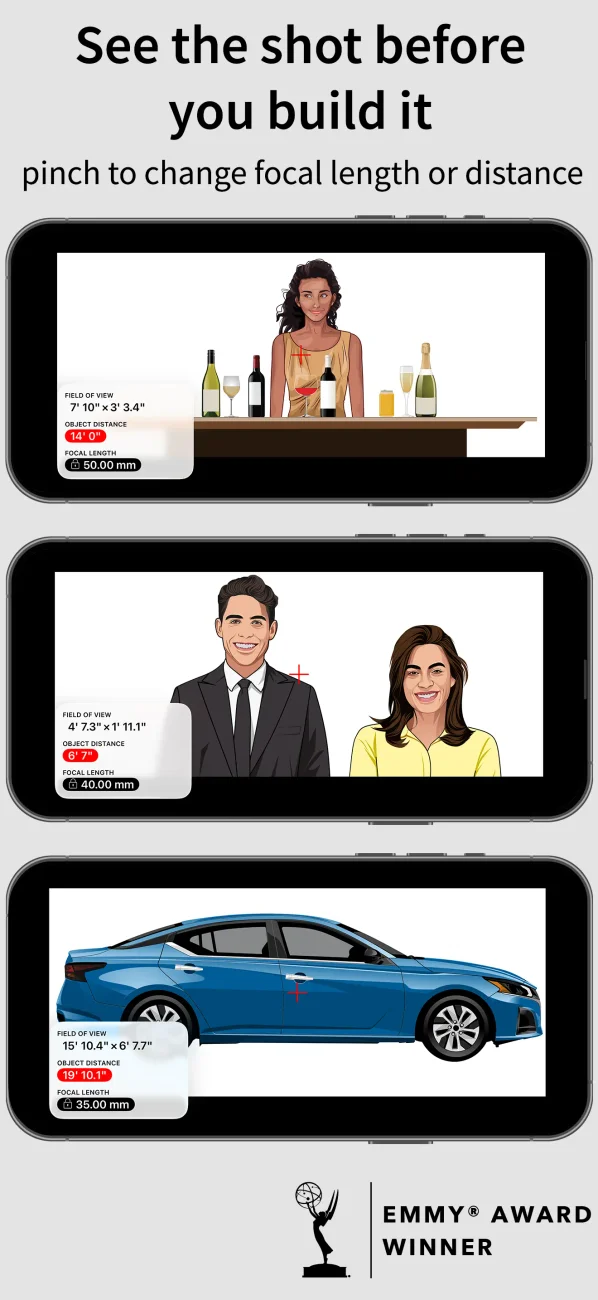
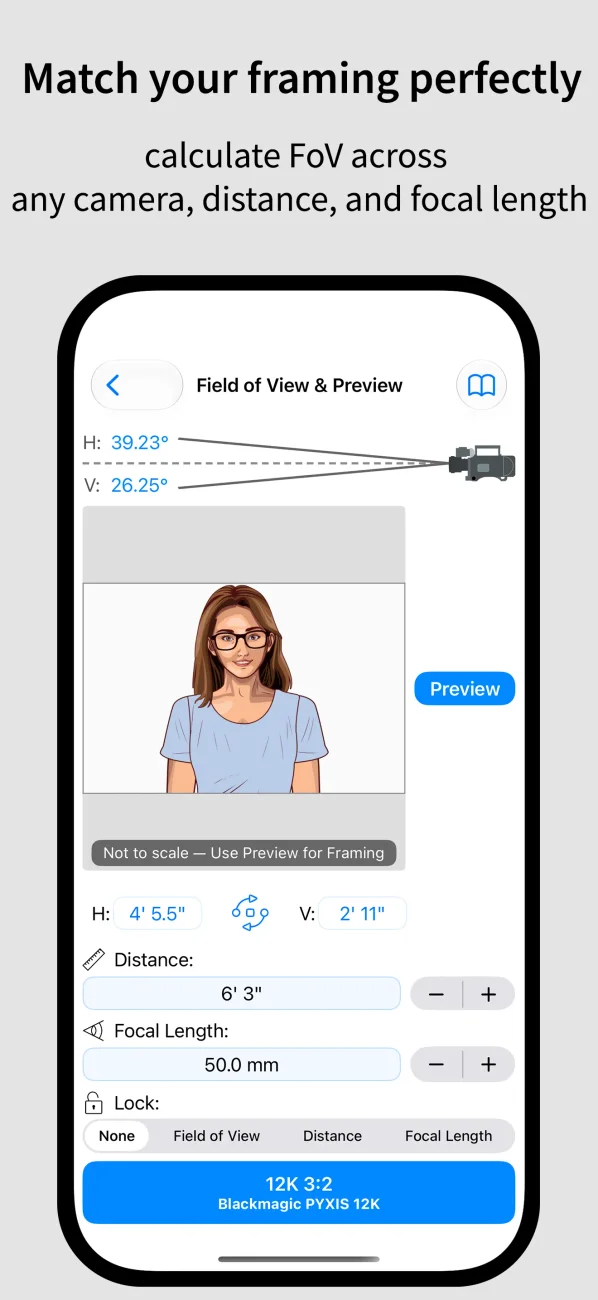
• Field of View (and angle of view)
• Field of View Preview in both Portrait & Landscape camera positions (8 images to pre-visualize & size shots by distance & focal length)
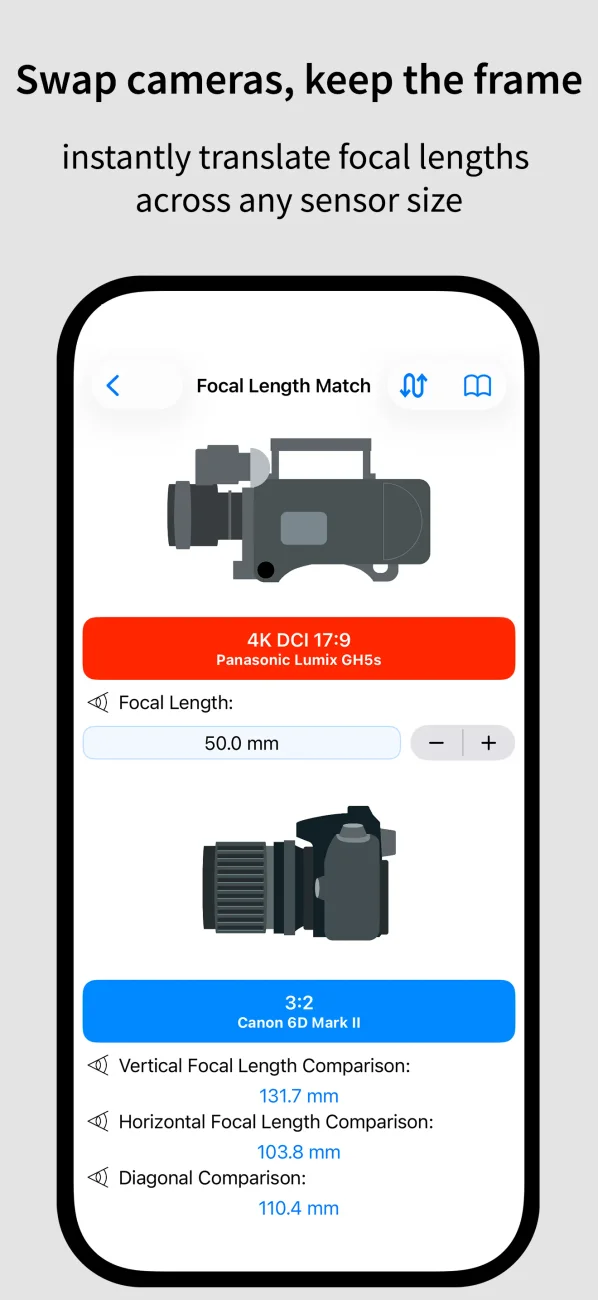
• Focal Length (lens) Matching — match to horizontal, vertical, or diagonal dimensions
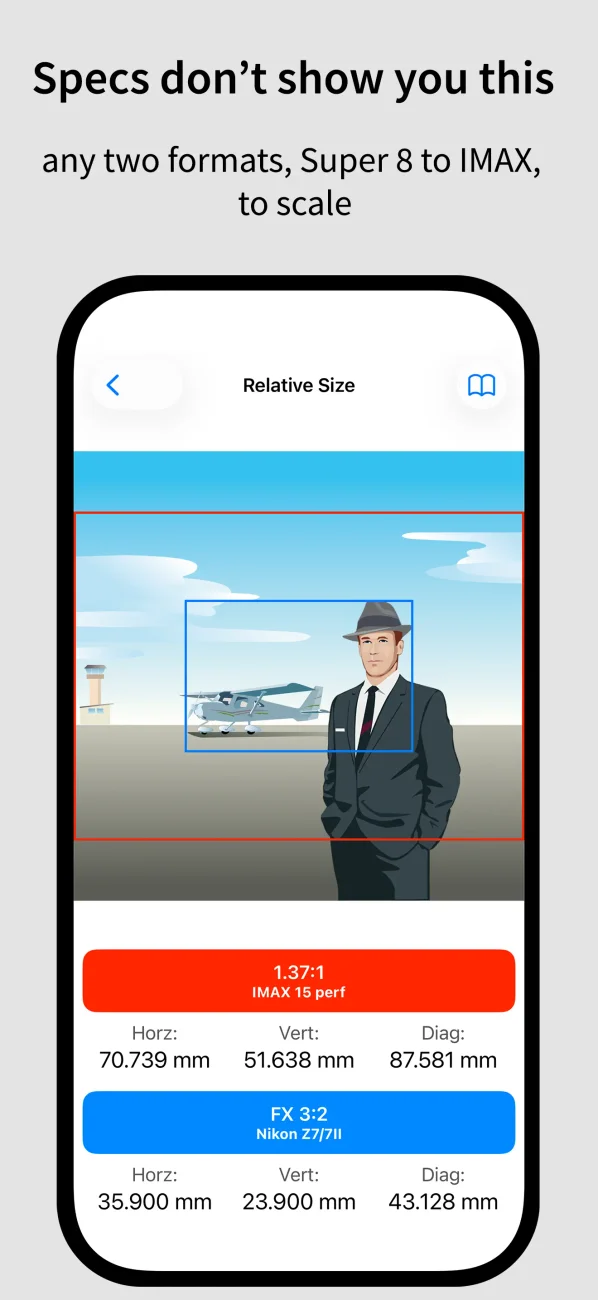
• Relative Size (compares sensors)
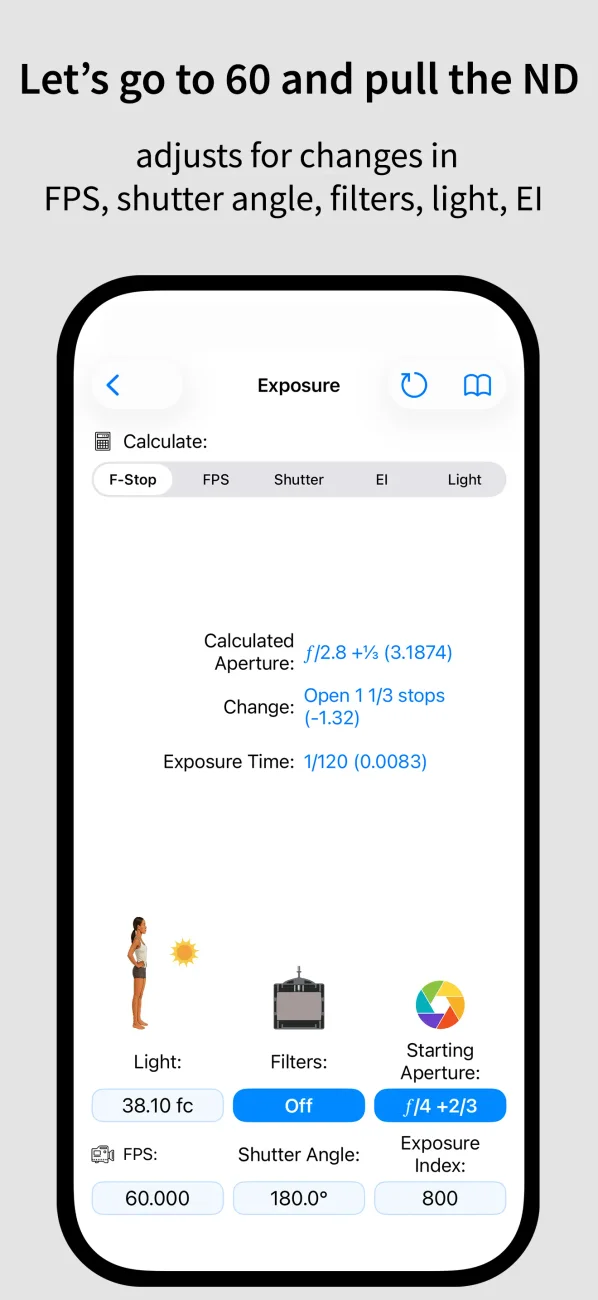
• Exposure calculations
• HMI Flicker-free (safe shutters & safe camera speeds)
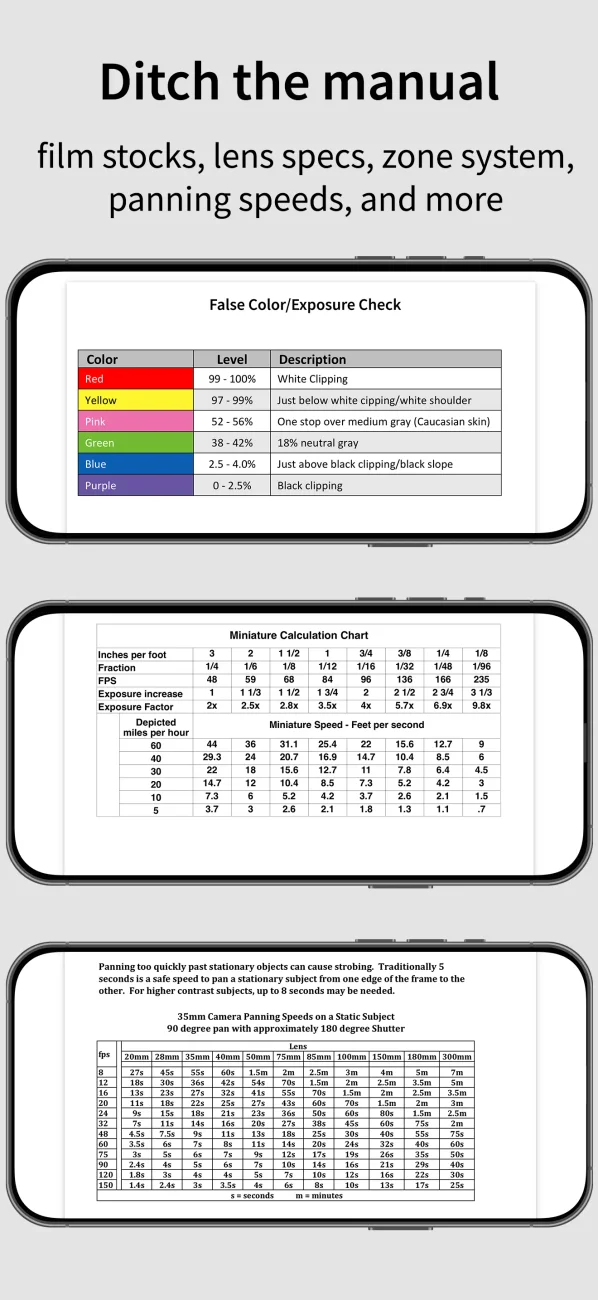
• Reference (technical charts, lists & tables. Cine film stocks with film can labels, cine lens specs, false color/exposure change, diopter distance table, miniature shooting, safe panning speeds, zone system)
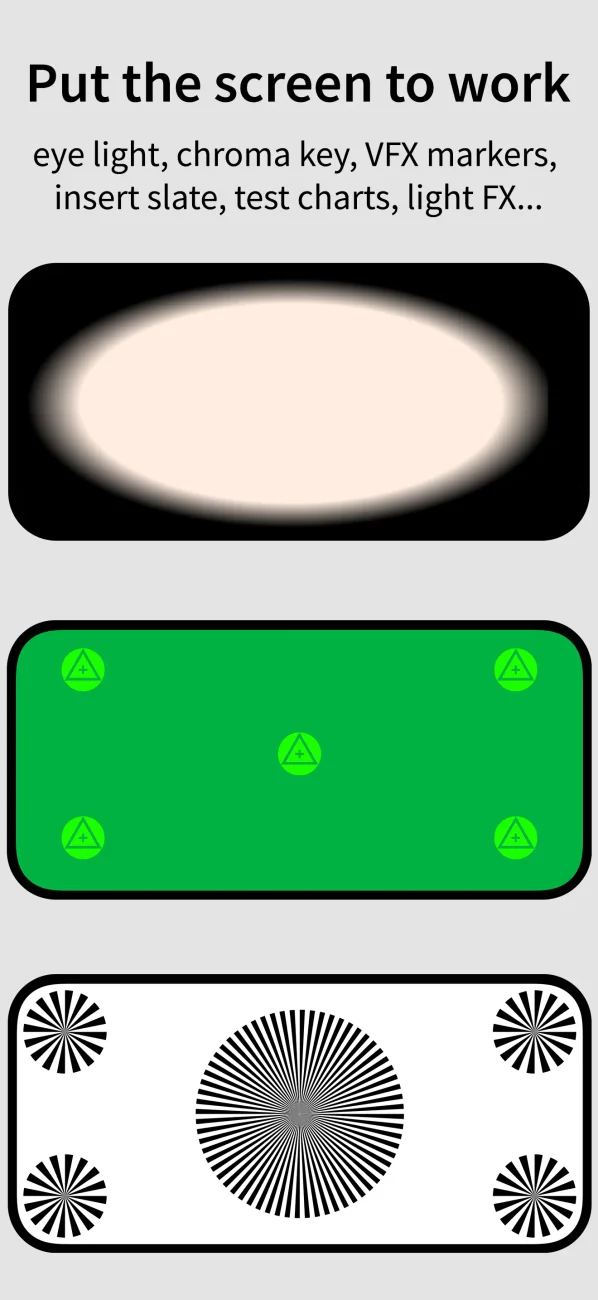
• Insert Slate (4 font colors plus white or black backgrounds)
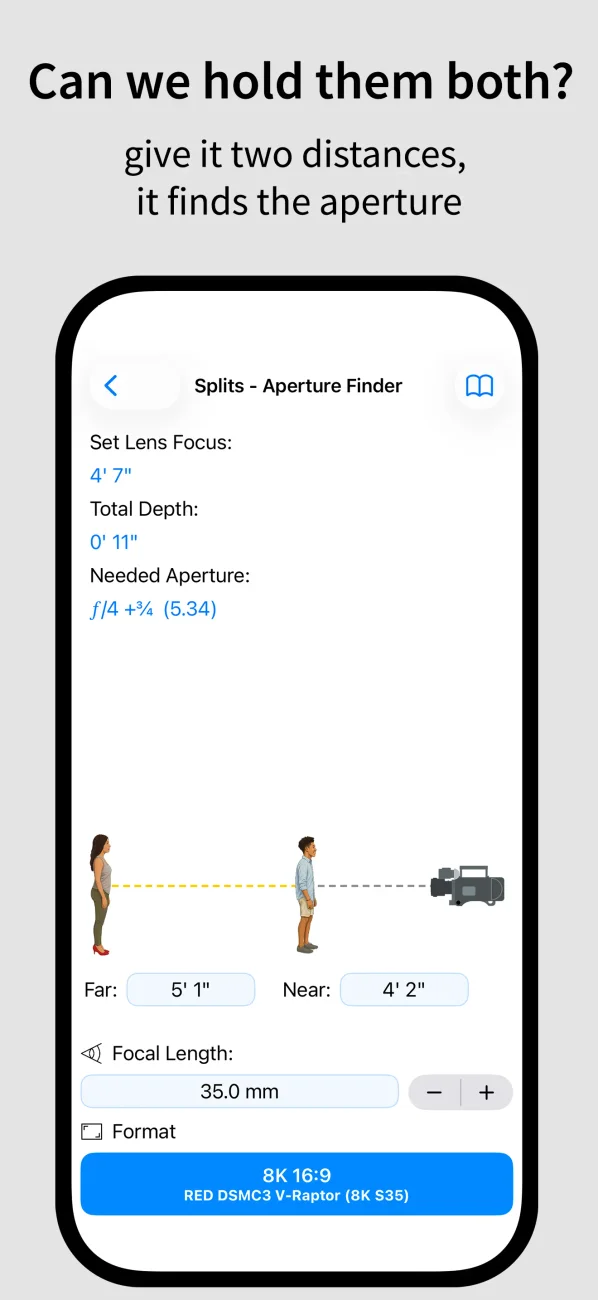
• Splits — Aperture Finder calculation
• Speed Booster® Adapter — calculate reduced Focal Length & Boosted Aperture with various adapters. Also create camera format profiles with attached adapters for use in other tools
• Eye Light (soft-edged light shapes — Full Screen, Oval, Ring, and Strip)
• Chroma Key & VFX Tracking (green and blue screen and VFX tracking markers)
• Light Effects for handheld light or via Apple AirPlay to HDTV. Includes templates for: fire, television, siren, neon, strobe, flashbulb, lightning. Create unlimited custom animations
• Mired Shift — Gel Selector
• Conversion calculator
• 4 Test Charts (incl. Siemens Star)
• Triangulate calculation (calculate distances, image circle, etc.)
• Film Running Time to Length
• Shooting to Screen Time
• Color Correction (chooses color correction filters)
• Time Lapse (shooting interval, event duration, screen time)
• Scene Illumination (beam intensity)
• Light Coverage (width/distance)
• Underwater Distance
• Diopter (lens focus, diopter power)
• Macro (object distance, magnification, corrected stop, DoF, object size, image size, fill percentage)
• Built-in user guides on each screen
• Calculates instantly & automatically as each entry is entered
• 2,000+ camera formats plus unlimited customizable, user-defined camera formats, CoC & filters
• Designed by a working camera technician who understands that calculations must be done simply and on-the-run
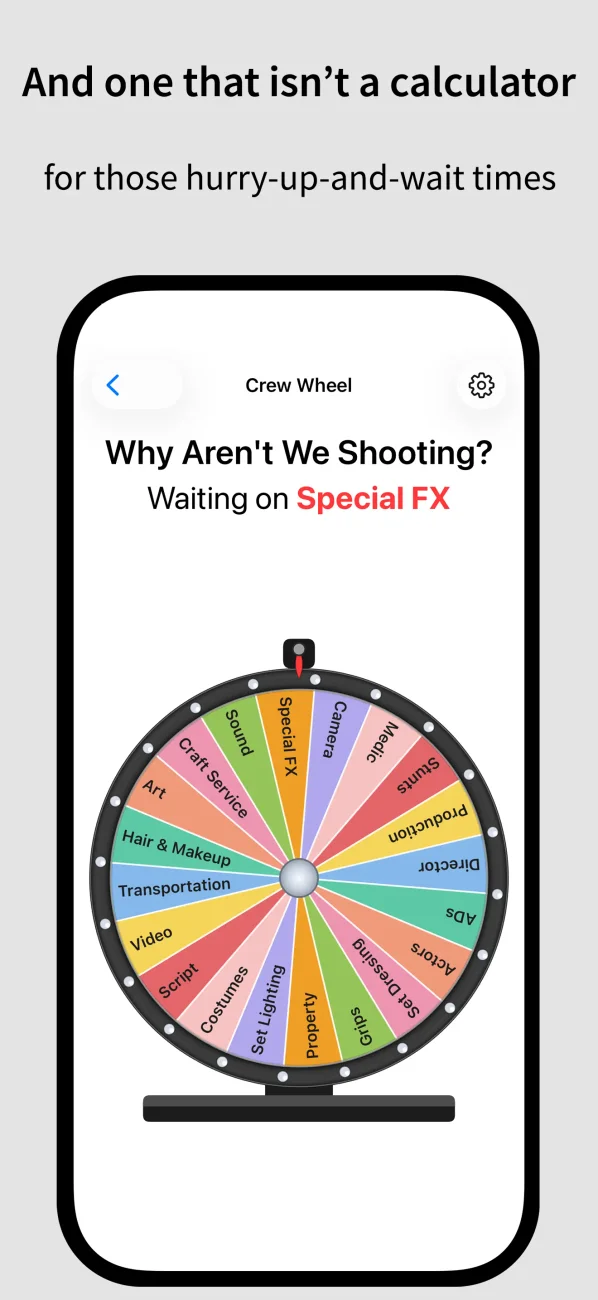
AND ONE THING THAT ISN'T A CALCULATOR
Crew Wheel — spin to settle who's buying the coffee. Not a tool, just a small gift for the standing-around time. Every long day needs one.
TRUSTED WORLDWIDE BY
DPs, Photographers, Camera Assistants, Camera Operators, Production Designers, VFX, Videographers, Gaffers, plus Film, Television, and Digital Media students.
INDUSTRY RECOGNITION
• Membership in the Academy of Motion Picture Arts and Sciences (Production and Technology Branch).
• 75th Primetime Emmy Awards — Emmy® for "Outstanding Achievement in Engineering, Science & Technology" from the Academy of Television Arts & Sciences.
• 62nd Primetime Emmy Awards — Engineering Plaque for "Outstanding Achievement in Engineering Development" from the Academy of Television Arts & Sciences.
• Technical Achievement Award from Society of Camera Operators — "For outstanding contributions to cinematography through the design and development of the pCAM Film+Digital Calculator."
新機能
バージョン 2.4.8 · 2026/10/24
IMPROVEMENTS
• iPhone Duo: Insert Slate fills the closed screen; VFX tracking markers sit in the true corners.
• Minor updates and performance refinements.
FROM THE DEVELOPER
• Tip Jar in Settings—optional, unlocks nothing, and the only thing I'll ever ask. I've deliberately kept pCAM Pro a one-time purchase, with none of the subscriptions that have crept into so many apps. If it's earned a place in your kit, a tip genuinely helps keep a one-person project going.
• Prefer to help for free? A quick rating or review ('Review App' in Settings) boosts visibility so more crews can find it.
• Questions or issues: 'Contact Support' in Settings (opens in your default mail app), or tool guides via the book icon (top left).
アプリのプライバシー
このアプリのデータの取り扱いについて、David EubankがApp Storeで申告している内容です。
-
データの収集なし
開発元はこのアプリからデータを収集しません。
プライバシーの取り扱いは、ご利用の機能やお客様の年齢などに応じて異なる場合があります。
情報
- 販売元
- David Eubank
- カテゴリ
- 写真/ビデオ
- バージョン
- 2.4.8
- 更新日
- 2026/10/24
- リリース
- 2018/12/20
- サイズ
- 42.0 MB
- 必要条件
- iOS 17.0以降
- 対象年齢
- 4+
- 価格
- ¥6,000
- アプリ内課金
- あり
- 言語
- 英語
- 著作権
- © 2009-2026 - David Eubank | All Rights Reserved