- Clasificación por edad4+
- CategoríaPara desarrolladores
- DesarrolladorLorenzo Dard
- IdiomasInglés+ 1 más
- Tamaño176,8 MB
Enlaza a la página oficial de App Store
Download.org no aloja ningún archivo de PCBPad. El botón abre la página de la aplicación en App Store, donde la publica Lorenzo Dard. Ficha comprobada por última vez el 23/11/2026.
Capturas de pantalla


Acerca de
El desarrollador no ha proporcionado este texto en tu idioma.
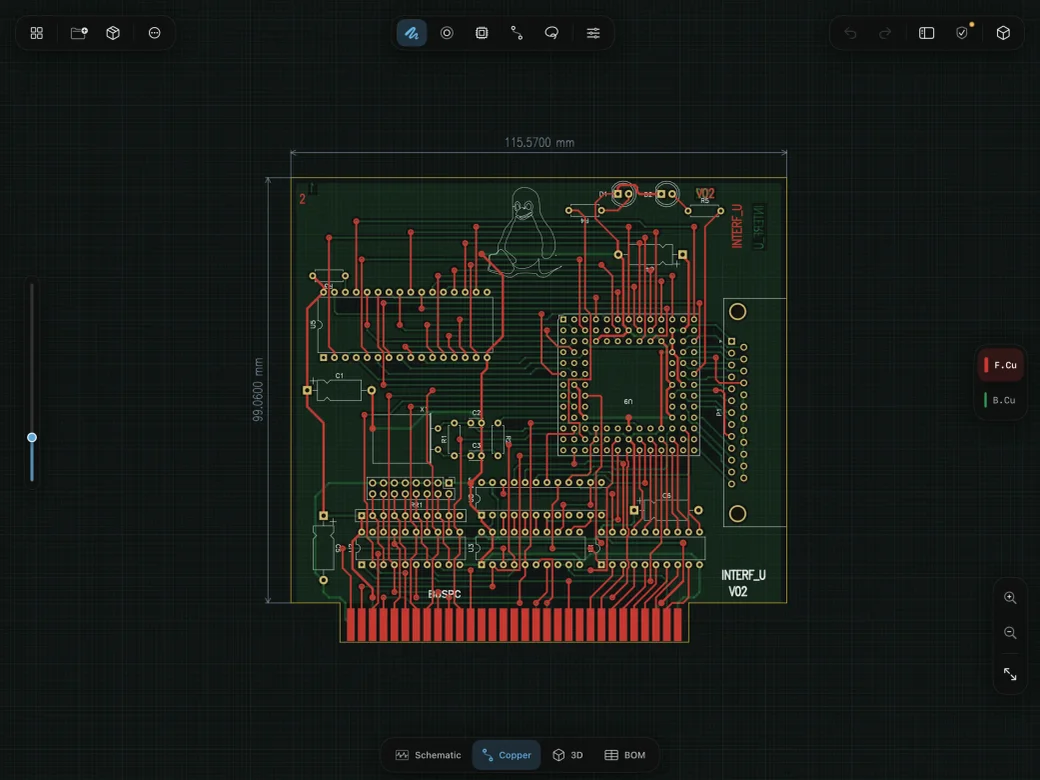
PCBPad is a circuit board editor built for Apple Pencil. You route copper by drawing it: the stroke you make becomes a clean track, and the board makes room for it. It runs natively on iPad and Mac, works fully offline, and needs no account.
ROUTE WITH APPLE PENCIL
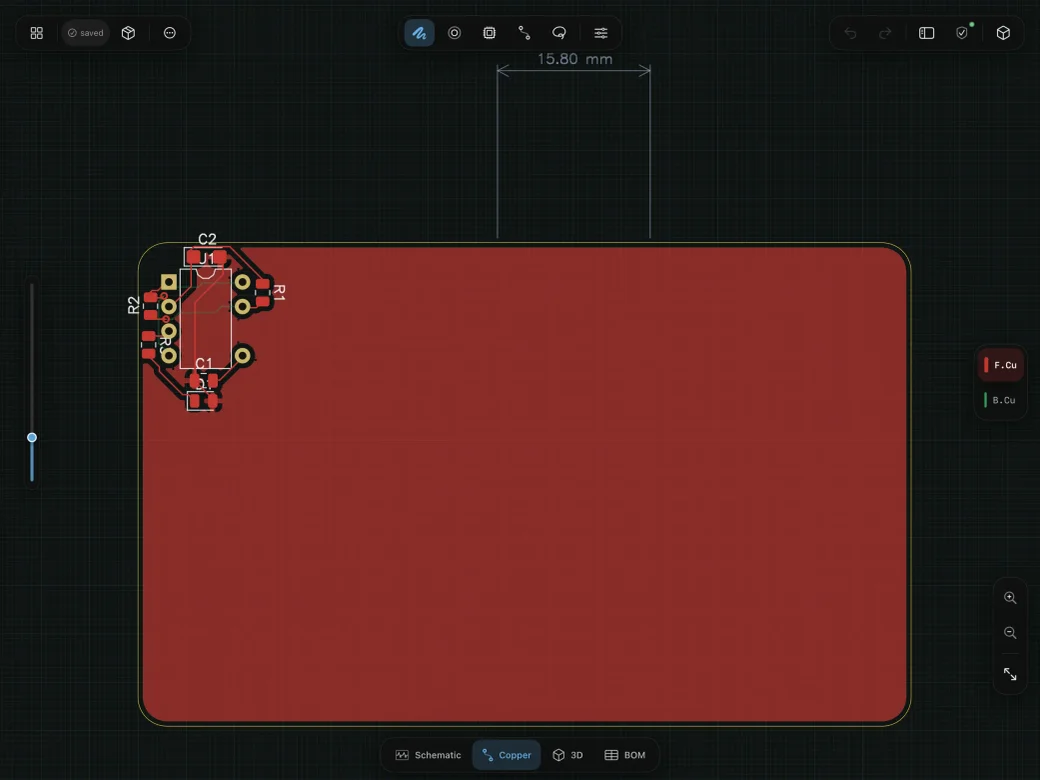
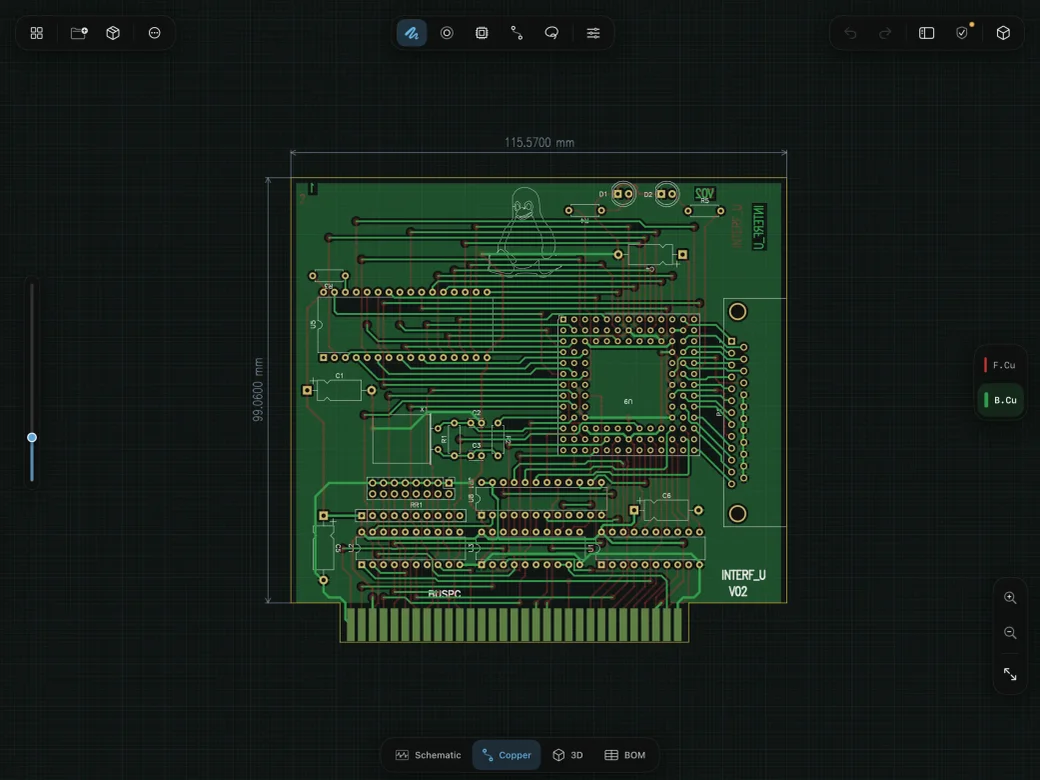
• Draw from pad to pad: the stroke becomes a copper track with 45° corners, snapped to the grid, and it ends up where your hand went.
• Tracks in the way move aside (push and shove). Copper that cannot move is routed around.
• The clean-up is checked against pads, holes and keepouts. If the track still touches one, the app tells you which.
• One stroke draws a differential pair. A serpentine adds the length a pair is missing.
• No Apple Pencil? One finger draws and two fingers navigate. On Mac, drag to draw.
• Two-finger tap undoes, three-finger tap redoes, hold one finger for the radial menu.
PRIVATE BY DESIGN
• No account, no login, no server, no analytics, no ads.
• Your boards stay on your device, or wherever you keep them in the Files app. PCBPad never uploads them.
OPENS AND SAVES KICAD FILES
• PCBPad opens and saves .kicad_pcb and .kicad_sch files directly. There is no import step and no conversion.
• Only the bytes you change are rewritten. The file goes back to KiCad as it was, plus your edits.
• Tested on real projects, including the KiCad 10 file format.
START A BOARD HERE
• Draw the board outline, then correct it with numbers. Constrain a sketch, or import an outline from DXF.
• 1,901 footprints and 15,123 symbols from the official libraries, bundled and available offline.
• Tap two pads to declare a net. The ratsnest shows what is left to connect.
• Copper planes with a real fill, via stitching, keepouts, blind and buried vias.
• Text, logos and dimensions on the silkscreen.
• A footprint editor for the part that no library has.
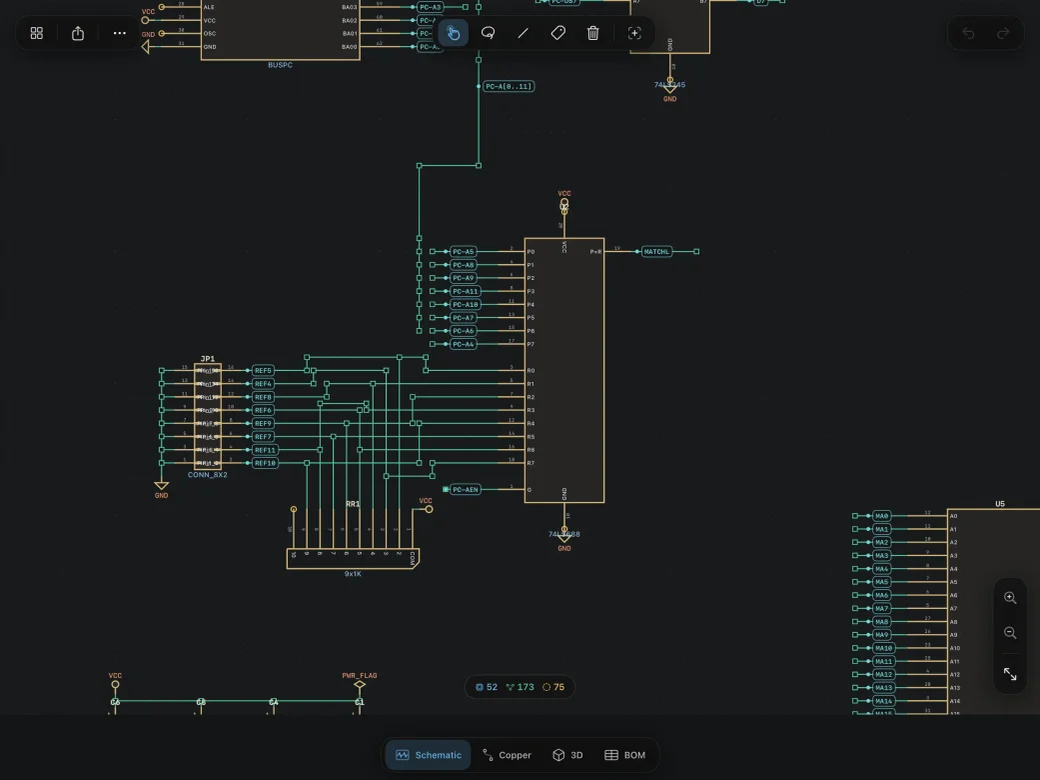
SCHEMATIC
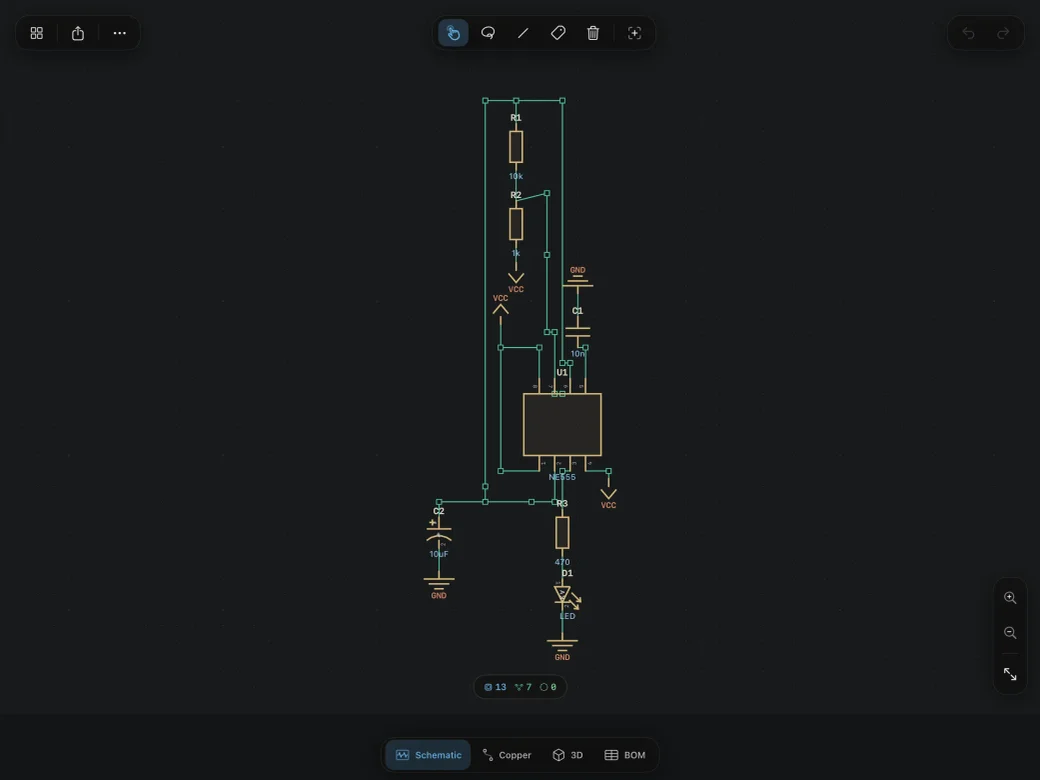
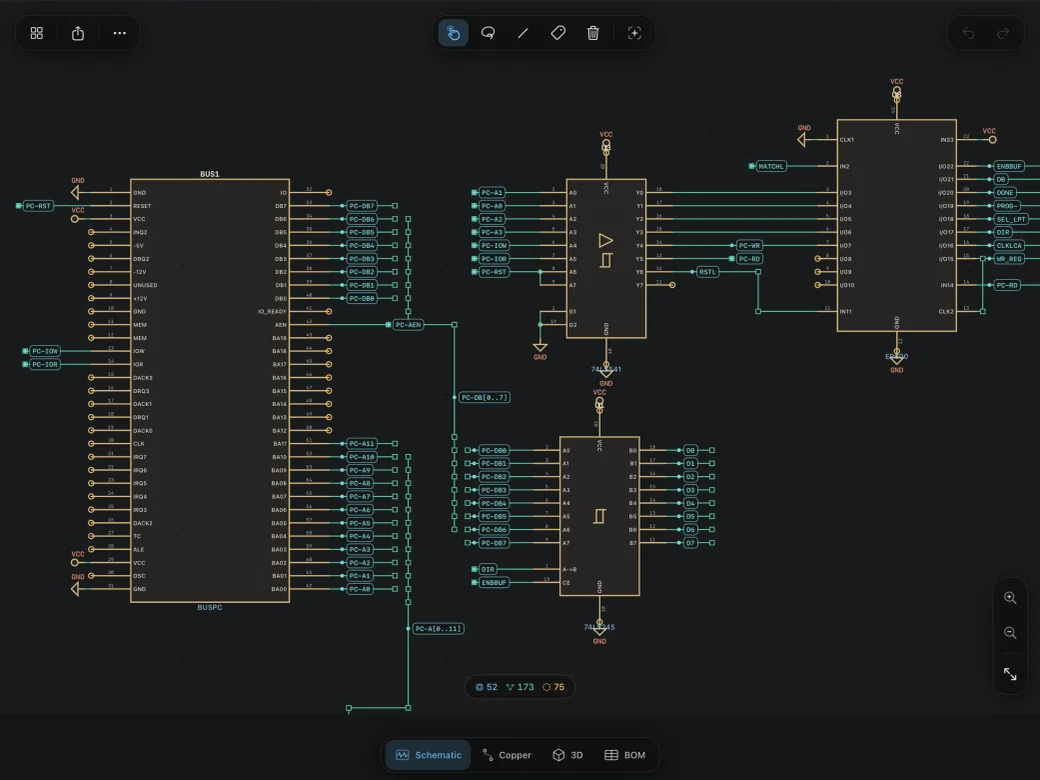
• Place parts, wire them, move them: wires stay attached.
• Multi-unit parts, hierarchical sheets, and a symbol editor.
• Compare the schematic with the board and apply the differences after a preview.
CHECK BEFORE YOU ORDER
• Design rules written as formulas: clearance, track width, annular ring, hole-to-hole, unconnected nets.
• Limits taken from the published capabilities of three board fabricators, with the source and the date they were read.
• See what changed between two versions of the same board.
SEE IT, THEN MAKE IT
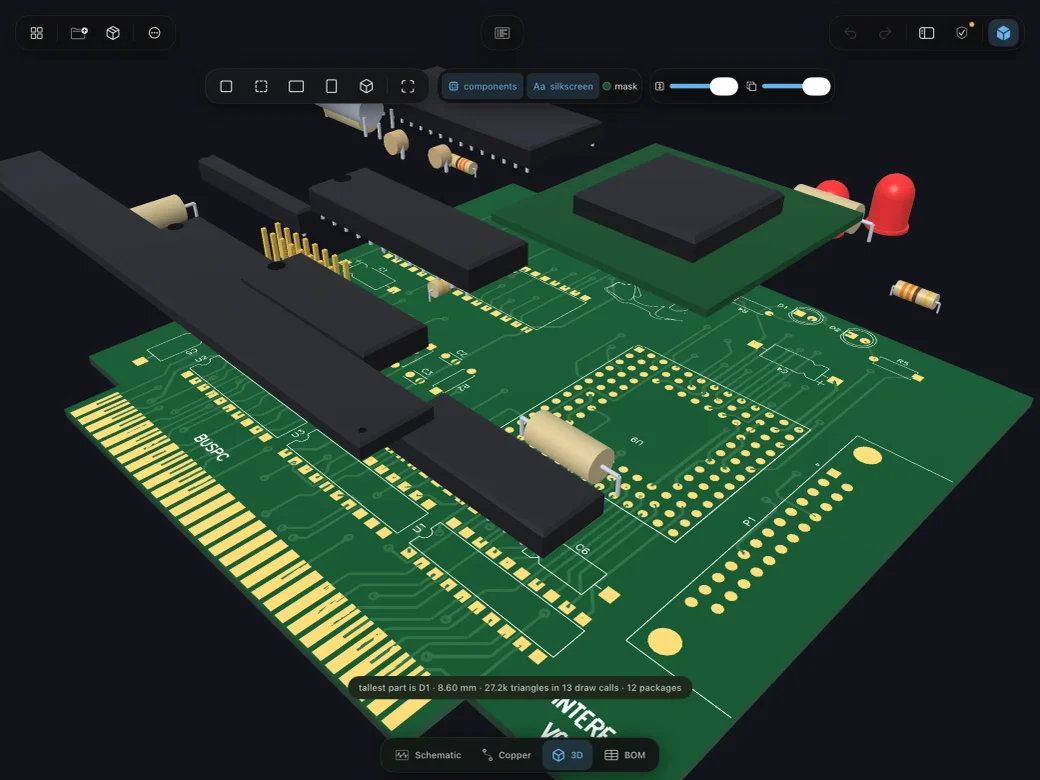
• A 3D view of the board, with component bodies sized from their package names.
• Gerber X2 with a job file, Excellon drill, bill of materials and pick-and-place, in one ZIP.
• The package is read back and shown layer by layer before you send it.
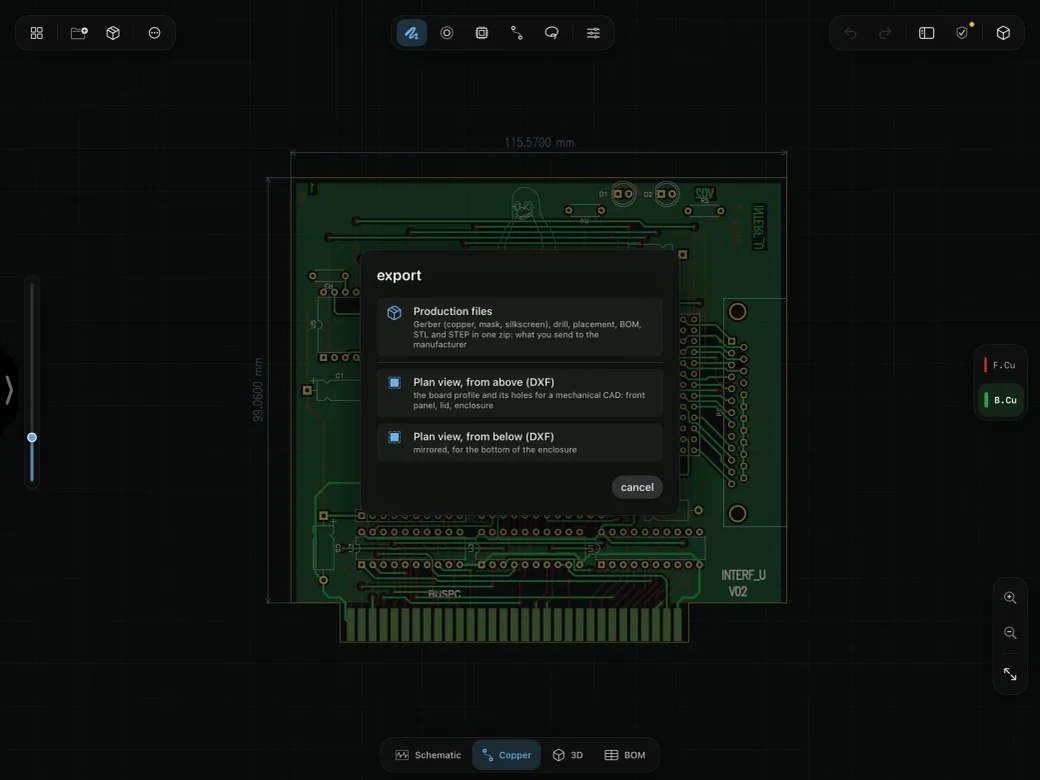
• STEP and STL for your enclosure, and panels of several boards.
In English and Italian. Requires iPadOS 18 or later, or a Mac with Apple silicon.
KiCad is a trademark of the Linux Foundation. PCBPad is an independent app. It is not made by, endorsed by or affiliated with the KiCad project.
Questions and bug reports: pcbpad.app@gmail.com
Novedades
Versión 1.9 · 20/11/2026
THE SCHEMATIC CHECKS ITSELF
• No-connect flags are read and written, with a new tool to place them.
• Electrical rules check: unconnected pins, undriven power, output conflicts, missing footprints and duplicate references, right in the rules sheet.
• Start a new board from one of ten KiCad project templates.
• Opening a .kicad_pro or .kicad_sch now brings the schematic along.
• Two new lessons: "From a blank sheet", a schematic drawn from nothing and checked, and "Find the five mistakes", a routed board broken five times for you to fix.
Privacidad de la aplicación
Lo que Lorenzo Dard declara en App Store sobre cómo esta aplicación gestiona los datos.
-
No se recopilan datos
El desarrollador no recopila ningún dato de esta aplicación.
Las prácticas de privacidad pueden variar, por ejemplo, según las funciones que uses o tu edad.
Información
- Vendedor
- Lorenzo Dard
- Categoría
- Para desarrolladores
- Versión
- 1.9
- Actualizado
- 20/11/2026
- Publicado
- 5/10/2026
- Tamaño
- 176,8 MB
- Requiere
- iOS 18.0 o posterior
- Clasificación por edad
- 4+
- Precio
- Gratis
- Idiomas
- Inglés, Italiano
- Copyright
- © 2026 Lorenzo Dard
Quizá también te guste
-
 DiagramAIDIagrama como código
-
 Electronics SMD CodesPara desarrolladores
-
 RemoteIDE : Code From AnywherePara desarrolladores
-
 Tersa: Circuit SimulatorPara desarrolladores
-
 CUStats Go - AI Usage TrackerPara desarrolladores
-
 AgentShellPara desarrolladores
-
 MCU BLE TerminalPara desarrolladores
-
 GitFlow para GitHub ActionsTu CI/CD siempre a mano
-
 Python Code App - IDE & EditorPython ejecutar, depurar
-
 LiteWingPara desarrolladores