PDF Maker: Scan & Edit
Document Scanner & Converter
Diseñada para iPhone, iPad, iPod touch
Gratis · Compras en la aplicación
- Clasificación por edad4+
- CategoríaEconomía y empresa
- DesarrolladorJay Lakhani
- IdiomasInglés
- Tamaño33,0 MB
Enlaza a la página oficial de App Store
Download.org no aloja ningún archivo de PDF Maker: Scan & Edit. El botón abre la página de la aplicación en App Store, donde la publica Jay Lakhani. Ficha comprobada por última vez el 21/11/2026.
Capturas de pantalla

Acerca de
El desarrollador no ha proporcionado este texto en tu idioma.
Create professional PDFs, edit documents, scan files, and extract text anytime with a powerful yet easy-to-use PDF maker designed for everyday work and productivity.
Whether you’re creating PDFs from photos, editing important documents, scanning IDs, using OCR text recognition, or organizing files, this app gives you everything you need to manage PDFs efficiently — all in one place.
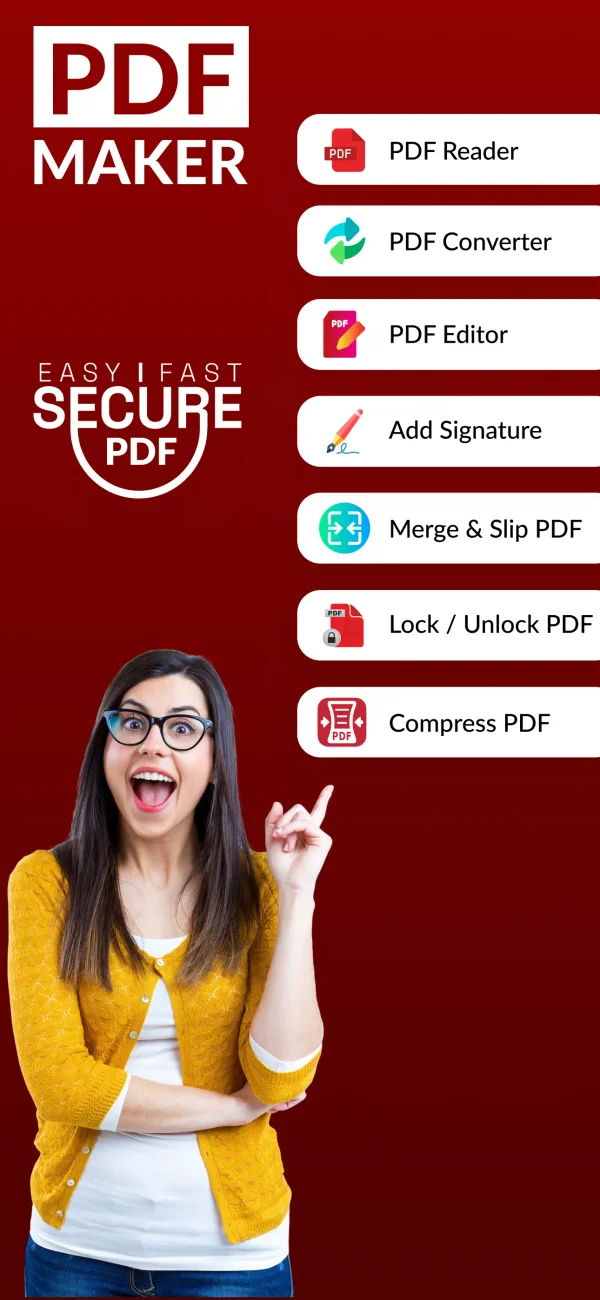
## Edit & Customize PDFs
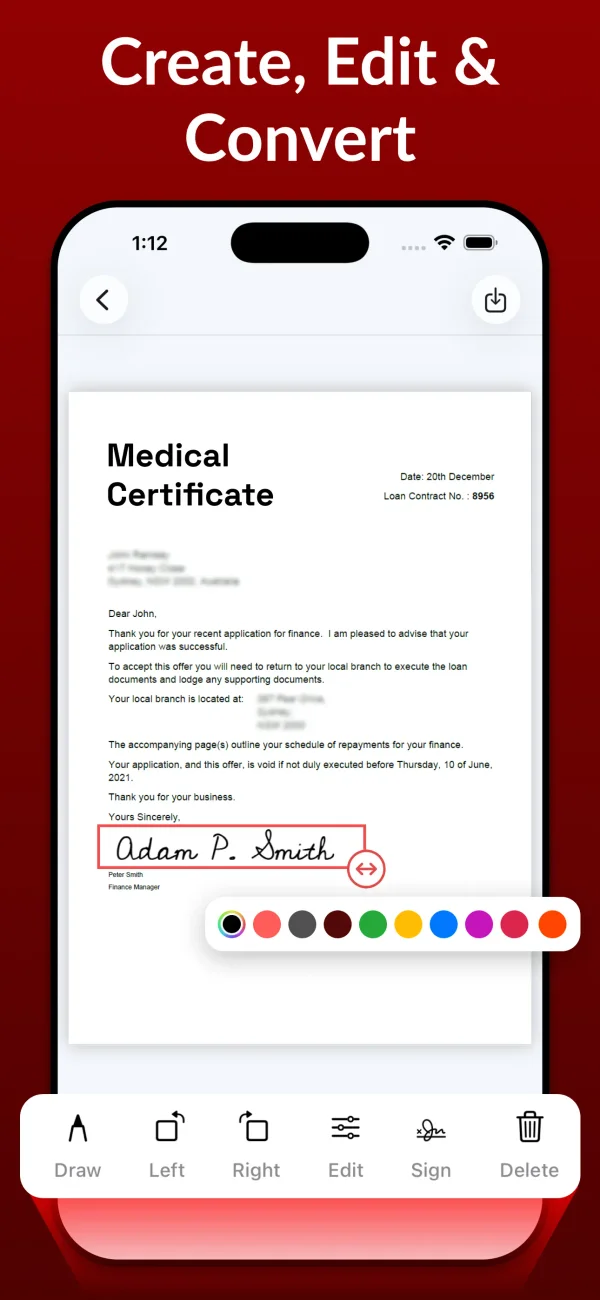
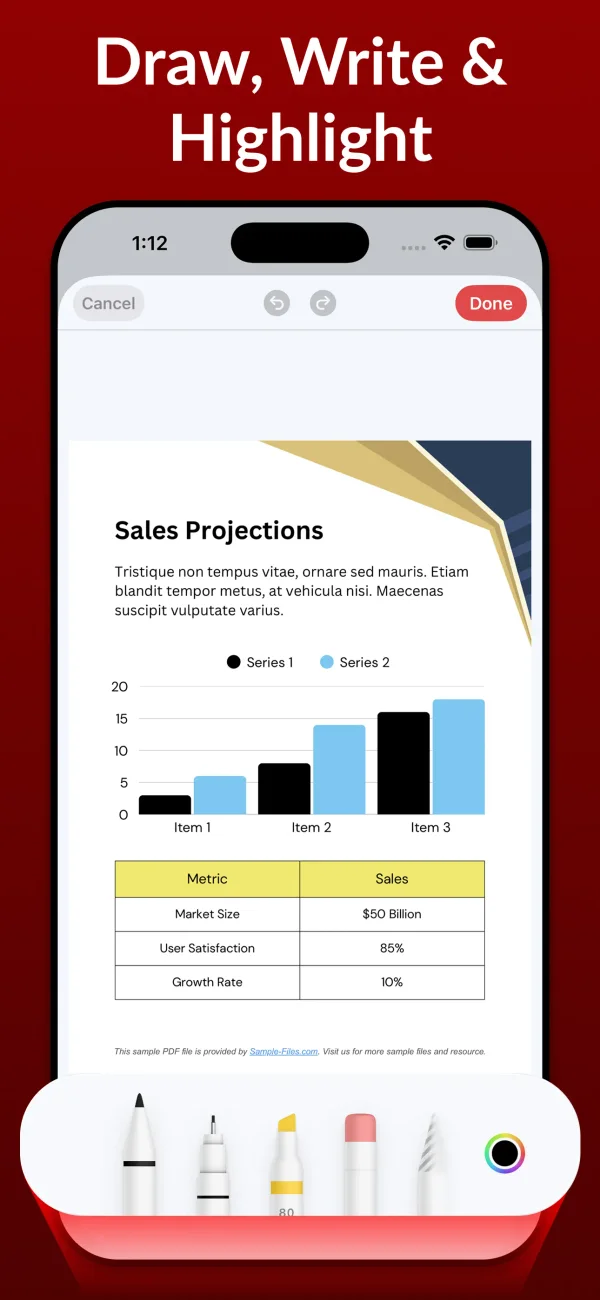
• Edit existing PDF files with ease
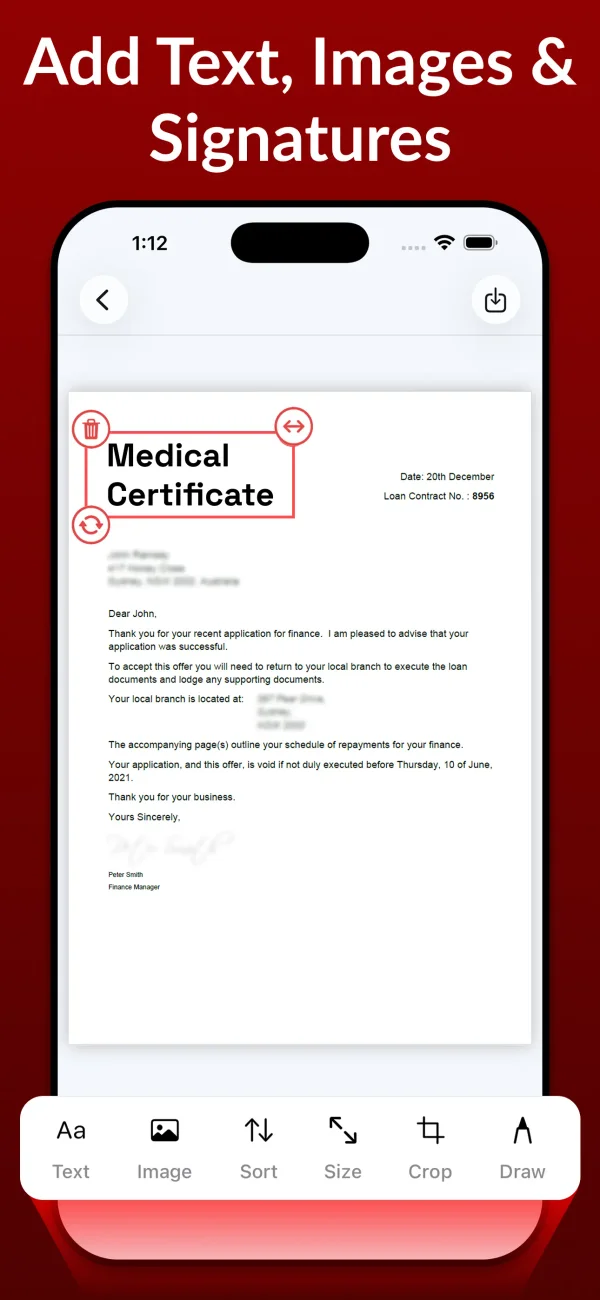
• Add text, images, drawings, and annotations
• Resize pages to multiple paper sizes
• Crop pages and adjust layout
• Change page orientation
• Add signatures to PDFs
• Apply advanced image filters for better clarity
## Create PDFs Instantly
• Convert images to PDF
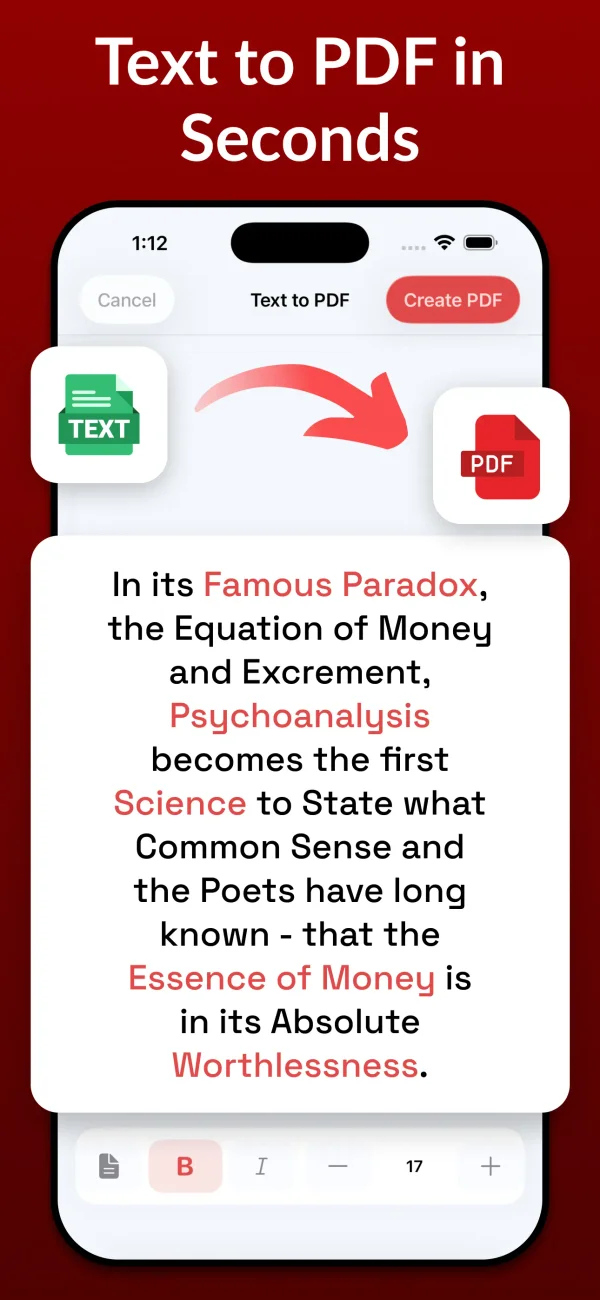
• Create PDFs from text files
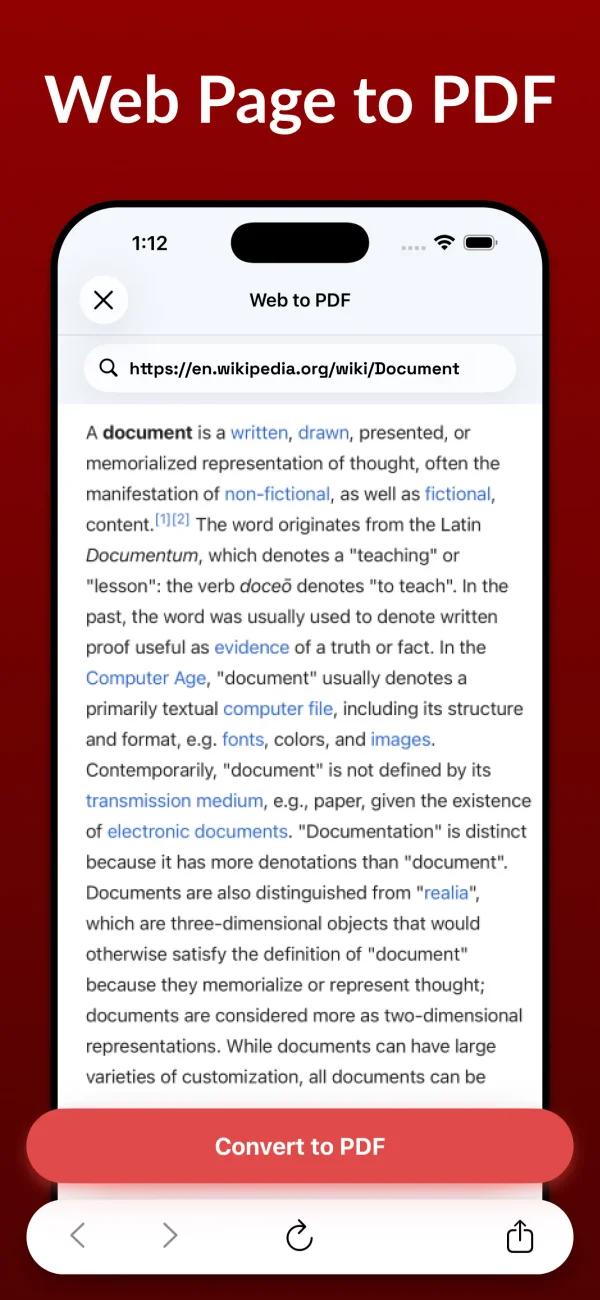
• Web page to PDF conversion
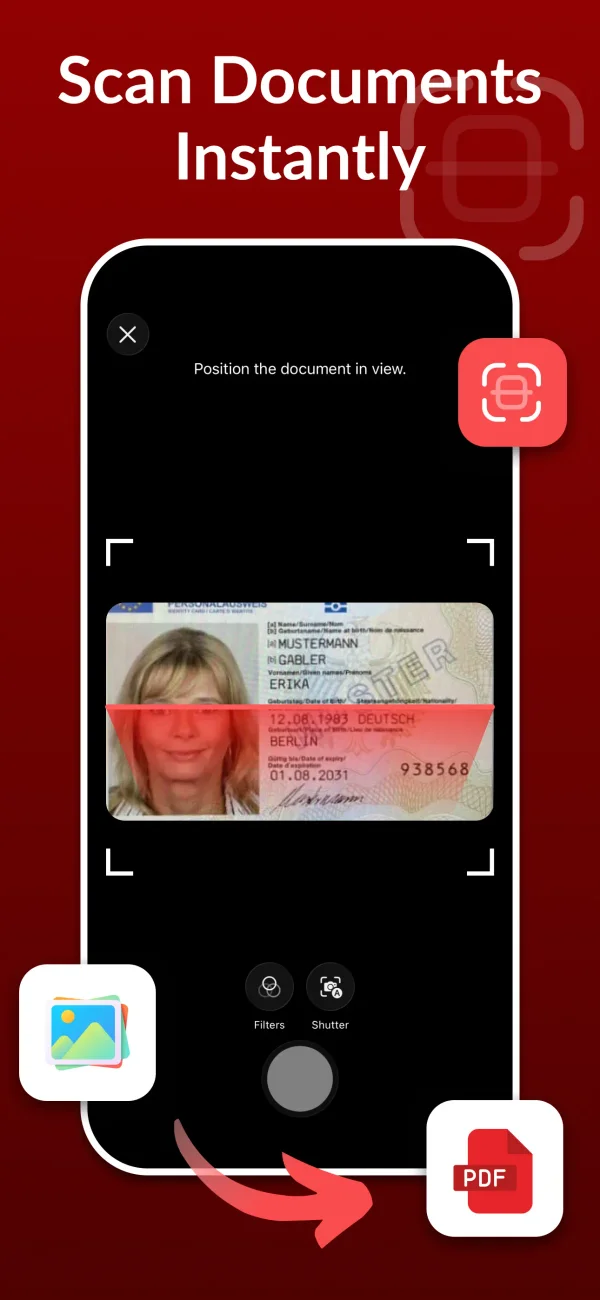
• Smart document scanning
• OCR Text Recognition from images & documents
• Extract text from scanned documents
• ID card scanning with auto-enhancement
• Receipt Scanner with PDF export
• Scan QR & Barcodes to PDF
## Convert & Export
• Convert PDF to JPG
• Import existing PDF files
• Print PDFs directly from the app
## Organize & Optimize
• Merge multiple PDFs into one
• Split PDFs into smaller files
• Compress PDF files to reduce size
• Lock PDFs with password protection
• Unlock secured PDFs when permitted
## Secure & Reliable
Your documents matter. Keep sensitive files protected with password-secured PDFs and manage everything safely on your device.
## Upgrade to Pro and unlock
• Unlimited PDF editing & creation
• Advanced scanning, OCR & compression tools
• Unlimited file imports & exports
• Secure PDF locking & unlocking
## Made for Everyday Use
Perfect for students, professionals, business documents, contracts, forms, invoices, study material, scanned paperwork, and OCR text extraction. Create and manage PDFs anytime, anywhere.
Start with free features and upgrade anytime to unlock the full PDF experience.
## Subscription Information
If you subscribe to a “Pro” plan, payment will be charged to your iTunes account at confirmation of purchase.
Any unused portion of a free trial (if offered) will be forfeited when you purchase a subscription.
Subscriptions automatically renew unless auto-renew is turned off at least 24 hours before the end of the current period.
You can manage subscriptions and turn off auto-renewal in your Account Settings.
Cancellations are not allowed during an active subscription period.
For support or questions, please contact us at [miraclefifth@gmail.com](mailto:miraclefifth@gmail.com)
Privacy Policy – https://pdf-studio-scan-edit-pro.blogspot.com/2026/01/privacy-policy.html
Terms of Use – https://pdf-studio-scan-edit-pro.blogspot.com/2026/01/terms-of-use.html
EULA – https://pdf-studio-scan-edit-pro.blogspot.com/2026/01/eula.html
If you enjoy using this PDF Maker app, please take a moment to rate us and share your feedback — it helps us improve and add more powerful features for you.
Novedades
Versión 1.7 · 28/7/2026
• Bug fixes & performance improvements
Thank you for using the app. If you enjoy it or have ideas for improvement, please leave a review — your feedback helps us make it better.
Privacidad de la aplicación
Lo que Jay Lakhani declara en App Store sobre cómo esta aplicación gestiona los datos.
-
Datos usados para rastrearte
Pueden usarse para rastrearte en aplicaciones y sitios web propiedad de otras empresas.
- Datos de uso
-
Datos no vinculados a ti
Pueden recopilarse, pero no se vinculan a tu identidad.
- Identificadores
- Datos de uso
- Diagnóstico
Las prácticas de privacidad pueden variar, por ejemplo, según las funciones que uses o tu edad.
Información
- Vendedor
- Jay Lakhani
- Categoría
- Economía y empresa
- Versión
- 1.7
- Actualizado
- 28/7/2026
- Publicado
- 14/1/2026
- Tamaño
- 33,0 MB
- Requiere
- iOS 15.0 o posterior
- Clasificación por edad
- 4+
- Precio
- Gratis
- Compras en la aplicación
- Sí
- Idiomas
- Inglés
- Copyright
- © 2025 Jay Lakhani. All rights reserved
Quizá también te guste
-
 SparkPDF: Escáner y FirmaRellena, une y divide PDF
-
 Escáner PDF: Scanner AppEscanear Documentos y Firmar
-
 NexPaste - Clipboard ManagerProductividad
-
 MCBackup Pro - Copia ContactosExportar, Sincronizar, Restaur
-
 papry – Gestor de documentosRecibos, garantías y plazos
-
 PDF Scanner & Document ScanEconomía y empresa
-
 ADHD Reminder: AI CalendarAgenda IA: Planificador Diario
-
 QR Forge - QR Code CreatorEconomía y empresa
-
 Transcription ProPreciso. Rápido. Sin conexión.
-
 Escáner PDF: Fecha y horaEscanea con notas y sellos