PDF Maker: Scan & Edit
Document Scanner & Converter
Được thiết kế cho iPhone, iPad, iPod touch
Miễn phí · Mua hàng trong ứng dụng
- Độ tuổi4+
- Danh mụcKinh Doanh
- Nhà phát triểnJay Lakhani
- Ngôn ngữTiếng Anh
- Kích thước33,0 MB
Liên kết đến trang App Store chính thức
Download.org không lưu trữ tệp nào của PDF Maker: Scan & Edit. Nút này mở trang ứng dụng trên App Store, nơi Jay Lakhani phát hành ứng dụng. Trang được kiểm tra lần cuối: 21/11/2026.
Ảnh chụp màn hình

Giới thiệu
Nhà phát triển chưa cung cấp nội dung này bằng ngôn ngữ của bạn.
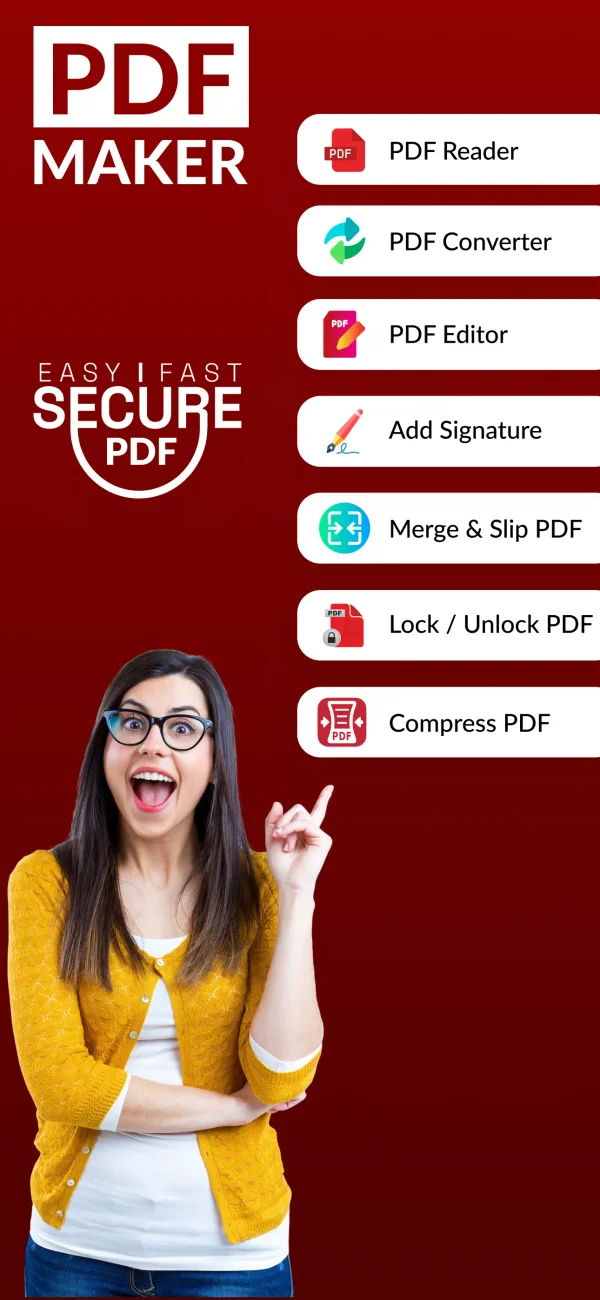
Create professional PDFs, edit documents, scan files, and extract text anytime with a powerful yet easy-to-use PDF maker designed for everyday work and productivity.
Whether you’re creating PDFs from photos, editing important documents, scanning IDs, using OCR text recognition, or organizing files, this app gives you everything you need to manage PDFs efficiently — all in one place.
## Edit & Customize PDFs
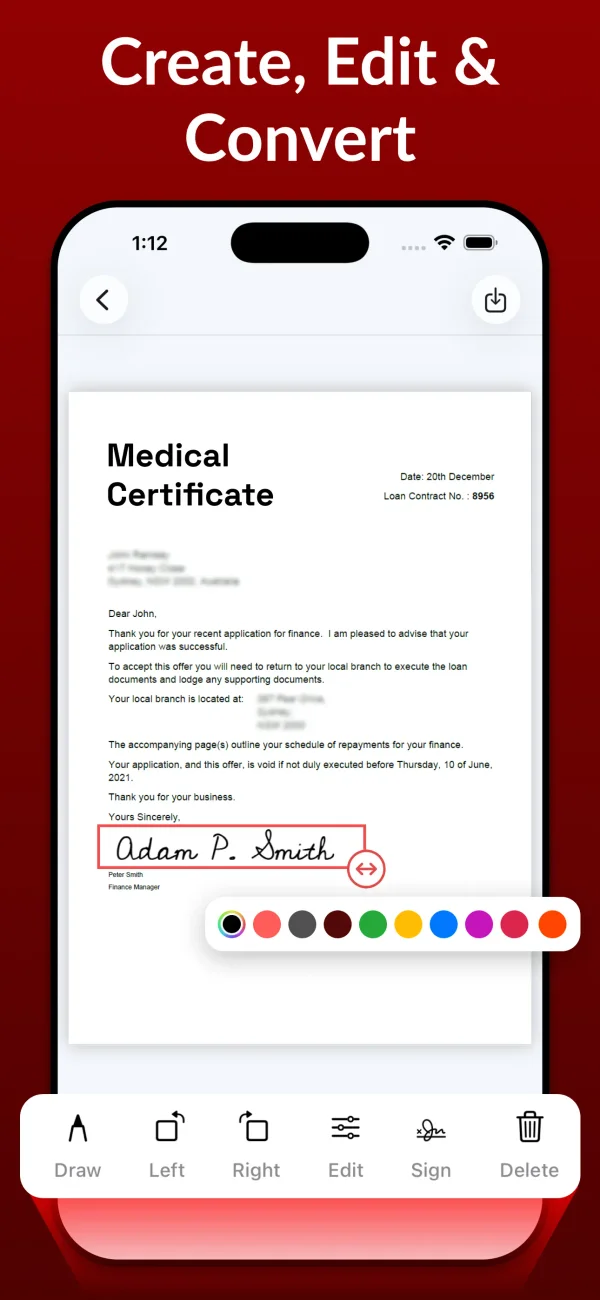
• Edit existing PDF files with ease
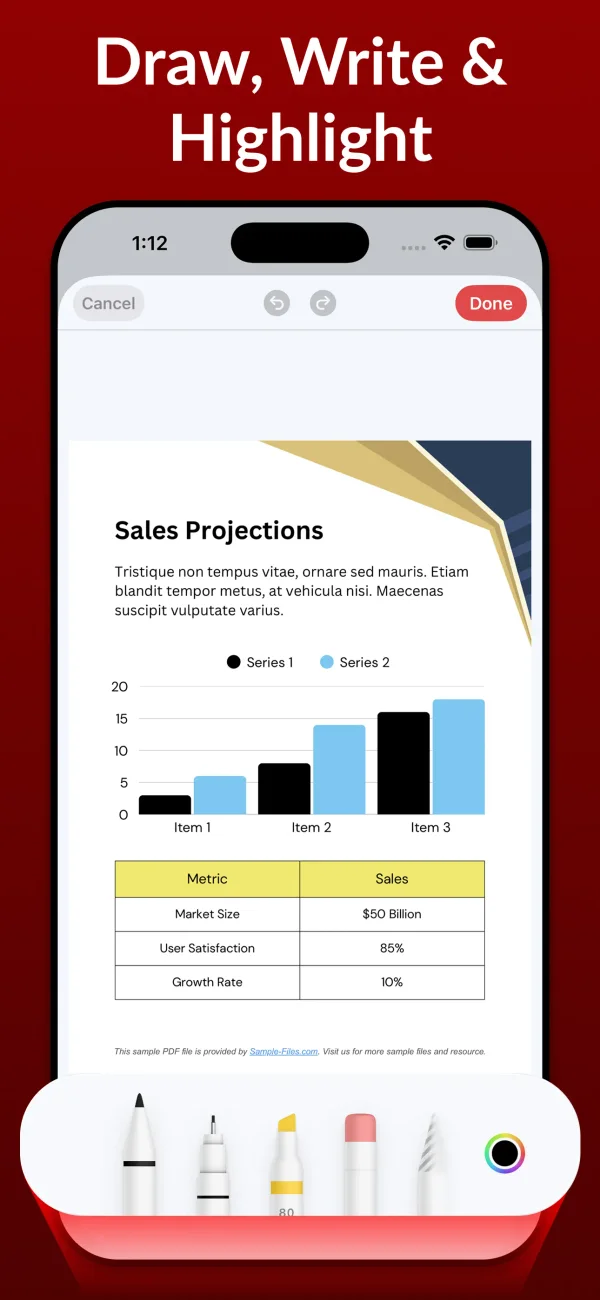
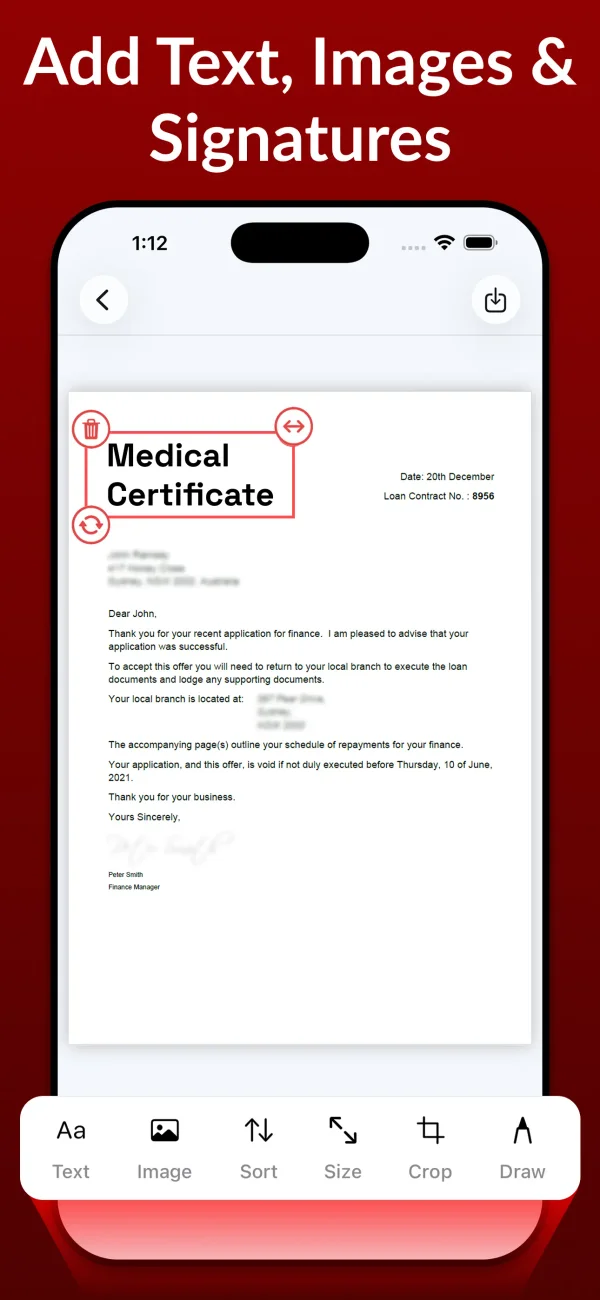
• Add text, images, drawings, and annotations
• Resize pages to multiple paper sizes
• Crop pages and adjust layout
• Change page orientation
• Add signatures to PDFs
• Apply advanced image filters for better clarity
## Create PDFs Instantly
• Convert images to PDF
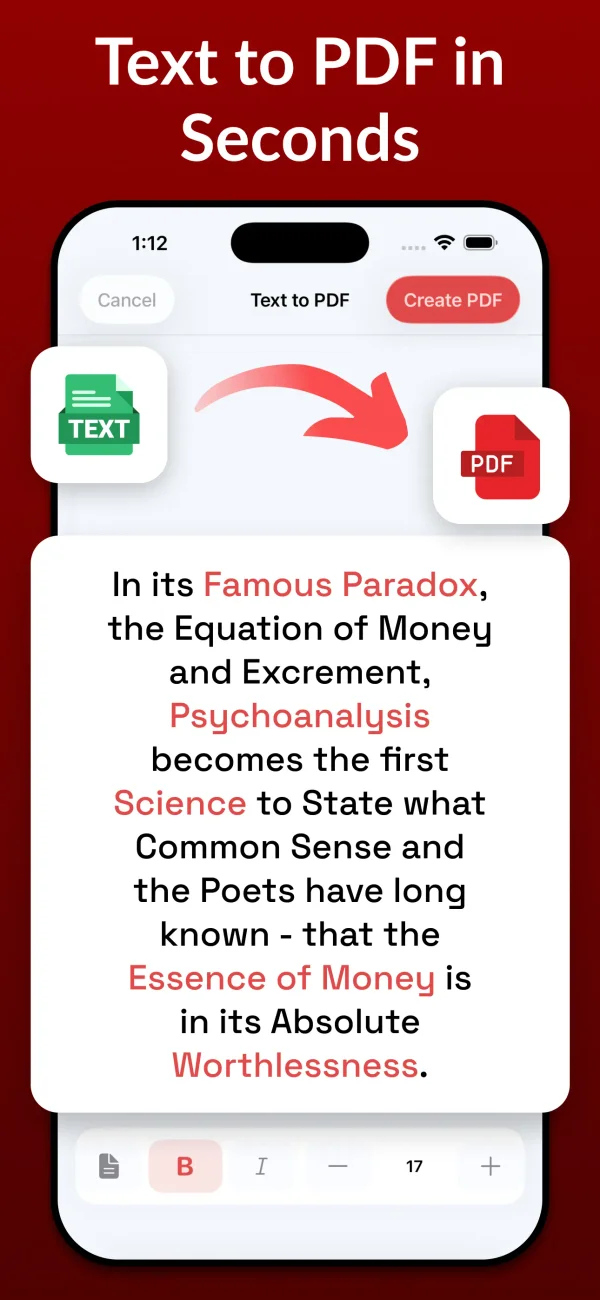
• Create PDFs from text files
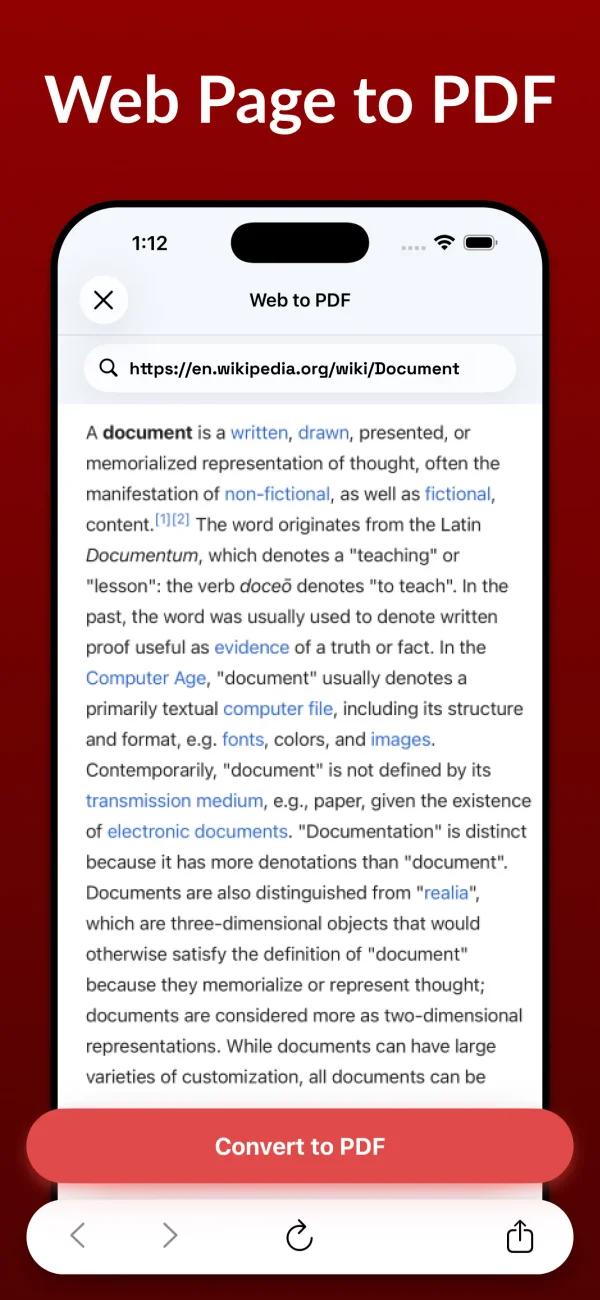
• Web page to PDF conversion
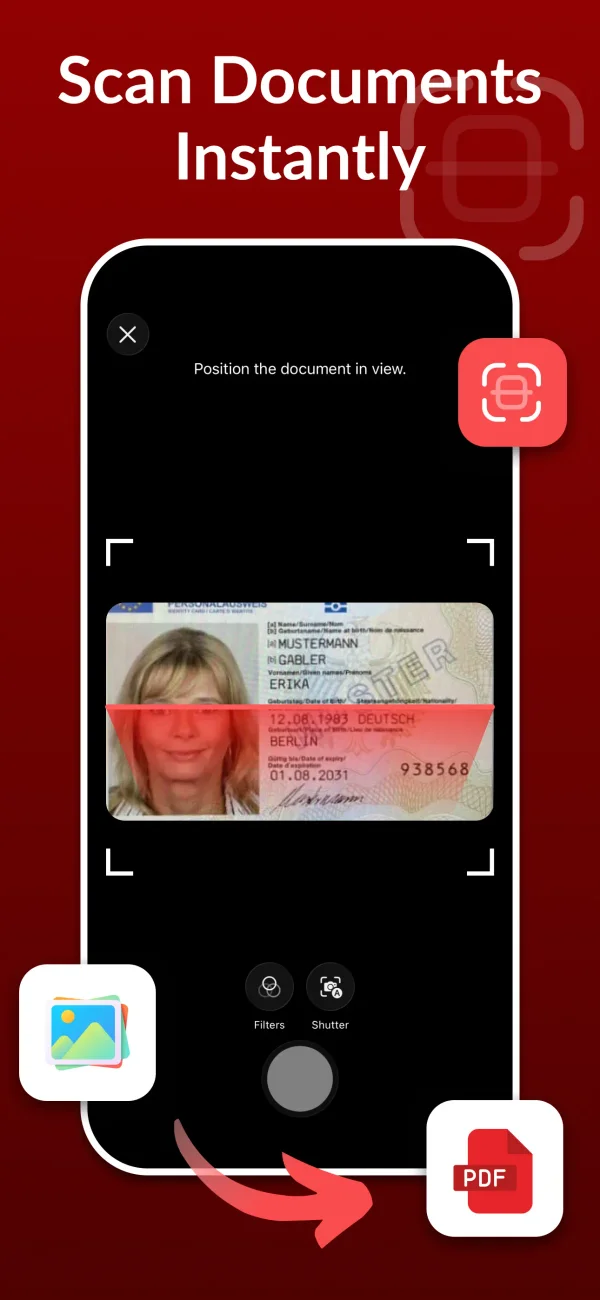
• Smart document scanning
• OCR Text Recognition from images & documents
• Extract text from scanned documents
• ID card scanning with auto-enhancement
• Receipt Scanner with PDF export
• Scan QR & Barcodes to PDF
## Convert & Export
• Convert PDF to JPG
• Import existing PDF files
• Print PDFs directly from the app
## Organize & Optimize
• Merge multiple PDFs into one
• Split PDFs into smaller files
• Compress PDF files to reduce size
• Lock PDFs with password protection
• Unlock secured PDFs when permitted
## Secure & Reliable
Your documents matter. Keep sensitive files protected with password-secured PDFs and manage everything safely on your device.
## Upgrade to Pro and unlock
• Unlimited PDF editing & creation
• Advanced scanning, OCR & compression tools
• Unlimited file imports & exports
• Secure PDF locking & unlocking
## Made for Everyday Use
Perfect for students, professionals, business documents, contracts, forms, invoices, study material, scanned paperwork, and OCR text extraction. Create and manage PDFs anytime, anywhere.
Start with free features and upgrade anytime to unlock the full PDF experience.
## Subscription Information
If you subscribe to a “Pro” plan, payment will be charged to your iTunes account at confirmation of purchase.
Any unused portion of a free trial (if offered) will be forfeited when you purchase a subscription.
Subscriptions automatically renew unless auto-renew is turned off at least 24 hours before the end of the current period.
You can manage subscriptions and turn off auto-renewal in your Account Settings.
Cancellations are not allowed during an active subscription period.
For support or questions, please contact us at [miraclefifth@gmail.com](mailto:miraclefifth@gmail.com)
Privacy Policy – https://pdf-studio-scan-edit-pro.blogspot.com/2026/01/privacy-policy.html
Terms of Use – https://pdf-studio-scan-edit-pro.blogspot.com/2026/01/terms-of-use.html
EULA – https://pdf-studio-scan-edit-pro.blogspot.com/2026/01/eula.html
If you enjoy using this PDF Maker app, please take a moment to rate us and share your feedback — it helps us improve and add more powerful features for you.
Có gì mới
Phiên bản 1.7 · 28/07/2026
• Bug fixes & performance improvements
Thank you for using the app. If you enjoy it or have ideas for improvement, please leave a review — your feedback helps us make it better.
Quyền riêng tư của ứng dụng
Những gì Jay Lakhani khai báo trên App Store về cách ứng dụng này xử lý dữ liệu.
-
Dữ liệu được sử dụng để theo dõi bạn
Có thể được sử dụng để theo dõi bạn trên các ứng dụng và trang web do công ty khác sở hữu.
- Dữ liệu sử dụng
-
Dữ liệu không liên kết với bạn
Có thể được thu thập nhưng không liên kết với danh tính của bạn.
- Mã định danh
- Dữ liệu sử dụng
- Chẩn đoán
Phương thức đảm bảo quyền riêng tư có thể khác nhau, chẳng hạn như tuỳ theo các tính năng bạn sử dụng hoặc độ tuổi của bạn.
Thông tin
- Người bán
- Jay Lakhani
- Danh mục
- Kinh Doanh
- Phiên bản
- 1.7
- Cập nhật
- 28/07/2026
- Phát hành
- 14/01/2026
- Kích thước
- 33,0 MB
- Yêu cầu
- iOS 15.0 trở lên
- Độ tuổi
- 4+
- Giá
- Miễn phí
- Mua hàng trong ứng dụng
- Có
- Ngôn ngữ
- Tiếng Anh
- Bản quyền
- © 2025 Jay Lakhani. All rights reserved
Có thể bạn cũng thích
-
 SparkPDF: Quét, Ký & ĐiềnQuét tài liệu, ký & điền PDF
-
 Scanner App: PDF Docs & SignKinh Doanh
-
 NexPaste - Clipboard ManagerHiệu Suất
-
 MCBackup Pro - Contacts BackupHiệu Suất
-
 papry – Document OrganizerHiệu Suất
-
 PDF Máy Quét - Quét Tài LiệuOCR & Số hóa tài liệu của bạn
-
 ADHD Calendar: Voice PlannerHiệu Suất
-
 QR Forge - QR Code CreatorKinh Doanh
-
 Transcription ProHiệu Suất
-
 PDF Scanner: Date StampKinh Doanh