- Clasificación por edad4+
- CategoríaUtilidades
- DesarrolladorDamian Grzelak
- IdiomasInglés
- Tamaño35,2 MB
Enlaza a la página oficial de App Store
Download.org no aloja ningún archivo de PDFinator. El botón abre la página de la aplicación en App Store, donde la publica Damian Grzelak. Ficha comprobada por última vez el 20/11/2026.
Capturas de pantalla
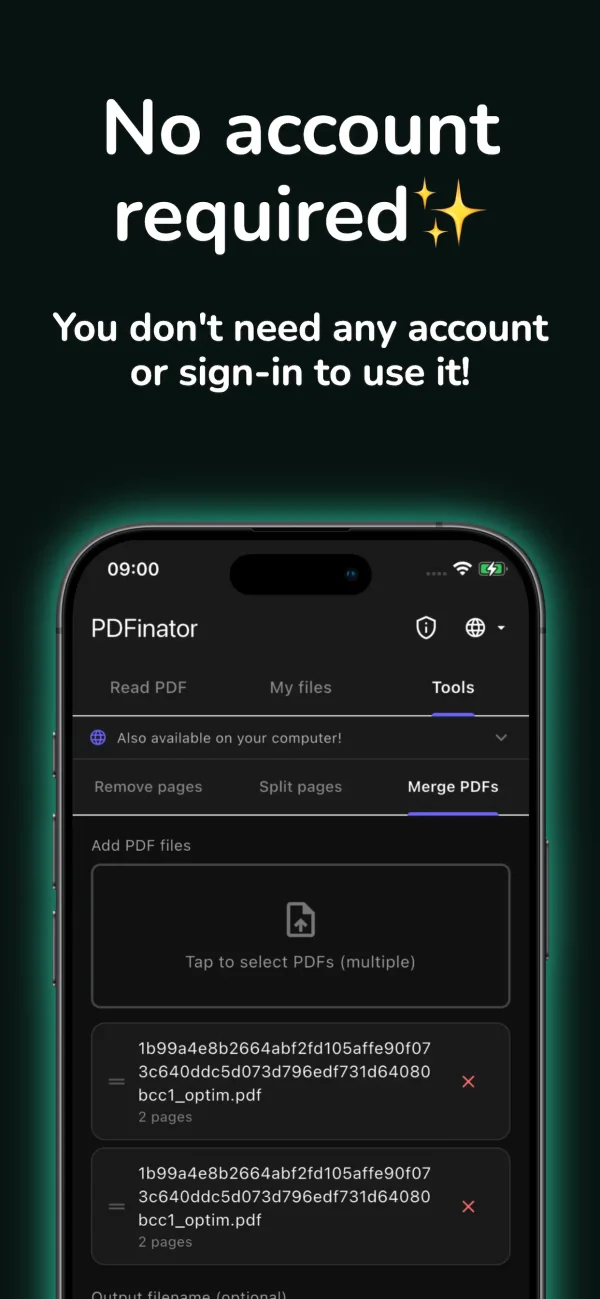
Acerca de
El desarrollador no ha proporcionado este texto en tu idioma.
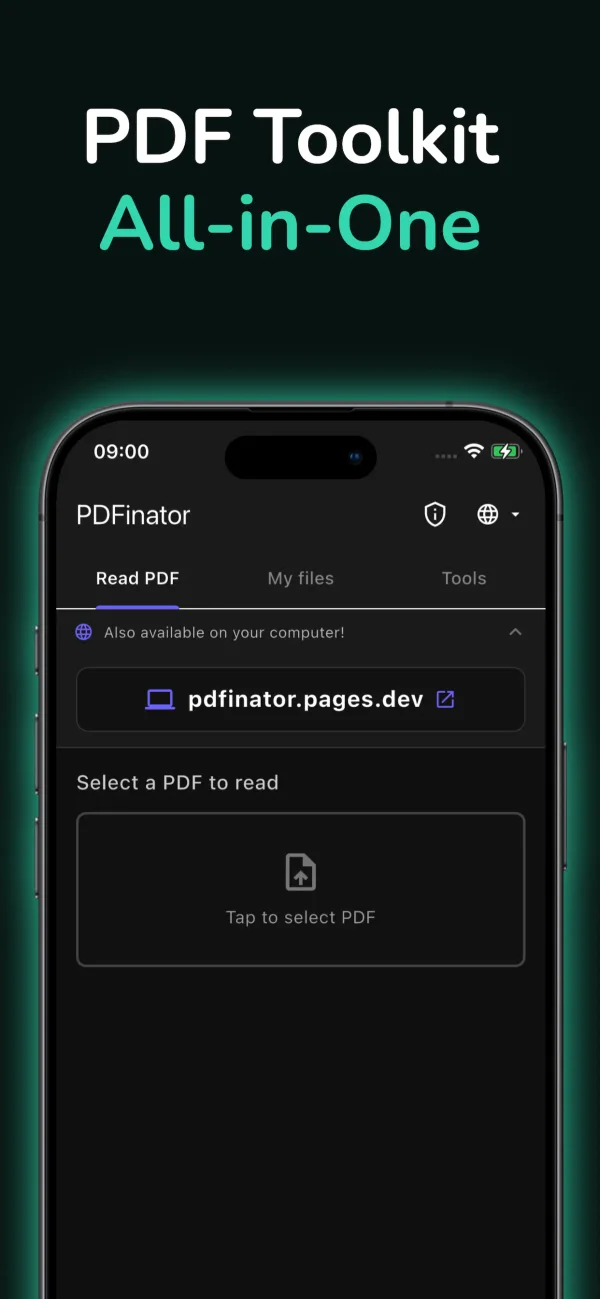
PDFinator is your all-in-one PDF toolkit for iOS. Manage your PDF files quickly and easily - no internet connection required.
FEATURES:
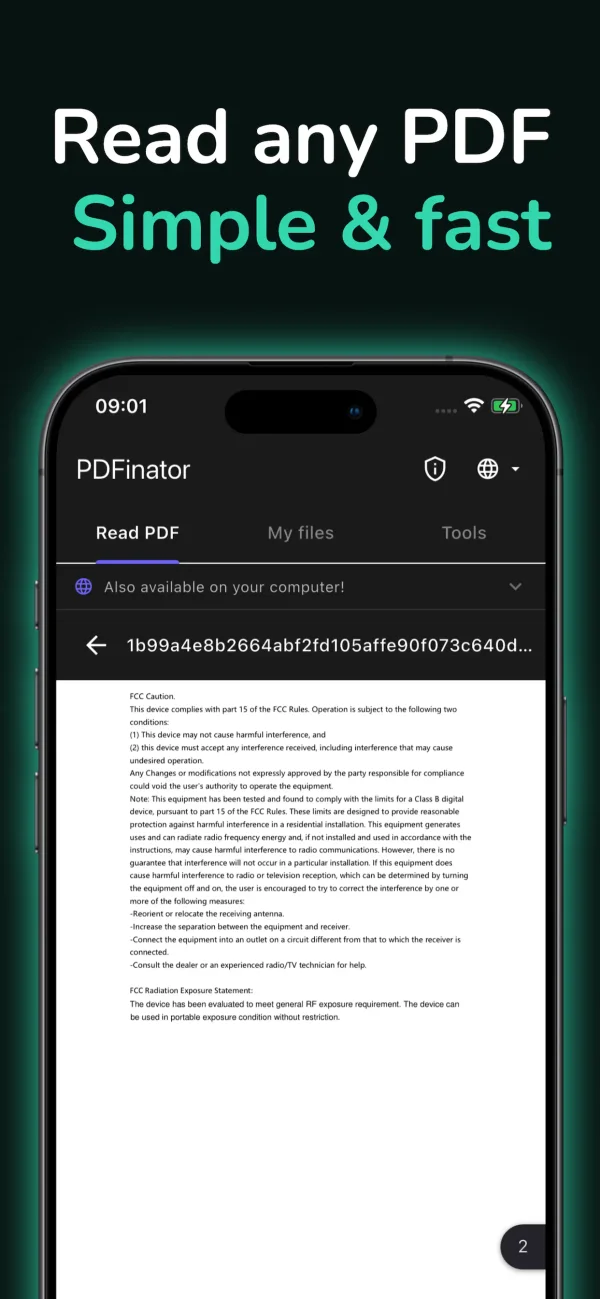
Read PDFs
Open and read any PDF file with a smooth, built-in viewer. Supports encrypted PDFs — just enter the password and read.
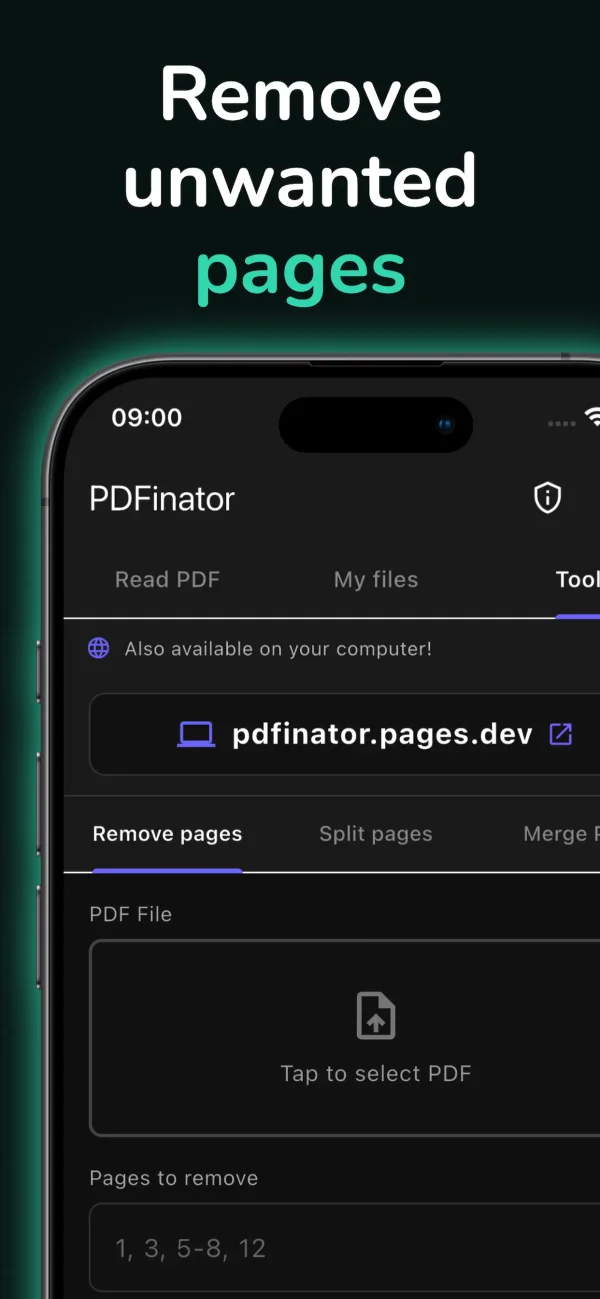
Remove Pages
Select pages to remove by tapping thumbnails or typing page numbers and ranges. Save the modified PDF directly to your device.
Split PDFs
Extract individual pages or selected page ranges from any PDF. Get all split files in a convenient ZIP archive.
Merge PDFs
Combine multiple PDF files into one. Supports different page sizes — each page retains its original dimensions.
Encrypted PDF Support
Works with password-protected PDFs across all tools. Enter the password once, then remove pages, split, merge, or read without limitations.
My Files
Browse PDF files on your device. Sort by name, date, or size. Open any file directly in the built-in reader.
12 Languages
Available in English, Polish, German, French, Spanish, Portuguese, Russian, Arabic, Hindi, Japanese, Korean, and Chinese.
WHY PDFinator?
• 100% offline — your files never leave your device
• No registration or account needed
• Lightweight and fast
• Clean, dark-themed interface
• Free to use
Managing PDF documents has never been easier. Need to combine several files? Use the merge PDF feature to join them into one clean document in seconds. Want to break a large file apart? The split PDF tool lets you divide any PDF by page range or extract specific pages as a standalone file. You can also remove pages you don't need, keeping your documents tidy and concise.
Beyond editing, PDFinator doubles as a fast, reliable PDF reader and PDF viewer - perfect for reading reports, contracts, or ebooks on the go. The built-in PDF editor gives you the control to annotate and reorganize content without needing a desktop computer.
FEATURES AT A GLANCE
• Merge PDF files into a single document
• Split PDF into pages or custom ranges
• Remove or extract pages from any PDF
• Full-featured PDF reader and viewer
• Lightweight PDF editor with annotation support
• Works completely offline — no cloud upload required
• No account or sign-in needed
Download PDFinator today and take control of your PDF files.
Novedades
Versión 1.0.2 · 3/7/2026
- Added the ability to print the currently viewed PDF file directly from the mobile application
- Fixed My files section
Privacidad de la aplicación
Lo que Damian Grzelak declara en App Store sobre cómo esta aplicación gestiona los datos.
-
Datos usados para rastrearte
Pueden usarse para rastrearte en aplicaciones y sitios web propiedad de otras empresas.
- Identificadores
- Datos de uso
-
Datos no vinculados a ti
Pueden recopilarse, pero no se vinculan a tu identidad.
- Ubicación
- Identificadores
- Datos de uso
- Diagnóstico
Las prácticas de privacidad pueden variar, por ejemplo, según las funciones que uses o tu edad.
Información
- Vendedor
- Damian Grzelak
- Categoría
- Utilidades
- Versión
- 1.0.2
- Actualizado
- 3/7/2026
- Publicado
- 4/5/2026
- Tamaño
- 35,2 MB
- Requiere
- iOS 13.0 o posterior
- Clasificación por edad
- 4+
- Precio
- Gratis
- Idiomas
- Inglés
- Copyright
- © Damian Grzelak - DGital Apps
Quizá también te guste
-
 Cleava: Clean Storage SpaceUtilidades
-
 PersonalAlarm : Earphone AlarmUtilidades
-
 Scholaread - Translator&ReaderUtilidades
-
 ExpoViewHelperUtilidades
-
 Smart Printer: escaneo rápidoEscanea, edita, PDF, imprime
-
 CCTV Super PasswordUtilidades
-
 DMSS VDPUtilidades
-
 Loud Alarm Clock – the LOUDESTUtilidades
-
 nPerf : speed test velocidadVelocidad y mapas wifi, 4G, 5G