PDFinator
Merge, split, read PDF
Dirancang untuk iPhone, iPad, iPod touch
Gratis
- Batasan usia4+
- KategoriKegunaan
- PengembangDamian Grzelak
- BahasaInggris
- Ukuran35,2 MB
Tertaut ke halaman resmi App Store
Download.org tidak menyimpan file PDFinator apa pun. Tombol ini membuka halaman aplikasi di App Store, tempat Damian Grzelak menerbitkannya. Halaman terakhir diperiksa pada 20/11/2026.
Tangkapan layar
Tentang
Pengembang belum menyediakan teks ini dalam bahasa Anda.
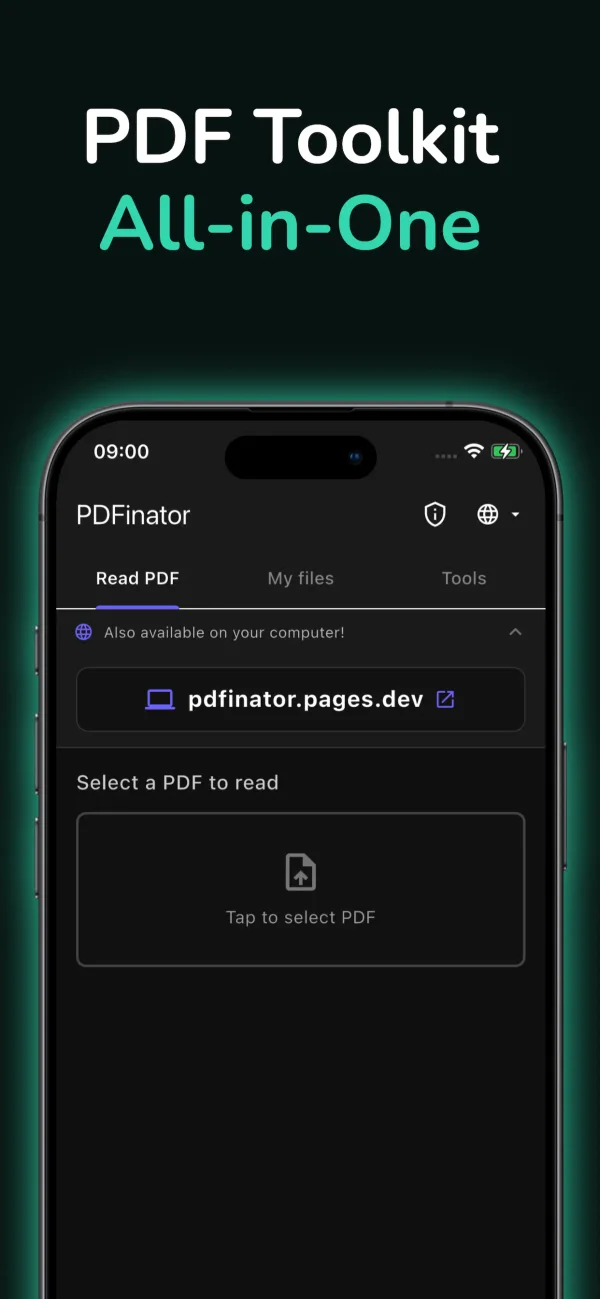
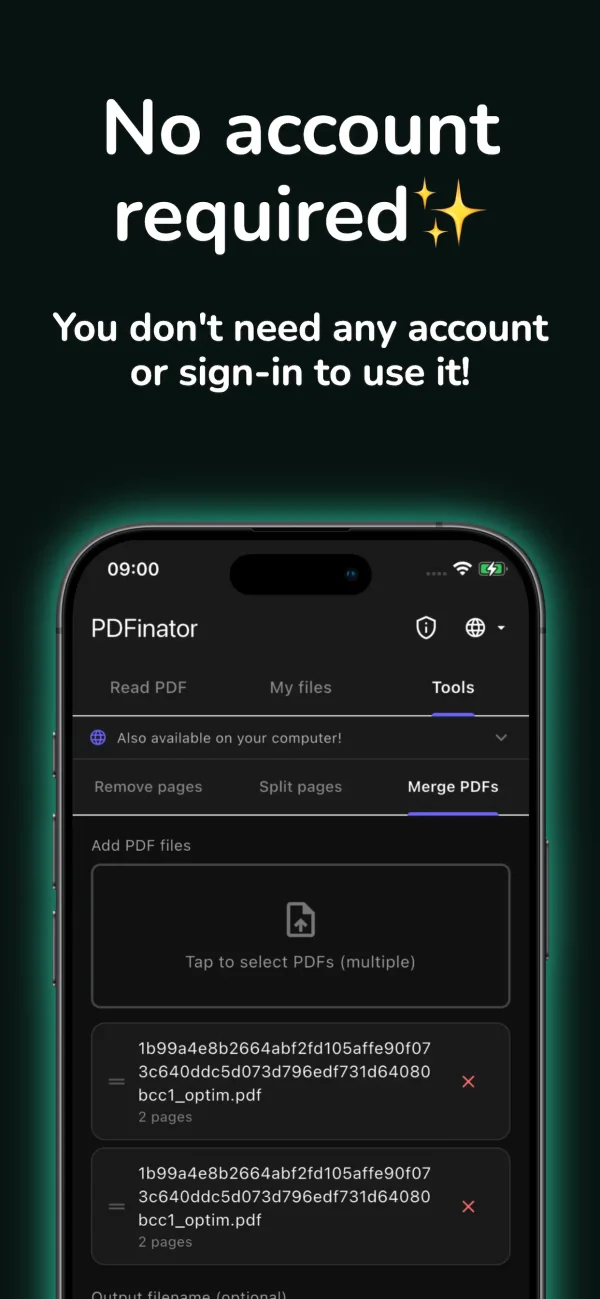
PDFinator is your all-in-one PDF toolkit for iOS. Manage your PDF files quickly and easily - no internet connection required.
FEATURES:
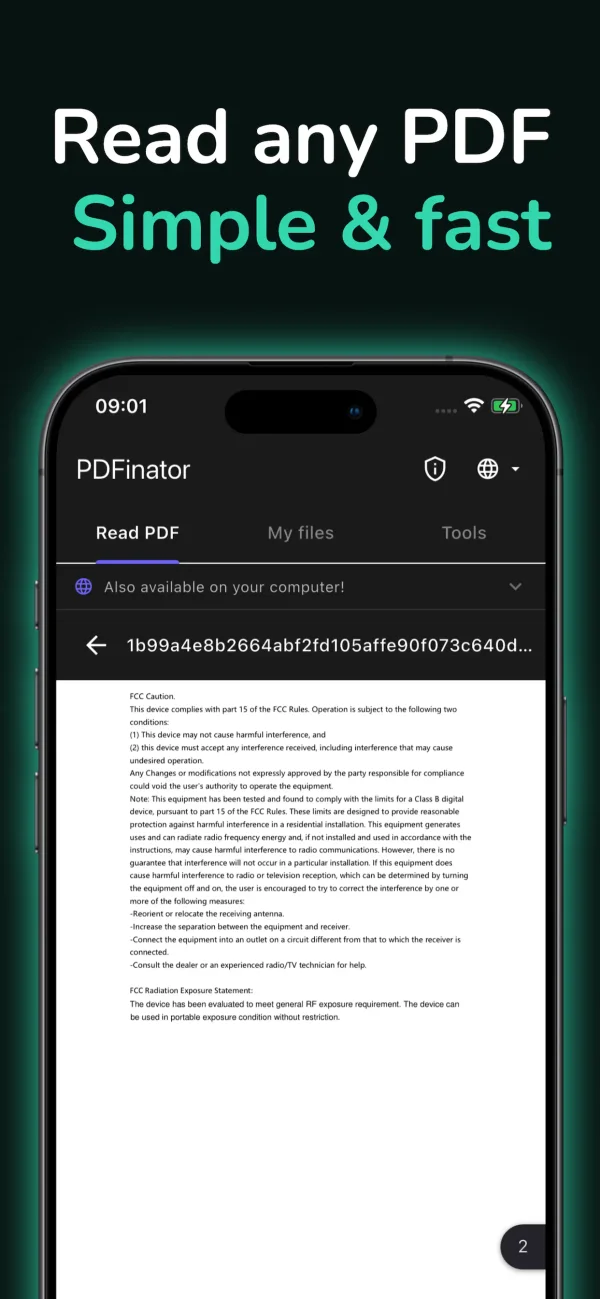
Read PDFs
Open and read any PDF file with a smooth, built-in viewer. Supports encrypted PDFs — just enter the password and read.
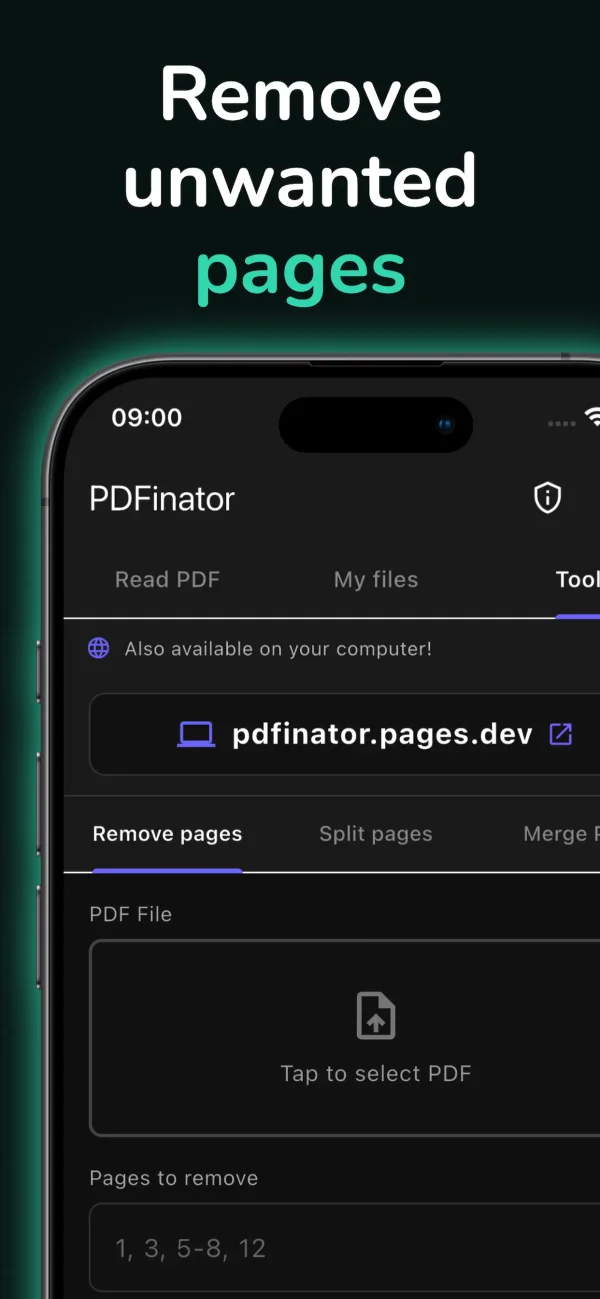
Remove Pages
Select pages to remove by tapping thumbnails or typing page numbers and ranges. Save the modified PDF directly to your device.
Split PDFs
Extract individual pages or selected page ranges from any PDF. Get all split files in a convenient ZIP archive.
Merge PDFs
Combine multiple PDF files into one. Supports different page sizes — each page retains its original dimensions.
Encrypted PDF Support
Works with password-protected PDFs across all tools. Enter the password once, then remove pages, split, merge, or read without limitations.
My Files
Browse PDF files on your device. Sort by name, date, or size. Open any file directly in the built-in reader.
12 Languages
Available in English, Polish, German, French, Spanish, Portuguese, Russian, Arabic, Hindi, Japanese, Korean, and Chinese.
WHY PDFinator?
• 100% offline — your files never leave your device
• No registration or account needed
• Lightweight and fast
• Clean, dark-themed interface
• Free to use
Managing PDF documents has never been easier. Need to combine several files? Use the merge PDF feature to join them into one clean document in seconds. Want to break a large file apart? The split PDF tool lets you divide any PDF by page range or extract specific pages as a standalone file. You can also remove pages you don't need, keeping your documents tidy and concise.
Beyond editing, PDFinator doubles as a fast, reliable PDF reader and PDF viewer - perfect for reading reports, contracts, or ebooks on the go. The built-in PDF editor gives you the control to annotate and reorganize content without needing a desktop computer.
FEATURES AT A GLANCE
• Merge PDF files into a single document
• Split PDF into pages or custom ranges
• Remove or extract pages from any PDF
• Full-featured PDF reader and viewer
• Lightweight PDF editor with annotation support
• Works completely offline — no cloud upload required
• No account or sign-in needed
Download PDFinator today and take control of your PDF files.
Yang baru
Versi 1.0.2 · 3/7/2026
- Added the ability to print the currently viewed PDF file directly from the mobile application
- Fixed My files section
Privasi aplikasi
Yang dinyatakan Damian Grzelak di App Store tentang cara aplikasi ini menangani data.
-
Data yang digunakan untuk melacak Anda
Dapat digunakan untuk melacak Anda di aplikasi dan situs web milik perusahaan lain.
- Pengenal
- Data penggunaan
-
Data yang tidak ditautkan dengan Anda
Dapat dikumpulkan, tetapi tidak ditautkan dengan identitas Anda.
- Lokasi
- Pengenal
- Data penggunaan
- Diagnostik
Praktik privasi dapat bervariasi, misalnya berdasarkan fitur yang Anda gunakan atau usia Anda.
Informasi
- Penjual
- Damian Grzelak
- Kategori
- Kegunaan
- Versi
- 1.0.2
- Diperbarui
- 3/7/2026
- Dirilis
- 4/5/2026
- Ukuran
- 35,2 MB
- Memerlukan
- iOS 13.0 atau yang lebih baru
- Batasan usia
- 4+
- Harga
- Gratis
- Bahasa
- Inggris
- Hak cipta
- © Damian Grzelak - DGital Apps
Mungkin Anda juga suka
-
 Cleava: Clean Storage SpaceKegunaan
-
 PersonalAlarm : Earphone AlarmKegunaan
-
 Scholaread - Translator&ReaderKegunaan
-
 ExpoViewHelperKegunaan
-
 Smart Printer: Scanner PintarPindai, ubah, PDF, cetak
-
 CCTV Super PasswordKegunaan
-
 DMSS VDPKegunaan
-
 Loud Alarm Clock – the LOUDESTKegunaan
-
 nPerf internet speed testKoneksi Wifi 3G 4G 5G