PhotoRiver
Your Memories, Perfected
Diseñada para iPhone
Gratis · Compras en la aplicación
- Clasificación por edad4+
- CategoríaFoto y vídeo
- DesarrolladorNaihe Hu
- IdiomasInglés+ 1 más
- Tamaño21,5 MB
Enlaza a la página oficial de App Store
Download.org no aloja ningún archivo de PhotoRiver. El botón abre la página de la aplicación en App Store, donde la publica Naihe Hu. Ficha comprobada por última vez el 13/11/2026.
Capturas de pantalla
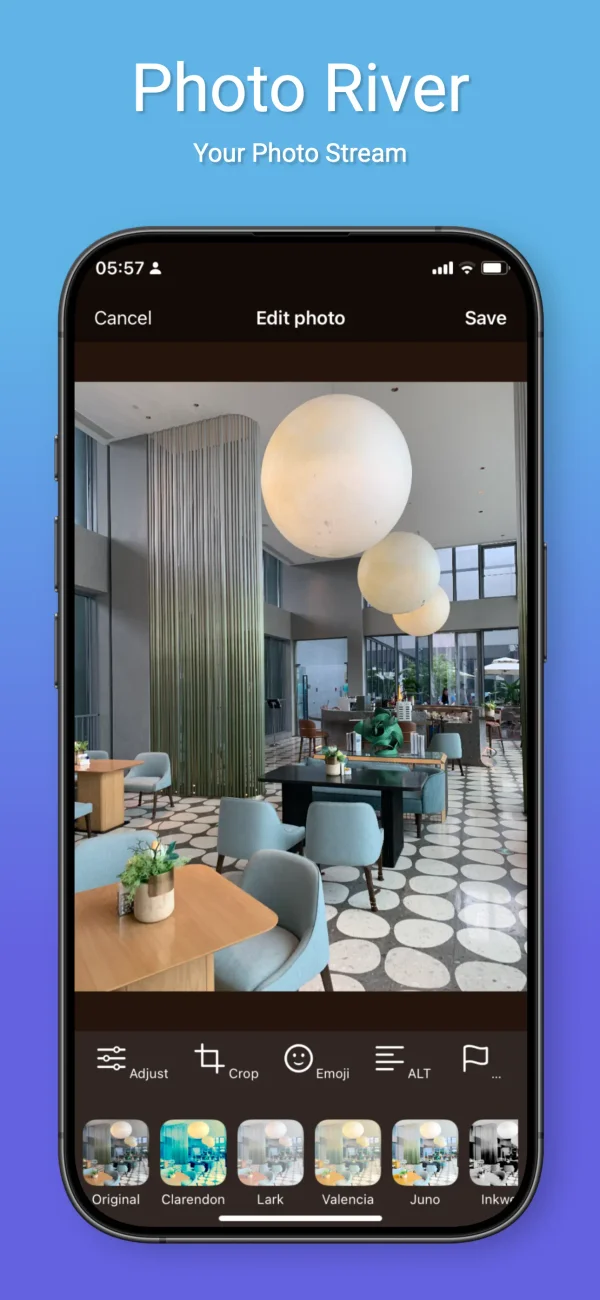
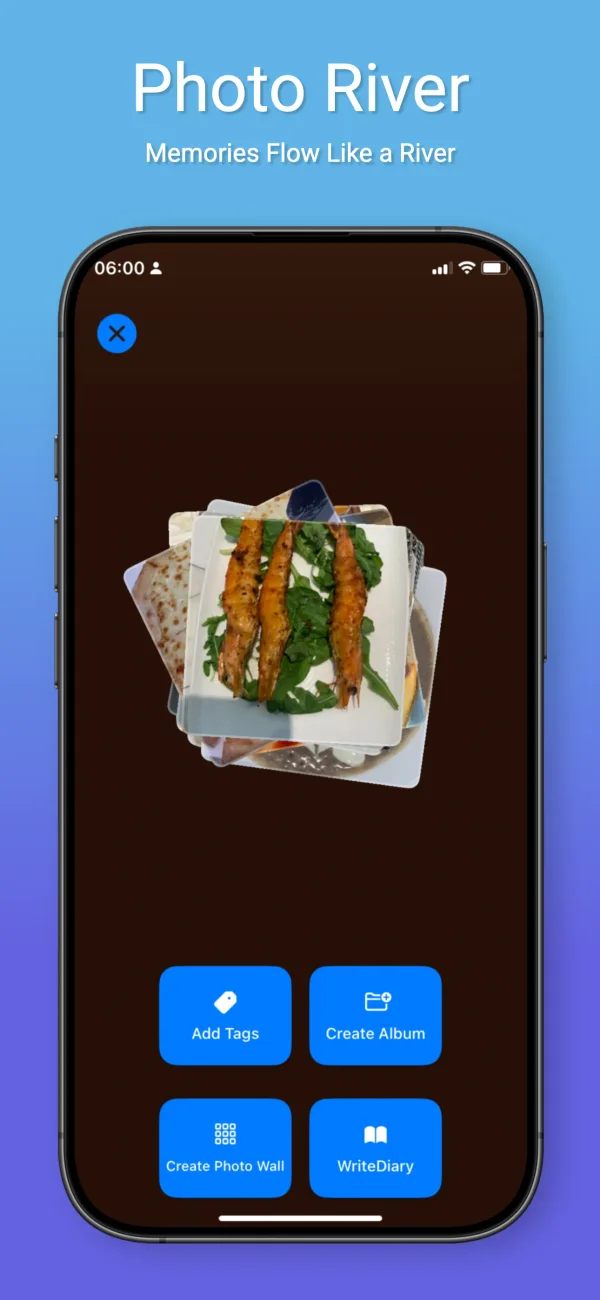
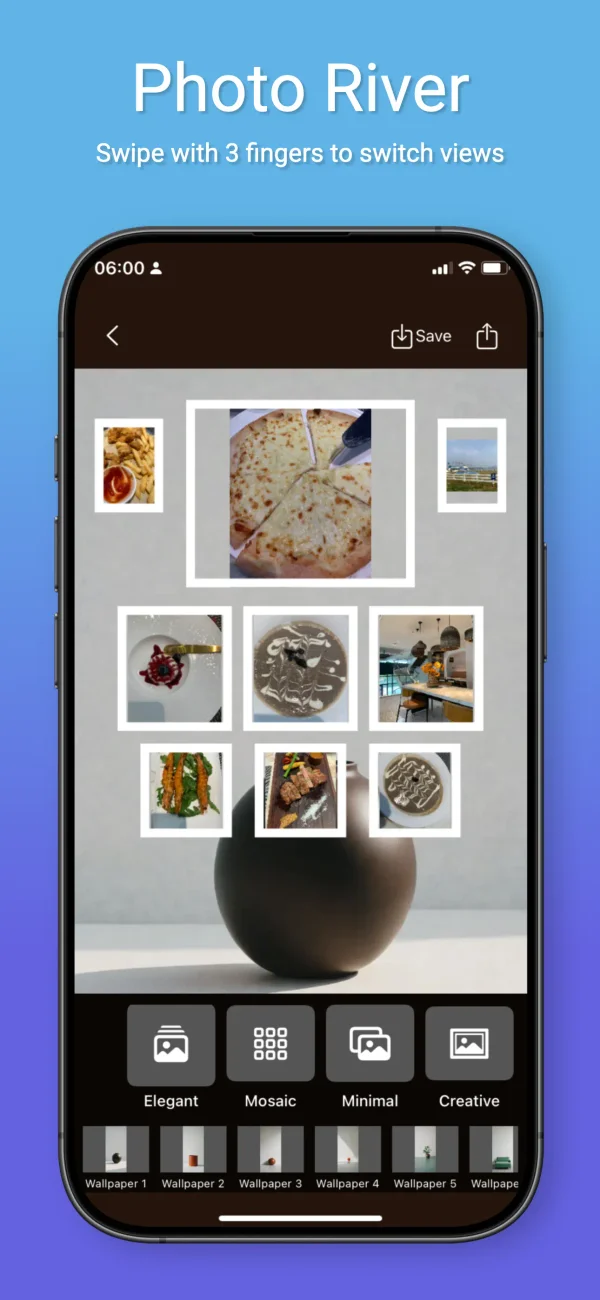
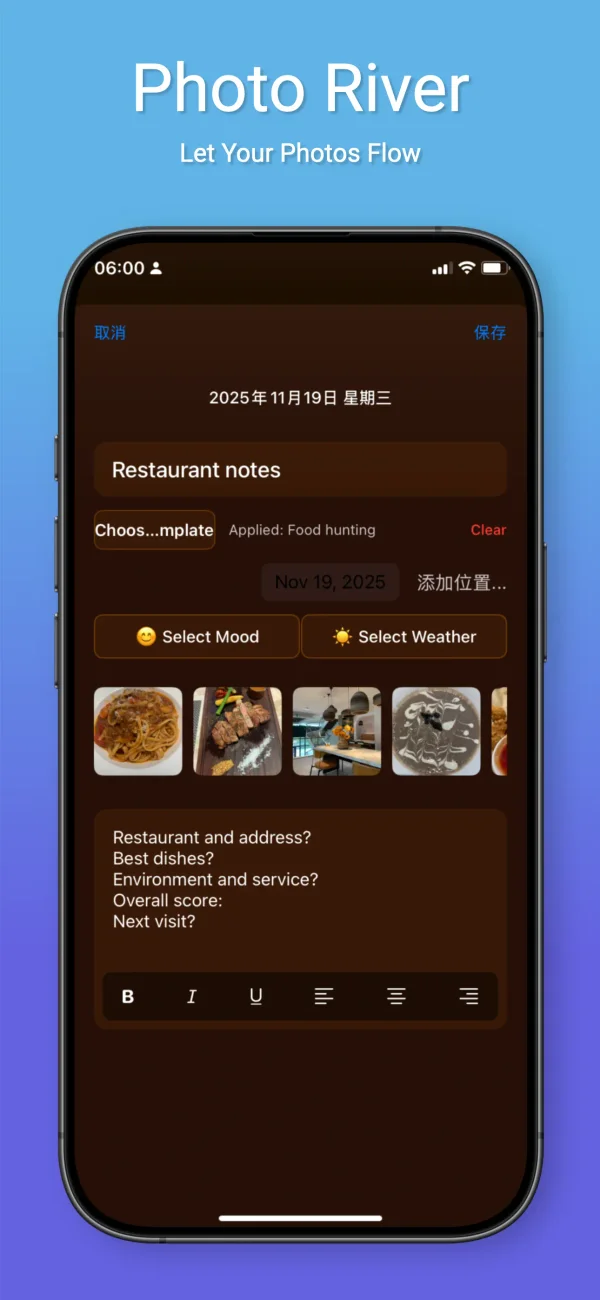
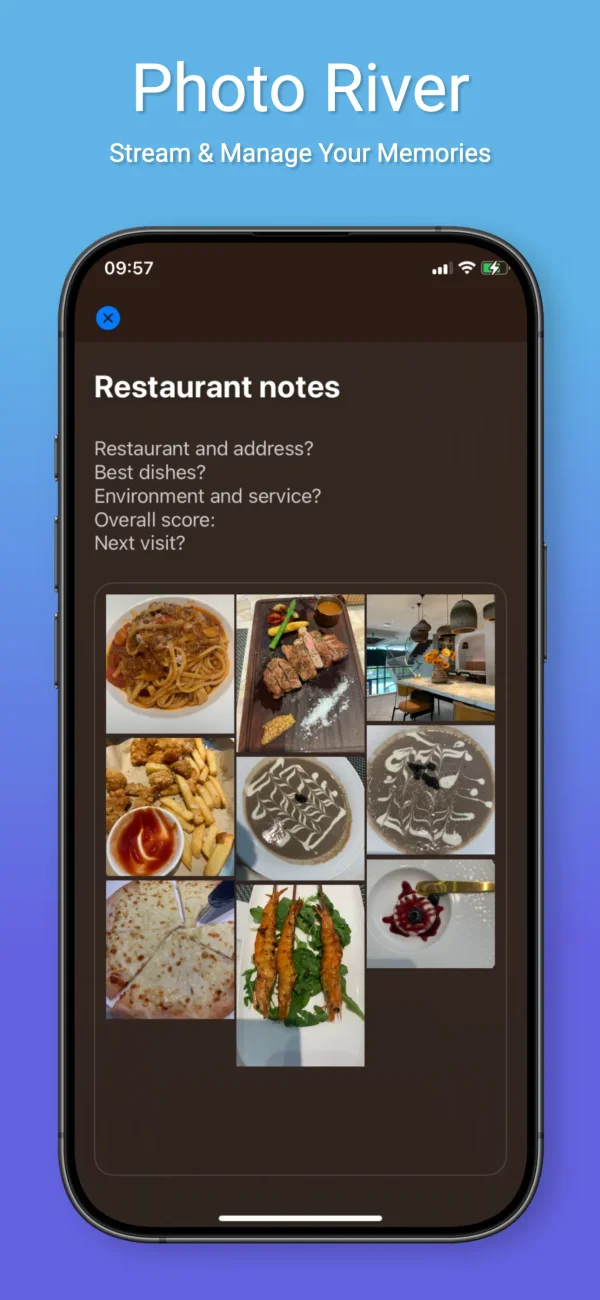
Acerca de
El desarrollador no ha proporcionado este texto en tu idioma.
This app uses Apple's Standard End User License Agreement (EULA): https://www.apple.com/legal/internet-services/itunes/dev/stdeula/
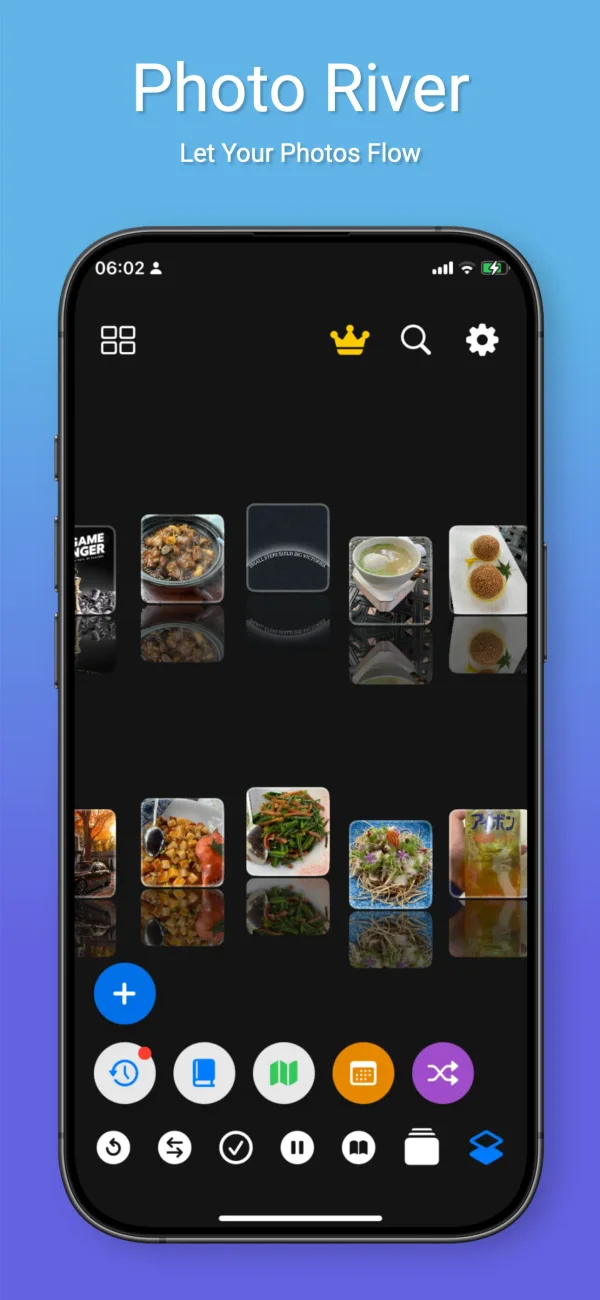
PhotoRiver makes organizing your photo library as easy as browsing it. Swipe through your photos and videos full screen, and favorite, tag, or delete each one as you go.
IMMERSIVE BROWSING
• Swipe up and down, one photo per screen, with videos playing automatically
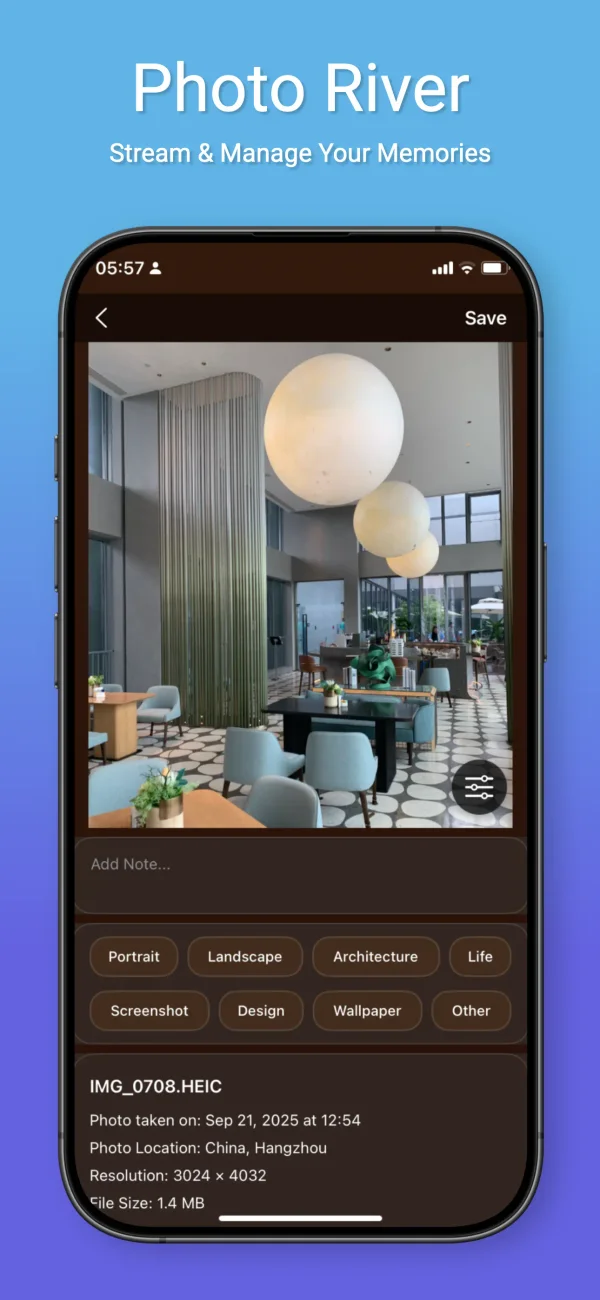
• Favorite, tag, categorize, add notes, or add to albums and diaries right on the photo
• Recommended, Memories, and To Organize filters
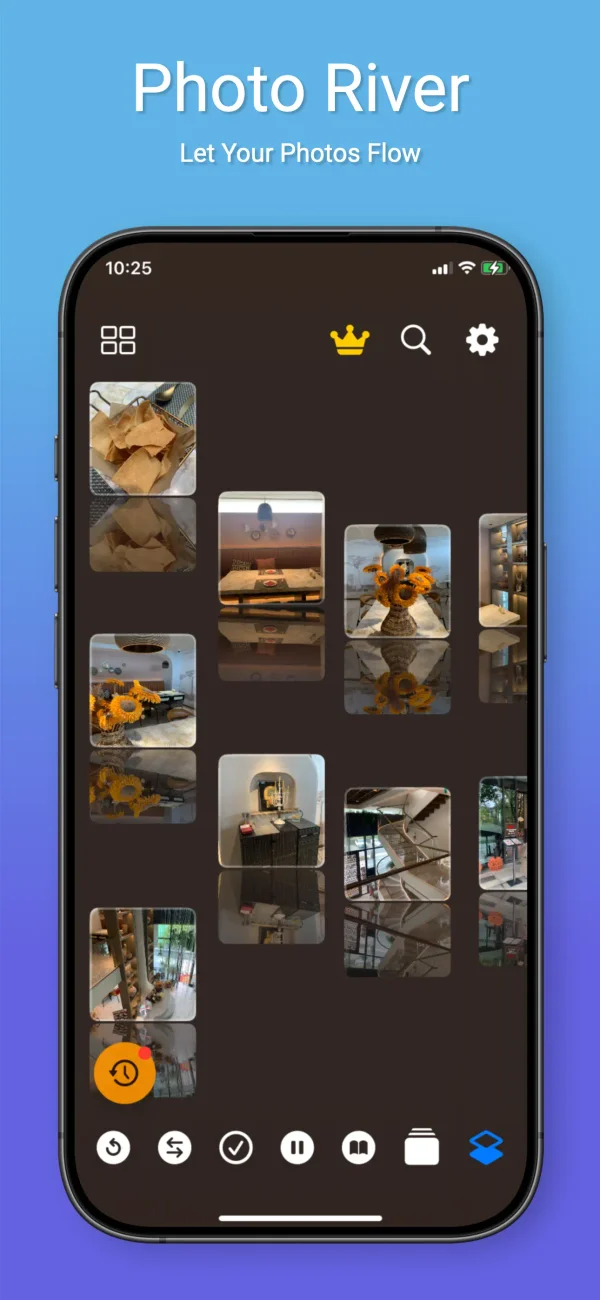
• Switch between four views: River, Grid, Immersive, and Cards
CLEANUP HUB
• Duplicates and similar photos: compare in groups and keep the best one
• Blurry photos: find the shots that didn't come out
• Bursts and Live Photos: keep the best frame, clear the rest
• Screenshot archiving: clear out screenshots you no longer need, in batches
• Large files and video compression: see what's using your storage and compress videos in the app
• Monthly review: a few minutes a month keeps your library tidy
CAPTURE AND CREATE
• Photo diary: combine photos with text, mood, and weather
• Photo walls: templates and backgrounds for shareable collages
• Albums: manage system and custom albums together
• iCloud sync: favorites, tags, and diaries sync across your devices
PRIVACY AND SAFETY
• All photo analysis happens on your device and is never uploaded to our servers
• Every deletion is confirmed first, and deleted photos stay in Recently Deleted for 30 days
Novedades
Versión 7.0 · 28/10/2026
• Optimized for iPhone Duo, full screen on both the outer and inner display
• Layouts adapt instantly when you fold or unfold, and keep your place
• More columns on the large inner display: grid, albums, waterfall, memories, and diary reading
• Diary and albums show the list and content side by side on the inner display
• Photo detail shows a persistent info panel on the inner display in landscape
• Half-fold it on a table to turn it into a photo frame: photos up top, controls below
• Cleanup compare shows photos side by side, larger
• General stability improvements
Privacidad de la aplicación
Lo que Naihe Hu declara en App Store sobre cómo esta aplicación gestiona los datos.
-
No se recopilan datos
El desarrollador no recopila ningún dato de esta aplicación.
Las prácticas de privacidad pueden variar, por ejemplo, según las funciones que uses o tu edad.
Información
- Vendedor
- Naihe Hu
- Categoría
- Foto y vídeo
- Versión
- 7.0
- Actualizado
- 28/10/2026
- Publicado
- 7/1/2025
- Tamaño
- 21,5 MB
- Requiere
- iOS 18.0 o posterior
- Clasificación por edad
- 4+
- Precio
- Gratis
- Compras en la aplicación
- Sí
- Idiomas
- Inglés, Chino simplificado
- Copyright
- © 2026 Salt
Quizá también te guste
-
 Moment - On This Day HistoryFoto y vídeo
-
 ShareGuard: Blur & RedactFoto y vídeo
-
 PocketBox: Comprimir VídeoHEIC a JPG·GIF·Live Photo
-
 F-captions: auto subtitlesFoto y vídeo
-
 PhotoSlateFoto y vídeo
-
 Then & Now: Antes y DespuésComparar fotos de progreso
-
 Ocultar fotos: Álbum secretoBloquea fotos y vídeos
-
 Fake Flex: Virtual Try-OnFoto y vídeo
-
 Evios: Light Meter for FilmFoto y vídeo
-
 Retroto: Álbum de Vida y FotosOrdena recuerdos por edad &año