- Age rating4+
- CategoryPhoto & Video
- DeveloperNaihe Hu
- LanguagesEnglish+ 1 more
- Size21.5 MB
Links to the official App Store page
Download.org hosts no file of PhotoRiver. The button opens its official App Store page, published by Naihe Hu. Listing last checked on Nov 13, 2026.
Screenshots
About
This app uses Apple's Standard End User License Agreement (EULA): https://www.apple.com/legal/internet-services/itunes/dev/stdeula/
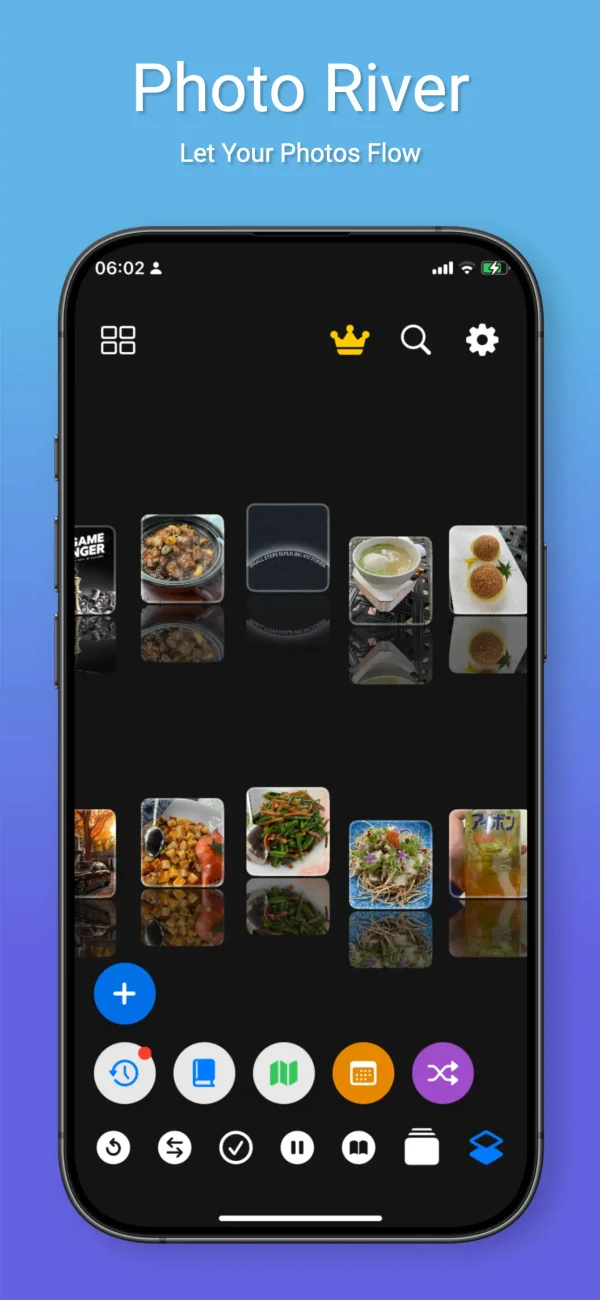
PhotoRiver makes organizing your photo library as easy as browsing it. Swipe through your photos and videos full screen, and favorite, tag, or delete each one as you go.
IMMERSIVE BROWSING
• Swipe up and down, one photo per screen, with videos playing automatically
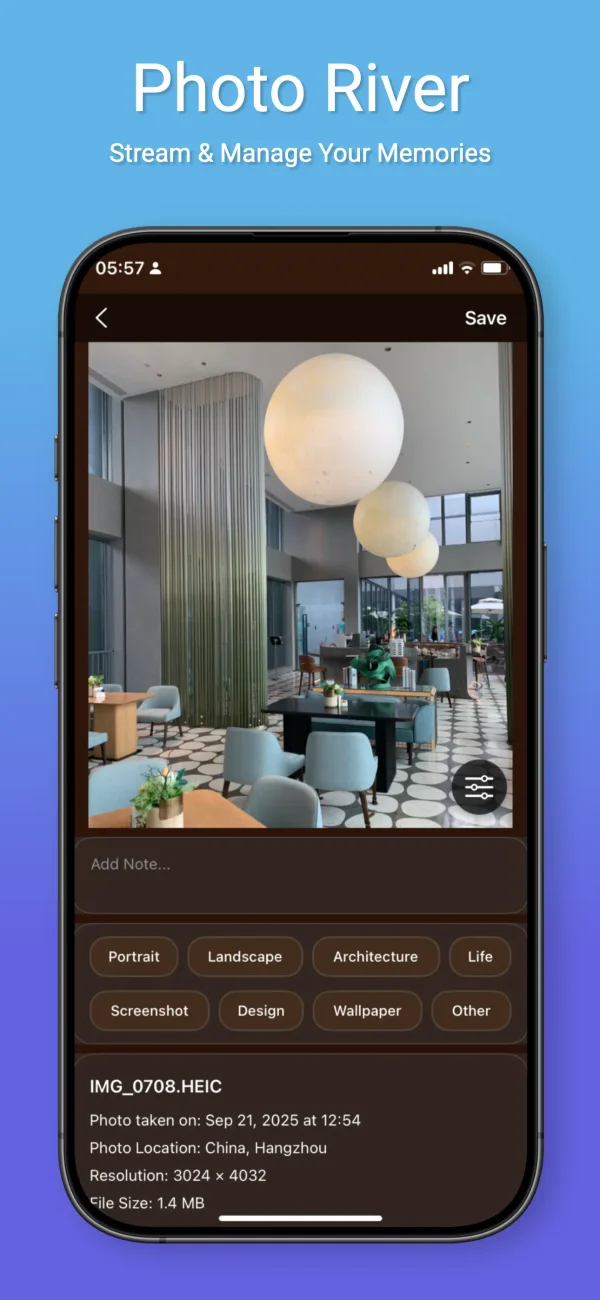
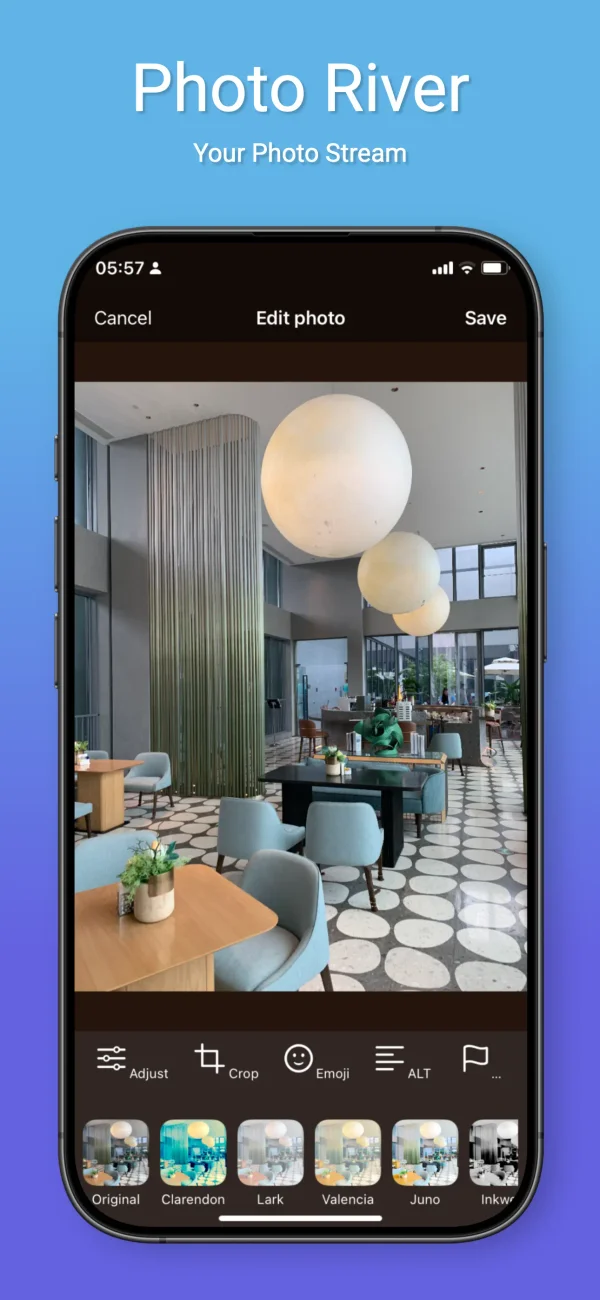
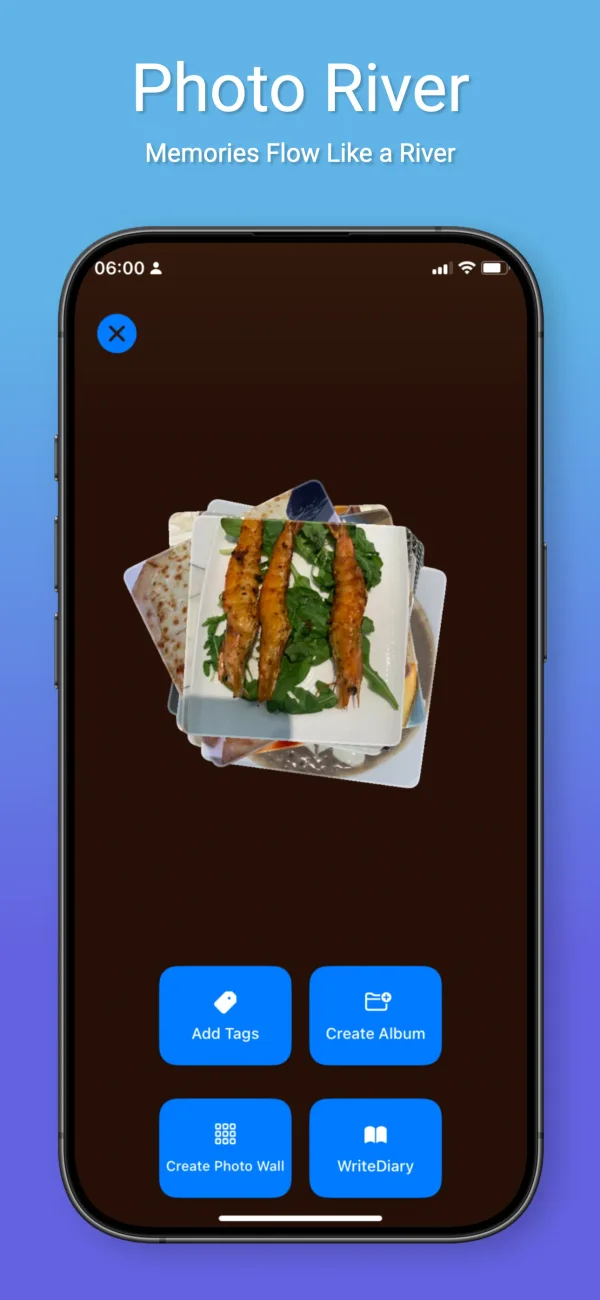
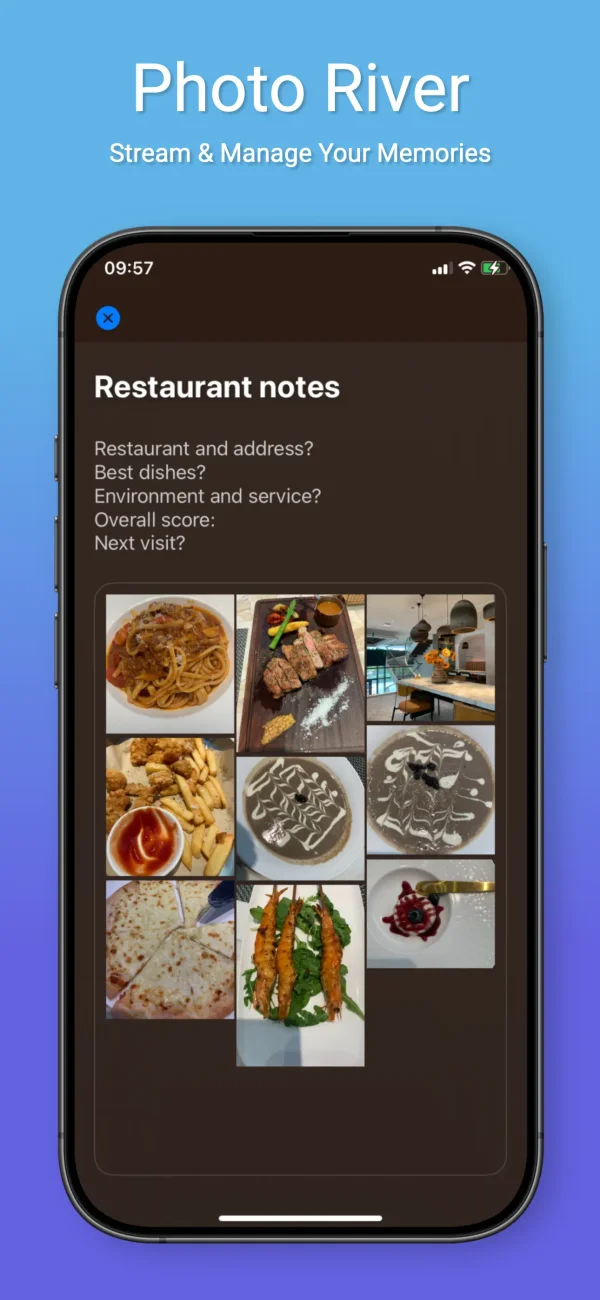
• Favorite, tag, categorize, add notes, or add to albums and diaries right on the photo
• Recommended, Memories, and To Organize filters
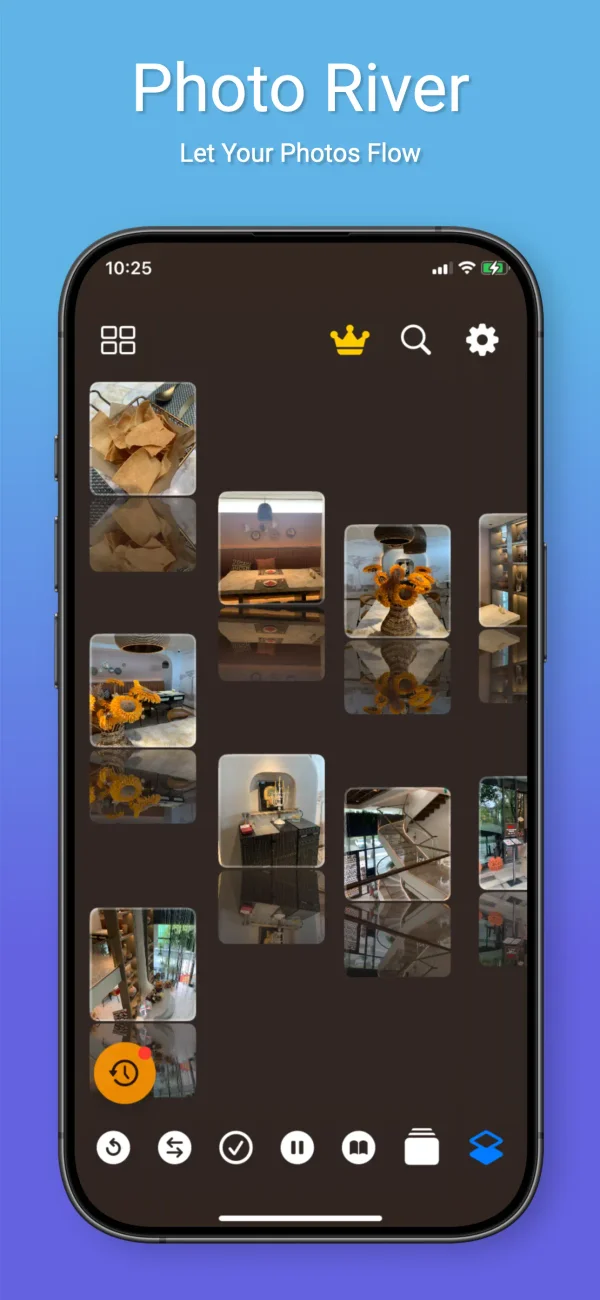
• Switch between four views: River, Grid, Immersive, and Cards
CLEANUP HUB
• Duplicates and similar photos: compare in groups and keep the best one
• Blurry photos: find the shots that didn't come out
• Bursts and Live Photos: keep the best frame, clear the rest
• Screenshot archiving: clear out screenshots you no longer need, in batches
• Large files and video compression: see what's using your storage and compress videos in the app
• Monthly review: a few minutes a month keeps your library tidy
CAPTURE AND CREATE
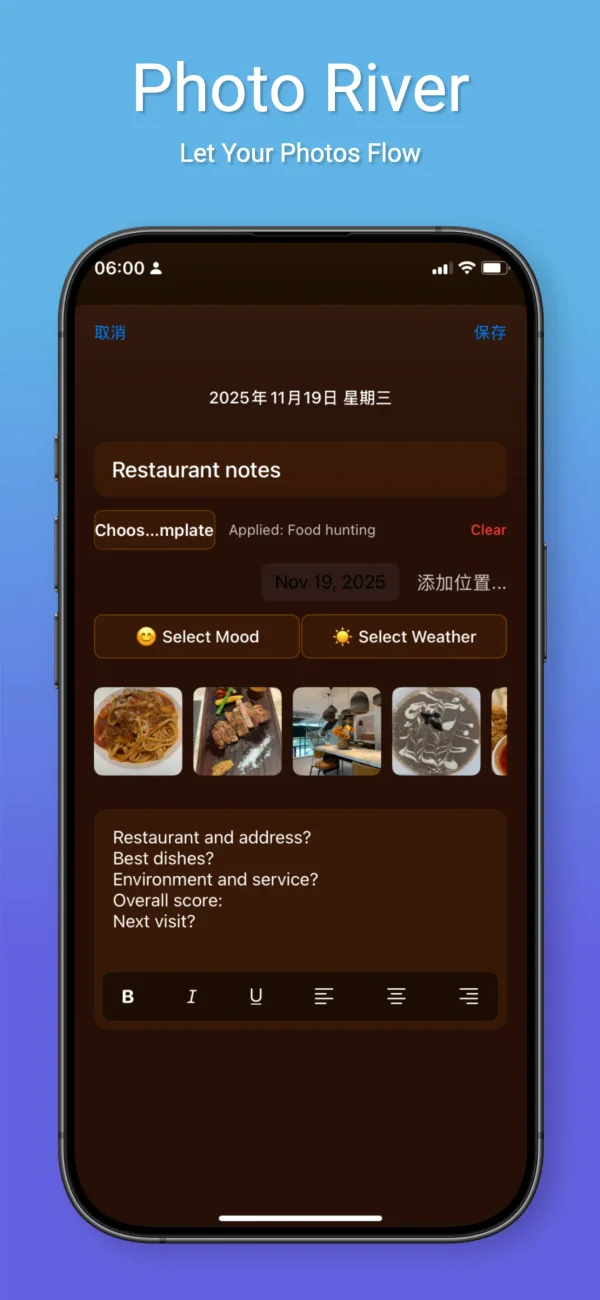
• Photo diary: combine photos with text, mood, and weather
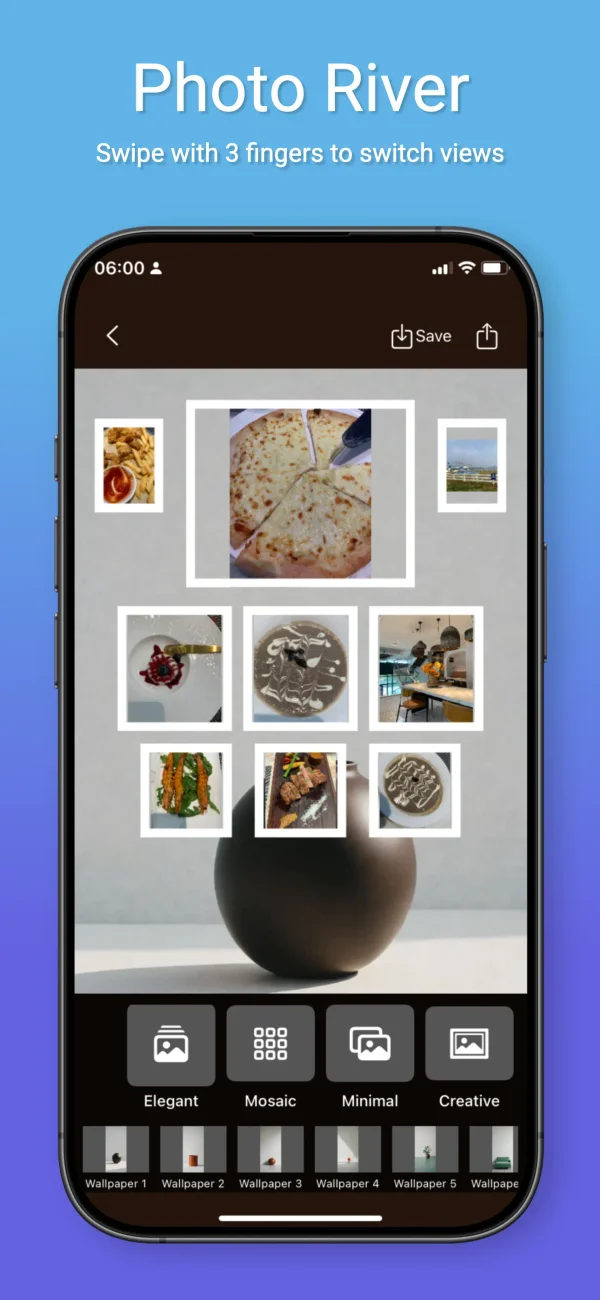
• Photo walls: templates and backgrounds for shareable collages
• Albums: manage system and custom albums together
• iCloud sync: favorites, tags, and diaries sync across your devices
PRIVACY AND SAFETY
• All photo analysis happens on your device and is never uploaded to our servers
• Every deletion is confirmed first, and deleted photos stay in Recently Deleted for 30 days
What’s new
Version 7.0 · Oct 28, 2026
• Optimized for iPhone Duo, full screen on both the outer and inner display
• Layouts adapt instantly when you fold or unfold, and keep your place
• More columns on the large inner display: grid, albums, waterfall, memories, and diary reading
• Diary and albums show the list and content side by side on the inner display
• Photo detail shows a persistent info panel on the inner display in landscape
• Half-fold it on a table to turn it into a photo frame: photos up top, controls below
• Cleanup compare shows photos side by side, larger
• General stability improvements
App privacy
What Naihe Hu declares on the App Store about how this app handles data.
-
Data not collected
The developer does not collect any data from this app.
Privacy practices may vary, for example with the features you use or your age.
Information
- Seller
- Naihe Hu
- Category
- Photo & Video
- Version
- 7.0
- Updated
- Oct 28, 2026
- Released
- Jan 7, 2025
- Size
- 21.5 MB
- Requires
- iOS 18.0 or later
- Age rating
- 4+
- Price
- Free
- In-app purchases
- Yes
- Languages
- English, Simplified Chinese
- Copyright
- © 2026 Salt
You might also like
-
 Moment - On This Day HistoryMemories, Calendar & Cleaner
-
 ShareGuard: Blur & RedactBlur Screenshots & Metadata
-
 PocketBox: Video CompressorHEIC to JPG·MOV to MP4·GIF
-
 F-captions: auto subtitlesCaption generator, fair price!
-
 PhotoSlateDisplay location Information
-
 Progress Pictures: Then & NowBefore & After Photo Tracker
-
 Hide Photos: Secret AlbumLock Photos & Private Vault
-
 Fake Flex: Virtual Try-OnAI Clothes Changer & Outfits
-
 Evios: Light Meter for FilmSpot Metering & Reciprocity
-
 Retroto – Life Biography AlbumOrganize Photos by Timeline