
PicMov - Slideshow Editor
Slideshow maker and video edit
Diseñada para iPhone, iPad
Gratis · Compras en la aplicación
- Clasificación por edad4+
- CategoríaFoto y vídeo
- DesarrolladorREAFO CO., LTD.
- IdiomasInglés
- Tamaño55,3 MB
Enlaza a la página oficial de App Store
Download.org no aloja ningún archivo de PicMov - Slideshow Editor. El botón abre la página de la aplicación en App Store, donde la publica REAFO CO., LTD. Ficha comprobada por última vez el 17/11/2026.
Capturas de pantalla
Acerca de
El desarrollador no ha proporcionado este texto en tu idioma.
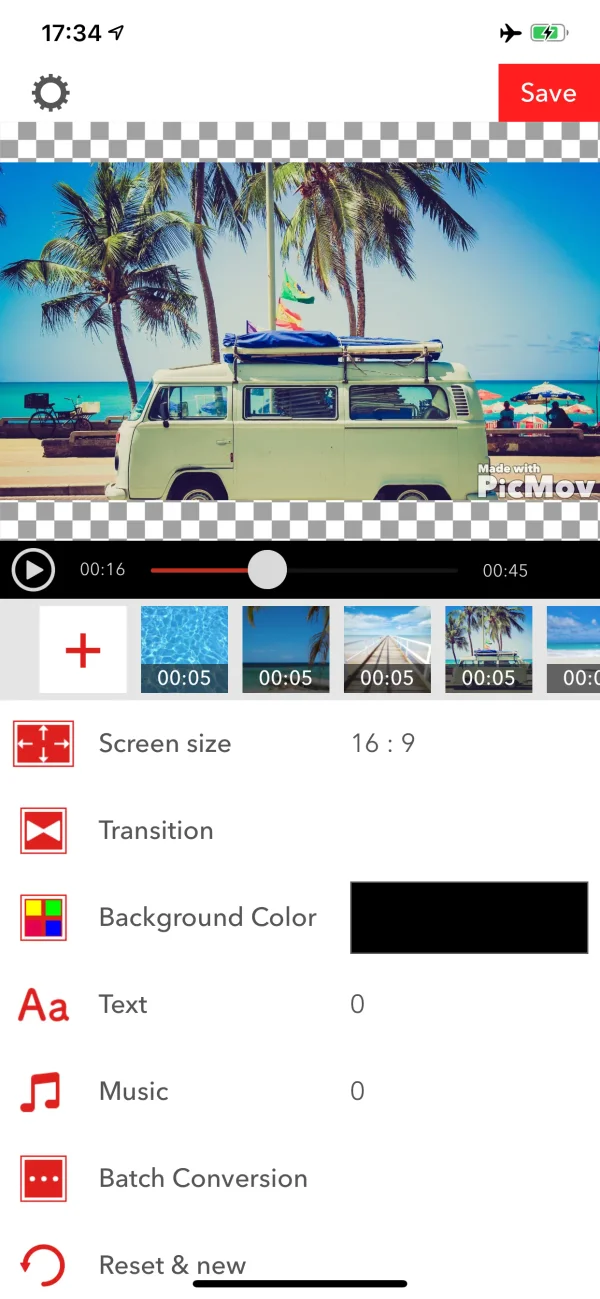
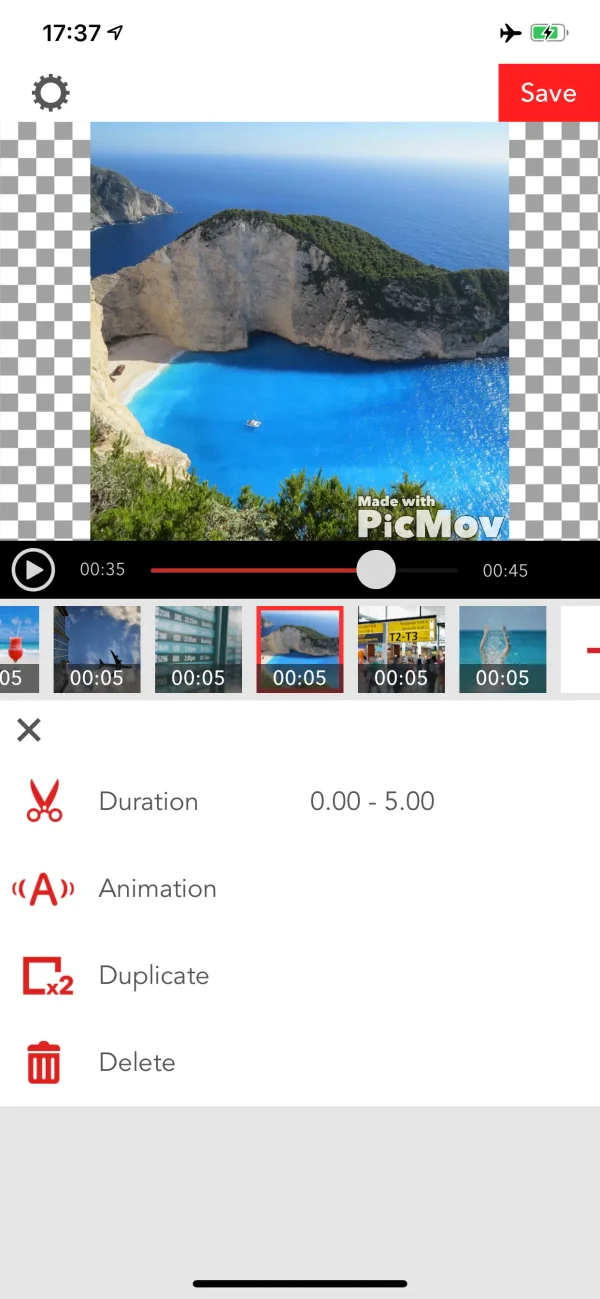
PicMov is an app that allows you to create captivating movies with ease by connecting together with your images and videos. Incredibly easy to use; just select images and videos from your camera roll, then simply select what music you like. Movies will look even more amazing by adding subtitles or selecting animations.
Unlimited possibilities for its use, from weddings to recording your child’s growth to creating a cartoon flip book!
It is also great for when you want to record birthday videos or even just everyday events.
[Main Features]
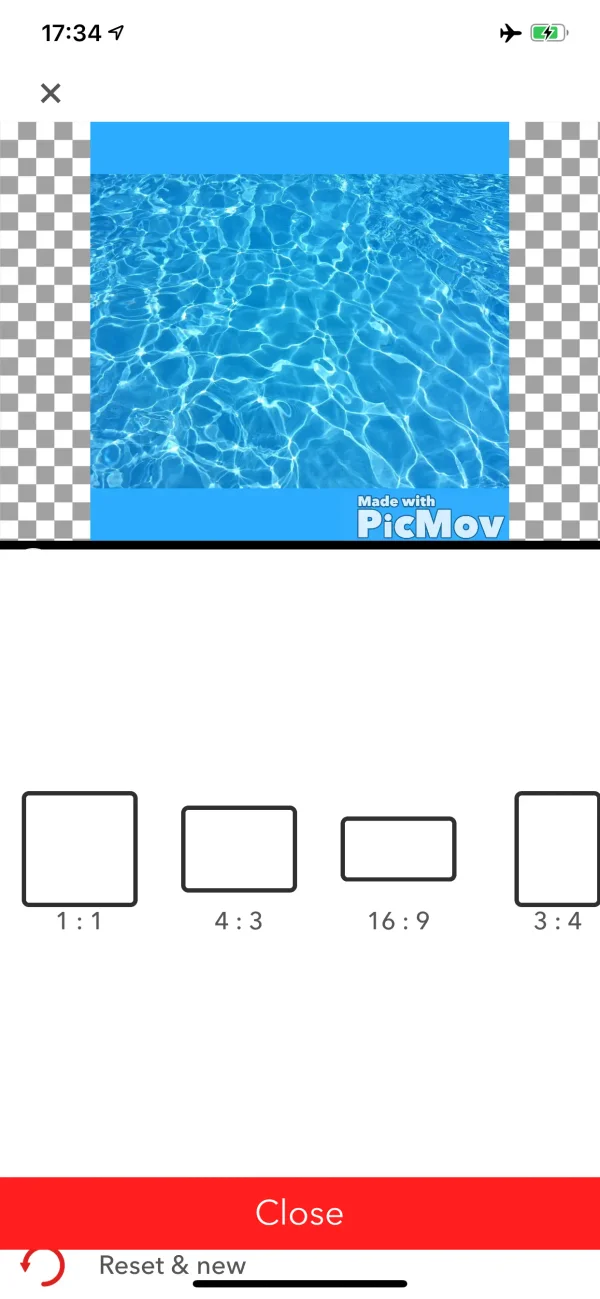
■Export Movie Size
- Change the size of exported movie to your liking.
- The size can by changed to your liking at any time during editing.
- Selectable sizes are listed below.
- Square: 1:1
- Landscape: 16:9, 4:3
- Portrait: 9:16, 3:4
■Image Import
- Select your favorite images and load them as video.
- The same image can be added multiple times.
■Burst Photo Import
- Burst photos can be imported as video by selecting the start and end photo and playback speed.
■Video Import
- You can select your preferred span of the video.
- The same video can be loaded multiple times.
- The volume can be adjusted.
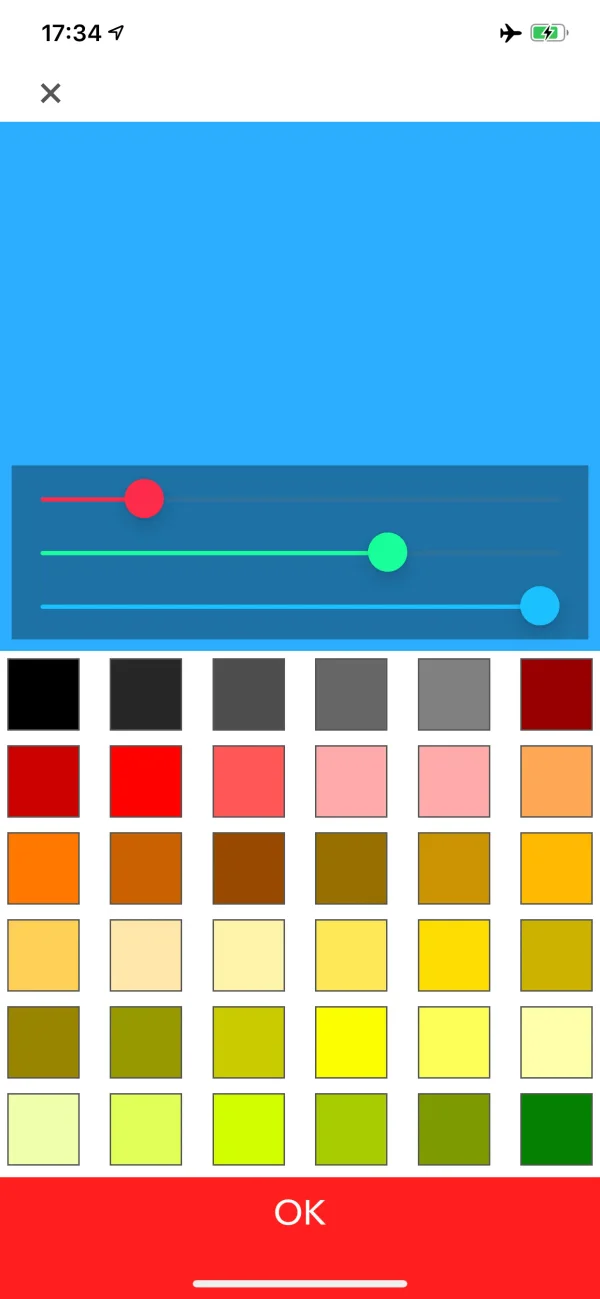
■ Color Panel
- Select your favorite color and load as video.
- Perfect to add titles and between each video.
■Video Rearrange Function
- Long press on the video cell to and simply drag it to the location you want it to go to rearrange the videos.
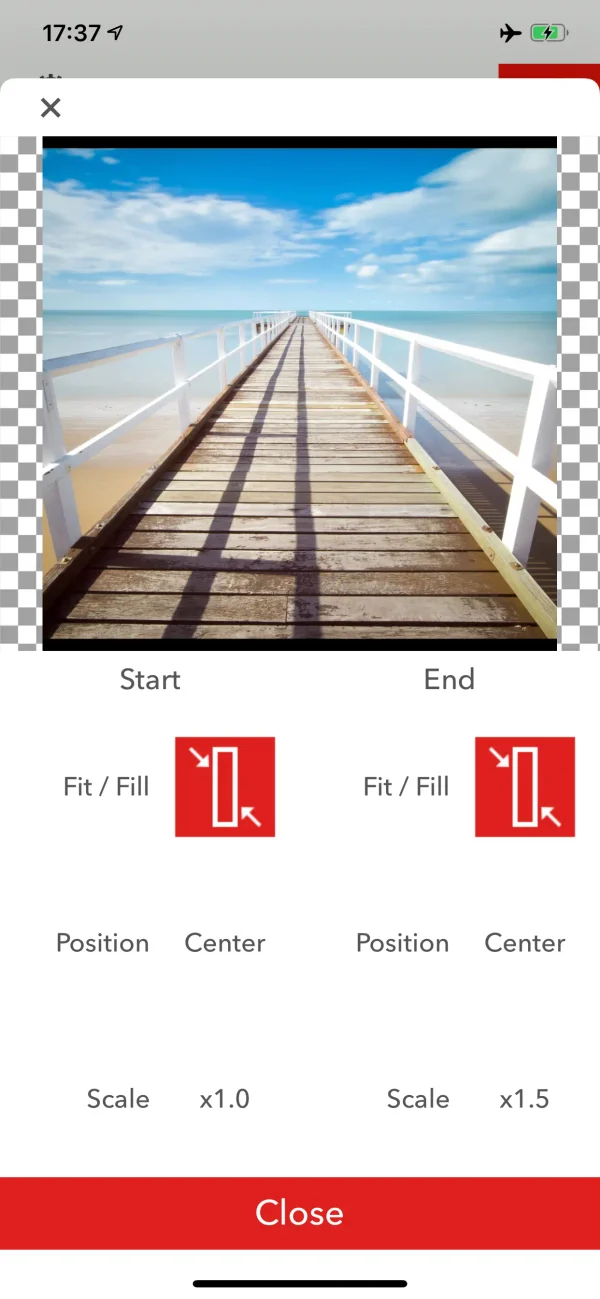
■Animation
- You can change the video location and size and add your favorite animations.
■Transitions
- Three transitions effects are available.
- The duration of the effect can be selected, from 0.5 to 2.0 seconds.
- A convenient editing function allows all transitions to be modified at once.
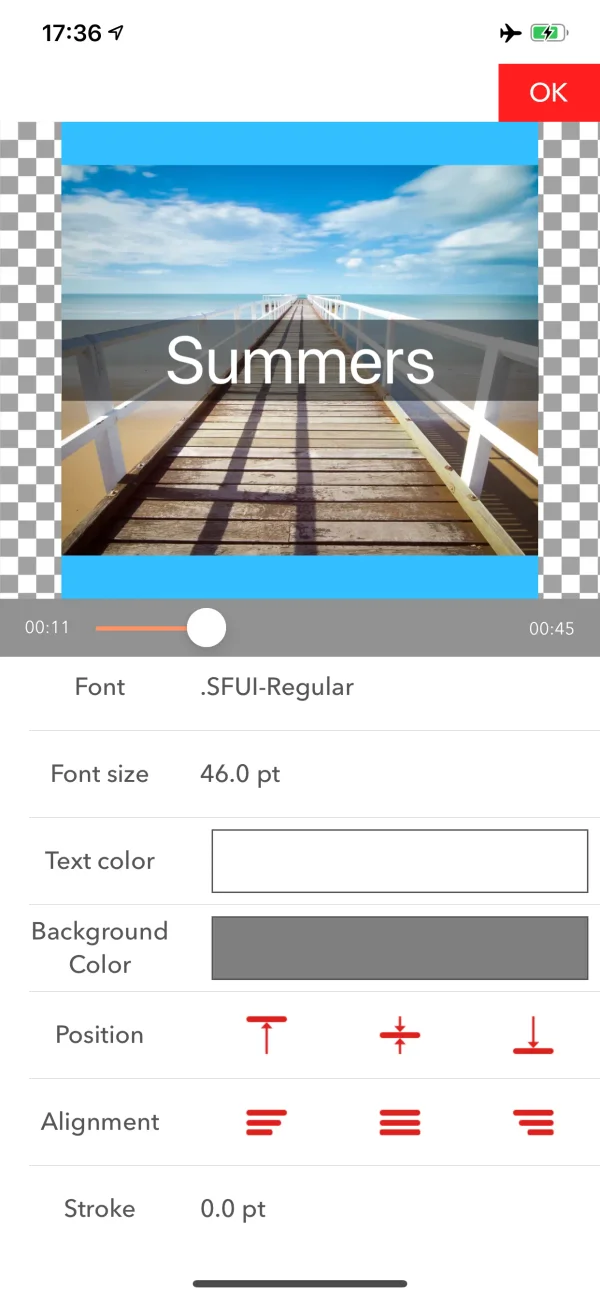
■Add Subtitles & Text
- You can add text to video for whichever period of time you like.
- You can set the text position where you like, top, middle, bottom, left, right, or center justified.
- The font, text color, shadows, and background color can all be adjusted.
- You can select from fade in and fade out animations.
■Batch Editing
- A convenient editing function allows you to change transitions, movie animations, subtitle fonts, and font sizes all at once.
■Music
- Your favorite music can be used as background music by selecting it from your iPod or iTunes.
- The audio from your videos can be used as background music.
- Multiple songs can be arranged in the order you prefer.
- The volume can be adjusted.
- Music can be cut to use your favorite parts before being added.
Novedades
Versión 5.1 · 13/10/2026
Thank you for using our service.
- Fixed minor bugs.
Privacidad de la aplicación
Lo que REAFO CO., LTD. declara en App Store sobre cómo esta aplicación gestiona los datos.
-
Datos usados para rastrearte
Pueden usarse para rastrearte en aplicaciones y sitios web propiedad de otras empresas.
- Identificadores
- Datos de uso
-
Datos vinculados a ti
Pueden recopilarse y vincularse a tu identidad.
- Identificadores
-
Datos no vinculados a ti
Pueden recopilarse, pero no se vinculan a tu identidad.
- Datos de uso
- Diagnóstico
Las prácticas de privacidad pueden variar, por ejemplo, según las funciones que uses o tu edad.
Información
- Vendedor
- REAFO CO., LTD.
- Categoría
- Foto y vídeo
- Versión
- 5.1
- Actualizado
- 13/10/2026
- Publicado
- 22/9/2016
- Tamaño
- 55,3 MB
- Requiere
- iOS 16.4 o posterior
- Clasificación por edad
- 4+
- Precio
- Gratis
- Compras en la aplicación
- Sí
- Idiomas
- Inglés
- Copyright
- © Reafo Co., Ltd.
Quizá también te guste
-
 Creador de Slideshow: VídeoEditor de Vídeo con Música
-
 Fotos a Video: Crear VideosCon música y sin marca de agua
-
 SlideShow Photo to Video MakerFoto y vídeo
-
 Video Reverse: rewind videosFoto y vídeo
-
 Slideshow Magic- With MusicFoto y vídeo
-
 Slideshow Maker with Music +Combine Pics to create Montage
-
 Video Collage: Mezclar VideosCollage IA, Slideshow, Música
-
 hacer video con fotos y musicacrear videos con fotos
-
 SlideFlow Diapositivas CreadorFotos, Videos, Música + TV
-
 Cámara Lenta y Camara RapidaSlow fast motion video editor