
PicMov - Slideshow Editor
Slideshow maker and video edit
Dirancang untuk iPhone, iPad
Gratis · Pembelian dalam aplikasi
- Batasan usia4+
- KategoriFoto & Video
- PengembangREAFO CO., LTD.
- BahasaInggris
- Ukuran55,3 MB
Tertaut ke halaman resmi App Store
Download.org tidak menyimpan file PicMov - Slideshow Editor apa pun. Tombol ini membuka halaman aplikasi di App Store, tempat REAFO CO., LTD. menerbitkannya. Halaman terakhir diperiksa pada 17/11/2026.
Tangkapan layar
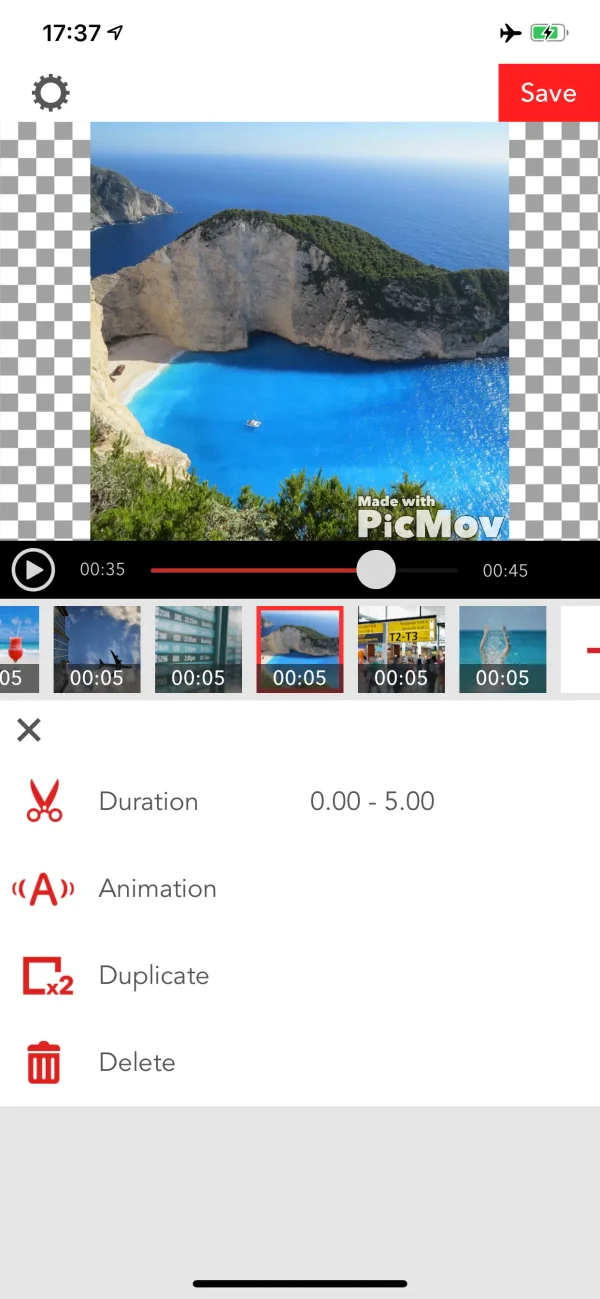
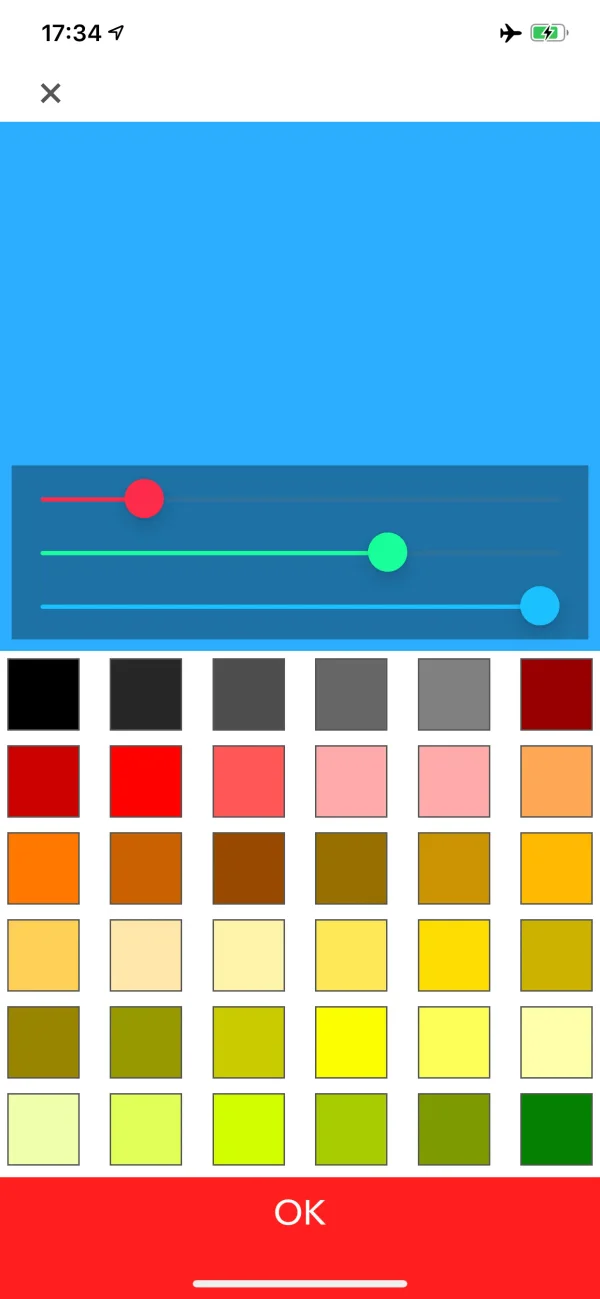
Tentang
Pengembang belum menyediakan teks ini dalam bahasa Anda.
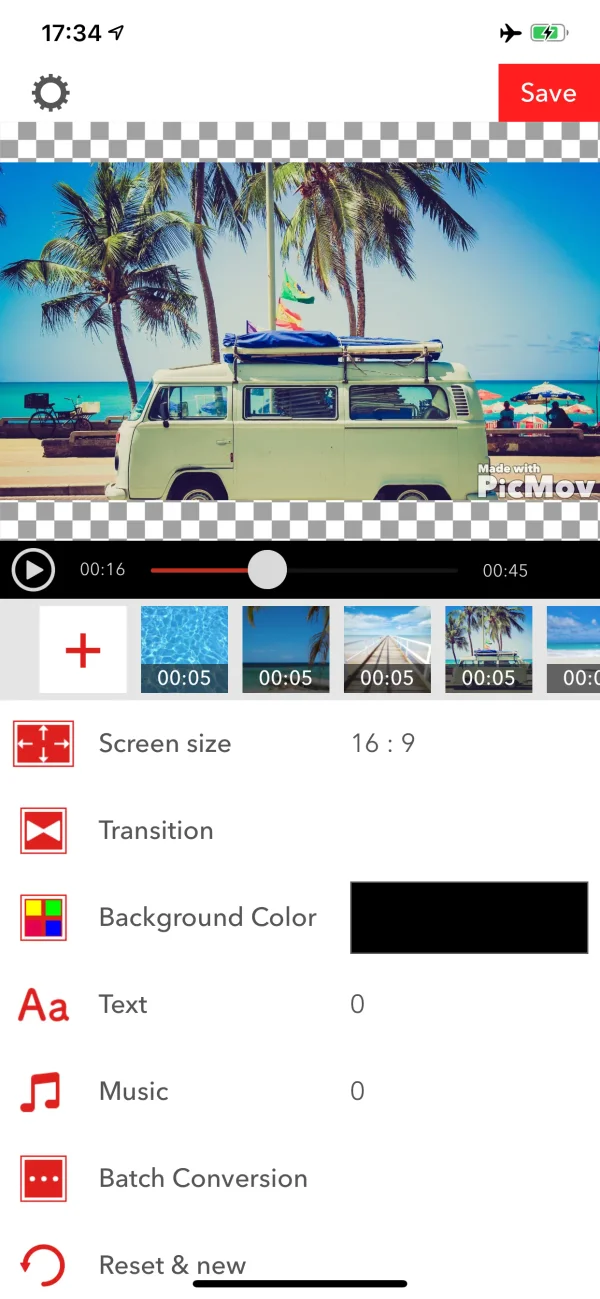
PicMov is an app that allows you to create captivating movies with ease by connecting together with your images and videos. Incredibly easy to use; just select images and videos from your camera roll, then simply select what music you like. Movies will look even more amazing by adding subtitles or selecting animations.
Unlimited possibilities for its use, from weddings to recording your child’s growth to creating a cartoon flip book!
It is also great for when you want to record birthday videos or even just everyday events.
[Main Features]
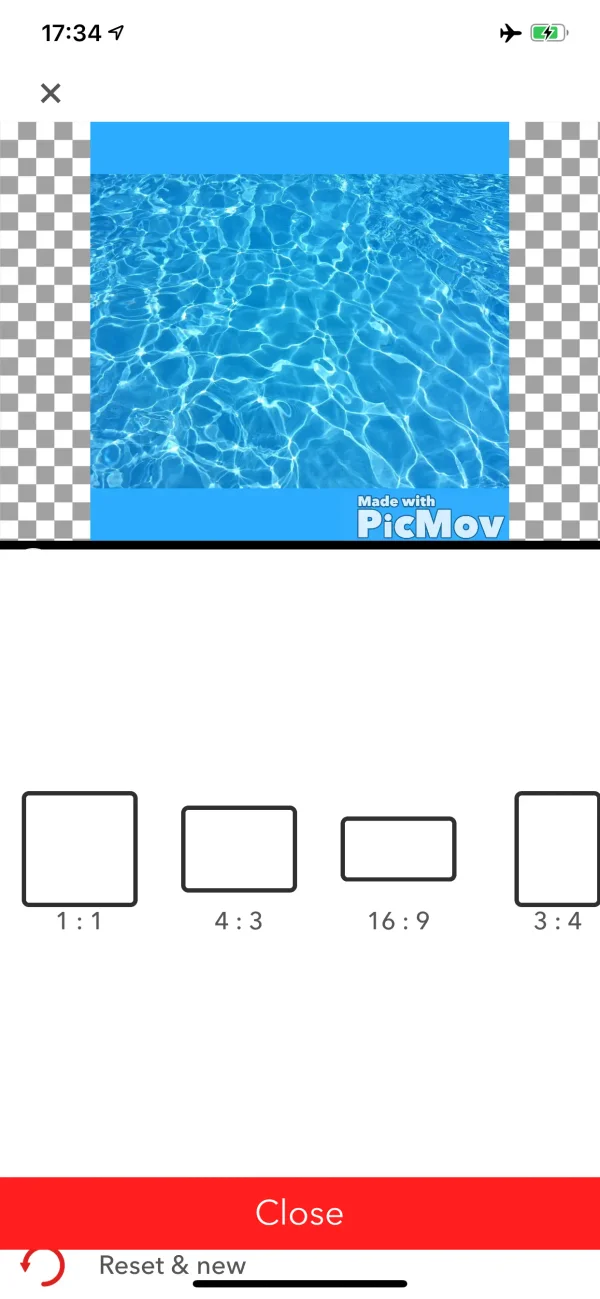
■Export Movie Size
- Change the size of exported movie to your liking.
- The size can by changed to your liking at any time during editing.
- Selectable sizes are listed below.
- Square: 1:1
- Landscape: 16:9, 4:3
- Portrait: 9:16, 3:4
■Image Import
- Select your favorite images and load them as video.
- The same image can be added multiple times.
■Burst Photo Import
- Burst photos can be imported as video by selecting the start and end photo and playback speed.
■Video Import
- You can select your preferred span of the video.
- The same video can be loaded multiple times.
- The volume can be adjusted.
■ Color Panel
- Select your favorite color and load as video.
- Perfect to add titles and between each video.
■Video Rearrange Function
- Long press on the video cell to and simply drag it to the location you want it to go to rearrange the videos.
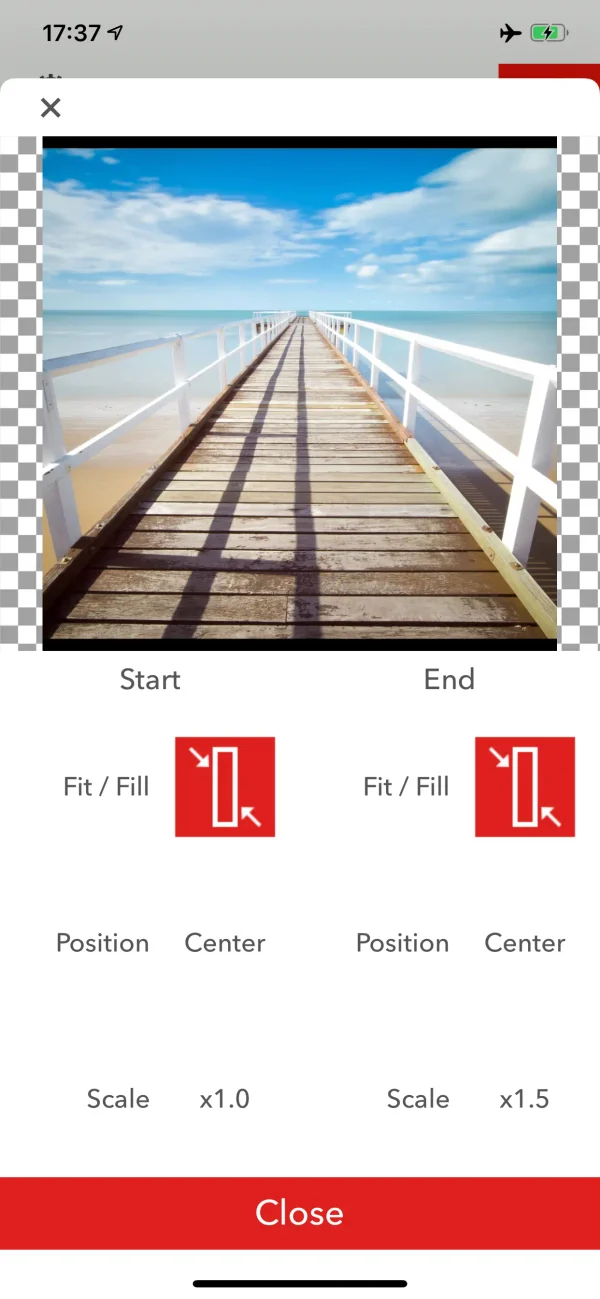
■Animation
- You can change the video location and size and add your favorite animations.
■Transitions
- Three transitions effects are available.
- The duration of the effect can be selected, from 0.5 to 2.0 seconds.
- A convenient editing function allows all transitions to be modified at once.
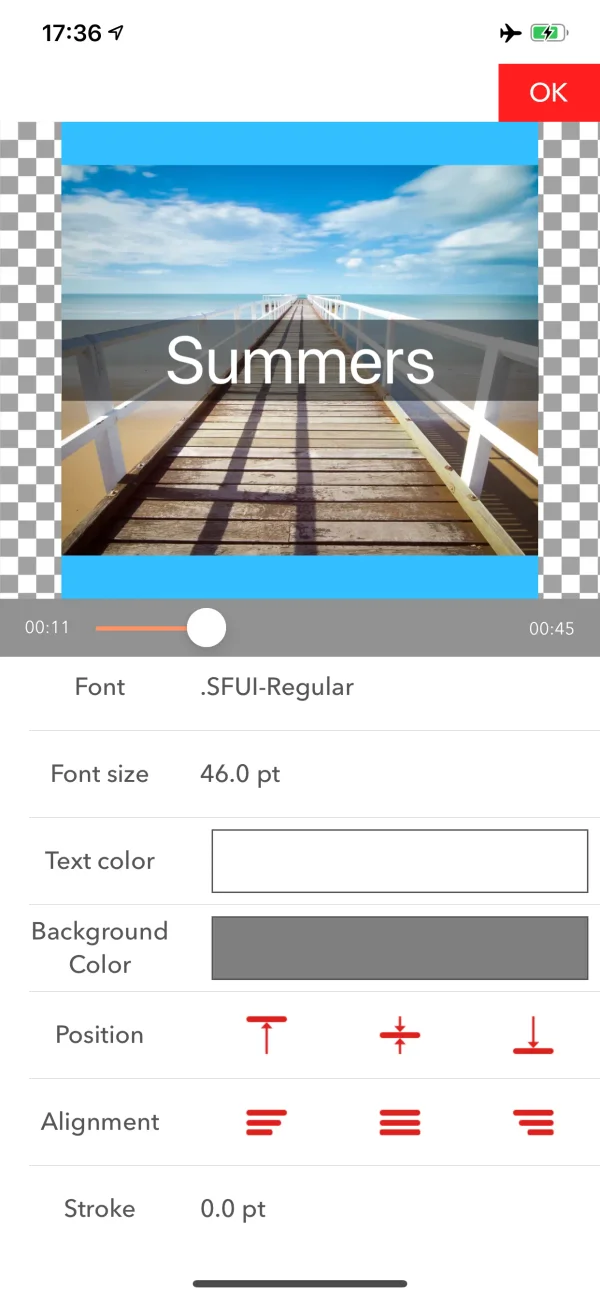
■Add Subtitles & Text
- You can add text to video for whichever period of time you like.
- You can set the text position where you like, top, middle, bottom, left, right, or center justified.
- The font, text color, shadows, and background color can all be adjusted.
- You can select from fade in and fade out animations.
■Batch Editing
- A convenient editing function allows you to change transitions, movie animations, subtitle fonts, and font sizes all at once.
■Music
- Your favorite music can be used as background music by selecting it from your iPod or iTunes.
- The audio from your videos can be used as background music.
- Multiple songs can be arranged in the order you prefer.
- The volume can be adjusted.
- Music can be cut to use your favorite parts before being added.
Yang baru
Versi 5.1 · 13/10/2026
Thank you for using our service.
- Fixed minor bugs.
Privasi aplikasi
Yang dinyatakan REAFO CO., LTD. di App Store tentang cara aplikasi ini menangani data.
-
Data yang digunakan untuk melacak Anda
Dapat digunakan untuk melacak Anda di aplikasi dan situs web milik perusahaan lain.
- Pengenal
- Data penggunaan
-
Data yang ditautkan dengan Anda
Dapat dikumpulkan dan ditautkan dengan identitas Anda.
- Pengenal
-
Data yang tidak ditautkan dengan Anda
Dapat dikumpulkan, tetapi tidak ditautkan dengan identitas Anda.
- Data penggunaan
- Diagnostik
Praktik privasi dapat bervariasi, misalnya berdasarkan fitur yang Anda gunakan atau usia Anda.
Informasi
- Penjual
- REAFO CO., LTD.
- Kategori
- Foto & Video
- Versi
- 5.1
- Diperbarui
- 13/10/2026
- Dirilis
- 22/9/2016
- Ukuran
- 55,3 MB
- Memerlukan
- iOS 16.4 atau yang lebih baru
- Batasan usia
- 4+
- Harga
- Gratis
- Pembelian dalam aplikasi
- Ya
- Bahasa
- Inggris
- Hak cipta
- © Reafo Co., Ltd.
Mungkin Anda juga suka
-
 Pembuat Slideshow Video MusikEdit Video Foto dengan Lagu
-
 Slideshow Maker: Photo VideoFoto & Video
-
 SlideShow Photo to Video MakerFoto & Video
-
 Video Reverse: rewind videosFoto & Video
-
 Slideshow Magic- With MusicFoto & Video
-
 Slideshow Maker: Video EditorFoto & Video
-
 Video Collage Maker:Mix VideosKolase AI, Slideshow & Musik
-
 MakeMyMovie-Movie makerFoto & Video
-
 SlideFlow • Slideshow MakerFoto & Video
-
 Slow Motion Video & Speed UpFoto & Video