
Plio: Time Tracker & Focus
Project Timer & Productivity
Diseñada para iPhone, iPad
Gratis
- Clasificación por edad4+
- CategoríaProductividad
- DesarrolladorPhizero
- IdiomasInglés+ 1 más
- Tamaño3,3 MB
Enlaza a la página oficial de App Store
Download.org no aloja ningún archivo de Plio: Time Tracker & Focus. El botón abre la página de la aplicación en App Store, donde la publica Phizero. Ficha comprobada por última vez el 14/11/2026.
Capturas de pantalla

Acerca de
El desarrollador no ha proporcionado este texto en tu idioma.
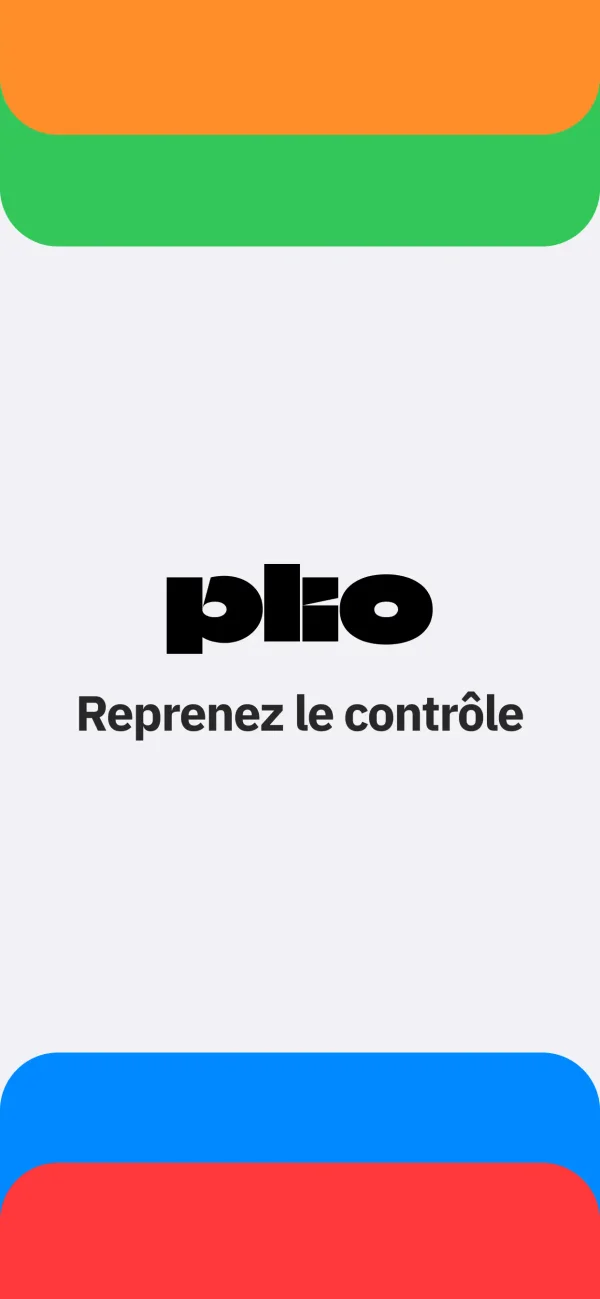
Plio is a beautifully simple time tracker. Start a timer, get on with your work, and Plio records exactly where your hours go.
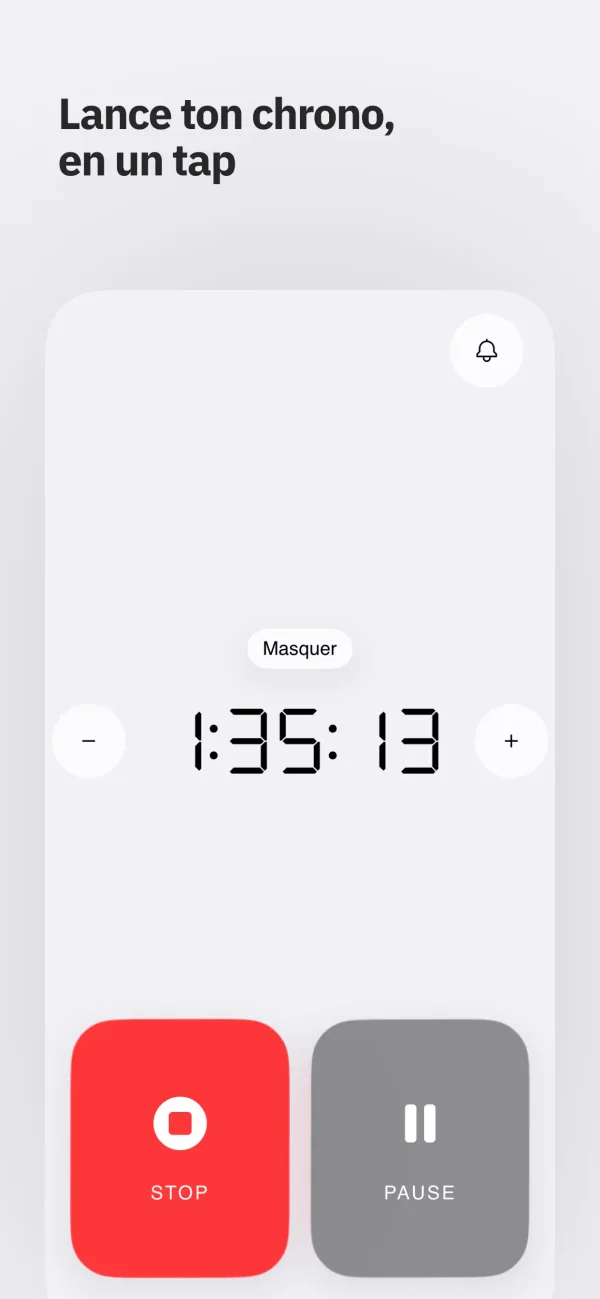
TAP TO START
One tap starts the clock. The timer keeps running in the background — check it in the Dynamic Island, from your Lock Screen, or right on your Home Screen widget. Pause and stop it without ever opening the app.
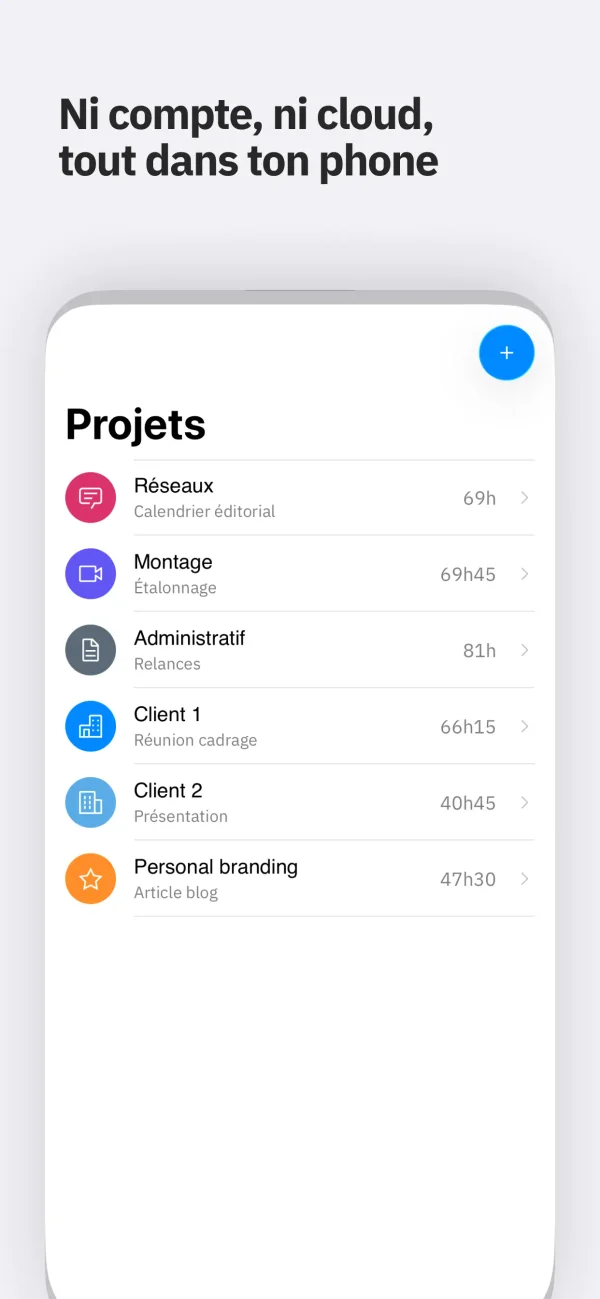
BUILT AROUND YOUR PROJECTS
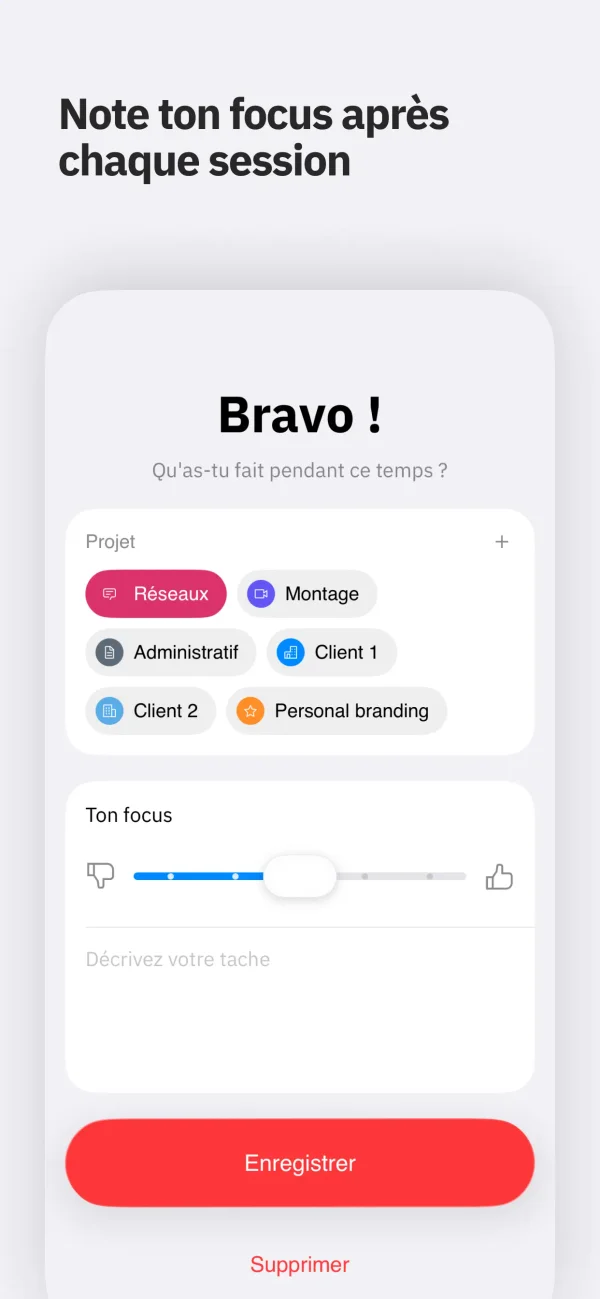
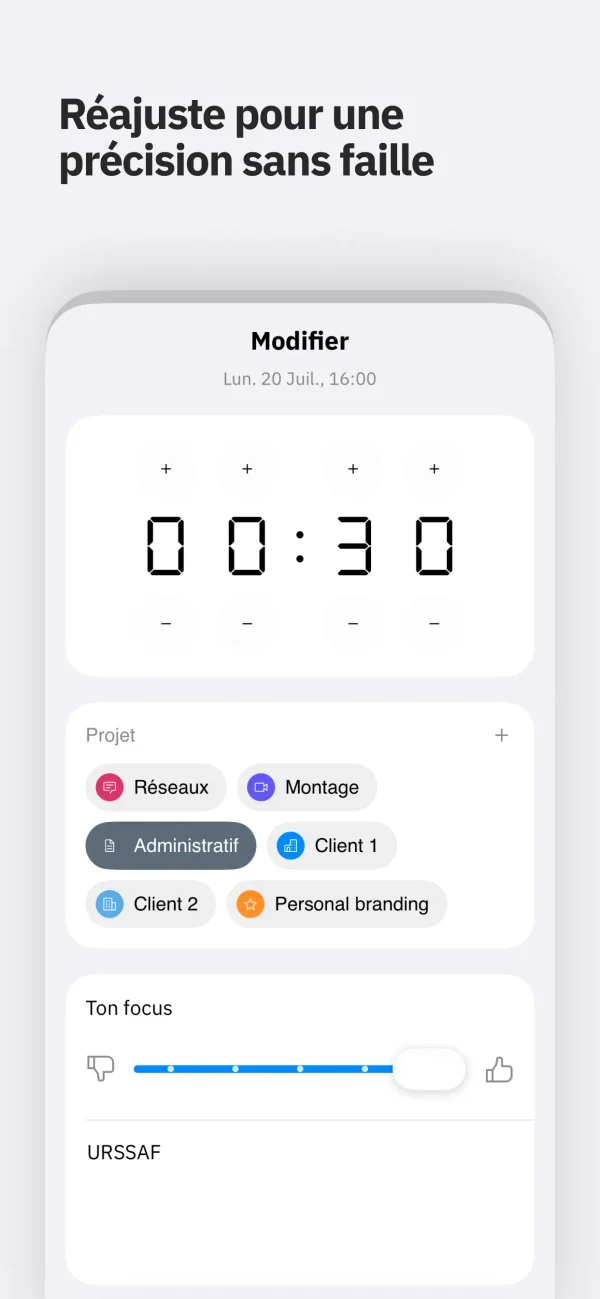
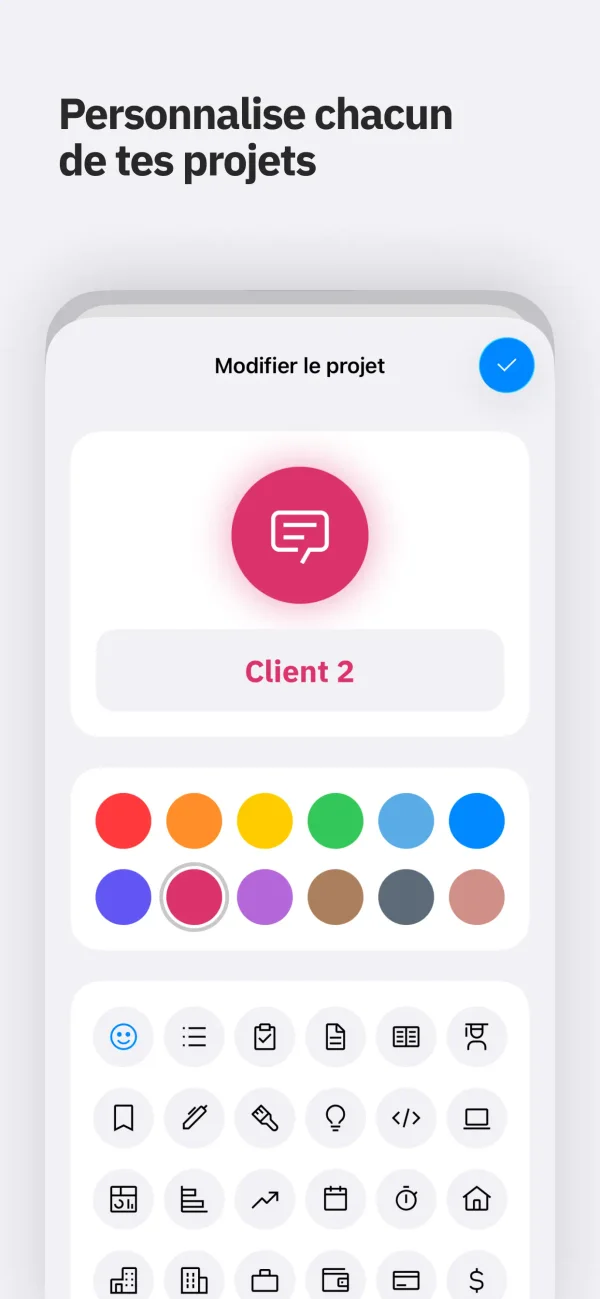
Create projects with your own colors and icons. When you stop the timer, pick the project, describe what you did, and rate how focused you were from 1 to 5.
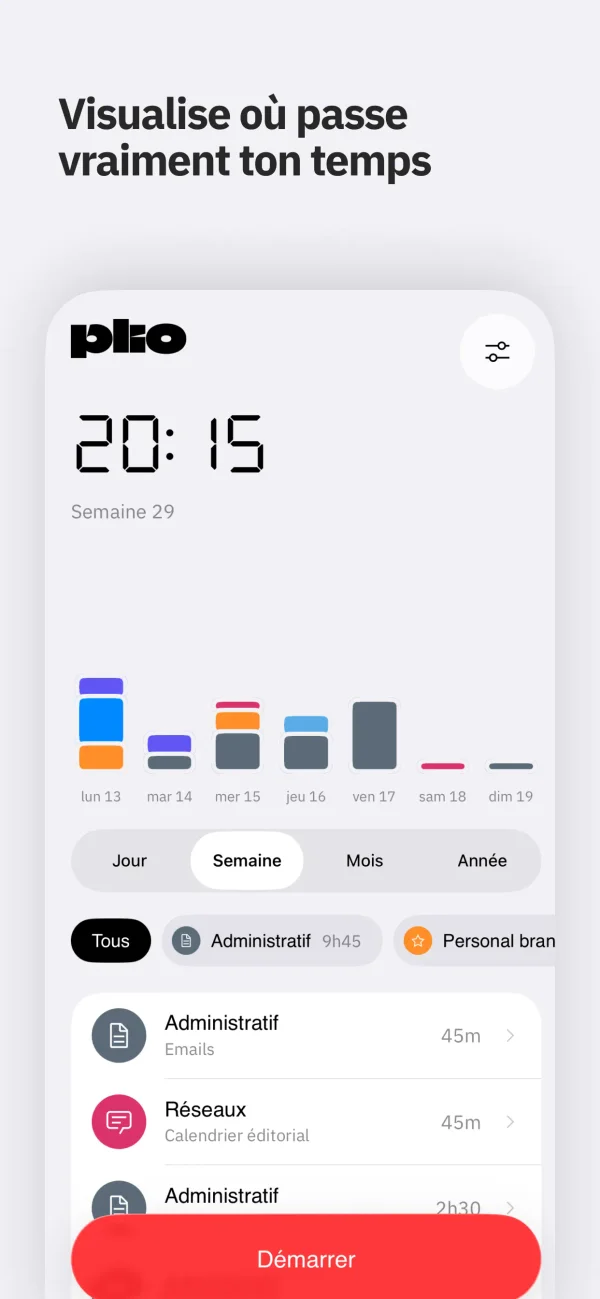
SEE WHERE YOUR TIME GOES
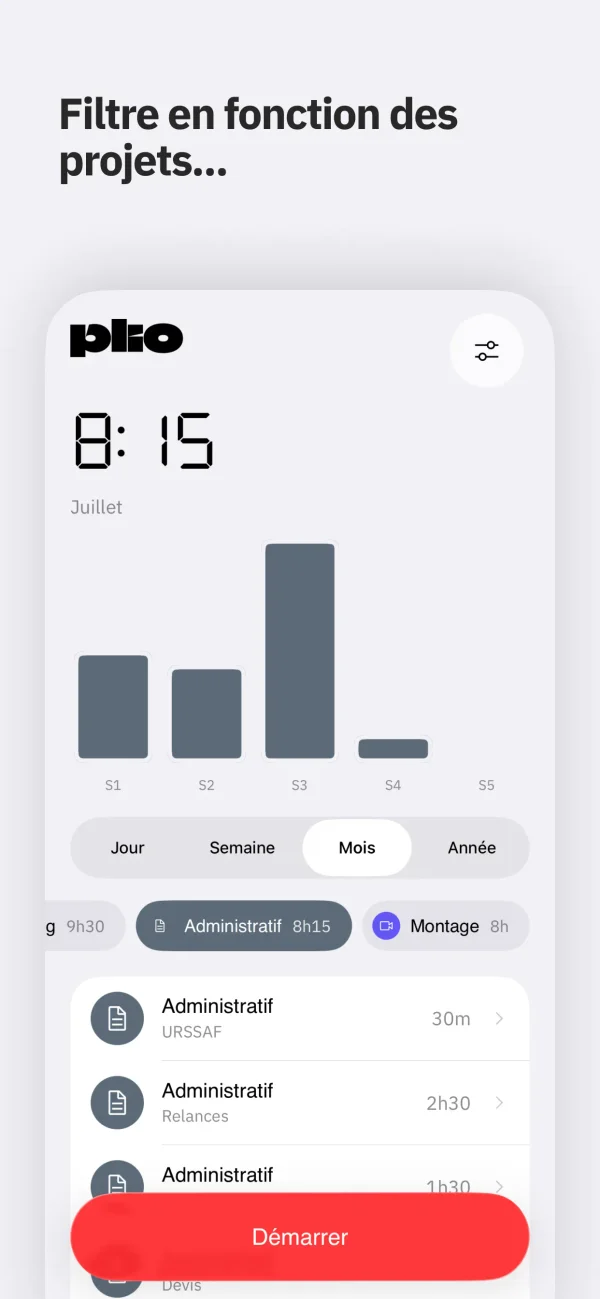
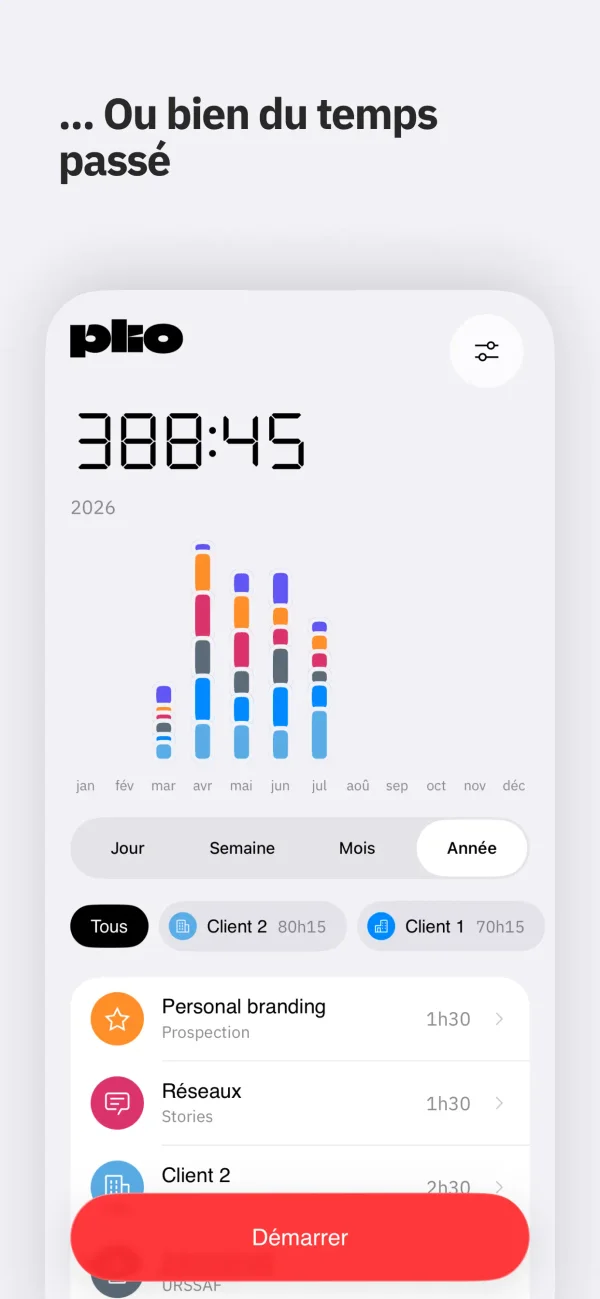
Stacked charts show your day, week, month and year at a glance. Tap any block to see the project and its exact time. Filter by project to isolate a client or a side project.
NO ACCOUNT. NO CLOUD.
Plio asks for nothing. No sign-up, no email, no password. Your data never leaves your device — there is no server for it to go to. It works entirely offline.
YOUR DATA, YOURS TO KEEP
Export everything to CSV whenever you like and open it in Numbers, Excel or Google Sheets — handy for invoicing a client or reviewing your month.
FEATURES
• Background timer with Dynamic Island and Live Activity
• Home Screen widget to start, pause and stop
• Unlimited projects with custom colors and icons
• Focus rating on every session
• Day, week, month and year charts
• Optional focus reminders
• CSV export
• 100% offline — no account, no tracking, no ads
Novedades
Versión 1.2 · 26/8/2026
• "Start" control for Control Center, the Lock Screen and the Action button
• The timer can be minimized: find it on the home screen with pause and stop, without ending your session
• Redesigned hidden mode, now consistent across the app, Dynamic Island and widget
• End-of-timer duration now shows seconds
• Fixes for scrolling in the session list, yellow in dark mode, and durations under one minute
Privacidad de la aplicación
Lo que Phizero declara en App Store sobre cómo esta aplicación gestiona los datos.
-
No se recopilan datos
El desarrollador no recopila ningún dato de esta aplicación.
Las prácticas de privacidad pueden variar, por ejemplo, según las funciones que uses o tu edad.
Información
- Vendedor
- Phizero
- Categoría
- Productividad
- Versión
- 1.2
- Actualizado
- 26/8/2026
- Publicado
- 22/7/2026
- Tamaño
- 3,3 MB
- Requiere
- iOS 18.0 o posterior
- Clasificación por edad
- 4+
- Precio
- Gratis
- Idiomas
- Inglés, Francés
- Copyright
- © Joseph Cavé 2026
Quizá también te guste
-
 FocusTimer: foco PomodoroHoras por proyecto
-
 Focus Timer: Time TrackerProductividad
-
 Everything Tracker AppProductividad
-
 Strider: Daily Task PlannerProductividad
-
 TimeTrackingToolProductividad
-
 TimivoProductividad
-
 ChronionProductividad
-
 Daycent - Day Progress TrackerProductividad
-
 Work Log: Billable Hours & PayProductividad
-
 FocusMomentsTemporizador minimalista