
- Age rating4+
- CategoryProductivity
- DeveloperPhizero
- LanguagesEnglish+ 1 more
- Size3.3 MB
Links to the official App Store page
Download.org hosts no file of Plio: Time Tracker & Focus. The button opens its official App Store page, published by Phizero. Listing last checked on Nov 14, 2026.
Screenshots

About
Plio is a beautifully simple time tracker. Start a timer, get on with your work, and Plio records exactly where your hours go.
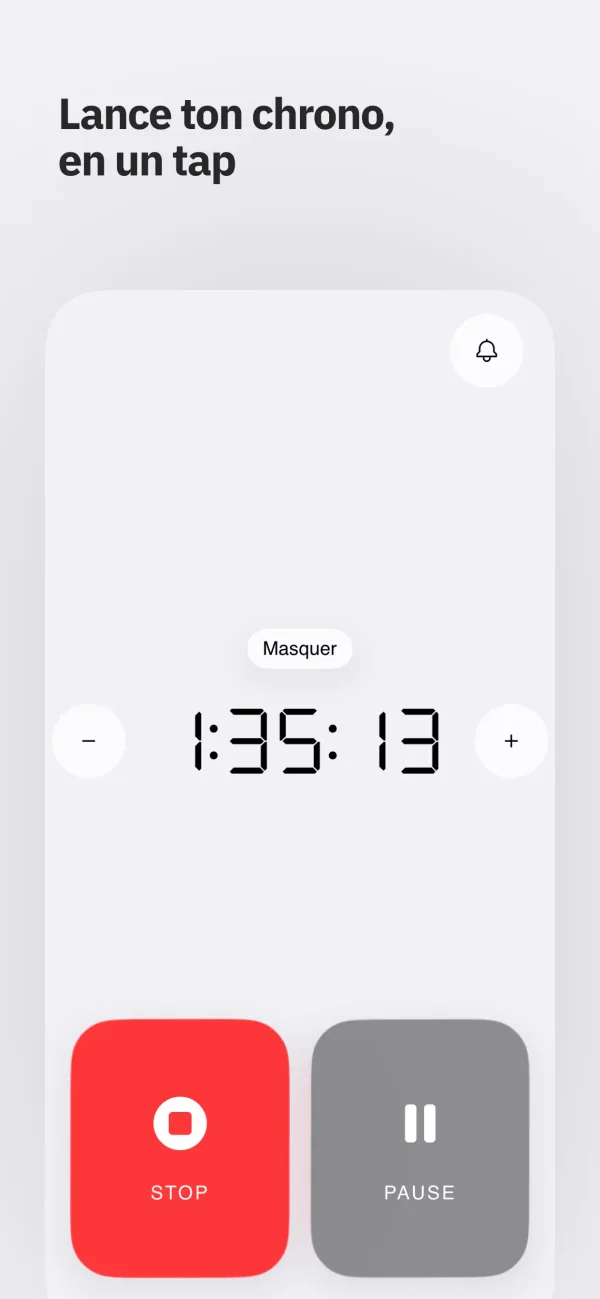
TAP TO START
One tap starts the clock. The timer keeps running in the background — check it in the Dynamic Island, from your Lock Screen, or right on your Home Screen widget. Pause and stop it without ever opening the app.
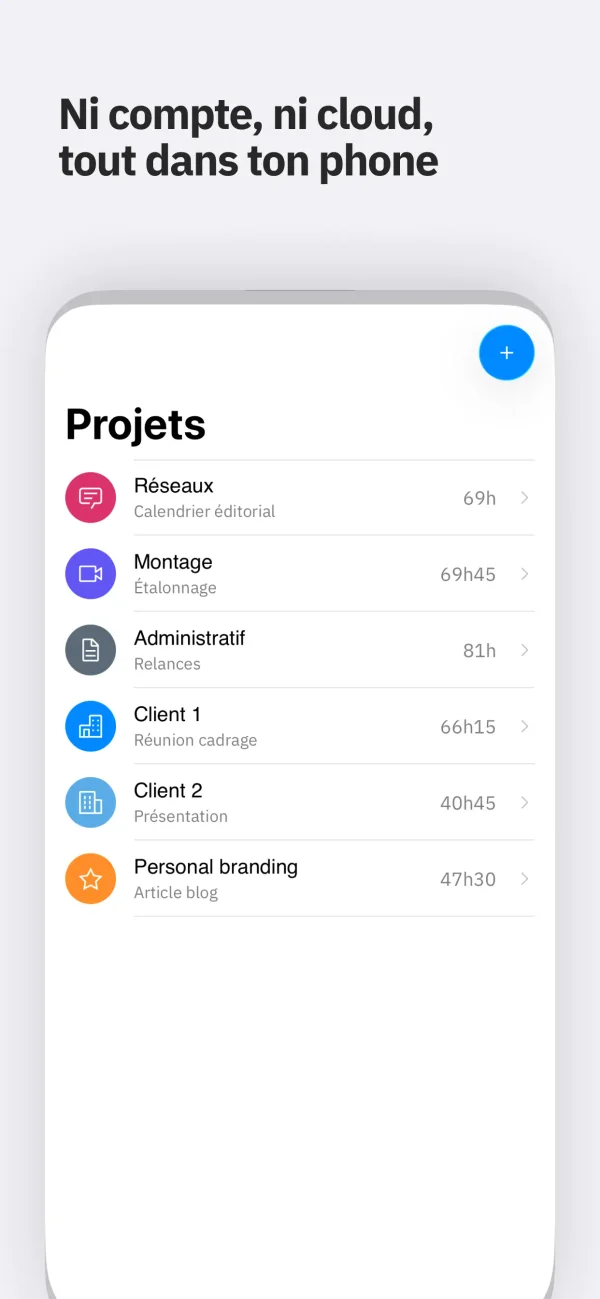
BUILT AROUND YOUR PROJECTS
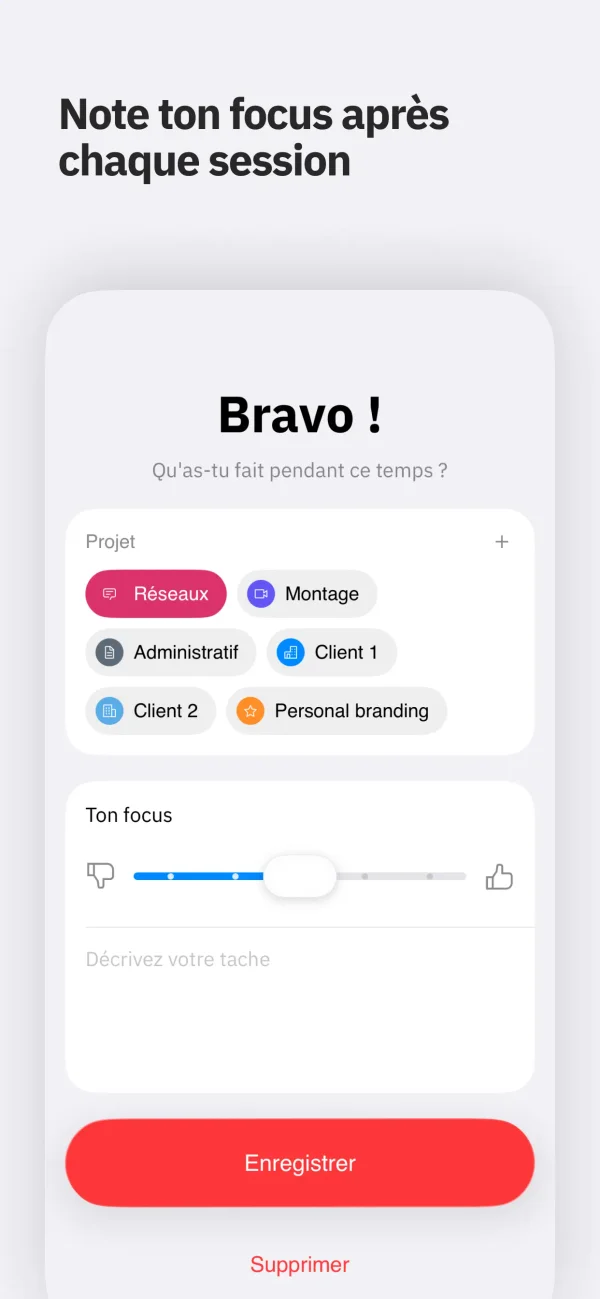
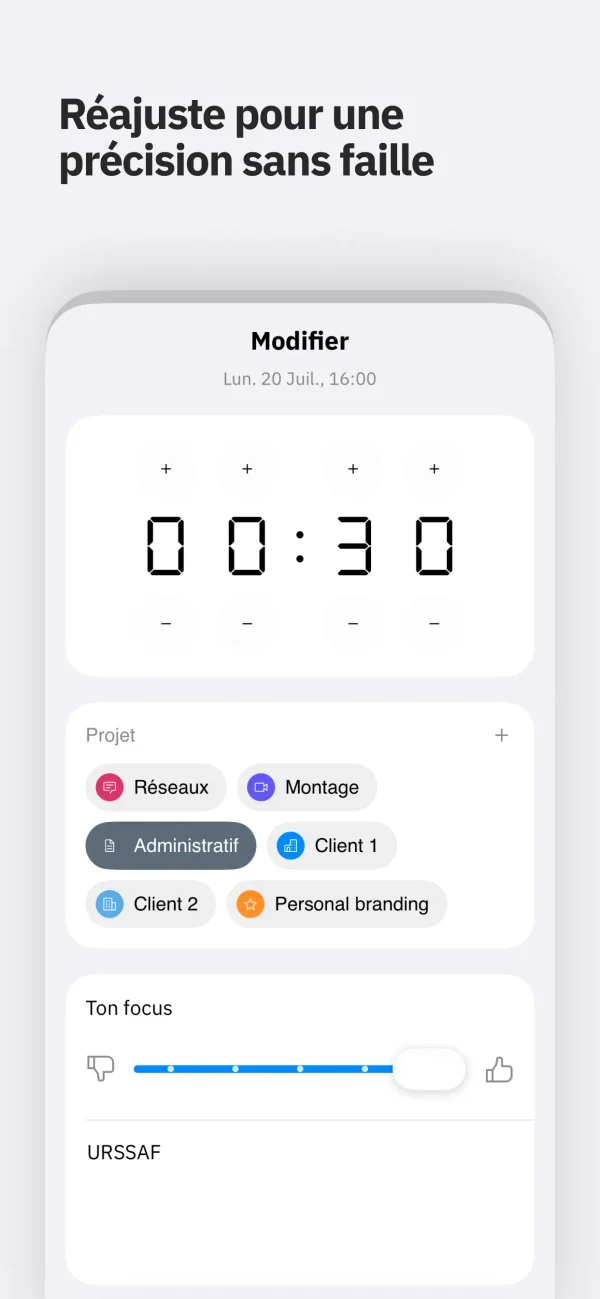
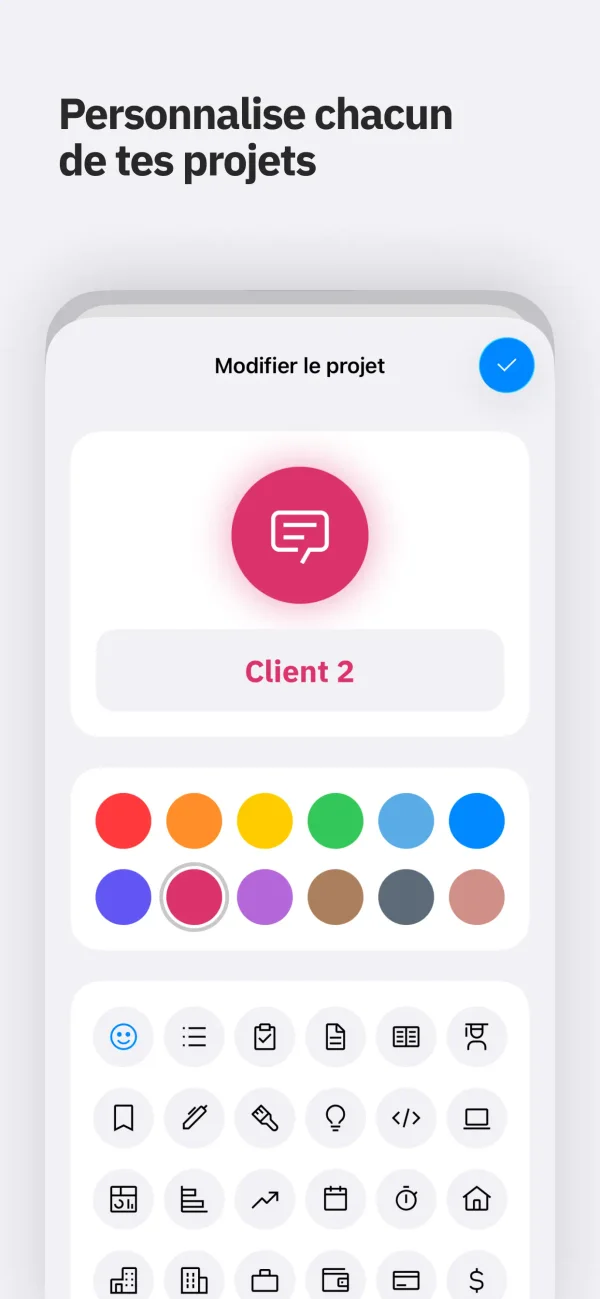
Create projects with your own colors and icons. When you stop the timer, pick the project, describe what you did, and rate how focused you were from 1 to 5.
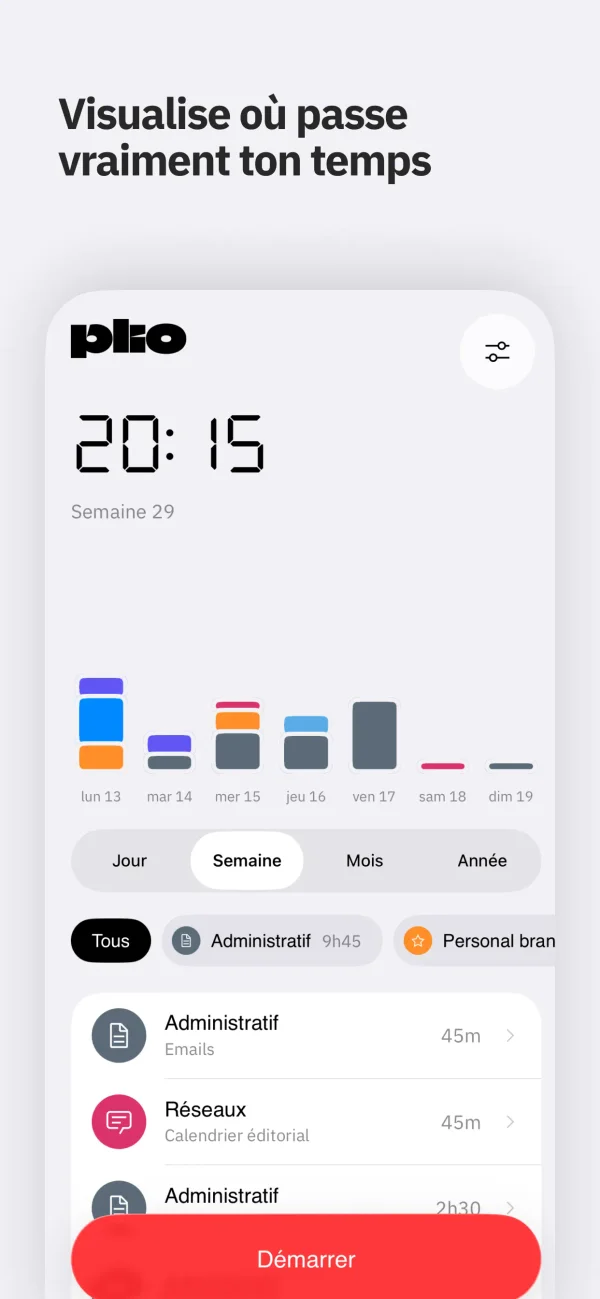
SEE WHERE YOUR TIME GOES
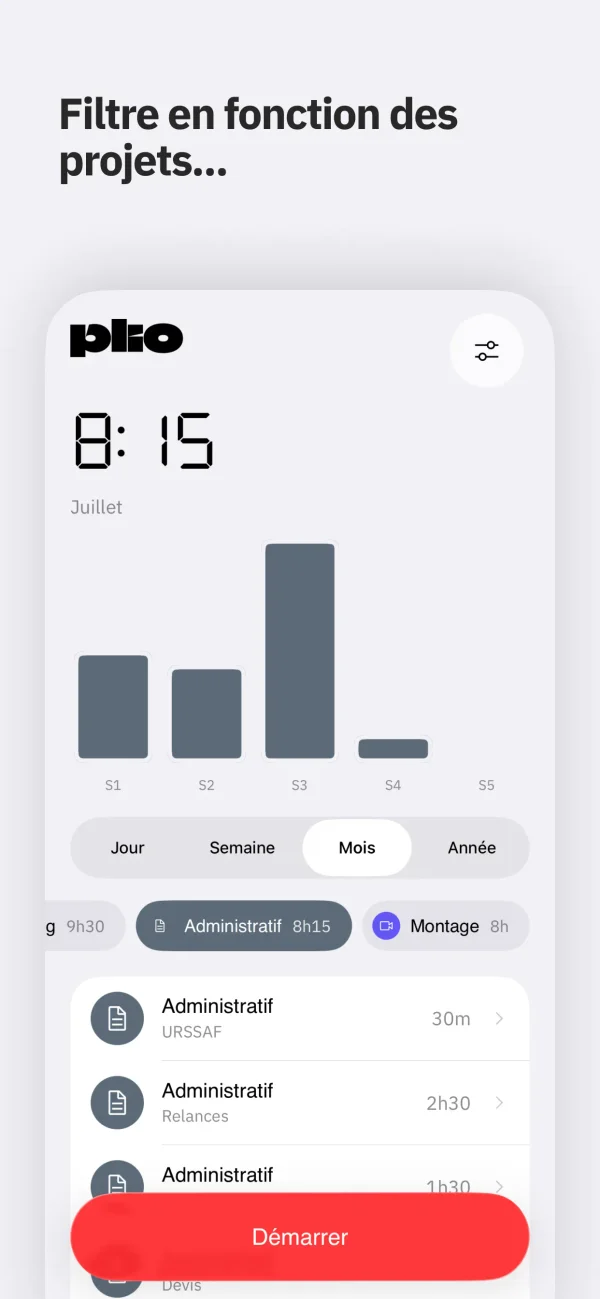
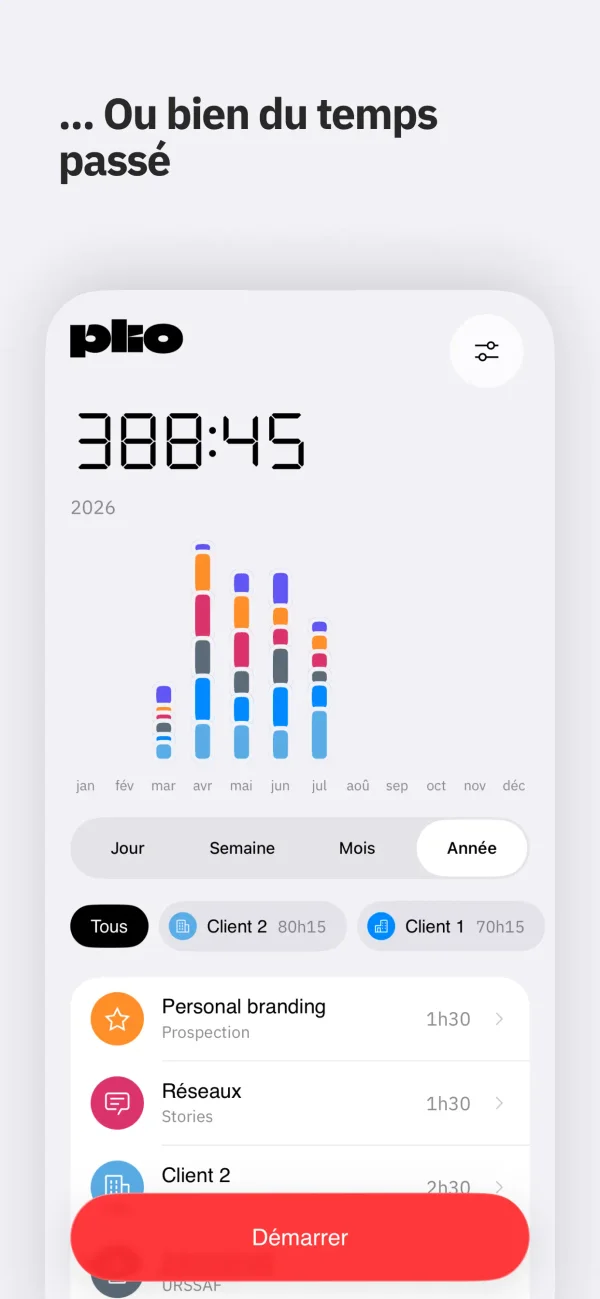
Stacked charts show your day, week, month and year at a glance. Tap any block to see the project and its exact time. Filter by project to isolate a client or a side project.
NO ACCOUNT. NO CLOUD.
Plio asks for nothing. No sign-up, no email, no password. Your data never leaves your device — there is no server for it to go to. It works entirely offline.
YOUR DATA, YOURS TO KEEP
Export everything to CSV whenever you like and open it in Numbers, Excel or Google Sheets — handy for invoicing a client or reviewing your month.
FEATURES
• Background timer with Dynamic Island and Live Activity
• Home Screen widget to start, pause and stop
• Unlimited projects with custom colors and icons
• Focus rating on every session
• Day, week, month and year charts
• Optional focus reminders
• CSV export
• 100% offline — no account, no tracking, no ads
What’s new
Version 1.2 · Aug 26, 2026
• "Start" control for Control Center, the Lock Screen and the Action button
• The timer can be minimized: find it on the home screen with pause and stop, without ending your session
• Redesigned hidden mode, now consistent across the app, Dynamic Island and widget
• End-of-timer duration now shows seconds
• Fixes for scrolling in the session list, yellow in dark mode, and durations under one minute
App privacy
What Phizero declares on the App Store about how this app handles data.
-
Data not collected
The developer does not collect any data from this app.
Privacy practices may vary, for example with the features you use or your age.
Information
- Seller
- Phizero
- Category
- Productivity
- Version
- 1.2
- Updated
- Aug 26, 2026
- Released
- Jul 22, 2026
- Size
- 3.3 MB
- Requires
- iOS 18.0 or later
- Age rating
- 4+
- Languages
- English, French
- Copyright
- © Joseph Cavé 2026
You might also like
-
 FocusTimer: Pomodoro FocusTrack hours by project
-
 Focus Timer: Time TrackerSee where your time goes
-
 Everything Tracker AppHabits, goals & daily journal
-
 Strider: Daily Task PlannerPlan Tasks, Track Goals
-
 TimeTrackingToolSimple Private Time Tracking
-
 TimivoTimivo -Time Tracker
-
 ChronionChronion Time Tracking
-
 Daycent - Day Progress TrackerTrack your day at a glance
-
 Work Log: Billable Hours & PayFreelance timesheet & clients
-
 FocusMomentsMinimalist focus timer