PointerDeck: Trackpad for Mac
A focused trackpad for Mac
Diseñada para iPhone, iPad
- Clasificación por edad4+
- CategoríaUtilidades
- DesarrolladorEliyahu Mechtcheriakov
- IdiomasInglés
- Tamaño2,2 MB
Es posible que PointerDeck: Trackpad for Mac no esté disponible en App Store en este momento
No se pudo acceder a la ficha de la tienda en nuestra última comprobación. El enlace sigue llevando a la página oficial de App Store.
Capturas de pantalla

Acerca de
El desarrollador no ha proporcionado este texto en tu idioma.
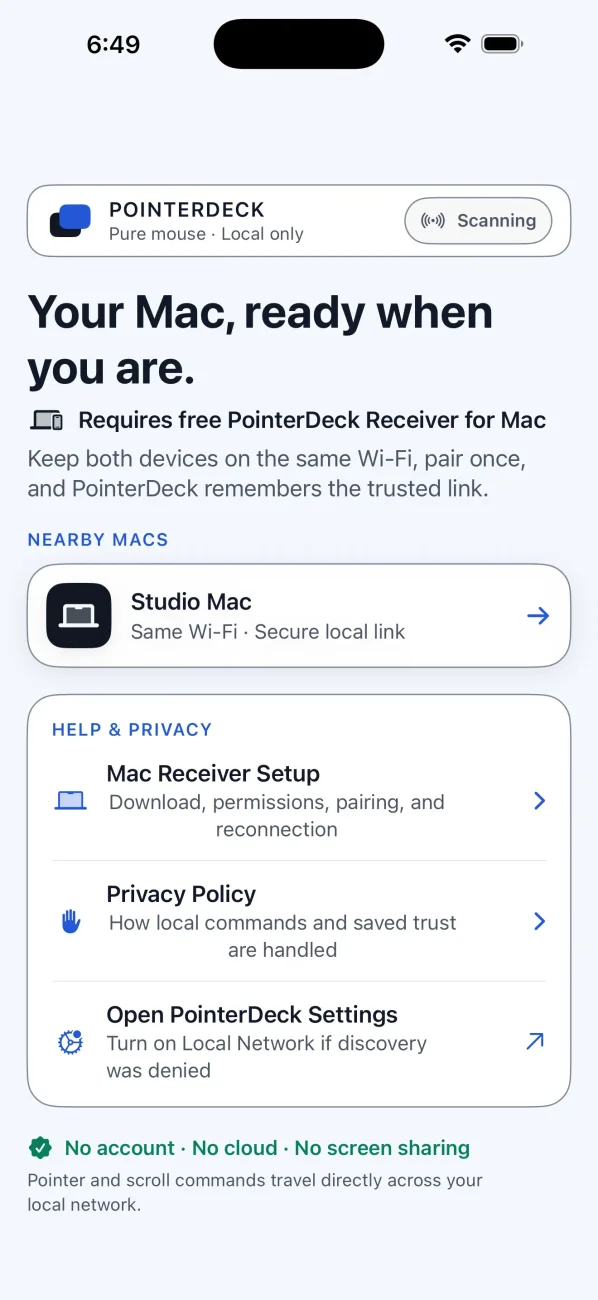
PointerDeck turns your iPhone or iPad into a focused wireless trackpad for your Mac. The free PointerDeck Receiver for Mac is required, and both devices must be on the same local network.
SET UP ONCE
Open Add Device on the Mac and create an 8–12 digit Connection PIN. PointerDeck rejects repeated or sequential patterns; use at least five different digits. Then select that Mac on your iPhone or iPad and enter the PIN. After pairing, PointerDeck remembers the trusted connection and reconnects when both apps are open and reachable.
TRACKPAD CONTROLS
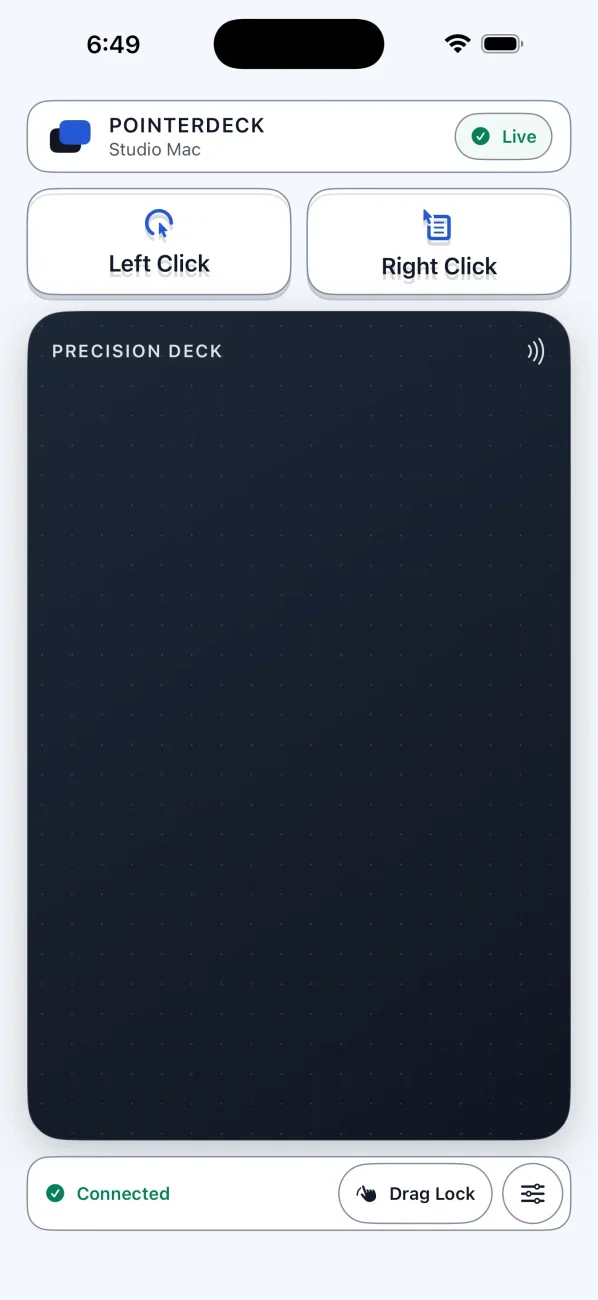
• Move the pointer with one finger
• Scroll with two fingers
• Tap or use the dedicated Left Click button
• Two-finger tap or use the dedicated Right Click button
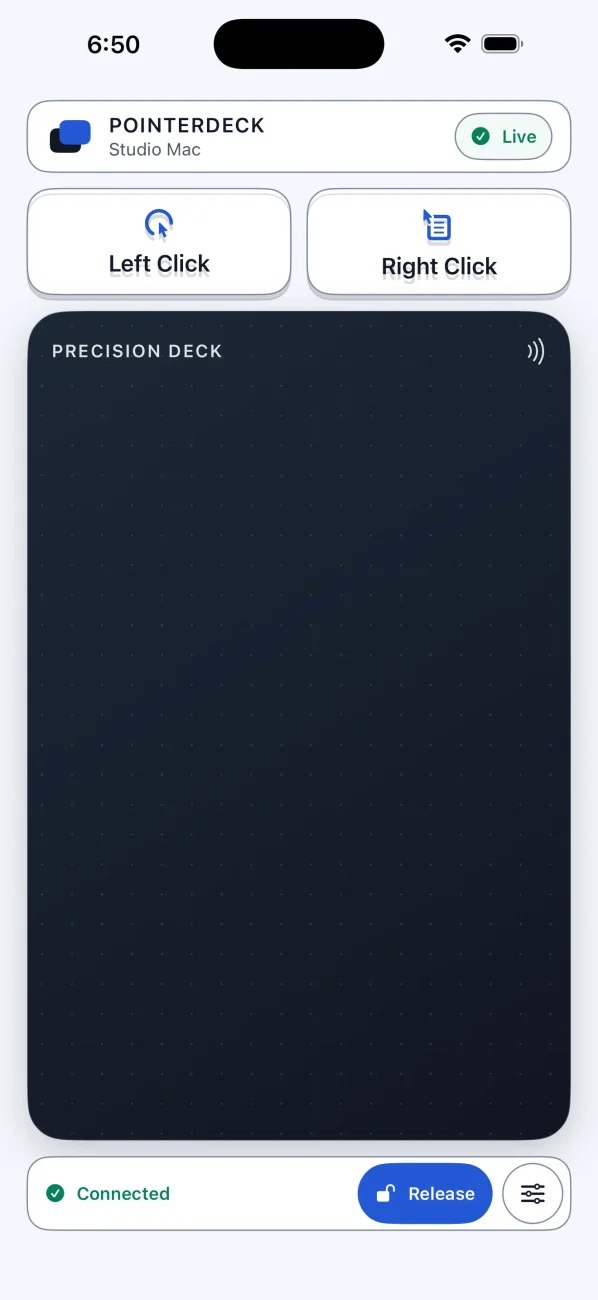
• Use Drag Lock for click-and-drag
TUNE THE FEEL
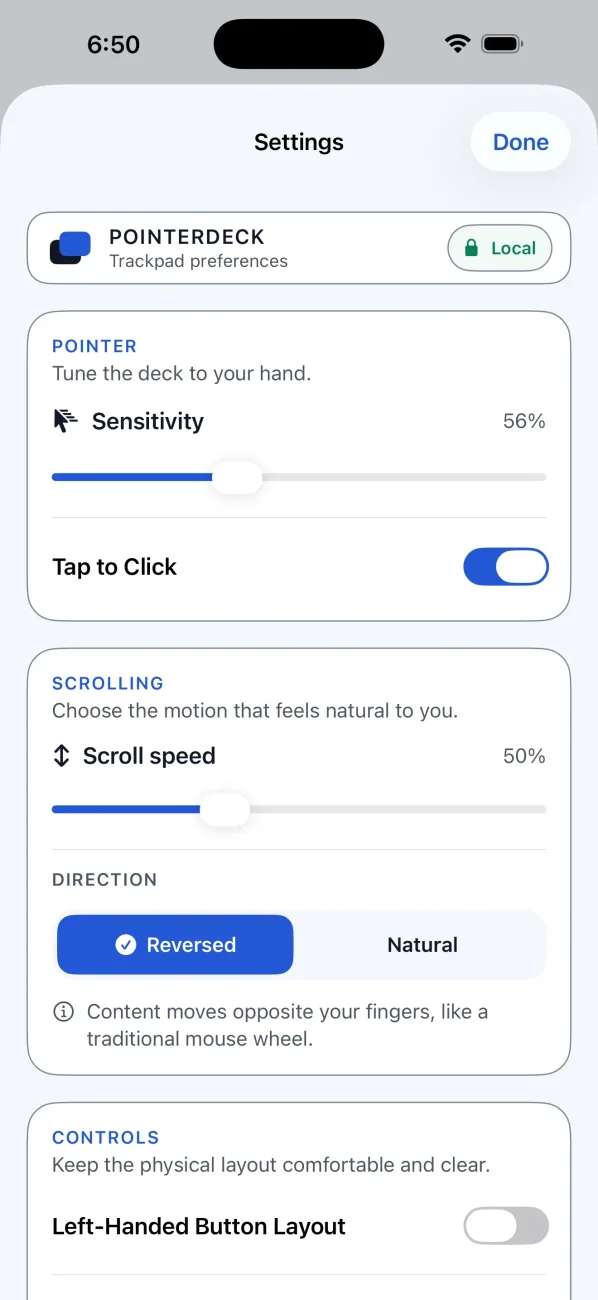
• Adjust pointer sensitivity and scrolling speed
• Choose Natural or Reversed scrolling
• Turn tap-to-click on or off
• Switch to a left-handed button layout
DIRECT BY DESIGN
PointerDeck does not stream or display your Mac screen. The release has no account, advertisements, subscription, analytics SDK, or cloud service. Controller traffic travels directly between your devices and is encrypted on the local network.
REQUIREMENTS
• iPhone or iPad running iOS/iPadOS 17 or later
• Apple silicon or Intel Mac running macOS 14 or later
• Free PointerDeck Receiver from the Mac download page
• Both devices on the same local network
• Accessibility permission enabled for PointerDeck Receiver on the Mac
Guest, corporate, public, or client-isolated networks may prevent devices from discovering each other.
Privacidad de la aplicación
Lo que Eliyahu Mechtcheriakov declara en App Store sobre cómo esta aplicación gestiona los datos.
-
No se recopilan datos
El desarrollador no recopila ningún dato de esta aplicación.
Las prácticas de privacidad pueden variar, por ejemplo, según las funciones que uses o tu edad.
Información
- Vendedor
- Eliyahu Mechtcheriakov
- Categoría
- Utilidades
- Versión
- 1.0
- Actualizado
- 4/9/2026
- Publicado
- 3/9/2026
- Tamaño
- 2,2 MB
- Requiere
- iOS 17.0 o posterior
- Clasificación por edad
- 4+
- Idiomas
- Inglés
- Copyright
- © 2026 Eliyahu Mechtcheriakov
Quizá también te guste
-
 Lazy Mouse - trackpadUtilidades
-
 CursorBeamUtilidades
-
 Oslyn TabsUtilidades
-
 eTrackPad: Wireless TrackpadUtilidades
-
 FreeMouse: Trackpad & KeyboardUtilidades
-
 Always OnlineUtilidades
-
 RPad: Trackpad y ratón remotoPresentador y puntero láser
-
 Duo Trackpad - Touch ControlUtilidades
-
 RetroAchievements TrackerUtilidades
-
 Entangle - Remote trackpadUtilidades