PointerDeck: Trackpad for Mac
A focused trackpad for Mac
Conçue pour iPhone, iPad
- Classification d’âge4+
- CatégorieUtilitaires
- DéveloppeurEliyahu Mechtcheriakov
- LanguesAnglais
- Taille2,2 Mo
PointerDeck: Trackpad for Mac n’est peut-être pas disponible sur App Store pour le moment
La fiche de la boutique était inaccessible lors de notre dernière vérification. Le lien mène toujours à la page App Store officielle.
Captures d’écran

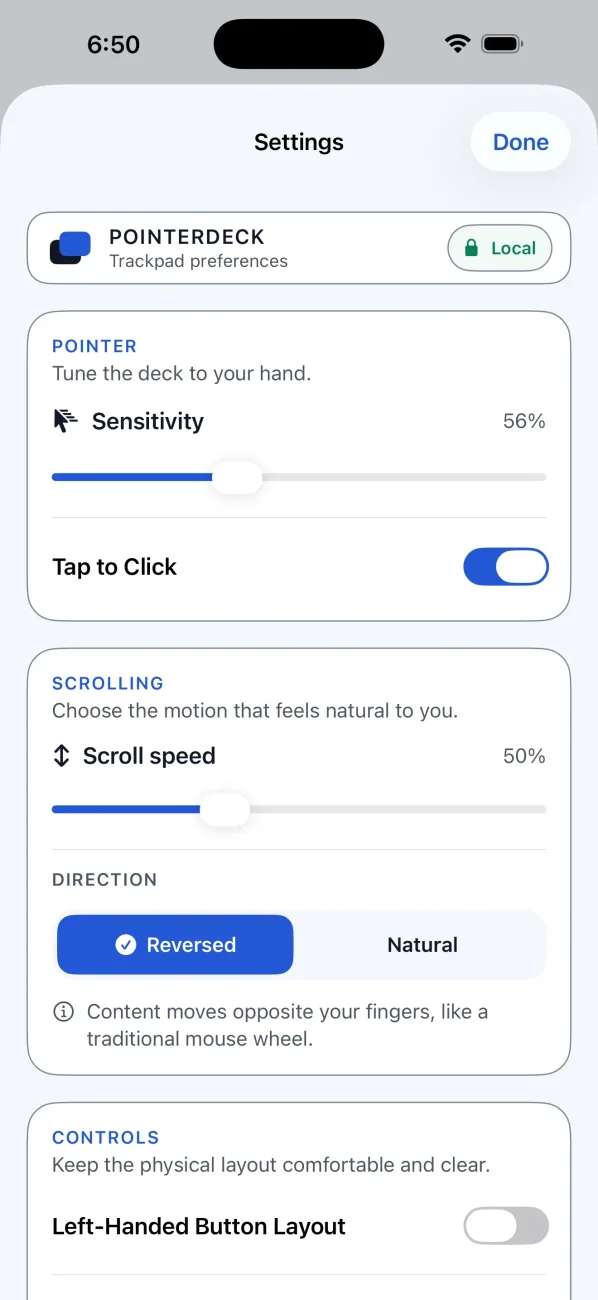
À propos
Le développeur n’a pas fourni ce texte dans votre langue.
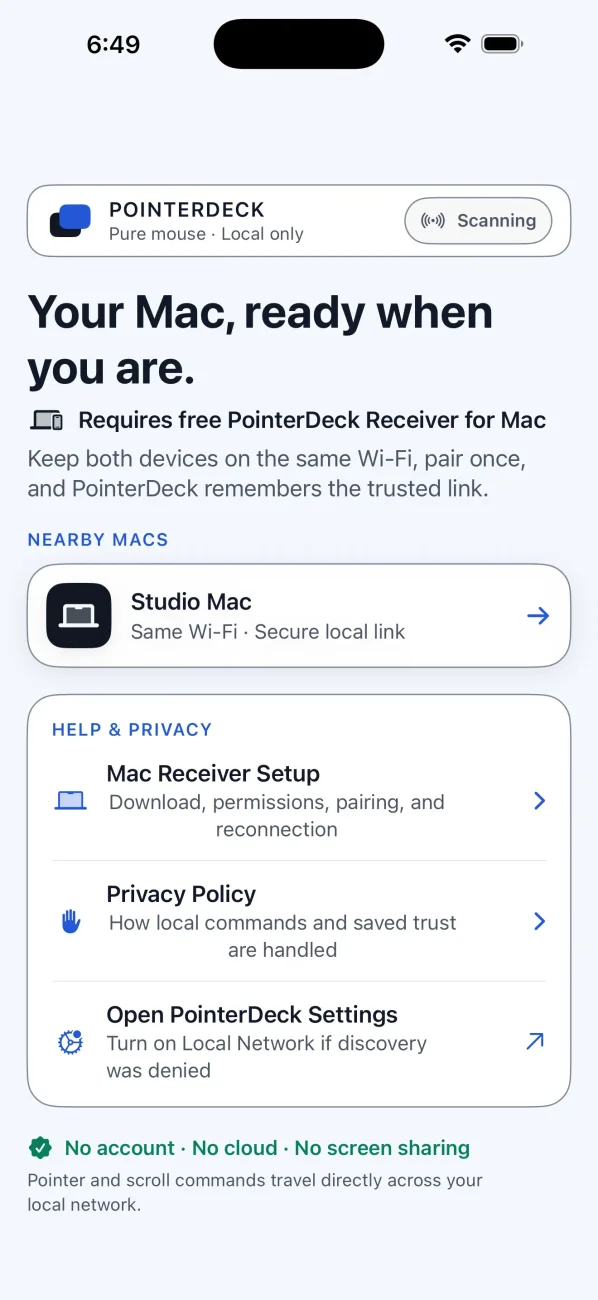
PointerDeck turns your iPhone or iPad into a focused wireless trackpad for your Mac. The free PointerDeck Receiver for Mac is required, and both devices must be on the same local network.
SET UP ONCE
Open Add Device on the Mac and create an 8–12 digit Connection PIN. PointerDeck rejects repeated or sequential patterns; use at least five different digits. Then select that Mac on your iPhone or iPad and enter the PIN. After pairing, PointerDeck remembers the trusted connection and reconnects when both apps are open and reachable.
TRACKPAD CONTROLS
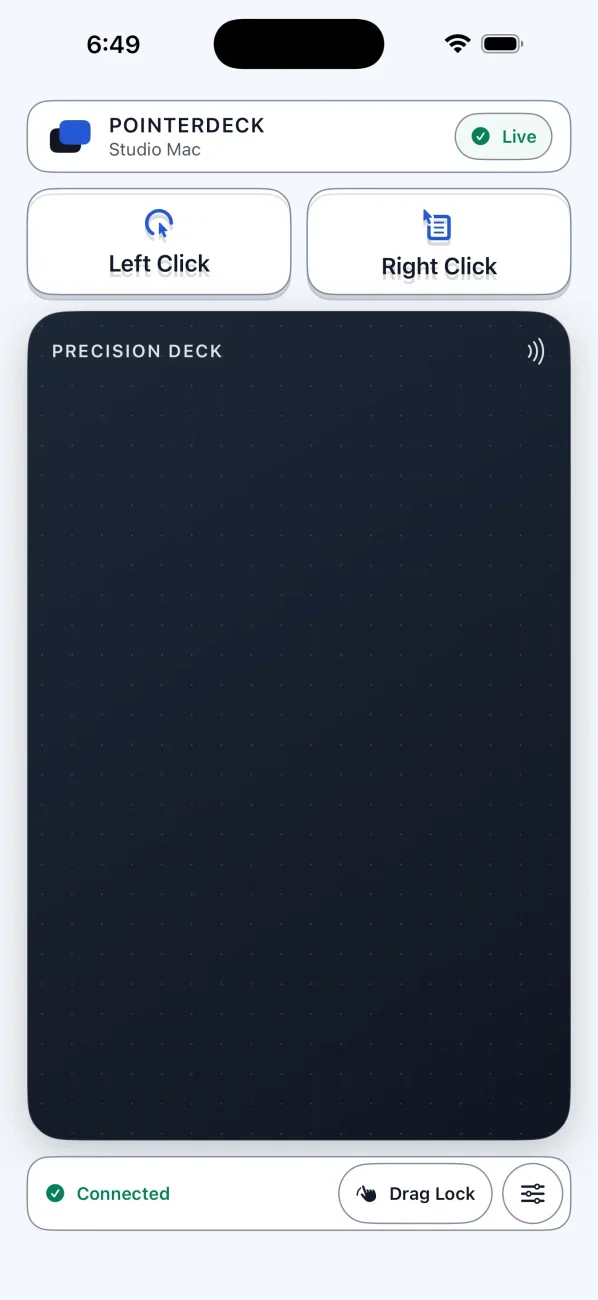
• Move the pointer with one finger
• Scroll with two fingers
• Tap or use the dedicated Left Click button
• Two-finger tap or use the dedicated Right Click button
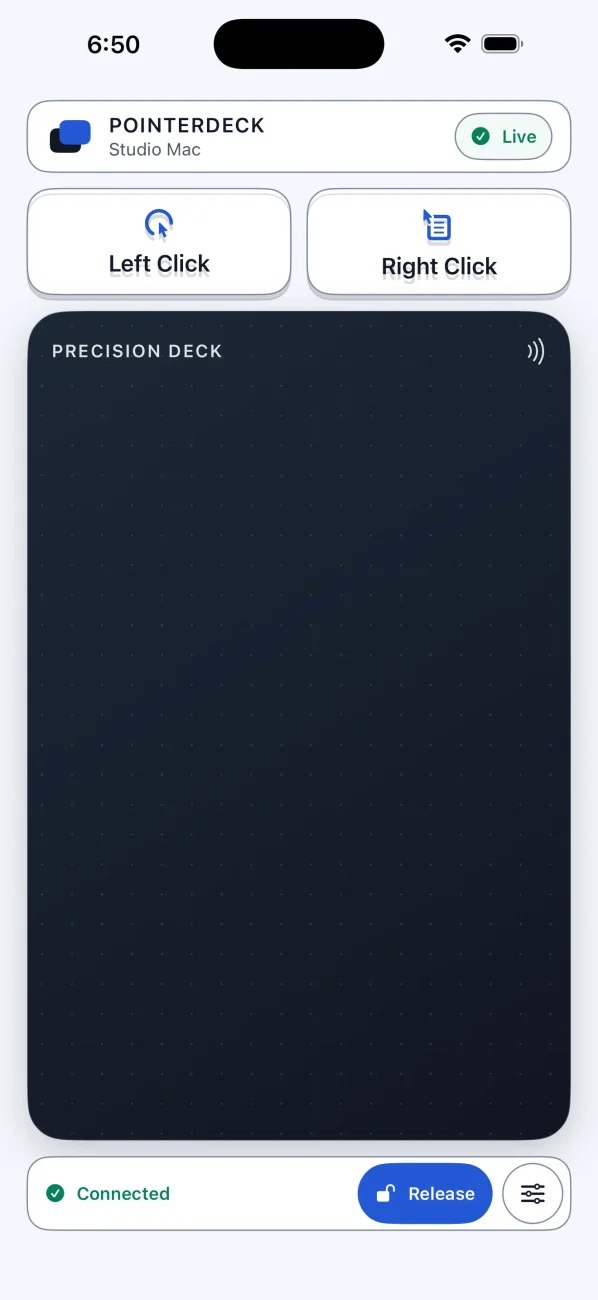
• Use Drag Lock for click-and-drag
TUNE THE FEEL
• Adjust pointer sensitivity and scrolling speed
• Choose Natural or Reversed scrolling
• Turn tap-to-click on or off
• Switch to a left-handed button layout
DIRECT BY DESIGN
PointerDeck does not stream or display your Mac screen. The release has no account, advertisements, subscription, analytics SDK, or cloud service. Controller traffic travels directly between your devices and is encrypted on the local network.
REQUIREMENTS
• iPhone or iPad running iOS/iPadOS 17 or later
• Apple silicon or Intel Mac running macOS 14 or later
• Free PointerDeck Receiver from the Mac download page
• Both devices on the same local network
• Accessibility permission enabled for PointerDeck Receiver on the Mac
Guest, corporate, public, or client-isolated networks may prevent devices from discovering each other.
Confidentialité de l’application
Ce que Eliyahu Mechtcheriakov déclare sur l’App Store au sujet du traitement des données par cette application.
-
Données non collectées
Le développeur ne collecte aucune donnée à partir de cette application.
Les pratiques en matière de confidentialité peuvent varier, notamment en fonction des fonctionnalités que vous utilisez ou de votre âge.
Informations
- Vendeur
- Eliyahu Mechtcheriakov
- Catégorie
- Utilitaires
- Version
- 1.0
- Mis à jour
- 04/09/2026
- Publié
- 03/09/2026
- Taille
- 2,2 Mo
- Nécessite
- iOS 17.0 ou version ultérieure
- Classification d’âge
- 4+
- Langues
- Anglais
- Copyright
- © 2026 Eliyahu Mechtcheriakov
Vous aimerez peut-être aussi
-
 Lazy Mouse - trackpadUtilitaires
-
 CursorBeamUtilitaires
-
 Oslyn TabsUtilitaires
-
 eTrackPad: Wireless TrackpadUtilitaires
-
 FreeMouse: Trackpad & KeyboardUtilitaires
-
 Always OnlineUtilitaires
-
 RPad : Trackpad & SourisTélécommande laser et diapos
-
 Duo Trackpad - Touch ControlUtilitaires
-
 RetroAchievements TrackerUtilitaires
-
 Entangle - Remote trackpadUtilitaires