Prompting Deck
Organize Your AI Prompts
Diseñada para iPhone, iPad, Mac
Gratis · Compras en la aplicación
- Clasificación por edad4+
- CategoríaUtilidades
- DesarrolladorChristopher Peterson
- IdiomasInglés
- Tamaño54,8 MB
Enlaza a la página oficial de App Store
Download.org no aloja ningún archivo de Prompting Deck. El botón abre la página de la aplicación en App Store, donde la publica Christopher Peterson. Ficha comprobada por última vez el 14/11/2026.
Capturas de pantalla

Acerca de
El desarrollador no ha proporcionado este texto en tu idioma.
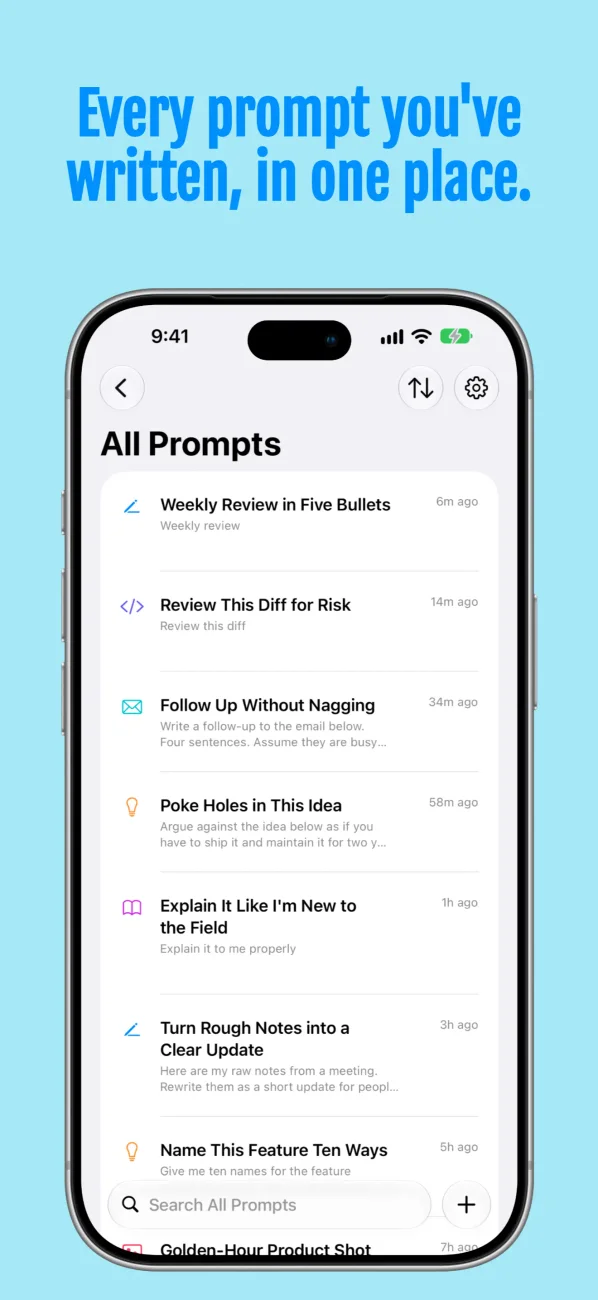
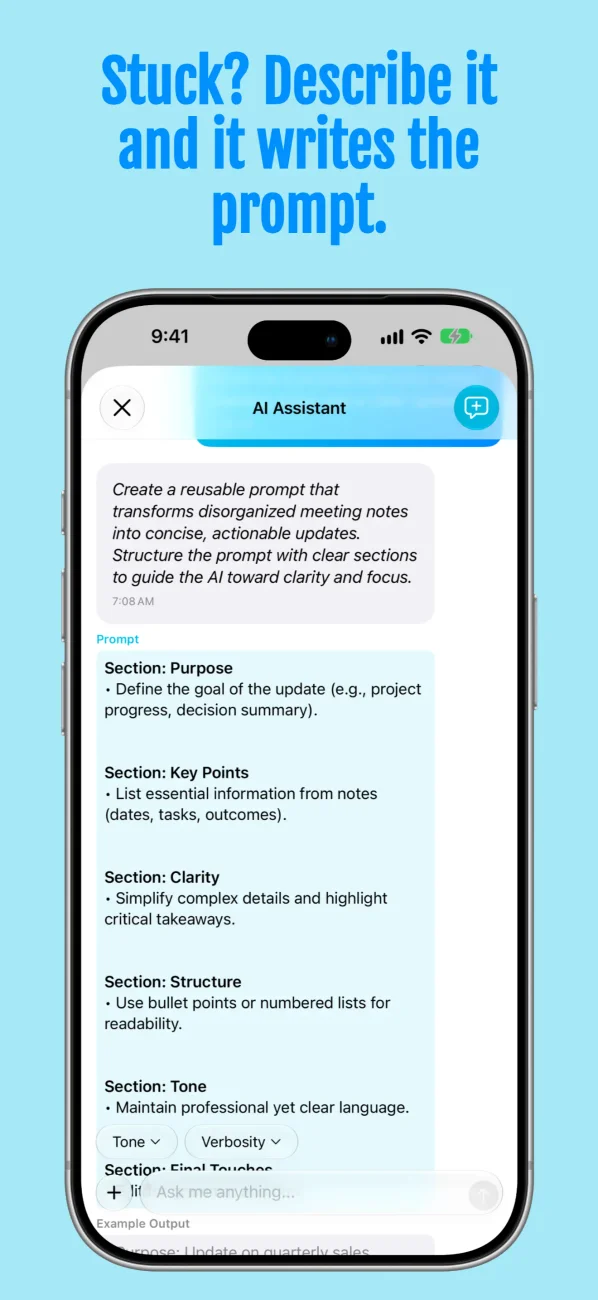
Prompting Deck helps you save, organize, and reuse your best AI prompts—so you can get to great results faster.
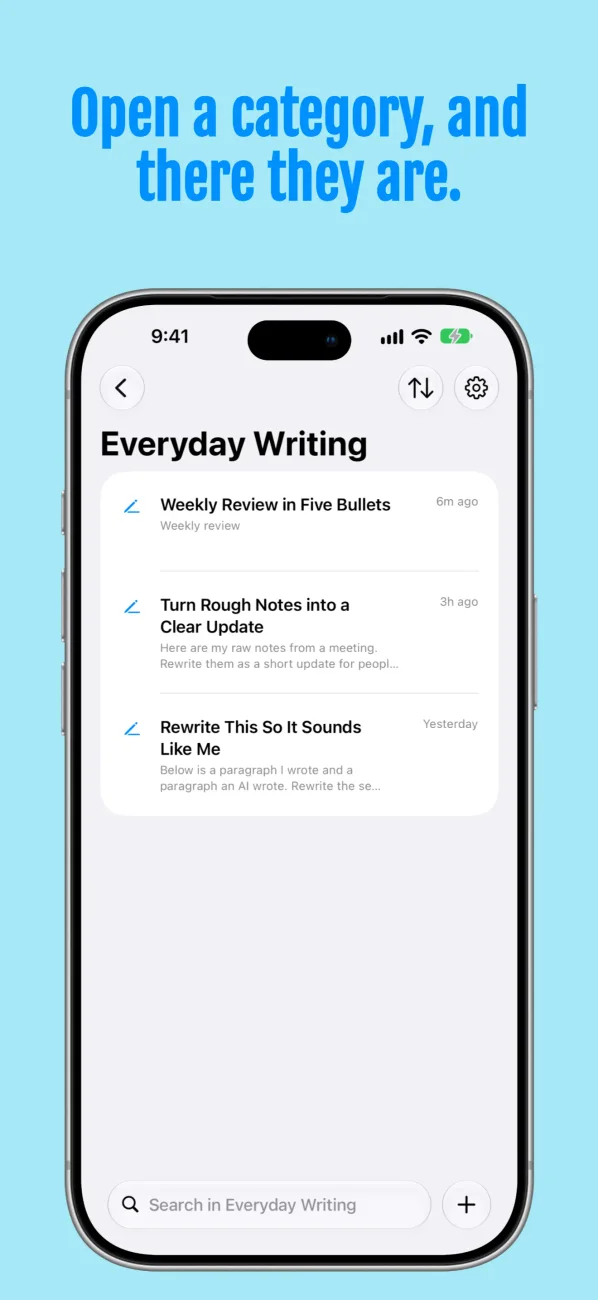
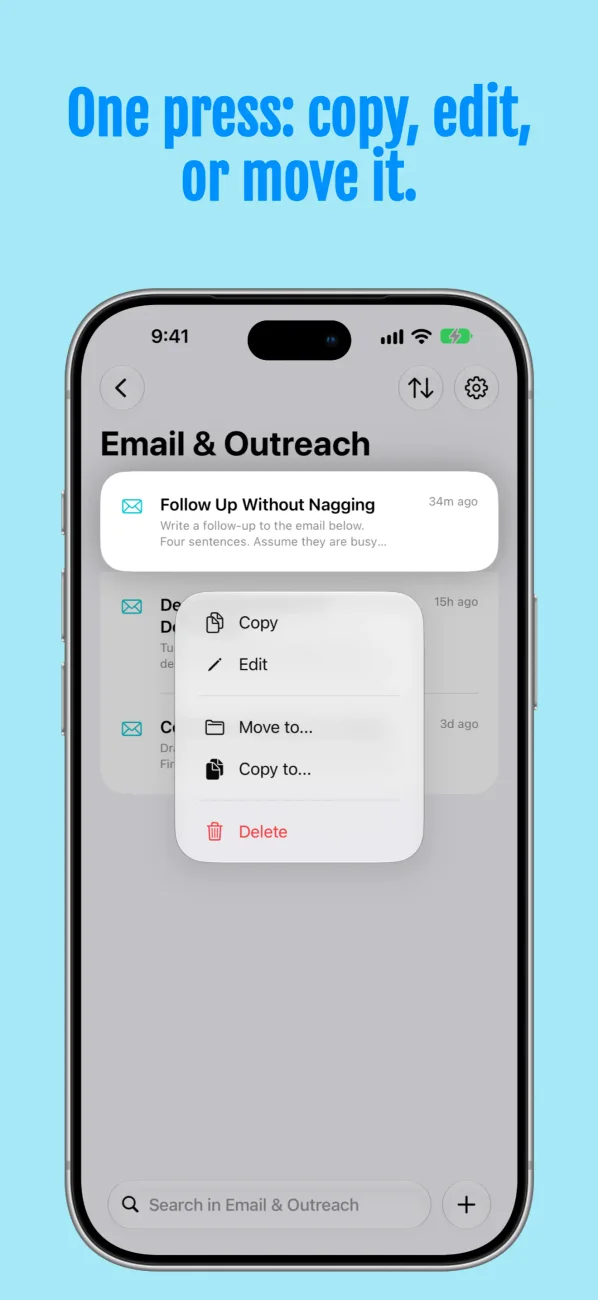
ORGANIZE WITH CATEGORIES Create categories with custom colors and icons. Keep prompts grouped by workflow—writing, coding, marketing, brainstorming, and more.
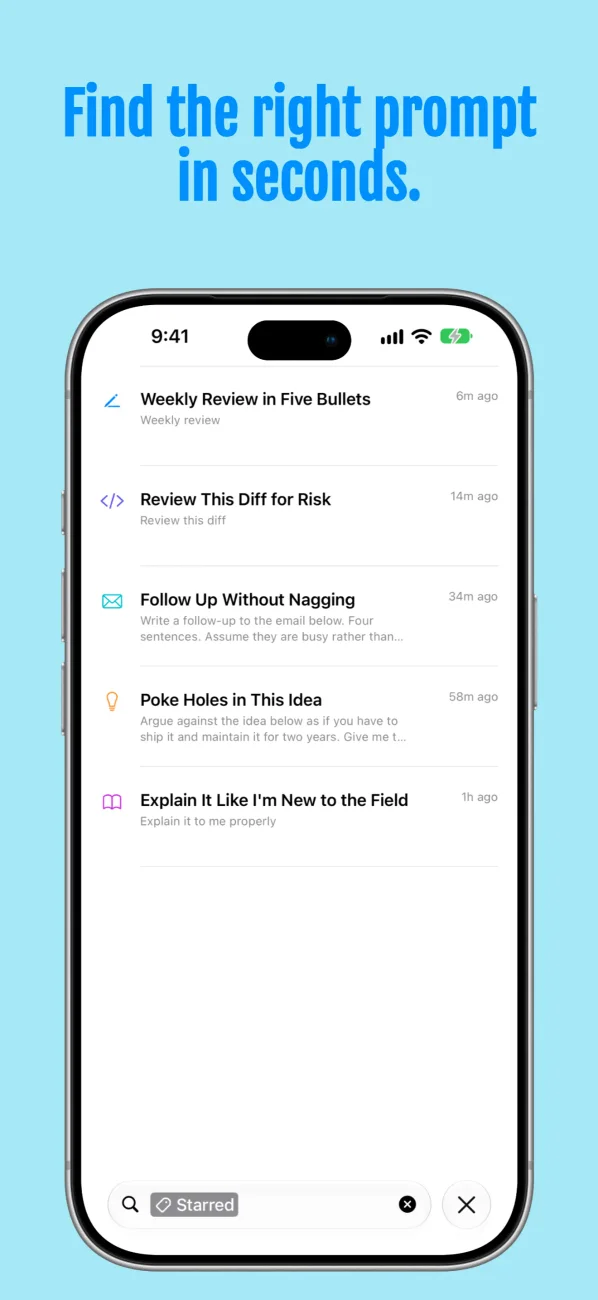
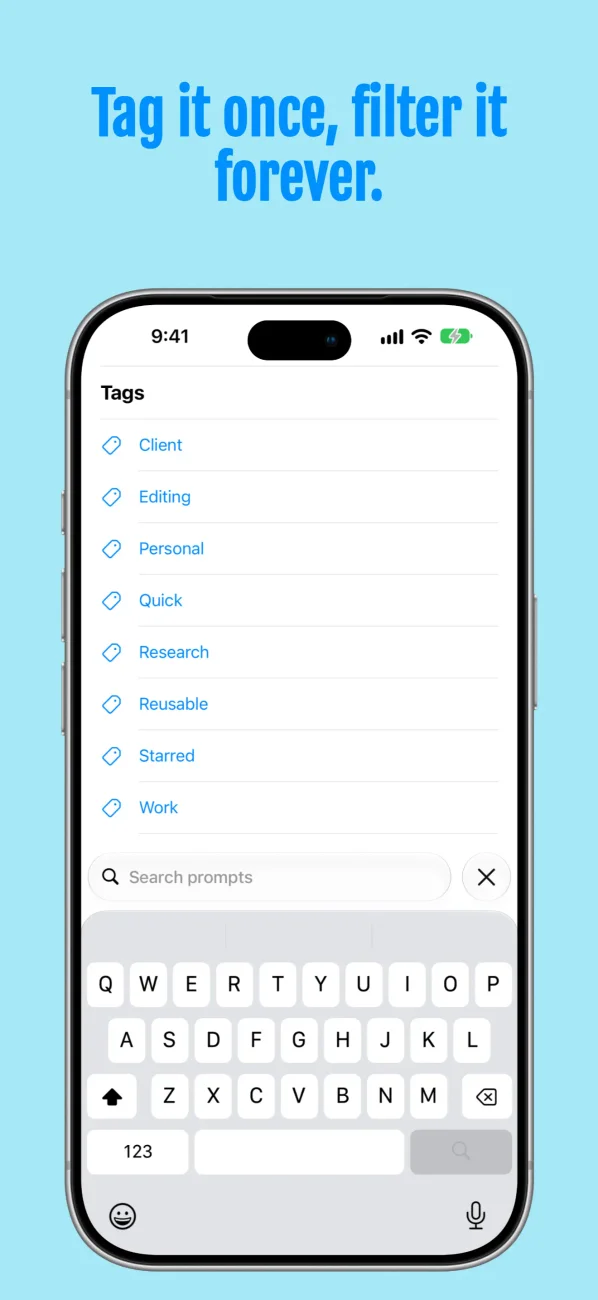
TAG, FILTER, AND SEARCH Add tags for flexible organization, then filter and search to find the right prompt in seconds.
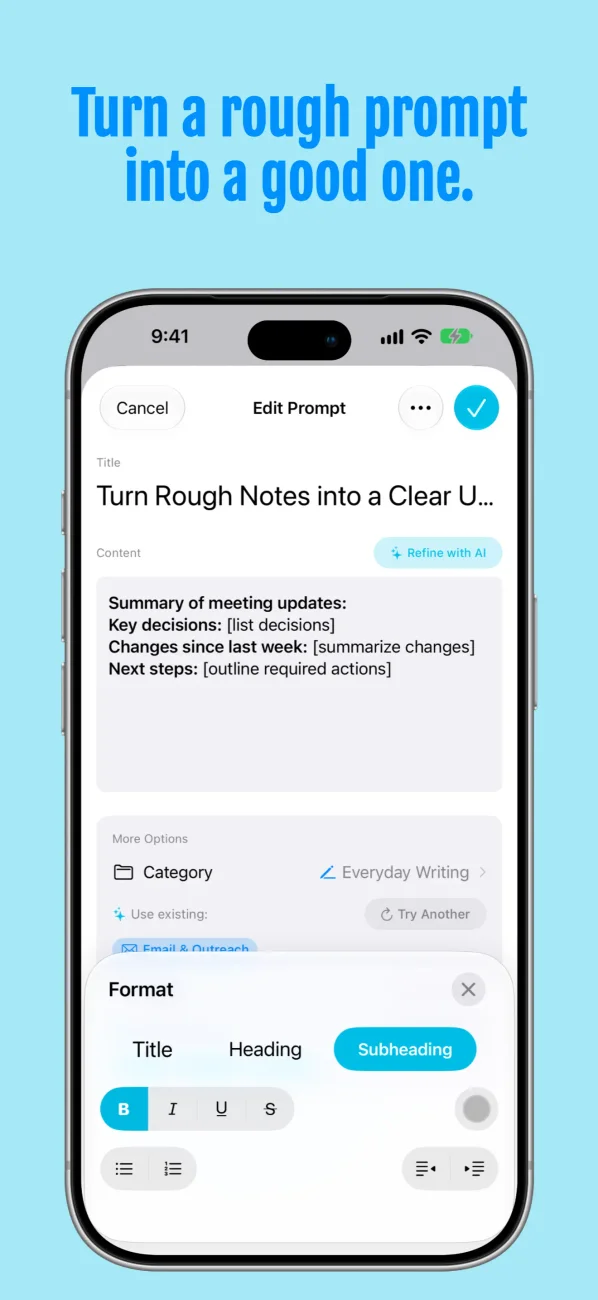
RICH TEXT PROMPTS Write prompts with bold, italics, underline, lists, and more. Copy as plain text or Markdown for easy pasting anywhere.
AI ASSISTANT (APPLE INTELLIGENCE) Create new prompts faster and refine existing ones with an AI Assistant powered by Apple Intelligence. The assistant picks the best path your device can offer and steps down gracefully when a model is busy, telling you why rather than failing quietly. AI features require a device that supports Apple Intelligence.
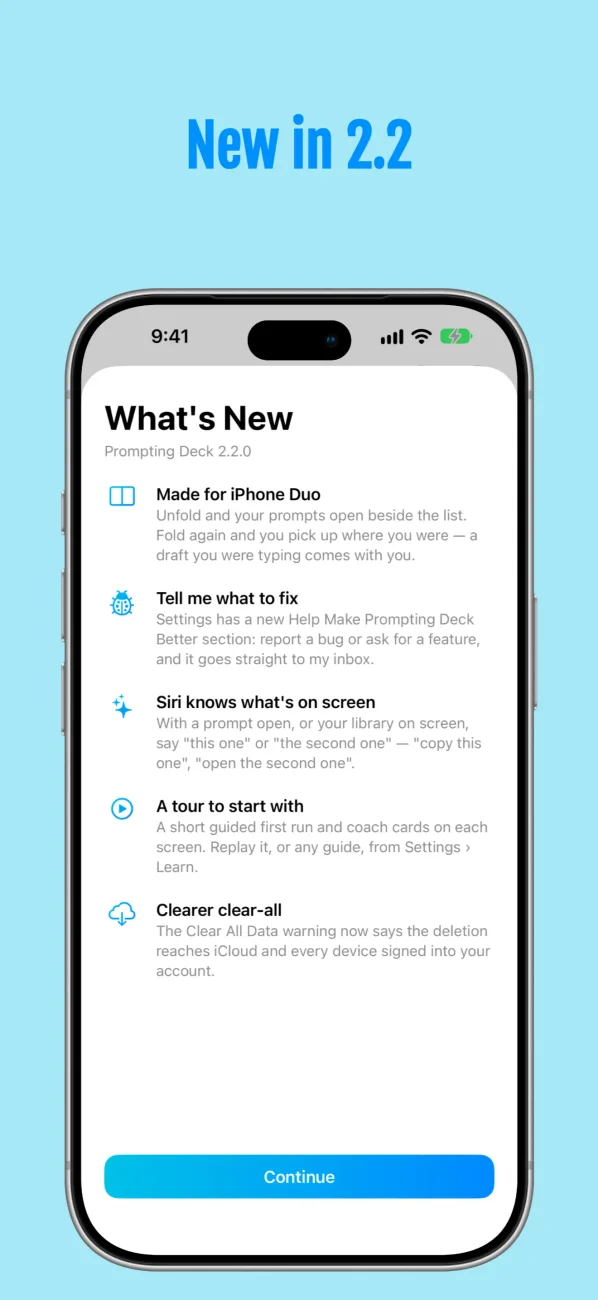
SIRI AND SHORTCUTS Ask Siri to copy a prompt, find one, open one, start a new one, or open the assistant with your question already typed in. Every action is available in the Shortcuts app, and your prompts appear in Spotlight search.
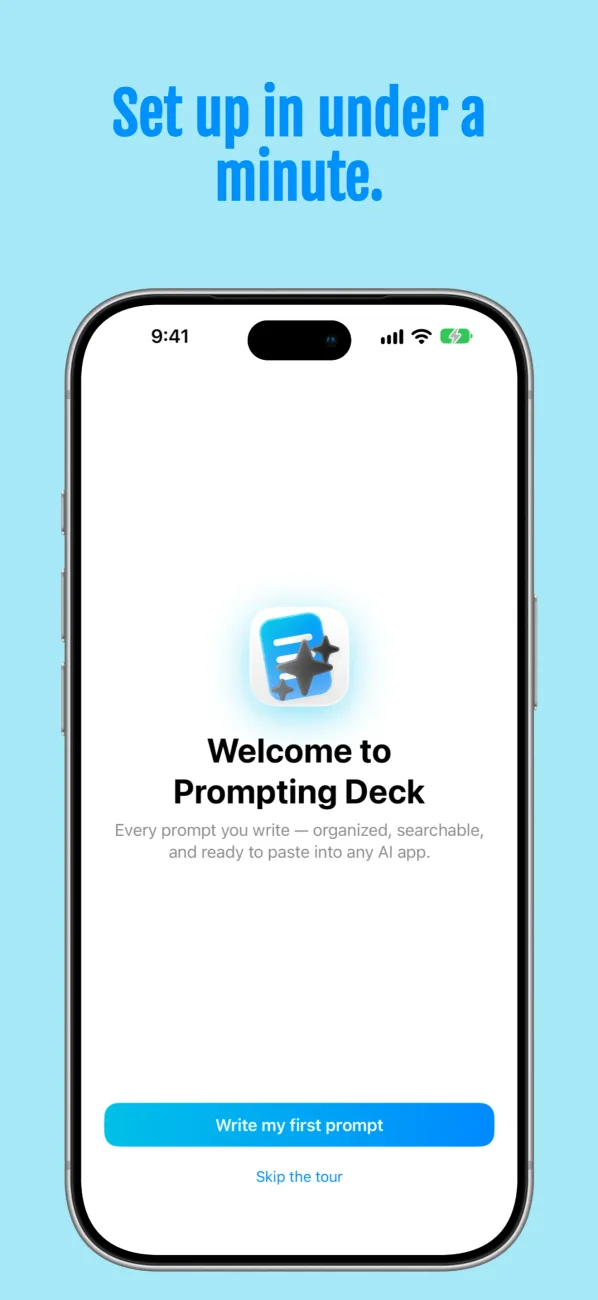
A GUIDED START A short tour on first launch shows how the deck works, and how-to guides are there whenever you want them. Replay any of it from Settings › Learn.
PREMIUM AI FEATURES Unlock additional AI tools with a premium subscription: • Refine Prompt — improve any prompt with one tap • Smart Category Suggestions — AI recommends the best category for new prompts • Smart Tag Suggestions — AI suggests relevant tags based on prompt content • Category Icon Suggestions — AI picks the perfect icon for your categories
SYNC ACROSS iPHONE, iPAD, AND MAC Your prompt library stays up to date with iCloud, so your prompts are always available on every device.
DESIGNED FOR APPLE PLATFORMS A clean, native experience built for iOS 27, iPadOS 27, and macOS 27—complete with dark mode and keyboard shortcuts.
KEY FEATURES • Unlimited categories with custom colors and SF Symbols • Rich text editor with formatting toolbar • Tags for fast filtering • Full-text search across your library • Siri, Shortcuts and Spotlight • iCloud sync across devices • Copy as plain text or Markdown • Dark mode • Keyboard shortcuts on Mac and iPad
Perfect for writers, developers, marketers, and anyone who uses AI tools regularly.
Terms of Use (EULA): https://www.apple.com/legal/internet-services/itunes/dev/stdeula/
Privacy Policy: https://www.promptingdeck.ai/?privacy
Novedades
Versión 2.2.1 · 30/10/2026
Fixed: pasted text formatting issues.
Text you paste, from a saved prompt or another app, now matches the rest of your prompt, and so does everything you type after it.
Privacidad de la aplicación
Lo que Christopher Peterson declara en App Store sobre cómo esta aplicación gestiona los datos.
-
Datos vinculados a ti
Pueden recopilarse y vincularse a tu identidad.
- Compras
- Identificadores
- Datos de uso
Las prácticas de privacidad pueden variar, por ejemplo, según las funciones que uses o tu edad.
Información
- Vendedor
- Christopher Peterson
- Categoría
- Utilidades
- Versión
- 2.2.1
- Actualizado
- 30/10/2026
- Publicado
- 12/2/2026
- Tamaño
- 54,8 MB
- Requiere
- iOS 26.0 o posterior
- Clasificación por edad
- 4+
- Precio
- Gratis
- Compras en la aplicación
- Sí
- Idiomas
- Inglés
- Copyright
- © 2026 Christopher Peterson
Quizá también te guste
-
 SumSpot: AI Article SummariesUtilidades
-
 Keep Accounts:Quick BooksUtilidades
-
 BlueSpot FinderUtilidades
-
 KeepTrack: AI Home InventoryUtilidades
-
 Weminder - Audio RemindersUtilidades
-
 Prompt Manager: AI PromptsUtilidades
-
 LoginTC AuthenticatorUtilidades
-
 GarageID: Mantenimiento CocheGastos, Consumo, Avisos e ITV
-
 Domain Tracker: Expiry AlertsUtilidades
-
 Industry CardUtilidades