Prompting Deck
Organize Your AI Prompts
Designed for iPhone, iPad, Mac
Free · In-app purchases
- Age rating4+
- CategoryUtilities
- DeveloperChristopher Peterson
- LanguagesEnglish
- Size54.8 MB
Links to the official App Store page
Download.org hosts no file of Prompting Deck. The button opens its official App Store page, published by Christopher Peterson. Listing last checked on Nov 14, 2026.
Screenshots


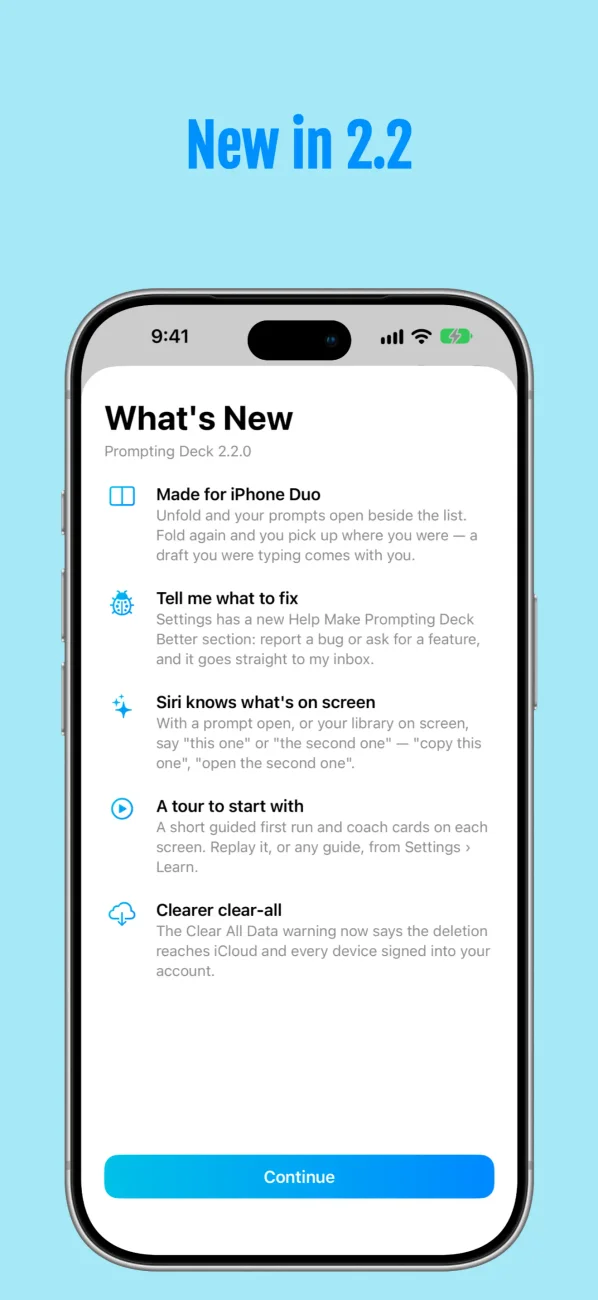
About
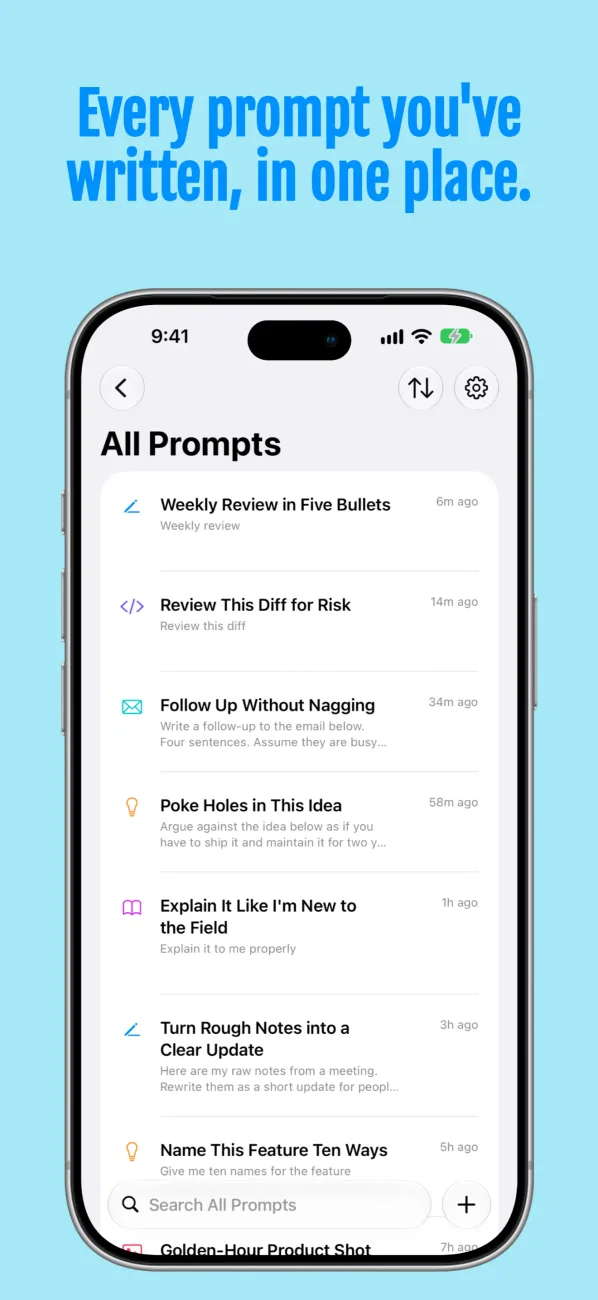
Prompting Deck helps you save, organize, and reuse your best AI prompts—so you can get to great results faster.
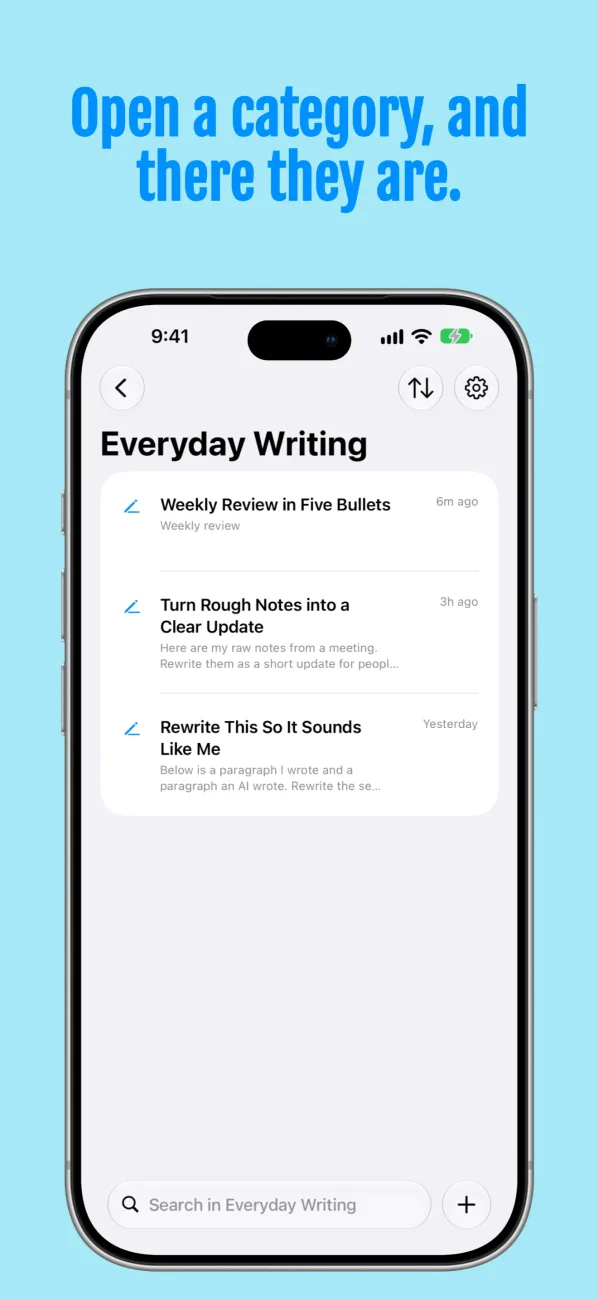
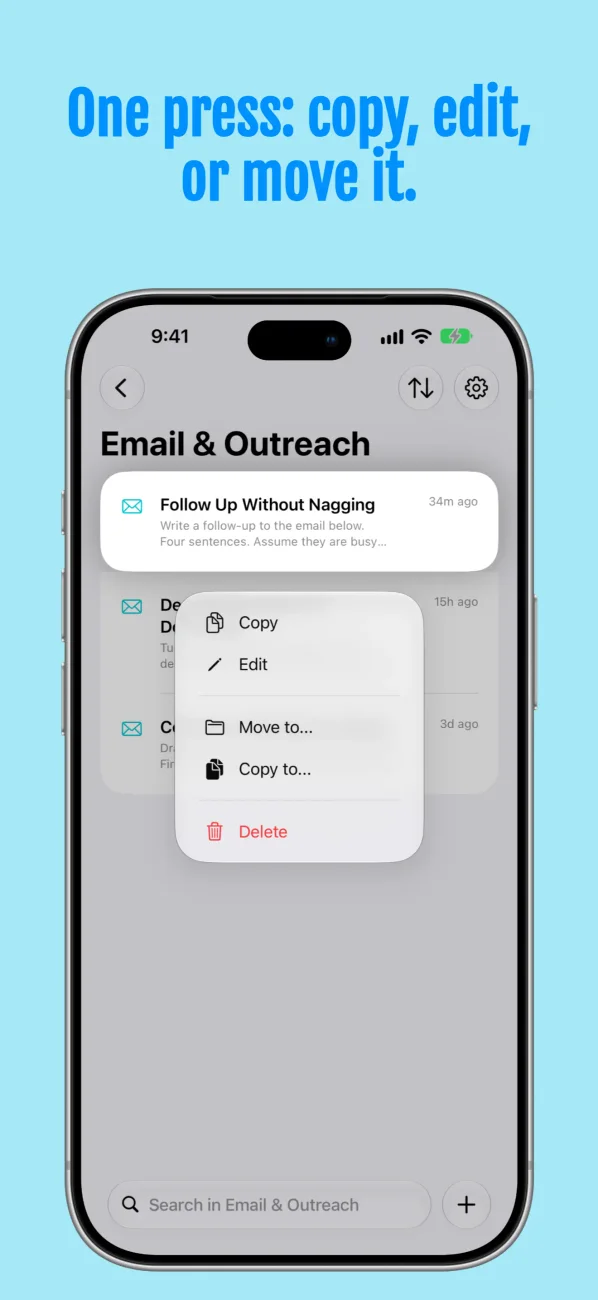
ORGANIZE WITH CATEGORIES Create categories with custom colors and icons. Keep prompts grouped by workflow—writing, coding, marketing, brainstorming, and more.
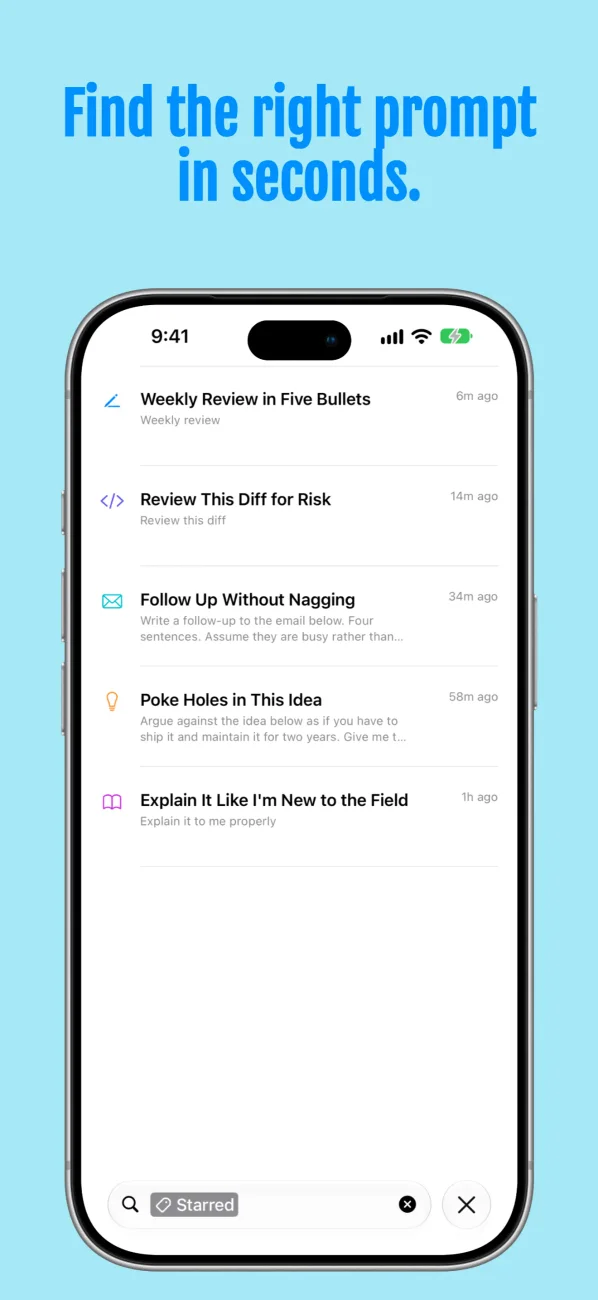
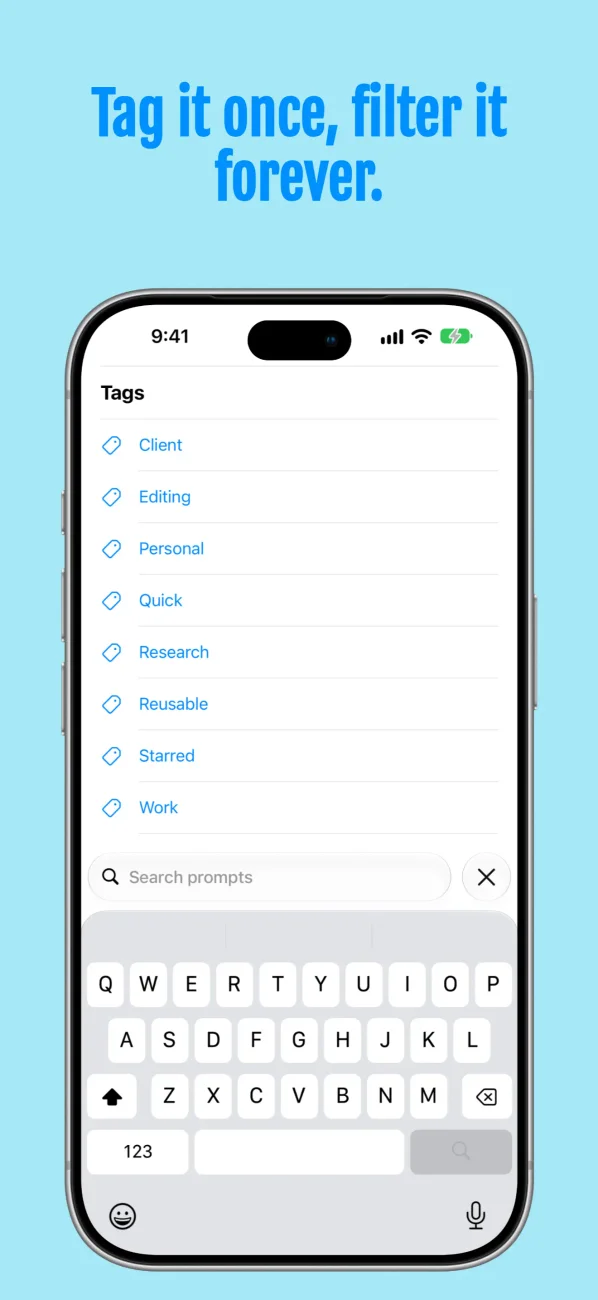
TAG, FILTER, AND SEARCH Add tags for flexible organization, then filter and search to find the right prompt in seconds.
RICH TEXT PROMPTS Write prompts with bold, italics, underline, lists, and more. Copy as plain text or Markdown for easy pasting anywhere.
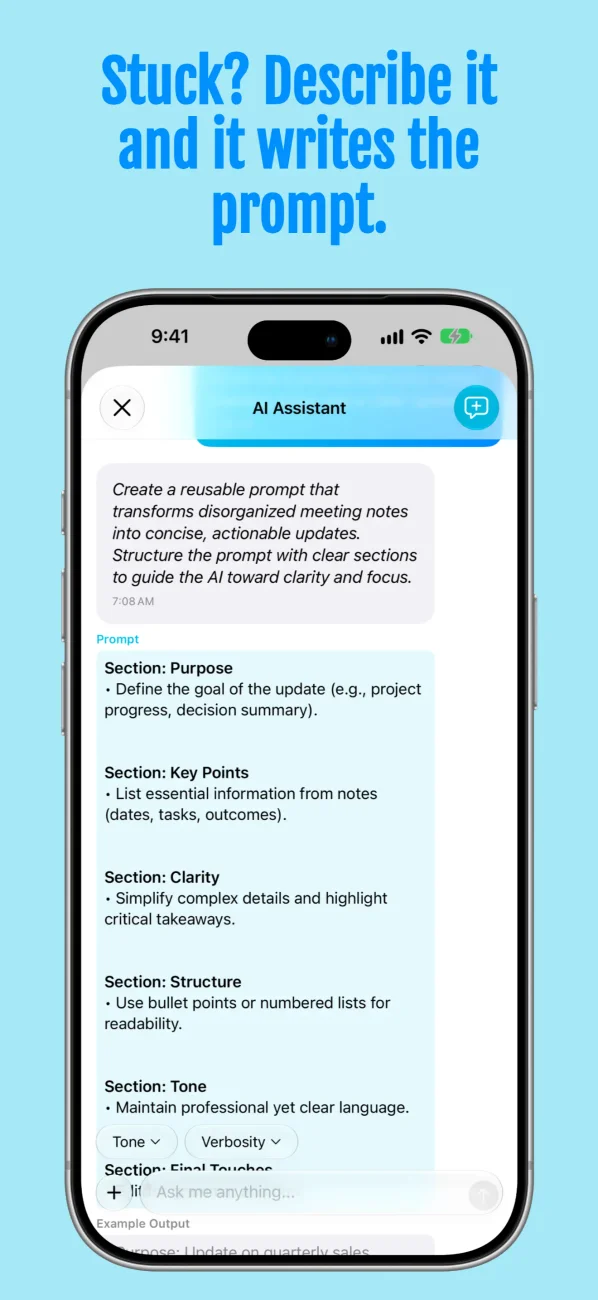
AI ASSISTANT (APPLE INTELLIGENCE) Create new prompts faster and refine existing ones with an AI Assistant powered by Apple Intelligence. The assistant picks the best path your device can offer and steps down gracefully when a model is busy, telling you why rather than failing quietly. AI features require a device that supports Apple Intelligence.
SIRI AND SHORTCUTS Ask Siri to copy a prompt, find one, open one, start a new one, or open the assistant with your question already typed in. Every action is available in the Shortcuts app, and your prompts appear in Spotlight search.
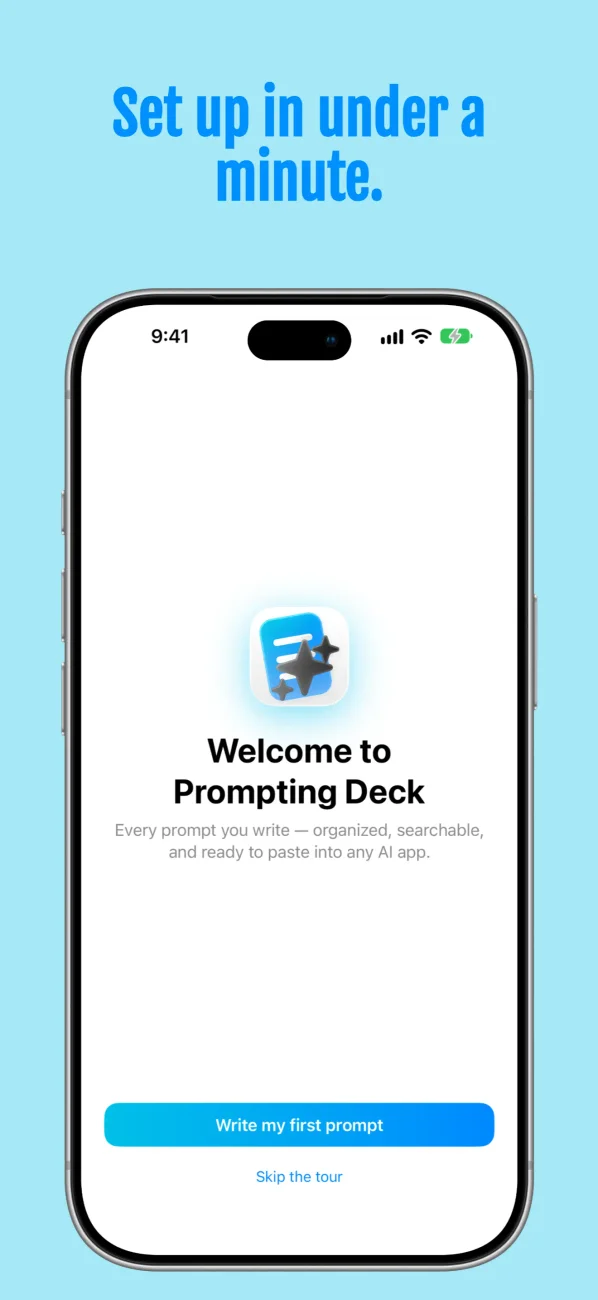
A GUIDED START A short tour on first launch shows how the deck works, and how-to guides are there whenever you want them. Replay any of it from Settings › Learn.
PREMIUM AI FEATURES Unlock additional AI tools with a premium subscription: • Refine Prompt — improve any prompt with one tap • Smart Category Suggestions — AI recommends the best category for new prompts • Smart Tag Suggestions — AI suggests relevant tags based on prompt content • Category Icon Suggestions — AI picks the perfect icon for your categories
SYNC ACROSS iPHONE, iPAD, AND MAC Your prompt library stays up to date with iCloud, so your prompts are always available on every device.
DESIGNED FOR APPLE PLATFORMS A clean, native experience built for iOS 27, iPadOS 27, and macOS 27—complete with dark mode and keyboard shortcuts.
KEY FEATURES • Unlimited categories with custom colors and SF Symbols • Rich text editor with formatting toolbar • Tags for fast filtering • Full-text search across your library • Siri, Shortcuts and Spotlight • iCloud sync across devices • Copy as plain text or Markdown • Dark mode • Keyboard shortcuts on Mac and iPad
Perfect for writers, developers, marketers, and anyone who uses AI tools regularly.
Terms of Use (EULA): https://www.apple.com/legal/internet-services/itunes/dev/stdeula/
Privacy Policy: https://www.promptingdeck.ai/?privacy
What’s new
Version 2.2.1 · Oct 30, 2026
Fixed: pasted text formatting issues.
Text you paste, from a saved prompt or another app, now matches the rest of your prompt, and so does everything you type after it.
App privacy
What Christopher Peterson declares on the App Store about how this app handles data.
-
Data linked to you
May be collected and linked to your identity.
- Purchases
- Identifiers
- Usage data
Privacy practices may vary, for example with the features you use or your age.
Information
- Seller
- Christopher Peterson
- Category
- Utilities
- Version
- 2.2.1
- Updated
- Oct 30, 2026
- Released
- Feb 12, 2026
- Size
- 54.8 MB
- Requires
- iOS 26.0 or later
- Age rating
- 4+
- Price
- Free
- In-app purchases
- Yes
- Languages
- English
- Copyright
- © 2026 Christopher Peterson
You might also like
-
 SumSpot: AI Article SummariesTL;DR any web page, in Safari
-
 Keep Accounts:Quick BooksInvoices, Receipts, Tap to Pay
-
 BlueSpot FinderFind Lost Earbuds & Headphones
-
 KeepTrack: AI Home InventoryHouse inventory tracking
-
 Weminder - Audio RemindersUtilities
-
 Prompt Manager: AI PromptsSave,organize&reuse AI prompts
-
 LoginTC AuthenticatorUtilities
-
 GarageID: Car Documents & LogDrives, Trips, Fuel & Expenses
-
 Domain Tracker: Expiry AlertsWHOIS, SSL & Renewal Reminder
-
 Industry CardPerks for Hospitality Pros