QAudioEditor
Lossless MP3, AAC, M4A editor
Diseñada para iPhone, iPad, Mac
Gratis · Compras en la aplicación
- Clasificación por edad4+
- CategoríaMúsica
- DesarrolladorJAKUB KAPRZYK
- IdiomasInglés+ 4 más
- Tamaño10,0 MB
Enlaza a la página oficial de App Store
Download.org no aloja ningún archivo de QAudioEditor. El botón abre la página de la aplicación en App Store, donde la publica JAKUB KAPRZYK. Ficha comprobada por última vez el 23/11/2026.
Capturas de pantalla
Acerca de
El desarrollador no ha proporcionado este texto en tu idioma.
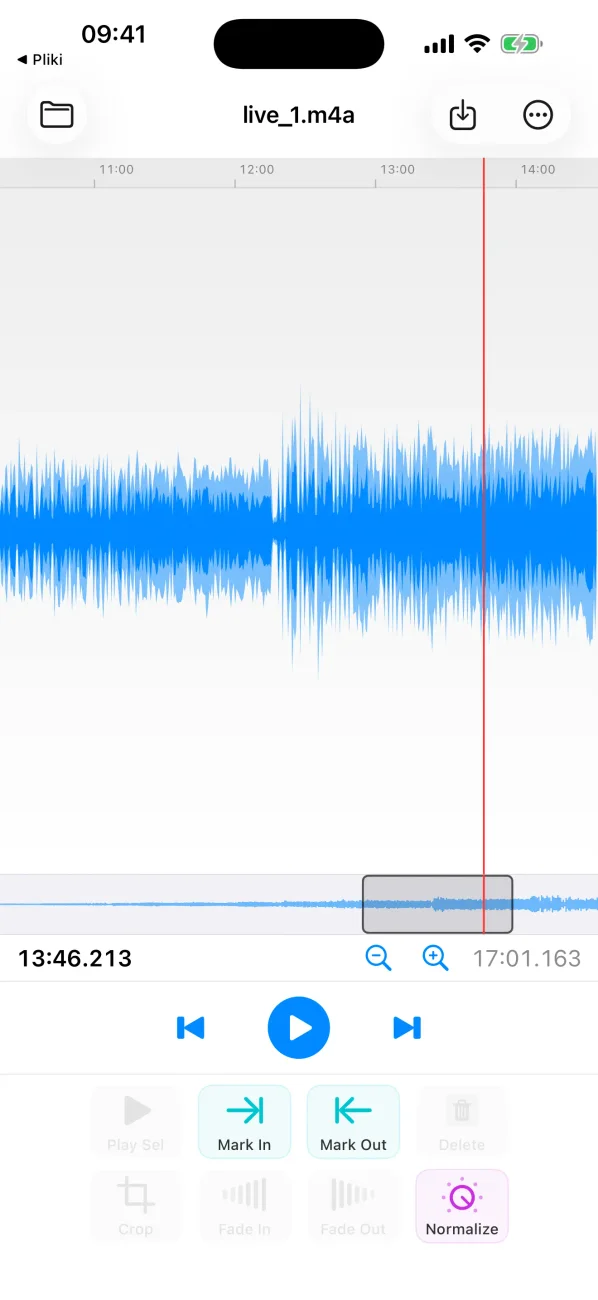
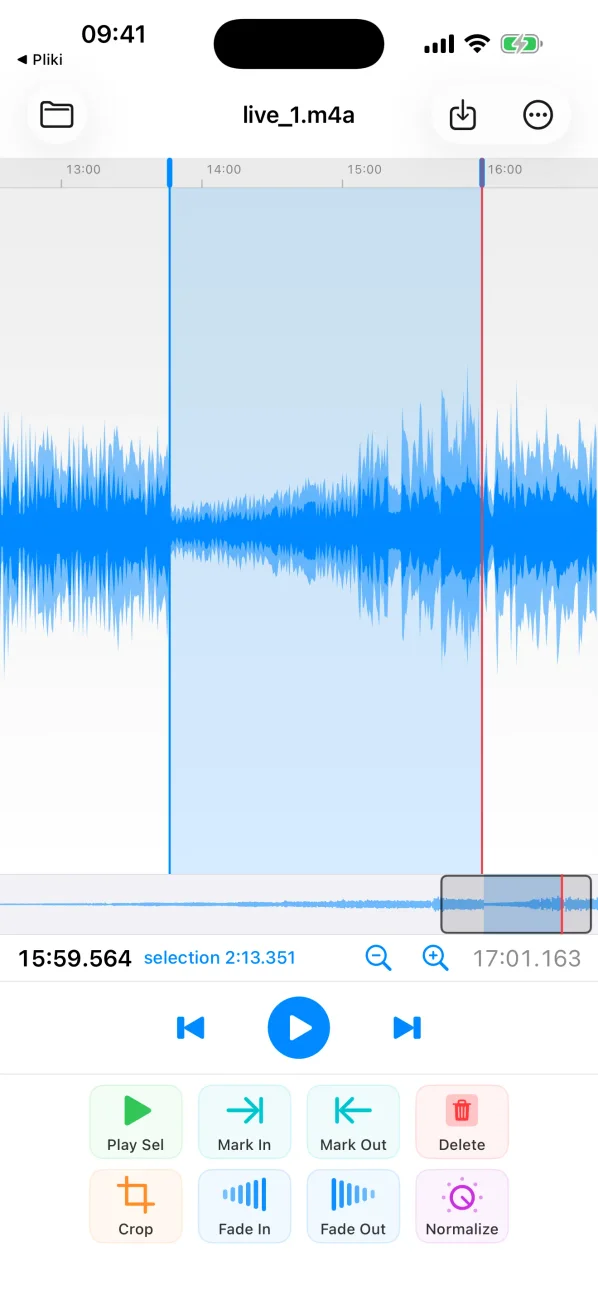
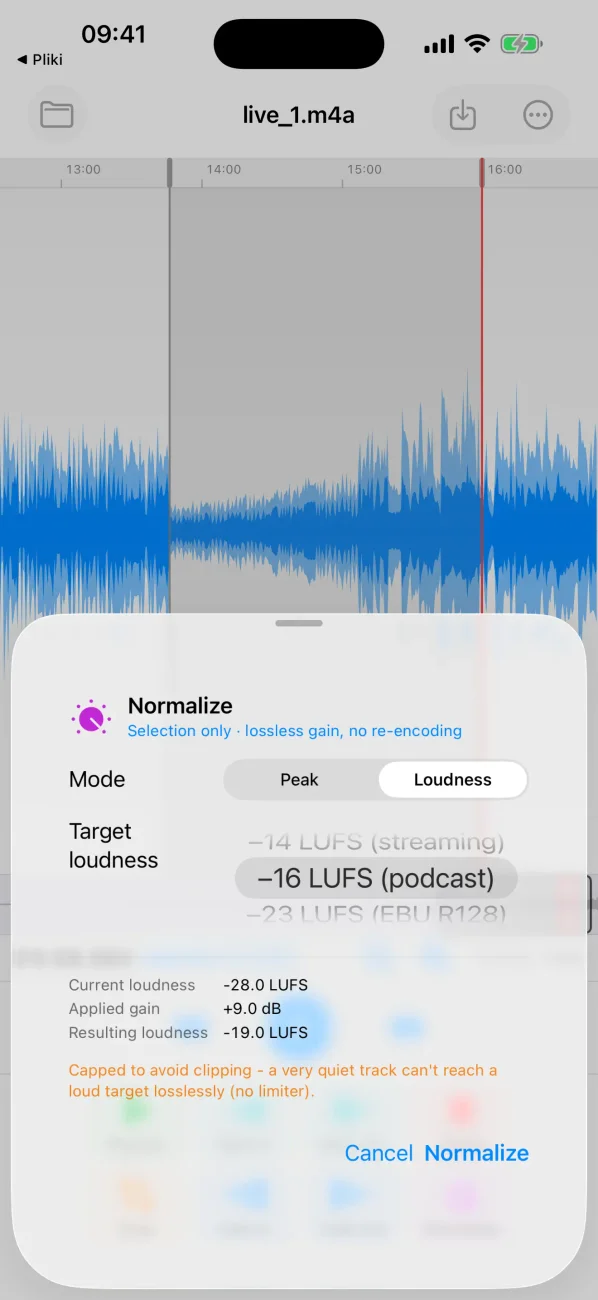
QAudioEditor is a lossless audio editor for iPhone (including iPhone Duo) and iPad. Open an MP3, AAC (.aac), M4A (.m4a), Apple Lossless, FLAC, or WAV file - or a video (MP4, MOV, M4V) to edit just its audio - see its waveform, and cut, crop, fade, normalize, copy/paste, or append audio - then save without re-encoding. Untouched audio is preserved byte-for-byte; only faded or normalized regions are adjusted, and always losslessly - MP3 and AAC by rewriting the codec's gain fields, and WAV, ALAC and FLAC in the sample domain - so there is no generation loss.
SUPPORTED FORMATS
- MP3 (MPEG-1/2 Layer III, constant or variable bitrate)
- AAC - AAC-LC, HE-AAC and HE-AAC v2 - in ADTS (.aac)
- AAC in MP4 (.m4a)
- Apple Lossless / ALAC in M4A (.m4a)
- FLAC (.flac), 16- and 24-bit
- WAV / PCM (.wav), 8- to 32-bit and 32-bit float
- Video (.mp4, .mov, .m4v) - the audio track is extracted losslessly for editing
FEATURES
- Batch Process - the same steps for many files at once: trim silence, peak or LUFS level, fades, split at silences, ReplayGain, tags (artist, album, year, genre, cover art, track numbers, titles from file names); videos become lossless .m4a; saved presets (free for up to 3 files at a time)
- Join Files - join files of the same format into one without re-encoding, with a chapter for each file; AAC and ALAC can be saved as an .m4b audiobook (free for up to 3 files at a time)
- Frame-accurate cut, crop, and trim
- Split markers - drop markers anywhere, drag them to fine-tune, and name them; split a long recording into files in one step, each named and tagged after its marker (Pro)
- Markers at Silences - finds the pauses between the tracks of a recording, such as an album saved as one file, and drops a marker in each, ready to split (Pro)
- Chapters (Pro) - save markers as chapters in MP3 and M4A/M4B, for podcasts and audiobooks; chapters in a file you open become named markers
- ReplayGain tags - measure the loudness and tag the file so players level the volume, with no change to the audio (MP3, M4A, FLAC)
- CUE sheets - import a .cue file as markers, or export your markers as .cue
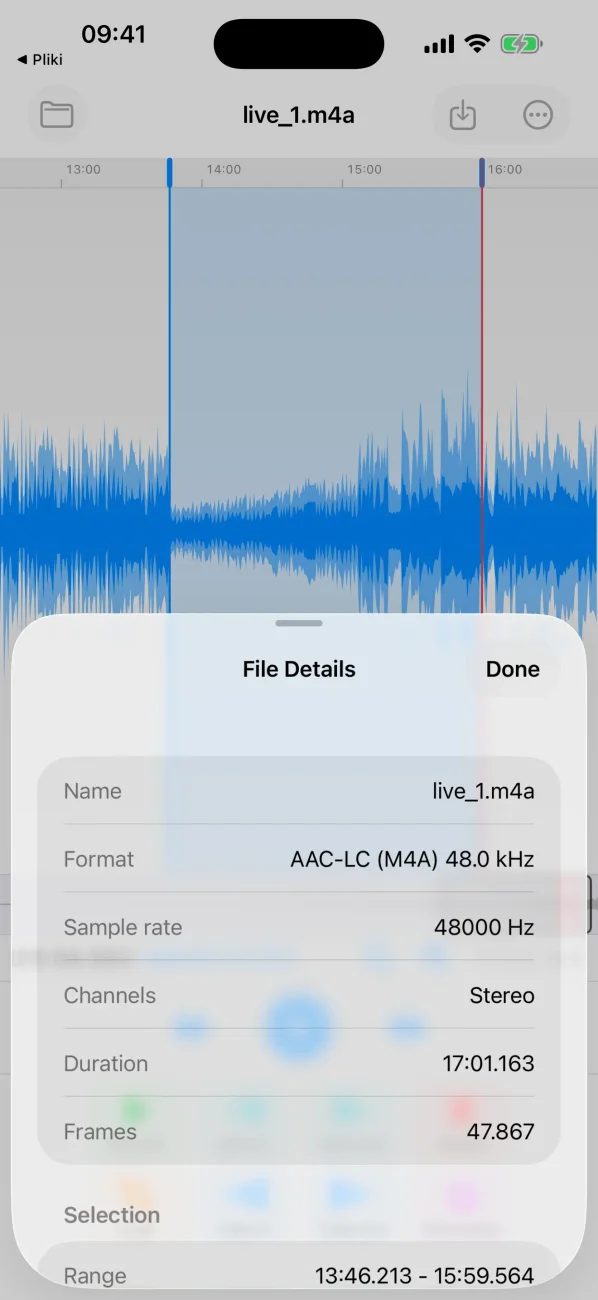
- Loudness - LUFS, peak and loudness range in File Details
- Trim Silence (Pro) - cut the silence at the start and end in one step
- Export Selection - save just the selected part as a new file
- Very large recordings - multi-gigabyte WAV and FLAC files open, edit and save smoothly; the audio is kept on disk instead of in memory
- Lossless fades and one-tap normalize
- Pull the audio out of a video (MP4, MOV, M4V) - open it, or insert it at the playhead; AAC and ALAC tracks are extracted with no re-encoding
- Cut, copy, paste, and insert or append other files of the same format
- Hardware-keyboard shortcuts on iPad
- Playback follows the view - scroll to another part while playing and it plays from there
- Rich waveform with peak + RMS view, zoom that stays centered on the playhead, and an overview navigator
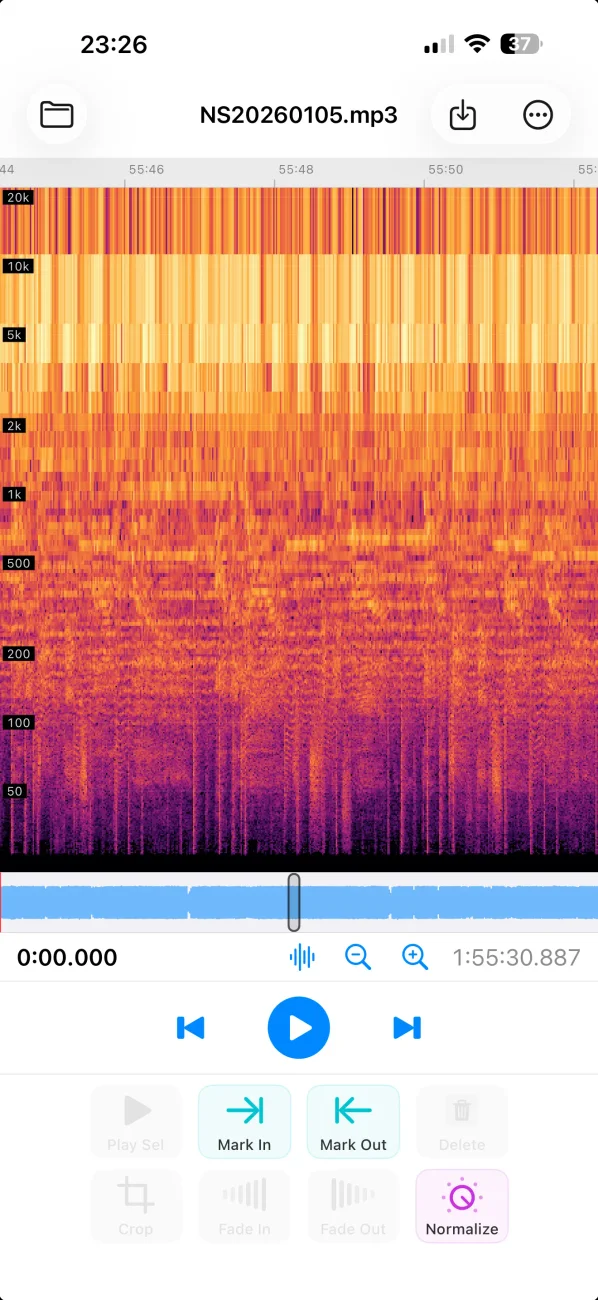
- Spectrogram view - see the frequency content over time on a log scale; toggle it with the waveform
- File details, unlimited undo, and crash-safe session restore
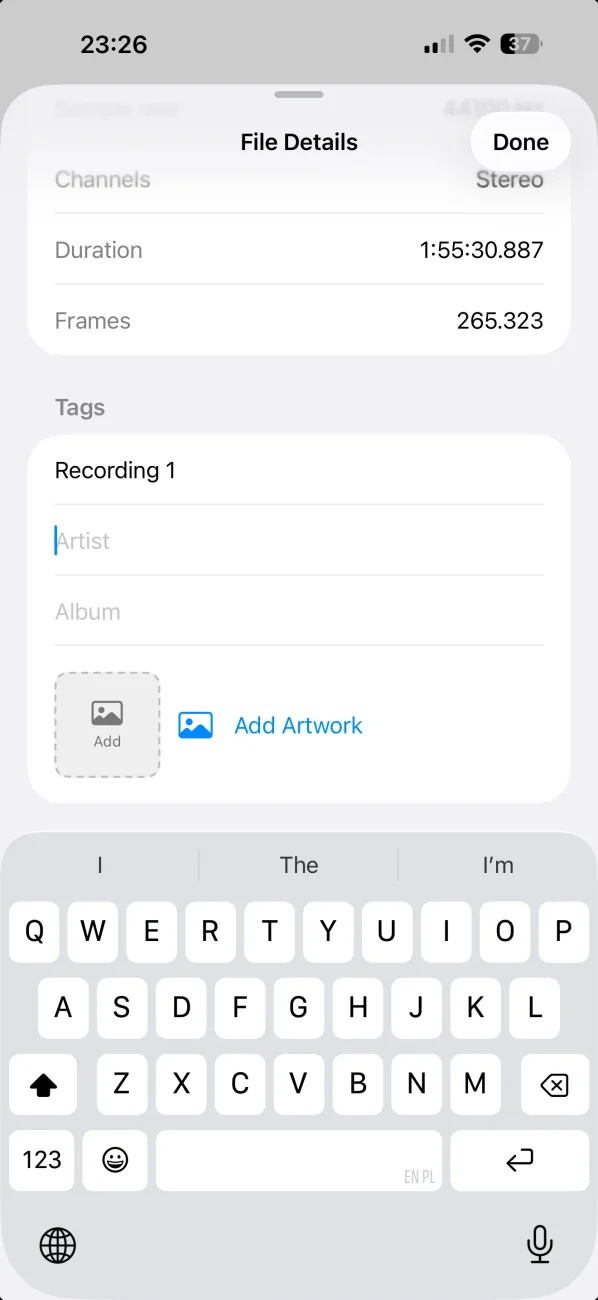
- Edit tags - title, artist, album and cover artwork - saved losslessly (MP3, M4A/AAC, FLAC)
- Export raw AAC as a seekable .m4a
- Record Stream (Pro) - record an internet audio stream (Icecast, SHOUTcast or HLS; MP3, AAC or FLAC) without re-encoding, until you stop it or for a set time, then edit the recording, with a marker named after each song - it keeps recording with the screen locked
- Shortcuts actions - Process Audio Files, Join Audio Files, Normalize, Write ReplayGain Tags, Trim Silence, Split at Silences and Record Stream
Free to edit and to save results up to 5 minutes long. QAudioEditor Pro (a one-time purchase) removes the length limit so you can save recordings of any length, and adds Split at Markers, Markers at Silences, Chapters, Trim Silence and Record Stream - and one purchase unlocks Pro on iPhone, iPad and Mac.
Novedades
Versión 5.3.0 · 17/11/2026
- Join Files: join several files of the same format into one, without re-encoding - with a chapter for each file, and AAC or ALAC saved as an .m4b audiobook. Free for up to 3 files at a time.
- Batch Process can now set tags - artist, album, album artist, year, genre, cover art, track numbers in list order and titles from file names.
- Batch Process takes videos (MP4, MOV, M4V) too and saves their audio as lossless .m4a.
- New Shortcuts action: Join Audio Files
- Smoother playhead and waveform on ProMotion iPhones (120 Hz)
- Bug fixes and improvements
Privacidad de la aplicación
Lo que JAKUB KAPRZYK declara en App Store sobre cómo esta aplicación gestiona los datos.
-
No se recopilan datos
El desarrollador no recopila ningún dato de esta aplicación.
Las prácticas de privacidad pueden variar, por ejemplo, según las funciones que uses o tu edad.
Información
- Vendedor
- JAKUB KAPRZYK
- Categoría
- Música
- Versión
- 5.3.0
- Actualizado
- 17/11/2026
- Publicado
- 27/7/2026
- Tamaño
- 10,0 MB
- Requiere
- iOS 17.0 o posterior
- Clasificación por edad
- 4+
- Precio
- Gratis
- Compras en la aplicación
- Sí
- Idiomas
- Inglés, Francés, Alemán, Italiano, Polaco
- Copyright
- © 2026 Qbus Systems
Quizá también te guste
-
 MP3Gain - Audio NormalizationMúsica
-
 Audio Editor & ToolMúsica
-
 FerritePodcasting y periodismo pro
-
 Editor de audio - AudioLabReverberación,igualador, imbre
-
 EZAudioCut - Audio Editor LiteAudio Pitch, editor de audio
-
 WavePad Music and Audio EditorMúsica
-
 ElevenMusic: AI Music StudioMúsica
-
 Evertag: editor de metadatoscambiar etiquetas de audio
-
 foobar2000Música
-
 Editor De Audio: Editar audiosAudio Editor - Editar Musica