Quick Scan And Share
Scan, Import & Share Instantly
Diseñada para iPhone, iPad
Gratis
- Clasificación por edad4+
- CategoríaProductividad
- DesarrolladorAleksander Lurie
- IdiomasInglés+ 37 más
- Tamaño3,4 MB
Enlaza a la página oficial de App Store
Download.org no aloja ningún archivo de Quick Scan And Share. El botón abre la página de la aplicación en App Store, donde la publica Aleksander Lurie. Ficha comprobada por última vez el 15/11/2026.
Capturas de pantalla

Acerca de
El desarrollador no ha proporcionado este texto en tu idioma.
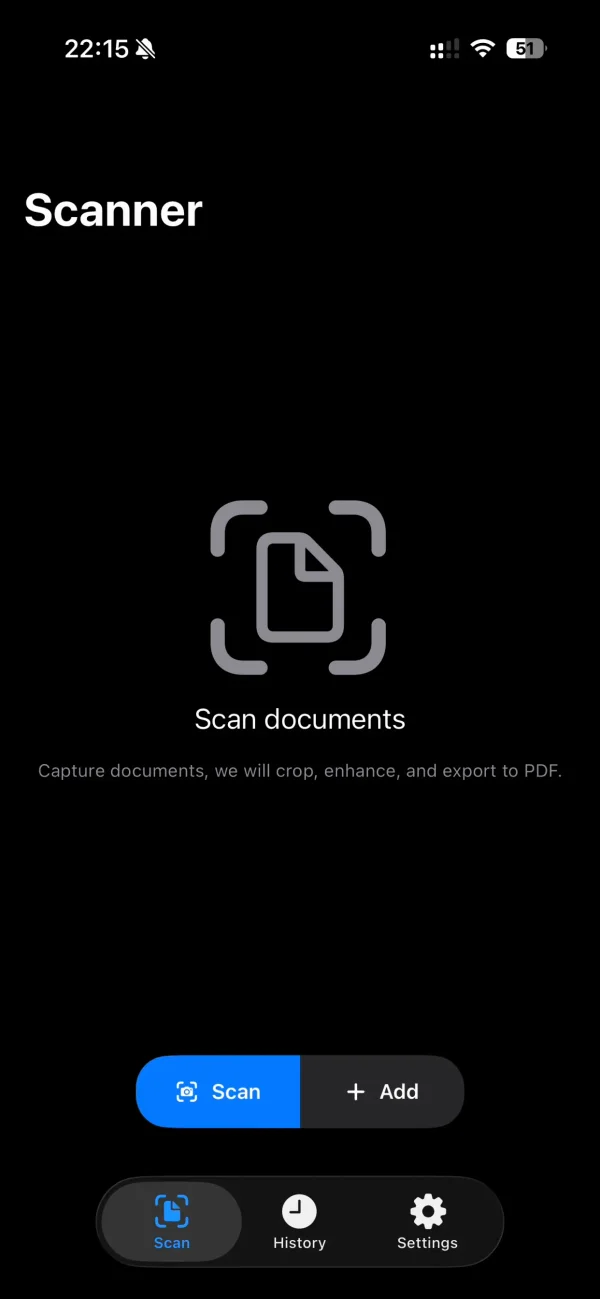
Quick Scan and Share makes organizing paperwork fast and effortless, and 1.2.3 supercharges the editor. Capture invoices, receipts, and notes - or import existing documents and photos - then refine every page before you export a polished PDF you can share instantly.
Why You’ll Love It
Edit as You Go — Rename the document, reorder or delete pages, and tweak quality, format, and style right inside the editor.
Live Previews — Page thumbnails now show the processed result of your chosen filter, resolution, and layout in real time.
Flexible Scan or Import — Capture new documents with auto edge detection or bring in existing PDFs and images.
Create PDFs Instantly — Combine multiple pages into a single, ready-to-share file without leaving the editor.
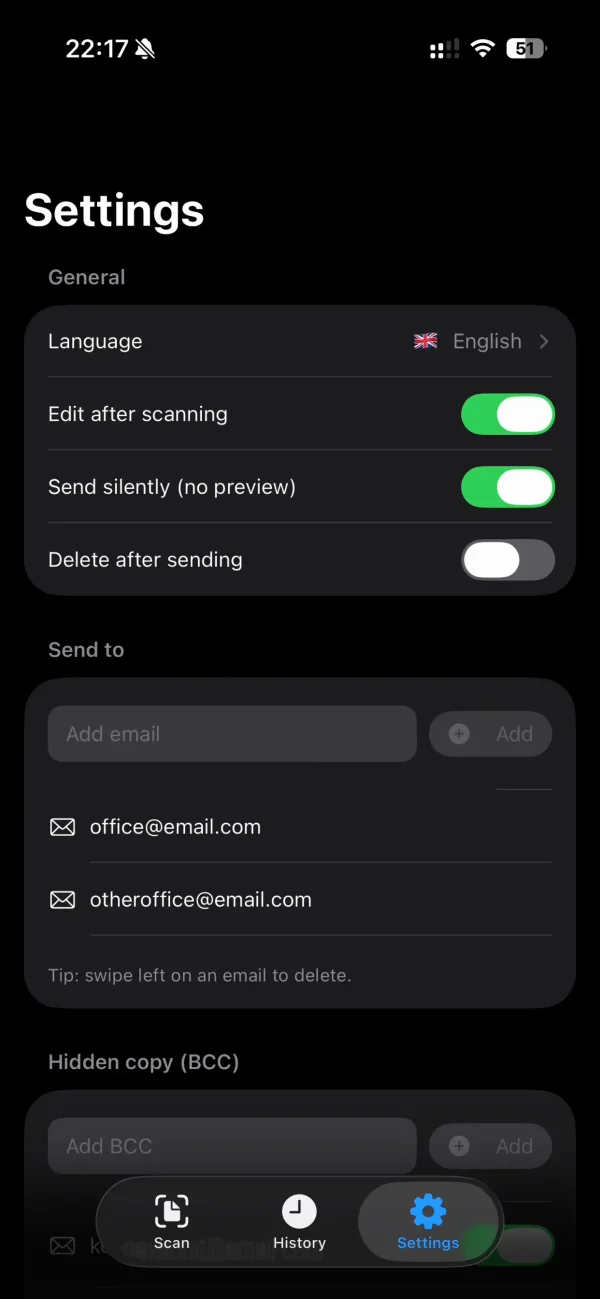
Share Your Way — Email via Gmail/Outlook presets, AirDrop to teammates, drop into Messages, or save to Files and Photos.
Optimized for Every Screen — The layout shines on iPhone, iPad, and large displays with multitasking-friendly controls.
Now Multilingual — Enjoy the full editing and sending experience in 38 languages, including English, Spanish, Japanese, and Arabic.
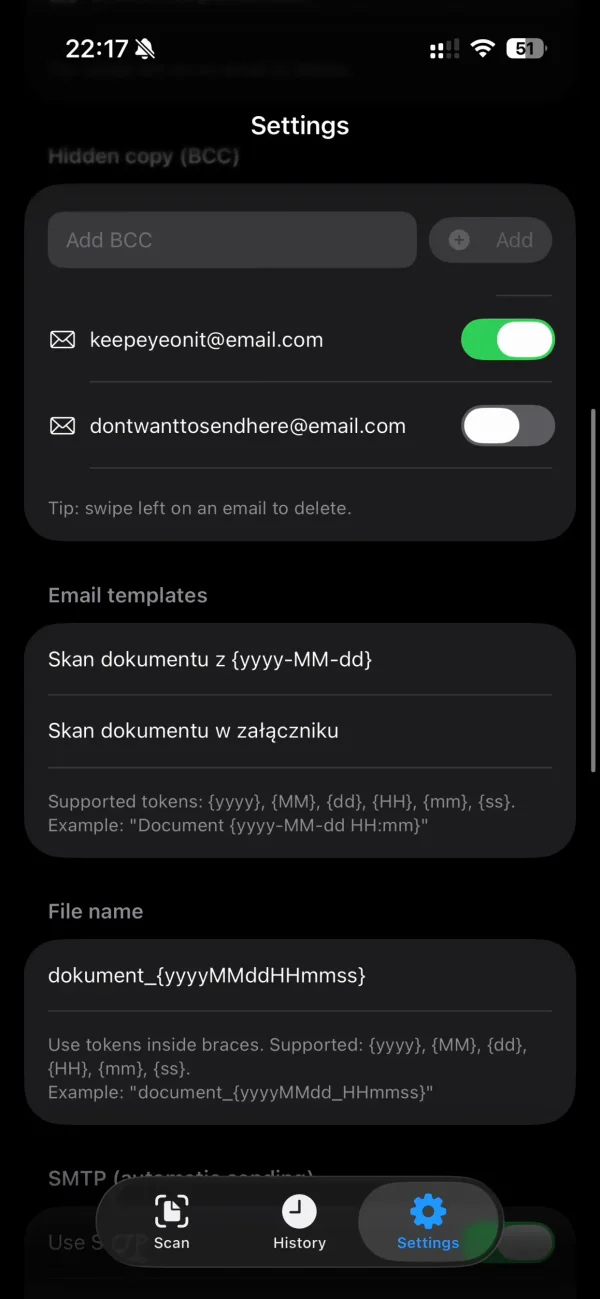
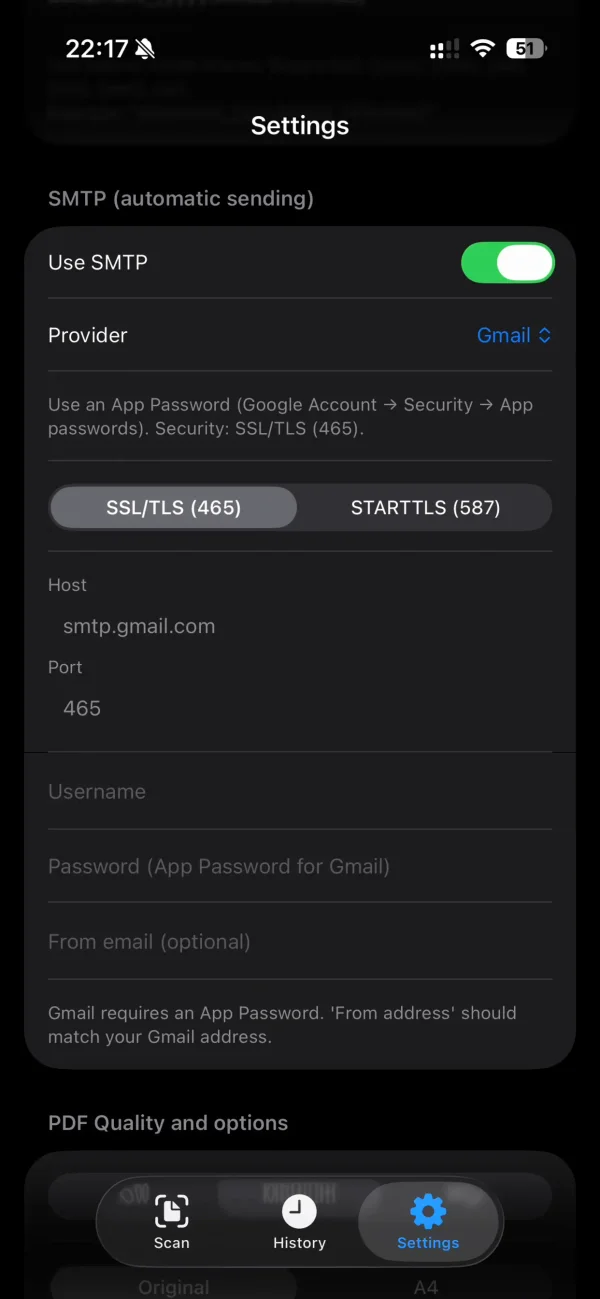
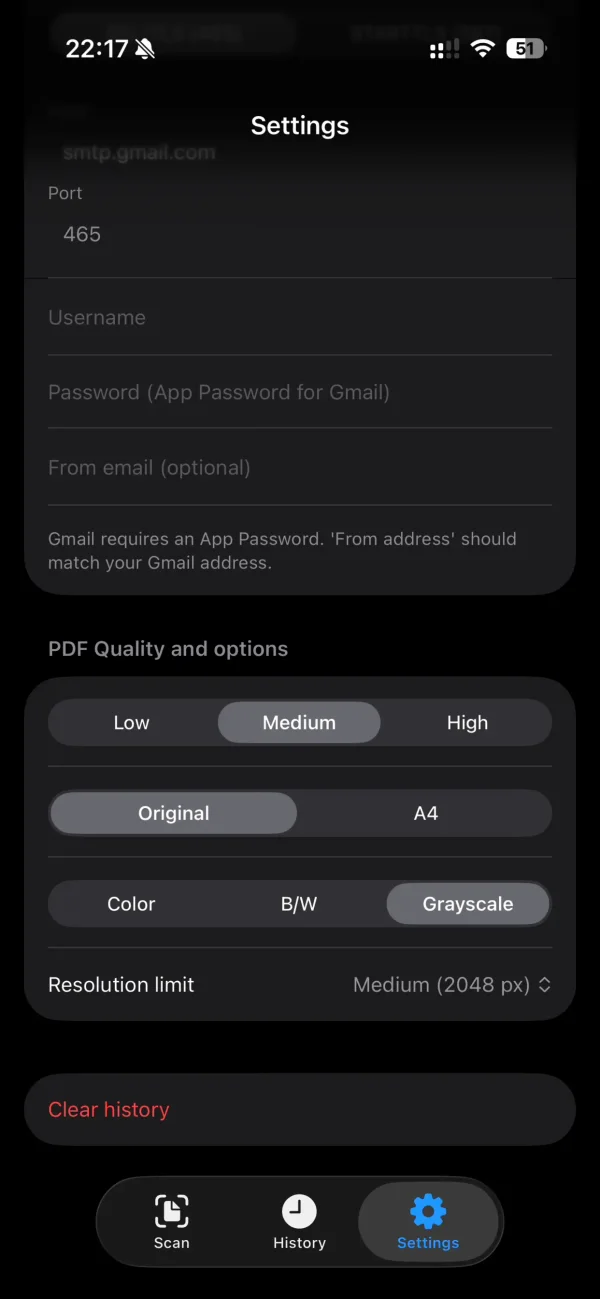
Fully Customizable — Control PDF quality, color mode, and resolution limits; tailor email templates; automate SMTP sending or keep full manual review.
Smarter Performance — History refreshes instantly, temporary files stay tidy, and navigation stays smooth even with large edits.
Stay Organized
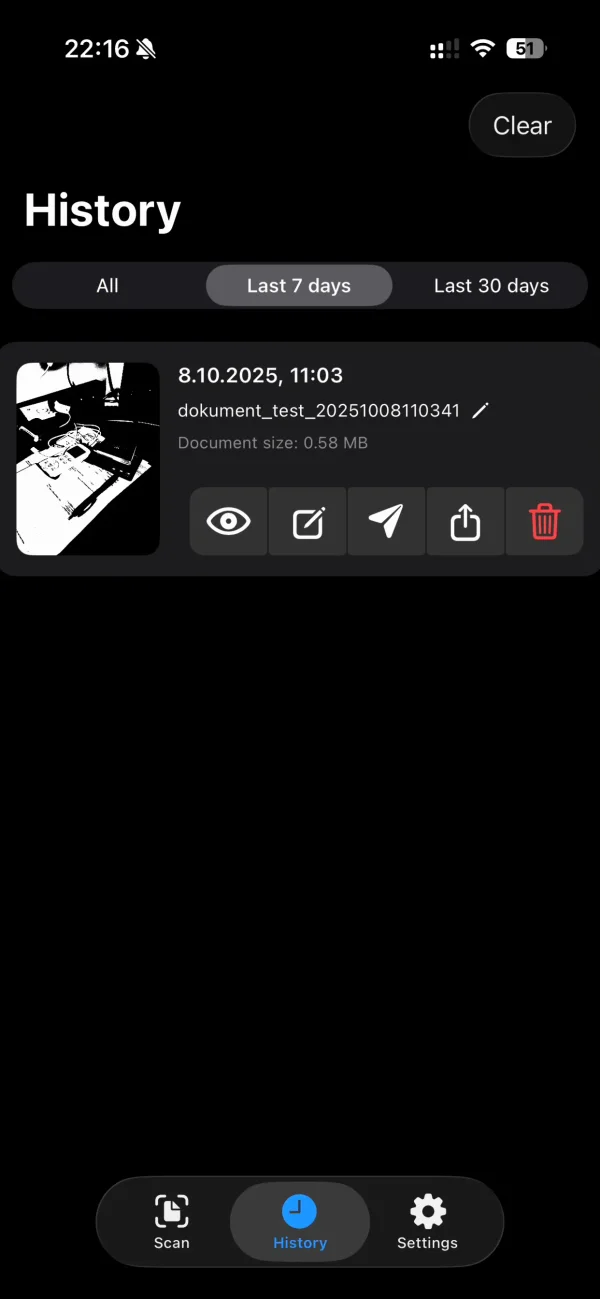
Built-in history keeps every document at your fingertips with thumbnails, scan dates, and delivery logs. Preview, rename, resend, share, or delete - every action is just a tap away. Quick Scan and Share turns your device into a smart document workspace that’s always ready to scan, edit, and deliver.
Novedades
Versión 1.2.3 · 11/10/2025
• Meet the new Document Editor: review every capture before export, drag pages into the perfect order, delete with a quick swipe, and tweak quality, format, and filters on one screen.
• Rename as you refine - set the final file name right inside the editor while the original scans stay untouched.
• Processed thumbnails keep pace with your choices, so filters, resolution limits, and page size changes appear instantly.
• Close PDF previews with the new button, watch history refresh immediately after every edit, and enjoy polished copy across all 38 localizations.
Privacidad de la aplicación
Lo que Aleksander Lurie declara en App Store sobre cómo esta aplicación gestiona los datos.
-
No se recopilan datos
El desarrollador no recopila ningún dato de esta aplicación.
Las prácticas de privacidad pueden variar, por ejemplo, según las funciones que uses o tu edad.
Información
- Vendedor
- Aleksander Lurie
- Categoría
- Productividad
- Versión
- 1.2.3
- Actualizado
- 11/10/2025
- Publicado
- 26/9/2025
- Tamaño
- 3,4 MB
- Requiere
- iOS 17 o posterior
- Clasificación por edad
- 4+
- Precio
- Gratis
- Idiomas
- Inglés, Árabe, Búlgaro, Croata, Checo, Danés, Neerlandés, Estonio, Finés, Francés, Alemán, Griego + 26 más
- Copyright
- Copyright © 2025 Aleksander Lurie. All rights reserved.
Quizá también te guste
-
 Safelop: Family Document VaultProductividad
-
 MionitorsProductividad
-
 NotelockedProductividad
-
 MyAdvo – Private AI AdvisersProductividad
-
 MyMark – Sign PDFProductividad
-
 Ai Scan Lite - PDF ScannerProductividad
-
 super copy: smart keyboardProductividad
-
 BulkHeadProductividad
-
 PeopleDropProductividad
-
 Word to PDFPDF Converter