- 対象年齢4+
- カテゴリ仕事効率化
- 開発元Aleksander Lurie
- 言語英語ほか37言語
- サイズ3.4 MB
App Storeの公式ページにリンクしています
Download.orgはQuick Scan And Shareのファイルを一切ホストしていません。ボタンを押すと、Aleksander Lurieが公開しているApp Storeのアプリページが開きます。ページの最終確認:2026/11/15。
スクリーンショット

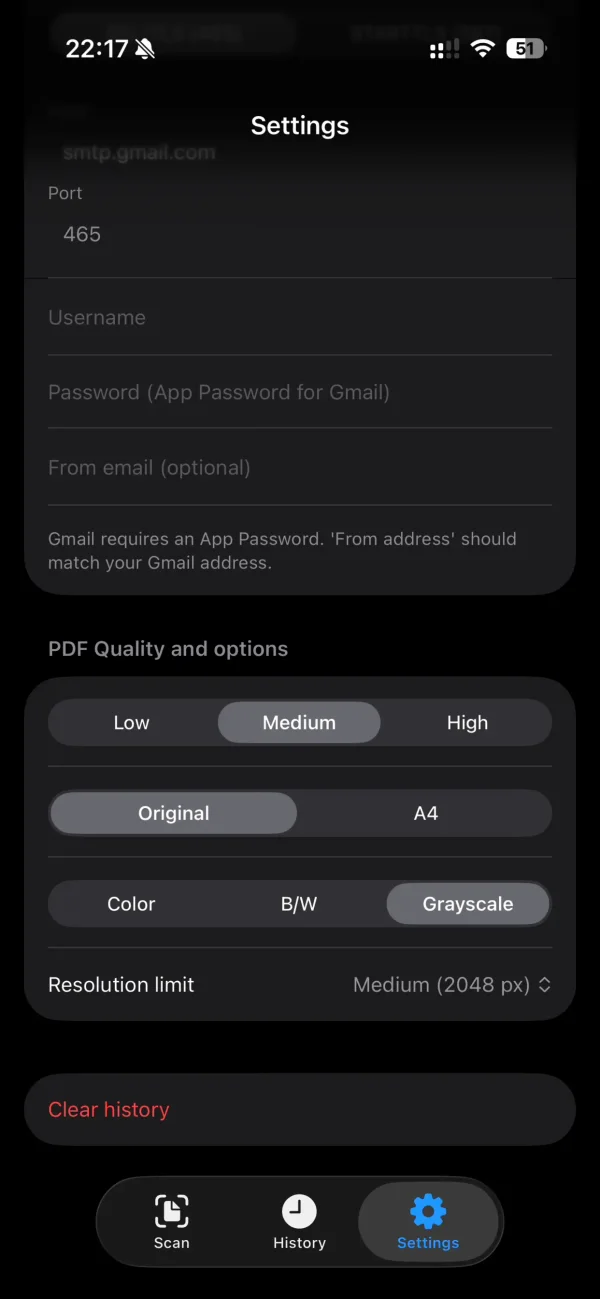
概要
開発元はこのテキストをお使いの言語で提供していません。
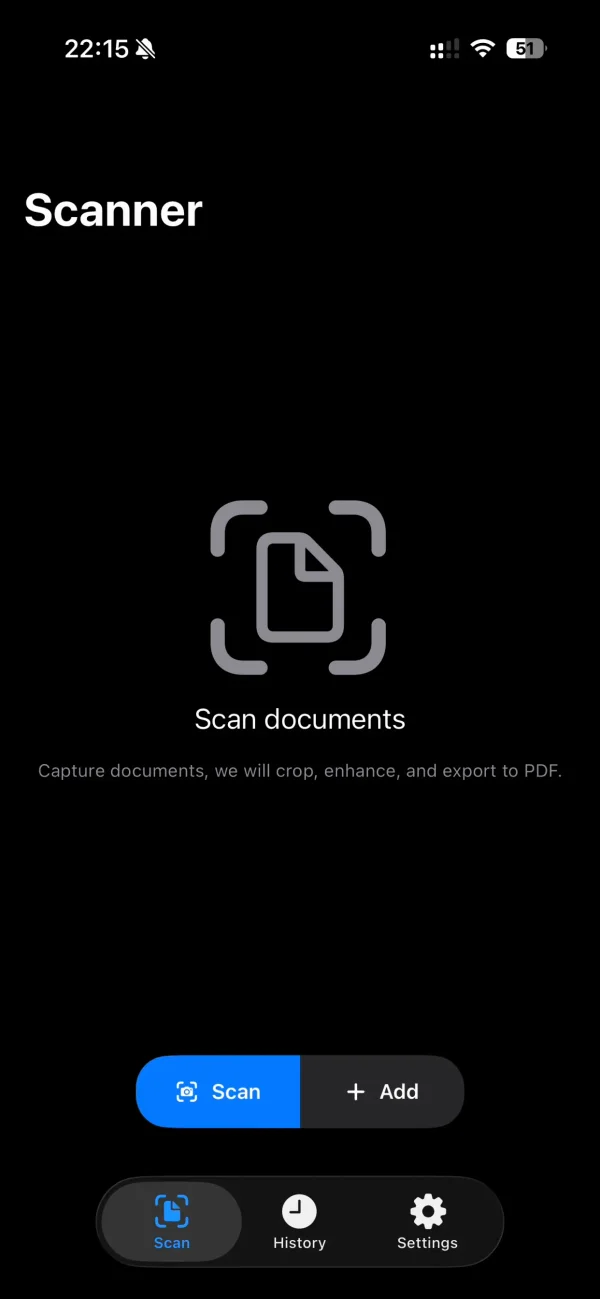
Quick Scan and Share makes organizing paperwork fast and effortless, and 1.2.3 supercharges the editor. Capture invoices, receipts, and notes - or import existing documents and photos - then refine every page before you export a polished PDF you can share instantly.
Why You’ll Love It
Edit as You Go — Rename the document, reorder or delete pages, and tweak quality, format, and style right inside the editor.
Live Previews — Page thumbnails now show the processed result of your chosen filter, resolution, and layout in real time.
Flexible Scan or Import — Capture new documents with auto edge detection or bring in existing PDFs and images.
Create PDFs Instantly — Combine multiple pages into a single, ready-to-share file without leaving the editor.
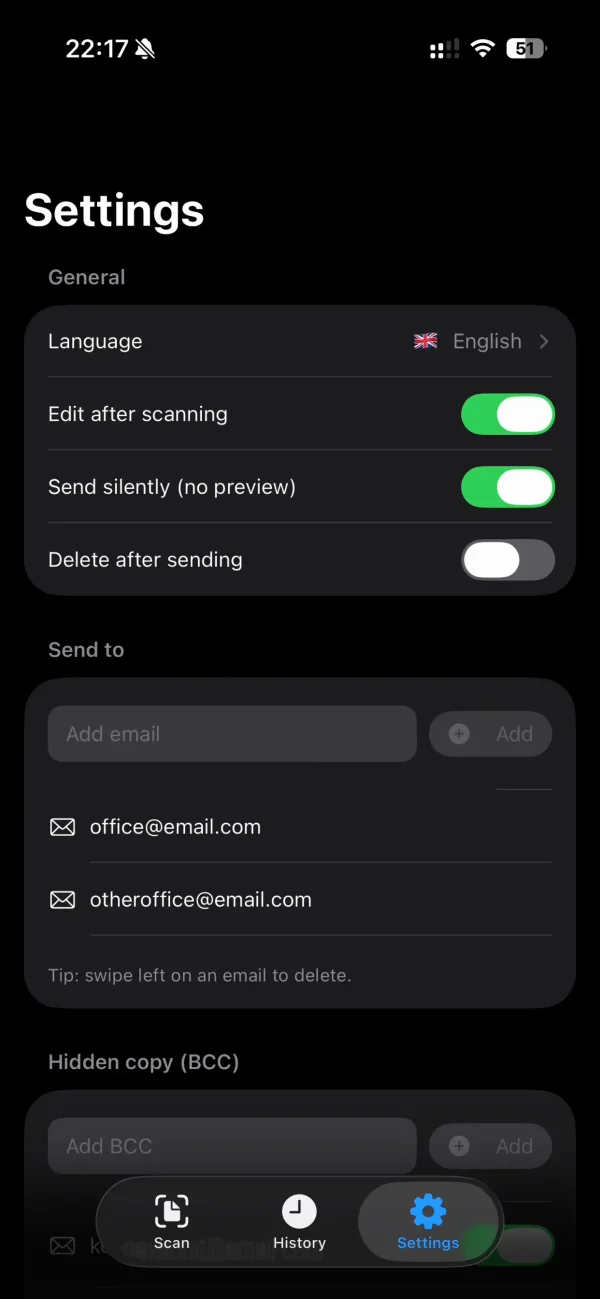
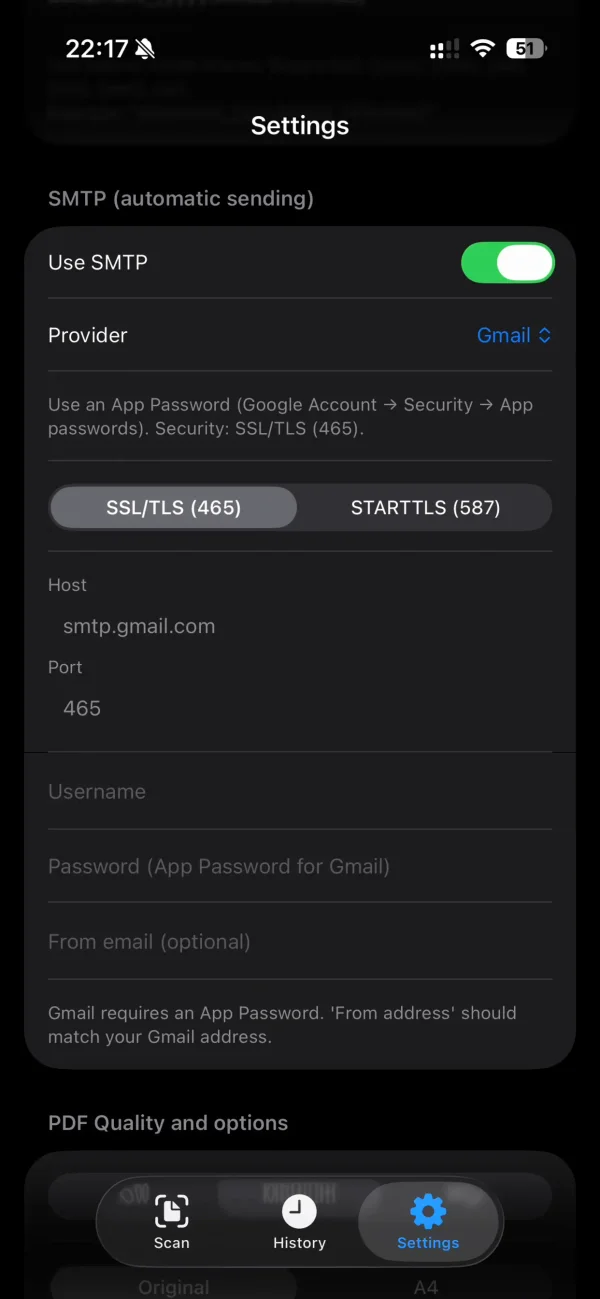
Share Your Way — Email via Gmail/Outlook presets, AirDrop to teammates, drop into Messages, or save to Files and Photos.
Optimized for Every Screen — The layout shines on iPhone, iPad, and large displays with multitasking-friendly controls.
Now Multilingual — Enjoy the full editing and sending experience in 38 languages, including English, Spanish, Japanese, and Arabic.
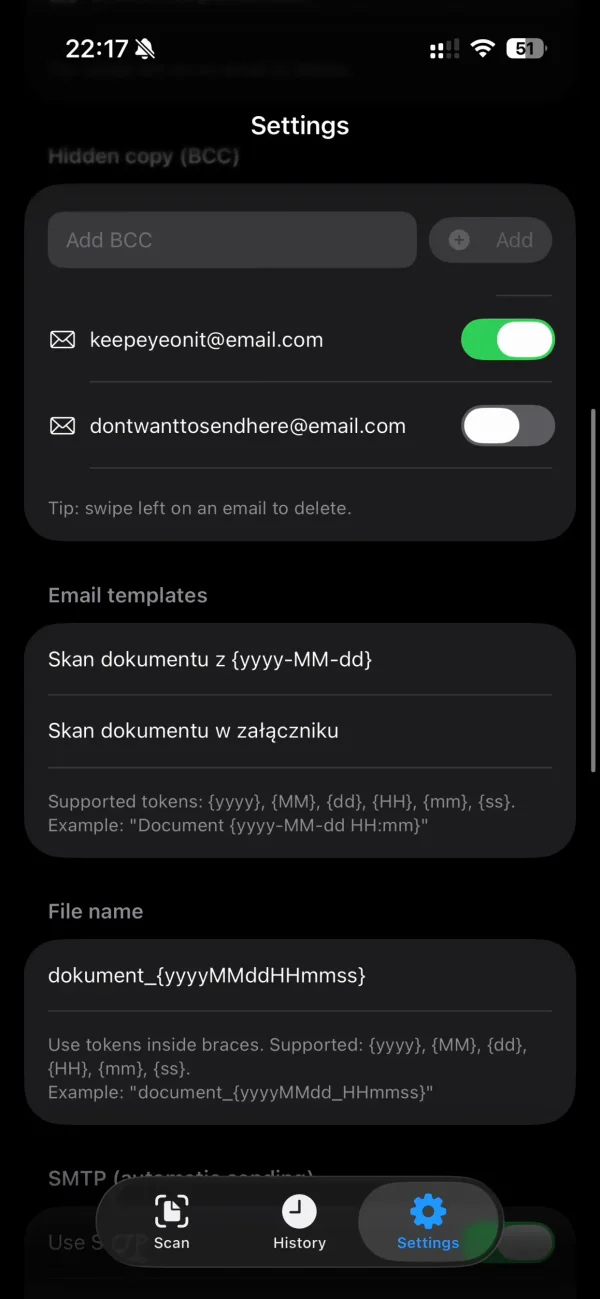
Fully Customizable — Control PDF quality, color mode, and resolution limits; tailor email templates; automate SMTP sending or keep full manual review.
Smarter Performance — History refreshes instantly, temporary files stay tidy, and navigation stays smooth even with large edits.
Stay Organized
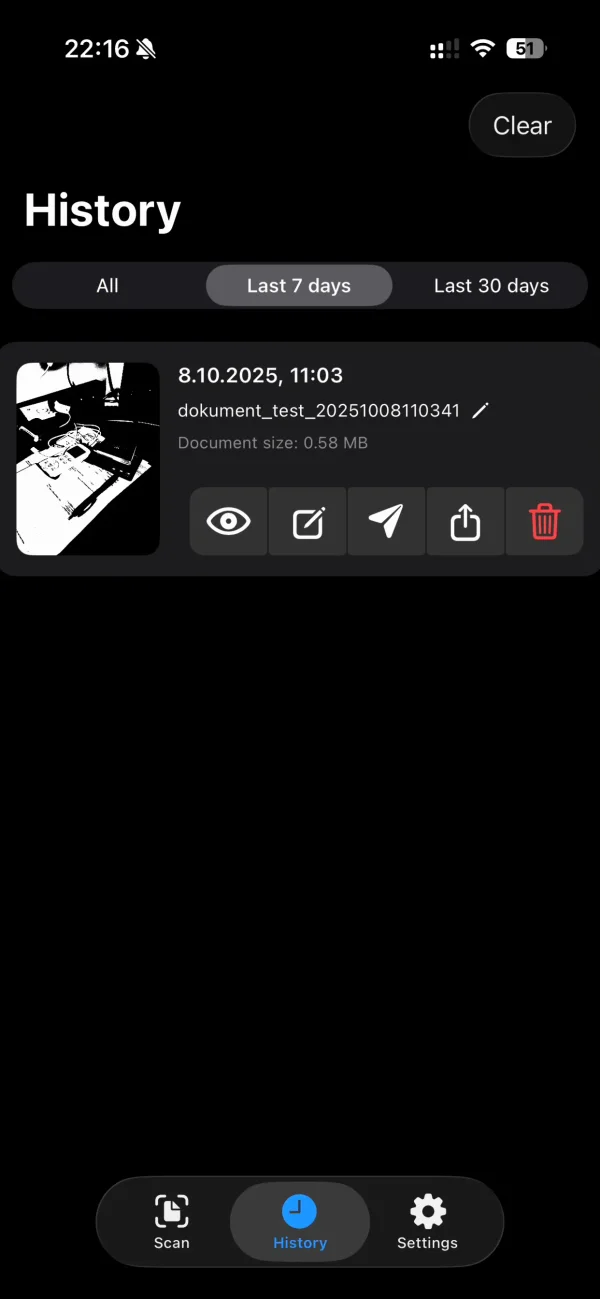
Built-in history keeps every document at your fingertips with thumbnails, scan dates, and delivery logs. Preview, rename, resend, share, or delete - every action is just a tap away. Quick Scan and Share turns your device into a smart document workspace that’s always ready to scan, edit, and deliver.
新機能
バージョン 1.2.3 · 2025/10/11
• Meet the new Document Editor: review every capture before export, drag pages into the perfect order, delete with a quick swipe, and tweak quality, format, and filters on one screen.
• Rename as you refine - set the final file name right inside the editor while the original scans stay untouched.
• Processed thumbnails keep pace with your choices, so filters, resolution limits, and page size changes appear instantly.
• Close PDF previews with the new button, watch history refresh immediately after every edit, and enjoy polished copy across all 38 localizations.
アプリのプライバシー
このアプリのデータの取り扱いについて、Aleksander LurieがApp Storeで申告している内容です。
-
データの収集なし
開発元はこのアプリからデータを収集しません。
プライバシーの取り扱いは、ご利用の機能やお客様の年齢などに応じて異なる場合があります。
情報
- 販売元
- Aleksander Lurie
- カテゴリ
- 仕事効率化
- バージョン
- 1.2.3
- 更新日
- 2025/10/11
- リリース
- 2025/9/26
- サイズ
- 3.4 MB
- 必要条件
- iOS 17以降
- 対象年齢
- 4+
- 価格
- 無料
- 言語
- 英語, アラビア語, ブルガリア語, クロアチア語, チェコ語, デンマーク語, オランダ語, エストニア語, フィンランド語, フランス語, ドイツ語, ギリシャ語 ほか26言語
- 著作権
- Copyright © 2025 Aleksander Lurie. All rights reserved.