- Clasificación por edad4+
- CategoríaProductividad
- DesarrolladorMichael Babitski
- IdiomasInglés
- Tamaño8,4 MB
Enlaza a la página oficial de App Store
Download.org no aloja ningún archivo de QuickPaste Keyboard. El botón abre la página de la aplicación en App Store, donde la publica Michael Babitski. Ficha comprobada por última vez el 12/11/2026.
Capturas de pantalla

Acerca de
El desarrollador no ha proporcionado este texto en tu idioma.
Stop Typing the Same Messages Over and Over!
Do you find yourself constantly typing your email address, home address, or common replies to customers? QuickPaste Keyboard is the ultimate productivity tool designed to save you hours of tedious typing by putting your most-used text snippets right at your fingertips.
- Speed Up Your Workflow
Whether you are a business owner responding to FAQs, a gamer using chat commands, or just someone tired of repetitive typing, QuickPaste turns minutes of work into a single tap.
- How It Works:
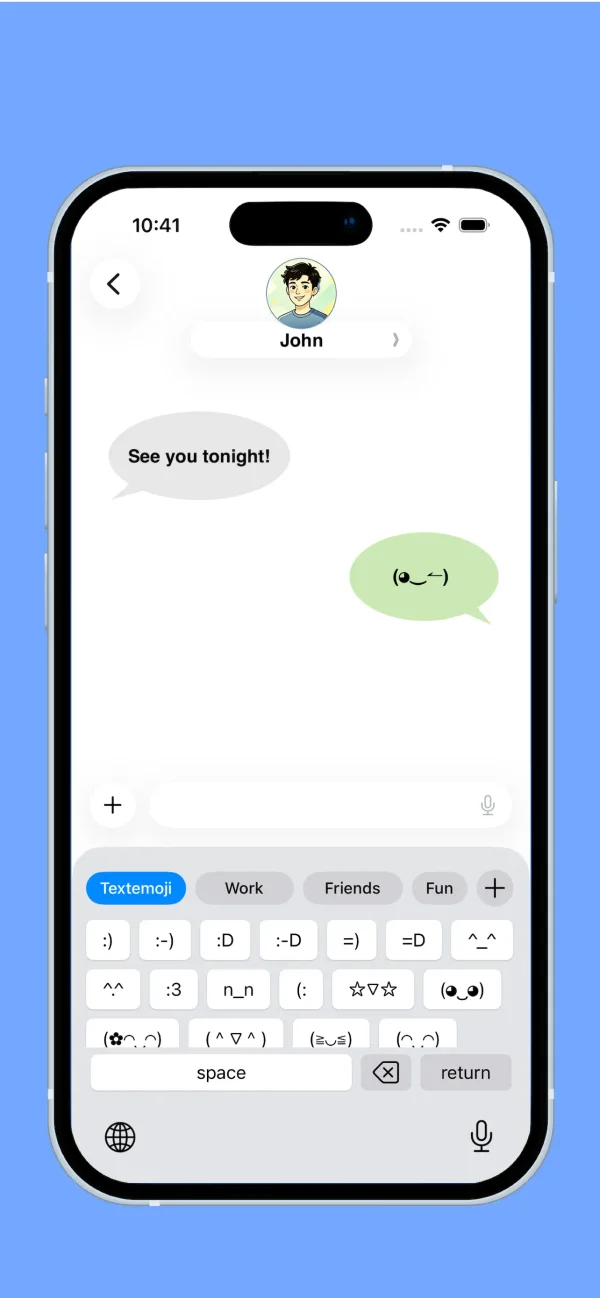
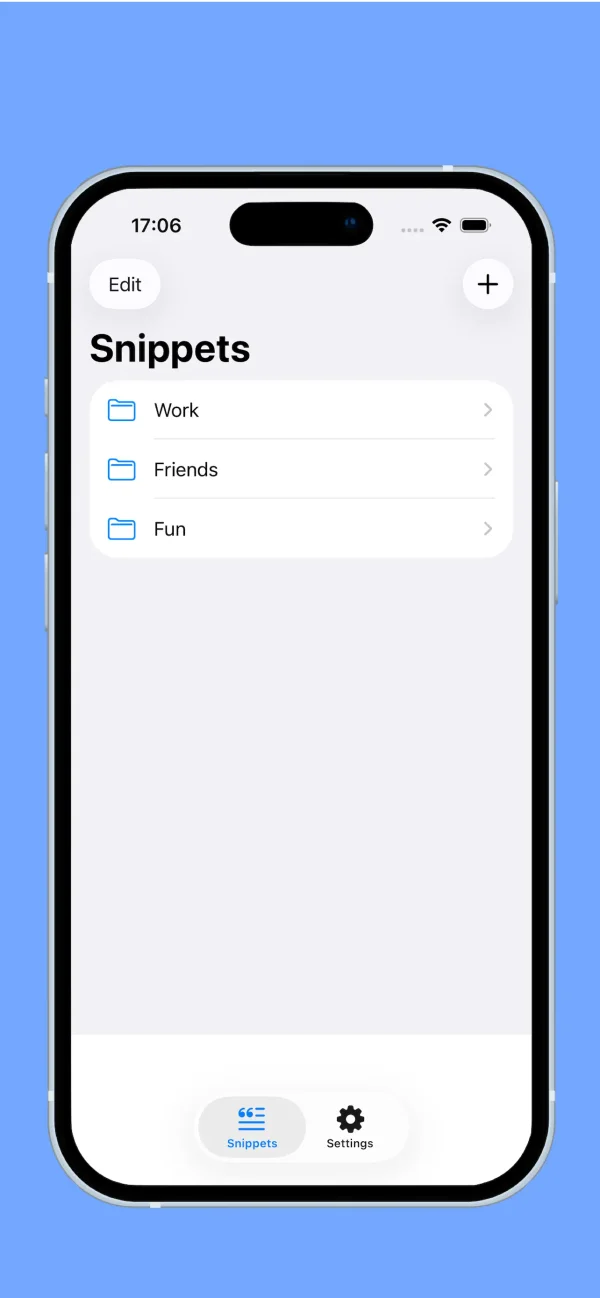
Create: Open the app and save your frequently used phrases, templates, or emojis.
Switch: Enable the QuickPaste Keyboard in your iOS settings.
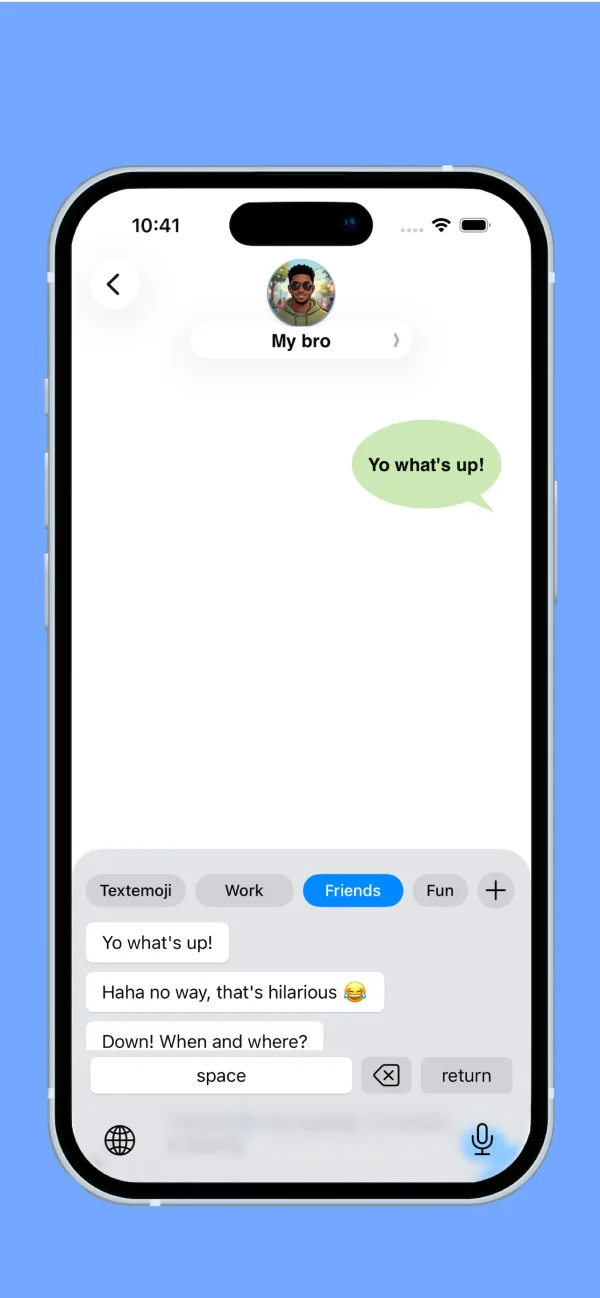
Paste: Tap a snippet from the keyboard to insert it instantly into any app—WhatsApp, Mail, Slack, Instagram, and more!
- Key Features:
Unlimited Snippets: Store everything from short emails to complex templates.
Organized Categories: Group your snippets (e.g., "Work," "Personal," "Social") for lightning-fast access.
One-Tap Insertion: No more switching between apps to copy and paste.
Privacy First: We don’t track what you type. Your snippets stay on your device.
Dark Mode Support: A sleek design that looks great with any iOS theme.
- Perfect For:
Customer Support: Send "canned responses" in seconds.
Sales & Real Estate: Send listings and contact info instantly.
Job Seekers: Keep your bio and LinkedIn links ready to go.
Social Media: Store your favorite hashtag sets.
Download QuickPaste Keyboard today and start reclaiming your time!
Novedades
Versión 1.1 · 27/3/2026
Bug fixes
Privacidad de la aplicación
Lo que Michael Babitski declara en App Store sobre cómo esta aplicación gestiona los datos.
-
Datos usados para rastrearte
Pueden usarse para rastrearte en aplicaciones y sitios web propiedad de otras empresas.
- Ubicación
- Identificadores
-
Datos no vinculados a ti
Pueden recopilarse, pero no se vinculan a tu identidad.
- Ubicación
- Identificadores
Las prácticas de privacidad pueden variar, por ejemplo, según las funciones que uses o tu edad.
Información
- Vendedor
- Michael Babitski
- Categoría
- Productividad
- Versión
- 1.1
- Actualizado
- 27/3/2026
- Publicado
- 26/3/2026
- Tamaño
- 8,4 MB
- Requiere
- iOS 26.0 o posterior
- Clasificación por edad
- 4+
- Precio
- Gratis
- Idiomas
- Inglés
- Copyright
- © Michael Babitski
Quizá también te guste
-
 QuickPaste – Snippet KeyboardProductividad
-
 Copy Paste Master: Fast NotesProductividad
-
 Current Tasks & RemindersProductividad
-
 Stilllog – Did I Do It? LogProductividad
-
 Calculator with History ⁺Productividad
-
 Teclado IA: TypeAIPegar, Reescribir y Responder
-
 Clipo - Clipboard & KeyboardProductividad
-
 Teclado de Frases y PlantillasPega texto en cualquier app
-
 Bookmarks: Gestor y leer luegoCarpetas, etiquetas e iCloud
-
 Polymer - Clipboard ManagerGuarda y reutiliza contenido