
- Clasificación por edad4+
- CategoríaEstilo de vida
- DesarrolladorRobert Murdock
- IdiomasInglés
- Tamaño2,8 MB
Enlaza a la página oficial de App Store
Download.org no aloja ningún archivo de Quotator. El botón abre la página de la aplicación en App Store, donde la publica Robert Murdock. Ficha comprobada por última vez el 23/11/2026.
Capturas de pantalla




Acerca de
El desarrollador no ha proporcionado este texto en tu idioma.
Quotator is a personal quote library that puts your words on your home screen — styled exactly the way you want them, rotating on your schedule.
THE ROTATION IS YOURS
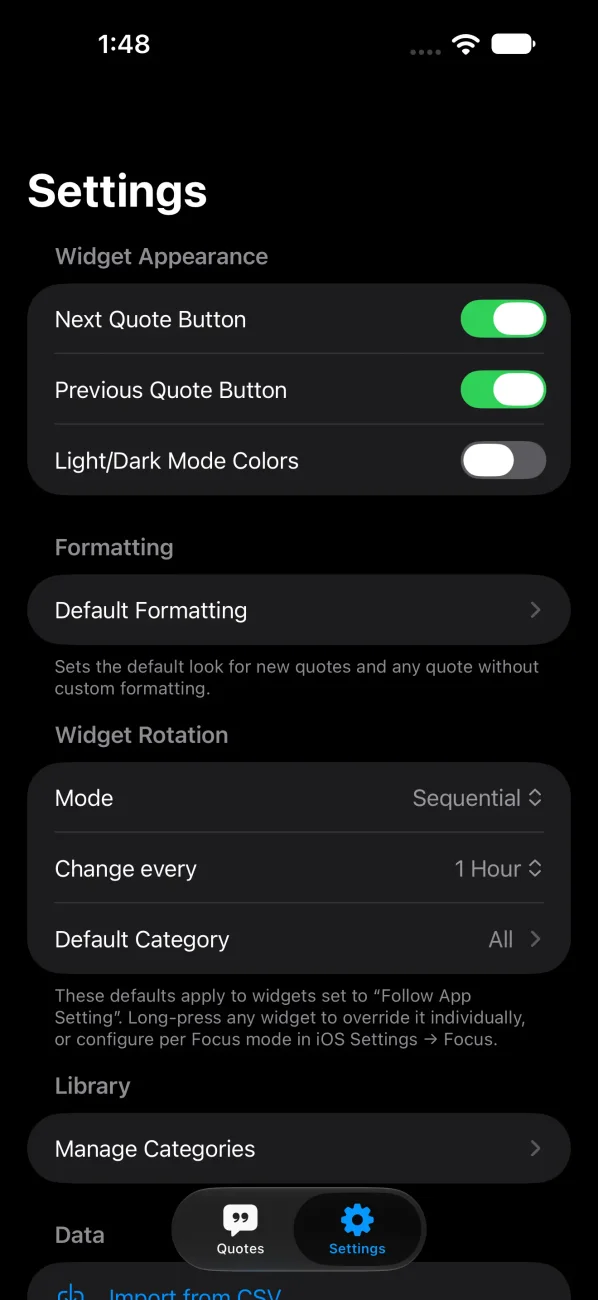
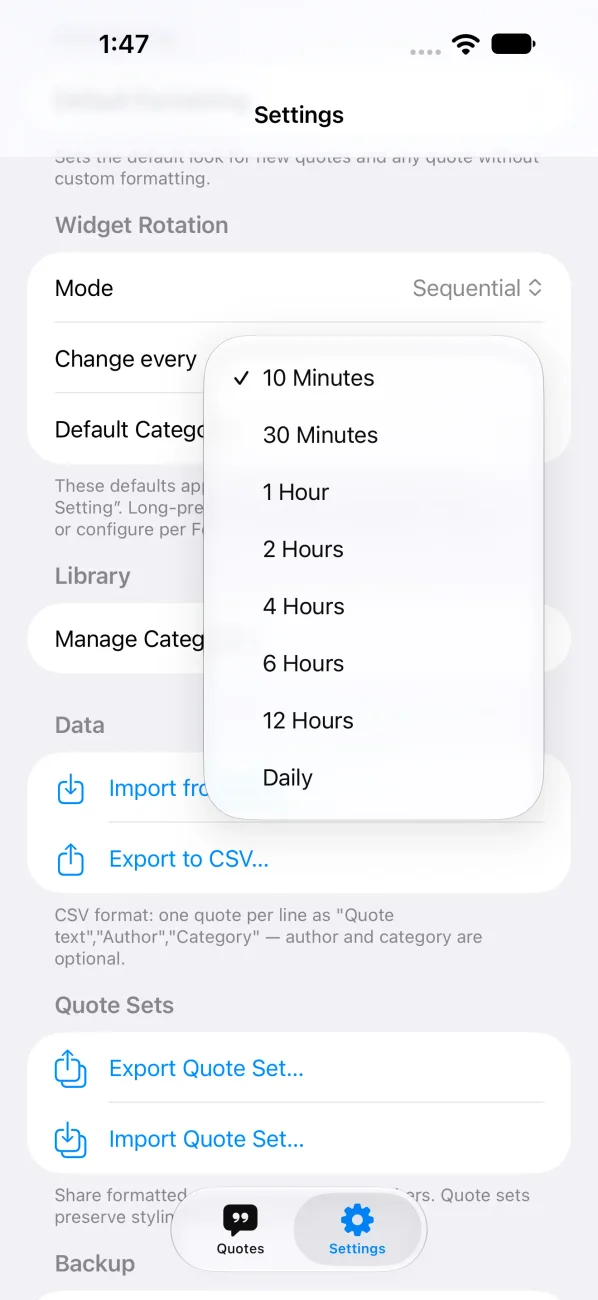
Most quote apps rotate randomly or once a day. Quotator lets you set the interval: every 10 or 30 minutes, 1 hour, 2, 4, 6, or 12 hours, or once a day. Each widget you add can have its own interval, category, and rotation mode — independently. You decide when your quotes change, and every widget can tell a different story.
YOUR STYLE, YOUR QUOTES
Style each quote individually — or set a default for your whole library and override it per category or per quote:
• 19 fonts — 4 system designs (System, Serif, Monospaced, Rounded) plus 15 curated iOS fonts: Georgia, Palatino, Baskerville, Didot, American Typewriter, Courier New, Futura, Gill Sans, Helvetica Neue, Avenir Next, Optima, Copperplate, Marker Felt, Noteworthy, Snell Roundhand
• Custom colors — choose from 19 carefully selected presets, or tap + to open the system color picker and use any color you like
• Auto-fit text — quotes scale to fill the widget so short quotes go large and long quotes shrink to fit without truncation
• Left, center, or right text alignment
• Attribution above or below the quote — set it for your whole library or per category
• Live preview — toggle Medium and Large in the edit screen to see exactly how your widget will look before saving
PERSONAL LIBRARY
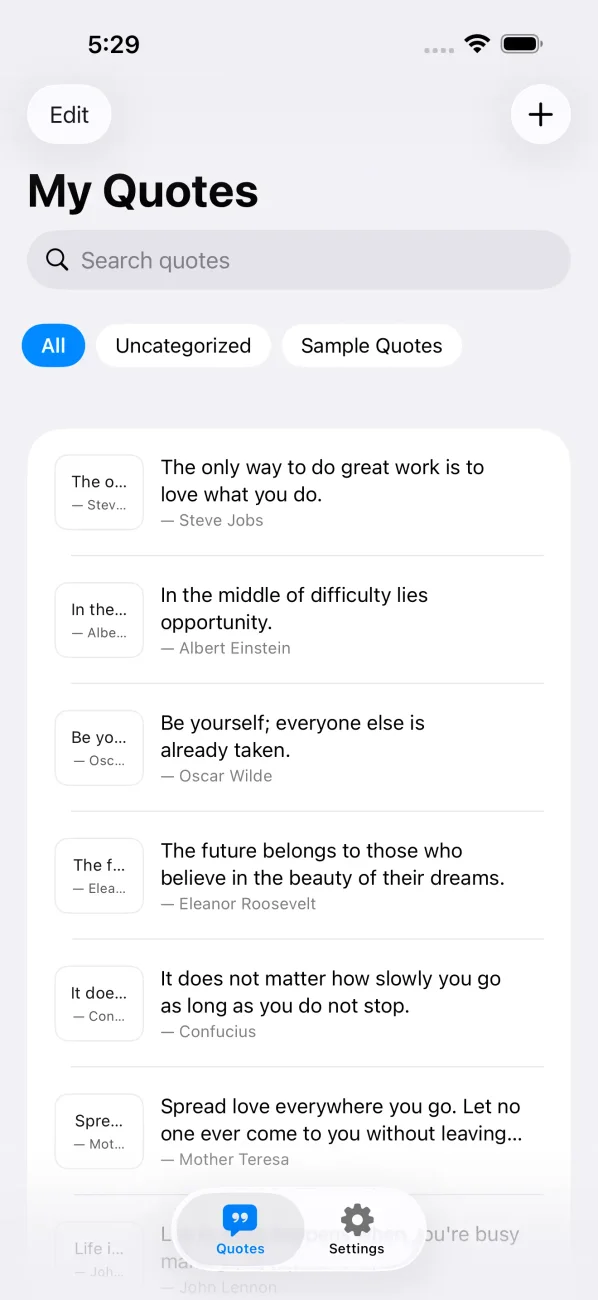
• Add any quote with optional author attribution
• Organize quotes into categories; filter your library by category
• Enable or disable individual quotes — removed from widget rotation but kept in your library
• Reorder by dragging to set the sequential rotation order
• Search instantly by quote text or author
QUOTE SHOW
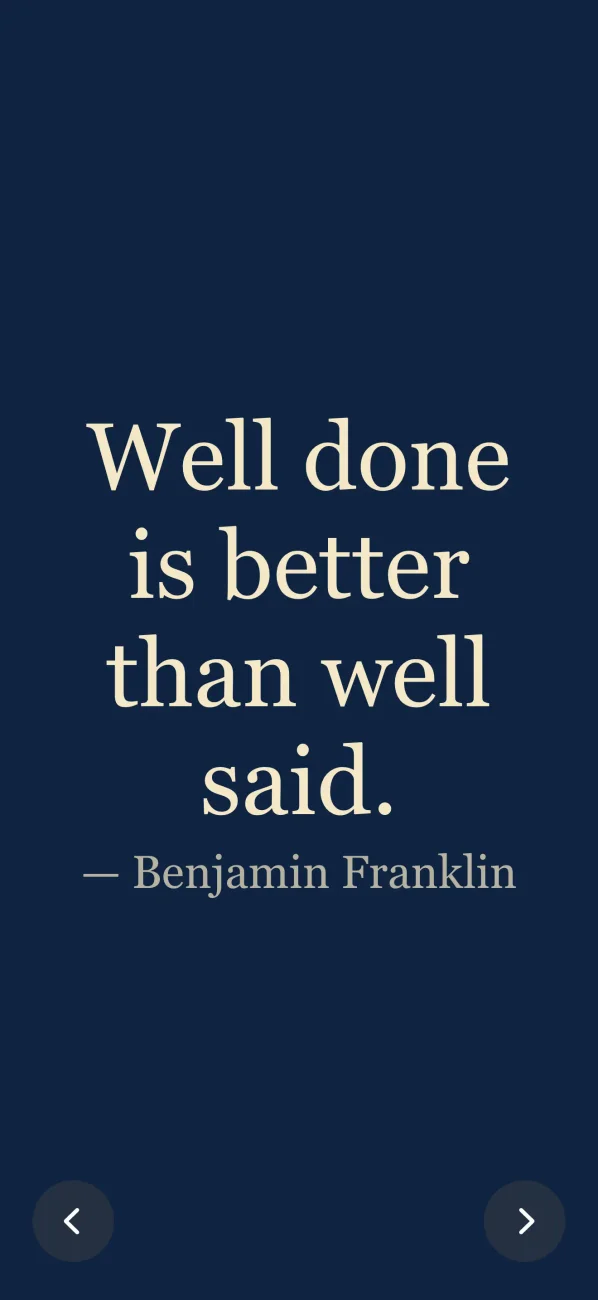
Turn your whole iPhone or iPad screen into a quote display. Play all your quotes or just one category, in order or shuffled, advancing by hand or every 1, 3 or 5 minutes. Every quote appears in its own formatting, with the author above or below. Perfect for presenting a quote to someone, or leaving an iPad on a stand. The screen stays awake while a show runs.
TWO WIDGET STYLES
Both come in Medium and Large, plus Extra Large: wide on iPad, and tall on iPhone with iOS 27 and later.
Rotating Quote — displays a new quote on your chosen schedule. Long-press to configure each widget independently:
• Sequential cycles through your library in the order you set
• Random picks a different quote each interval, consistently
• Manual pins one specific quote until you change it
• Filter to one category or a set of categories
• Tap Next to advance immediately, or turn on the Previous button to go back — no waiting for the next rotation
Specific Quote — always shows one chosen quote. Perfect for a mantra, a goal, or a favourite you want to see every day.
SHARE QUOTE COLLECTIONS
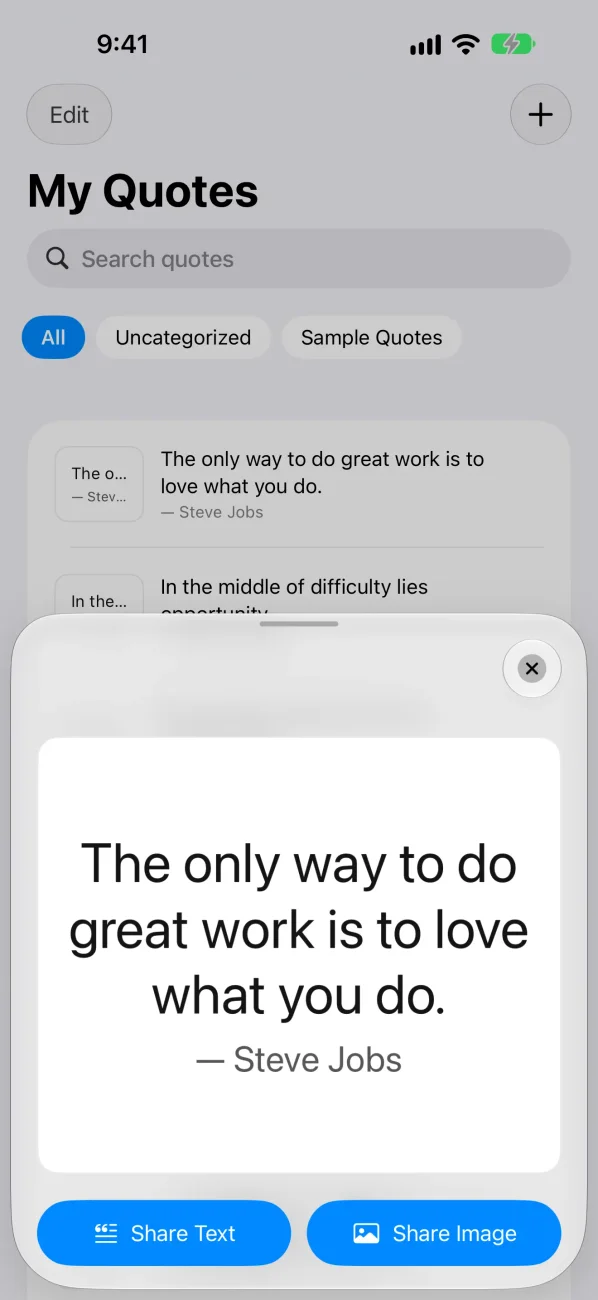
Export a formatted set of quotes as a single file and share it with anyone. Styles, categories, and all formatting are preserved. Recipients import it with one tap — great for sharing reading lists, team mantras, or themed collections.
FOCUS FILTER
Set Quotator's category and rotation mode per Focus mode in iOS Settings → Focus → Apps → Quotator. Work Focus shows your professional quotes. Sleep Focus shows something calmer. No manual changes needed.
YOUR DATA, YOUR CONTROL
• Automatic iCloud backup — Quotator backs up your entire library to iCloud Documents once a day, keeping the last 10 backups automatically
• Manual backup and restore — full JSON backup you can store anywhere
• Import from CSV — bring in quotes from a spreadsheet or another app
• Export to CSV — take your library to any app or spreadsheet
No account required. No subscription. No data collected. Just your quotes.
Novedades
Versión 1.9.1 · 21/11/2026
A very long word in a widget is no longer cut off. A single word wider than the widget, such as "Supercalifragilisticexpialidocious" in the Small widget, now shrinks until it fits on one line. Everything else is unchanged from 1.9.
Privacidad de la aplicación
Lo que Robert Murdock declara en App Store sobre cómo esta aplicación gestiona los datos.
-
No se recopilan datos
El desarrollador no recopila ningún dato de esta aplicación.
Las prácticas de privacidad pueden variar, por ejemplo, según las funciones que uses o tu edad.
Información
- Vendedor
- Robert Murdock
- Categoría
- Estilo de vida
- Versión
- 1.9.1
- Actualizado
- 21/11/2026
- Publicado
- 21/5/2026
- Tamaño
- 2,8 MB
- Requiere
- iOS 18.0 o posterior
- Clasificación por edad
- 4+
- Precio
- Gratis
- Idiomas
- Inglés
- Copyright
- © 2026 Robert Murdock
Quizá también te guste
-
 Quotes Widget - Daily WisdomEstilo de vida
-
 Tendr – Widgets & QuotesEstilo de vida
-
 Simple Quote WidgetEstilo de vida
-
 Quotes Widget: FlintEstilo de vida
-
 Motivation ElevationEstilo de vida
-
 QuoteTile: Daily Quote WidgetEstilo de vida
-
 Happy Quotes Maker - PositiveEstilo de vida
-
 Motivational Widget - QuotesEstilo de vida
-
 Citator - Citas para guardarGuarda y conserva citas
-
 Quotes - Motivational QuotesEstilo de vida