- Clasificación por edad4+
- CategoríaFoto y vídeo
- DesarrolladorLee Hyojoong
- IdiomasInglés+ 1 más
- Tamaño5,6 MB
Enlaza a la página oficial de App Store
Download.org no aloja ningún archivo de ReadyCam. El botón abre la página de la aplicación en App Store, donde la publica Lee Hyojoong. Ficha comprobada por última vez el 19/11/2026.
Capturas de pantalla

Acerca de
El desarrollador no ha proporcionado este texto en tu idioma.
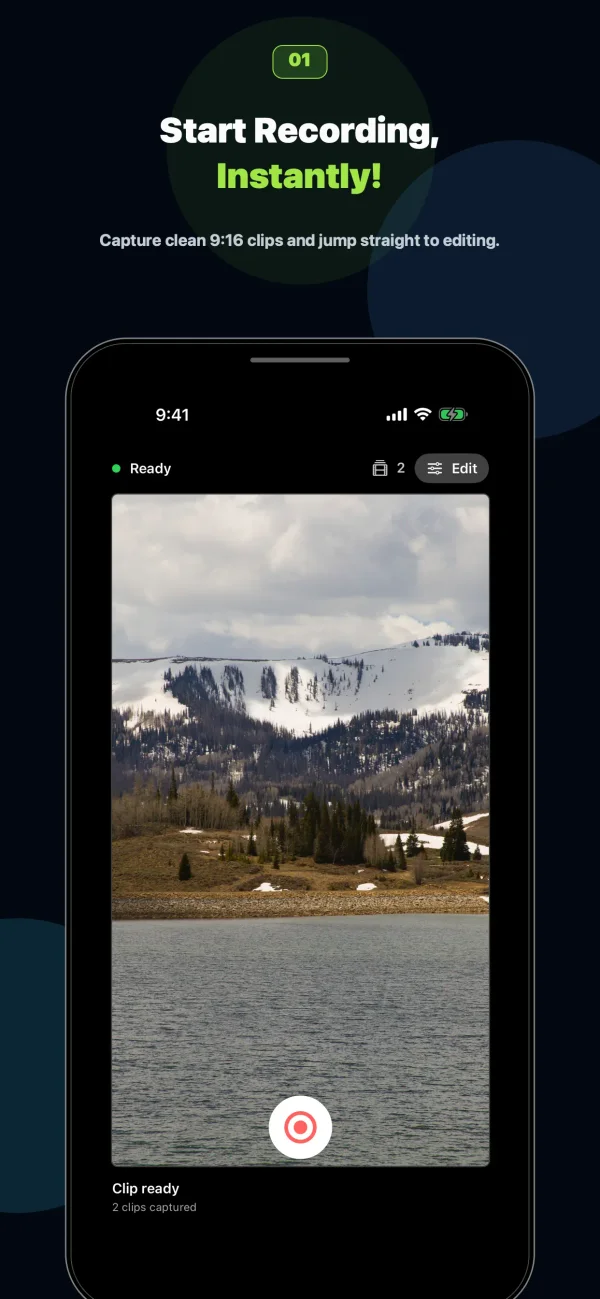
ReadyCam is a fast camera app for making upload-ready vertical videos without opening a full timeline
editor.
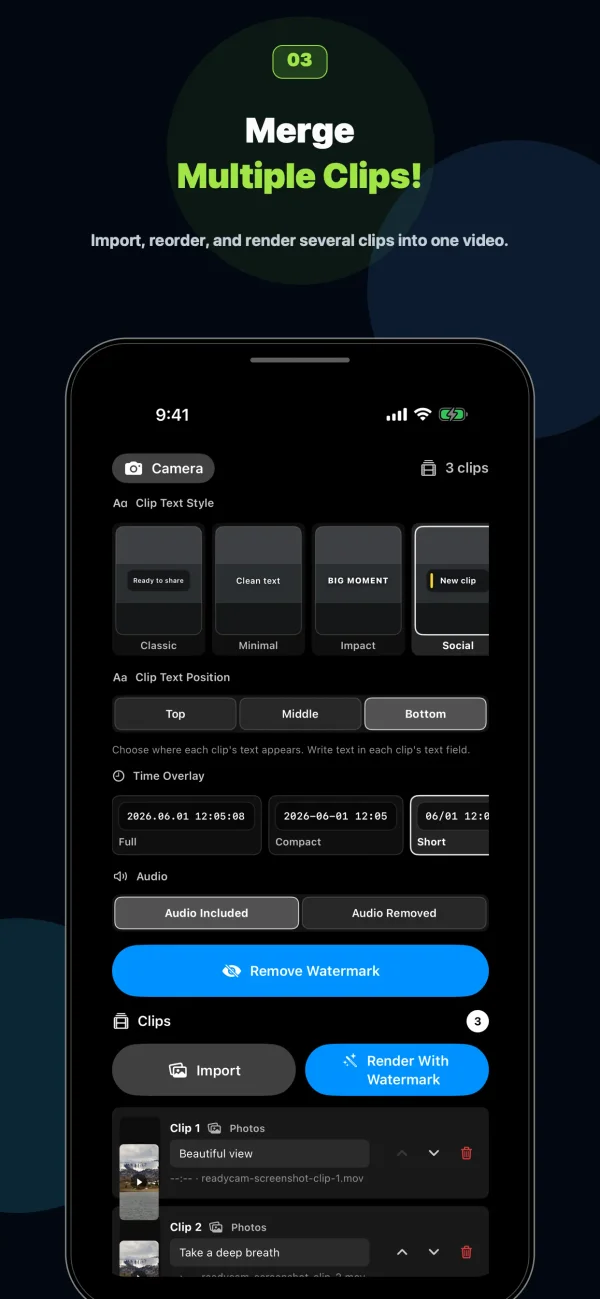
Record clean 9:16 clips, add styled clip text, choose how timestamps appear, arrange multiple clips, and render one shareable MP4.
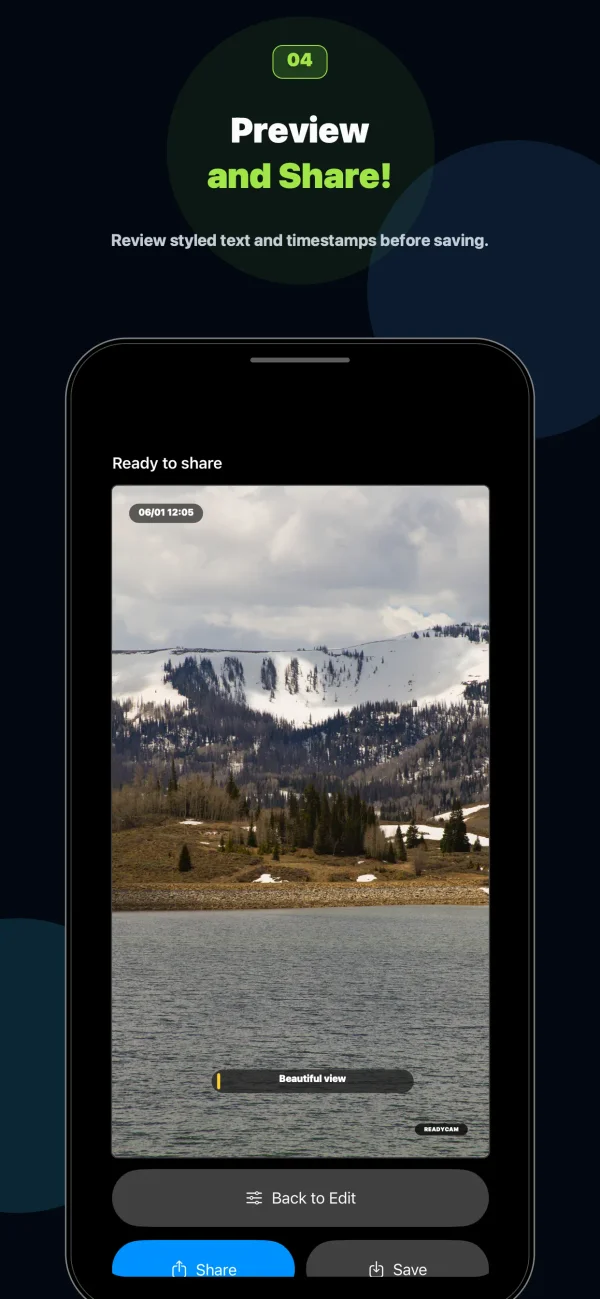
ReadyCam keeps the workflow focused on the things creators often need right before posting: clear text, useful time context, simple clip order, audio control, and a final preview before saving or sharing.
What you can do with ReadyCam:
- Record vertical clips directly in the app
- Import existing videos from Photos
- Add custom text to each clip
- Choose from multiple clip text styles
- Place clip text at the top, middle, or bottom
- Show full, compact, short, time-only, elapsed, or no timestamp
- Keep or remove original audio during export
- Merge several clips into one final video
- Preview the rendered result before saving
- Save to Photos or share through the iOS share sheet
ReadyCam is intentionally lightweight. It is not built around a complex timeline, layers, or long editing sessions. It is built for quick capture, quick styling, and quick sharing when you already know what you want to post.
Videos are created on device. ReadyCam does not require an account, and your media is not uploaded to a ReadyCam server.
Novedades
Versión 1.1 · 5/6/2026
This version adds a more complete styling workflow for creators who want videos to look ready before
export.
- Added Clip Text Style presets: Classic, Minimal, Impact, Social, Journal, and Brand
- Added Clip Text Position controls for top, middle, and bottom placement
- Added Time Overlay formats, including full date/time, compact date/time, short date/time, time-only,
elapsed time, and no timestamp
- Added clearer previews for clip text styles and timestamp formats
- Improved clip text wording throughout the editor
- Rendered videos now apply the selected clip text style, position, timestamp format, and audio option
consistently
Privacidad de la aplicación
Lo que Lee Hyojoong declara en App Store sobre cómo esta aplicación gestiona los datos.
-
No se recopilan datos
El desarrollador no recopila ningún dato de esta aplicación.
Las prácticas de privacidad pueden variar, por ejemplo, según las funciones que uses o tu edad.
Información
- Vendedor
- Lee Hyojoong
- Categoría
- Foto y vídeo
- Versión
- 1.1
- Actualizado
- 5/6/2026
- Publicado
- 13/5/2026
- Tamaño
- 5,6 MB
- Requiere
- iOS 26.0 o posterior
- Clasificación por edad
- 4+
- Precio
- Gratis
- Idiomas
- Inglés, Coreano
- Copyright
- © 2026 iisjoong
Quizá también te guste
-
 Merge Images: Overlay & JoinFoto y vídeo
-
 Relay Camera TransferFoto y vídeo
-
 TwoShot - Dual Camera RecordFoto y vídeo
-
 2sec - Vlogs made in a flash.Foto y vídeo
-
 Reel Max: Crear carretesCrea reels con 2 segundos
-
 Mugen PlayerFoto y vídeo
-
 Wolfbox AutoFoto y vídeo
-
 Dual Recorder: DuoShot CameraFoto y vídeo
-
 Blur Video & Photo BlurEffectFoto y vídeo
-
 Mejorar Fotos y DesenfoqueFotos en alta calidad nítidas