RemoPad
Remote control from your wrist
Diseñada para iPhone
Gratis · Compras en la aplicación
- Clasificación por edad4+
- CategoríaUtilidades
- DesarrolladorGerry Bittner
- IdiomasInglés+ 1 más
- Tamaño10,0 MB
Enlaza a la página oficial de App Store
Download.org no aloja ningún archivo de RemoPad. El botón abre la página de la aplicación en App Store, donde la publica Gerry Bittner. Ficha comprobada por última vez el 25/11/2026.
Capturas de pantalla

Acerca de
El desarrollador no ha proporcionado este texto en tu idioma.
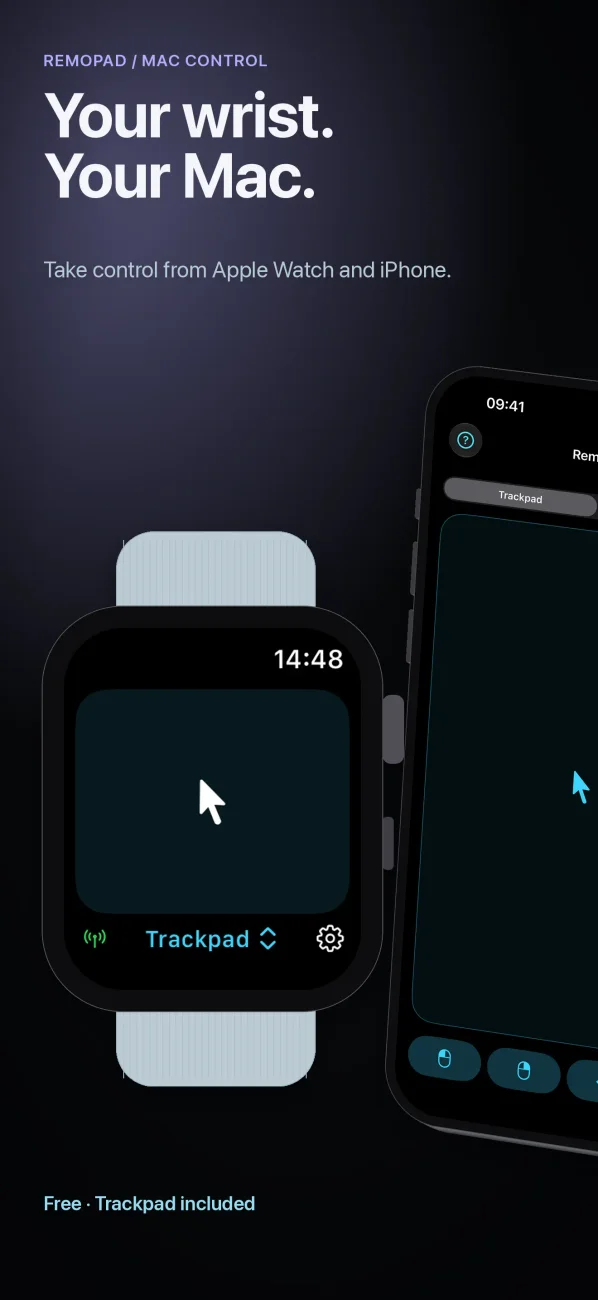
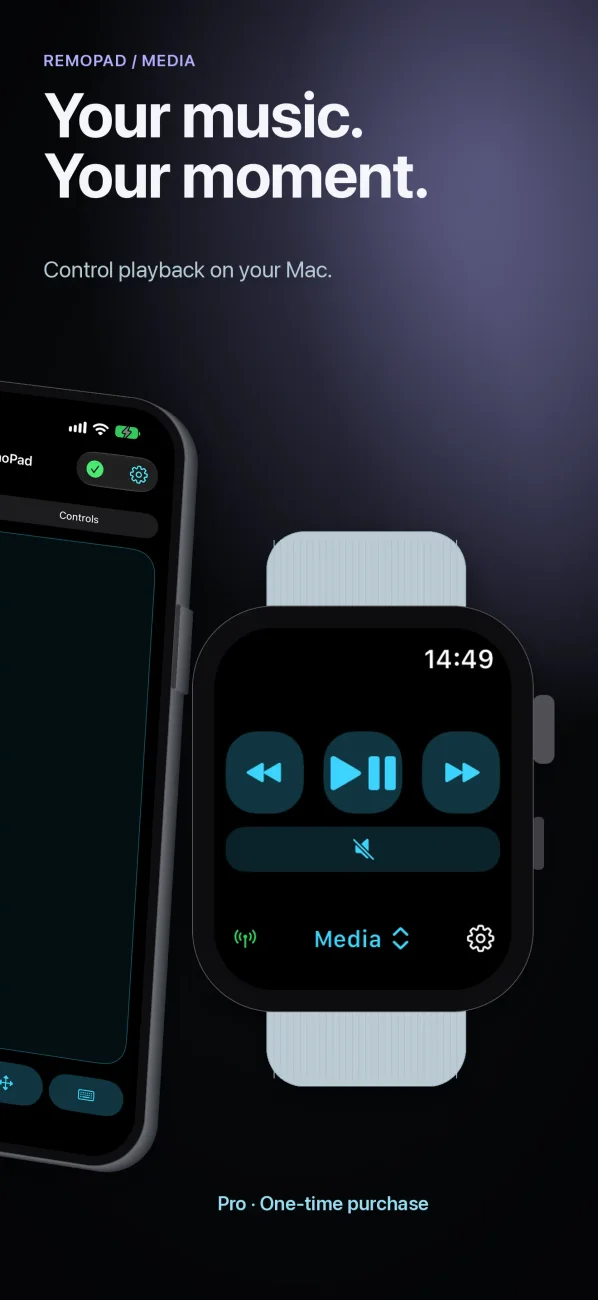
RemoPad turns your iPhone and Apple Watch into a Bluetooth controller for your Mac. Move the pointer, click and scroll from the device in your hand or on your wrist. New: build your own screens with exactly the keys and shortcuts you need.
Free trackpad
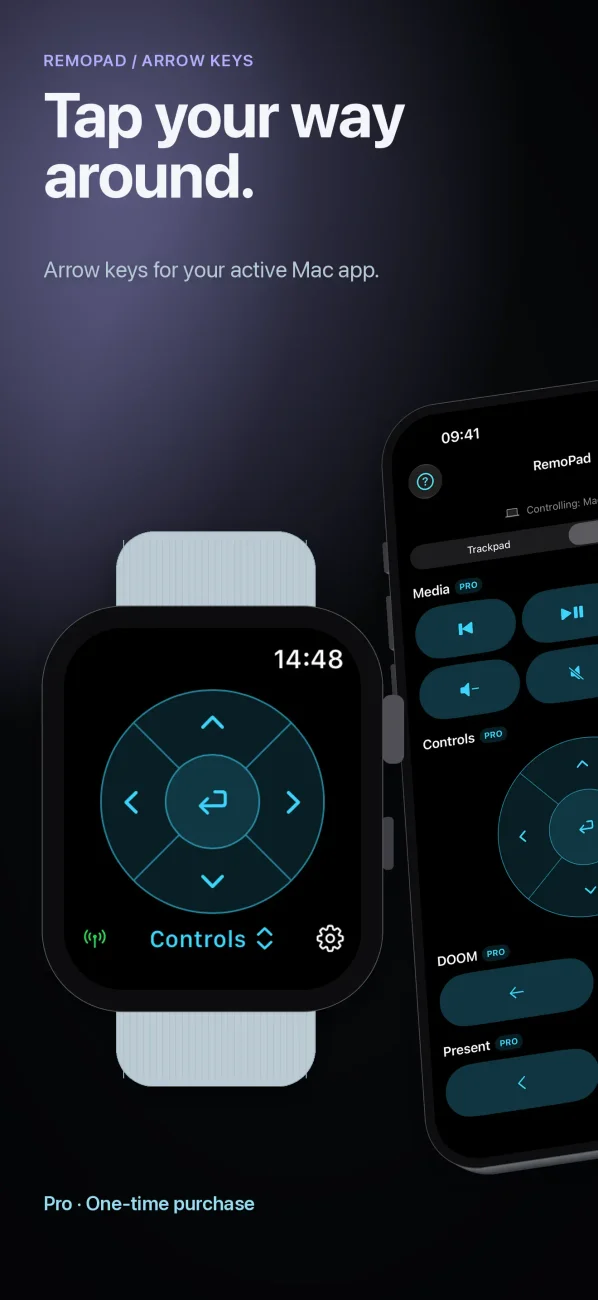
Pointer movement, single, double and right click, scrolling (also sideways), dragging and a thumb scroll strip are included for free. So are Send Text (type on your iPhone, enter it on your Mac with one tap; never into password fields) and the "Basic keys" screen with arrow keys, Return and Escape. Adjust pointer and scroll speed to suit you. Pairing, connection, help and settings also remain free.
Custom screens (Pro)
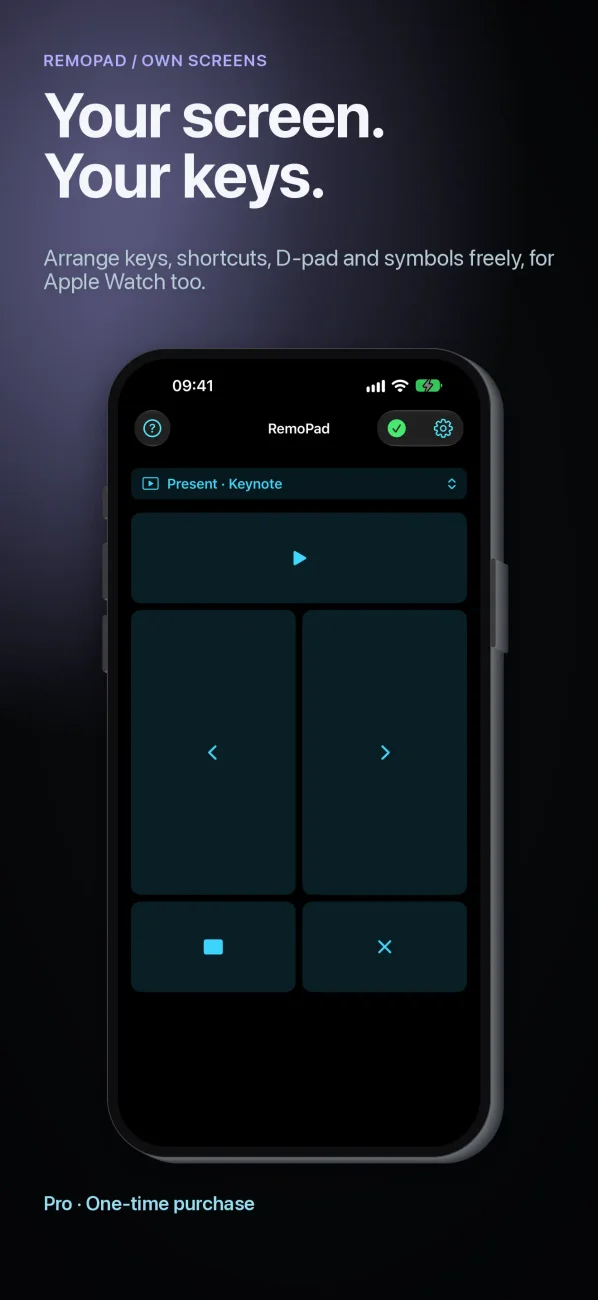
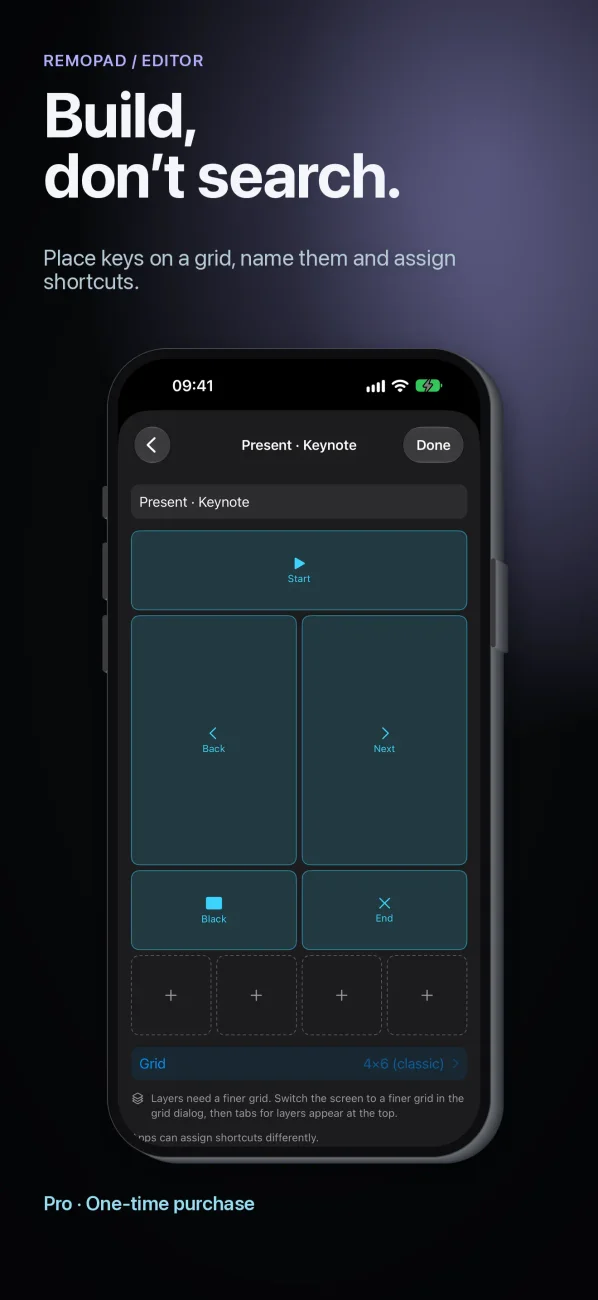
Assemble your own layout from building blocks: keys, shortcuts with modifier keys, a D-pad and symbols. Arrange them on a grid, use several layers and landscape. Templates help you get started, for example “QWERTZ (German)” in landscape with ä, ö, ü, ß and modifier keys. You edit Apple Watch screens on your iPhone; the Watch picks them up from there. A few risky combinations, such as logging out or locking, are blocked for safety. What a shortcut does depends on the active Mac app.
Program keys, Shortcuts and your own pictures (Pro)
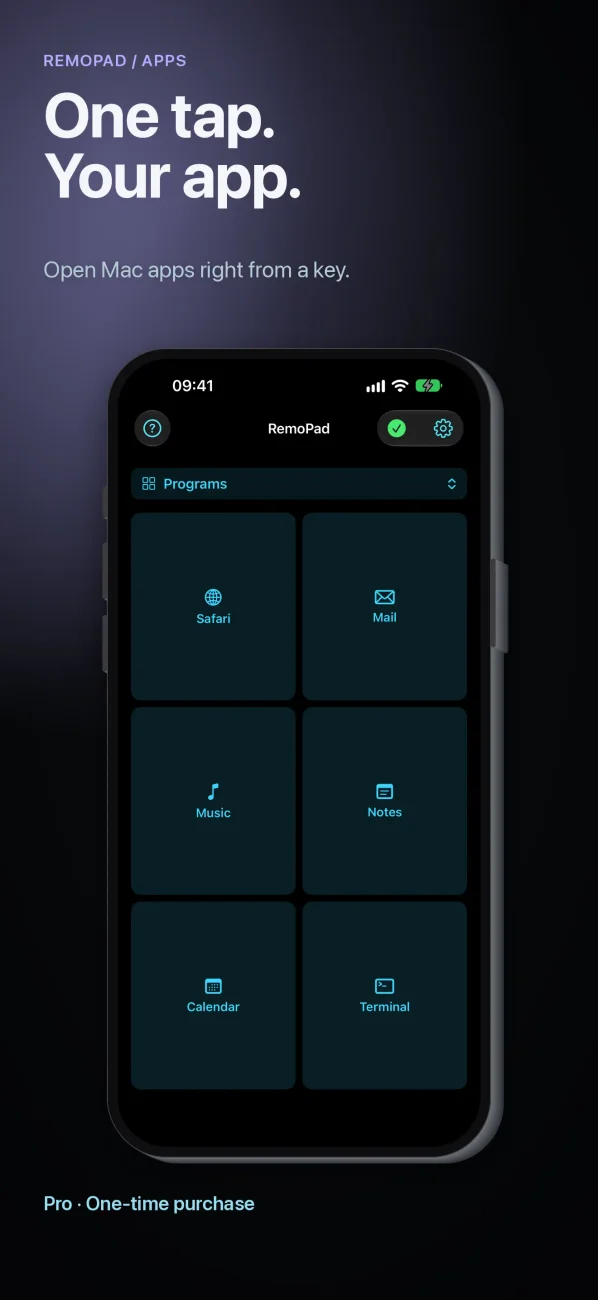
A key with the action "Program" sends only a name, for example "photoshop", to the Mac over Bluetooth. RemoPad for Mac runs only what you have assigned to exactly that name in the "Programs and shortcuts" window: a program or a shortcut from the Shortcuts app. The main switch there is off by default. Before every start, the Mac checks the folder, signature and team ID; before every shortcut, that it still exists. Programs can only be started, not quit. A shortcut runs without a shell and without input, but with your rights and with everything you built into it, scripts included. This needs RemoPad for Mac 1.2.0; with an older receiver the key is greyed out.
The icon picker also has an "Image" tab: your own picture is scaled down and stored in the screen; if you like, it fills the whole key (up to 8 per screen). It is shown on the iPhone, and the Watch shows a substitute symbol. Screens with pictures are part of Pro; the online catalog does not accept pictures.
Share, import, catalog
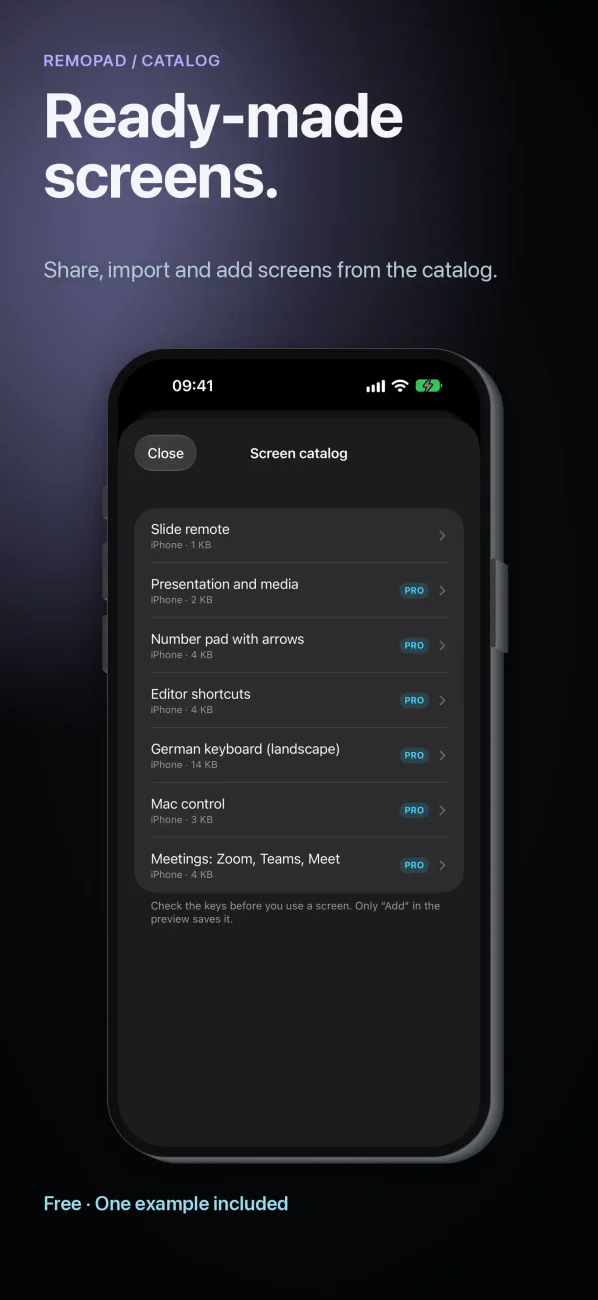
Share a screen as a file (.remopadscreen) and import it with a preview and checks; nothing is saved until you tap "Add". The online catalog shows example screens to look at. It downloads data only, never programs, and only when you tap; this needs an internet connection, while control itself still runs directly over Bluetooth. Viewing and checking are free. A screen with Pro content can only be added with Pro; one catalog example works without Pro.
Unlock Pro once
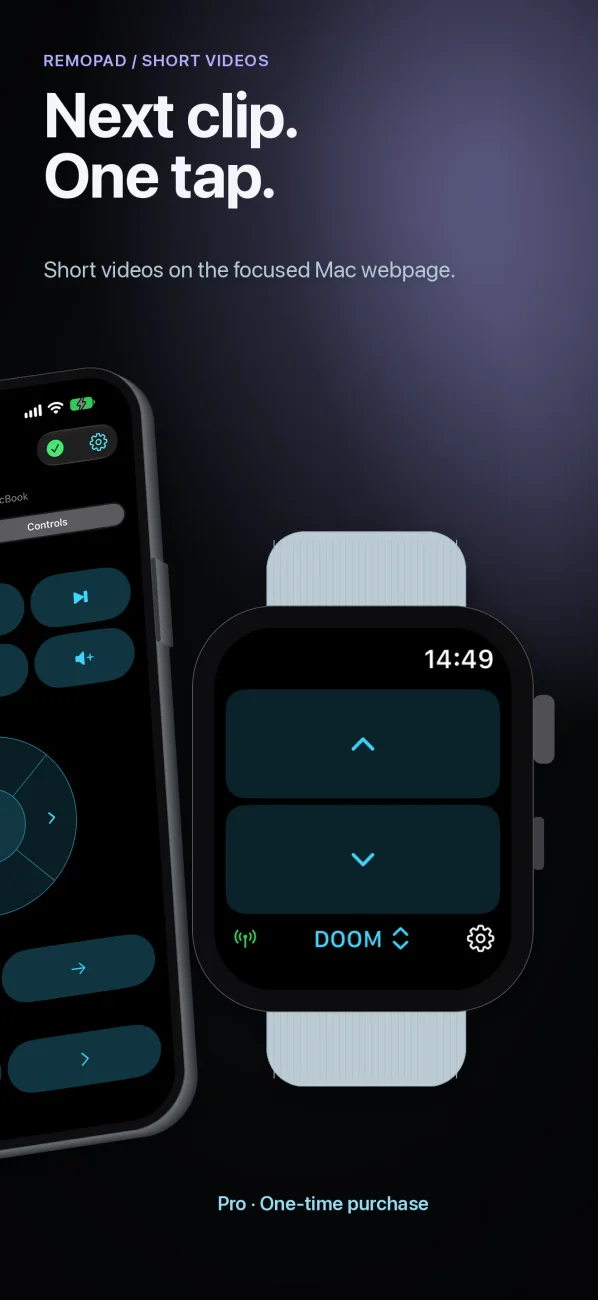
RemoPad Pro is a one-time purchase, with no subscription and no trial. It unlocks custom screens and templates, plus media controls with sound on/off, keys and shortcuts, middle click, a presentation mode, favorites and short-video navigation, and Watch screens other than the trackpad. Without Pro, you can view these modes as noninteractive previews. Media and navigation commands depend on the active Mac app; compatibility with every service or browser is not promised.
A Mac is required
Install the separate, free RemoPad Mac receiver (download on the product website). Custom screens and the new keys need RemoPad for Mac 1.2.0 or later; with an older receiver, unsupported keys are greyed out. iPhone and Apple Watch control only the Mac, not other phones or tablets. Apple Watch needs its own pairing. Only one device controls the Mac at a time, and the controlling app must remain in the foreground.
Bluetooth is required for the connection. Allow the necessary Accessibility permission for RemoPad on your Mac to enable input control. Visit the product website for setup instructions, the Mac download and support.
Novedades
Versión 1.2.0 · 24/11/2026
• Custom screens: arrange keys, shortcuts, a D-pad and symbols freely – for iPhone and Apple Watch
• Program keys open Mac programs or run Shortcuts that you set up in RemoPad for Mac
• Your own pictures as key icons or filling the whole key
• Share and import screens, plus a catalog of ready-made screens and the “QWERTZ (German)” keyboard template
Privacidad de la aplicación
Lo que Gerry Bittner declara en App Store sobre cómo esta aplicación gestiona los datos.
-
No se recopilan datos
El desarrollador no recopila ningún dato de esta aplicación.
Las prácticas de privacidad pueden variar, por ejemplo, según las funciones que uses o tu edad.
Información
- Vendedor
- Gerry Bittner
- Categoría
- Utilidades
- Versión
- 1.2.0
- Actualizado
- 24/11/2026
- Publicado
- 3/11/2026
- Tamaño
- 10,0 MB
- Requiere
- iOS 27.0 o posterior
- Clasificación por edad
- 4+
- Precio
- Gratis
- Compras en la aplicación
- Sí
- Idiomas
- Inglés, Alemán
- Copyright
- © 2026 Bittner - RemoPad
Quizá también te guste
-
 Macropad StudioUtilidades
-
 CorgiClipPortapapeles avanzado y notas
-
 Trackboard RemoteUtilidades
-
 TrackPatchUtilidades
-
 Mouse & Keyboard Remote: MacRatón y Teclado Bluetooth
-
 RTL Couch Surfer TrackpadUtilidades
-
 RPad: Trackpad y ratón remotoPresentador y puntero láser
-
 Remote Mac Desktop ControlUtilidades
-
 Pixel Clock - GridReloj de píxeles animado
-
 Entangle - Remote trackpadUtilidades