
Remote Mac Desktop Control
Trackpad, Keyboard and Screen
Diseñada para iPhone, iPad
Gratis · Compras en la aplicación
- Clasificación por edad4+
- CategoríaUtilidades
- DesarrolladorAmon Chowdhury
- IdiomasInglés
- Tamaño3,7 MB
Enlaza a la página oficial de App Store
Download.org no aloja ningún archivo de Remote Mac Desktop Control. El botón abre la página de la aplicación en App Store, donde la publica Amon Chowdhury. Ficha comprobada por última vez el 13/11/2026.
Capturas de pantalla
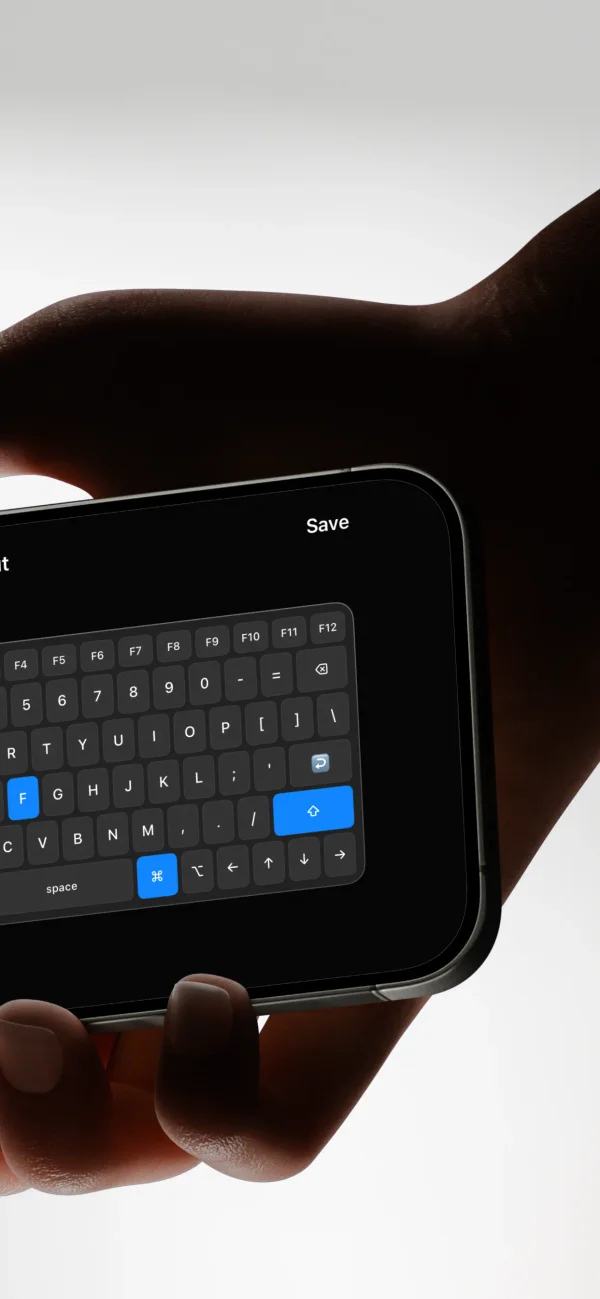
Acerca de
El desarrollador no ha proporcionado este texto en tu idioma.
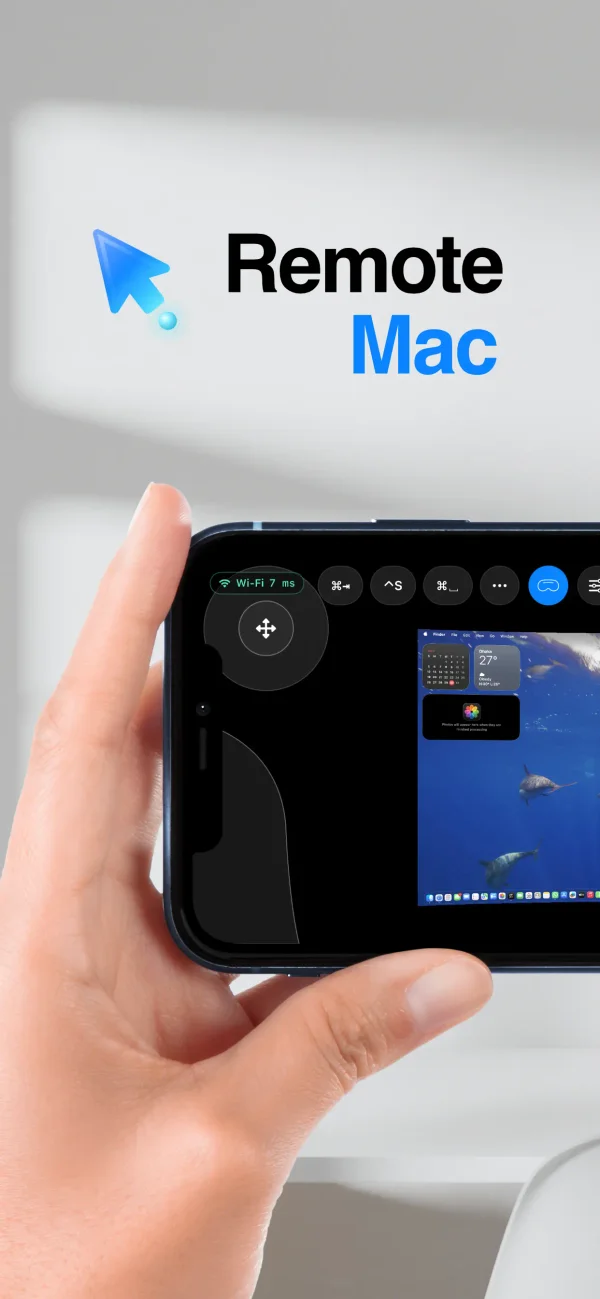
Remote Mac turns your iPhone or iPad into a wireless trackpad, full keyboard and live screen viewer for your Mac. Pair once with a QR code and take control from anywhere in the room, or anywhere at all.
CONTROL YOUR MAC
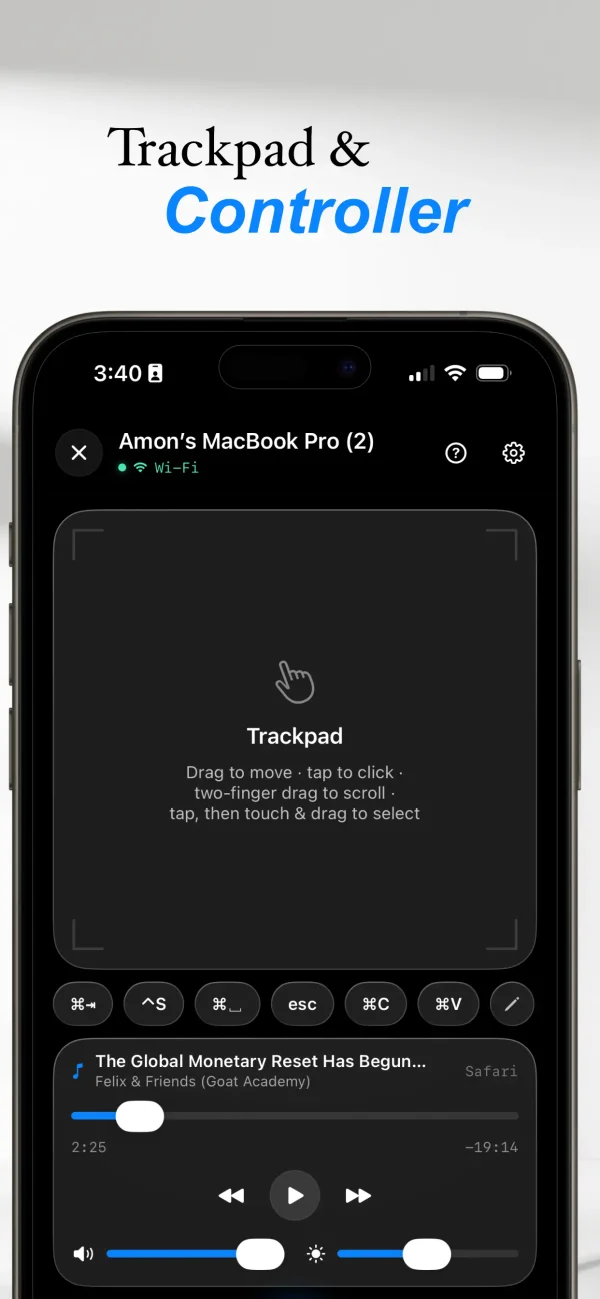
• Smooth, precise trackpad with tap, scroll and drag gestures
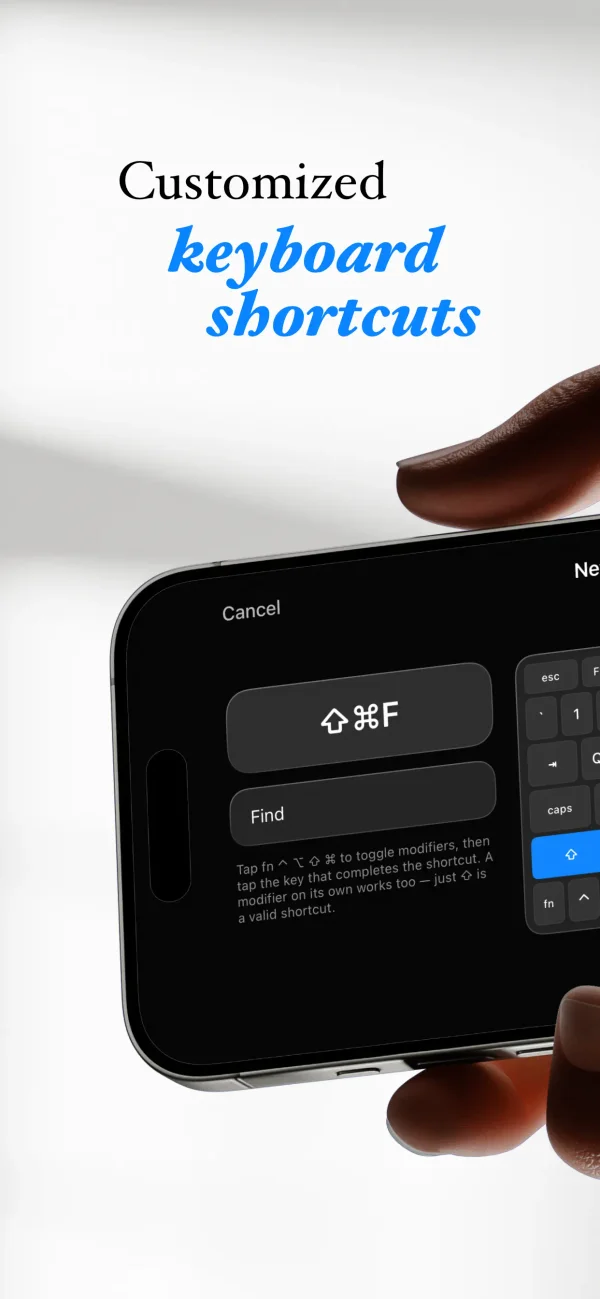
• Full keyboard with modifier keys and shortcuts
• Volume, playback and now playing controls for music and video
• Keep your Mac awake for downloads, presentations and long tasks
SEE YOUR SCREEN
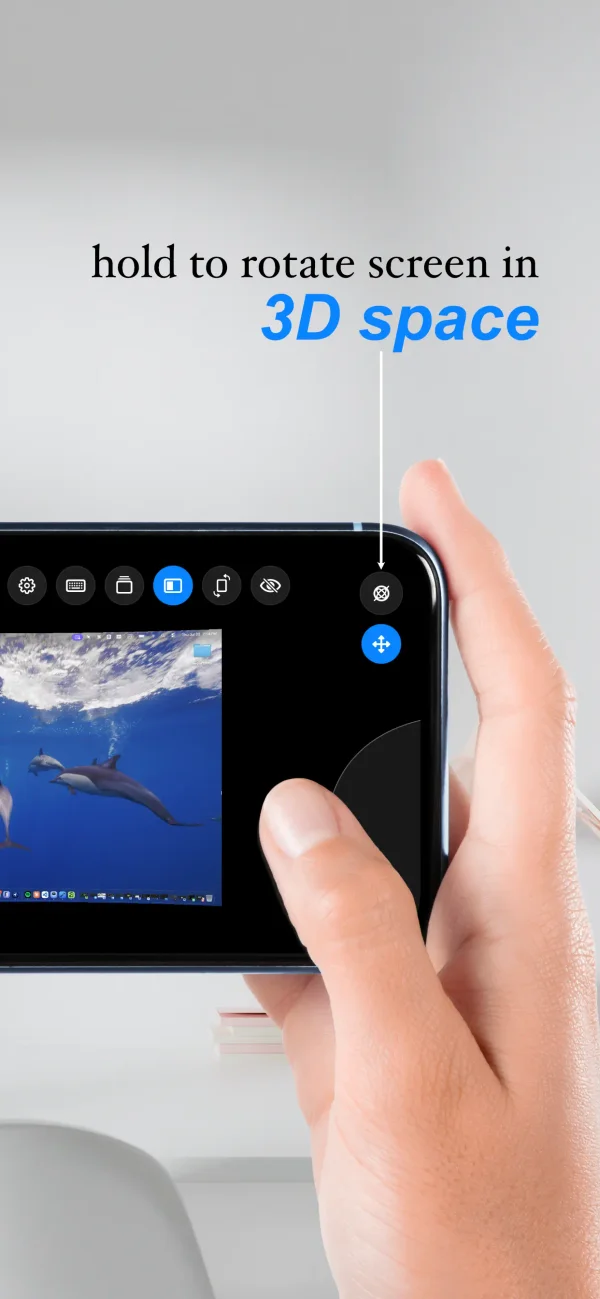
• Live screen mirroring with low latency video
• Stream your Mac audio straight to your phone
• Immersive VR viewing mode with head tracking
WORKS WHERE YOU ARE
• Instant connection over your local network, discovered automatically
• Optional secure relay so you can reach your Mac when you are away from home
• Reconnects quickly when you move between rooms
PRIVATE BY DESIGN
• Pairing uses a QR code with certificate pinning, and every command is cryptographically signed
• No account and no sign up required
• The Mac helper app is free, notarized by Apple and fully open source, so you can verify exactly what runs on your Mac
GETTING STARTED
1. Install the free Remote Mac Relay helper on your Mac
2. Scan the QR code it shows with your iPhone or iPad
3. Start controlling your Mac
Perfect as a presentation clicker, a couch remote for movies on your Mac, a trackpad for a Mac mini without peripherals, or a second way in when your mouse battery dies.
Privacy Policy: https://www.remotemacos.com/privacy
Terms of Use: https://www.remotemacos.com/terms
Questions or feedback? Visit remotemacos.com
Novedades
Versión 1.0.2 · 17/8/2026
• New guided setup: install the free Mac companion in three quick steps, with one tap to send yourself the download link
• Your Mac is detected automatically as soon as the relay is running
• Bug fixes and stability improvements
Privacidad de la aplicación
Lo que Amon Chowdhury declara en App Store sobre cómo esta aplicación gestiona los datos.
-
No se recopilan datos
El desarrollador no recopila ningún dato de esta aplicación.
Las prácticas de privacidad pueden variar, por ejemplo, según las funciones que uses o tu edad.
Información
- Vendedor
- Amon Chowdhury
- Categoría
- Utilidades
- Versión
- 1.0.2
- Actualizado
- 17/8/2026
- Publicado
- 13/8/2026
- Tamaño
- 3,7 MB
- Requiere
- iOS 17.6 o posterior
- Clasificación por edad
- 4+
- Precio
- Gratis
- Compras en la aplicación
- Sí
- Idiomas
- Inglés
- Copyright
- © 2026 Amon Chowdhury
Quizá también te guste
-
 Desktop Mirroring: PantallaDuplicar pantalla por Wi-Fi
-
 RemoteX: Remote DesktopUtilidades
-
 Glassy Desk: Escritorio remotoCompartir pantalla Mac y VNC
-
 Control - Mac Remote ControlUtilidades
-
 SebasUtilidades
-
 Desktop RemoteUtilidades
-
 Mirror: Control Your MacUtilidades
-
 Pruney: Limpieza de fotosGuarda recuerdos, libera sitio
-
 ToMorseUtilidades
-
 Domain InspectorAnalyze domain data instantly