
Remote Mac Desktop Control
Trackpad, Keyboard and Screen
Designed for iPhone, iPad
Free · In-app purchases
- Age rating4+
- CategoryUtilities
- DeveloperAmon Chowdhury
- LanguagesEnglish
- Size3.7 MB
Links to the official App Store page
Download.org hosts no file of Remote Mac Desktop Control. The button opens its official App Store page, published by Amon Chowdhury. Listing last checked on Nov 13, 2026.
Screenshots
About
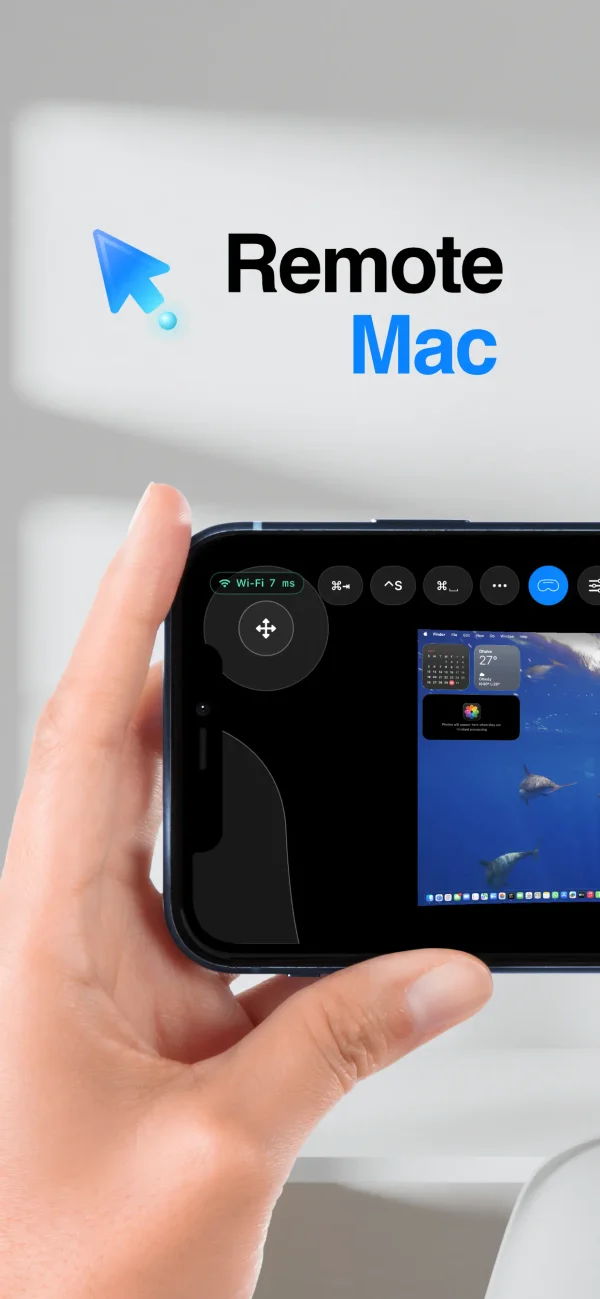
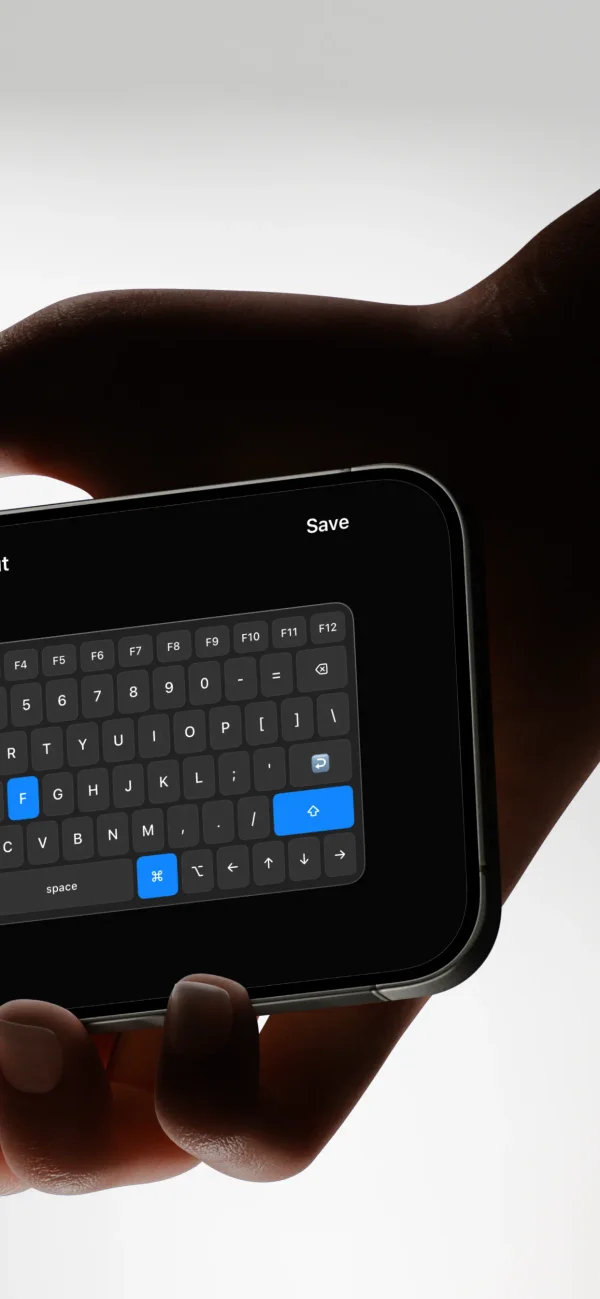
Remote Mac turns your iPhone or iPad into a wireless trackpad, full keyboard and live screen viewer for your Mac. Pair once with a QR code and take control from anywhere in the room, or anywhere at all.
CONTROL YOUR MAC
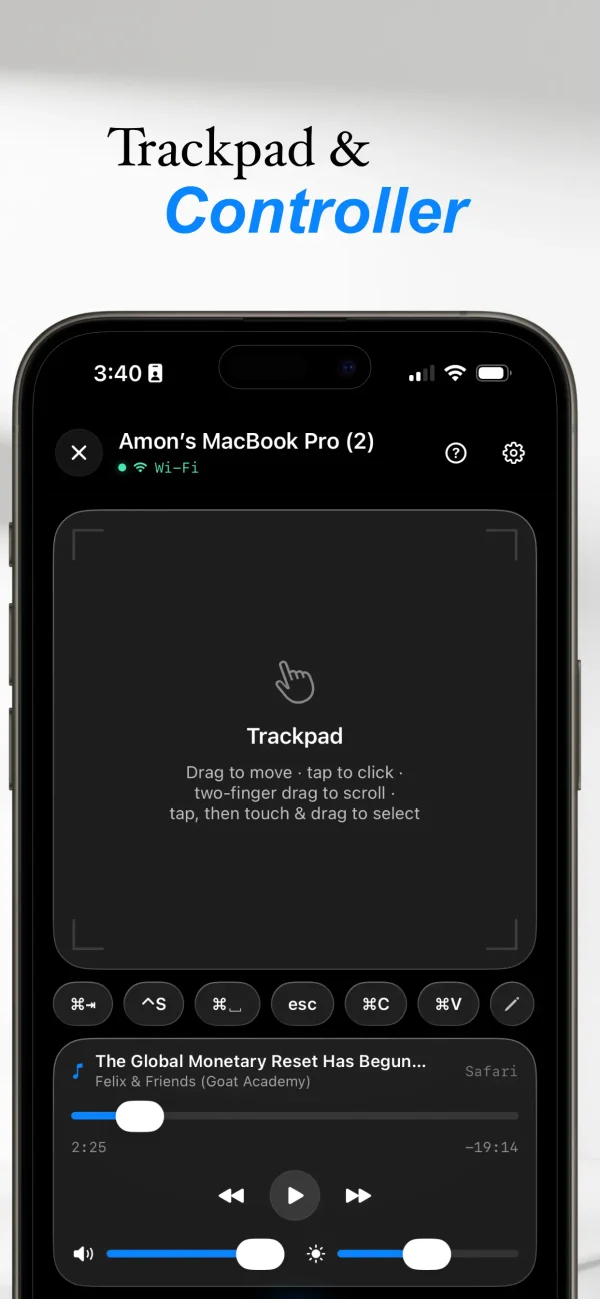
• Smooth, precise trackpad with tap, scroll and drag gestures
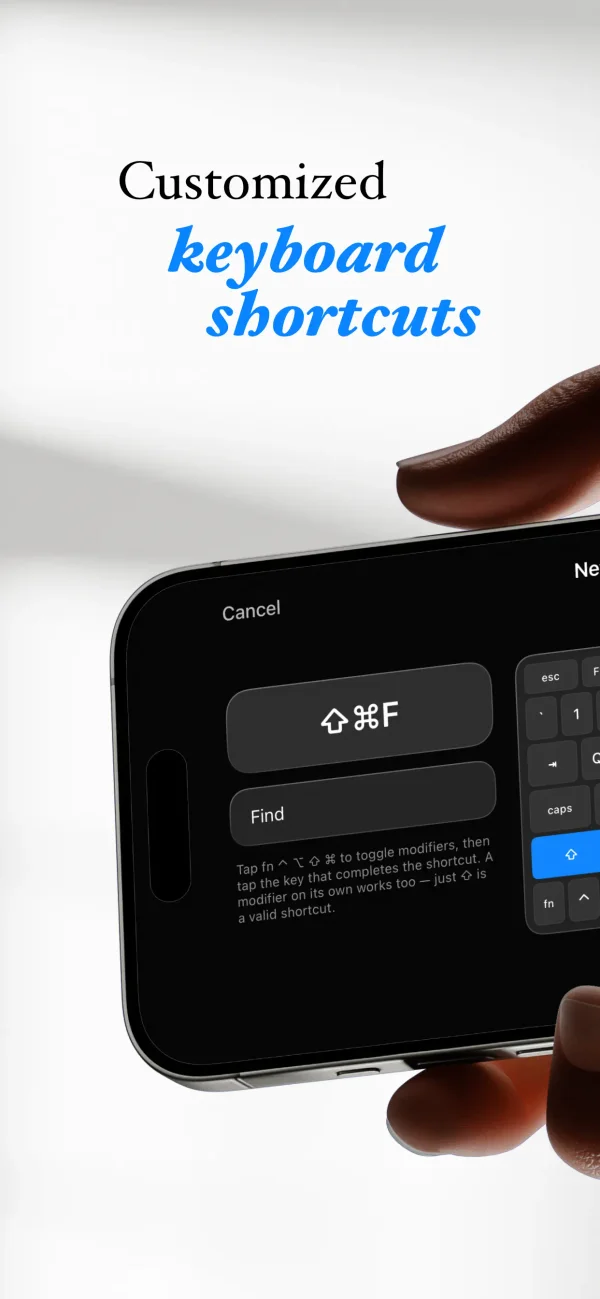
• Full keyboard with modifier keys and shortcuts
• Volume, playback and now playing controls for music and video
• Keep your Mac awake for downloads, presentations and long tasks
SEE YOUR SCREEN
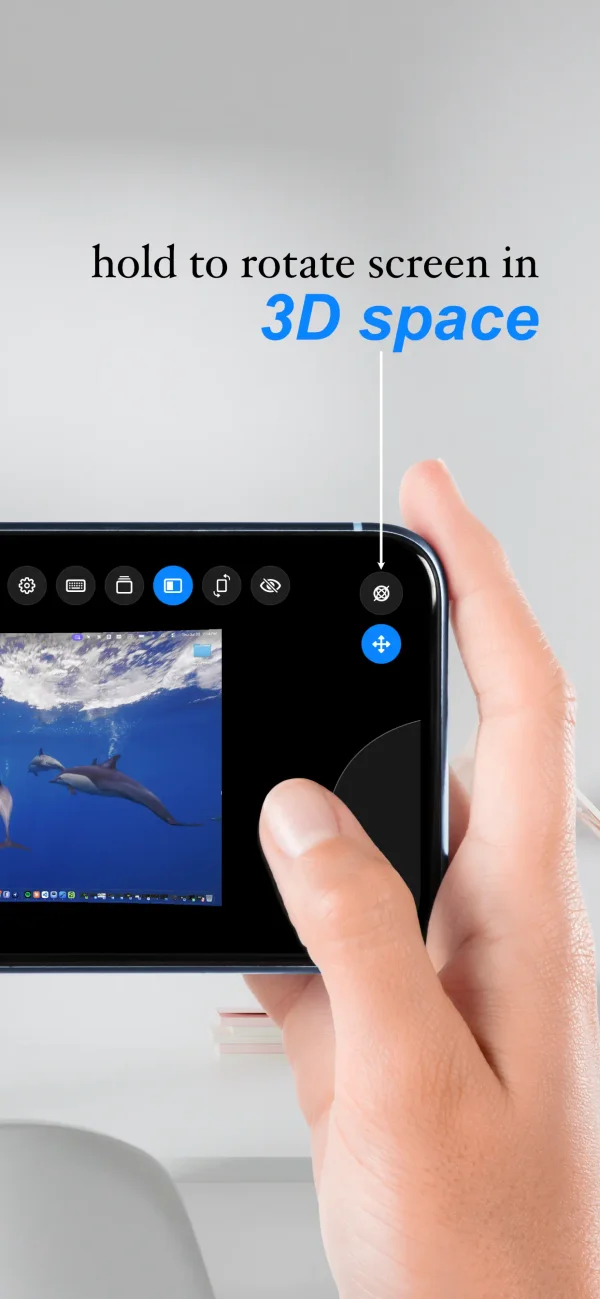
• Live screen mirroring with low latency video
• Stream your Mac audio straight to your phone
• Immersive VR viewing mode with head tracking
WORKS WHERE YOU ARE
• Instant connection over your local network, discovered automatically
• Optional secure relay so you can reach your Mac when you are away from home
• Reconnects quickly when you move between rooms
PRIVATE BY DESIGN
• Pairing uses a QR code with certificate pinning, and every command is cryptographically signed
• No account and no sign up required
• The Mac helper app is free, notarized by Apple and fully open source, so you can verify exactly what runs on your Mac
GETTING STARTED
1. Install the free Remote Mac Relay helper on your Mac
2. Scan the QR code it shows with your iPhone or iPad
3. Start controlling your Mac
Perfect as a presentation clicker, a couch remote for movies on your Mac, a trackpad for a Mac mini without peripherals, or a second way in when your mouse battery dies.
Privacy Policy: https://www.remotemacos.com/privacy
Terms of Use: https://www.remotemacos.com/terms
Questions or feedback? Visit remotemacos.com
What’s new
Version 1.0.2 · Aug 17, 2026
• New guided setup: install the free Mac companion in three quick steps, with one tap to send yourself the download link
• Your Mac is detected automatically as soon as the relay is running
• Bug fixes and stability improvements
App privacy
What Amon Chowdhury declares on the App Store about how this app handles data.
-
Data not collected
The developer does not collect any data from this app.
Privacy practices may vary, for example with the features you use or your age.
Information
- Seller
- Amon Chowdhury
- Category
- Utilities
- Version
- 1.0.2
- Updated
- Aug 17, 2026
- Released
- Aug 13, 2026
- Size
- 3.7 MB
- Requires
- iOS 17.6 or later
- Age rating
- 4+
- Price
- Free
- In-app purchases
- Yes
- Languages
- English
- Copyright
- © 2026 Amon Chowdhury
You might also like
-
 Desktop MirroringScreen Share & Second Screen
-
 RemoteX: Remote DesktopRemote desktop, both ways
-
 Glassy Desk: Remote DesktopScreen Sharing for Mac & VNC
-
 Control - Mac Remote ControlRemotely Control Mac Apps
-
 SebasControl your computer
-
 Desktop RemoteWireless Touchpad & Keyboard
-
 Mirror: Control Your MacControl your Mac over Wi-Fi
-
 Pruney: Photo & Video CleanerKeep memories. Clear the rest.
-
 ToMorseUtilities
-
 Domain InspectorAnalyze domain data instantly