
- Clasificación por edad4+
- CategoríaSalud y forma física
- DesarrolladorBlake Cannon
- IdiomasInglés
- Tamaño2,5 MB
Es posible que RouteDrop no esté disponible en App Store en este momento
No se pudo acceder a la ficha de la tienda en nuestra última comprobación. El enlace sigue llevando a la página oficial de App Store.
Capturas de pantalla

Acerca de
El desarrollador no ha proporcionado este texto en tu idioma.
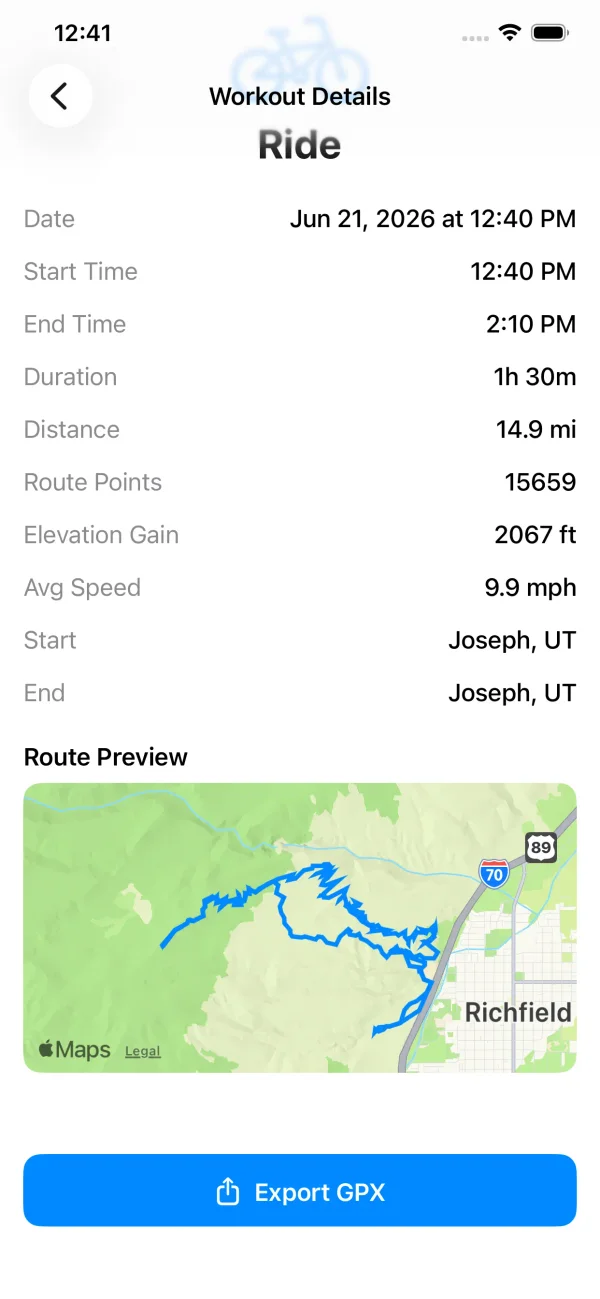
RouteDrop makes it simple to export your Apple Watch workout routes as GPX files. Whether you're a runner, cyclist, hiker, or outdoor enthusiast, RouteDrop gives you complete control over your workout route data.
FEATURES
• Export Routes as GPX Files
Turn any Apple Watch workout route into a standard GPX file that works with any GPS app or service.
• Beautiful Map Visualization
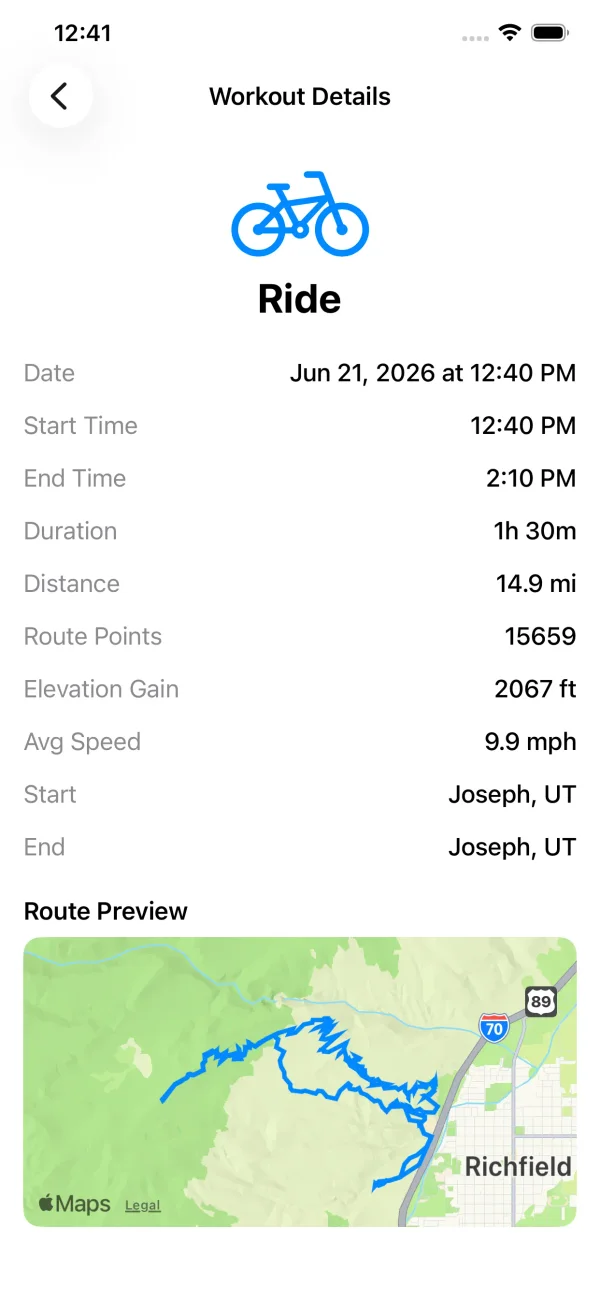
See your routes displayed on an interactive map with full route details and elevation data.
• Detailed Statistics
View distance, duration, pace, elevation gain, and more for every workout.
• Easy Sharing
Share GPX files via AirDrop, Messages, email, or save to Files app for use in other apps.
• Smart Filtering
Filter workouts by activity type (running, cycling, hiking, etc.) and date to quickly find the routes you want.
• Complete Privacy
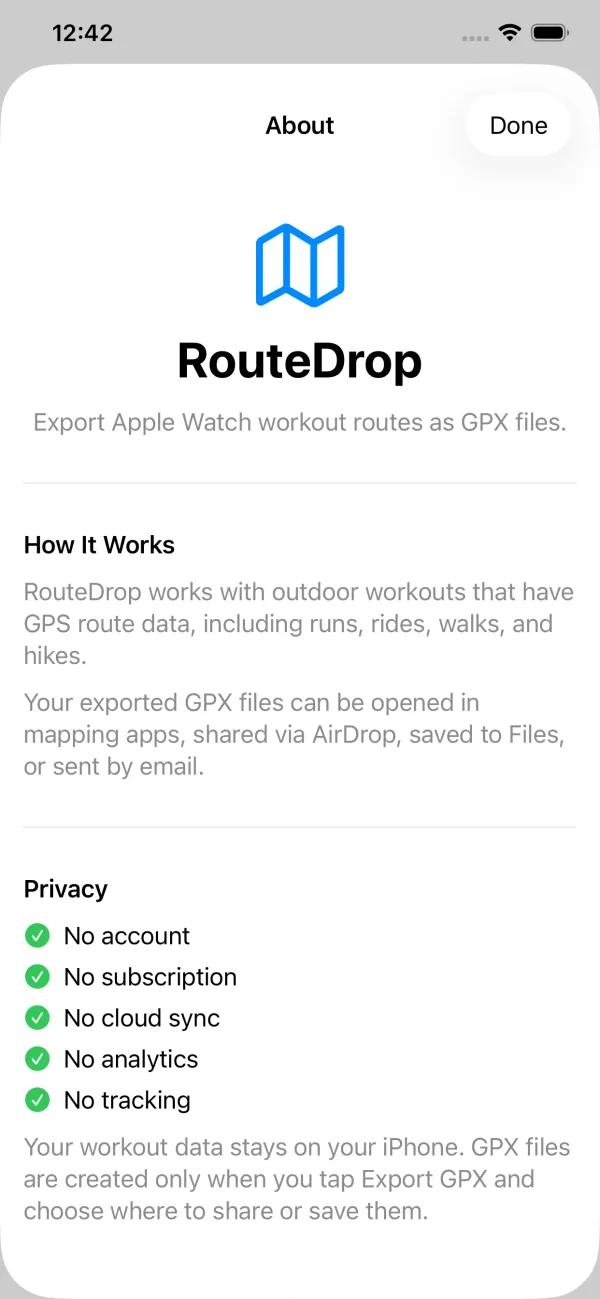
All data stays on your device. RouteDrop never uploads your health data to any server. Your routes and personal information remain completely private.
PERFECT FOR
• Runners who want to share favorite routes with friends
• Cyclists planning to import routes into Strava, RideWithGPS, Komoot, or other platforms
• Hikers documenting trails for future reference
• Athletes who want to back up their route data
• Anyone wanting control over their Apple Health workout data
HOW IT WORKS
1. Open RouteDrop and grant access to your Apple Health workout data
2. Browse your workouts with GPS routes
3. Select any workout to view detailed map and statistics
4. Tap "Export as GPX" to save the route file
5. Share via your favorite method or import to other apps
REQUIREMENTS
• iPhone running iOS 17.0 or later
• Apple Watch workouts with GPS route data in Apple Health
• At least one workout with location data
YOUR PRIVACY MATTERS
RouteDrop only reads your workout route data to create GPX exports. It never writes to your health data, never uploads anything to external servers, and contains no analytics or tracking. Your data is yours alone.
SUPPORT
Questions or feedback? Contact us at [hello@routedrop.app]
Privacidad de la aplicación
Lo que Blake Cannon declara en App Store sobre cómo esta aplicación gestiona los datos.
-
No se recopilan datos
El desarrollador no recopila ningún dato de esta aplicación.
Las prácticas de privacidad pueden variar, por ejemplo, según las funciones que uses o tu edad.
Información
- Vendedor
- Blake Cannon
- Categoría
- Salud y forma física
- Versión
- 1.0
- Actualizado
- 30/6/2026
- Publicado
- 30/6/2026
- Tamaño
- 2,5 MB
- Requiere
- iOS 17.0 o posterior
- Clasificación por edad
- 4+
- Idiomas
- Inglés
- Copyright
- © 2026 RouteDrop
Quizá también te guste
-
 Hike Log & Replay - TrailfoldSalud y forma física
-
 RouteGPXSalud y forma física
-
 Defen – Sports ScorekeeperSalud y forma física
-
 RuttioSalud y forma física
-
 Route ExtractorSalud y forma física
-
 KuaFu: Panel vídeo deportivoOverlay FIT y mapa GPS
-
 Fitness GPXExporta tus rutas a GPX
-
 Workout Exporter for AISalud y forma física
-
 WorkoutGPXTus entrenos de Salud en GPX
-
 HP — your body's health barSalud y forma física