
- Age rating4+
- CategoryHealth & Fitness
- DeveloperBlake Cannon
- LanguagesEnglish
- Size2.5 MB
Links to the official App Store page
Download.org hosts no file of RouteDrop. The button opens its official App Store page, published by Blake Cannon. Listing last checked on Nov 12, 2026.
Screenshots

About
RouteDrop makes it simple to export your Apple Watch workout routes as GPX files. Whether you're a runner, cyclist, hiker, or outdoor enthusiast, RouteDrop gives you complete control over your workout route data.
FEATURES
• Export Routes as GPX Files
Turn any Apple Watch workout route into a standard GPX file that works with any GPS app or service.
• Beautiful Map Visualization
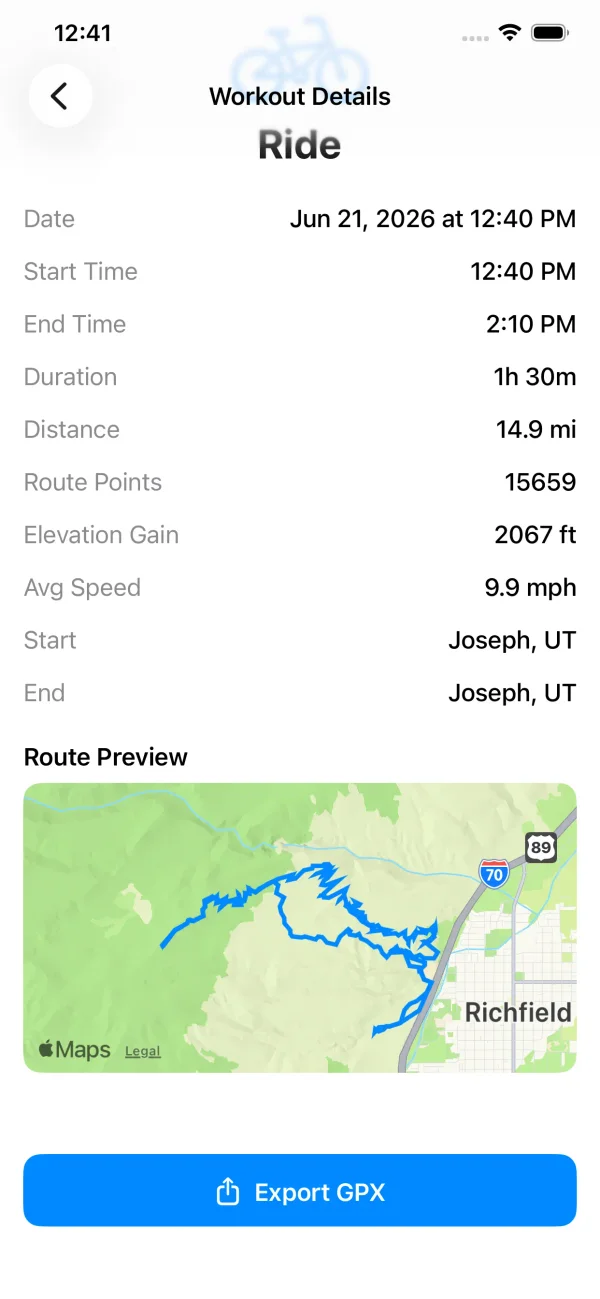
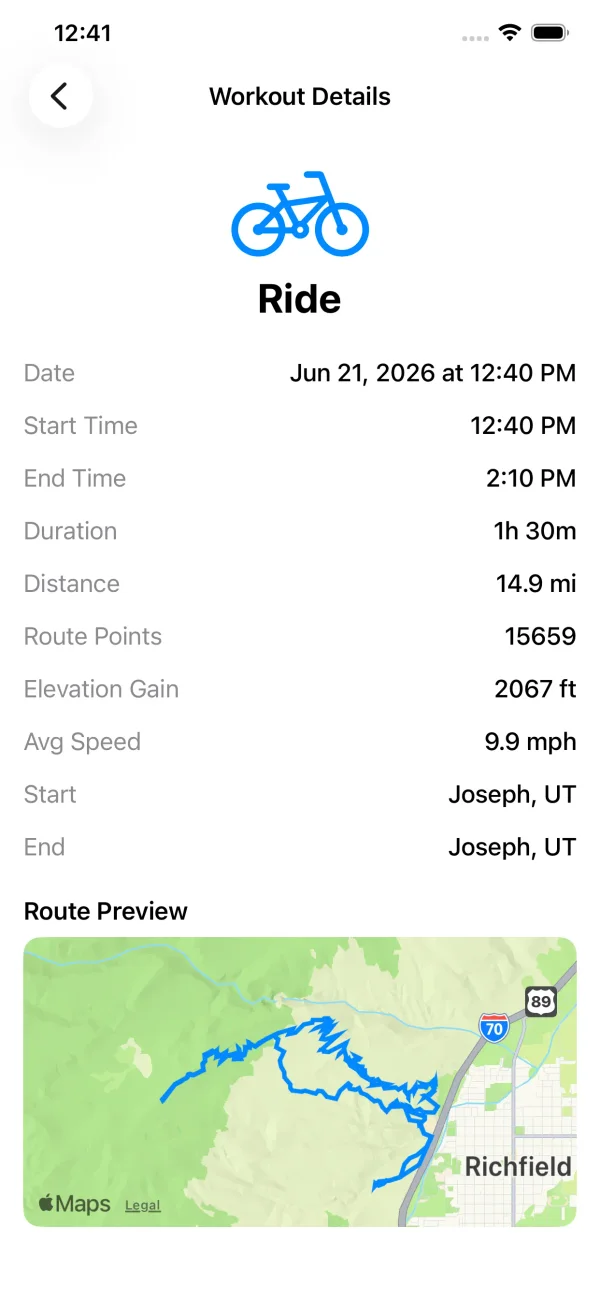
See your routes displayed on an interactive map with full route details and elevation data.
• Detailed Statistics
View distance, duration, pace, elevation gain, and more for every workout.
• Easy Sharing
Share GPX files via AirDrop, Messages, email, or save to Files app for use in other apps.
• Smart Filtering
Filter workouts by activity type (running, cycling, hiking, etc.) and date to quickly find the routes you want.
• Complete Privacy
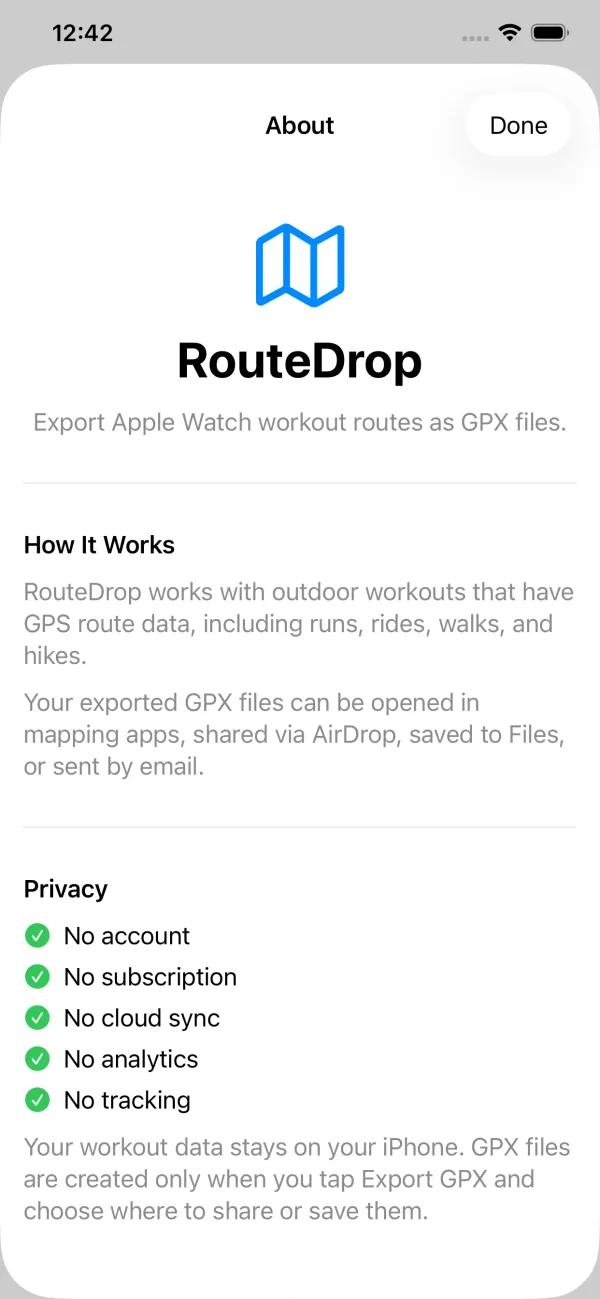
All data stays on your device. RouteDrop never uploads your health data to any server. Your routes and personal information remain completely private.
PERFECT FOR
• Runners who want to share favorite routes with friends
• Cyclists planning to import routes into Strava, RideWithGPS, Komoot, or other platforms
• Hikers documenting trails for future reference
• Athletes who want to back up their route data
• Anyone wanting control over their Apple Health workout data
HOW IT WORKS
1. Open RouteDrop and grant access to your Apple Health workout data
2. Browse your workouts with GPS routes
3. Select any workout to view detailed map and statistics
4. Tap "Export as GPX" to save the route file
5. Share via your favorite method or import to other apps
REQUIREMENTS
• iPhone running iOS 17.0 or later
• Apple Watch workouts with GPS route data in Apple Health
• At least one workout with location data
YOUR PRIVACY MATTERS
RouteDrop only reads your workout route data to create GPX exports. It never writes to your health data, never uploads anything to external servers, and contains no analytics or tracking. Your data is yours alone.
SUPPORT
Questions or feedback? Contact us at [hello@routedrop.app]
App privacy
What Blake Cannon declares on the App Store about how this app handles data.
-
Data not collected
The developer does not collect any data from this app.
Privacy practices may vary, for example with the features you use or your age.
Information
- Seller
- Blake Cannon
- Category
- Health & Fitness
- Version
- 1.0
- Updated
- Jun 30, 2026
- Released
- Jun 30, 2026
- Size
- 2.5 MB
- Requires
- iOS 17.0 or later
- Age rating
- 4+
- Languages
- English
- Copyright
- © 2026 RouteDrop
You might also like
-
 Hike Log & Replay - TrailfoldPhotos, route, GPX export
-
 RouteGPXExport your routes as GPX/FIT
-
 Defen – Sports ScorekeeperMatches, history & workouts
-
 RuttioWorkout Data Exporter
-
 Route ExtractorExport workout routes to GPX
-
 KuaFu: Workout Video DashFIT Overlay & GPX HUD
-
 Fitness GPXExport your runs as GPX
-
 Workout Exporter for AIYour Workouts, Your Control
-
 WorkoutGPXExport Health Workouts as GPX
-
 HP — your body's health barSleep, meals and daily energy