Scantrix PDF Scanner
PDF Scanner with all Tools.
Diseñada para iPhone, iPad, iPod touch
Gratis · Compras en la aplicación
- Clasificación por edad4+
- CategoríaProductividad
- DesarrolladorCorelink Solutions FZE
- IdiomasInglés
- Tamaño200,1 MB
Enlaza a la página oficial de App Store
Download.org no aloja ningún archivo de Scantrix PDF Scanner. El botón abre la página de la aplicación en App Store, donde la publica Corelink Solutions FZE. Ficha comprobada por última vez el 13/11/2026.
Capturas de pantalla
Acerca de
El desarrollador no ha proporcionado este texto en tu idioma.
SCAN, EDIT, CONVERT & SIGN. ALL IN ONE APP
Turn your iPhone into a powerful PDF scanner and document toolkit with Scantrix PDF Scanner.
Scan documents, receipts and invoices, create PDFs, convert files, extract text with OCR, sign documents, organize important files, protect private documents and scan QR codes from one easy-to-use app.
SMART PDF & DOCUMENT SCANNER
Turn paper into clean digital documents in seconds.
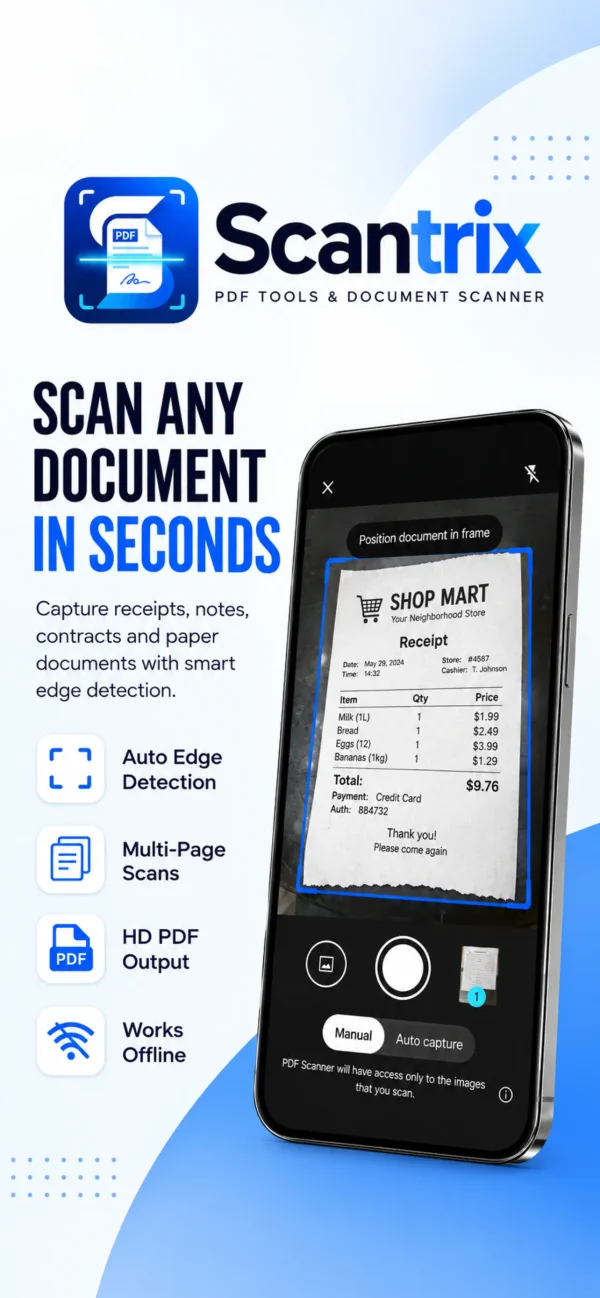
Scan receipts, invoices, contracts, notes, forms, reports and other documents. Automatic edge detection helps capture properly aligned scans and create clean PDF files directly from your phone.
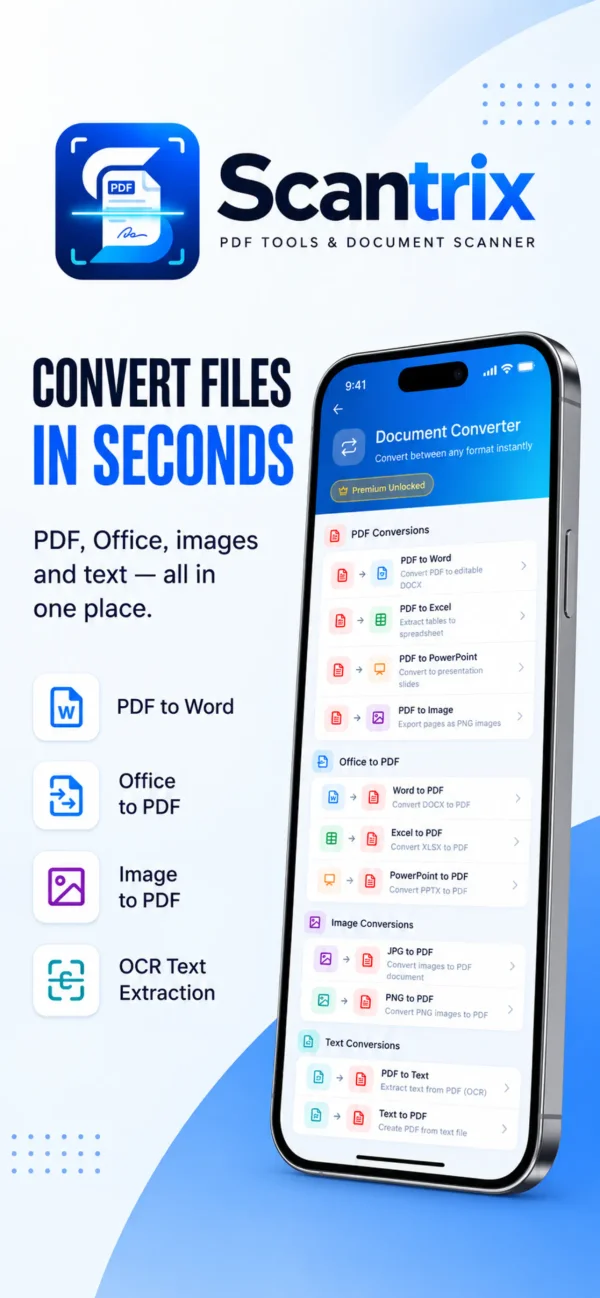
PDF & FILE CONVERTER
Convert files without switching between multiple apps.
Convert PDF files to:
• Word
• Excel
• PowerPoint
• Images
• Text
You can also convert supported Office documents and images into PDF files for easy sharing and storage.
ESSENTIAL PDF TOOLS
Manage everyday PDF tasks directly from Scantrix:
• Merge PDF files
• Compress PDFs
• Manage and organize pages
• Create PDFs from scans and images
• Keep documents organized in one workspace
E-SIGN & SIGN PDFs
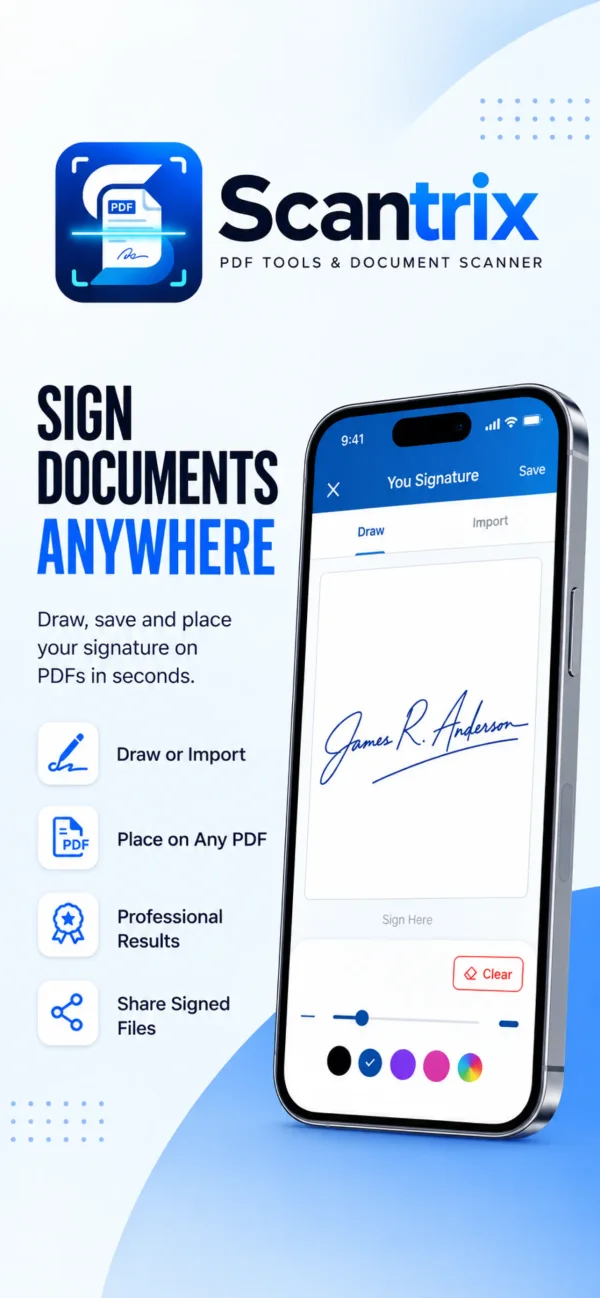
Create or import your signature and add it directly to PDF documents. No printer required.
Sign contracts, forms, approvals and other documents directly from your iPhone.
OCR TEXT RECOGNITION
Extract text from scanned documents and images with OCR.
Quickly copy, save and reuse extracted information instead of typing it manually.
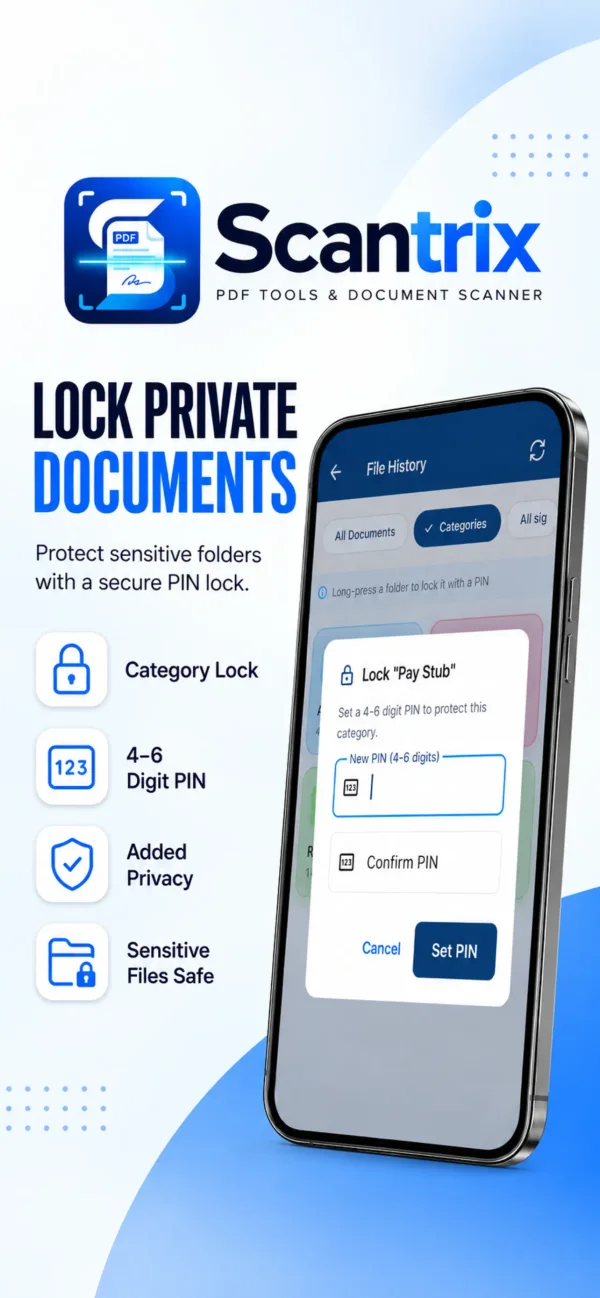
ORGANIZE & PROTECT YOUR DOCUMENTS
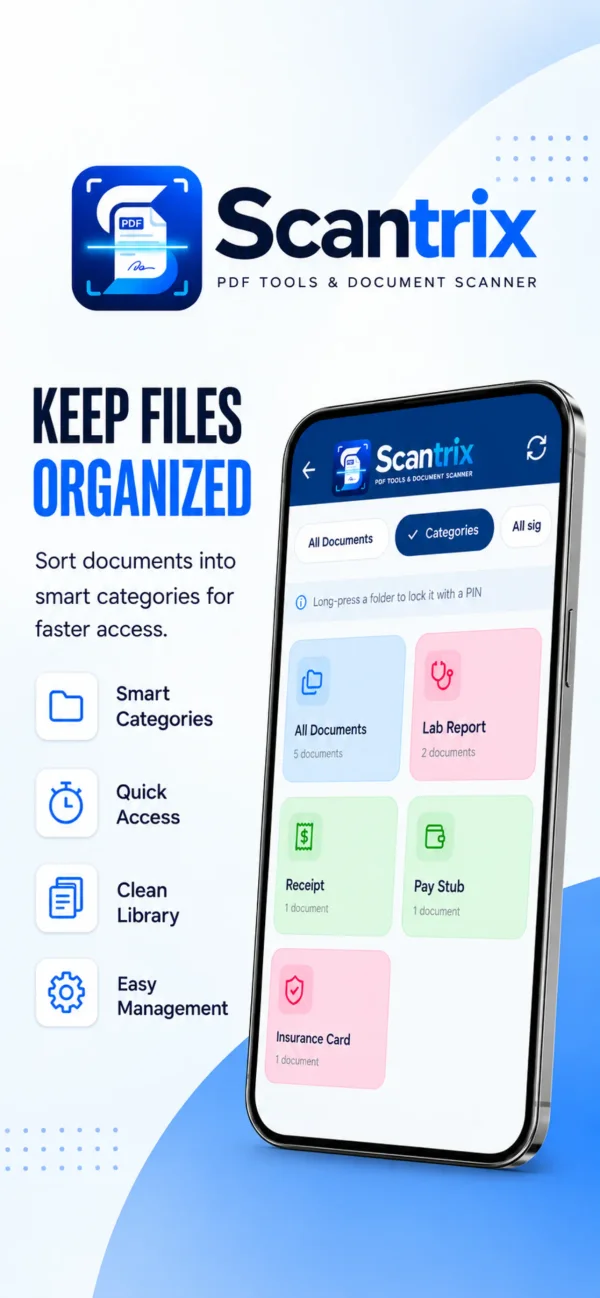
Keep receipts, reports, pay stubs, insurance documents, personal files and business documents organized with Smart Categories.
For additional privacy, lock selected document categories with a 4–6-digit PIN.
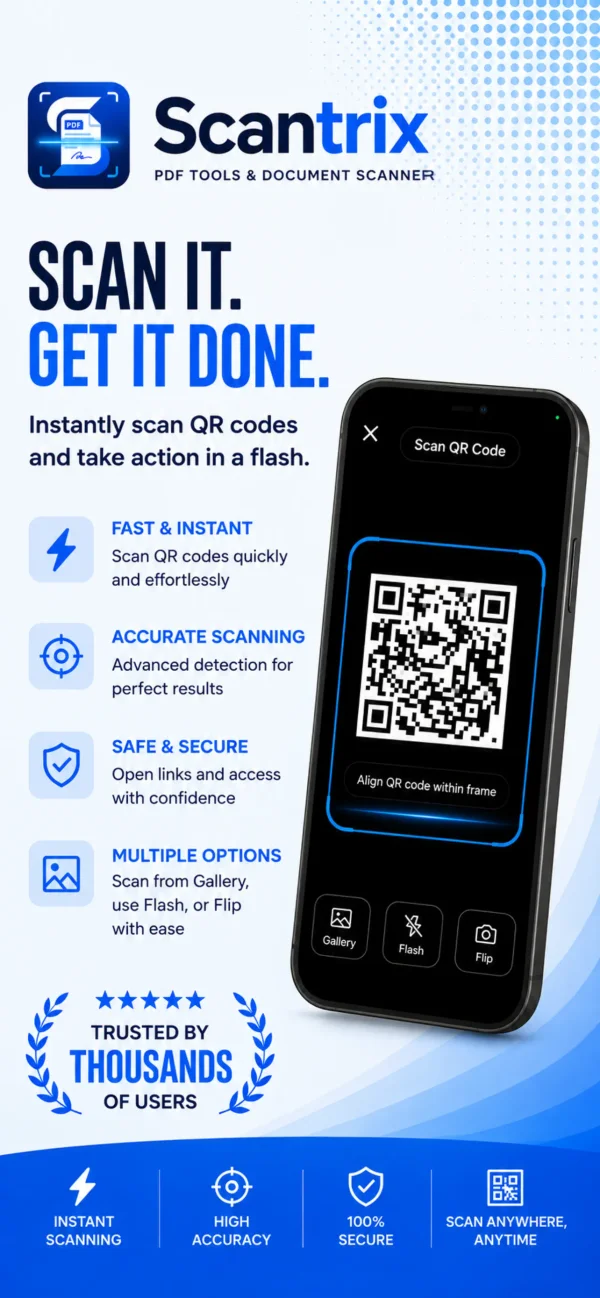
QR CODE SCANNER
Scan QR codes directly using your camera or gallery, with flash and camera-flip controls when needed.
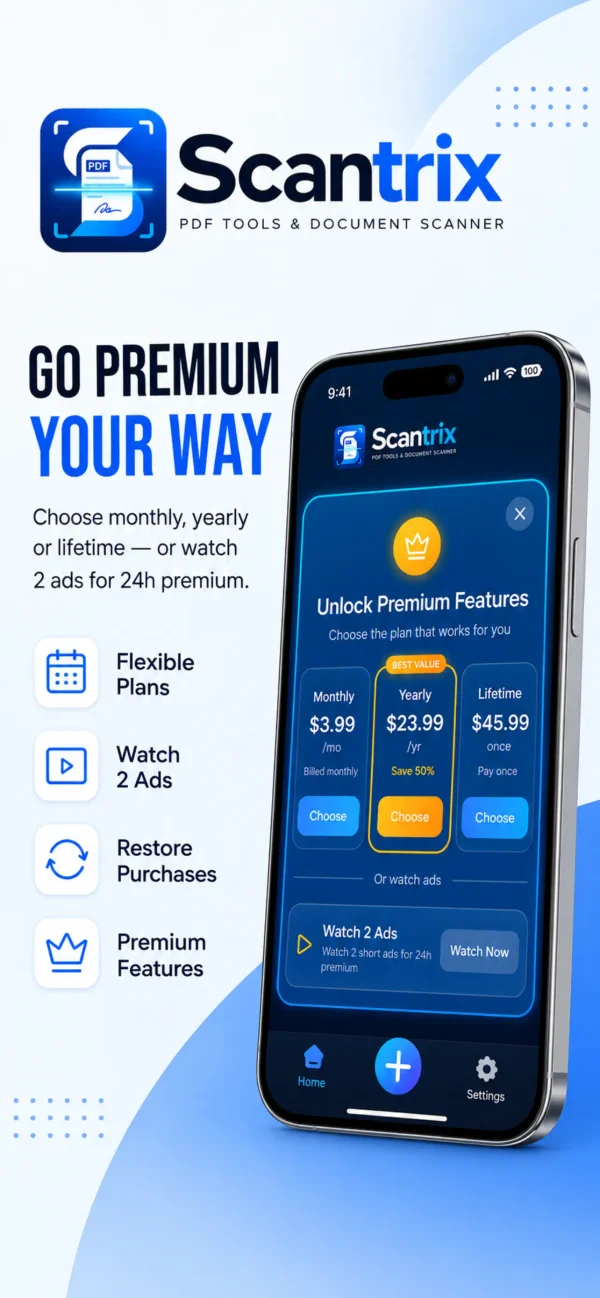
FREE & FLEXIBLE PREMIUM ACCESS
Start using Scantrix PDF Scanner for free and upgrade when you need more.
Premium options include:
• Monthly Premium
• Yearly Premium
• Lifetime Premium
Prefer not to subscribe? Watch 2 ads to unlock Premium access for 24 hours.
Restore Purchases is available for eligible purchases.
SCANTRIX PDF SCANNER. YOUR EVERYDAY DOCUMENT WORKSPACE
Scan documents. Create and convert PDFs. Extract text with OCR. Sign documents. Organize files. Scan QR codes.
Everything you need for everyday document tasks in one app.
Terms of Use (EULA): https://www.apple.com/legal/internet-services/itunes/dev/stdeula/
Privacy Policy: https://scantrixpdfscanner.app/privacy-policy
Novedades
Versión 1.0.10 · 3/11/2026
Home screen layout improvements
We refined the bottom of the Home screen so every element has its own space. The scan button and navigation bar no longer overlap other content, giving you a cleaner and clearer view.
Thank you for using Scantrix. If you have any feedback, please contact us from within the app.
Privacidad de la aplicación
Lo que Corelink Solutions FZE declara en App Store sobre cómo esta aplicación gestiona los datos.
-
Datos no vinculados a ti
Pueden recopilarse, pero no se vinculan a tu identidad.
- Compras
- Ubicación
- Identificadores
- Datos de uso
- Diagnóstico
Las prácticas de privacidad pueden variar, por ejemplo, según las funciones que uses o tu edad.
Información
- Vendedor
- Corelink Solutions FZE
- Categoría
- Productividad
- Versión
- 1.0.10
- Actualizado
- 3/11/2026
- Publicado
- 23/9/2026
- Tamaño
- 200,1 MB
- Requiere
- iOS 15.5 o posterior
- Clasificación por edad
- 4+
- Precio
- Gratis
- Compras en la aplicación
- Sí
- Idiomas
- Inglés
- Copyright
- © Corelink Solutions FZE
Quizá también te guste
-
 DocSetu: Offline PDF ToolkitProductividad
-
 PDF Secure ScannerEscaneos privados, PDF y OCR
-
 SwiftShare: Fast File SharingProductividad
-
 PDF Tool - Edit, Convert, SignConvert, Compress & File Maker
-
 Document Scanner: PDF Scan AppProductividad
-
 EScanear Documentos Foto a PDFEScaner PDF & Convertidor PDF
-
 Convertidor de Word a PDF: PDFConvierte JPG y fotos a PDF
-
 Lector de documentos completoVer PDF, Archivos de Office
-
 Cloud Storage: Data BackupProductividad
-
 PDF Reader: Convert & EditProductividad