Scantrix PDF Scanner
PDF Scanner with all Tools.
Designed for iPhone, iPad, iPod touch
In-app purchases
- Age rating4+
- CategoryProductivity
- DeveloperCorelink Solutions FZE
- LanguagesEnglish
- Size200.1 MB
Links to the official App Store page
Download.org hosts no file of Scantrix PDF Scanner. The button opens its official App Store page, published by Corelink Solutions FZE. Listing last checked on Nov 13, 2026.
Screenshots
About
SCAN, EDIT, CONVERT & SIGN. ALL IN ONE APP
Turn your iPhone into a powerful PDF scanner and document toolkit with Scantrix PDF Scanner.
Scan documents, receipts and invoices, create PDFs, convert files, extract text with OCR, sign documents, organize important files, protect private documents and scan QR codes from one easy-to-use app.
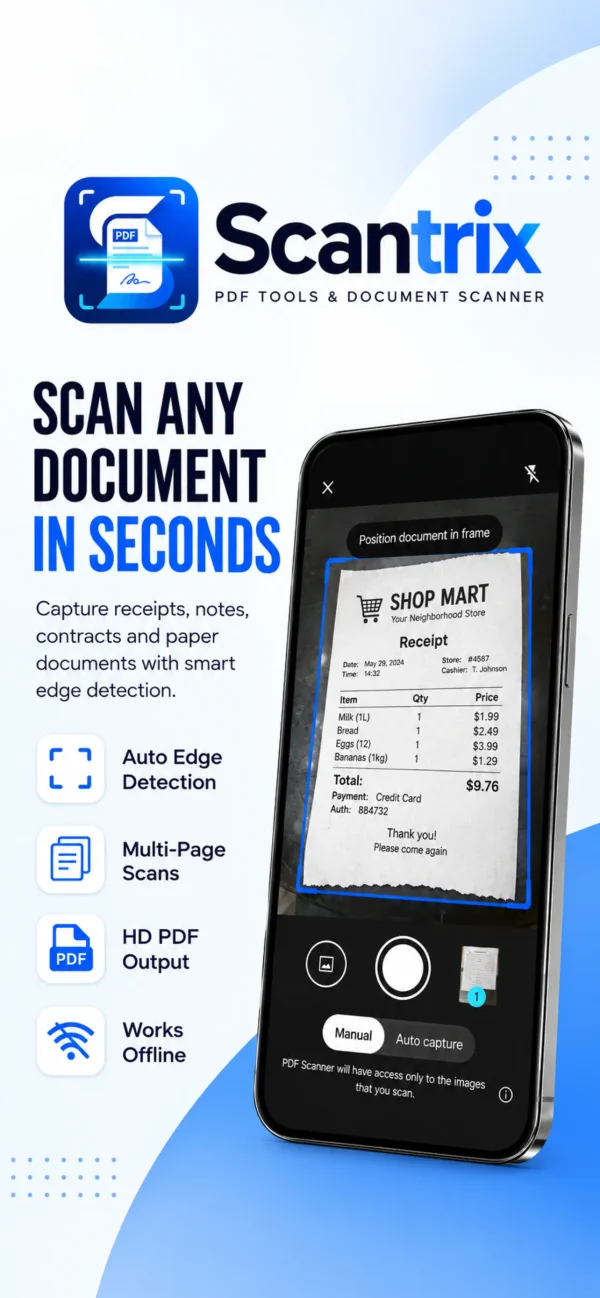
SMART PDF & DOCUMENT SCANNER
Turn paper into clean digital documents in seconds.
Scan receipts, invoices, contracts, notes, forms, reports and other documents. Automatic edge detection helps capture properly aligned scans and create clean PDF files directly from your phone.
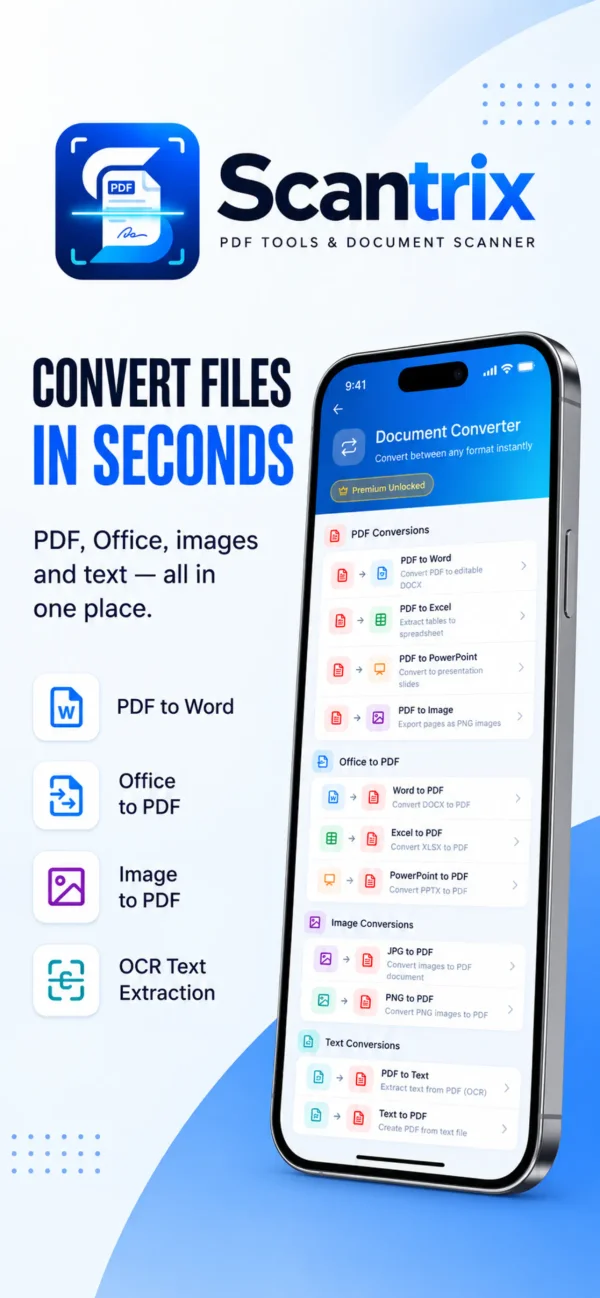
PDF & FILE CONVERTER
Convert files without switching between multiple apps.
Convert PDF files to:
• Word
• Excel
• PowerPoint
• Images
• Text
You can also convert supported Office documents and images into PDF files for easy sharing and storage.
ESSENTIAL PDF TOOLS
Manage everyday PDF tasks directly from Scantrix:
• Merge PDF files
• Compress PDFs
• Manage and organize pages
• Create PDFs from scans and images
• Keep documents organized in one workspace
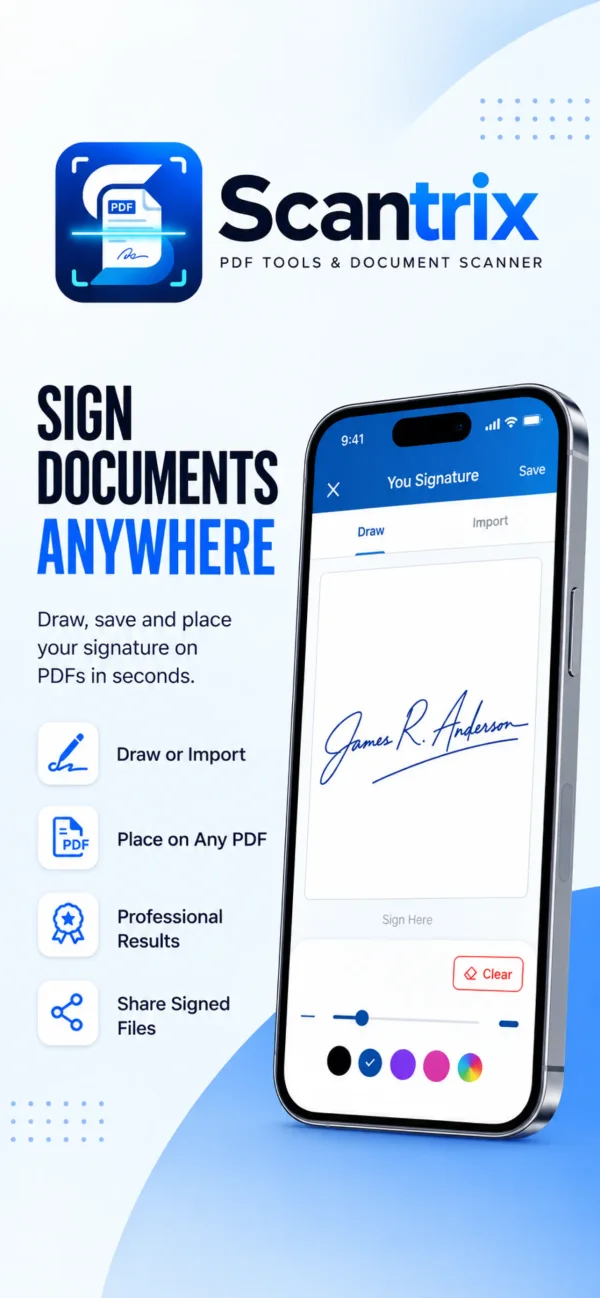
E-SIGN & SIGN PDFs
Create or import your signature and add it directly to PDF documents. No printer required.
Sign contracts, forms, approvals and other documents directly from your iPhone.
OCR TEXT RECOGNITION
Extract text from scanned documents and images with OCR.
Quickly copy, save and reuse extracted information instead of typing it manually.
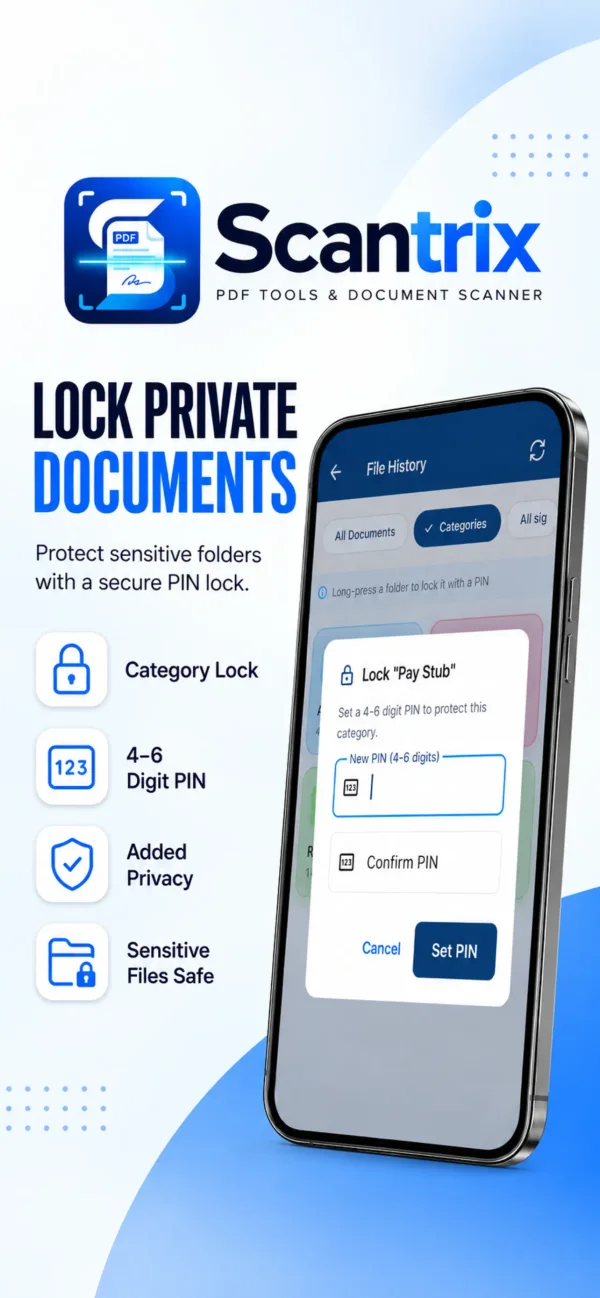
ORGANIZE & PROTECT YOUR DOCUMENTS
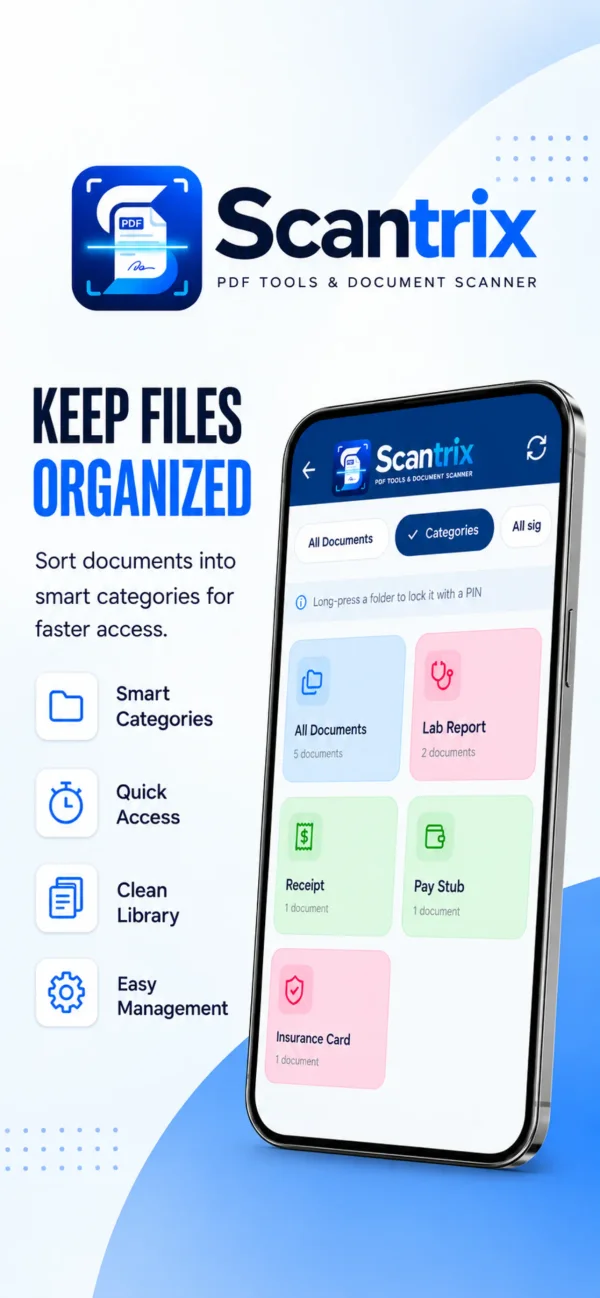
Keep receipts, reports, pay stubs, insurance documents, personal files and business documents organized with Smart Categories.
For additional privacy, lock selected document categories with a 4–6-digit PIN.
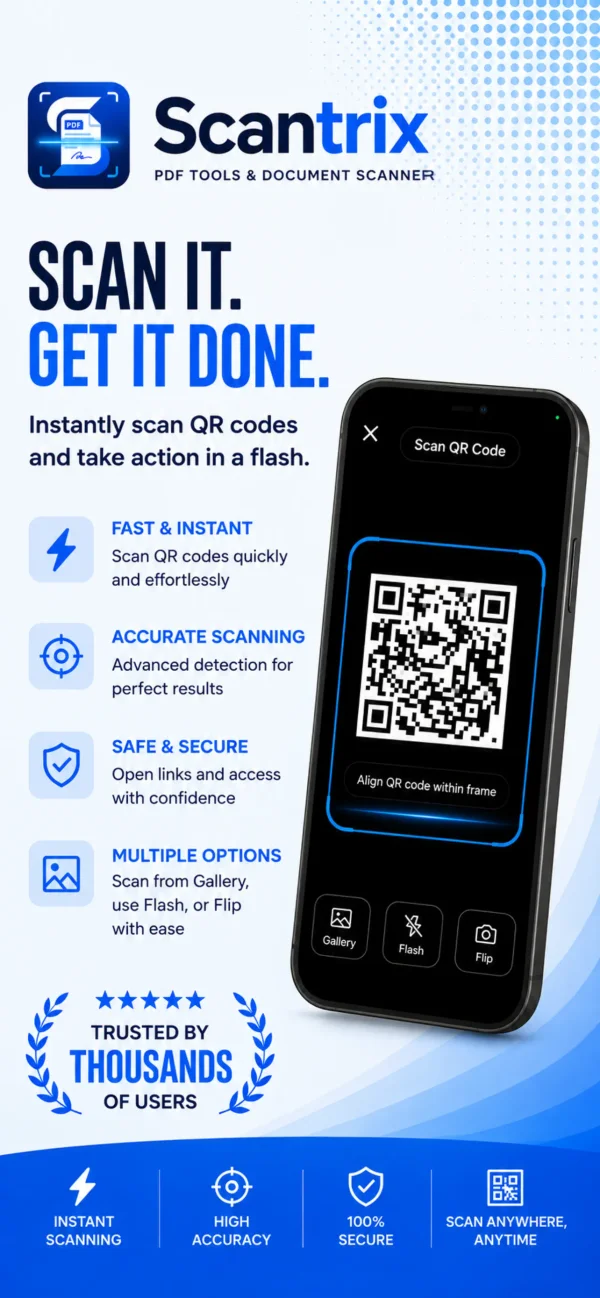
QR CODE SCANNER
Scan QR codes directly using your camera or gallery, with flash and camera-flip controls when needed.
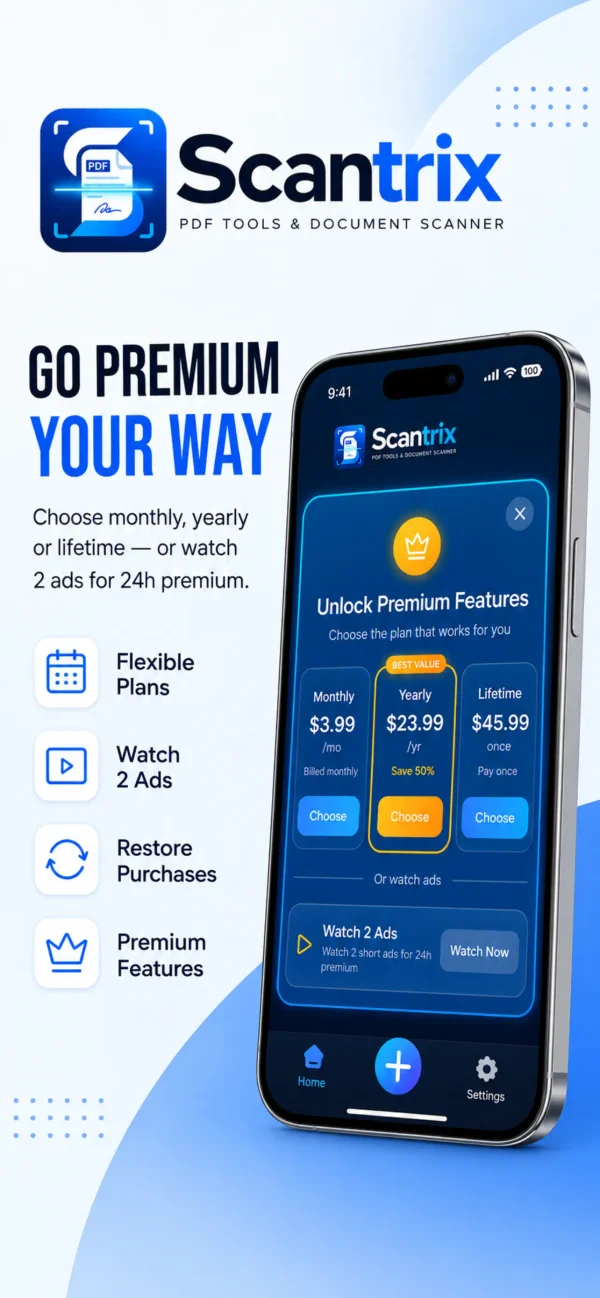
FREE & FLEXIBLE PREMIUM ACCESS
Start using Scantrix PDF Scanner for free and upgrade when you need more.
Premium options include:
• Monthly Premium
• Yearly Premium
• Lifetime Premium
Prefer not to subscribe? Watch 2 ads to unlock Premium access for 24 hours.
Restore Purchases is available for eligible purchases.
SCANTRIX PDF SCANNER. YOUR EVERYDAY DOCUMENT WORKSPACE
Scan documents. Create and convert PDFs. Extract text with OCR. Sign documents. Organize files. Scan QR codes.
Everything you need for everyday document tasks in one app.
Terms of Use (EULA): https://www.apple.com/legal/internet-services/itunes/dev/stdeula/
Privacy Policy: https://scantrixpdfscanner.app/privacy-policy
What’s new
Version 1.0.10 · Nov 3, 2026
Home screen layout improvements
We refined the bottom of the Home screen so every element has its own space. The scan button and navigation bar no longer overlap other content, giving you a cleaner and clearer view.
Thank you for using Scantrix. If you have any feedback, please contact us from within the app.
App privacy
What Corelink Solutions FZE declares on the App Store about how this app handles data.
-
Data not linked to you
May be collected but is not linked to your identity.
- Purchases
- Location
- Identifiers
- Usage data
- Diagnostics
Privacy practices may vary, for example with the features you use or your age.
Information
- Seller
- Corelink Solutions FZE
- Category
- Productivity
- Version
- 1.0.10
- Updated
- Nov 3, 2026
- Released
- Sep 23, 2026
- Size
- 200.1 MB
- Requires
- iOS 15.5 or later
- Age rating
- 4+
- In-app purchases
- Yes
- Languages
- English
- Copyright
- © Corelink Solutions FZE
You might also like
-
 DocSetu: Offline PDF ToolkitPrivate. Secure. On-Device.
-
 PDF Secure ScannerPrivate scans, PDF & OCR
-
 SwiftShare: Fast File SharingProductivity
-
 PDF Tool - Edit, Convert, SignConvert, Compress & File Maker
-
 Document Scanner: PDF Scan AppDigitize Your Documents Fast
-
 All Document Reader & ScannerFile Reader & PDF Converter
-
 Word to PDF Converter: PDF ProJPG, Excel, Photos to PDF
-
 All Document Reader: AI & DocsView PDF, XLS, Office Files
-
 Cloud Storage: Data BackupPhotos, Videos & File Drive
-
 PDF Reader: Convert & EditProductivity