- Clasificación por edad4+
- CategoríaDiseño gráfico
- Desarrollador文荣 李
- IdiomasInglés+ 16 más
- Tamaño68,3 MB
Enlaza a la página oficial de App Store
Download.org no aloja ningún archivo de SceneRef. El botón abre la página de la aplicación en App Store, donde la publica 文荣 李. Ficha comprobada por última vez el 12/11/2026.
Capturas de pantalla
Acerca de
El desarrollador no ha proporcionado este texto en tu idioma.
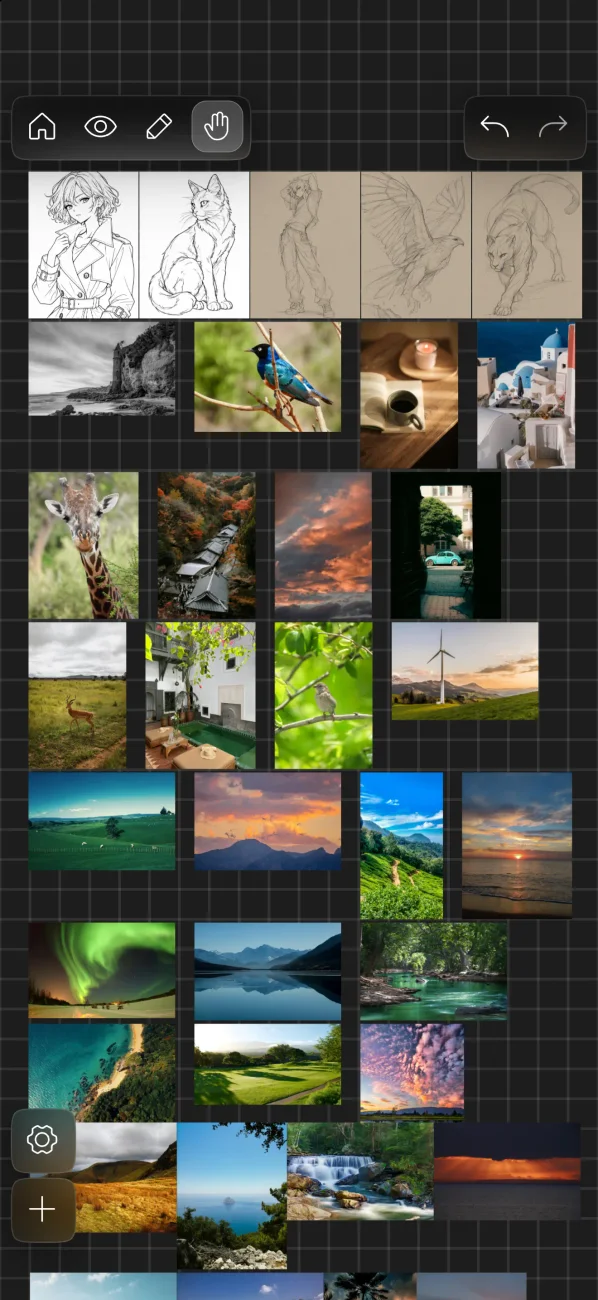
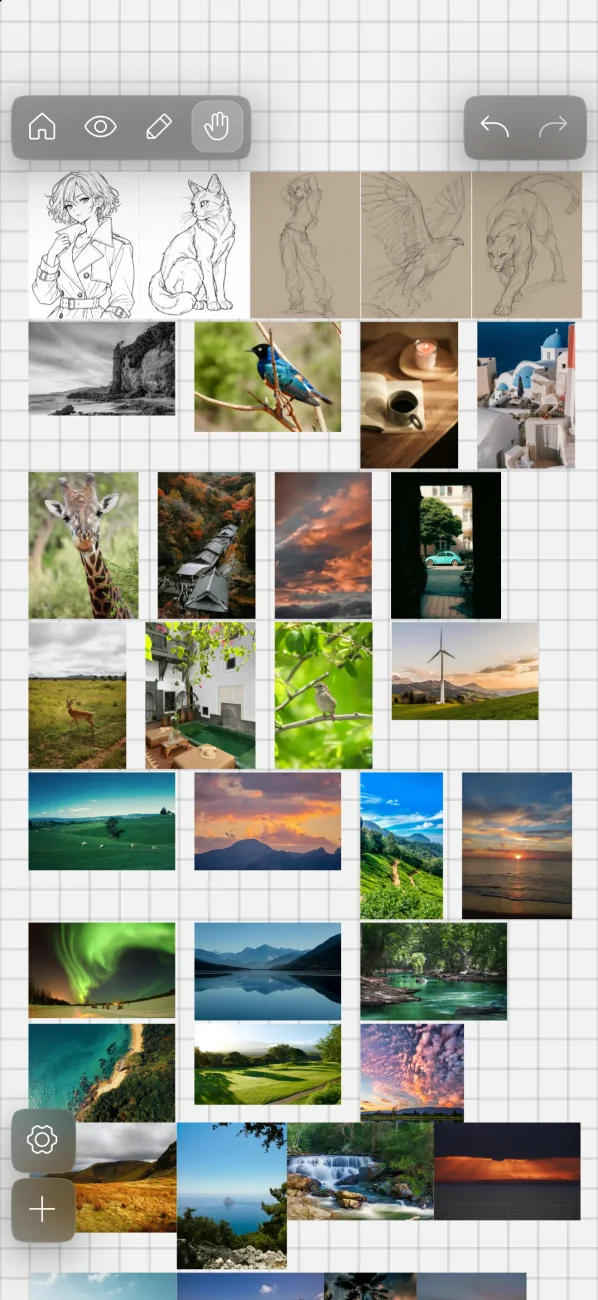
SceneRef works with iPad Split View and multiple windows as the ideal companion for Procreate, Clip Studio Paint, and other drawing and animation apps—freeing your reference images from stacked layers, organizing them clearly on an infinite canvas, and keeping inspiration and efficiency within reach wherever you create.
HIGHLIGHTS
- Perfect companion: Work side by side with Procreate, Clip Studio Paint, and other creative apps using iPad Split View and multiple windows
- Infinite canvas: Smart caching and image management keep vast libraries saved and scrolling smoothly
- Multi-select batch tools: One-tap auto-fit, smart layout, and unified sizing make copying and aligning effortless
- Professional workflow: Full keyboard shortcut mapping for faster everyday actions
- Flexible import: Clipboard, Photos, folders, camera, and drag-and-drop—grab what you need, when you need it
- Web drag-and-drop: Drag images in directly from Pinterest, Pixiv, and other popular image sites
- Flexible export: Export scenes or image groups for easy sharing and delivery
- View / Lock / Edit modes so browsing and editing never get in each other's way
- Grid and list views for file management, with multiple sort options
- Smooth zoom and pan to inspect every detail
- A clean, intuitive interface so you can stay focused on creating
Professional Reference Tools
- Rotate, crop, desaturate, flip vertical/horizontal, opacity, layering, and scale—a complete set of adjustments
- Live color picker: Sample any color on the canvas in real time and get common color codes
- Magnetic guides: Alignment hints and smart snapping for more precise layouts
- After multi-select, quickly align and distribute from the top-right corner for faster batch organization
- Brush annotations and highlight circles to communicate more clearly
- Styled text: A rich set of fonts and styles for notes, titles, and labels
Video & GIF
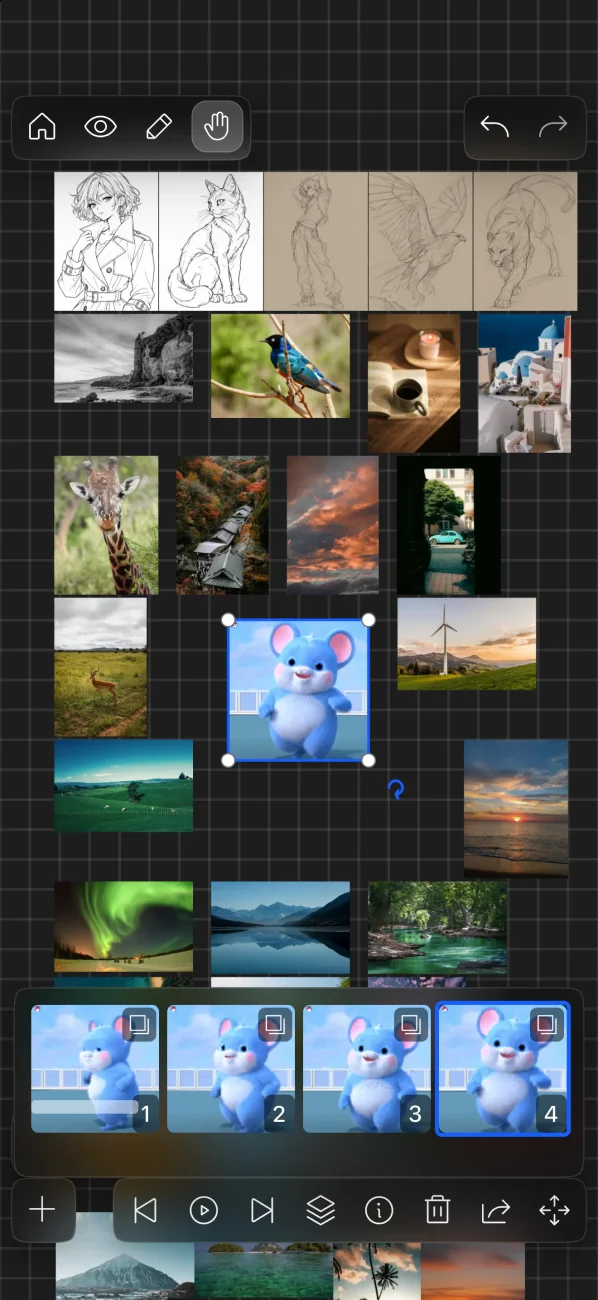
- Play MP4 and extract 4K stills for storyboards, covers, and video references
- One-tap GIF frame-by-frame breakdown so animation details are crystal clear
Thanks for reading. Contact us:
Email: scenereftech@163.com
Novedades
Versión 1.1.0 · 27/10/2026
Fixed known issues.
Privacidad de la aplicación
Lo que 文荣 李 declara en App Store sobre cómo esta aplicación gestiona los datos.
-
No se recopilan datos
El desarrollador no recopila ningún dato de esta aplicación.
Las prácticas de privacidad pueden variar, por ejemplo, según las funciones que uses o tu edad.
Información
- Vendedor
- 文荣 李
- Categoría
- Diseño gráfico
- Versión
- 1.1.0
- Actualizado
- 27/10/2026
- Publicado
- 22/9/2026
- Tamaño
- 68,3 MB
- Requiere
- iOS 15.6 o posterior
- Clasificación por edad
- 4+
- Precio
- Gratis
- Idiomas
- Inglés, Árabe, Francés, Alemán, Hindi, Indonesio, Italiano, Japonés, Coreano, Malayo, Polaco, Portugués + 5 más
- Copyright
- © 李文荣
Quizá también te guste
-
 Animated Drawing-DigitalSketchDiseño gráfico
-
 Pixel Paint ProDiseño gráfico
-
 Mecmua: Dibujo de mandalasCaleidoscopio, simetría, ebru
-
 MemeditThe very simple graphic editor
-
 Pixel Art Photo Editor: DoticaDiseño gráfico
-
 Framelet: Memory SlideshowPhoto Widgets for Home Screen
-
 Ebru: Marmoleado sobre aguaSuminagashi, tinta y papel
-
 Color Pro X Accurate PickerDiseño gráfico
-
 DarkRef - Art Reference BoardDiseño gráfico
-
 Pixie wallpaperDiseño gráfico