- 対象年齢4+
- カテゴリグラフィック/デザイン
- 開発元文荣 李
- 言語英語ほか16言語
- サイズ68.3 MB
App Storeの公式ページにリンクしています
Download.orgはSceneRefのファイルを一切ホストしていません。ボタンを押すと、文荣 李が公開しているApp Storeのアプリページが開きます。ページの最終確認:2026/11/12。
スクリーンショット
概要
開発元はこのテキストをお使いの言語で提供していません。
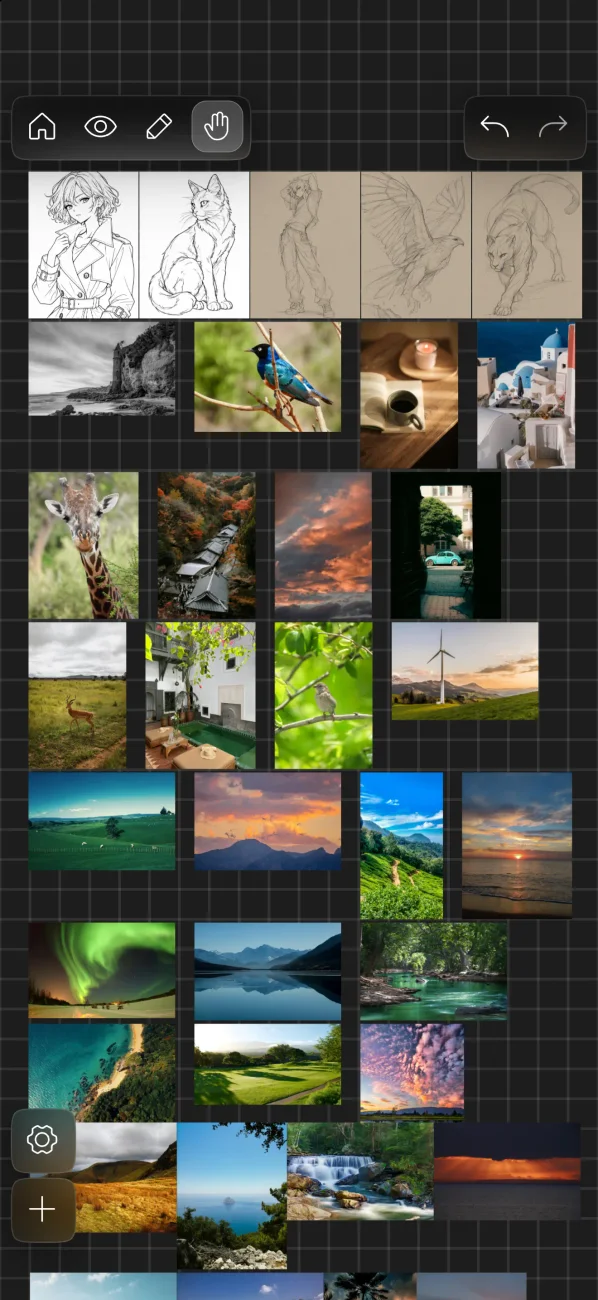
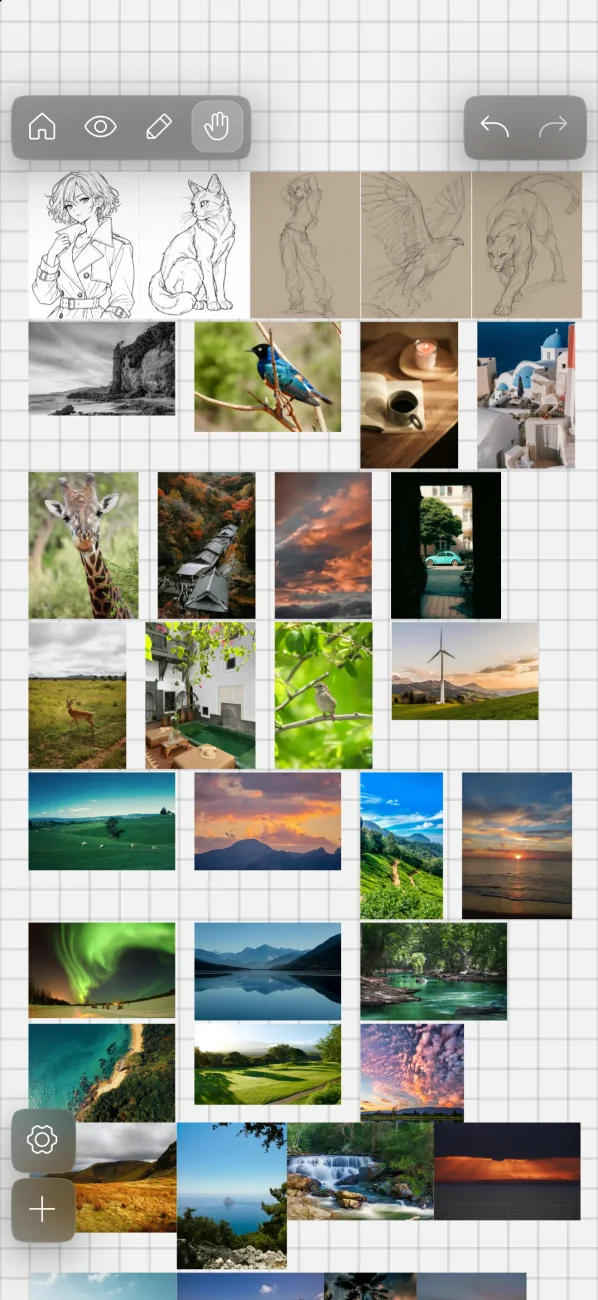
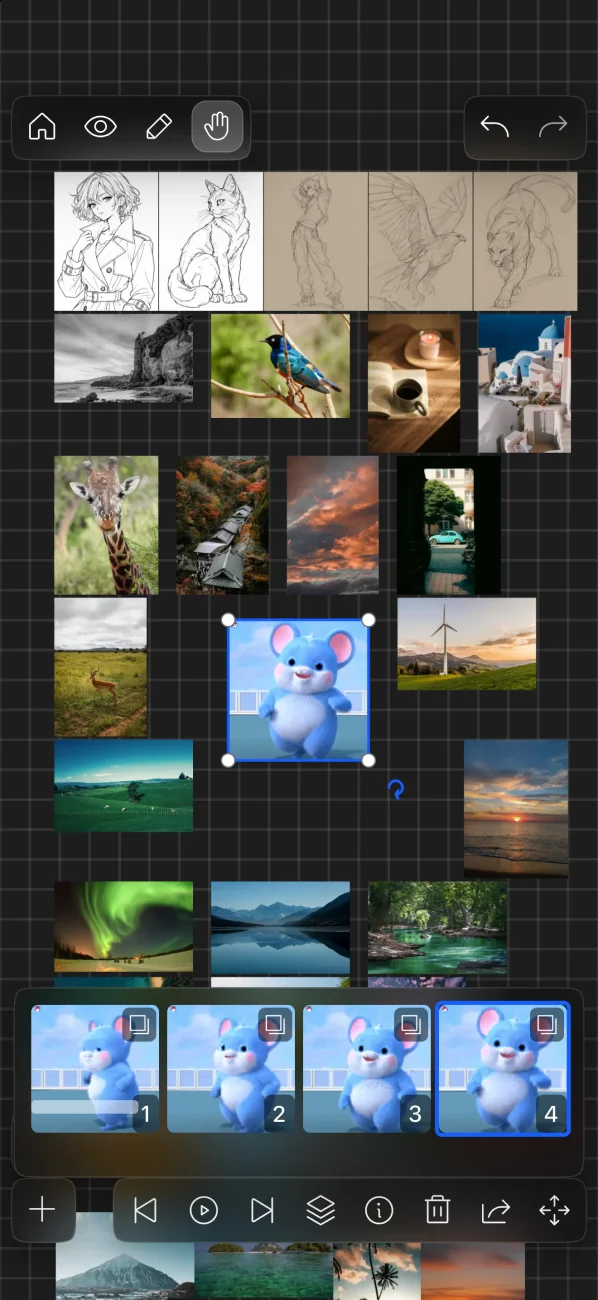
SceneRef works with iPad Split View and multiple windows as the ideal companion for Procreate, Clip Studio Paint, and other drawing and animation apps—freeing your reference images from stacked layers, organizing them clearly on an infinite canvas, and keeping inspiration and efficiency within reach wherever you create.
HIGHLIGHTS
- Perfect companion: Work side by side with Procreate, Clip Studio Paint, and other creative apps using iPad Split View and multiple windows
- Infinite canvas: Smart caching and image management keep vast libraries saved and scrolling smoothly
- Multi-select batch tools: One-tap auto-fit, smart layout, and unified sizing make copying and aligning effortless
- Professional workflow: Full keyboard shortcut mapping for faster everyday actions
- Flexible import: Clipboard, Photos, folders, camera, and drag-and-drop—grab what you need, when you need it
- Web drag-and-drop: Drag images in directly from Pinterest, Pixiv, and other popular image sites
- Flexible export: Export scenes or image groups for easy sharing and delivery
- View / Lock / Edit modes so browsing and editing never get in each other's way
- Grid and list views for file management, with multiple sort options
- Smooth zoom and pan to inspect every detail
- A clean, intuitive interface so you can stay focused on creating
Professional Reference Tools
- Rotate, crop, desaturate, flip vertical/horizontal, opacity, layering, and scale—a complete set of adjustments
- Live color picker: Sample any color on the canvas in real time and get common color codes
- Magnetic guides: Alignment hints and smart snapping for more precise layouts
- After multi-select, quickly align and distribute from the top-right corner for faster batch organization
- Brush annotations and highlight circles to communicate more clearly
- Styled text: A rich set of fonts and styles for notes, titles, and labels
Video & GIF
- Play MP4 and extract 4K stills for storyboards, covers, and video references
- One-tap GIF frame-by-frame breakdown so animation details are crystal clear
Thanks for reading. Contact us:
Email: scenereftech@163.com
新機能
バージョン 1.1.0 · 2026/10/27
Fixed known issues.
アプリのプライバシー
このアプリのデータの取り扱いについて、文荣 李がApp Storeで申告している内容です。
-
データの収集なし
開発元はこのアプリからデータを収集しません。
プライバシーの取り扱いは、ご利用の機能やお客様の年齢などに応じて異なる場合があります。
情報
- 販売元
- 文荣 李
- カテゴリ
- グラフィック/デザイン
- バージョン
- 1.1.0
- 更新日
- 2026/10/27
- リリース
- 2026/9/22
- サイズ
- 68.3 MB
- 必要条件
- iOS 15.6以降
- 対象年齢
- 4+
- 価格
- 無料
- 言語
- 英語, アラビア語, フランス語, ドイツ語, ヒンディー語, インドネシア語, イタリア語, 日本語, 韓国語, マレー語, ポーランド語, ポルトガル語 ほか5言語
- 著作権
- © 李文荣
こちらもおすすめ
-
 Animated Drawing-DigitalSketchグラフィック/デザイン
-
 Pixel Paint Proグラフィック/デザイン
-
 Mecmua: マンダラ・対称お絵かき万華鏡、イスラム幾何学模様、エブル
-
 MemeditThe very simple graphic editor
-
 Pixel Art Photo Editor: Doticaグラフィック/デザイン
-
 Framelet - 写真を飾写真を飾るホーム画面ウィジェット
-
 Ebru: 水と紙のマーブリング墨流し 流体アート 模様づくり
-
 Color Pro X Accurate Pickerグラフィック/デザイン
-
 DarkRef - Art Reference Boardグラフィック/デザイン
-
 Pixie wallpaperグラフィック/デザイン