
Semantic Developer
Terminal for AI development
Diseñada para iPhone, iPad
Compras en la aplicación
- Clasificación por edad4+
- CategoríaPara desarrolladores
- DesarrolladorJohn Abbott
- Tamaño60,5 MB
Es posible que Semantic Developer no esté disponible en App Store en este momento
No se pudo acceder a la ficha de la tienda en nuestra última comprobación. El enlace sigue llevando a la página oficial de App Store.
Capturas de pantalla
Acerca de
El desarrollador no ha proporcionado este texto en tu idioma.
Semantic Developer is a professional SSH terminal built for AI-assisted development workflows. Connect to remote servers, run Claude Code, Codex CLI, or any long-running shell tool, and monitor your work from iPhone or iPad.
**SSH terminal for real development**
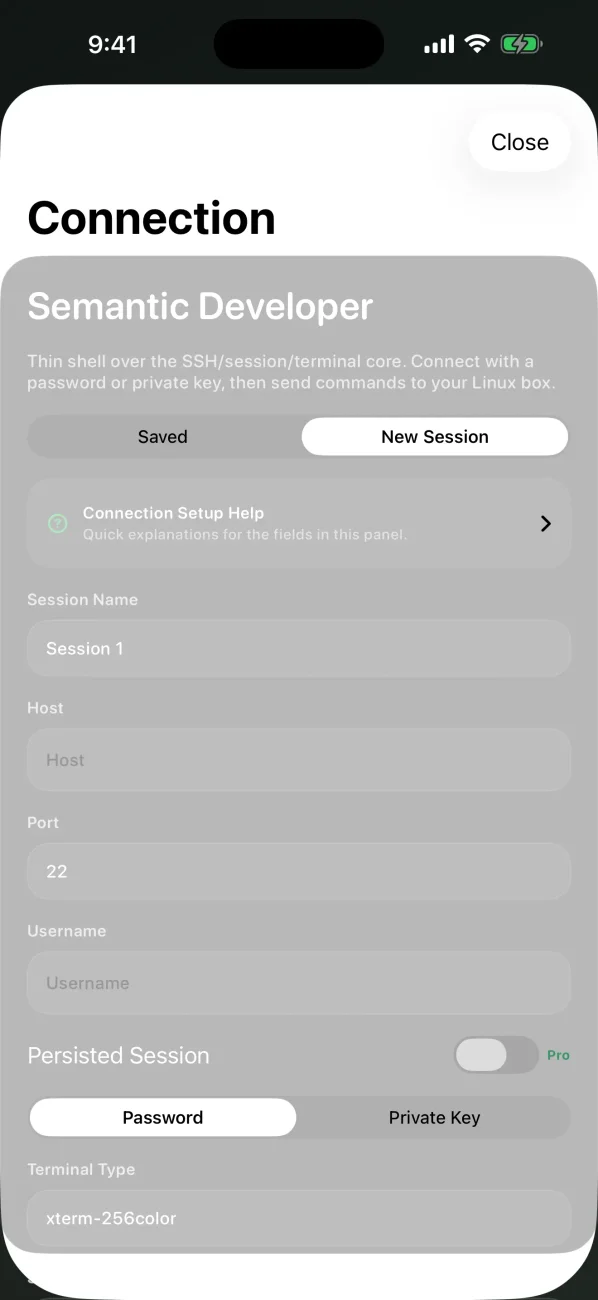
Connect with password or private-key authentication, verify known hosts, and save the connection profiles you use every day. Credentials stay in Apple Keychain, while saved connection metadata remains separate from secrets.
**Full terminal emulation**
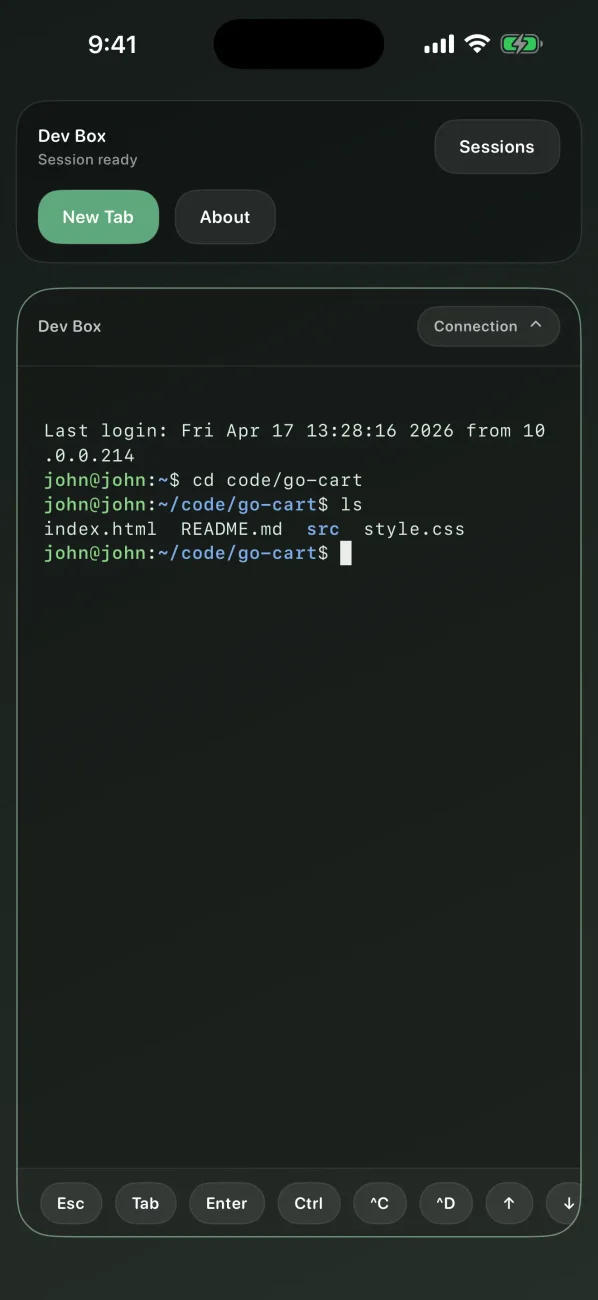
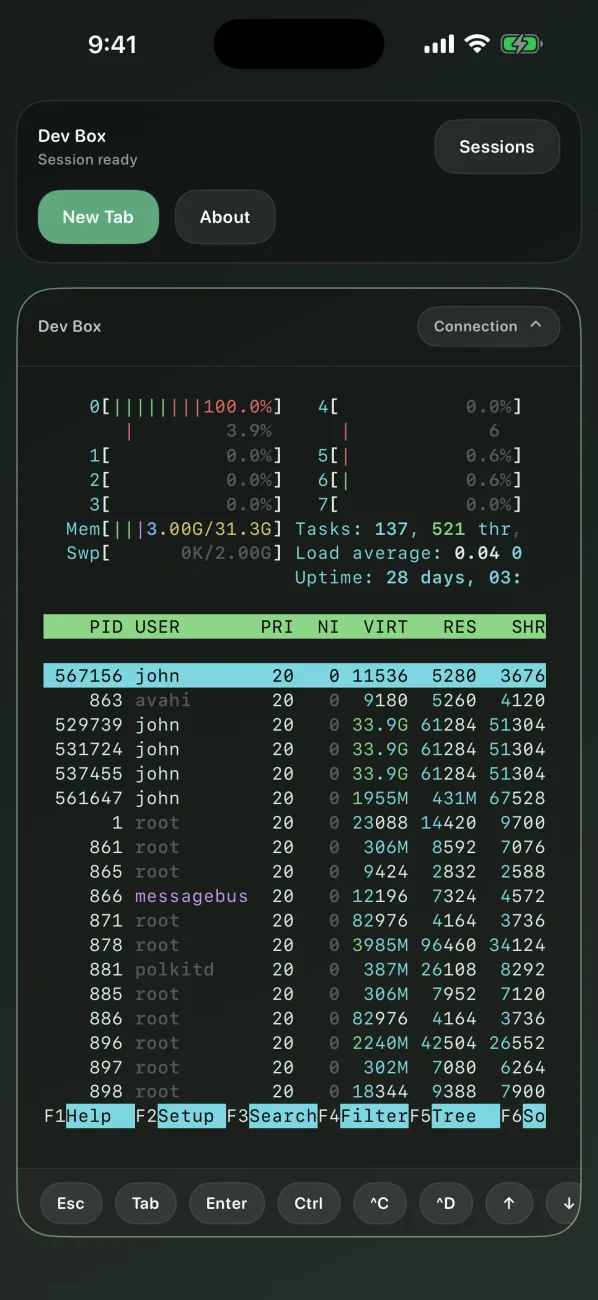
A from-scratch xterm-256color emulator renders your shell output faithfully: 256-color and true-color SGR, bold, italic, dim, inverse, alternate screen, scroll regions, reverse index, DEC line drawing, and application cursor key mode. vim, htop, Claude Code, and other TUI tools render correctly.
**Multi-tab workflow**
Open multiple SSH sessions as tabs, and on wider layouts view two sessions side by side. Each tab has an activity indicator so you can see output arriving in background sessions without switching away.
**Persisted sessions with Pro**
Semantic Developer Pro can install an optional helper on a server you control. With your approval, the helper keeps a remote shell running between connections so you can reattach after closing the app, switching networks, or stepping away.
**iOS and iPadOS companion**
Use the iPhone and iPad app to monitor and interact with remote sessions while away from your desk. A full terminal surface with hardware keyboard support, a software keyboard with terminal-specific accessory keys (Escape, Tab, Ctrl, arrows), and adaptive layout for all screen sizes and orientations.
**Built for developers**
- SSH with password or private key authentication
- Known-hosts verification with configurable policy
- xterm-256color and true-color rendering
- OSC 7 current directory tracking per tab
- OSC 2 window title capture with per-tab display
- Git status sidebar for quick diff review
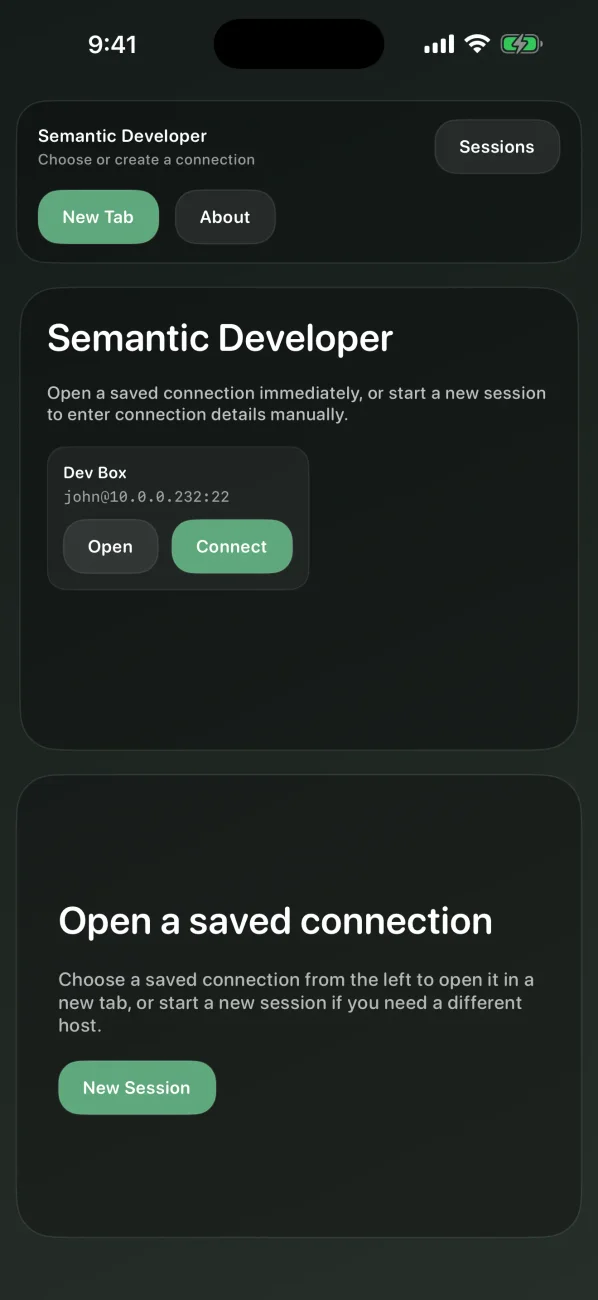
- Free edition includes 1 saved connection
- Pro unlocks unlimited saved connections and persisted sessions
Novedades
Versión 1.0.2 · 3/5/2026
Scrollback history is now preserved while running AI coding tools like Claude Code and Codex, so you can scroll up to review output without losing context. Git status detection is also more reliable — the app now better tracks your current directory as you navigate between projects.
Privacidad de la aplicación
Lo que John Abbott declara en App Store sobre cómo esta aplicación gestiona los datos.
-
No se recopilan datos
El desarrollador no recopila ningún dato de esta aplicación.
Las prácticas de privacidad pueden variar, por ejemplo, según las funciones que uses o tu edad.
Información
- Vendedor
- John Abbott
- Categoría
- Para desarrolladores
- Versión
- 1.0.2
- Actualizado
- 3/5/2026
- Publicado
- 23/4/2026
- Tamaño
- 60,5 MB
- Requiere
- iOS 16.0 o posterior
- Clasificación por edad
- 4+
- Compras en la aplicación
- Sí
- Copyright
- © 2026 Stainless Designer LLC
Quizá también te guste
-
 gtmuxPara desarrolladores
-
 Keys TesterPara desarrolladores
-
 KeyNest: Gestor de claves IABóveda dev: prueba y saldo
-
 Multiplex — SSH tmux TerminalPara desarrolladores
-
 W&B CatnipPara desarrolladores
-
 Driven – Live App AnalyticsPara desarrolladores
-
 Conductor for Xcode CloudPara desarrolladores
-
 RootCoder-Vibe Coding on MobiAI hace Apps y Web auto
-
 DevKit: PDF, JSON & Dev ToolsPara desarrolladores
-
 TermRover - SSH TerminalPara desarrolladores