
Semantic Developer
Terminal for AI development
Dirancang untuk iPhone, iPad
Gratis · Pembelian dalam aplikasi
- Batasan usia4+
- KategoriAlat Pengembang
- PengembangJohn Abbott
- Ukuran60,5 MB
Tertaut ke halaman resmi App Store
Download.org tidak menyimpan file Semantic Developer apa pun. Tombol ini membuka halaman aplikasi di App Store, tempat John Abbott menerbitkannya. Halaman terakhir diperiksa pada 20/11/2026.
Tangkapan layar
Tentang
Pengembang belum menyediakan teks ini dalam bahasa Anda.
Semantic Developer is a professional SSH terminal built for AI-assisted development workflows. Connect to remote servers, run Claude Code, Codex CLI, or any long-running shell tool, and monitor your work from iPhone or iPad.
**SSH terminal for real development**
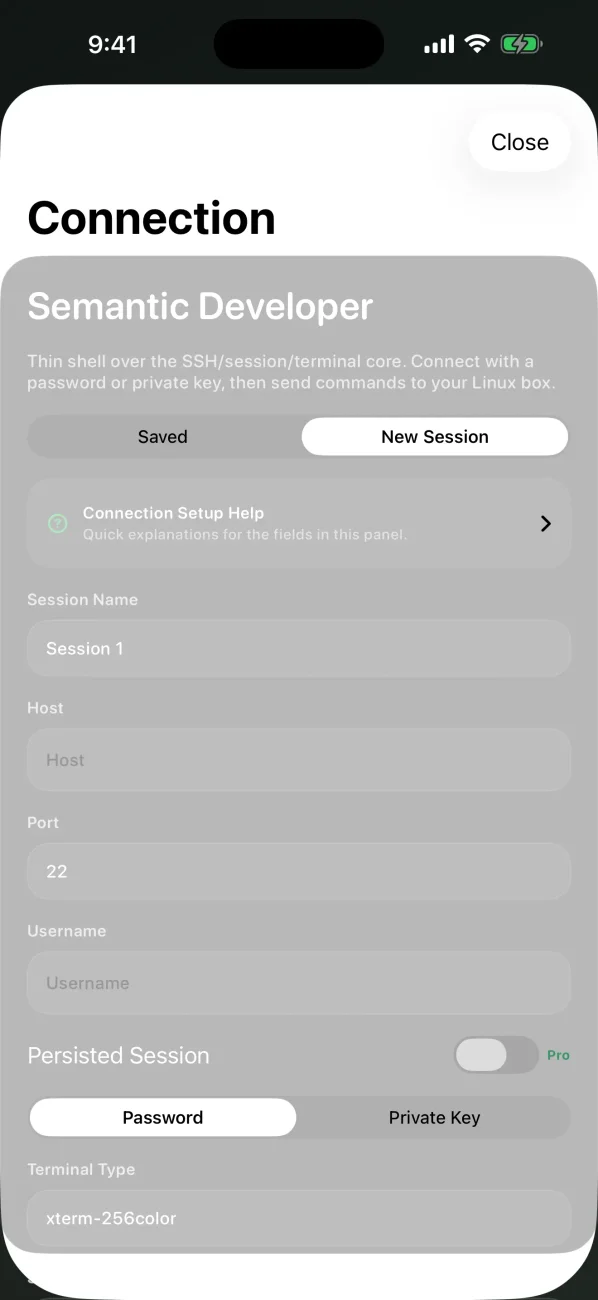
Connect with password or private-key authentication, verify known hosts, and save the connection profiles you use every day. Credentials stay in Apple Keychain, while saved connection metadata remains separate from secrets.
**Full terminal emulation**
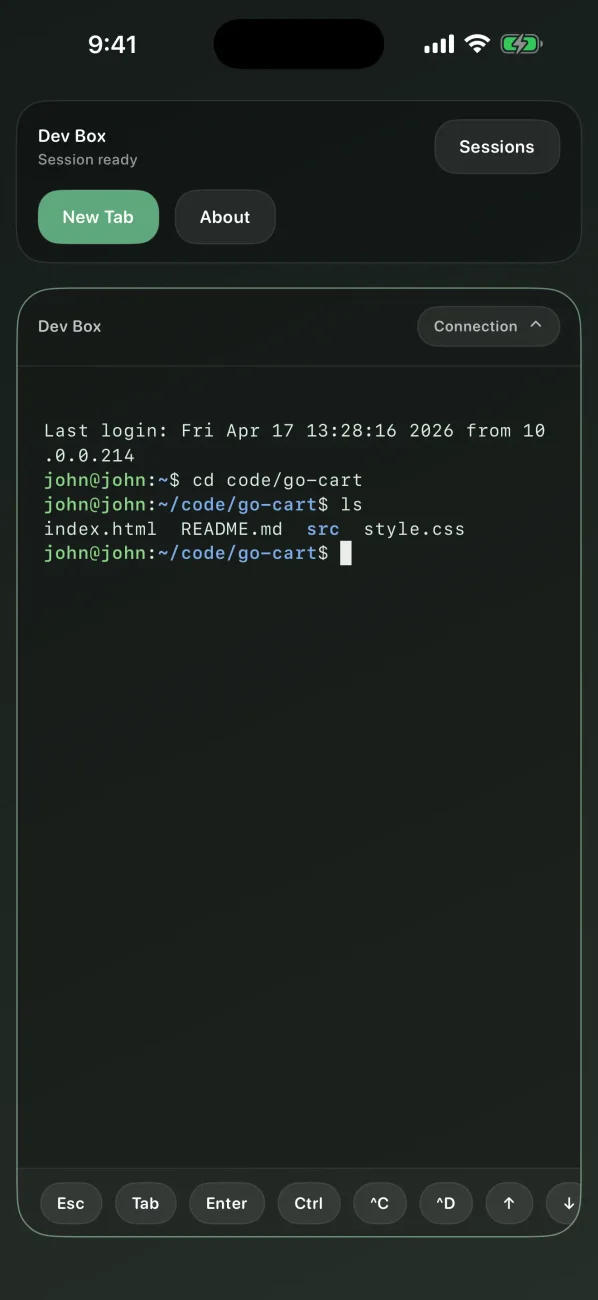
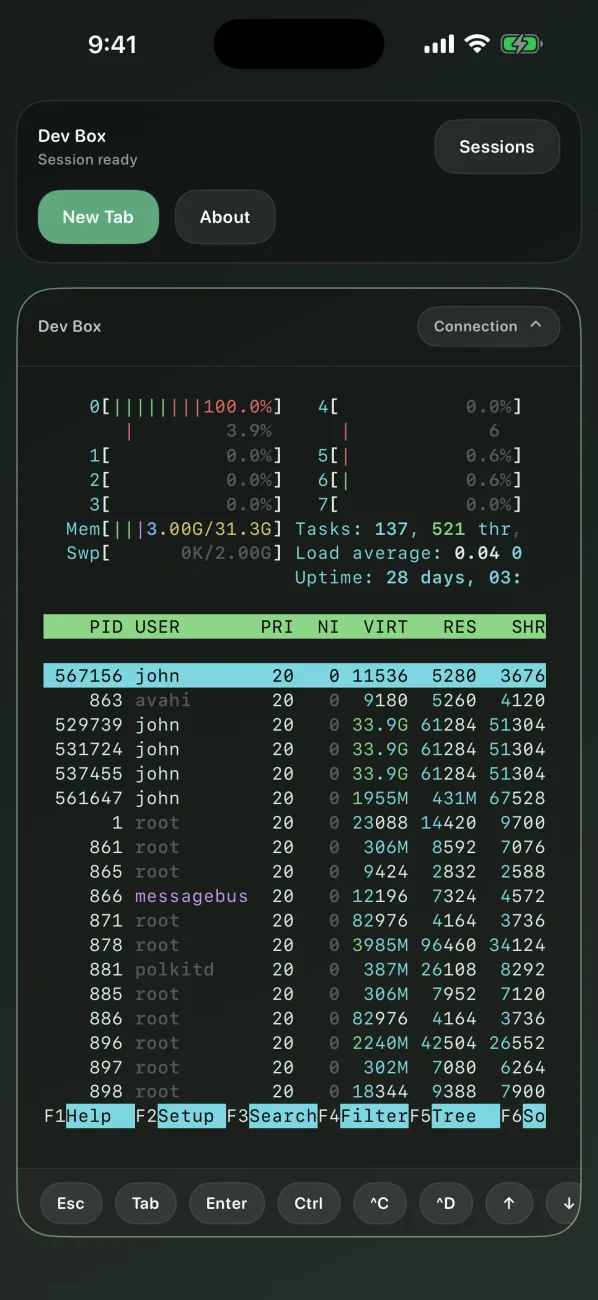
A from-scratch xterm-256color emulator renders your shell output faithfully: 256-color and true-color SGR, bold, italic, dim, inverse, alternate screen, scroll regions, reverse index, DEC line drawing, and application cursor key mode. vim, htop, Claude Code, and other TUI tools render correctly.
**Multi-tab workflow**
Open multiple SSH sessions as tabs, and on wider layouts view two sessions side by side. Each tab has an activity indicator so you can see output arriving in background sessions without switching away.
**Persisted sessions with Pro**
Semantic Developer Pro can install an optional helper on a server you control. With your approval, the helper keeps a remote shell running between connections so you can reattach after closing the app, switching networks, or stepping away.
**iOS and iPadOS companion**
Use the iPhone and iPad app to monitor and interact with remote sessions while away from your desk. A full terminal surface with hardware keyboard support, a software keyboard with terminal-specific accessory keys (Escape, Tab, Ctrl, arrows), and adaptive layout for all screen sizes and orientations.
**Built for developers**
- SSH with password or private key authentication
- Known-hosts verification with configurable policy
- xterm-256color and true-color rendering
- OSC 7 current directory tracking per tab
- OSC 2 window title capture with per-tab display
- Git status sidebar for quick diff review
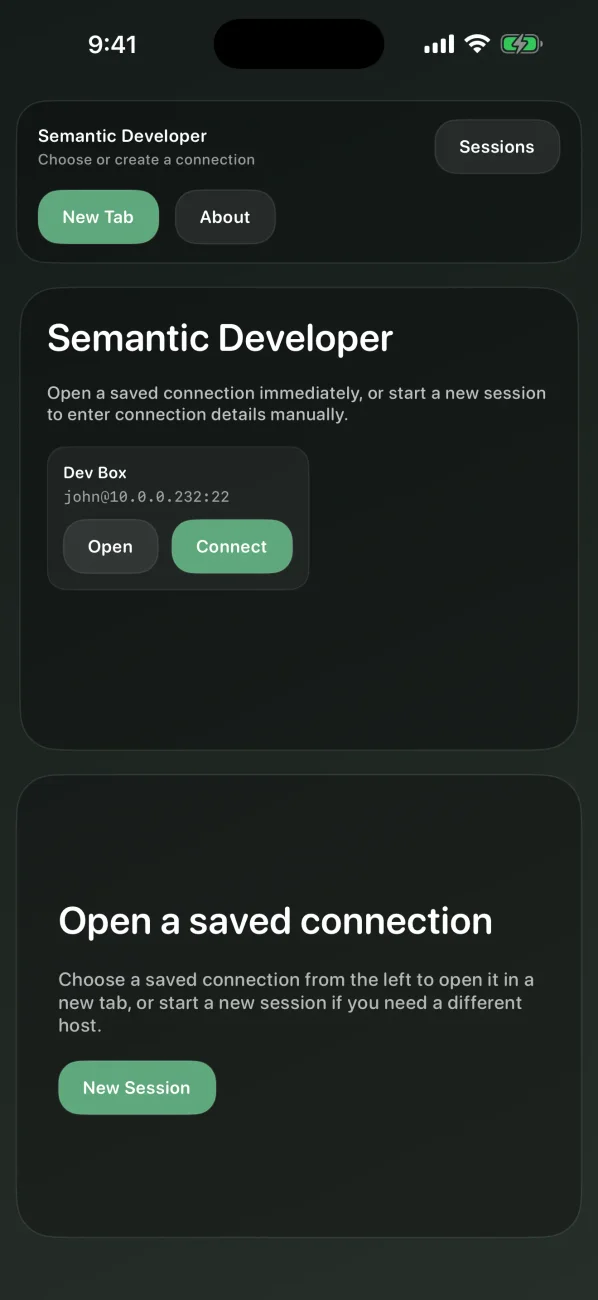
- Free edition includes 1 saved connection
- Pro unlocks unlimited saved connections and persisted sessions
Yang baru
Versi 1.0.2 · 3/5/2026
Scrollback history is now preserved while running AI coding tools like Claude Code and Codex, so you can scroll up to review output without losing context. Git status detection is also more reliable — the app now better tracks your current directory as you navigate between projects.
Privasi aplikasi
Yang dinyatakan John Abbott di App Store tentang cara aplikasi ini menangani data.
-
Data tidak dikumpulkan
Pengembang tidak mengumpulkan data apa pun dari aplikasi ini.
Praktik privasi dapat bervariasi, misalnya berdasarkan fitur yang Anda gunakan atau usia Anda.
Informasi
- Penjual
- John Abbott
- Kategori
- Alat Pengembang
- Versi
- 1.0.2
- Diperbarui
- 3/5/2026
- Dirilis
- 23/4/2026
- Ukuran
- 60,5 MB
- Memerlukan
- iOS 16.0 atau yang lebih baru
- Batasan usia
- 4+
- Harga
- Gratis
- Pembelian dalam aplikasi
- Ya
- Hak cipta
- © 2026 Stainless Designer LLC
Mungkin Anda juga suka
-
 gtmuxAlat Pengembang
-
 Keys TesterAlat Pengembang
-
 KeyNest - AI API Key ManagerAlat Pengembang
-
 Multiplex — SSH tmux TerminalAlat Pengembang
-
 W&B CatnipAlat Pengembang
-
 Driven – Live App AnalyticsAlat Pengembang
-
 Conductor for Xcode CloudAlat Pengembang
-
 RootCoder-Vibe Coding on MobiAlat Pengembang
-
 DevKit: PDF, JSON & Dev ToolsAlat Pengembang
-
 TermRover - SSH TerminalAlat Pengembang