- Clasificación por edad4+
- CategoríaEducación
- DesarrolladorChristopher Hardy
- IdiomasInglés
- Tamaño5,1 MB
Enlaza a la página oficial de App Store
Download.org no aloja ningún archivo de Sentient Studio. El botón abre la página de la aplicación en App Store, donde la publica Christopher Hardy. Ficha comprobada por última vez el 14/11/2026.
Capturas de pantalla
Acerca de
El desarrollador no ha proporcionado este texto en tu idioma.
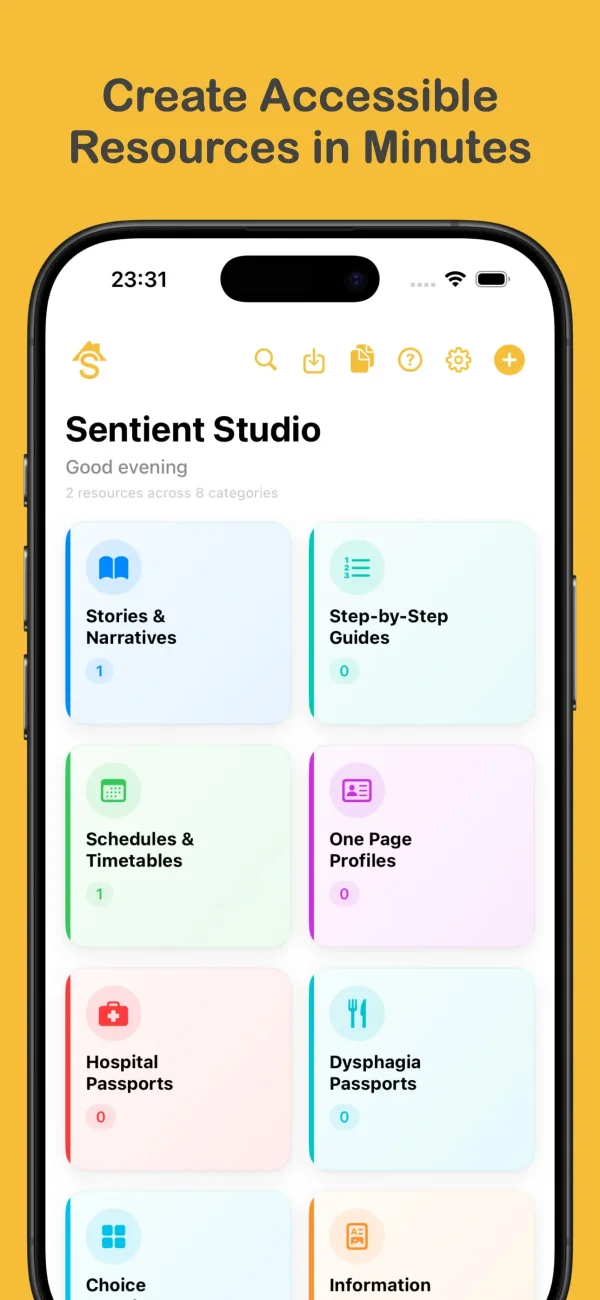
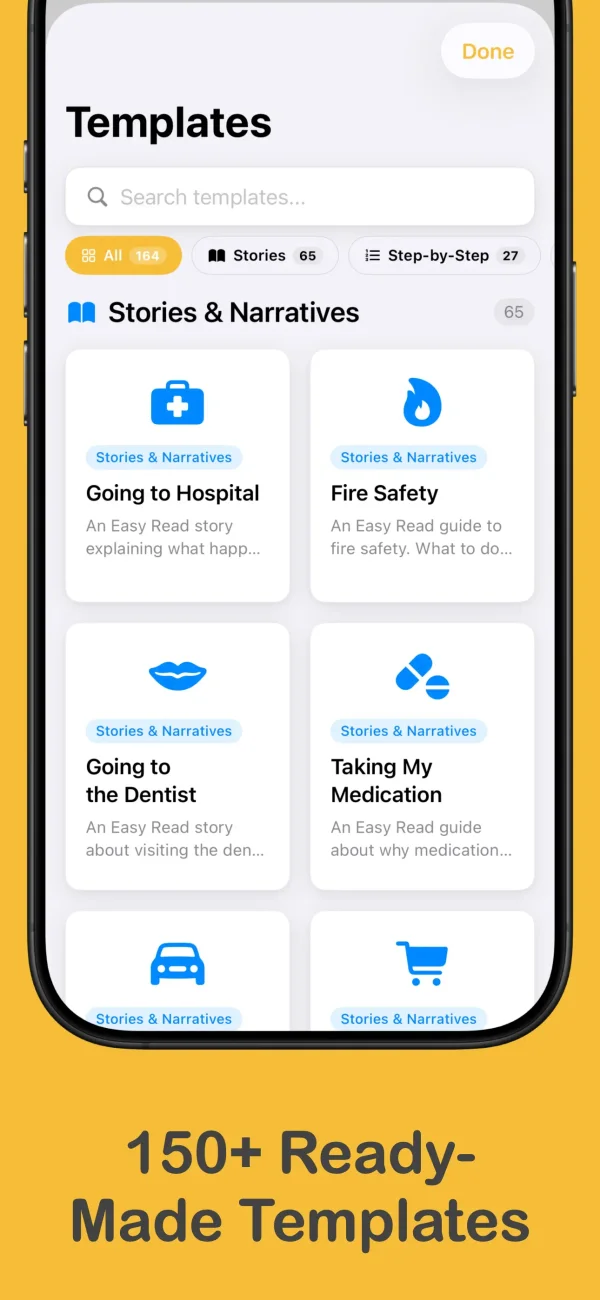
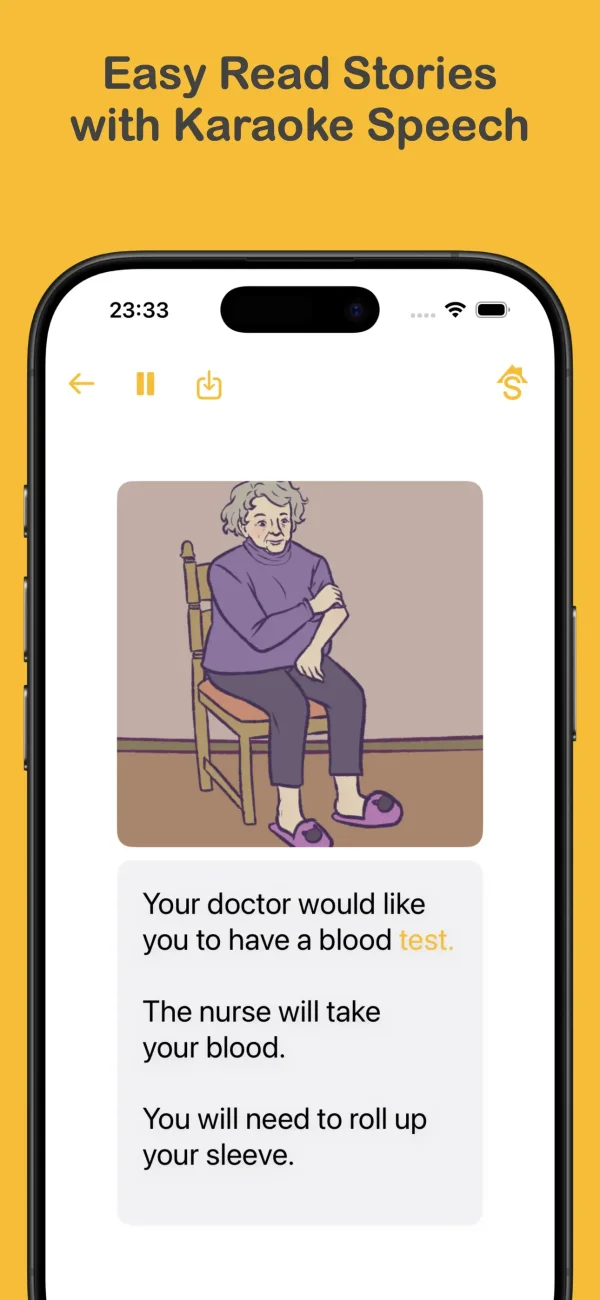
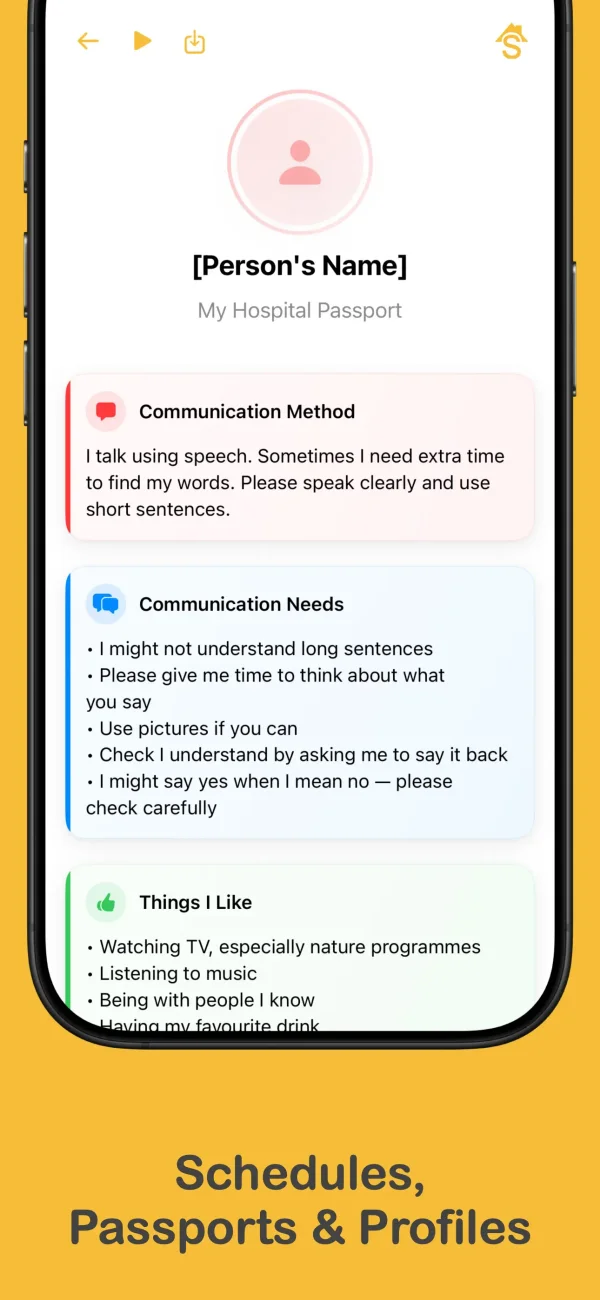
Sentient Studio makes easy read documents: Stories and Social Narratives, Step-by-Step Guides, Visual Schedules (including Now & Next and First-Then boards), One-Page Profiles, Choice Boards, and Information Pages. If you support someone with a learning disability, autism, or additional needs, this is built for you.
Everything stays on your device. No account, no cloud, nothing sent anywhere. You add your own photos, write in plain language, and export a document you can print or share.
The app checks your writing as you go. It shows a reading age for whatever you've typed and can simplify a sentence in one tap, cutting jargon, passive voice, and idioms that don't translate well for a literal reader.
Exports are properly laid out, not just text dumped onto a page. Pick your paper size, adjust text size, choose a real dyslexia-friendly font if you need one, and control how much fits on a printed page.
Every document type and every template is free from the moment you open the app. No sign-up, no subscription, no paywall.
Novedades
Versión 6 · 2/9/2026
This update makes creating easy read resources faster, and the finished documents look better.
• Add as many pages or steps as you need, no more guessing a page count before you start
• A new Customize option keeps styling and extra details tucked away until you want them, so you can go from blank page to finished document faster
• Printed and exported documents are clearer: one idea per page in Stories and Guides, and every layout looks considered even before you've added a photo
• Choose your own text size when exporting, and control how many schedule steps appear on each printed page
• Your recently used photos are remembered, so you don't have to find the same picture twice
• Several fixes: safer editing of Choice Boards, more reliable duplicating, a genuine dyslexia-friendly font option
Privacidad de la aplicación
Lo que Christopher Hardy declara en App Store sobre cómo esta aplicación gestiona los datos.
-
No se recopilan datos
El desarrollador no recopila ningún dato de esta aplicación.
Las prácticas de privacidad pueden variar, por ejemplo, según las funciones que uses o tu edad.
Información
- Vendedor
- Christopher Hardy
- Categoría
- Educación
- Versión
- 6
- Actualizado
- 2/9/2026
- Publicado
- 14/6/2025
- Tamaño
- 5,1 MB
- Requiere
- iOS 16.6 o posterior
- Clasificación por edad
- 4+
- Precio
- Gratis
- Idiomas
- Inglés
- Copyright
- © 2025 Sentient Care Group