Sentient Studio
Easy Read Resource Creator
Được thiết kế cho iPhone, iPad
Miễn phí
- Độ tuổi4+
- Danh mụcGiáo Dục
- Nhà phát triểnChristopher Hardy
- Ngôn ngữTiếng Anh
- Kích thước5,1 MB
Liên kết đến trang App Store chính thức
Download.org không lưu trữ tệp nào của Sentient Studio. Nút này mở trang ứng dụng trên App Store, nơi Christopher Hardy phát hành ứng dụng. Trang được kiểm tra lần cuối: 14/11/2026.
Ảnh chụp màn hình
Giới thiệu
Nhà phát triển chưa cung cấp nội dung này bằng ngôn ngữ của bạn.
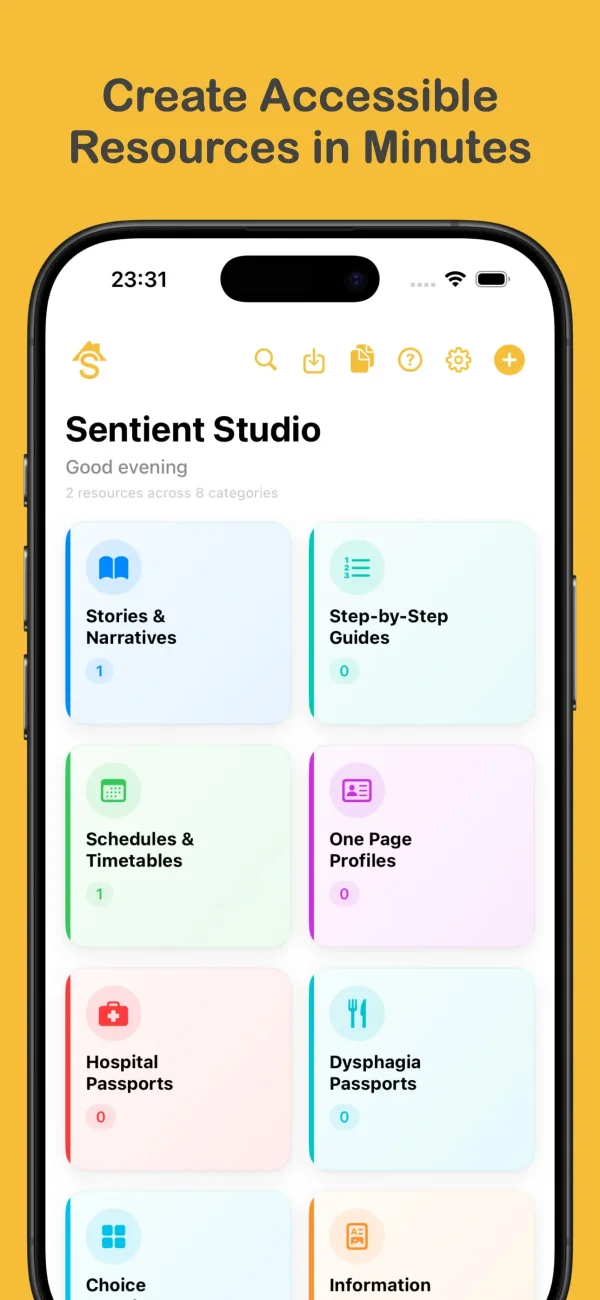
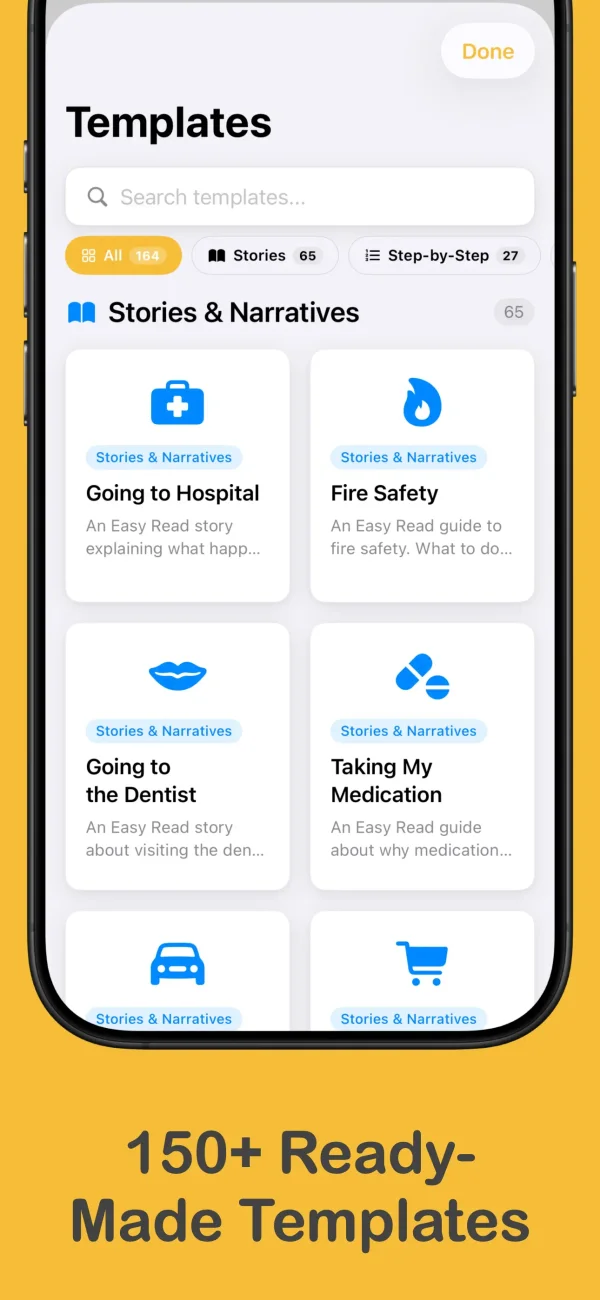
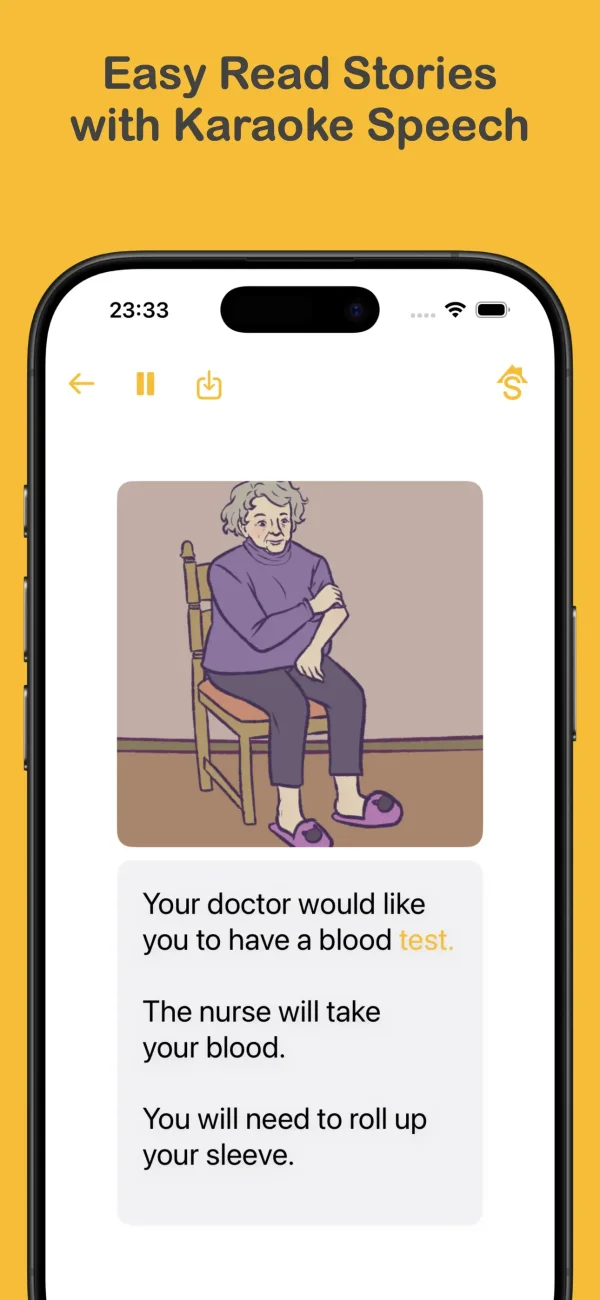
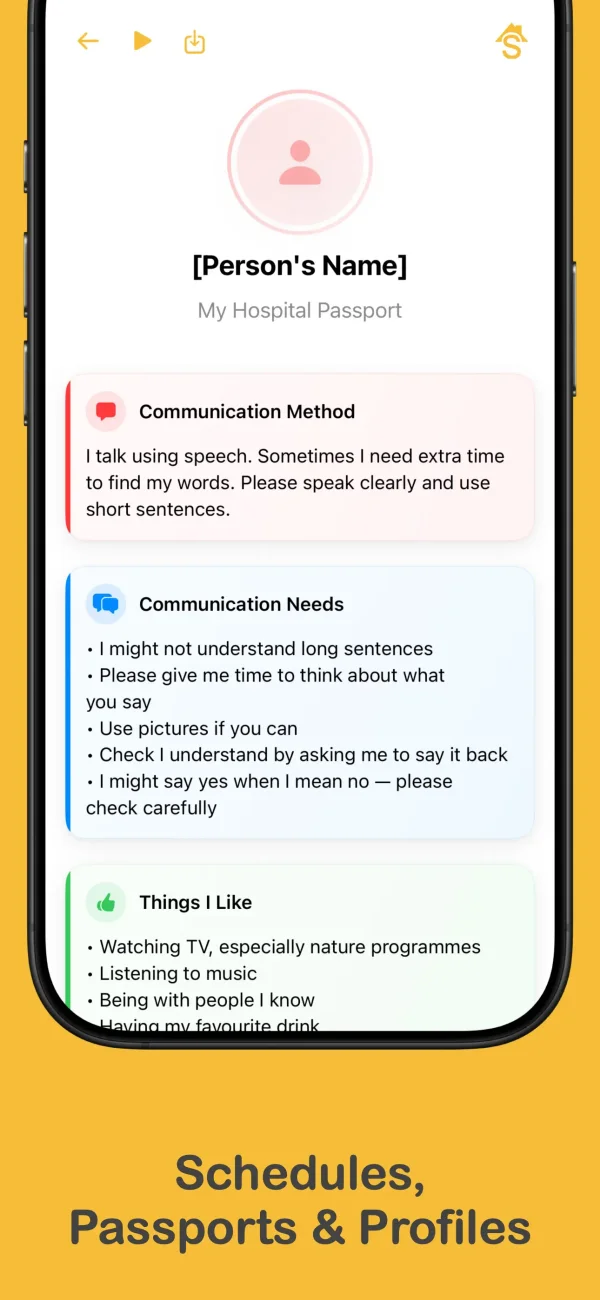
Sentient Studio makes easy read documents: Stories and Social Narratives, Step-by-Step Guides, Visual Schedules (including Now & Next and First-Then boards), One-Page Profiles, Choice Boards, and Information Pages. If you support someone with a learning disability, autism, or additional needs, this is built for you.
Everything stays on your device. No account, no cloud, nothing sent anywhere. You add your own photos, write in plain language, and export a document you can print or share.
The app checks your writing as you go. It shows a reading age for whatever you've typed and can simplify a sentence in one tap, cutting jargon, passive voice, and idioms that don't translate well for a literal reader.
Exports are properly laid out, not just text dumped onto a page. Pick your paper size, adjust text size, choose a real dyslexia-friendly font if you need one, and control how much fits on a printed page.
Every document type and every template is free from the moment you open the app. No sign-up, no subscription, no paywall.
Có gì mới
Phiên bản 6 · 02/09/2026
This update makes creating easy read resources faster, and the finished documents look better.
• Add as many pages or steps as you need, no more guessing a page count before you start
• A new Customize option keeps styling and extra details tucked away until you want them, so you can go from blank page to finished document faster
• Printed and exported documents are clearer: one idea per page in Stories and Guides, and every layout looks considered even before you've added a photo
• Choose your own text size when exporting, and control how many schedule steps appear on each printed page
• Your recently used photos are remembered, so you don't have to find the same picture twice
• Several fixes: safer editing of Choice Boards, more reliable duplicating, a genuine dyslexia-friendly font option
Quyền riêng tư của ứng dụng
Những gì Christopher Hardy khai báo trên App Store về cách ứng dụng này xử lý dữ liệu.
-
Dữ liệu không được thu thập
Nhà phát triển không thu thập bất kỳ dữ liệu nào từ ứng dụng này.
Phương thức đảm bảo quyền riêng tư có thể khác nhau, chẳng hạn như tuỳ theo các tính năng bạn sử dụng hoặc độ tuổi của bạn.
Thông tin
- Người bán
- Christopher Hardy
- Danh mục
- Giáo Dục
- Phiên bản
- 6
- Cập nhật
- 02/09/2026
- Phát hành
- 14/06/2025
- Kích thước
- 5,1 MB
- Yêu cầu
- iOS 16.6 trở lên
- Độ tuổi
- 4+
- Giá
- Miễn phí
- Ngôn ngữ
- Tiếng Anh
- Bản quyền
- © 2025 Sentient Care Group