Simple Censor: Face Blur
Fast Photo Redaction & Mosaic
Diseñada para iPhone, iPad
Gratis
- Clasificación por edad4+
- CategoríaFoto y vídeo
- Desarrolladorheewook shin
- IdiomasInglés+ 1 más
- Tamaño10,2 MB
Enlaza a la página oficial de App Store
Download.org no aloja ningún archivo de Simple Censor: Face Blur. El botón abre la página de la aplicación en App Store, donde la publica heewook shin. Ficha comprobada por última vez el 14/11/2026.
Capturas de pantalla

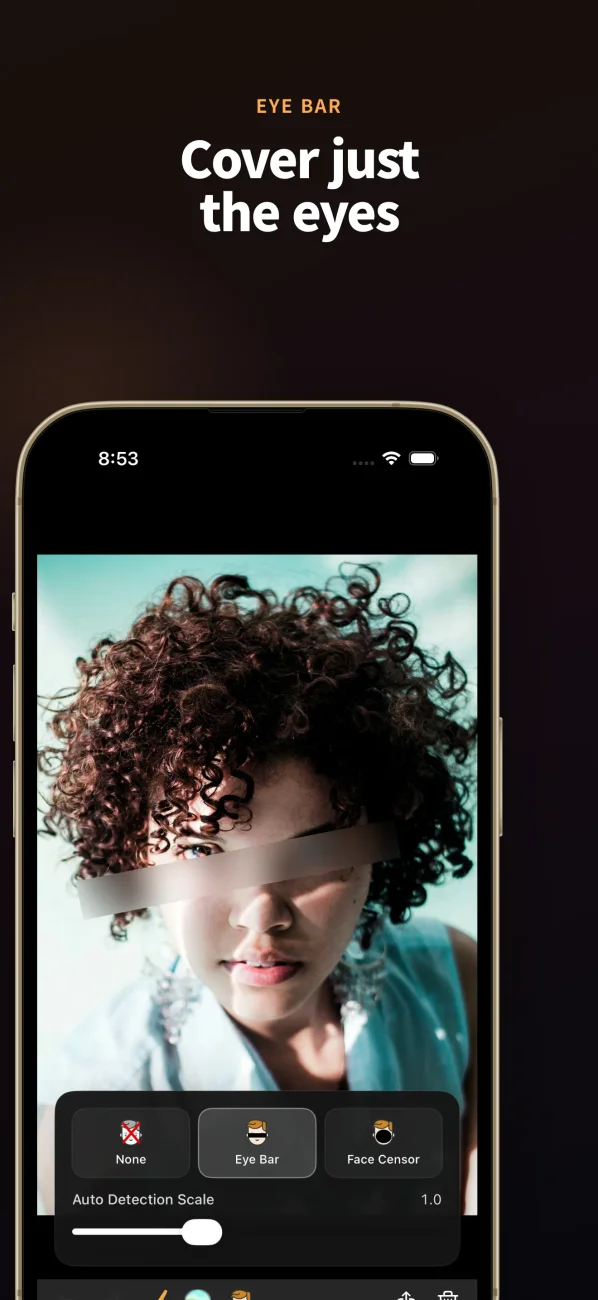
Acerca de
El desarrollador no ha proporcionado este texto en tu idioma.
Redact faces and personal information before you share—without a complicated editor.
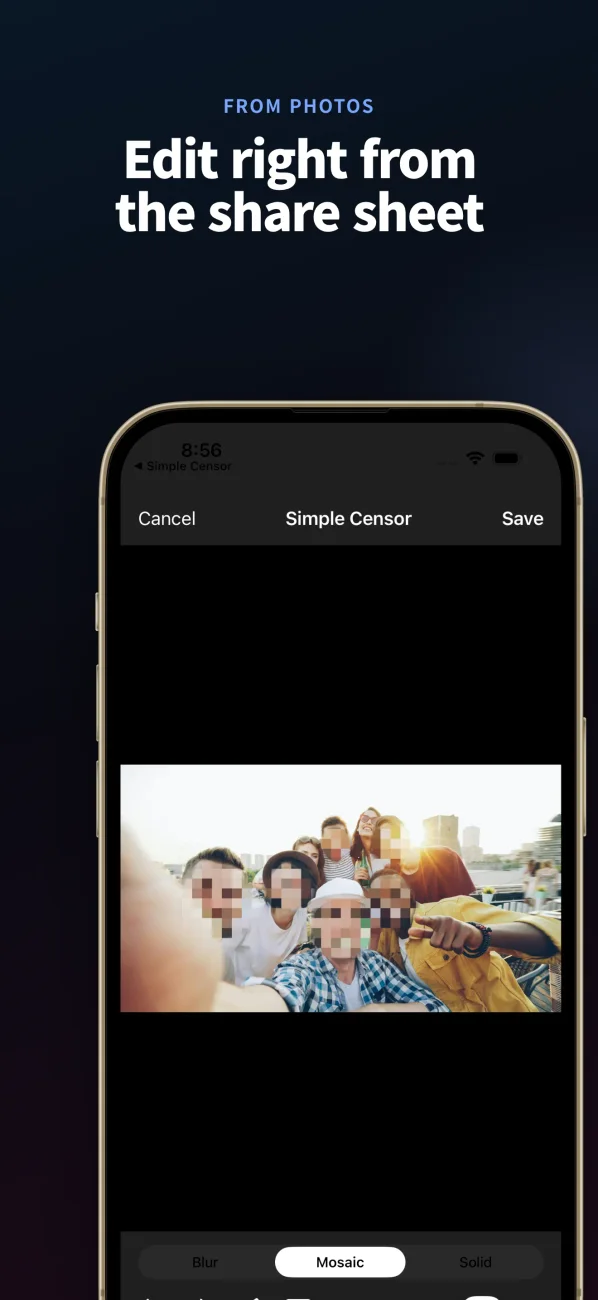
Open a photo in Simple Censor or start directly from the iOS share sheet. Detected faces receive a pixel mosaic automatically. Brush over names, addresses, account numbers, or any other sensitive detail, then save at the original resolution or share immediately.
WHY SIMPLE CENSOR
• Direct from the share sheet — edit one photo without opening the app first
• Automatic face redaction — detected faces are mosaicked when the photo opens
• Manual privacy brush — cover text, screens, documents, and identifying details
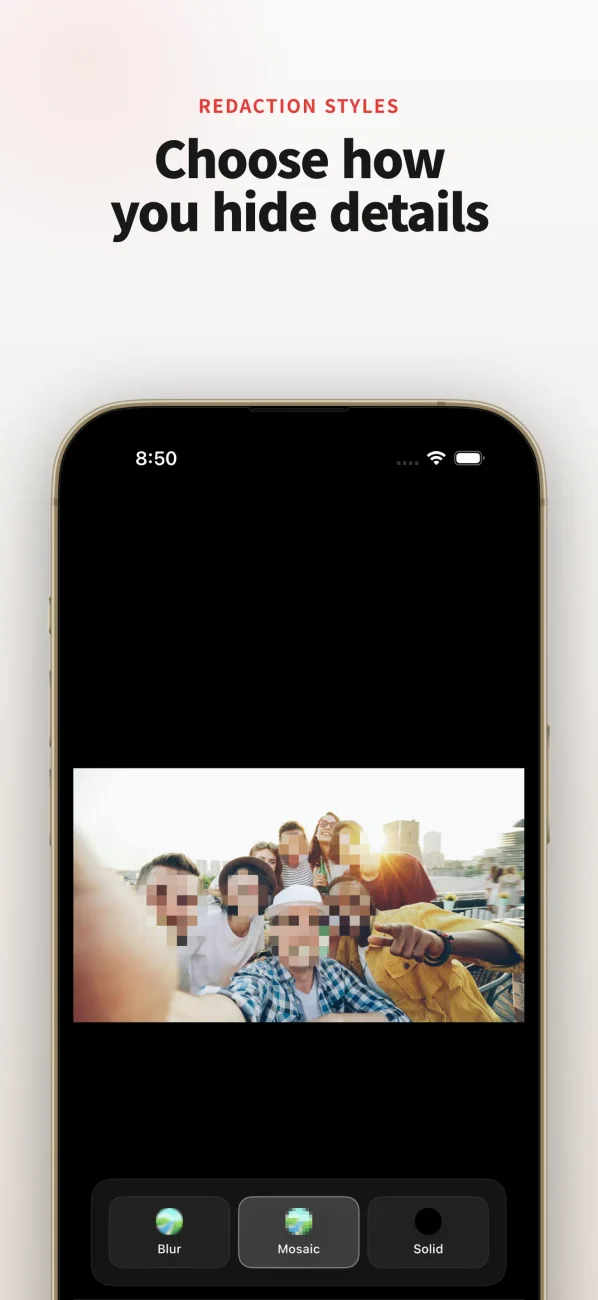
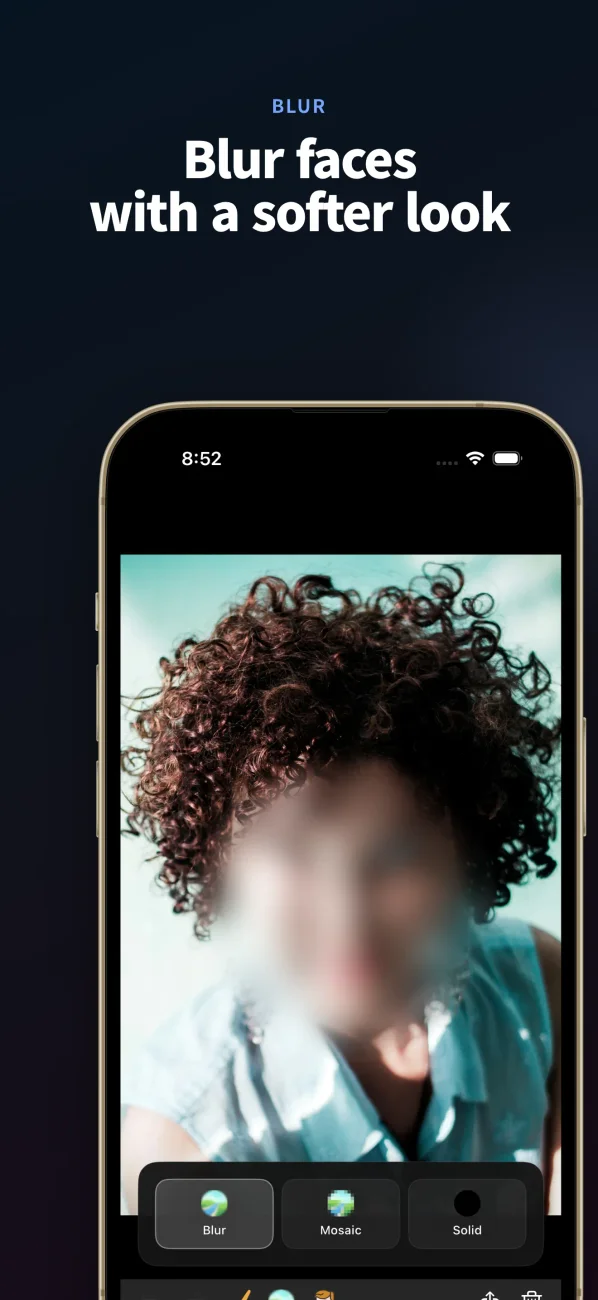
• Three censor styles — blur, pixel mosaic, or solid black fill
• Face or eye coverage — switch between full-face masks and classic eye bars
• Brush and eraser — refine exactly what stays visible
• Undo and redo — correct edits without starting over
• Original-resolution output — keep the photo's original pixel dimensions
• No subscription or watermark
PRIVATE BY DESIGN
Face detection and editing run on your device. Simple Censor does not upload your photos for processing.
HOW IT WORKS
1. Pick a photo in the app, or choose Simple Censor from another app's share sheet.
2. Review the automatic face mosaic and brush over anything else.
3. Save to Photos or share immediately.
Simple Censor is made for quick redaction before social posts, messages, listings, school documents, and screenshots.
Novedades
Versión 1.2.2 · 30/8/2026
• Edit and save a photo directly from the iOS share sheet
• Automatically apply a mosaic to detected faces
• Refine private areas with brush, eraser, blur, mosaic, or solid fill
• Improved save feedback, localization, stability, and polish
Privacidad de la aplicación
Lo que heewook shin declara en App Store sobre cómo esta aplicación gestiona los datos.
-
Datos no vinculados a ti
Pueden recopilarse, pero no se vinculan a tu identidad.
- Identificadores
- Datos de uso
Las prácticas de privacidad pueden variar, por ejemplo, según las funciones que uses o tu edad.
Información
- Vendedor
- heewook shin
- Categoría
- Foto y vídeo
- Versión
- 1.2.2
- Actualizado
- 30/8/2026
- Publicado
- 20/9/2020
- Tamaño
- 10,2 MB
- Requiere
- iOS 17.0 o posterior
- Clasificación por edad
- 4+
- Precio
- Gratis
- Idiomas
- Inglés, Coreano
- Copyright
- © 2026 AXI Inc.
Quizá también te guste
-
 CensorPixelFoto y vídeo
-
 Veil: Censor & Blur PhotosFoto y vídeo
-
 Censor ThisFoto y vídeo
-
 Photo Blur – Brush to CensorFoto y vídeo
-
 Desenfocar y censurarPixelar rostros y placas
-
 Censored Gallery: Blur NudityFoto y vídeo
-
 BlurBrush · censurar capturasTapa IBAN, tarjetas y DNI
-
 Censor: Mosaic & Blur FaceCara Borrosa & Mosaico Fotos
-
 Difuminar Vídeo &Censurar CaraPixelar y mosaico para objetos
-
 Difuminar Cara Mosaico PixelTapar cuerpo y fondo en vídeo