
SimpleClip: Video Editor
Easy Editing. Powerful Tools.
Diseñada para iPhone
Compras en la aplicación
- Clasificación por edad4+
- CategoríaFoto y vídeo
- DesarrolladorJoshua Harry
- IdiomasInglés
- Tamaño135,1 MB
Es posible que SimpleClip: Video Editor no esté disponible en App Store en este momento
No se pudo acceder a la ficha de la tienda en nuestra última comprobación. El enlace sigue llevando a la página oficial de App Store.
Capturas de pantalla
Acerca de
El desarrollador no ha proporcionado este texto en tu idioma.
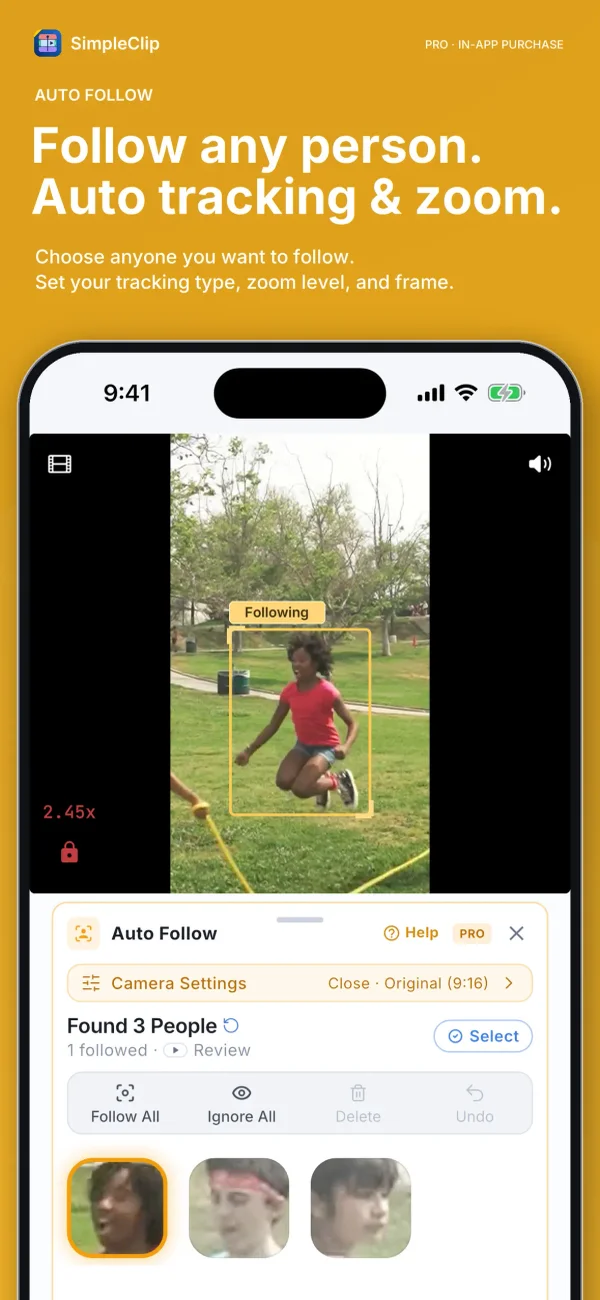
SimpleClip is a video editor for family, home security, and professional videos. Trim a clip, blur the faces you choose, or keep your child in frame as they run across the field. No editing experience needed.
100% LOCAL. NO UPLOADS. YOU OWN YOUR VIDEOS.
Your videos are edited on your iPhone, and the AI runs on your iPhone. Your videos, the faces in them, and your audio are never uploaded to the cloud or an external AI.
FREE FOR EVERYONE
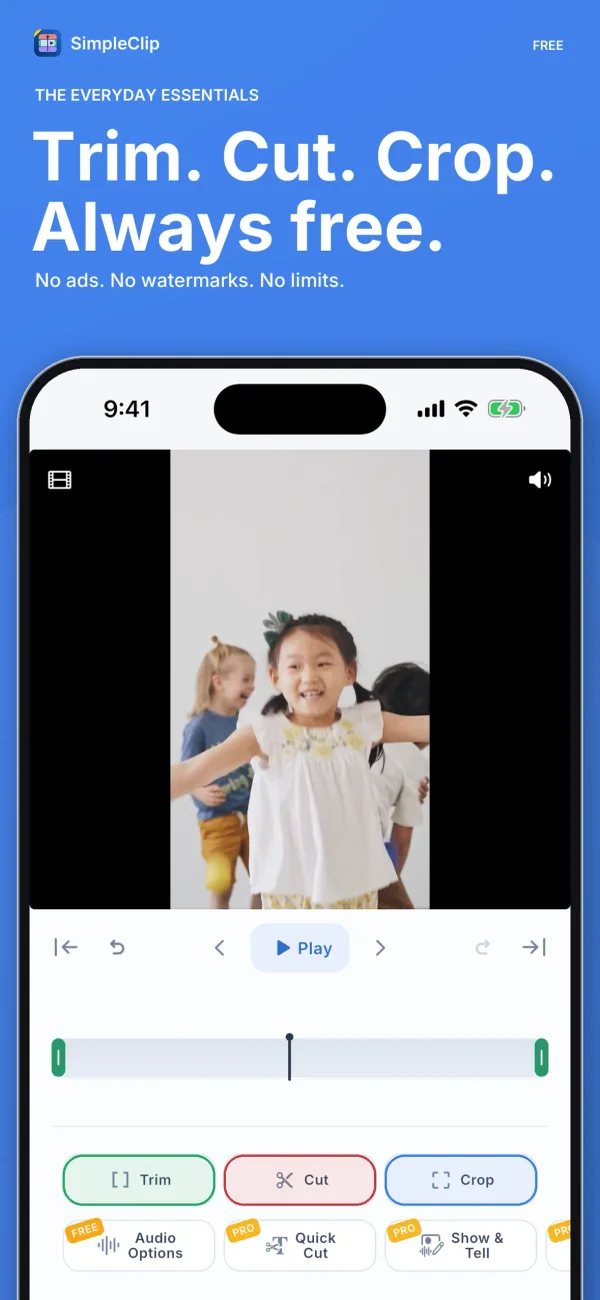
(No ads. No watermarks. No export limits.)
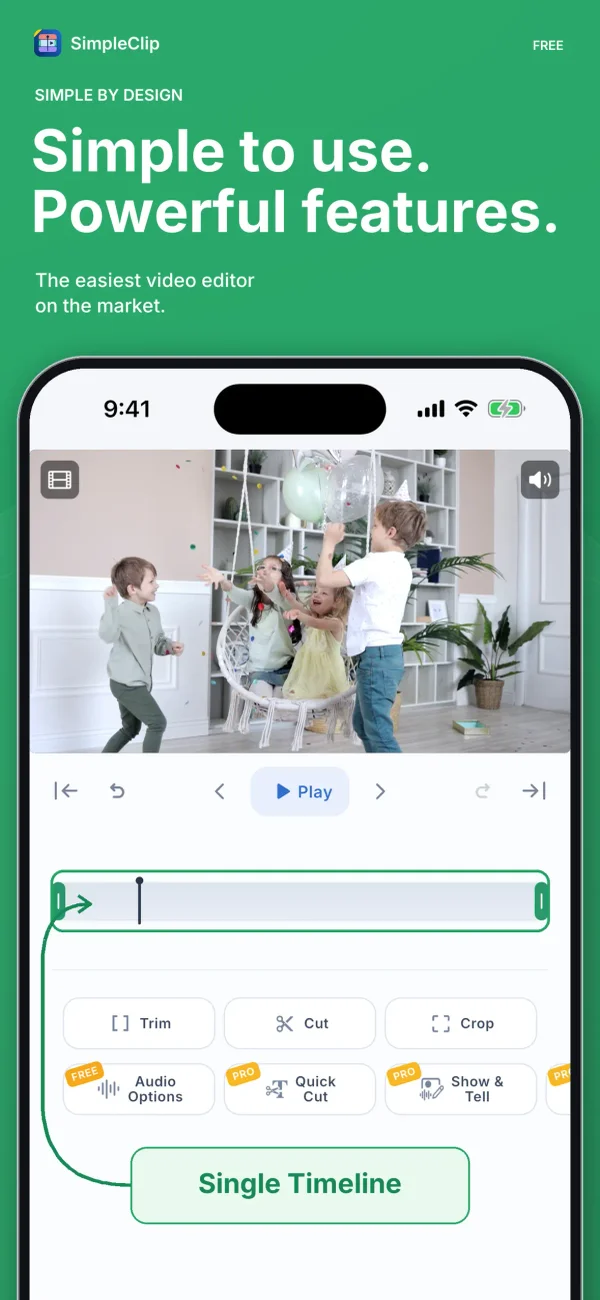
• Trim and Cut on one simple timeline.
• Crop with Zoom or Rectangle.
• Your video's own volume, Sound Style, and Voice Effect.
• Save & Export at full quality.
SIMPLECLIP PRO
(Subscription required. Lifetime purchase available.)
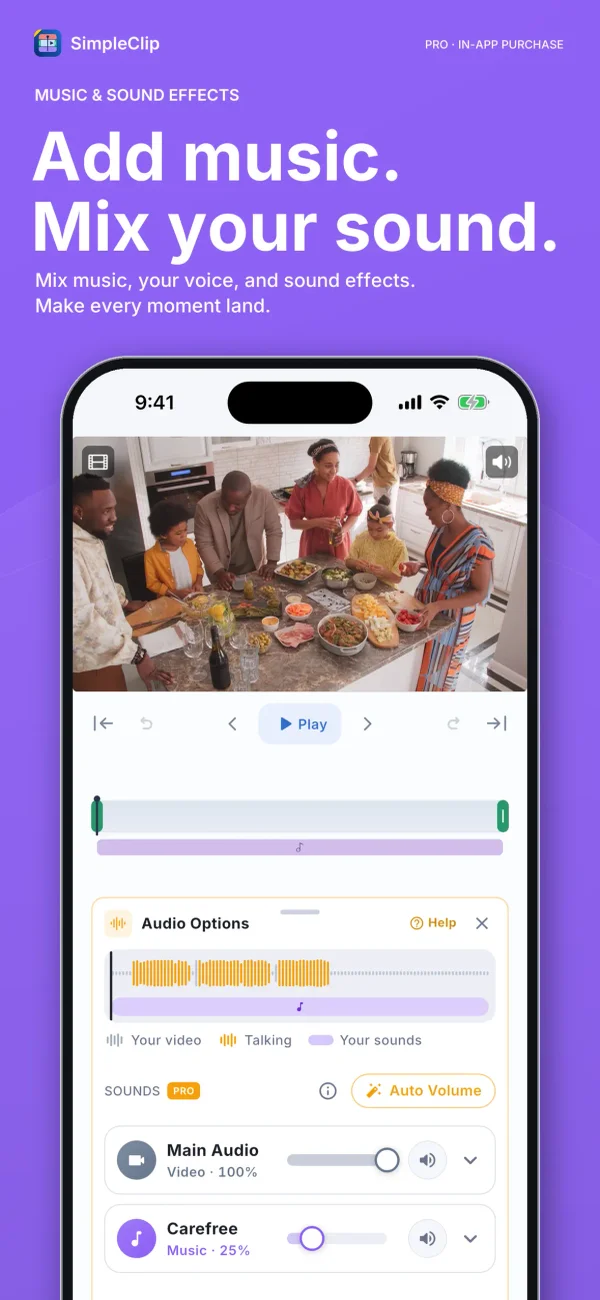
• Audio Options: add music, sound effects, your own recording, a file, or an AI voice.
• Auto Follow: keep your chosen person in frame, automatically.
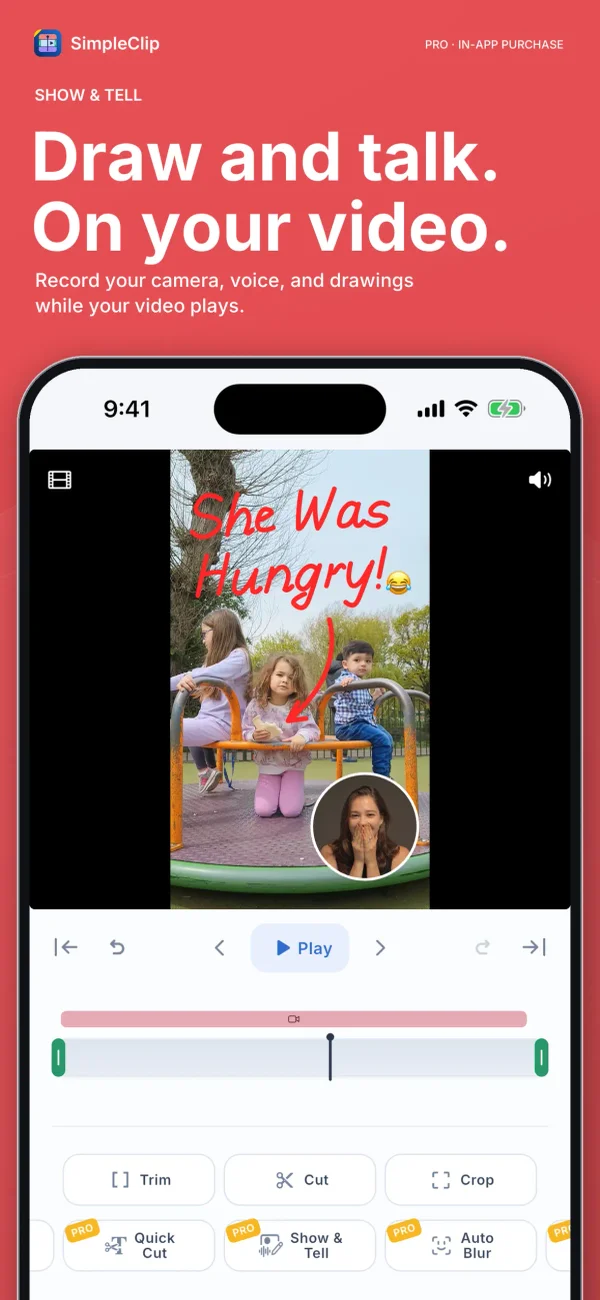
• Show & Tell: draw, talk, and film yourself as your video plays.
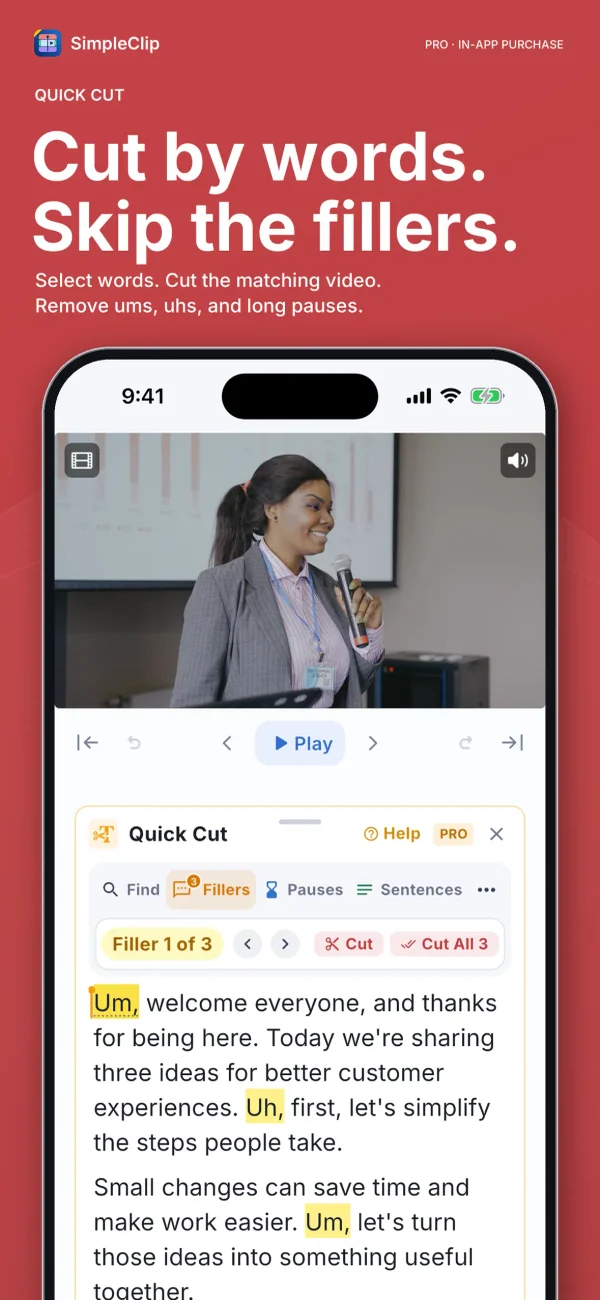
• Quick Cut: cut words, fillers, and pauses by tapping your transcript.
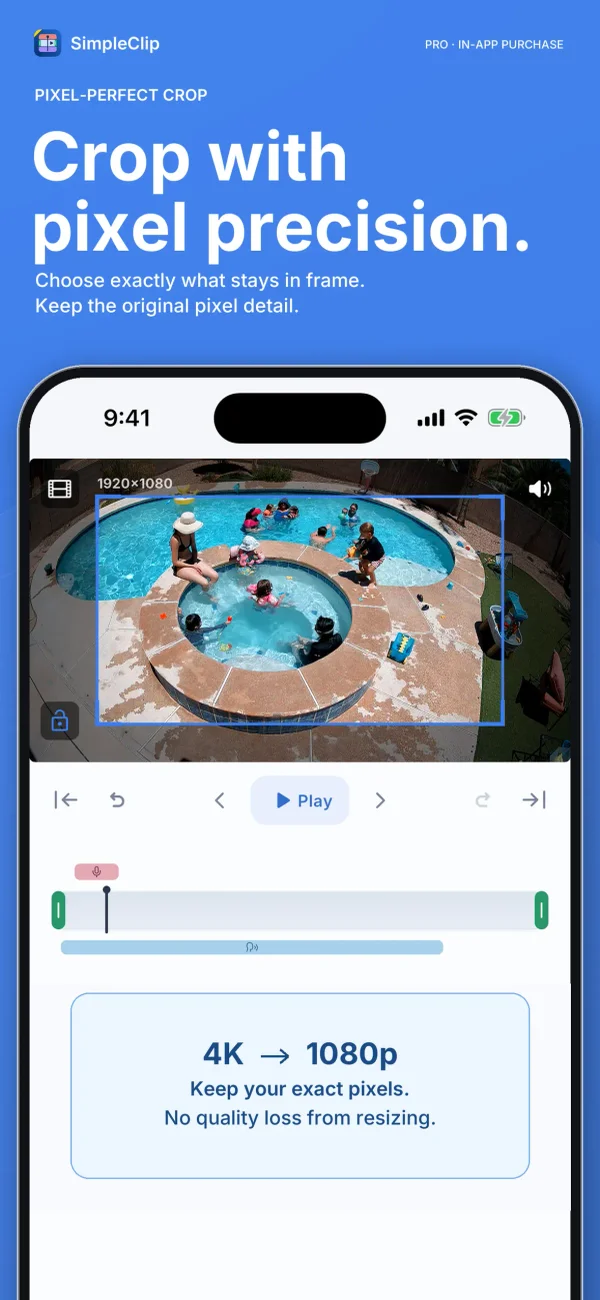
• Pro Crop: Pixel-Perfect and Scaling crops with presets, Custom Resolution, and crop points that move with your subject.
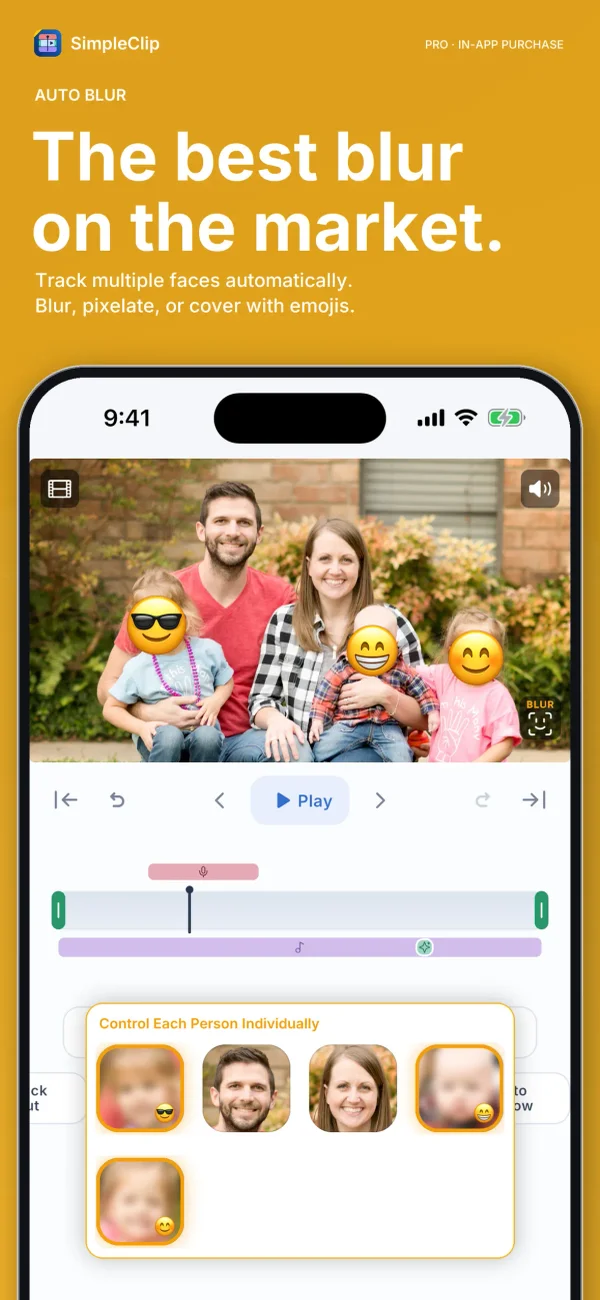
• Auto Blur: blur, pixelate, or cover selected faces with an emoji.
• Add Text: titles, names, and notes on your video.
• Add Subtitles: automatic subtitles, made on your iPhone.
• Video Cleanup: stabilize, sharpen, and brighten, with Super Resolution and Low-Light Enhance.
• Audio Cleanup: remove noise and make voices clear with Voice Enhance.
• Remove Silence: find the pauses and take them out.
• Transitions: Intro and End Animation in Trim, transitions on cuts, and transitions between joined videos.
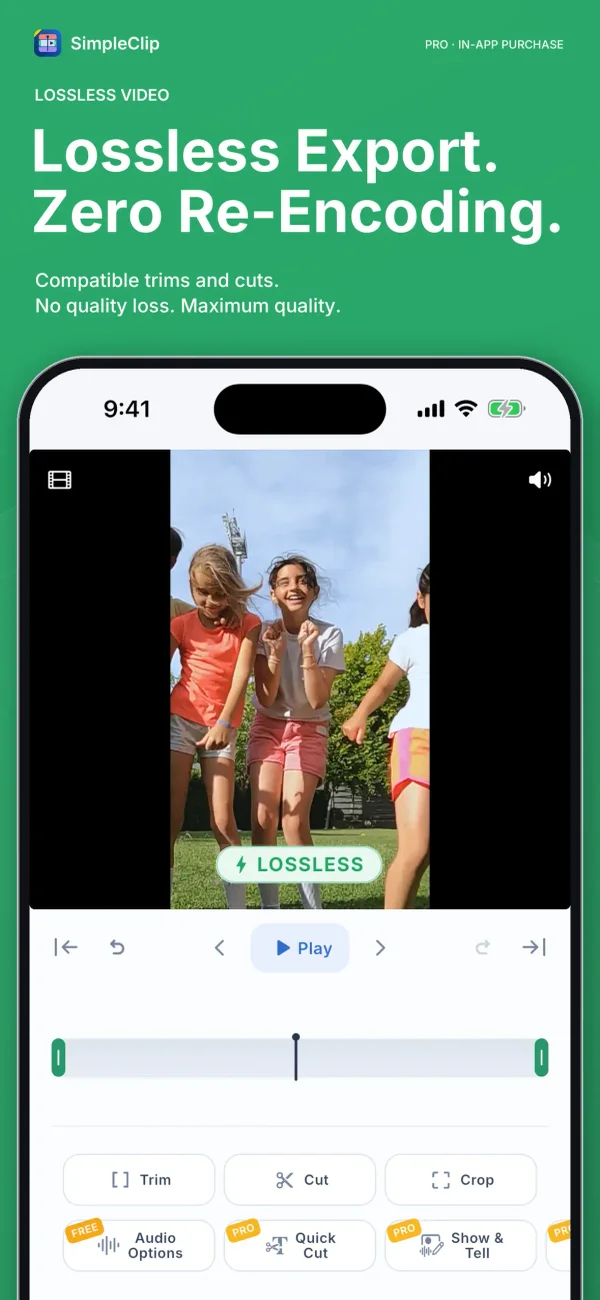
• Lossless Export: zero re-encoding and zero quality loss (for compatible edits with Lossless Mode on).
• Advanced Options in Save & Export: resolution, codec, container, export mode, quality, and passes.
MADE FOR YOUR LEVEL
When you first open SimpleClip it asks your experience level (New to Editing, Some Experience, or Experienced Editor) and shows the tools that fit. Every tool has its own Help page.
SIMPLECLIP PRO PLANS
Choose Monthly, Yearly (with 7 days free for new subscribers), or Lifetime, a one-time purchase that includes future Pro tools. Family Sharing is included, and the free version stays free.
Payment is charged to your Apple Account when you confirm the purchase, or when a free trial ends. Subscriptions renew automatically unless turned off at least 24 hours before the end of the current period, and the renewal is charged within the 24 hours before that. Manage or cancel any time in Settings > your name > Subscriptions.
REQUIREMENTS
iPhone with iOS 17 or later. Auto Blur's face scan, Auto Follow, and AI voices need iOS 18 or later. Quick Cut and Add Subtitles need iOS 26 or later.
Terms of Use: https://www.apple.com/legal/internet-services/itunes/dev/stdeula/
Privacy Policy: https://simpleclip.com/privacy-policy/
Questions: support@simpleclip.com
Novedades
Versión 1.0.4 · 20/11/2026
Edit family, home security, and work videos on your iPhone. Your videos are never uploaded.
Recently added:
• Try any Pro tool on your own video before you buy.
• Move music and sound effects anywhere, and choose where each one starts and ends (Pro).
• Quick Cut finds the spoken words as soon as your video opens (Pro, iOS 26).
• More reliable music and sound effect downloads.
• Small fixes and improvements.
Free for everyone: trim, cut, crop, join, and save at full quality, with no ads or watermarks.
With Pro (subscription or Lifetime):
• Add music, sound effects, and subtitles.
• Blur faces, or keep a person in frame.
• Clean up shaky or dark video, and more.
Privacidad de la aplicación
Lo que Joshua Harry declara en App Store sobre cómo esta aplicación gestiona los datos.
-
Datos vinculados a ti
Pueden recopilarse y vincularse a tu identidad.
- Información de contacto
- Contenido del usuario
-
Datos no vinculados a ti
Pueden recopilarse, pero no se vinculan a tu identidad.
- Compras
- Ubicación
- Identificadores
- Datos de uso
- Diagnóstico
Las prácticas de privacidad pueden variar, por ejemplo, según las funciones que uses o tu edad.
Información
- Vendedor
- Joshua Harry
- Categoría
- Foto y vídeo
- Versión
- 1.0.4
- Actualizado
- 20/11/2026
- Publicado
- 24/10/2026
- Tamaño
- 135,1 MB
- Requiere
- iOS 17.0 o posterior
- Clasificación por edad
- 4+
- Compras en la aplicación
- Sí
- Idiomas
- Inglés
- Copyright
- © 2026 Joshua Harry
Quizá también te guste
-
 FlowFrame: vídeo fluido con IASin saltos: 60/120fps, slow-mo
-
 SlowCam - Create SloMo VideosFoto y vídeo
-
 Beauty Photo Retouch EditorFoto y vídeo
-
 SkyAR - AI Change Photo SkyFoto y vídeo
-
 Screen Recorder AppFacecam, Live Cam & Screenshot
-
 AI Sky Replacement Sky ChangerFoto y vídeo
-
 RankPic - Photo RankingFoto y vídeo
-
 Bloqueo seguro de carpetasBóveda de fotos privadas
-
 Generador de Vídeos con IA SD2Veo 3.1, Sora 2 y Seedance 2.0
-
 SkyPic: Editar Cielo en FotosCambiar fondo, Filtros con IA