
SimpleClip: Video Editor
Easy Editing. Powerful Tools.
Conçue pour iPhone
Achats intégrés
- Classification d’âge4+
- CatégoriePhoto et vidéo
- DéveloppeurJoshua Harry
- LanguesAnglais
- Taille135,1 Mo
SimpleClip: Video Editor n’est peut-être pas disponible sur App Store pour le moment
La fiche de la boutique était inaccessible lors de notre dernière vérification. Le lien mène toujours à la page App Store officielle.
Captures d’écran
À propos
Le développeur n’a pas fourni ce texte dans votre langue.
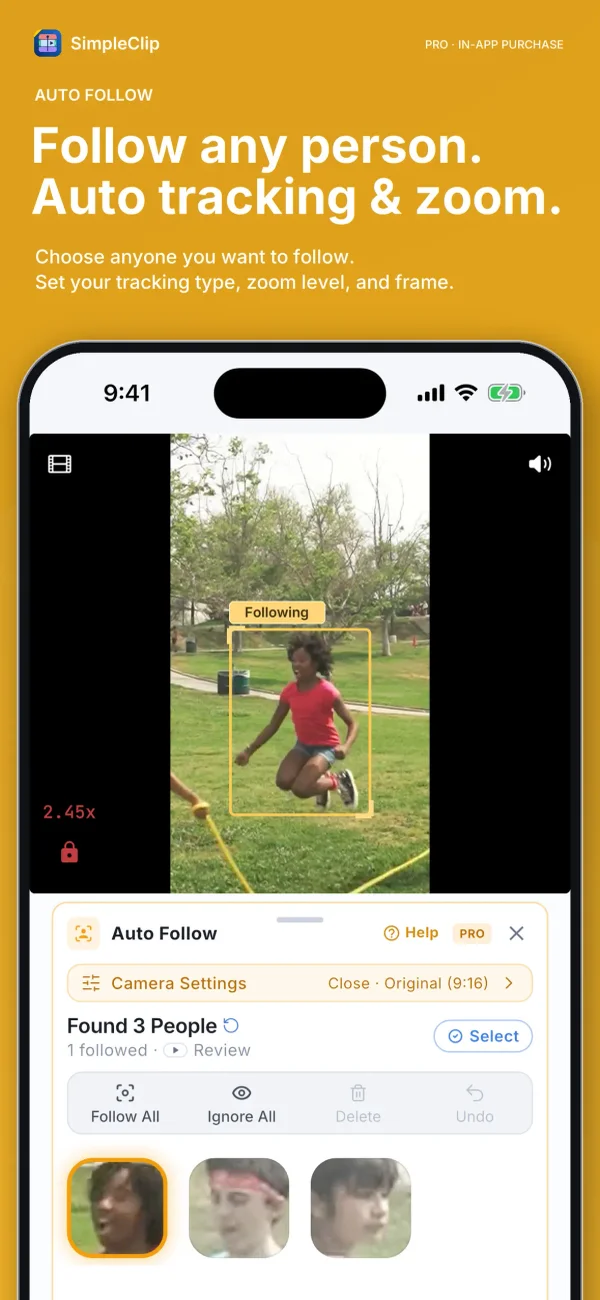
SimpleClip is a video editor for family, home security, and professional videos. Trim a clip, blur the faces you choose, or keep your child in frame as they run across the field. No editing experience needed.
100% LOCAL. NO UPLOADS. YOU OWN YOUR VIDEOS.
Your videos are edited on your iPhone, and the AI runs on your iPhone. Your videos, the faces in them, and your audio are never uploaded to the cloud or an external AI.
FREE FOR EVERYONE
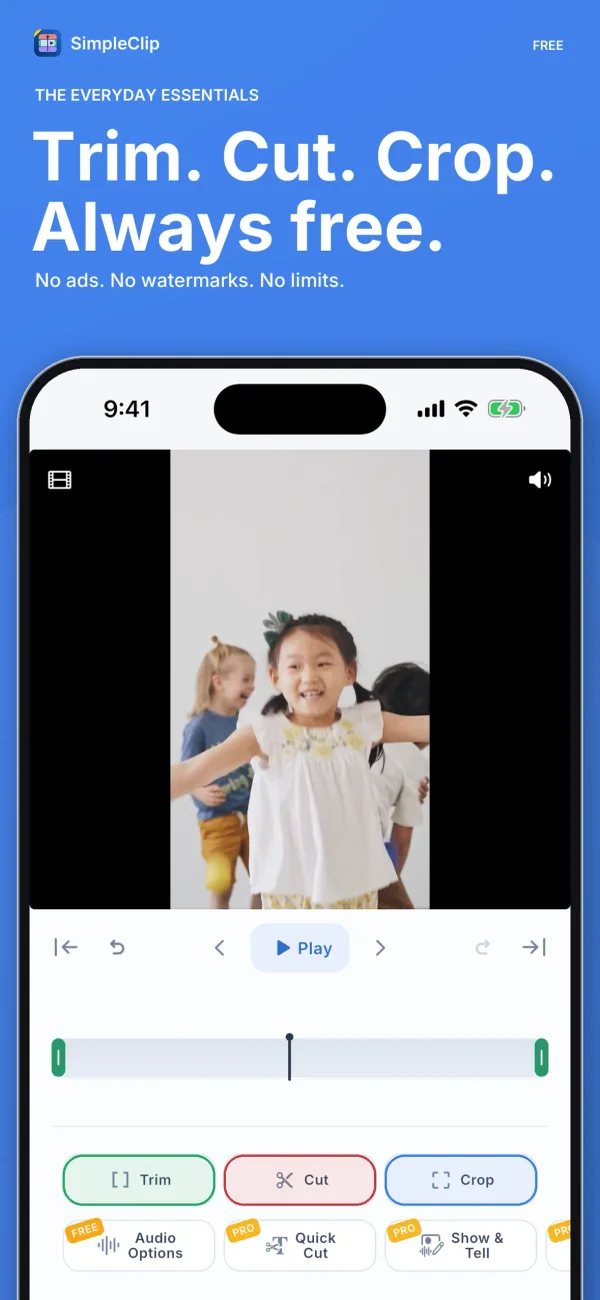
(No ads. No watermarks. No export limits.)
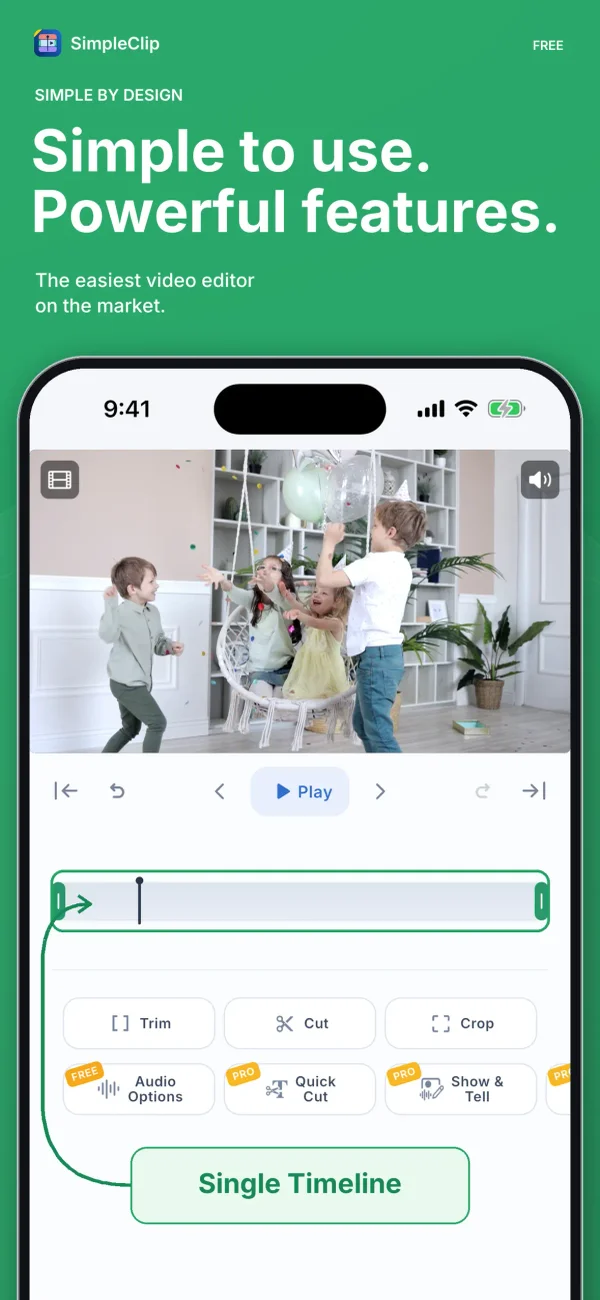
• Trim and Cut on one simple timeline.
• Crop with Zoom or Rectangle.
• Your video's own volume, Sound Style, and Voice Effect.
• Save & Export at full quality.
SIMPLECLIP PRO
(Subscription required. Lifetime purchase available.)
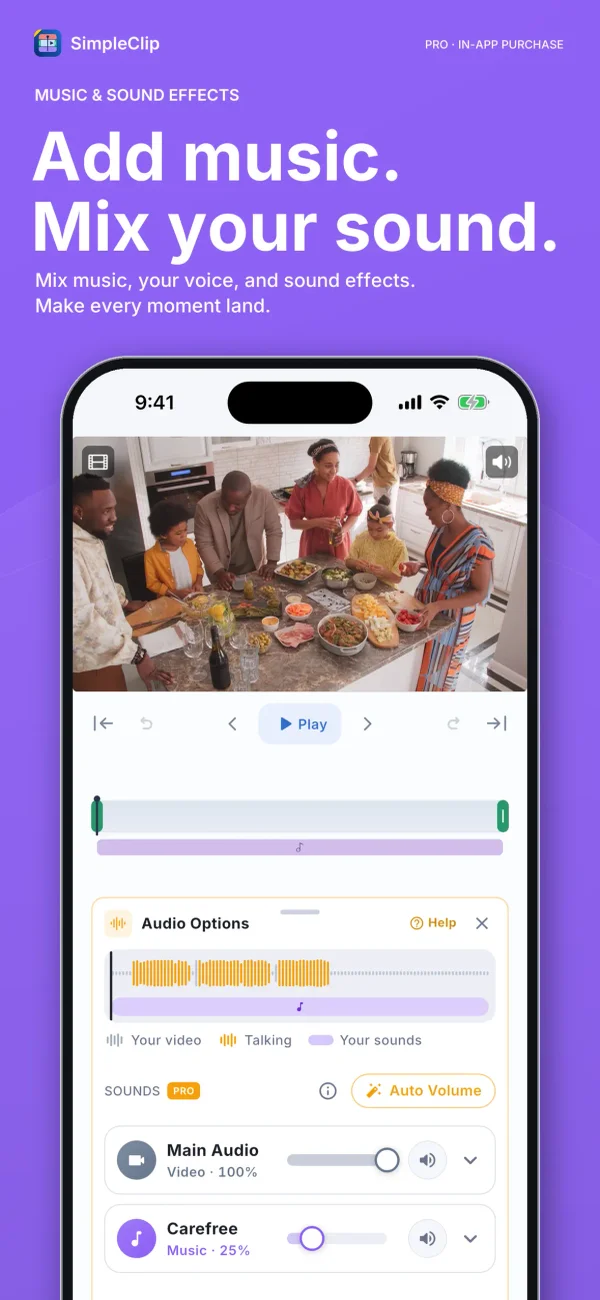
• Audio Options: add music, sound effects, your own recording, a file, or an AI voice.
• Auto Follow: keep your chosen person in frame, automatically.
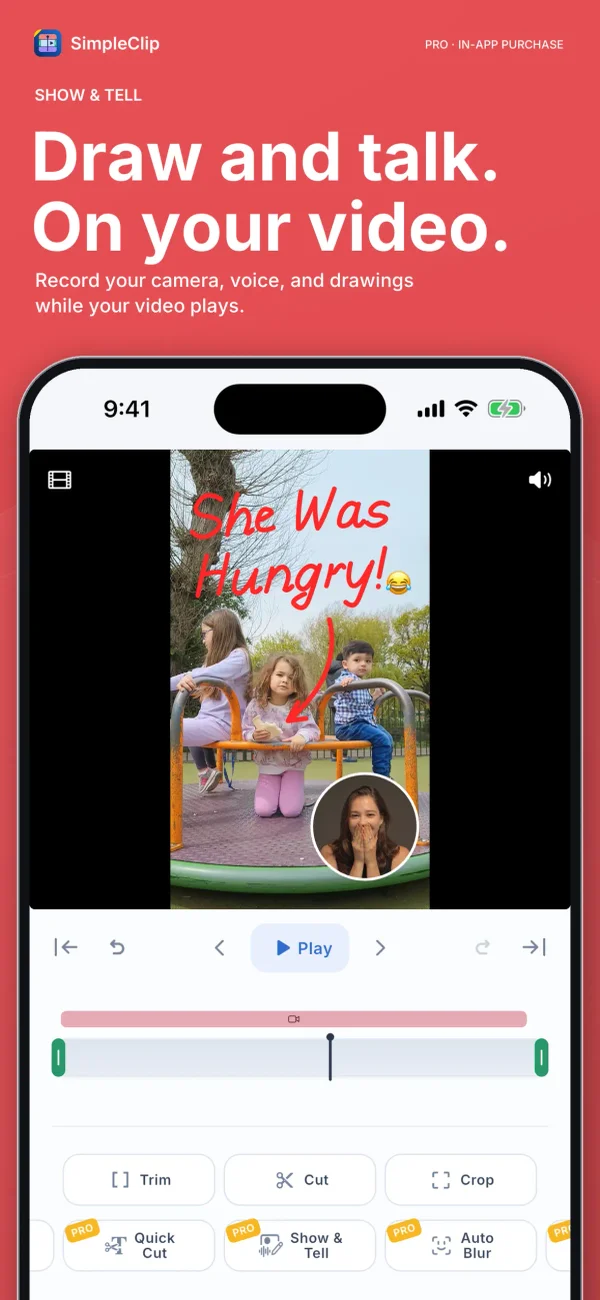
• Show & Tell: draw, talk, and film yourself as your video plays.
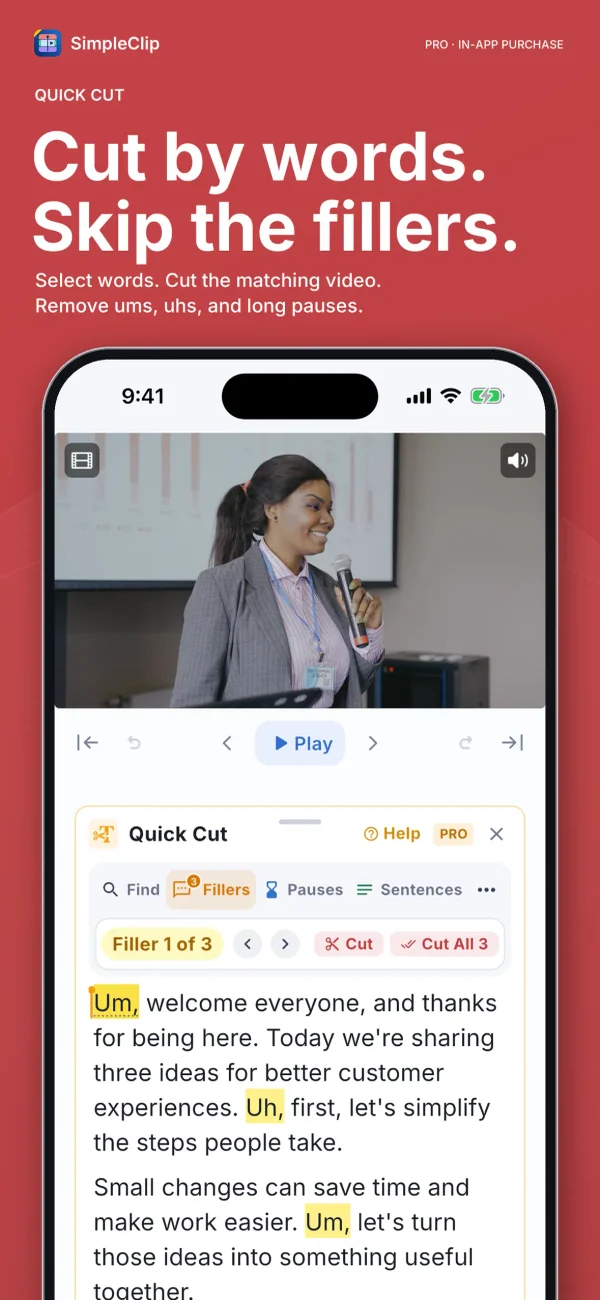
• Quick Cut: cut words, fillers, and pauses by tapping your transcript.
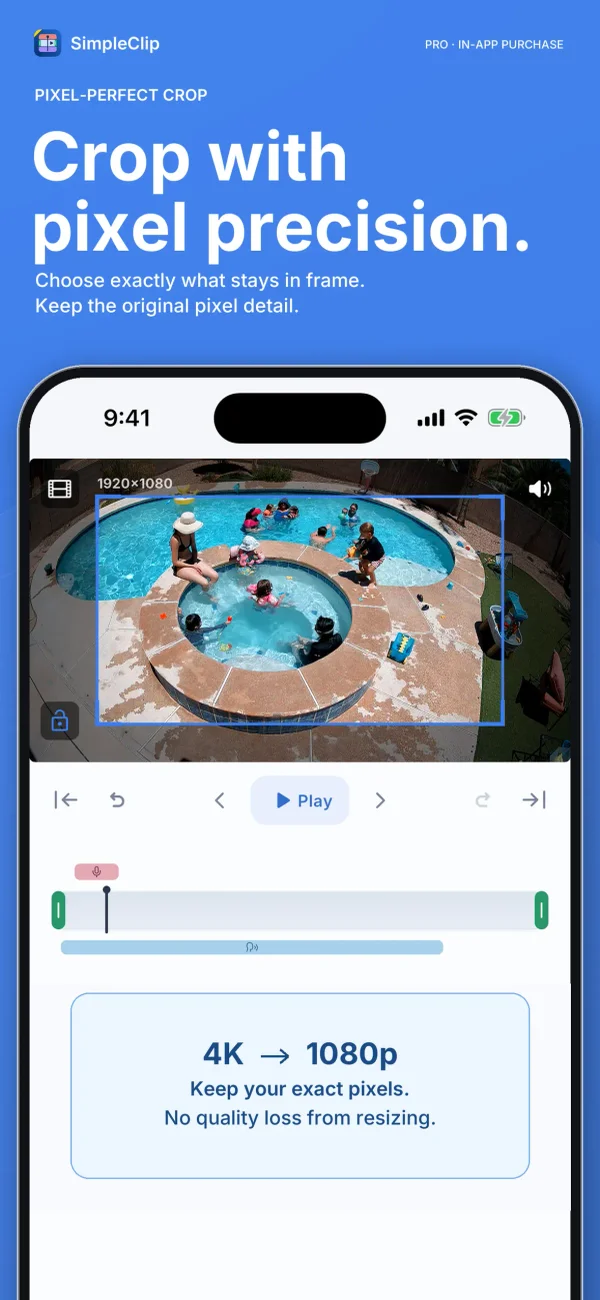
• Pro Crop: Pixel-Perfect and Scaling crops with presets, Custom Resolution, and crop points that move with your subject.
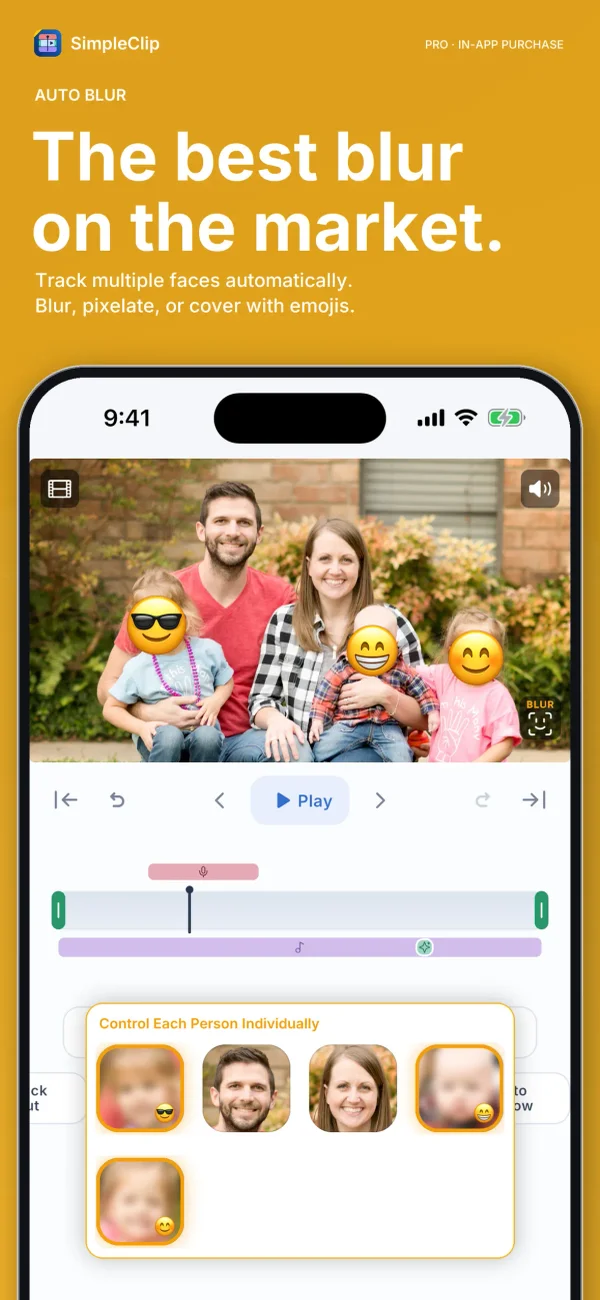
• Auto Blur: blur, pixelate, or cover selected faces with an emoji.
• Add Text: titles, names, and notes on your video.
• Add Subtitles: automatic subtitles, made on your iPhone.
• Video Cleanup: stabilize, sharpen, and brighten, with Super Resolution and Low-Light Enhance.
• Audio Cleanup: remove noise and make voices clear with Voice Enhance.
• Remove Silence: find the pauses and take them out.
• Transitions: Intro and End Animation in Trim, transitions on cuts, and transitions between joined videos.
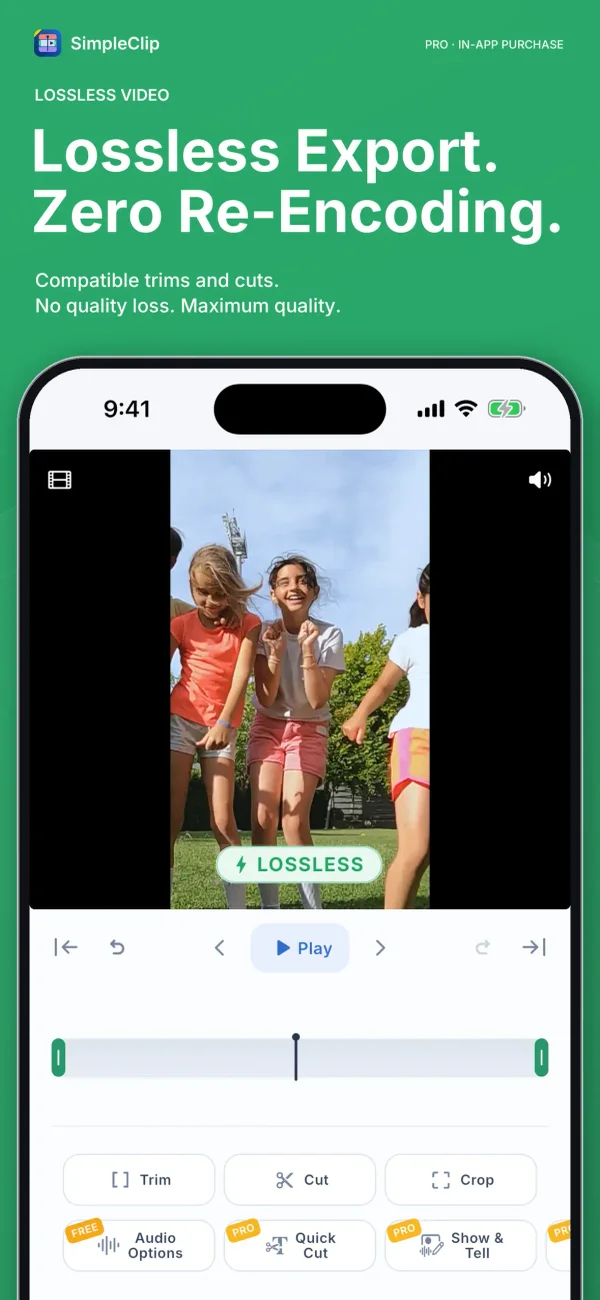
• Lossless Export: zero re-encoding and zero quality loss (for compatible edits with Lossless Mode on).
• Advanced Options in Save & Export: resolution, codec, container, export mode, quality, and passes.
MADE FOR YOUR LEVEL
When you first open SimpleClip it asks your experience level (New to Editing, Some Experience, or Experienced Editor) and shows the tools that fit. Every tool has its own Help page.
SIMPLECLIP PRO PLANS
Choose Monthly, Yearly (with 7 days free for new subscribers), or Lifetime, a one-time purchase that includes future Pro tools. Family Sharing is included, and the free version stays free.
Payment is charged to your Apple Account when you confirm the purchase, or when a free trial ends. Subscriptions renew automatically unless turned off at least 24 hours before the end of the current period, and the renewal is charged within the 24 hours before that. Manage or cancel any time in Settings > your name > Subscriptions.
REQUIREMENTS
iPhone with iOS 17 or later. Auto Blur's face scan, Auto Follow, and AI voices need iOS 18 or later. Quick Cut and Add Subtitles need iOS 26 or later.
Terms of Use: https://www.apple.com/legal/internet-services/itunes/dev/stdeula/
Privacy Policy: https://simpleclip.com/privacy-policy/
Questions: support@simpleclip.com
Nouveautés
Version 1.0.4 · 20/11/2026
Edit family, home security, and work videos on your iPhone. Your videos are never uploaded.
Recently added:
• Try any Pro tool on your own video before you buy.
• Move music and sound effects anywhere, and choose where each one starts and ends (Pro).
• Quick Cut finds the spoken words as soon as your video opens (Pro, iOS 26).
• More reliable music and sound effect downloads.
• Small fixes and improvements.
Free for everyone: trim, cut, crop, join, and save at full quality, with no ads or watermarks.
With Pro (subscription or Lifetime):
• Add music, sound effects, and subtitles.
• Blur faces, or keep a person in frame.
• Clean up shaky or dark video, and more.
Confidentialité de l’application
Ce que Joshua Harry déclare sur l’App Store au sujet du traitement des données par cette application.
-
Données établissant un lien avec vous
Peuvent être collectées et liées à votre identité.
- Coordonnées
- Contenu utilisateur
-
Données n’établissant aucun lien avec vous
Peuvent être collectées, mais ne sont pas liées à votre identité.
- Achats
- Emplacement
- Identifiants
- Données d’utilisation
- Diagnostic
Les pratiques en matière de confidentialité peuvent varier, notamment en fonction des fonctionnalités que vous utilisez ou de votre âge.
Informations
- Vendeur
- Joshua Harry
- Catégorie
- Photo et vidéo
- Version
- 1.0.4
- Mis à jour
- 20/11/2026
- Publié
- 24/10/2026
- Taille
- 135,1 Mo
- Nécessite
- iOS 17.0 ou version ultérieure
- Classification d’âge
- 4+
- Achats intégrés
- Oui
- Langues
- Anglais
- Copyright
- © 2026 Joshua Harry
Vous aimerez peut-être aussi
-
 FlowFrame : vidéo fluide IASaccadé ? 60/120fps et ralenti
-
 SlowCam - Create SloMo VideosPhoto et vidéo
-
 Beauty Photo Retouch EditorPhoto et vidéo
-
 SkyAR - AI Change Photo SkyPhoto et vidéo
-
 Screen Recording App ◉Photo et vidéo
-
 AI Sky Replacement Sky ChangerPhoto et vidéo
-
 RankPic - Photo RankingPhoto et vidéo
-
 Dossier Sécurisé : Photo VaultCacher photo, vidéos, fichiers
-
 Générateur de vidéos IA SD2Veo 3.1, Sora 2 & Seedance 2.0
-
 SkyPic - Éditeur de CielChangeur de fond, Filtre photo