
- Clasificación por edad12+
- CategoríaUtilidades
- DesarrolladorWilliam Dunning
- IdiomasInglés
- Tamaño3,5 MB
Es posible que Singlink no esté disponible en App Store en este momento
No se pudo acceder a la ficha de la tienda en nuestra última comprobación. El enlace sigue llevando a la página oficial de App Store.
Capturas de pantalla

Acerca de
El desarrollador no ha proporcionado este texto en tu idioma.
Lead worship without a laptop in your hands.
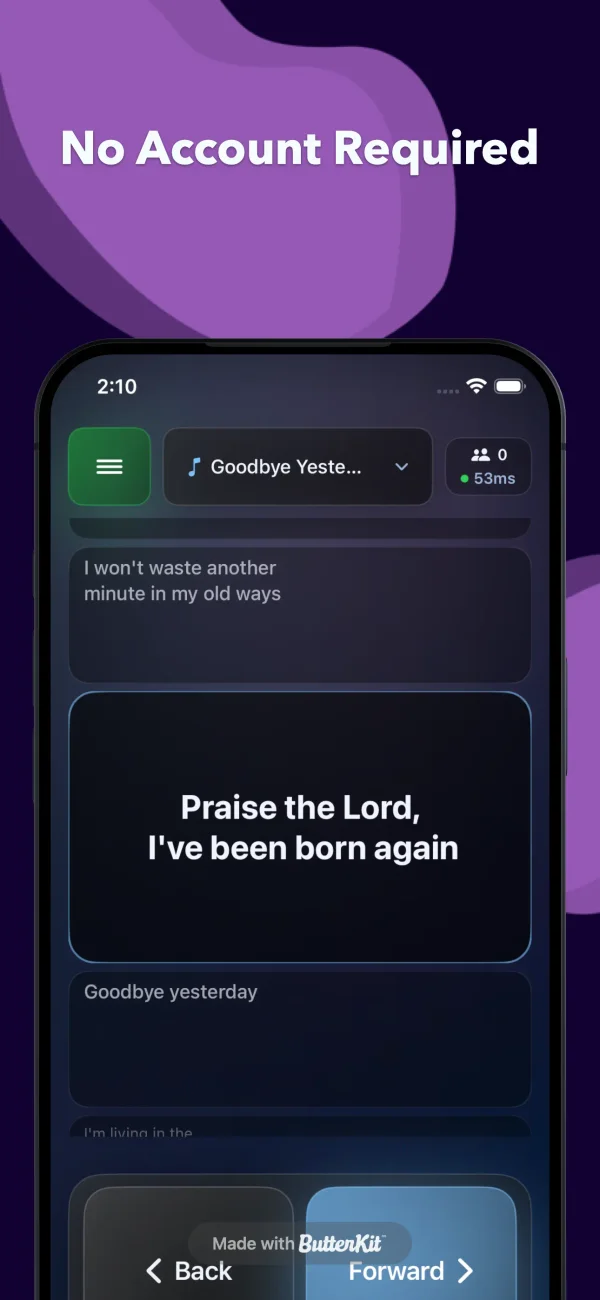
Singlink Controller is your remote for the Singlink lyrics platform. Search for songs, display lyrics, and guide your group through worship — all from your iPhone.
Perfect for:
House churches and small groups
Campfire worship and retreats
Youth nights and informal gatherings
Any setting where shared lyrics bring people together
How it works:
Create a room on singlink.live
Connect this app to your room
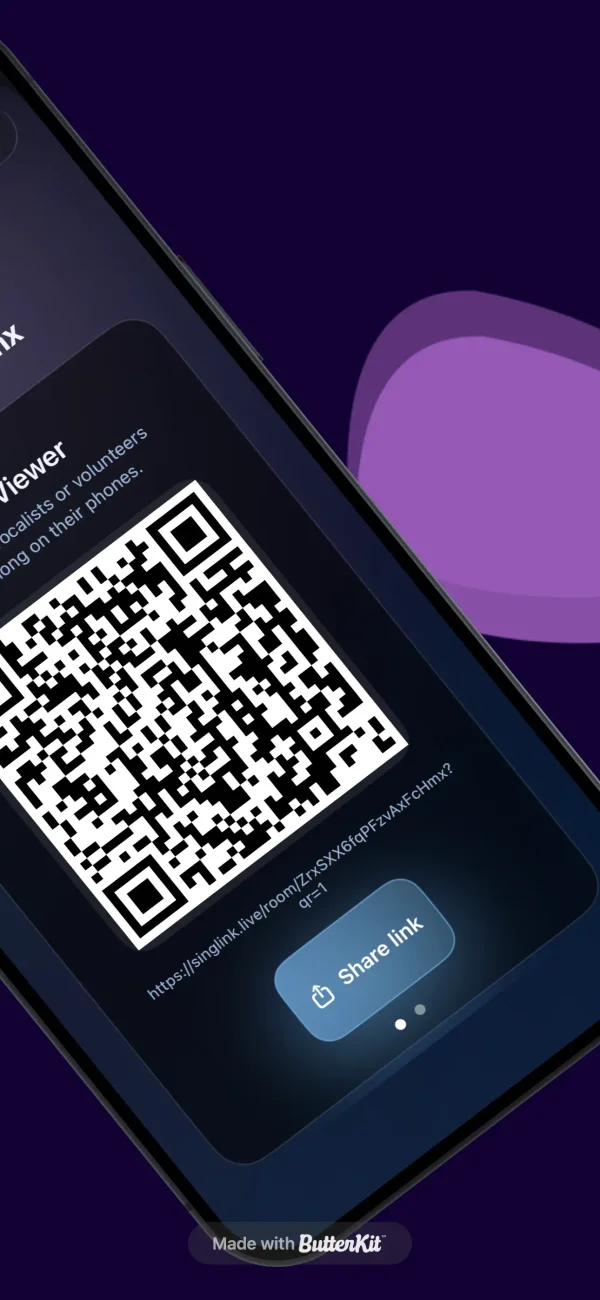
Share the viewer link with your group (or display on a TV/projector)
Tap through lyrics in sync across all devices
Features:
Search iTunes and import songs with lyrics
Step through slides with large, easy-to-tap controls
See upcoming lyrics at a glance
Share QR codes for instant room access
Real-time sync across all connected devices
Note: This app is a companion controller for singlink.live. Create and manage rooms through the website, then use this app to control presentations hands-free.
Novedades
Versión 1.57 · 10/10/2026
A big update for worship teams.
NEW
• Apple TV: Singlink is now on Apple TV. Pair it with a code from your phone and it becomes a lyrics screen or stage monitor, with video, pads and backgrounds.
• Use as a Screen: turn an iPad (or iPhone) into a lyrics screen or stage monitor. On iPad it's right on the home screen.
• Worship pads: give each song an ambient pad in its key. Pads fade in with the song, crossfade to the next song and keep playing under a blank screen. Start, stop or change the pad on individual slides in the song editor.
• Video slides: add videos from your library with sound and play, pause and restart controls. Videos stay in sync across every screen.
• Import ProPresenter songs: bring in .pro files from the Setlist, with their arrangements.
• Song Library and Playlists: songs are saved once and linked everywhere. Your Setlist is always a playlist, so nothing is lost when you switch.
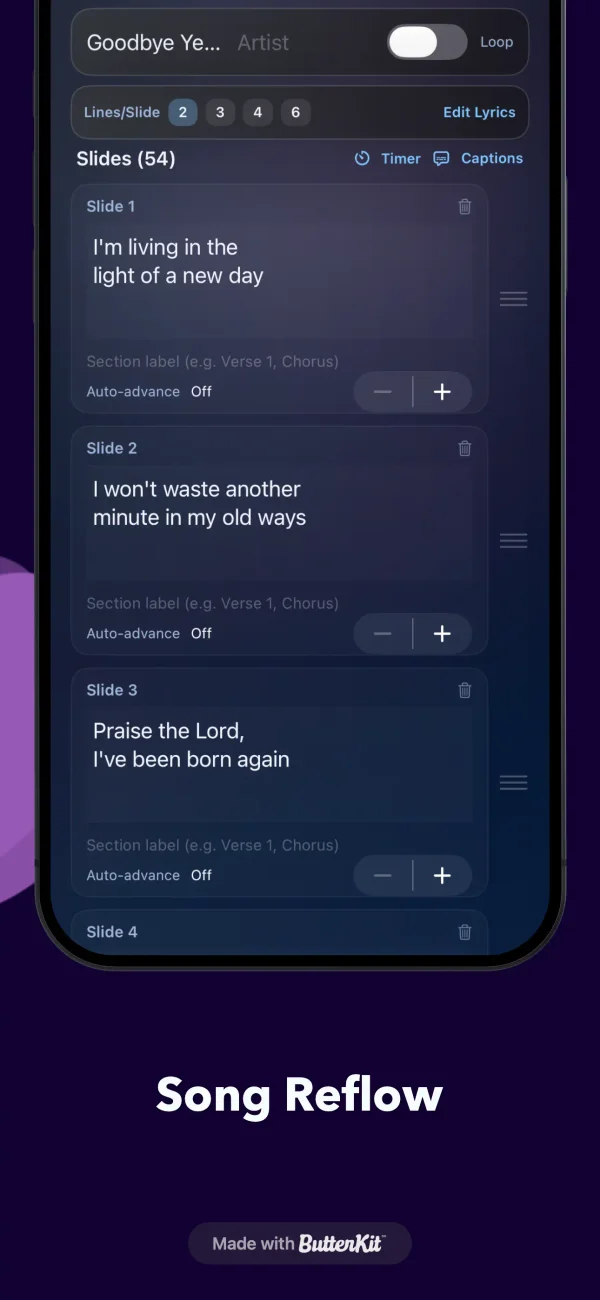
• Arrangements: build named arrangements (verse, chorus, bridge…) by drag and drop and apply them to a song.
• Section colors: slides are color-coded by section, with per-room colors, and the live list shows section headings.
• Light mode, plus a Theme setting (System, Light, Dark).
• Rename your rooms, and see rooms shared with you in their own section.
IMPROVED
• Tapping a song now previews its slides. Tap a slide to take it live.
• Saving a song never takes it live or moves the screen off the current slide.
• Image slides show the picture in the slide list.
• Paragraphs mode and a + Slide button in the song editor.
• A simpler, friendlier home screen when you're signed out.
• Smoother slide transitions.
• Apple Watch: opens on the current slide right away and shows when a video slide is up.
FIXED
• Email sign-up issues.
• "Select song" could stay stuck on screen.
• Long song-editor headers were cut off.
Privacidad de la aplicación
Lo que William Dunning declara en App Store sobre cómo esta aplicación gestiona los datos.
-
Datos vinculados a ti
Pueden recopilarse y vincularse a tu identidad.
- Identificadores
Las prácticas de privacidad pueden variar, por ejemplo, según las funciones que uses o tu edad.
Información
- Vendedor
- William Dunning
- Categoría
- Utilidades
- Versión
- 1.57
- Actualizado
- 10/10/2026
- Publicado
- 13/1/2026
- Tamaño
- 3,5 MB
- Requiere
- iOS 18.5 o posterior
- Clasificación por edad
- 12+
- Idiomas
- Inglés
- Copyright
- © 2026 Will's Tech Support
Quizá también te guste
-
 LightLoop RemoteUtilidades
-
 Anyware Remote ControlUtilidades
-
 Is This Safe? Scam ProtectionUtilidades
-
 My SparksUtilidades
-
 AiMowbot SMARTUtilidades
-
 Custom Digital ClockUtilidades
-
 EZ-AD Mobile AppUtilidades
-
 EFNOTE Tools (Mobile)Utilidades
-
 3D Cloud Room ScannerUtilidades
-
 Amazon SignageSeñalización digital fácil