- Batasan usia12+
- KategoriKegunaan
- PengembangWilliam Dunning
- BahasaInggris
- Ukuran3,5 MB
Singlink mungkin sedang tidak tersedia di App Store
Halaman di toko tidak dapat dijangkau saat terakhir kami periksa. Tautan tetap mengarah ke halaman resmi App Store.
Tangkapan layar
Tentang
Pengembang belum menyediakan teks ini dalam bahasa Anda.
Lead worship without a laptop in your hands.
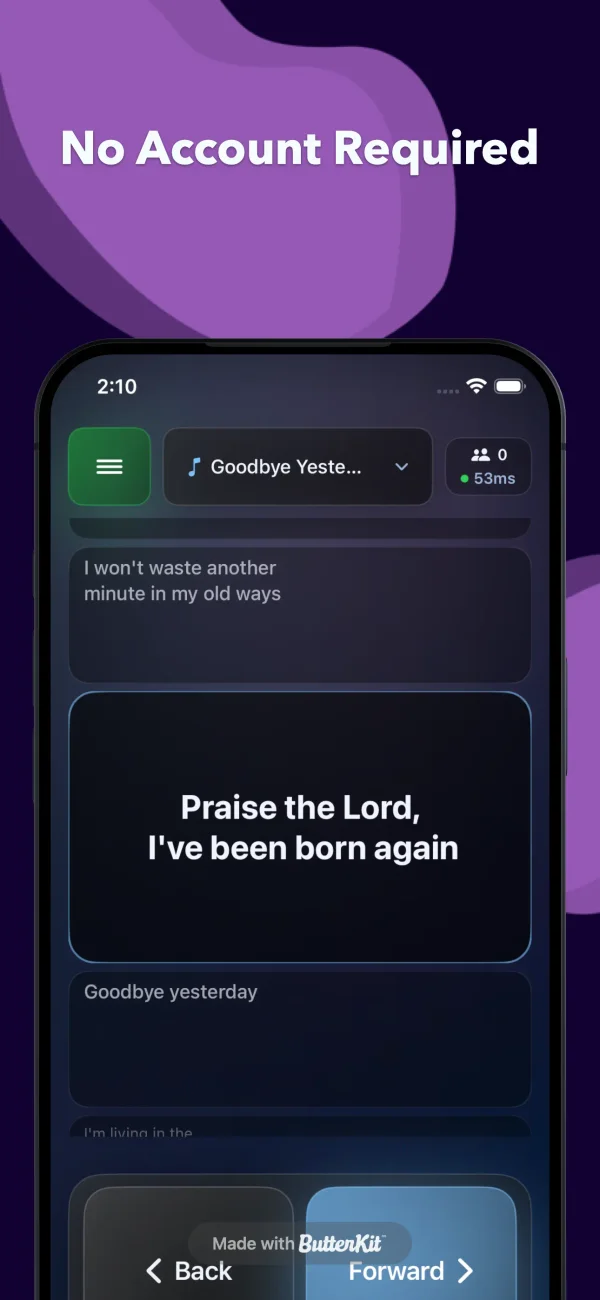
Singlink Controller is your remote for the Singlink lyrics platform. Search for songs, display lyrics, and guide your group through worship — all from your iPhone.
Perfect for:
House churches and small groups
Campfire worship and retreats
Youth nights and informal gatherings
Any setting where shared lyrics bring people together
How it works:
Create a room on singlink.live
Connect this app to your room
Share the viewer link with your group (or display on a TV/projector)
Tap through lyrics in sync across all devices
Features:
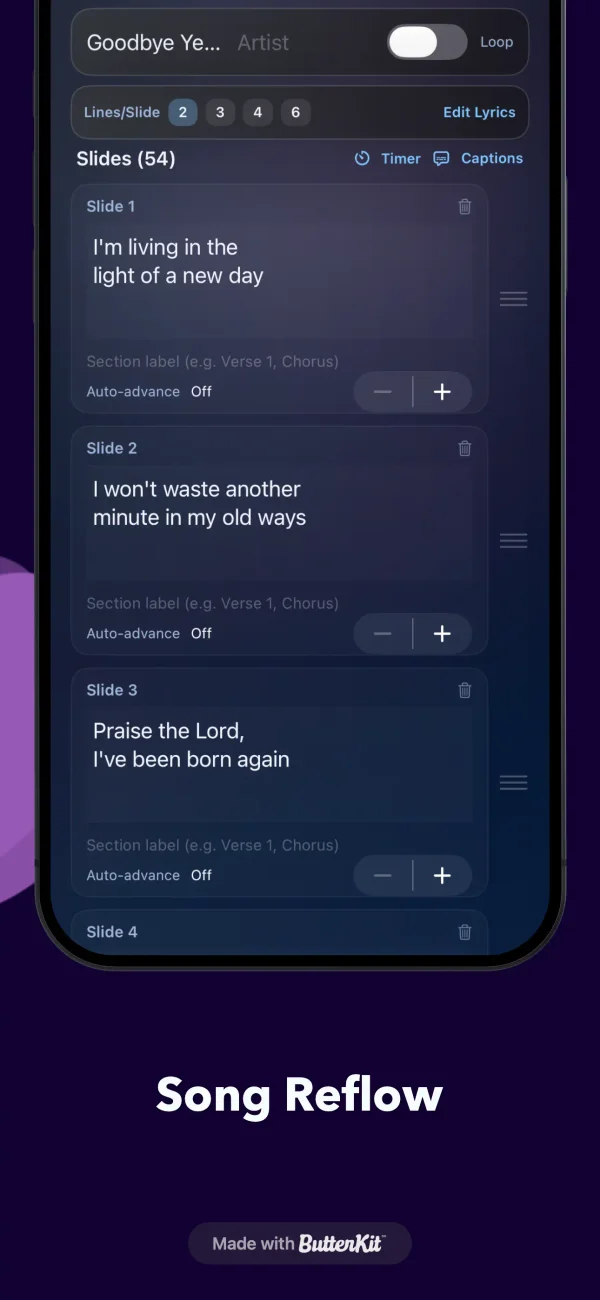
Search iTunes and import songs with lyrics
Step through slides with large, easy-to-tap controls
See upcoming lyrics at a glance
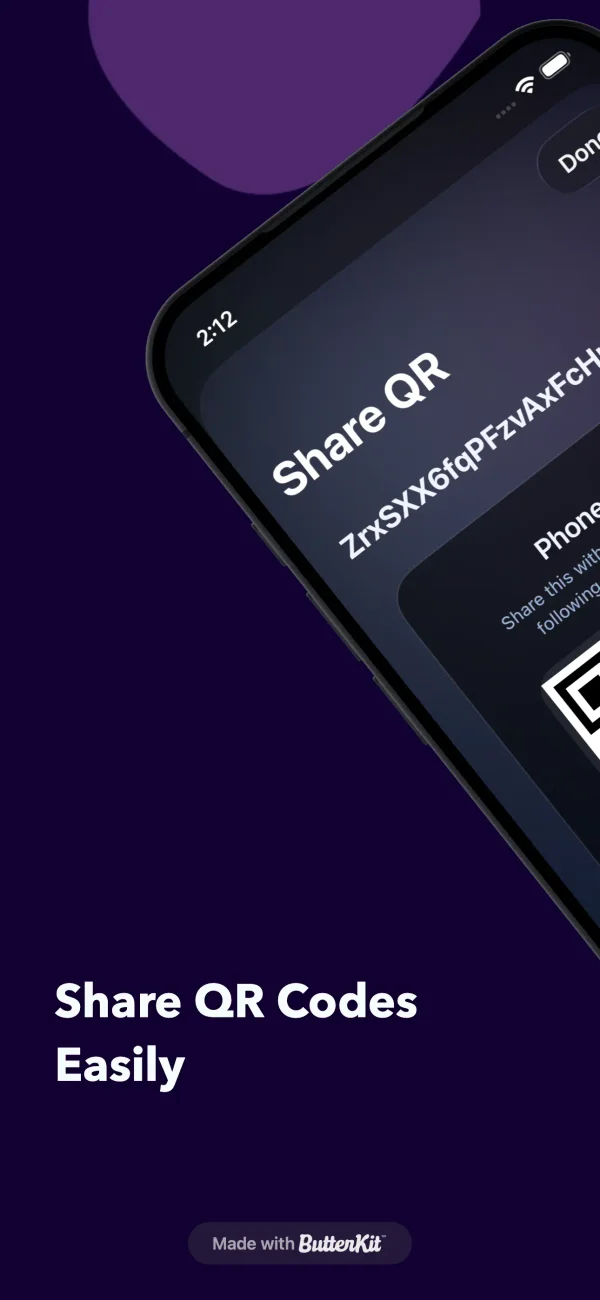
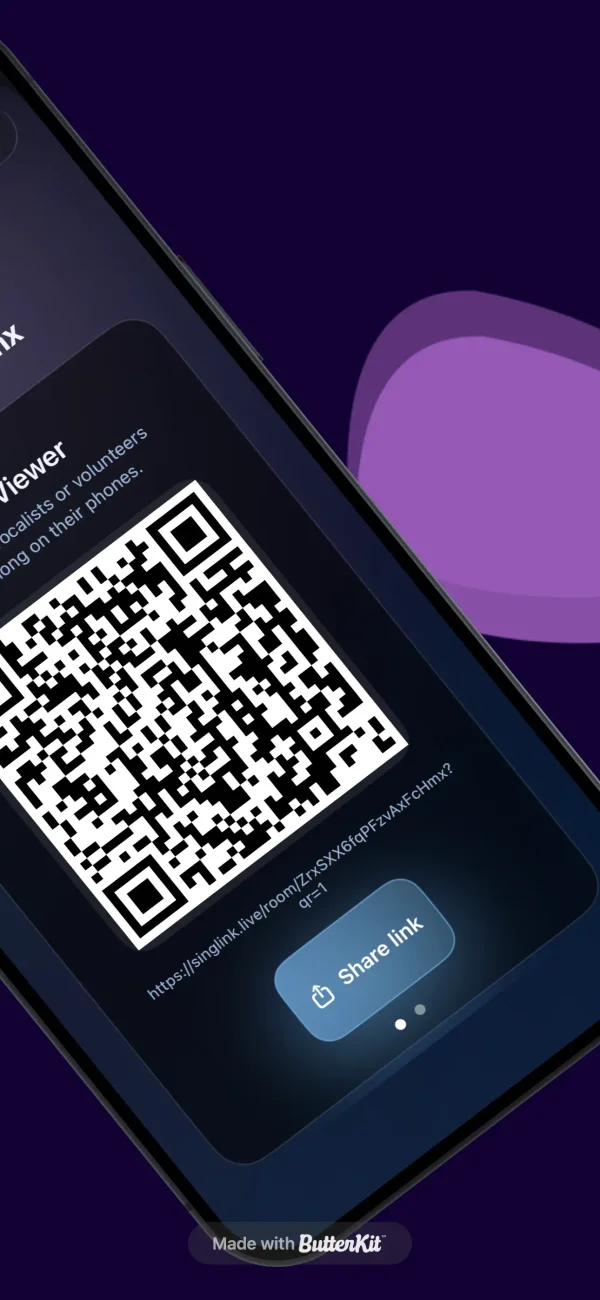
Share QR codes for instant room access
Real-time sync across all connected devices
Note: This app is a companion controller for singlink.live. Create and manage rooms through the website, then use this app to control presentations hands-free.
Yang baru
Versi 1.57 · 10/10/2026
A big update for worship teams.
NEW
• Apple TV: Singlink is now on Apple TV. Pair it with a code from your phone and it becomes a lyrics screen or stage monitor, with video, pads and backgrounds.
• Use as a Screen: turn an iPad (or iPhone) into a lyrics screen or stage monitor. On iPad it's right on the home screen.
• Worship pads: give each song an ambient pad in its key. Pads fade in with the song, crossfade to the next song and keep playing under a blank screen. Start, stop or change the pad on individual slides in the song editor.
• Video slides: add videos from your library with sound and play, pause and restart controls. Videos stay in sync across every screen.
• Import ProPresenter songs: bring in .pro files from the Setlist, with their arrangements.
• Song Library and Playlists: songs are saved once and linked everywhere. Your Setlist is always a playlist, so nothing is lost when you switch.
• Arrangements: build named arrangements (verse, chorus, bridge…) by drag and drop and apply them to a song.
• Section colors: slides are color-coded by section, with per-room colors, and the live list shows section headings.
• Light mode, plus a Theme setting (System, Light, Dark).
• Rename your rooms, and see rooms shared with you in their own section.
IMPROVED
• Tapping a song now previews its slides. Tap a slide to take it live.
• Saving a song never takes it live or moves the screen off the current slide.
• Image slides show the picture in the slide list.
• Paragraphs mode and a + Slide button in the song editor.
• A simpler, friendlier home screen when you're signed out.
• Smoother slide transitions.
• Apple Watch: opens on the current slide right away and shows when a video slide is up.
FIXED
• Email sign-up issues.
• "Select song" could stay stuck on screen.
• Long song-editor headers were cut off.
Privasi aplikasi
Yang dinyatakan William Dunning di App Store tentang cara aplikasi ini menangani data.
-
Data yang ditautkan dengan Anda
Dapat dikumpulkan dan ditautkan dengan identitas Anda.
- Pengenal
Praktik privasi dapat bervariasi, misalnya berdasarkan fitur yang Anda gunakan atau usia Anda.
Informasi
- Penjual
- William Dunning
- Kategori
- Kegunaan
- Versi
- 1.57
- Diperbarui
- 10/10/2026
- Dirilis
- 13/1/2026
- Ukuran
- 3,5 MB
- Memerlukan
- iOS 18.5 atau yang lebih baru
- Batasan usia
- 12+
- Bahasa
- Inggris
- Hak cipta
- © 2026 Will's Tech Support