
- Clasificación por edad4+
- CategoríaUtilidades
- DesarrolladorSensera Systems, Inc.
- IdiomasInglés
- Tamaño1,7 MB
Es posible que SitePOV no esté disponible en App Store en este momento
No se pudo acceder a la ficha de la tienda en nuestra última comprobación. El enlace sigue llevando a la página oficial de App Store.
Capturas de pantalla

Acerca de
El desarrollador no ha proporcionado este texto en tu idioma.
Capturing accurate, timely as-built photo documentation of your construction project is now accepted as an important best-practice in construction management. SitePOV is a powerful tool your entire construction team can use to capture site progress images on-the-fly, while having management of those images fully automated by Sensera Systems’ SiteCloud construction documentation management software.
SitePOV extends the power of Sensera's SiteCloud software and cameras by automating the capture of detailed, repeatable, tagged images from around the jobsite. Users capture images of critical jobsite areas, then upload and organize instantly into your SiteCloud account alongside fixed camera time-lapse images. No more fumbling with cloud folders, email, or SD cards.
Unique Multi-Viewpoint Time-lapse Feature
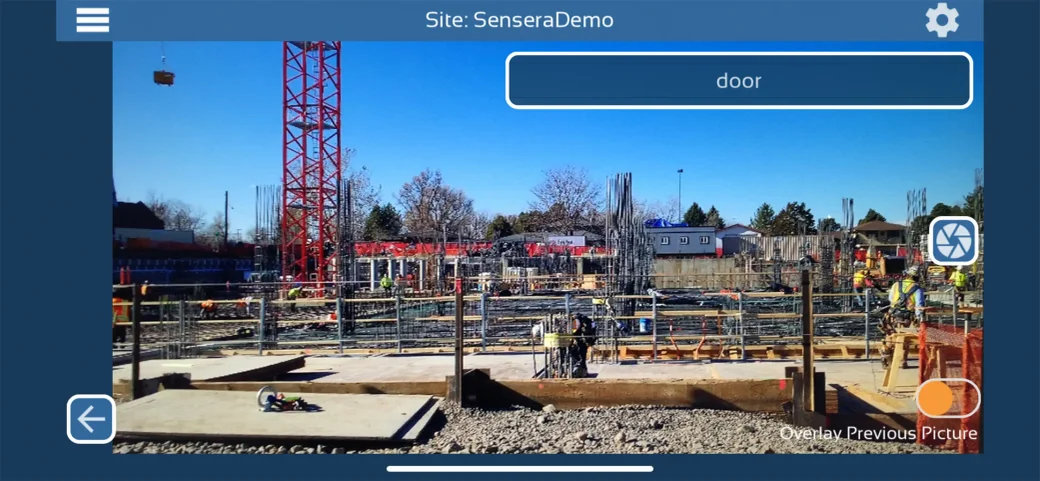
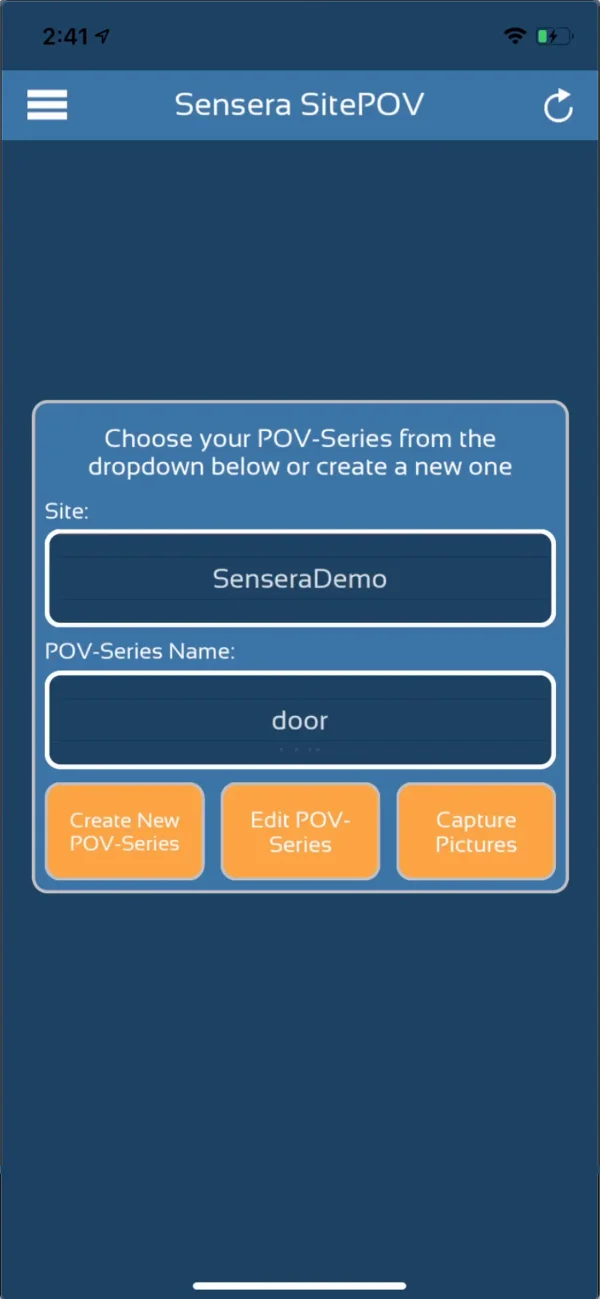
Photographic documentation of your project can be greatly enhanced with time-lapse to be able to quickly and easily see the evolution and sequencing of that portion of the build. However, when taking images each day/week from a smartphone or tablet, this becomes problematic when each subsequent picture is taken from a different vantage point. SitePOV solves this problem with an innovative interface that organizes image capture by location and viewpoint and lets you align your picture with the last pictures taken from that location and viewpoint. By overlaying the last image from that location semi-transparently, you can capture the new image in a way the exactly aligns with previous images. This enables you to create accurate time-lapse sequences of important build details.
Images taken with SitePOV are organized by the specific location on the site that you took the image from, and automatically uploaded to your SiteCloud account. The images are available in SiteCloud as virtual “cameras” that you can use to view, archive, compare etc. right alongside all the site images coming from your SiteCloud fixed cameras. By integrating with SiteCloud, you take advantage of powerful SiteCloud features for all your SitePOV captured images including public URL sharing, automated time-lapse generation, image compare and markup, export to desktop or Autodesk BIM 360, and long-term archival. SitePOV images are also fully georeferenced for future integration and display with maps or BIM models.
SitePOV App Features
• 6D geo-referenced, timestamped image capture from smartphone or tablet
• Automatic upload to SiteCloud account
• Capture images for any SiteCloud defined project/site
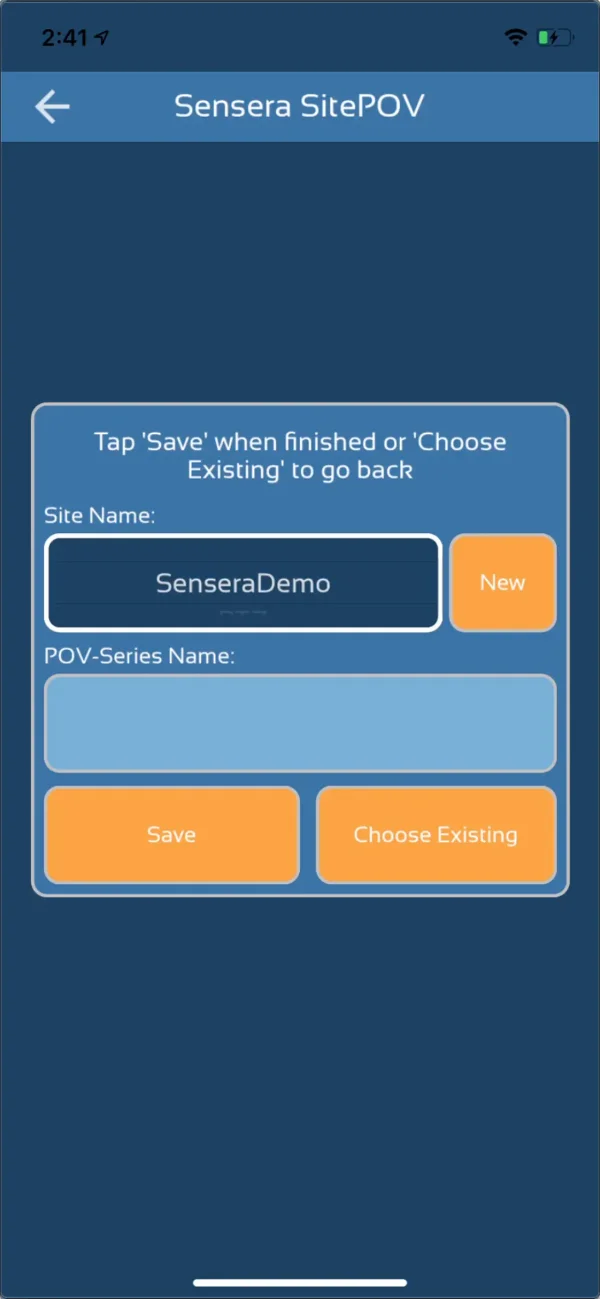
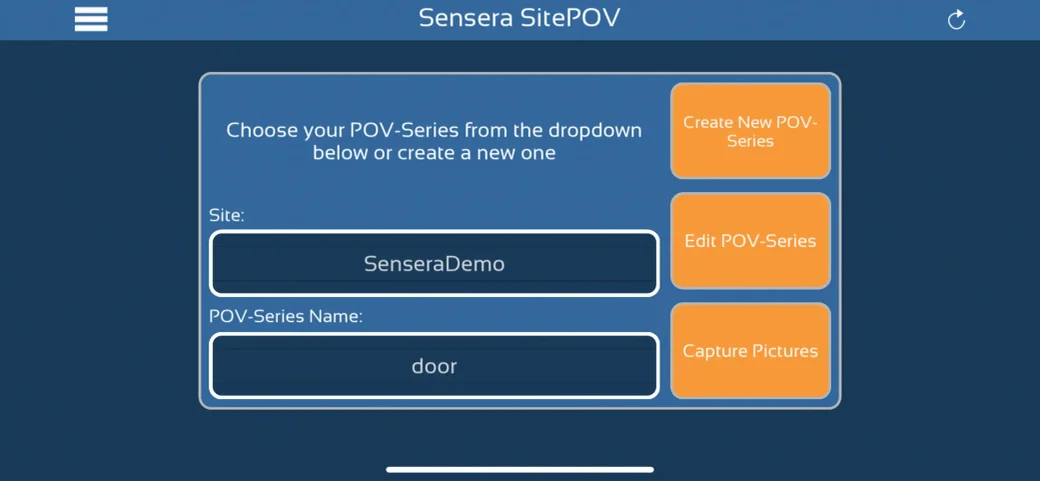
• Create new SitePOV Series
• Add Picture to SitePOV Series
• Align Image Capture with previous image for that SitePOV Series
• Change transparency of alignment overlay image
• Edit Site/Project Name
• Edit SitePOV Series Name
• Delete SitePOV Series
• Change resolution of images to be captured
System Requirements: Active Sensera Systems’ SiteCloud Account
Novedades
Versión 1.2 · 30/8/2024
- Minor bug fixes and improvements
- Updated target iOS version
Privacidad de la aplicación
Lo que Sensera Systems, Inc. declara en App Store sobre cómo esta aplicación gestiona los datos.
-
Datos no vinculados a ti
Pueden recopilarse, pero no se vinculan a tu identidad.
- Ubicación
Las prácticas de privacidad pueden variar, por ejemplo, según las funciones que uses o tu edad.
Información
- Vendedor
- Sensera Systems, Inc.
- Categoría
- Utilidades
- Versión
- 1.2
- Actualizado
- 30/8/2024
- Publicado
- 18/1/2018
- Tamaño
- 1,7 MB
- Requiere
- iOS 15.0 o posterior
- Clasificación por edad
- 4+
- Idiomas
- Inglés
- Copyright
- © 2024 Sensera Systems, Inc.