
SitePOV
Image capture for construction
Dirancang untuk iPhone, iPad, iPod touch
- Batasan usia4+
- KategoriKegunaan
- PengembangSensera Systems, Inc.
- BahasaInggris
- Ukuran1,7 MB
SitePOV mungkin sedang tidak tersedia di App Store
Halaman di toko tidak dapat dijangkau saat terakhir kami periksa. Tautan tetap mengarah ke halaman resmi App Store.
Tangkapan layar

Tentang
Pengembang belum menyediakan teks ini dalam bahasa Anda.
Capturing accurate, timely as-built photo documentation of your construction project is now accepted as an important best-practice in construction management. SitePOV is a powerful tool your entire construction team can use to capture site progress images on-the-fly, while having management of those images fully automated by Sensera Systems’ SiteCloud construction documentation management software.
SitePOV extends the power of Sensera's SiteCloud software and cameras by automating the capture of detailed, repeatable, tagged images from around the jobsite. Users capture images of critical jobsite areas, then upload and organize instantly into your SiteCloud account alongside fixed camera time-lapse images. No more fumbling with cloud folders, email, or SD cards.
Unique Multi-Viewpoint Time-lapse Feature
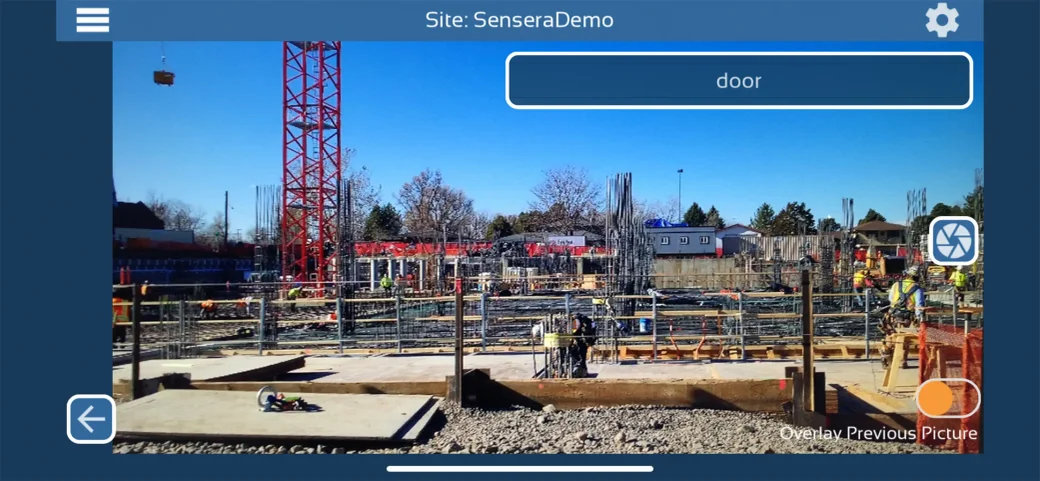
Photographic documentation of your project can be greatly enhanced with time-lapse to be able to quickly and easily see the evolution and sequencing of that portion of the build. However, when taking images each day/week from a smartphone or tablet, this becomes problematic when each subsequent picture is taken from a different vantage point. SitePOV solves this problem with an innovative interface that organizes image capture by location and viewpoint and lets you align your picture with the last pictures taken from that location and viewpoint. By overlaying the last image from that location semi-transparently, you can capture the new image in a way the exactly aligns with previous images. This enables you to create accurate time-lapse sequences of important build details.
Images taken with SitePOV are organized by the specific location on the site that you took the image from, and automatically uploaded to your SiteCloud account. The images are available in SiteCloud as virtual “cameras” that you can use to view, archive, compare etc. right alongside all the site images coming from your SiteCloud fixed cameras. By integrating with SiteCloud, you take advantage of powerful SiteCloud features for all your SitePOV captured images including public URL sharing, automated time-lapse generation, image compare and markup, export to desktop or Autodesk BIM 360, and long-term archival. SitePOV images are also fully georeferenced for future integration and display with maps or BIM models.
SitePOV App Features
• 6D geo-referenced, timestamped image capture from smartphone or tablet
• Automatic upload to SiteCloud account
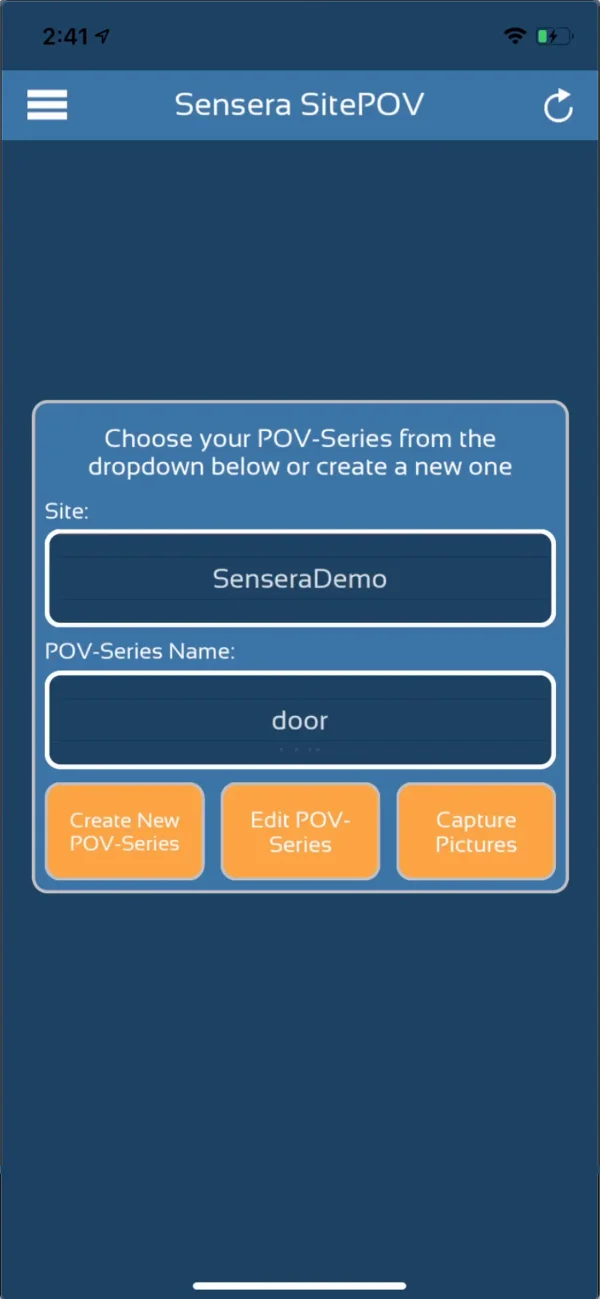
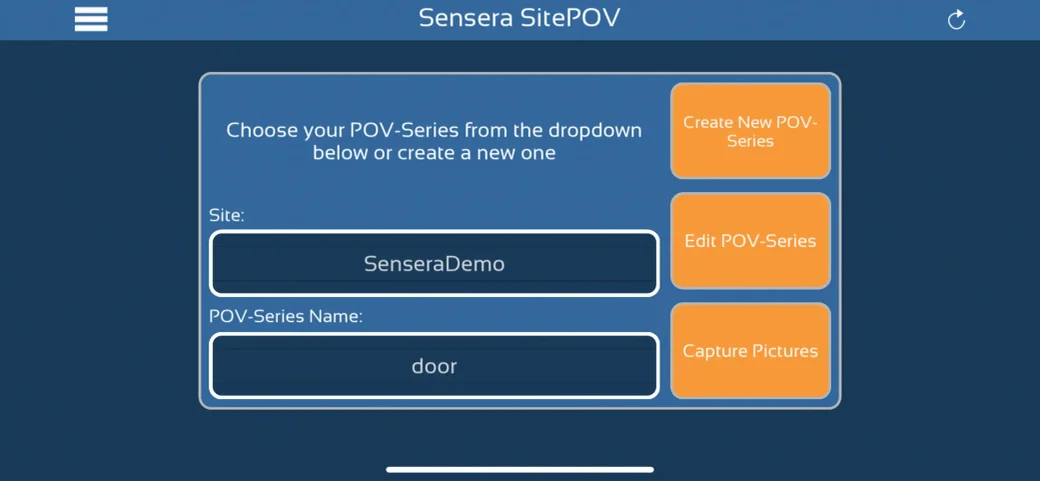
• Capture images for any SiteCloud defined project/site
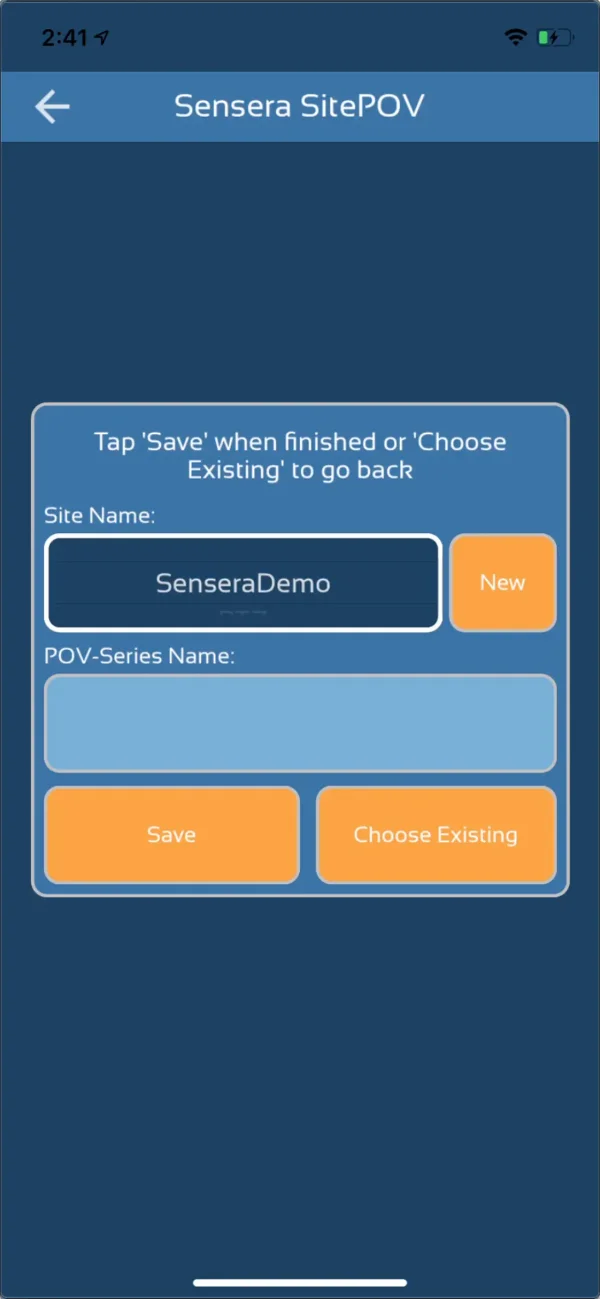
• Create new SitePOV Series
• Add Picture to SitePOV Series
• Align Image Capture with previous image for that SitePOV Series
• Change transparency of alignment overlay image
• Edit Site/Project Name
• Edit SitePOV Series Name
• Delete SitePOV Series
• Change resolution of images to be captured
System Requirements: Active Sensera Systems’ SiteCloud Account
Yang baru
Versi 1.2 · 30/8/2024
- Minor bug fixes and improvements
- Updated target iOS version
Privasi aplikasi
Yang dinyatakan Sensera Systems, Inc. di App Store tentang cara aplikasi ini menangani data.
-
Data yang tidak ditautkan dengan Anda
Dapat dikumpulkan, tetapi tidak ditautkan dengan identitas Anda.
- Lokasi
Praktik privasi dapat bervariasi, misalnya berdasarkan fitur yang Anda gunakan atau usia Anda.
Informasi
- Penjual
- Sensera Systems, Inc.
- Kategori
- Kegunaan
- Versi
- 1.2
- Diperbarui
- 30/8/2024
- Dirilis
- 18/1/2018
- Ukuran
- 1,7 MB
- Memerlukan
- iOS 15.0 atau yang lebih baru
- Batasan usia
- 4+
- Bahasa
- Inggris
- Hak cipta
- © 2024 Sensera Systems, Inc.